Buy the wrong wireless headset and you pay for it three times: once at checkout, once every night it dies mid-match, and once more when you go back to a cable out of frustration. The best wireless gaming headset purchases avoid all three, and they are not the ones with the biggest numbers on the box.
This guide keeps it to three verified picks and the handful of wireless realities (connection type, honest battery life, mic compromises) that actually separate them. Everything here is in stock and priced for a budget build.
- USB-C dongle works across PC, PS5, Switch, and Android
- Light 250g build stays comfortable through long sessions
- Detachable boom mic beats the flip-mic average
- No simultaneous Bluetooth on the base model
- Flat earcup styling is understated rather than flashy
- EQ tweaking requires the desktop app
- Dual 2.4GHz and Bluetooth connectivity at a budget price
- Flip-to-mute mic is quick and idiot-proof
- Battery comfortably covers a week of sessions
- Lighter plastics flex more than pricier shells
- Stock sound profile leans bass-heavy until you EQ it
- Earcup padding is thinner than the upgrade tier
- 60-hour battery rating leads the price class
- Quick-switch 2.4GHz and Bluetooth for game plus phone audio
- Companion app ships tuned presets for hundreds of games
- Costs nearly two budget headsets
- Fabric headband takes adjustment if you prefer leatherette
- App is where the magic lives, so console-only users miss some of it
Picks and availability last verified: October 12, 2026
- A 2.4GHz dongle is the connection that makes wireless feel wired. Bluetooth alone is for music, not matches
- Battery ratings assume lights off and volume modest. Take the box number and plan for less
- Weight decides comfort more than padding does. Under 300 grams is the budget sweet spot
- Detachable and retractable mics consistently outperform fixed flip-mics at the same price
- Buy the connection and comfort first. Sound signatures can be fixed in an EQ, fit cannot
Table of Contents
The Price of Cutting the Cord Wrong
Wireless failure is rarely dramatic. It is a headset that adds just enough delay to make gunfire feel mushy, a battery that taps out during the ranked session you cared about, and a mic that makes your squad ask you to repeat things. None of that shows up on a spec sheet.
The good news: all three failures trace back to choices you can screen for before buying. The connection type decides latency. The real-world battery decides the annoyance level. The mic design decides whether people hear you or a smoke detector. Get those right and the rest is preference.
A wireless headset fails quietly, one dead battery at a time.
What the best wireless gaming headset needs to get right
Our bar is simple: a dedicated low-latency dongle, a battery rating that survives a real week, a mic that does not embarrass you, and comfort that outlasts the battery. Every pick below clears all four, at three different price levels.
If a headset misses even one of those, no driver size or RGB accent saves it. That single filter eliminated most of the category before price was even discussed.
Where the money goes in a wireless headset
Understand the cost structure and the market makes sense. A wireless headset spends its budget on a radio, a battery, and often a platform license before a single dollar reaches the drivers. That is why a wired headset at the same price usually sounds better, and why cheap wireless cuts corners you can hear. The picks below are the models that made those tradeoffs intelligently instead of invisibly.
It also explains why this list ignores flagship wireless entirely. Past a certain point you are paying for active noise cancellation and premium finishes, features with real value and zero relevance to a budget build. The sweet spot lives lower.
2.4GHz vs Bluetooth vs Both
The dongle is the whole ballgame. A dedicated 2.4GHz receiver gives you a private radio link tuned for audio, with latency low enough that gunshots and footsteps land in sync with the screen. It is the technology that makes wireless feel wired.
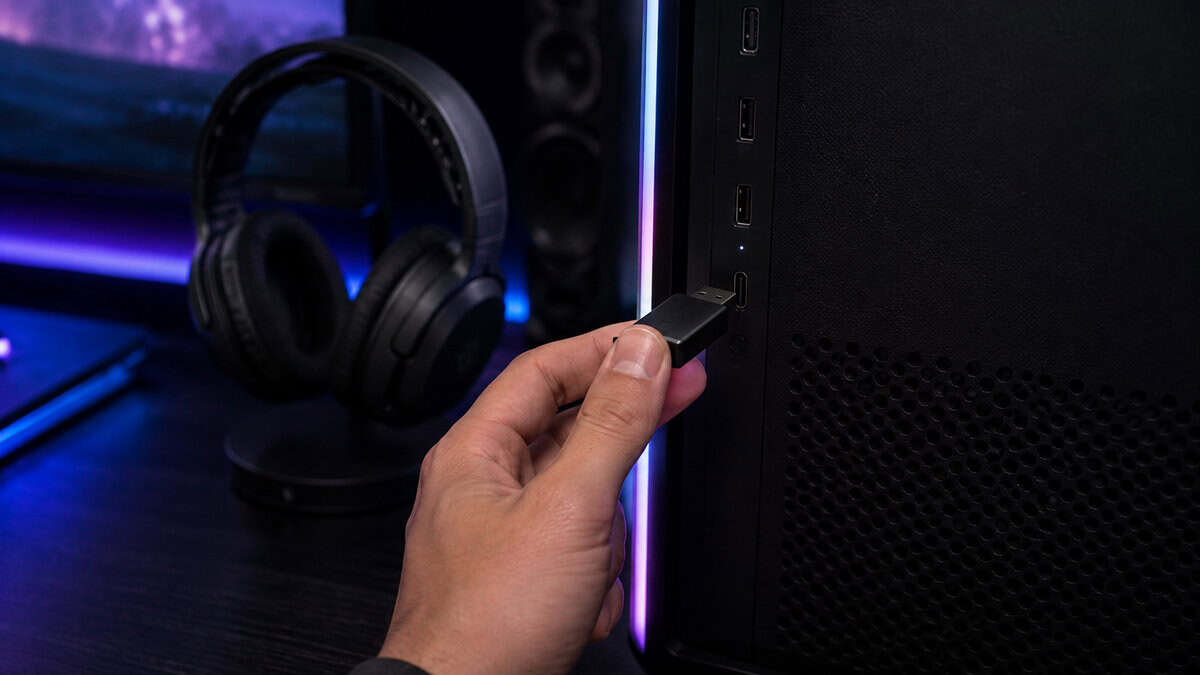
Bluetooth is built for convenience and battery thrift rather than speed, as the Bluetooth SIG’s own technology overview lays out. It is perfect for music, podcasts, and phone calls. In a shooter, standard Bluetooth adds a delay you can genuinely feel on every trigger pull.
The best answer at every budget is both: dongle for the game, Bluetooth for the phone. Two of our three picks carry dual connections, and the pattern is spreading down the price list. If your PC lacks Bluetooth entirely, our Bluetooth adapter guide fixes that for pocket change.
The latency numbers that matter
You do not need marketing numbers to judge latency. The test is simpler: on a dongle connection, voices should match lips and shots should match muzzle flashes. Every 2.4GHz pick here passes. Over Bluetooth, expect a beat of lag and save it for content where sync does not matter.
Newer Bluetooth low-latency modes are narrowing the gap on paper, but support has to exist on both ends of the link, and gaming hardware rarely holds up its half yet. Until that changes, the dongle stays mandatory for play.
The console fine print
PlayStation and Switch treat a USB dongle like any other audio device, which is why multi-platform dongles move so freely. Xbox runs its own wireless protocol, so Xbox support has to be printed on the box rather than assumed. Our Xbox headset guide handles that side of the fence.
PS5 owners get one bonus consideration: the console’s 3D audio does its processing on the console itself, so any headset here benefits from it over the dongle. Nothing extra to buy, one setting to enable.
Battery Claims vs Battery Reality
Battery ratings are measured the way fuel economy is: under ideal conditions you will never replicate. Lighting off, volume moderate, mic mostly idle. Treat the box number as a ceiling and mentally shave a chunk off before comparing.
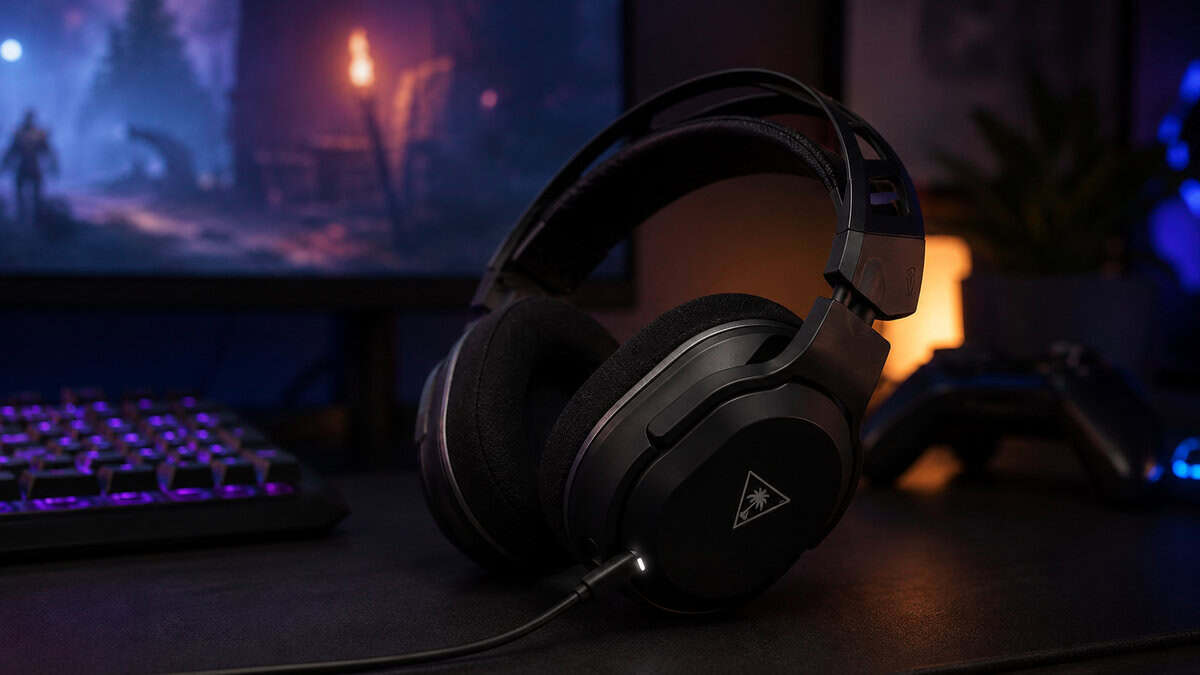
The habits matter more than the rating anyway. A headset that survives your whole week on one charge changes your relationship with it. One that needs feeding every second night becomes a chore you resent, which is how headsets end up back on a cable.
Reading the hour rating honestly
Two useful filters: anything rated under a full day of cumulative play will annoy you inside a month, and simultaneous RGB plus high volume can cut real endurance dramatically on any headset. Our upgrade pick’s 60-hour rating is the class benchmark, and even discounted by real-world use it laps the field.
Charge habits from the controller world apply here too: topping up beats deep-cycling, and a USB-C cable at the desk removes the anxiety entirely. If you already run a charging station for pads, the same shelf serves the headset.
Play-while-charging is the other spec worth demanding. All three picks keep working with a USB-C cable attached, which converts a dead battery from a session-ender into an hour of temporary wired mode. Some budget models still go silent on the charger, and that single omission should disqualify them.
The battery aging question
Lithium cells fade with every cycle, so the 50-hour headset you buy today is a 35-hour headset in a couple of years. That is normal, not defective. It is also one more argument for buying more battery than you need up front: the rating you overbuy today is the buffer you spend later.
Sealed batteries are the norm at this tier, so treat the cell kindly. Avoid leaving the headset baking on a windowsill or parked at full charge for weeks, and it will age on the slow curve.
The Three Picks Worth Owning
Three headsets, three budgets, no filler. Each one earned its slot against a field that mostly failed the four-point bar above.
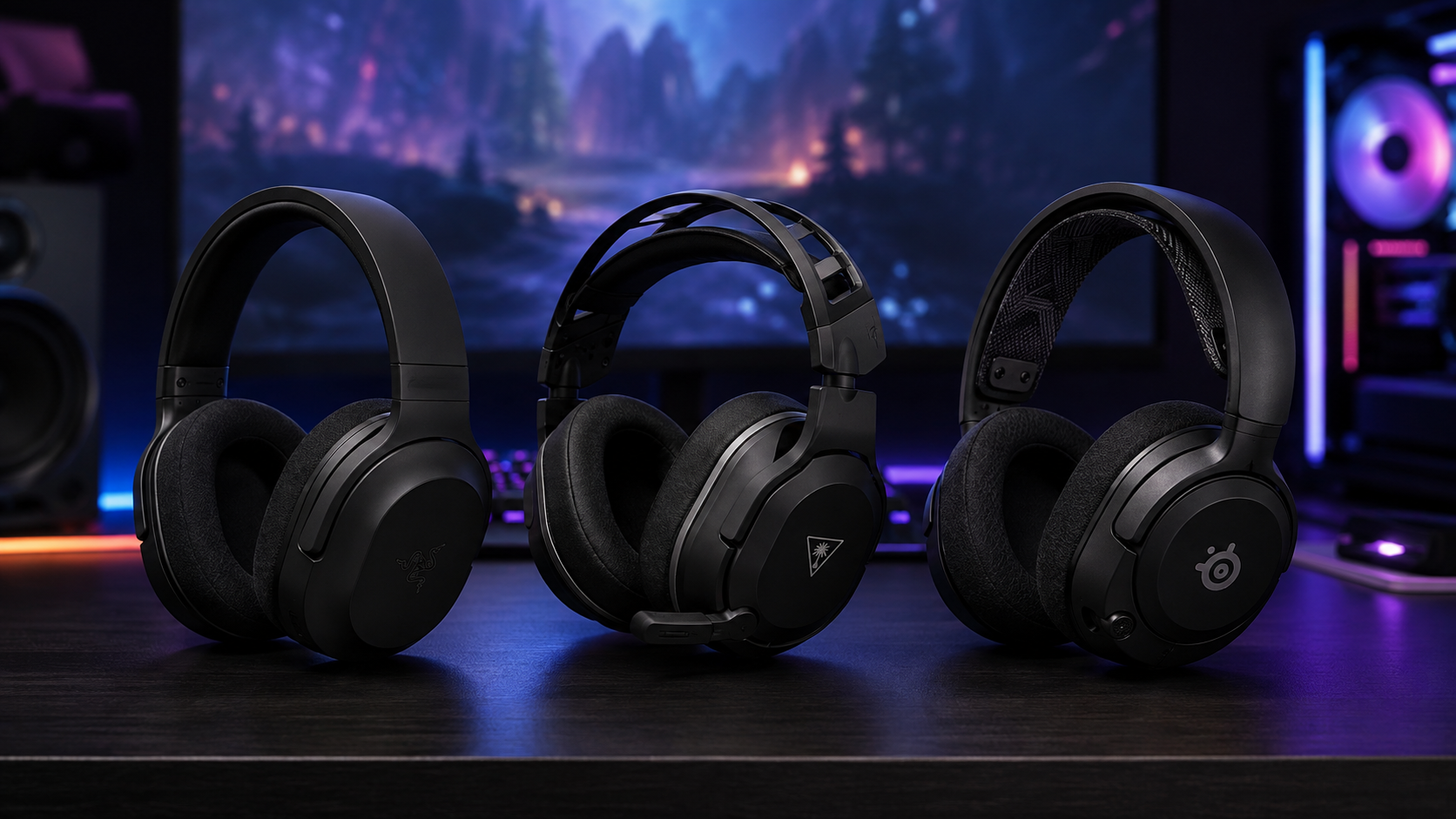
Read them as a ladder. The budget pick proves wireless works, the overall pick is where most people should stop climbing, and the upgrade pick exists for players who know they will use the extra headroom daily.
Razer Barracuda X: the do-everything default
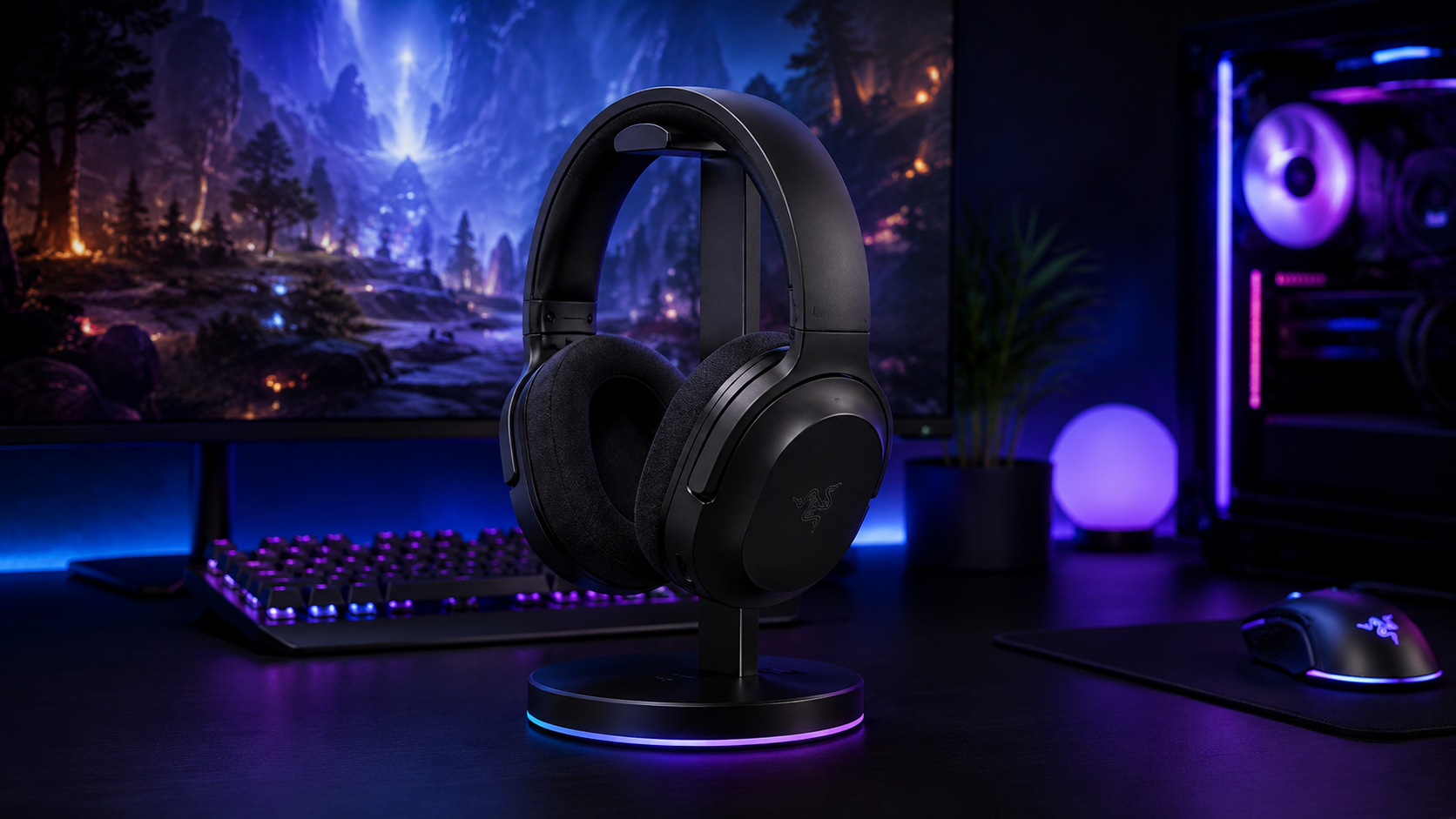
The Razer Barracuda X wins on versatility per dollar. The USB-C dongle moves between PC, PS5, Switch, and Android without pairing rituals, the 250-gram frame is light enough to forget, and Razer’s own product page undersells how useful the detachable boom mic is: pull it off and you are wearing normal-looking headphones.
One dongle, four platforms, zero pairing rituals.
The honest tradeoffs: the base model skips simultaneous Bluetooth, and the understated look will disappoint anyone shopping for RGB. Neither touches the core experience. For most people reading a budget site, this is the answer.
Sound-wise the 40mm TriForce drivers carry Razer’s house tuning: energetic lows without drowning the mids where footsteps live. It takes EQ well if you want something flatter, and at 250 grams there is no fatigue penalty for long sessions.
Turtle Beach Stealth 500: the floor that does not feel like it
The Turtle Beach Stealth 500 is what the entry price should buy: dual 2.4GHz and Bluetooth, a flip-to-mute mic, and a battery that clears a week of evenings. The plastics tell you where the money went, and it went to the right places.
Push on it and you find the seams: the shell flexes more than pricier builds, and the stock tuning leans bassy until you EQ it. But as the cheapest credible way to cut the cord, nothing else at the price passed our bar.
One buying note: Turtle Beach sells platform-flavored variants of the Stealth 500, and the differences are mostly colorway and pairing defaults. Whichever variant you land on, confirm the PC dongle is in the box and the rest carries over.
SteelSeries Arctis Nova 5: the upgrade that spoils you
The SteelSeries Arctis Nova 5 is the tier where wireless stops compromising. Sixty rated hours, quick-switch dual wireless so game audio and your phone coexist, a retractable mic that vanishes when you are done talking, and a companion app with tuned presets for hundreds of games.
The Nova 5 is the first tier where you stop thinking about the headset at all.
It costs nearly two budget headsets, which is exactly the question: whether set-and-forget convenience is worth the gap. For daily players it usually is. For weekend players the Barracuda X does the job for less.
The app deserves its own sentence: SteelSeries ships tuned profiles for specific games, so the headset flips its EQ when you launch them. It is the rare companion software that earns its install instead of demanding it.
If you split time between a desk and a couch, the quick-switch dual wireless is the sleeper feature. Game audio on the dongle, a call or video on Bluetooth, and one button toggles between them without touching a pairing menu. Once you use it for a week, single-connection headsets feel like a downgrade.
Mic Quality Is Where Wireless Cheats
Wireless headsets save money somewhere, and the mic is the usual victim. Compression over the radio link plus a cheap capsule is why so many wireless mics sound like a drive-through speaker. The fix is structural: detachable and retractable boom mics consistently beat fixed flip-mics, because they get real engineering attention.
Two of our picks follow that rule (the Barracuda X detaches, the Nova 5 retracts) and the budget pick’s flip design is the honest compromise at its price. If your voice is the product, streaming or content work, no headset mic replaces a dedicated one: our budget USB microphone guide covers that upgrade for less than a headset tier jump.
Sidetone and the shouting problem
Closed earcups make you shout without realizing it. Sidetone (hearing a little of your own voice in the cups) fixes it, and all three picks support it through their software or onboard controls. Turn it on the first day. Your household will thank you.
Discord and in-game voice both apply their own processing on top of whatever your mic sends. If squadmates report robot-voice, check the noise suppression stack first: two noise gates fighting each other sounds worse than either alone. One layer of suppression, wherever you prefer it, is the rule.
Comfort Is a Spec
Comfort gets treated like a bonus, and it is actually the spec that decides whether the headset survives year one. The variables are measurable: total weight, clamp force, earcup depth, and headband design. Weight matters most. Under 300 grams you forget the headset; past 350 you start inventing reasons to take it off.
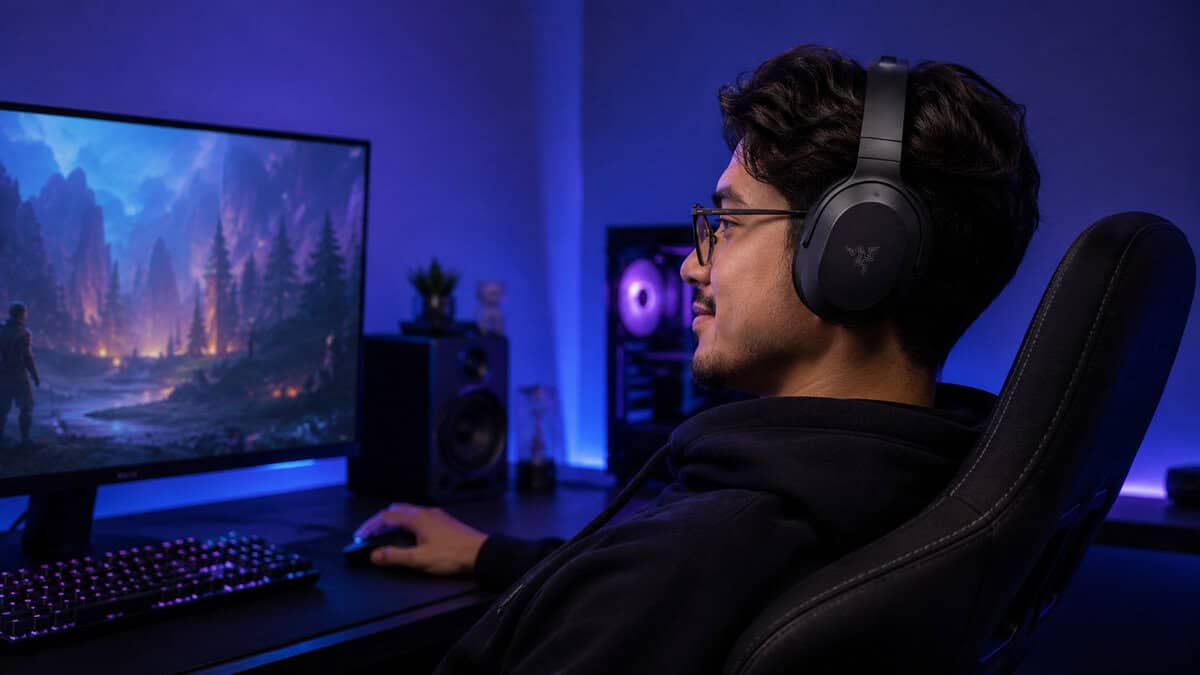
Glasses wearers should watch clamp and padding density specifically. Softer, deeper earpads let temple arms pass without pressure points, and fabric-covered pads run cooler than leatherette in longer sessions at the cost of a little bass seal. Two of our picks use breathable fabric, and the difference shows up an hour in.
The fit test you can do on day one
Wear the new headset through one full session with the tags still on. Check three points after: the crown of your head, the tops of your ears, and your jaw hinge. Any hotspot on day one becomes a daily complaint by week three, and a return window beats a drawer.
Headband design splits into two schools: padded bands that rest their weight on the crown, and suspension straps that spread it. Both work when executed well, but suspension designs are more forgiving across head sizes, which is worth knowing if you share the headset with a household.
Earpads are also the one part you can renew. Third-party replacement pads cost a fraction of a new headset and reset both comfort and hygiene at the two-year mark, so a worn pad is maintenance, not a reason to shop.
How the Three Compare
One row each. If your eye keeps stopping on the same row, that is your answer. Notice what the table does not include: driver size and RGB, the two specs that dominate marketing and decide almost nothing about daily satisfaction.
| Headset | Connections | Battery Rating | Mic Design | Best For |
|---|---|---|---|---|
| Razer Barracuda X | 2.4GHz USB-C dongle | Up to 50 hours | Detachable boom | Multi-platform players |
| Turtle Beach Stealth 500 | 2.4GHz + Bluetooth | About 40 hours | Flip-to-mute | First wireless on a budget |
| SteelSeries Arctis Nova 5 | 2.4GHz + Bluetooth quick-switch | Up to 60 hours | Retractable ClearCast | Daily players who want set-and-forget |
Where Wired Still Wins
Wireless earns its keep on freedom, not fidelity. At any given price, a wired headset routes its whole budget into drivers and comfort instead of batteries and radios, which is why our wired picks under $50 still sound above their class. Competitive players on a tight budget should genuinely consider staying corded. If the game is CS2, our headset guide for CS2 makes the wired case in full. The same holds for Valorant, where our best headset for Valorant guide keeps all three picks wired so the game’s HRTF does the positioning.
The full argument lives in our wired vs wireless comparison, but the short version holds: wireless for comfort and multi-device lives, wired for maximum sound per dollar. This guide exists for the first group.
The competitive exception is real but narrow. If you play at a level where every millisecond is currency, the cable is free performance. For everyone else, modern dongles closed the gap years ago and the freedom is worth more than the rounding error.
And if a pick here is missing, that is deliberate. The famous budget wireless names cycle in and out of stock, and the Logitech G435 is currently in one of its scarce phases, while the Corsair HS55 Wireless is solid hardware still building its track record. Both are worth a look if their situations change.
Freedom is the feature. Everything else is the price of it.
First-Day Settings Worth Changing
Every pick here gets meaningfully better with ten minutes of setup. Turn sidetone on so you stop shouting. Pull the EQ’s low end down a notch, because every gaming headset ships bass-heavy to demo well. Set the auto-off timer to something sane so the battery stops draining on your desk overnight.
Give the dongle some thought too. Plugged into a rear port behind a metal case, the signal fights through the worst possible path. A front port or a short USB extension puts the receiver in clean line of sight and quietly fixes most of the dropouts people blame on the headset.
And check firmware once when you buy, then quarterly. Wireless headsets ship with radios that genuinely improve through updates, and the fixes never announce themselves. It is the same discipline that keeps the rest of a budget setup punching up, from our PS5 headset picks to everything else in the audio stack.
A wireless headset needs somewhere to live between sessions, and our best headset stand guide covers the options.
Frequently Asked Questions
The wireless questions buyers actually ask before committing to a dongle.
Is Wireless Audio Delay Noticeable in Games?
On a dedicated 2.4GHz dongle, no. The link is engineered for audio and the delay sits below what human reflexes register in play.
On standard Bluetooth, yes. There is a beat between action and sound that competitive players will feel immediately. Use the dongle for games and save Bluetooth for music and calls.
How Long Should a Wireless Headset Battery Last?
Ratings are ideal-case ceilings, so apply a mental discount. The practical bar: a full week of your normal evenings on one charge.
Anything that needs charging every night becomes a chore, and chore headsets end up abandoned for cables. Our picks rate from roughly 40 to 60 hours, which clears the bar with room to spare.
Can I Use a Wireless Gaming Headset on PS5 and PC?
Yes, if you pick for it. Dongle-based headsets that speak USB (especially USB-C) generally move between PC, PS5, and Switch freely.
Xbox is the exception: it uses its own wireless protocol, so Xbox compatibility must be listed explicitly. Check the platform line before buying, not after.
Why Does My Wireless Headset Mic Sound Bad?
Radio compression plus small capsules. Wireless mics compress your voice to save bandwidth, and budget models compress harder.
Detachable and retractable boom designs usually fare best. If voice quality really matters, a cheap dedicated USB microphone outperforms every headset mic in this price range.
Do Wireless Headsets Work While Charging?
All three picks here do: plug in the USB-C cable and keep playing while the battery refills.
That single feature removes most battery anxiety, since a dead headset just becomes a wired headset for an hour. Confirm it on any model outside this list, because a few budget designs still go silent while charging.
At Budget Loadout, we believe in building a high-performance setup without overspending. To find more gear that hits the perfect balance of quality and price, visit our homepage at Budget Loadout.
Related Articles