The most expensive headset in a CS2 lobby is rarely the one hearing the most. Counter-Strike does its own positional audio, so a headset cannot add channels or surround to it, and the ones that try get in the way. The best headset for CS2 is a closed-back stereo pair with clean imaging, a mic your team can stand, and a fit that survives an overtime match. Everything past that is money spent on features the game ignores.
Three wired headsets meet that bar at budget money. The guide below ranks them, then walks the purchase in the order that matters: imaging first, the mic second, and the surround dongle never.
The imaging and comfort standard at its price. Big drivers, a deep closed-back seal, and a mic that is a clear step up from its predecessor.
- Clean stereo imaging for footstep direction
- Memory foam seal that holds through long matches
- Three connection options in the box
- Heavier than the BlackShark
- Spatial audio feature is redundant in CS2
- Mic trails the G PRO X on processing
The lightest and cheapest headset here, and the one you see on the most esports desks. Light clamp, clear mids, and nothing between you and the game.
- Lightest pick at 240 grams
- Clear mids where footsteps live
- Largest review pool in the guide
- Mic is fixed, not detachable
- Cable is short for a tower on the floor
- Bass is polite rather than punchy
The headset a generation of pros wore, with the mic processing nothing else at this price matches. Heavier and pricier, and worth both if your calls matter.
- Blue VO!CE mic processing through the DAC
- Steel and aluminum frame
- Spare cloth pads in the box
- Heaviest pick at 320 grams
- Mic features need the USB DAC and G HUB
- Priciest headset in the guide
Picks and availability last verified: November 2, 2026
- CS2 renders positional audio itself. A headset only has to deliver clean stereo, so imaging and seal matter far more than channel counts or surround branding.
- Closed-back and wired is the right shape for competitive play. It isolates the room, adds no latency, and never dies mid-match.
- Turn off every surround dongle and software mode before you judge a headset. Stacking a second spatial layer on top of the game’s own smears the cues you bought it for.
- Buy imaging first and the mic second. A headset that places a footstep correctly wins rounds; a headset that only sounds big wins nothing.
- Weight and clamp decide the second half of a long match. Under 250 grams is the comfort sweet spot, and detachable mics are worth having for everything else you do at the desk.
Table of Contents
What CS2 Actually Asks of a Headset
Most headset marketing is written for games that hand the headset a multichannel mix and let it sort out where things are. Counter-Strike 2 does not work that way. The game applies a head-related transfer function to every sound before it reaches you, which means it has already calculated how a footstep behind and to the left should hit each ear. Valve’s own Steam Audio documentation describes the technique: a pair of filters per direction that encode the timing, level, and tonal changes your head and ears would impose in a real room. Your headset’s only job is to reproduce that stereo signal without adding anything.
That changes the shopping list. Driver count and virtual surround are worthless, and can be worse than worthless. What matters is how cleanly two drivers reproduce a stereo image, how well the cups seal out the room, and whether the mic makes you the teammate people mute. The CS2 Steam page calls the game a technical leap forward, and the audio is part of that leap. The headset has to get out of its way.
Why the Best Headset for CS2 Is a Stereo Headset
Every pick in this guide is a closed-back stereo headset with a wire. Closed-back because isolation keeps your own keyboard and the room out of the mix, which is where quiet footsteps hide. Stereo because the game has already done the spatial work. Wired because a wire has no latency, no battery, and no chance of dying in the middle of a clutch, which is why our wireless headset guide exists as a separate list for a separate kind of player.
CS2 already knows where the footstep is. Buy the headset that repeats it, not the one that argues with it.
Three Headsets for the Server
Three wired headsets, ranked on imaging first, then the mic, then comfort over a full match. One is the all-rounder, one is the lightest and cheapest, and one is the mic upgrade.
Every number that matters, one row per headset. The impedance column tells you whether a motherboard jack can drive it without a DAC, and all three are fine straight off a 3.5mm port.
| Pick | Drivers | Frequency response | Impedance | Weight | Microphone | Connection | Cable | Best for |
|---|---|---|---|---|---|---|---|---|
| HyperX Cloud III | 53mm dynamic, angled | 10Hz to 21kHz | 64 ohm | 304g (318g with mic) | Detachable 10mm, unidirectional noise-cancelling | 3.5mm, USB-C, USB-A | 1.2m headset, 1.3m USB | The all-rounder for PC and console |
| Razer BlackShark V2 X | 50mm TriForce | 12Hz to 28kHz | 32 ohm | 240g | Fixed bendable boom, cardioid | 3.5mm | 1.3m | The lightest and cheapest competitive pick |
| Logitech G PRO X | 50mm PRO-G | 20Hz to 20kHz | 35 ohm | 320g | Detachable 6mm, Blue VO!CE via DAC | 3.5mm, USB DAC | 2m headset | Anyone whose calls matter more than the price |
HyperX Cloud III: The All-Rounder With the Deepest Seal
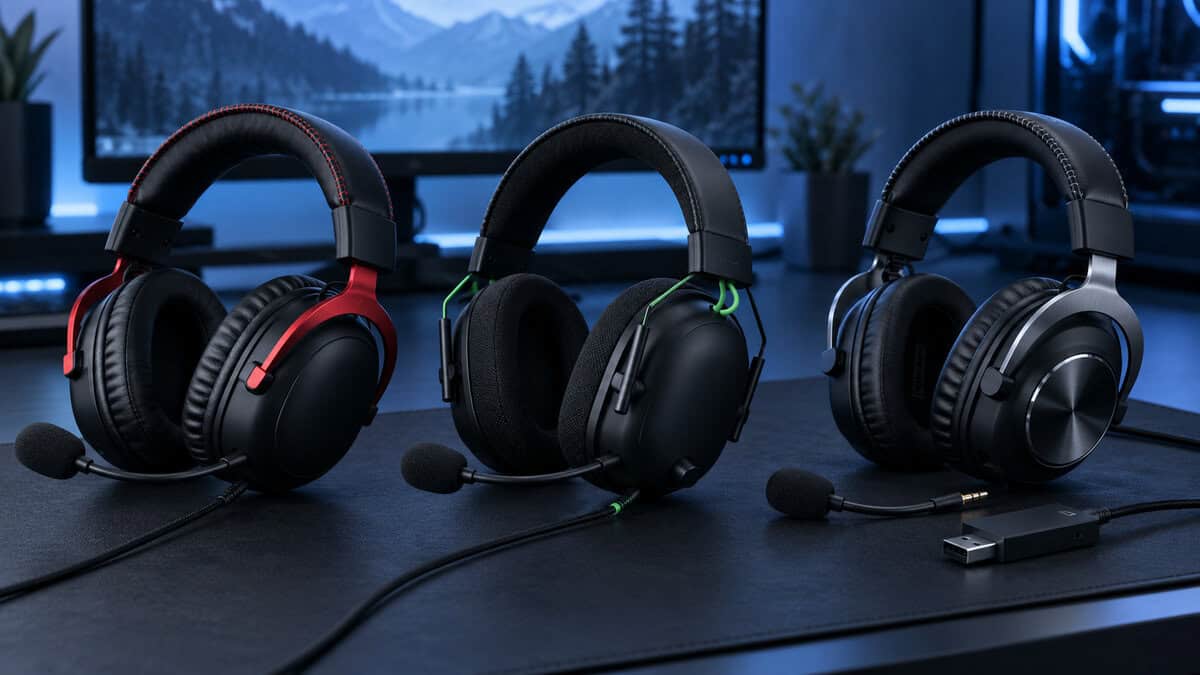
The HyperX Cloud III takes the headset half the competitive scene grew up on and fixes the two things people complained about. The 53mm angled drivers sit in cups with a deep memory foam seal, so the room disappears and a quiet step on Mirage’s ramp arrives with its direction intact. The mic is a 10mm capsule, up from the tiny one on the Cloud II, and it is detachable, so the headset doubles as a pair of headphones for everything else at the desk. HyperX packs a 3.5mm cable and a USB adapter with both USB-C and USB-A ends, which covers a PC, a console, and a laptop without an extra purchase.
The Cloud III is the headset you stop thinking about, which in a game of small sounds is the highest compliment.
What you give up is weight and a little mic polish. At just over 300 grams it is heavier than the BlackShark, and a tight clamp on the first day takes a week to relax. The USB adapter unlocks a spatial audio mode on PC, and you should leave it off in CS2 for the reasons the surround section covers. If the price stretches past you, the HyperX Cloud II is the same shell a generation back, with the same 53mm drivers, a higher 60 ohm impedance, and a USB sound card you can leave in the box.
Razer BlackShark V2 X: The Light One on the Esports Desks
The Razer BlackShark V2 X is the reason a lot of players never spend more on a headset. At 240 grams it is the lightest pick here by a wide margin, the clamp is gentle, and the 50mm TriForce drivers carry a clear midrange that puts footsteps and reloads exactly where the game says they are. Bass is present but polite, which is the right tuning for a game where a rumbling low end masks the sounds you need. The passive isolation from the thick FlowKnit cushions is better than the price suggests.
The tradeoffs are physical. The mic is a bendable boom that does not detach, the 1.3-meter cable is short if your tower lives on the floor, and the 7.1 mode Razer advertises runs through a Windows app that CS2 does not need. For anyone who wants the same weight class with a battery, the BlackShark V3 X HyperSpeed is the wireless successor, and it belongs in the wireless guide rather than here.
Logitech G PRO X: The Mic Upgrade
The Logitech G PRO X spent years on the desks of professional teams, and the reason was never the drivers. The 50mm PRO-G drivers are good and the imaging is competitive with the Cloud III, but the detachable 6mm mic running through the included USB DAC with Blue VO!CE processing is the best voice chain you can get in a headset at this price. Noise gating, compression, and de-essing happen in G HUB before your voice reaches the server, and the difference on a crowded Discord call is not subtle.
In a five-stack, the headset with the best mic wins more rounds than the headset with the best drivers.
You pay for it in three ways. It is the heaviest pick at 320 grams, though the steel and aluminum frame is why it lasts. The mic processing only works through the DAC on a PC, so on a console over 3.5mm it is a normal good mic. And it is the priciest headset in the guide. Logitech sells a cheaper SE version without the DAC, and the Logitech G432 below it, which keeps the 50mm drivers and drops the frame and the Blue VO!CE chain for a much lower price.
Buy This First: Imaging
Imaging is the word for how precisely a headset places a sound on the line between your ears. In CS2 it is the whole product. A headset with great imaging tells you the step was at the top of the stairs and not the bottom. A headset with poor imaging tells you there was a step.
Three Things That Decide Imaging
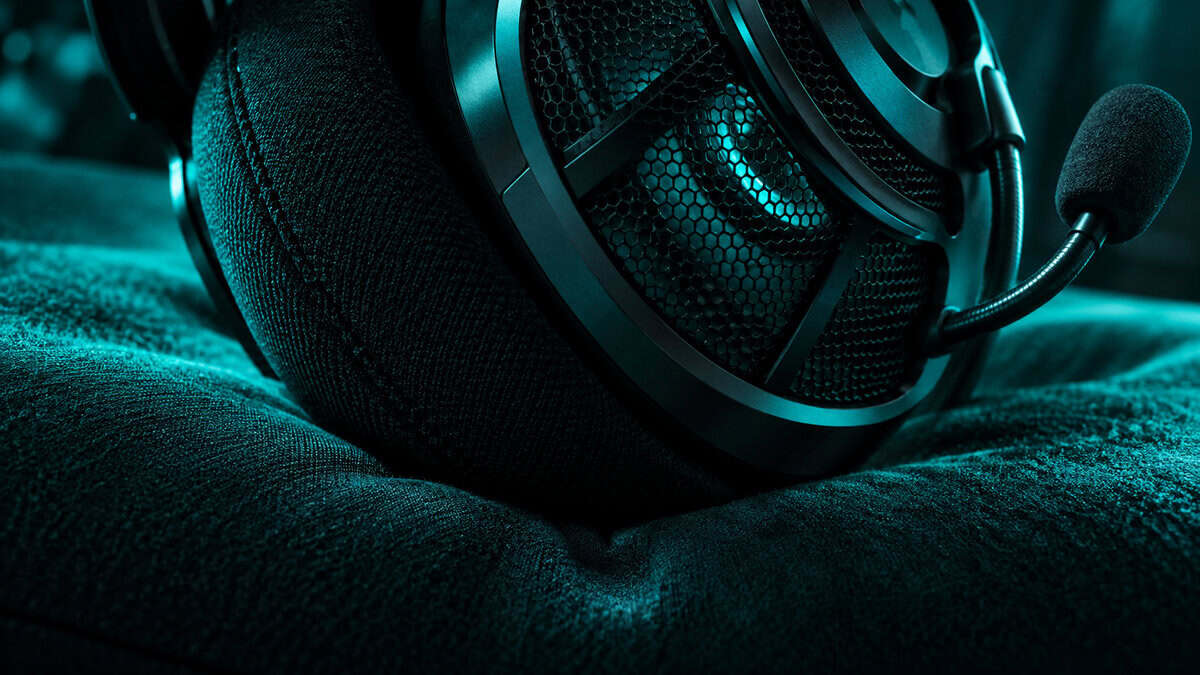
Three things decide it. The drivers, where a clear midrange matters more than driver size, because footsteps, reloads, and defuse clicks all live between the low mids and the presence region. The seal, because a cup that leaks lets the room in and lets the quiet cues out, which is why every pick here is closed back with memory foam.
And the settings, because the game gives you a few switches that either help the headset or fight it. In the audio menu, keep Advanced 3D Audio Processing on, since that is the game’s HRTF, and try the Crisp EQ profile before the others, since it lifts the band where footsteps sit. Then leave the headset’s own software modes off.
Imaging is only useful if the rest of the setup can act on it. A headset that places a step at the top of the stairs is wasted on a monitor that smears the model when you swing, and our CS2 monitor guide covers the refresh rate that keeps up with what you hear.
Buy This Second: A Mic Your Team Can Stand
Headset reviews rate the mic last and teammates rate it first. A mic that pops on every p, picks up your mechanical keyboard, or clips when you get loud is a mic people mute, and a muted player is a player who cannot call a rotate. In a game built on information, that is a bigger loss than a slightly soft treble.
Boom Types and What Blue VO!CE Actually Does
All three picks use a boom mic, which is the right shape: it sits a fixed distance from your mouth, so your level does not change when you turn your head. The difference is what happens after the capsule. The BlackShark’s cardioid boom rejects the room well and sends a clean but unprocessed signal. The Cloud III’s 10mm capsule adds noise cancelling in the capsule itself. The G PRO X sends its signal through the DAC, where Blue VO!CE applies a noise gate, a compressor, and a de-esser before the game ever hears you. If you run a loud keyboard from our CS2 keyboard guide, that gate is the feature you will notice most.
Nobody on your team can hear your drivers. Everybody on your team can hear your mic.
Two habits improve any of the three. Position the boom at the corner of your mouth rather than in front of it, which kills most plosives without a foam cover. And turn on sidetone if the headset or its software offers it, so you hear your own voice and stop shouting over the isolation. The SteelSeries Arctis Nova 1 deserves a mention here for its fully retractable ClearCast boom, which tucks into the cup when you are not calling, though its 40mm drivers and lower rating kept it off the podium.
Never Buy: Surround Dongles and Bass Boost
Two features sell headsets and lose rounds. The first is virtual surround, whether it comes as a USB dongle, a Windows app, or a 7.1 badge on the box. The game has already rendered the position of every sound through its own head-related transfer function. Stacking a second spatial layer on top does not add information. It smears the cues that were already there, and the usual result is a footstep that sounds like it is everywhere at once.
The 7.1 Trap and the Low End That Hides Footsteps
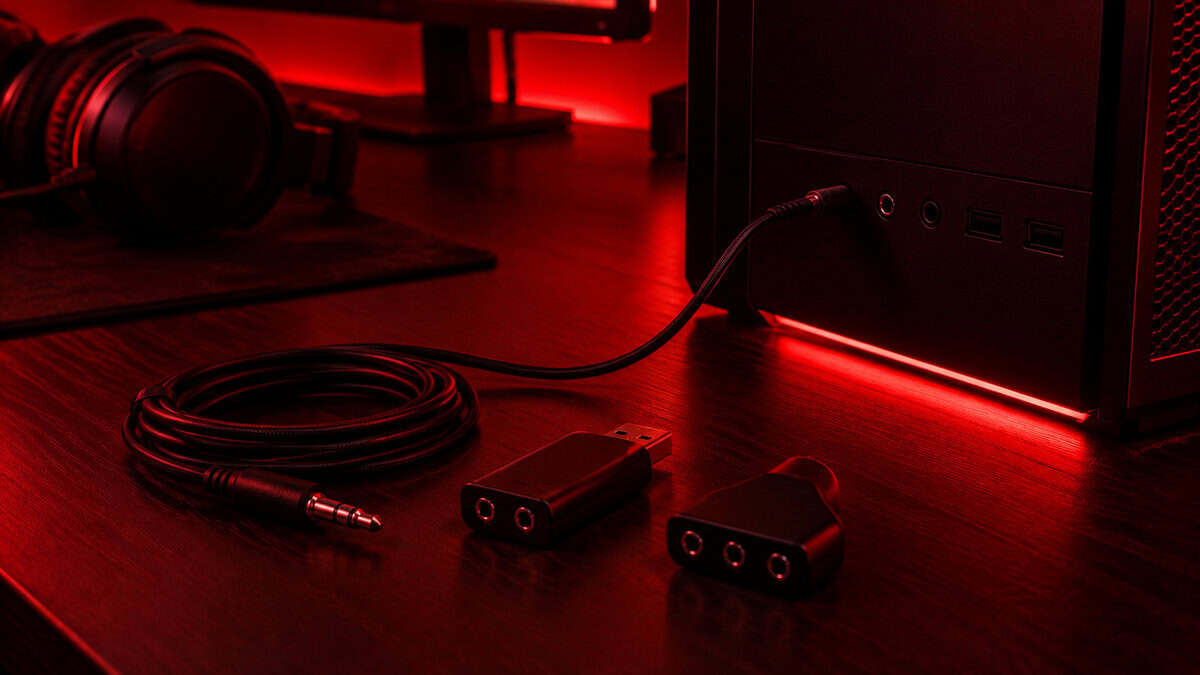
Every pick here ships some version of the feature, and every one of them is best used with it off. The Cloud III’s spatial audio lives in its USB adapter, the BlackShark’s 7.1 lives in Razer’s app, and the G PRO X’s DTS mode lives in G HUB. Keep the software for the mic tools and the EQ. Skip the spatial toggle. The Corsair HS65 Surround is a well-built 50mm headset at 282 grams that nearly made this list, and the reason it did not is that its name promises exactly the feature CS2 does not want.
The second feature is bass. A headset tuned for movie explosions makes gunfire feel enormous, and enormous gunfire masks the footstep behind it. Flat or slightly mid-forward is the tuning that wins, which is why the polite low end on the BlackShark reads as a strength in this guide and a weakness in others. If a headset has a bass boost switch, it is a switch for a different game.
Comfort From Pistol Round to Overtime
A Premier match runs long before overtime, and an overtime match runs longer than most people’s headset does. Comfort in CS2 is not a luxury spec. It is what decides whether you are still hearing well in round twenty-five or have pushed one cup off your ear to relieve the pressure.
Weight and Clamp With Glasses On
Weight sets the ceiling. Under 250 grams, like the BlackShark, a headset disappears. Past 300 grams, like the Cloud III and the G PRO X, the headband padding and the clamp do the work, and both of those headsets are built around that fact with thick memory foam and a headband that spreads the load. Clamp force matters more if you wear glasses, because the arms break the cup seal and the headset squeezes them into your temples.
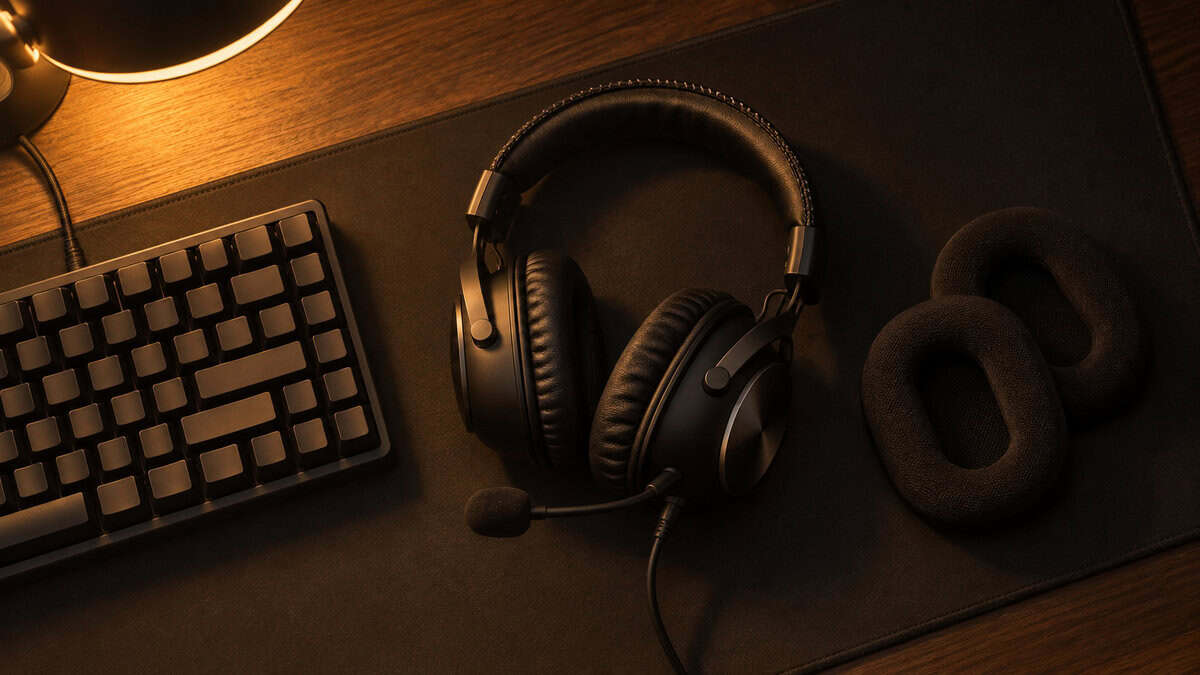
The Cloud III’s deep cushions handle glasses better than the shallower BlackShark pads. The G PRO X ships a second set of cloth pads that breathe better than the leatherette, and swapping them before a long session is worth the two minutes. If the rest of the desk is the problem, a CS2 mousepad sized to your sensitivity fixes more comfort complaints than any headset pad.
The headset that wins overtime is the one you forgot you were wearing in round one.
Heat is the last variable. Closed-back cups trap it by design, and leatherette traps more than cloth. On a warm evening the cloth pads on the G PRO X are the most comfortable of the three, the Cloud III runs warmest, and the BlackShark’s thinner cushions sit in between. The cheapest closed-back pick that takes long sessions seriously is the HyperX Cloud Stinger 2 Core, which trades the Cloud III’s drivers and seal for a lower price and a lighter frame, and it is the right call for a first headset on a student budget. Pair whichever you pick with a mouse from the CS2 mouse guide and the loadout is complete. If Valorant is your other game, the wired logic carries over with a console twist in our best headset for Valorant guide.
Which Headset Fits Which Player
The spec sheet near the top settles the numbers. This table settles the fit, and it rates each headset on the things a spec sheet cannot.
| Pick | Positional imaging | Mic quality | Comfort with glasses | Console over 3.5mm | Wireless sibling |
|---|---|---|---|---|---|
| HyperX Cloud III | Excellent, deepest seal of the three | Good, noise-cancelling capsule | Best, deep cushions | Full, with adapter for USB-C consoles | Cloud III Wireless |
| Razer BlackShark V2 X | Excellent, clear mids | Good, unprocessed cardioid | Fair, lighter clamp but shallower pads | Full over 3.5mm | BlackShark V3 X HyperSpeed |
| Logitech G PRO X | Very good | Best, Blue VO!CE on PC | Good, swap to the cloth pads | Full, mic processing PC-only | PRO X 2 Lightspeed |
Building out the rest of your CS2 setup? Our gaming setup builder fills every slot from monitor to mousepad, and if you play more than one game, it finds the gear our guides recommend across all of them.
Frequently Asked Questions
The questions that come up most when choosing a headset for a game that does its own positional audio.
Do I need 7.1 surround sound for CS2?
No. CS2 applies its own head-related transfer function to every sound, so the game has already placed each footstep in space before it reaches your headset. A stereo headset reproduces that correctly. Virtual 7.1 from a dongle or app adds a second spatial layer on top and smears the cues you are listening for. Leave surround modes off.
Is a wired or wireless headset better for CS2?
Wired, for competitive play. A wire adds no latency, needs no battery, and cannot drop out in a clutch. Every pick in this guide is wired. If you want the same headsets with a battery for general use, the wireless headset guide covers the wireless siblings, including the BlackShark V3 X HyperSpeed.
What CS2 audio settings should I use with a headset?
Keep Advanced 3D Audio Processing on, which is the game’s HRTF, and start with the Crisp EQ profile, which lifts the range where footsteps sit. Set the audio device to the headset directly rather than through a surround app. Then turn off any spatial or 7.1 mode in the headset’s own software and keep that software only for mic tools and EQ.
Which headset has the best mic for CS2?
The Logitech G PRO X. Its detachable 6mm mic runs through an included USB DAC with Blue VO!CE processing, which adds a noise gate, compression, and de-essing before your voice reaches the server. The HyperX Cloud III’s 10mm noise-cancelling capsule is the runner-up. The Razer BlackShark V2 X’s cardioid boom is clean but unprocessed.
Does headset weight matter for long CS2 matches?
Yes. A Premier match can run past overtime, and a heavy headset with a tight clamp is the one you push off an ear by round twenty. Under 250 grams, like the BlackShark V2 X, disappears on your head. The Cloud III and G PRO X are over 300 grams and rely on thick headband padding and deep cushions to spread the load, which they do well.
Looking for more budget gaming gear? Check out Budget Loadout for the latest reviews and recommendations.
Related Articles