In most shooters the microphone is the part of a headset nobody shops for. Wardogs is built the other way around. Its local voice chat carries to anyone standing close enough, enemies included, so the best headset for Wardogs is the one that keeps your voice clean while it keeps footsteps readable under engine noise.
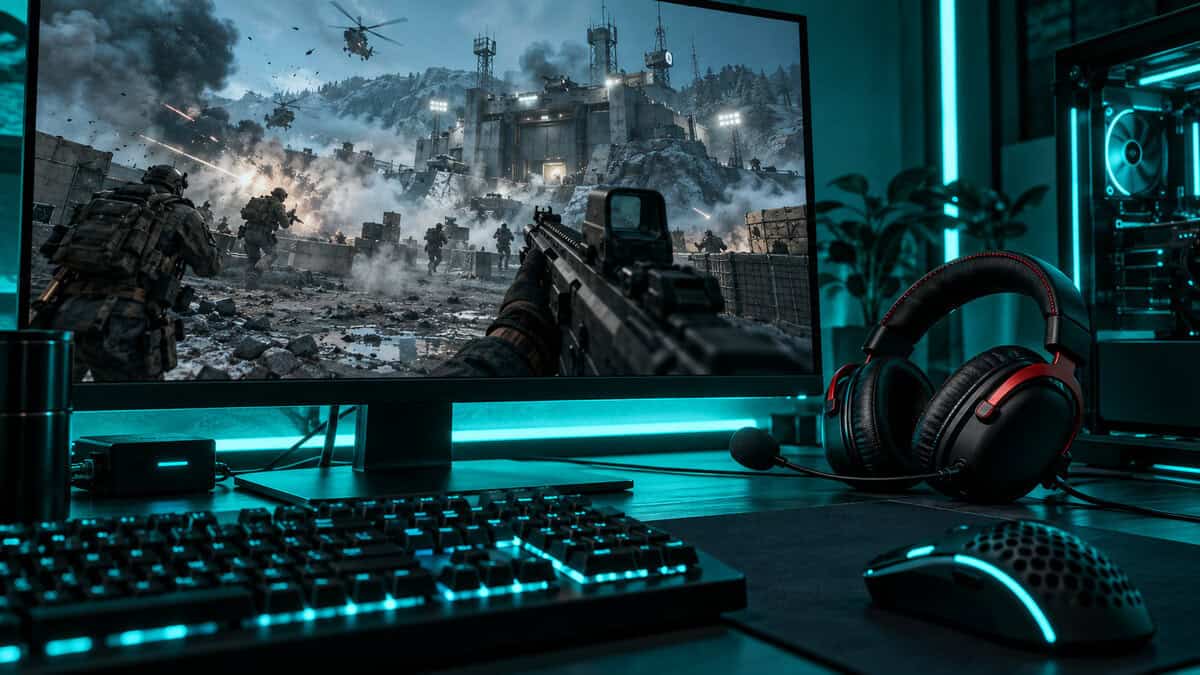
That changes what a good buy looks like. The four PC picks below are sorted by what they do for your voice and your ears together: a wired all-rounder, a light budget option, a wireless model for marathon sessions, and one headset bought mainly for its mic.
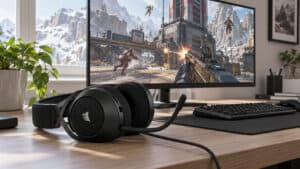
The most balanced headset here for a game where your mic matters as much as your ears. The noise-cancelling mic shows a red LED when muted, and USB keeps PC setup simple.
- Mute LED you can see
- Angled 53mm drivers aid positioning
- USB and 3.5mm in one box
- Closed cups can run warm
- No spatial software listed by HyperX
- Cable is always on the desk
The lightest pick and the cheapest way to get a cardioid mic. At 240 g it disappears over a long match, and its mic favors your voice over the keyboard beside it.
- Light 240 g frame
- Cardioid mic rejects side noise
- 7.1 software included for Windows
- Mic bends but does not detach
- 3.5mm only with no USB option
- Plainer build than the HyperX pair
Wireless for players who never want to think about charging. HyperX rates it for up to 300 hours, and the 2.4GHz dongle suits a game that only runs on PC.
- Up to 300 hours per charge
- Detachable noise-cancelling mic
- DTS Headphone:X spatial audio
- Heaviest pick at 322 g
- Dongle only with no 3.5mm
- Costs more than the wired HyperX
The pick for the player who does the talking. Blue VO!CE filters in G HUB cut noise and level out your voice before squadmates or nearby enemies hear it.
- Blue VO!CE cleans up your voice
- USB sound card included
- DTS Headphone:X 2.0 on PC
- Older design than the Cloud III
- Mic filters need G HUB running
- Priciest wired pick here
- Wardogs has local voice chat that nearby enemies can hear, so mic quality and fast muting matter more than in most shooters.
- A mic that favors your voice over the room, like the cardioid boom on the Razer BlackShark V2 X, keeps keyboard noise out of your callouts.
- Clean mids and good stereo separation pick footsteps out from under vehicles and gunfire better than heavy bass does.
- Run one spatial audio layer at a time on Windows. Stacking two blurs direction instead of sharpening it.
- Wardogs is PC-only, so a USB dongle headset like the HyperX Cloud Alpha Wireless gives up nothing on compatibility.
Table of Contents
Four Picks for Hearing and Being Heard
Read the two mic columns before the driver column. All four headsets have drivers big enough to place a footstep, so the real differences are how each one picks up your voice and how it connects to your PC.
| Headset | Connection | Driver | Frequency Response | Weight | Mic Pattern | Mic Extras | Spatial Audio | Best For |
|---|---|---|---|---|---|---|---|---|
| HyperX Cloud III | 3.5mm, USB-C, USB-A adapter | 53mm angled | 10Hz-21kHz | 0.70 lb with mic | Uni-directional, noise-cancelling, detachable | Mute LED, mesh filter | Not listed by HyperX | Most players |
| Razer BlackShark V2 X | 3.5mm | 50mm TriForce Titanium | Not listed | 240 g | Cardioid, bendable | HyperClear | 7.1 surround software (Windows) | Tight budgets |
| HyperX Cloud Alpha Wireless | 2.4GHz USB dongle | 50mm dual chamber | 15Hz-21kHz | 322 g | Bi-directional, noise-cancelling, detachable | Discord and TeamSpeak certified, up to 300-hour battery | DTS Headphone:X | Long sessions |
| Logitech G PRO X | USB sound card or 3.5mm | 50mm PRO-G hybrid mesh | 20Hz-20kHz | Not listed | Detachable boom | Blue VO!CE filters | DTS Headphone:X 2.0 | Shot-callers |
Three of the four are wired, which is deliberate. A cable never runs flat in the last minutes of a long match, and it keeps the price down. The one wireless pick earns its place with a battery that outlasts weeks of play.
Why the Cloud III Is the Best Headset for Wardogs
The HyperX Cloud III takes the top slot because it is good at both halves of the job. Its angled 53mm drivers point sound toward your ears instead of flat against them, which helps a closed-back headset separate what is ahead of you from what is off to the side.
The mic is what seals it for this game. It is a detachable uni-directional boom with noise cancelling and a mesh filter, and an LED on the mic lights red when you are muted. When open-mic mistakes can give your position away, a mute state you can see at the edge of your vision is worth having.
In a game where enemies can hear you, the mute light is a piece of safety gear.
It also connects three ways: 3.5mm, USB-C, and USB-A through the included adapter. On a PC the USB route gives you a consistent signal no matter how noisy the front-panel audio jack on your case is.
What you give up is modest. The closed cups get warm over a long session, the cable is always on your desk, and HyperX does not list spatial software on its spec page, so plan on using the spatial option built into Windows.
Razer BlackShark V2 X
The Razer BlackShark V2 X is the budget pick, and at 240 g it is also the lightest headset in this guide. Weight matters more in Wardogs than in a round-based shooter, because a single match can keep you in the chair far longer than a quick round does.
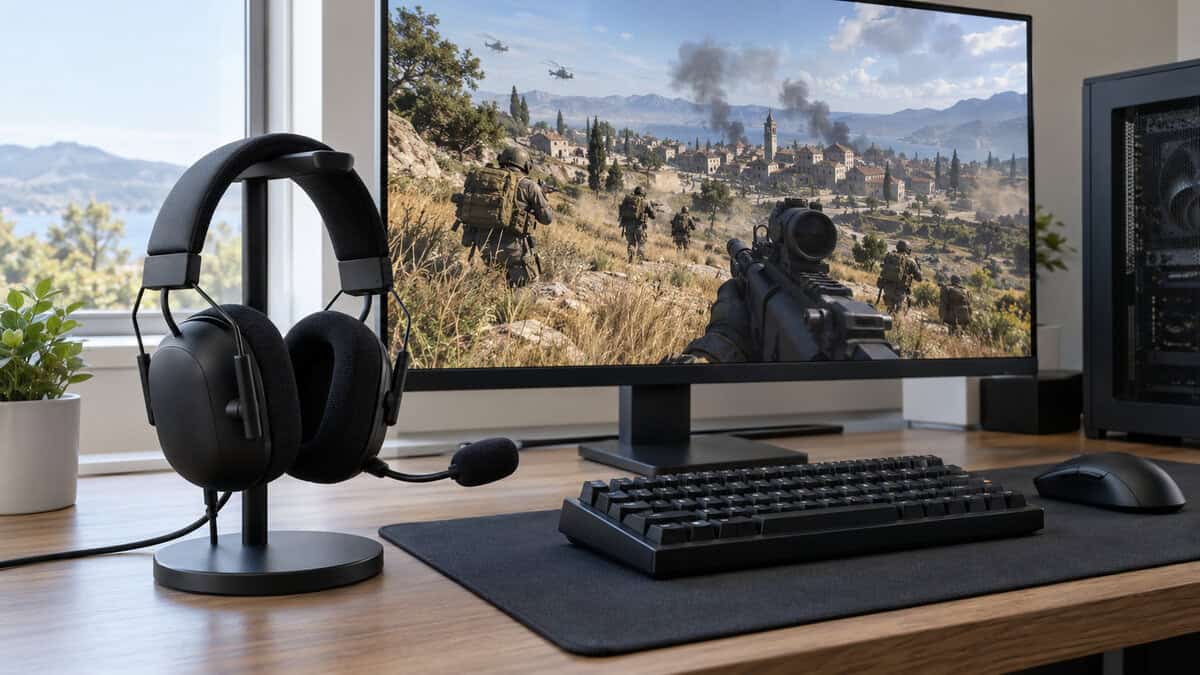
Its HyperClear cardioid mic is the reason it beats other cheap headsets here. A cardioid pattern is most sensitive at the front and rejects sound from the sides and rear, so it hears your mouth more than your mechanical keyboard.
The 50mm TriForce Titanium drivers handle positional sound well for the money, and Razer includes 7.1 surround software for Windows if you want a virtual surround layer. The connection is a plain 3.5mm plug, so there is nothing to install before your first match.
The tradeoffs are about convenience. The mic bends out of the way but does not detach, there is no USB option, and the build is plainer than either HyperX. If your budget sits one step higher, the SteelSeries Arctis Nova 1 is a close alternative with a mic that retracts into the earcup.
HyperX Cloud Alpha Wireless
A battery rated for up to 300 hours turns charging into something you do once a month.
The HyperX Cloud Alpha Wireless is the wireless pick because of one number. HyperX rates it for up to 300 hours on a charge, which for most players means weeks of matches between trips to the cable.
It connects through a 2.4GHz USB dongle built for PC. That would be a limitation for a console player, but Wardogs only runs on PC, so the dongle costs you nothing here. The 50mm dual-chamber drivers keep bass in a separate chamber from the mids and highs, which helps footsteps stay distinct when a vehicle is idling nearby.
The mic is a detachable bi-directional boom with noise cancelling, certified for Discord and TeamSpeak. HyperX also bundles DTS Headphone:X spatial audio.
At 322 g it is the heaviest headset here, there is no 3.5mm fallback, and it costs more than the wired Cloud III. If you want wireless for less and can live with a much shorter battery, the Razer BlackShark V3 X HyperSpeed is the cheaper route.
Logitech G PRO X
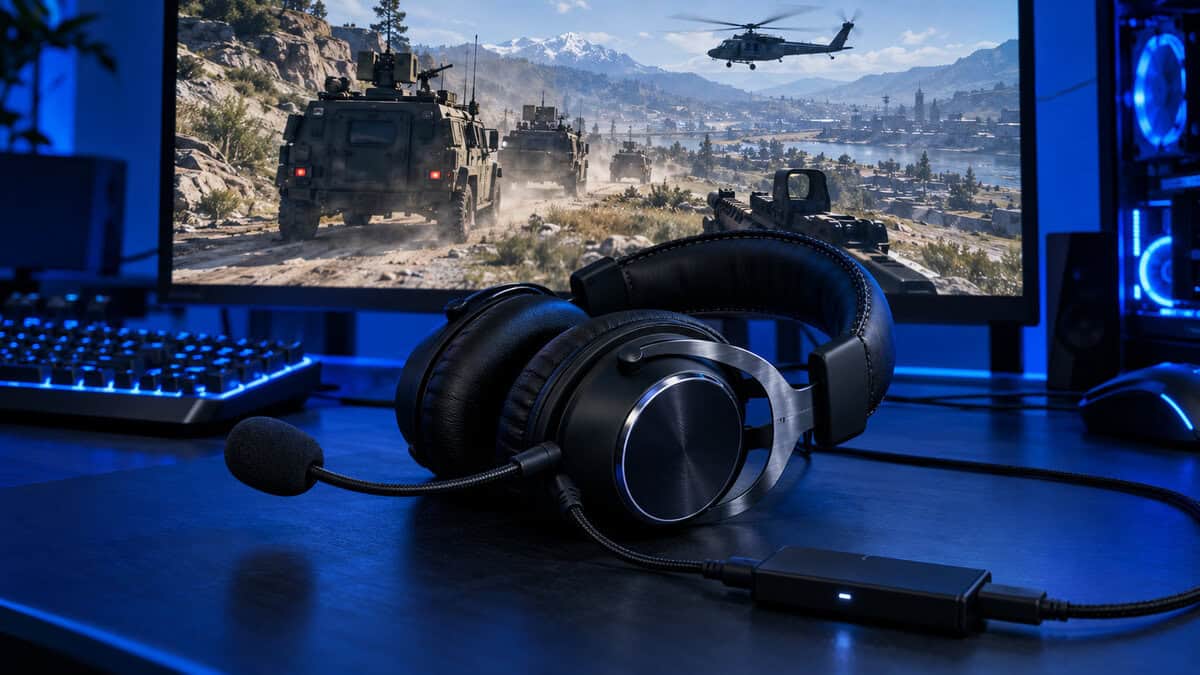
The Logitech G PRO X is here for its microphone. Plug it in through the included USB sound card, open G HUB on Windows, and you get Blue VO!CE: a set of real-time filters that reduce noise, add compression and tame harsh sibilance before your voice leaves the PC.
That processing is the whole argument for this pick. Compression evens out the gap between a whisper and a shout, so a quiet callout still lands and an excited one does not clip. For the player who directs the squad, a voice that stays level and clear is worth more than a slightly better driver.
The listening side holds up too. 50mm PRO-G hybrid mesh drivers cover 20Hz to 20kHz, and DTS Headphone:X 2.0 is available on PC through the same software.
It is an older design than the Cloud III and the priciest wired pick in this guide, and the filters only run while G HUB is open on Windows. Over the 3.5mm cable it still works as a headset, but the feature you paid for stays behind. If you mostly listen and rarely talk, the Cloud III is the better buy.
Who Actually Hears You in Wardogs
Every sound you make into a mic has an audience, and in this game the audience changes with where you are standing. The Wardogs page on Steam describes local voice chat as a way to talk tactics with teammates or troll enemy players. That second half is what makes a headset purchase different here.
Your Squad Across the Map
A squad in Wardogs is rarely shoulder to shoulder. One player is driving, another is building cover on the edge of the control zone, and a third is watching a road two hundred meters away. Whatever your squad uses to stay in touch over that distance, the mic has to carry a short callout clearly on the first try.
This is where mic quality pays for itself. “Armor, north road, two crew” is only useful if nobody has to ask you to repeat it.
Everyone Within Earshot
Local voice chat is tied to where your character is. Teammates near you hear it, and so does anyone from the other two teams who is close enough. A tense whisper can give away the building you are holding just as surely as a footstep can.
Treat your voice like any other sound you make. Breathing into an open mic, a keyboard clattering, or a TV in the background are all information for a player crouched on the other side of a wall.
Your mic is the one piece of your kit the enemy gets to use against you.
Nobody at All
Often the right audience is no one, so being able to mute quickly is a feature to shop for. The Cloud III’s mic shows a red LED when muted, so you can confirm it without opening a menu. The G PRO X and the Cloud Alpha Wireless both have mics that unplug completely for nights when you are only listening.
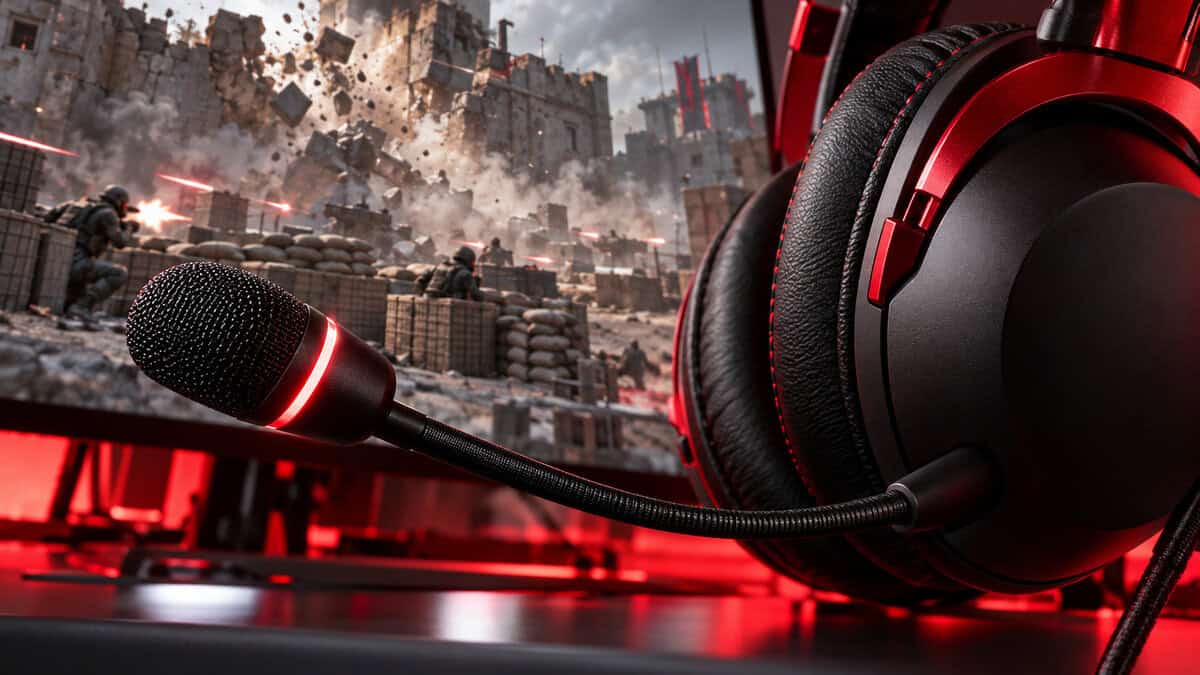
Whatever headset you buy, make muting a habit. Mute when you step away, mute when someone walks into the room, and check the state before you open your mouth near an objective.
What a Mic Needs When the Other Team Is Listening
Most headset guides give the microphone one line. In a game with open local chat it deserves a section, because the mic decides how much of your room ends up in the match.
Pickup Patterns in Plain Terms
A pickup pattern describes where a mic listens. The BlackShark V2 X uses a cardioid pattern, which focuses on what is in front of the capsule and turns down the sides and back. The Cloud III’s uni-directional mic works on the same idea: aim it at your mouth and it favors your voice.
The Cloud Alpha Wireless uses a bi-directional mic, which listens at the front and rear of the capsule and rejects the sides. Paired with noise cancelling, that design is good at ignoring sound arriving from beside the boom, which is usually where a keyboard and a PC fan sit.
Keeping the Room Out
Position matters as much as pattern. Keep the boom about two fingers from the corner of your mouth and slightly off to the side, so breath does not hit the capsule directly. A mesh or foam filter, like the one on the Cloud III, takes the edge off plosives.
When Software Does the Work
Processing is the step past hardware. Blue VO!CE on the G PRO X applies noise reduction and compression on your PC before the game ever receives your voice, which is why that headset holds the proximity-chat slot. If you want a USB headset without paying for that processing, the Razer Kraken V4 X is a simpler USB alternative.
Hearing One Fight Inside a Three-Team Brawl
Wardogs puts 100 players on three teams around a shared objective. That means the gunfire you hear is frequently not aimed at you, and sorting out which fight matters is half of staying alive.
Footsteps Under Engine Noise
Vehicles are loud and low. An engine sits in the bass range, while footsteps on concrete or gravel live higher up in the mids. A headset with bloated bass lets the engine smear over everything; one with clean mids keeps the two apart.
The Cloud Alpha Wireless helps here with its dual-chamber drivers, and the Cloud III’s angled drivers do similar work by keeping the mids forward. If you are tempted by a bass-boost preset, leave it off in this game.
Which Team Is Shooting at Whom
With three teams, a firefight to your left may be two enemy squads trading shots with each other. Good stereo separation and consistent distance cues tell you whether to push, flank or stay out of it. The skill is the same one covered in our CS2 headset guide, but the fights are wider and there are more of them at once.
Volume discipline helps more than hardware. If explosions are loud enough to make you flinch, the quiet cues are being masked too, so bring the master volume down until gunfire is comfortable and let the detail come through.
Building and Destruction Cues
Construction and demolition both make noise. The thud of cover going up near a zone tells you a squad is digging in, and a wall coming down tells you the route you were watching has changed. These are mid-range sounds with a sharp start, and a headset that is clear in the mids makes them easy to place.
In a three-team fight, knowing which gunfire to ignore is as useful as hearing it at all.
Spatial Audio on a PC-Only Shooter
Because Wardogs is a PC game, every spatial option you have runs through Windows or through your headset’s own software. There are three layers to know about, and the rule is to use one.
Windows includes Windows Sonic for Headphones at no cost, and Microsoft’s guide to turning on spatial sound in Windows shows where the setting lives. It works with any of the four picks, including the Cloud III, which has no spatial software listed by its maker.
The Cloud Alpha Wireless and the G PRO X come with DTS Headphone:X, and the BlackShark V2 X has Razer’s 7.1 software. Each of these replaces Windows Sonic; they are not meant to run together.
If a game offers its own headphone or 3D audio mode, that counts as a layer too. Two spatial processors stacked on top of each other smear direction instead of sharpening it. Pick one, play a few matches, and keep it only if you can point to footsteps more reliably than you could in plain stereo. Plain stereo on a good headset is a perfectly strong baseline.
Wired or Wireless for Long Control-Zone Matches
A Wardogs session is long, and the choice between a cable and a battery shows up in hour three, not minute ten. Our wired vs wireless gaming headset comparison covers the general case; this is how it plays out in this game.
What a Cable Still Does Better
A wired headset weighs less, costs less and never dies mid-fight. The BlackShark V2 X is 240 g partly because it carries no battery. If your PC sits on the desk and you do not get up much, a cable is the simpler choice, and it is why three of our four picks use one.
When the Battery Earns Its Weight
Wireless makes sense if you stand up between matches, share the room, or just dislike a cord across your lap. The Cloud Alpha Wireless carries its extra weight for a reason: the battery is large enough that you stop tracking it. Headsets with shorter battery life need a charging routine, and the night you forget is the night it dies in the final push.
Where the Dongle Goes
A 2.4GHz dongle works best with a clear line to the headset. If your tower is under the desk, plug the dongle into a front port or a short USB extension on the desk instead of a rear port behind a metal case. Keep it away from a WiFi router and from USB 3.0 drives where you can.
Where Open-Back Headsets Fit
Open-back headsets are a popular recommendation for big-map shooters because they present a wider, more natural stage. For Wardogs they come with a specific catch: the mic.
An open earcup leaks your game audio into the room, and a boom mic sitting next to it can pick some of that up. In a game where nearby enemies can hear your mic, that is a poor trade. It is the main reason none of our four cards is open-back.
If you play in a quiet room and mostly stay muted, open-back is still worth a look. The Audio-Technica ATH-GDL3 is an open-back gaming headset with its own detachable boom mic, and it is the one to consider if you want a wide stage without adding a separate microphone.
The Sennheiser HD 560S is an open-back headphone with no mic at all. It suits players who already own a desk microphone, and it sits above the budget of the rest of this guide. For most squads, a closed-back headset with a good boom mic is the safer buy.
Matching a Headset to Your Squad Role
Find the row that sounds like how you play.
| Headset | Best Squad Role | Why It Fits |
|---|---|---|
| HyperX Cloud III | All-rounder or zone holder | Balanced mic and sound with a mute LED for holding a position quietly |
| Razer BlackShark V2 X | Rifleman on a budget | Light enough for long sessions with a cardioid mic that ignores your keyboard |
| HyperX Cloud Alpha Wireless | Driver or builder at the desk for hours | Battery rated for up to 300 hours and no cable to snag |
| Logitech G PRO X | Shot-caller | Blue VO!CE keeps your voice level and clear for everyone listening |
A headset is one part of the kit. Our Wardogs mouse and Wardogs mousepad guides cover aim across long sightlines, the Wardogs monitor picks cover spotting at range, and the Wardogs keyboard roundup handles movement and build binds.
Frequently Asked Questions
Quick answers about headsets and voice chat in Wardogs.
Does Wardogs have proximity voice chat?
Yes. The game’s Steam page describes local voice chat that you can use to talk tactics with teammates or troll enemy players. Your voice carries to players near your character, so a clear mic and a quick way to mute both matter.
Can enemies hear my mic in Wardogs?
Players close to you can hear local voice chat, and that includes the other teams. Treat an open mic like any other noise you make: mute when you are not speaking, and keep keyboards, fans and background voices out of it.
Is 7.1 surround worth using in Wardogs?
Try it, but do not assume it helps. Use one spatial layer at a time, such as Windows Sonic, DTS Headphone:X or a headset’s own 7.1 software, and keep it only if you place footsteps more reliably than in plain stereo.
Do console headsets work for Wardogs on PC?
A headset with a 3.5mm plug works in any PC headset jack. Wireless console headsets only work if their USB dongle supports PC, so check that before you rely on one. Wardogs itself is a PC game.
Is wired or wireless better for Wardogs?
Wired is lighter, cheaper and never runs out of battery, which suits long matches at a desk. Wireless is worth it if you move around between matches, as long as the battery is large enough that you are not charging every night.
Looking for more budget gaming gear? Check out Budget Loadout for the latest reviews and recommendations.
Related Articles