You bought a better headset or a decent pair of headphones. You loaded into a match, queued a stream, or sat down for a long MMO session. And the sound still feels off. Maybe footsteps blur together, maybe your headset gets loud but harsh, or maybe there’s a faint hiss when nothing should be happening.
That’s usually when people start searching for the best budget DAC.
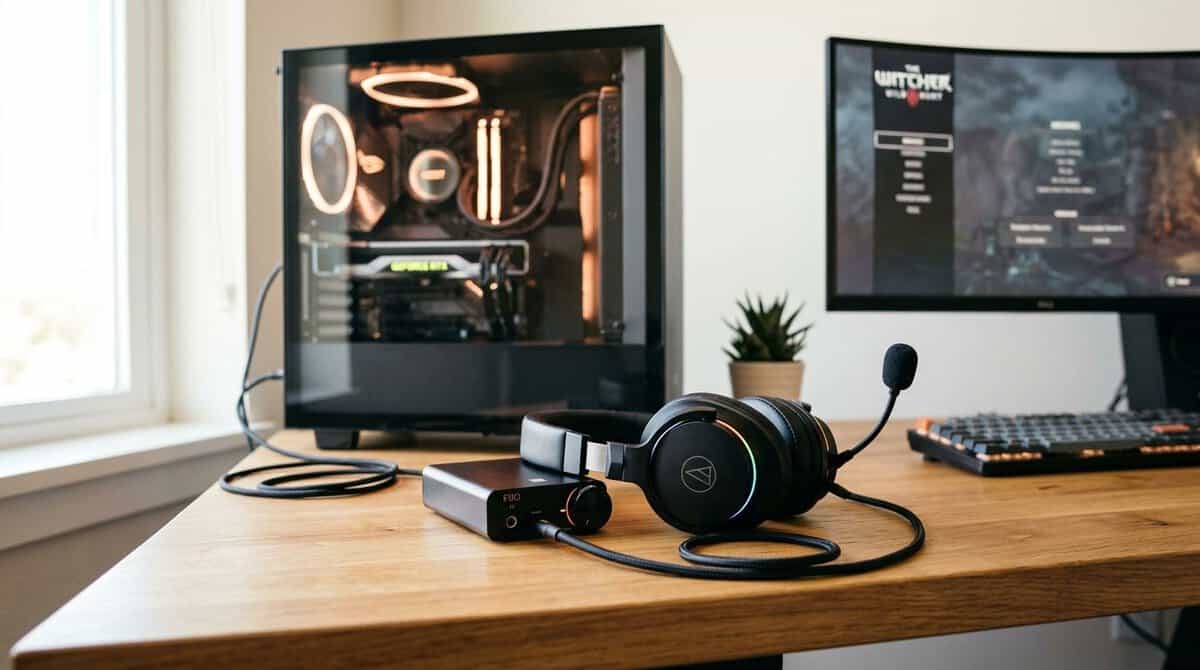
The problem is that a lot of DAC advice skips the first question that matters. Do you even need one? For gaming and streaming, that’s the difference between a smart upgrade and another box on your desk that doesn’t fix the underlying issue.
Below is the practical version. Desktop recommendations for PC players. Portable options for console and laptop users. Real trade-offs, build quality, and the kinds of setups where a DAC is beneficial.
- Clean sound with real headphone power
- Multiple inputs and outputs
- Simple to live with day to day
- Fewer gaming-specific extras
- Desktop unit, not portable
- Basic feature set
- Strong output for demanding headphones
- Multiple inputs and gain settings
- Clear display and controls
- Costs more than the entry pick
- More than a light headset needs
- Desktop only, no portable use
- Console and PC compatibility
- Hi-res 32-bit/384kHz playback from a thumb-size dongle
- Meaningfully more power and clarity than a motherboard jack
- No game-chat mix or EQ software
- No onboard controls; volume rides on the source device
- So small it is easy to misplace
- A budget DAC helps most when your onboard audio hisses or your headphones sound weak, not in every setup.
- For most gamers the Fosi Audio Q4 is the best value: a clean DAC and real headphone amp in one simple box.
- Step up to the FiiO K11 if you run larger or harder-to-drive headphones that need more output power.
- The FiiO KA11 is the console pick: plug-and-play on PS5 and Switch with hi-res playback from a thumb-size dongle.
- Match the DAC to your headphones and use case first, since signal cleanliness matters more than flashy specs.
Table of Contents
Does Your Gaming PC Even Need a DAC
A dedicated DAC isn’t an automatic upgrade anymore. That’s the honest answer.
Modern onboard audio is better than a lot of budget guides admit. For gaming, streaming, and everyday listening, many PCs already handle clean playback well enough that a cheap external DAC won’t change much. A 2025 blind test found that with affordable DACs, sound differences were often negligible compared to modern motherboard audio for non-analytical listeners, which is exactly why the key question is whether a DAC adds value over hardware you already own, not which one sounds “best” on paper in a vacuum.
Signs your current audio is already fine
If your setup does these things well, don’t rush to buy anything:
- No hiss or buzzing: Idle noise matters. If silence is silent, your motherboard output may already be clean enough.
- Enough volume without strain: If your headphones get loud without sounding sharp, thin, or compressed, you may not need extra hardware.
- Stable voice chat and game audio: If Discord, game audio, and stream monitoring all behave predictably, there’s no obvious problem to solve.
Signs a DAC can fix a real issue
A DAC makes more sense when the issue is obvious in daily use:
- Electrical noise from the PC: Buzzing during GPU load or static when moving a mouse usually points to desktop interference.
- Weak output power: Some headphones sound flat or loose when the source can’t control them properly.
- Messy audio routing: Separate hardware can clean up a desk setup when you’re juggling speakers, headphones, and stream monitoring. If that’s your problem, a good audio mixer for PC setups may also be part of the solution.
Practical rule: Buy a DAC to solve a problem you can hear, not to chase a promise you can’t verify in your own setup.
For a lot of gamers, the best budget DAC isn’t the cheapest model on a list. It’s the one that fixes hiss, low output, or connection limits without wasting money on features you’ll never use.
What Gamers and Streamers Should Look For in a DAC
Specs matter, but only the ones that change what you hear and how you use the device.
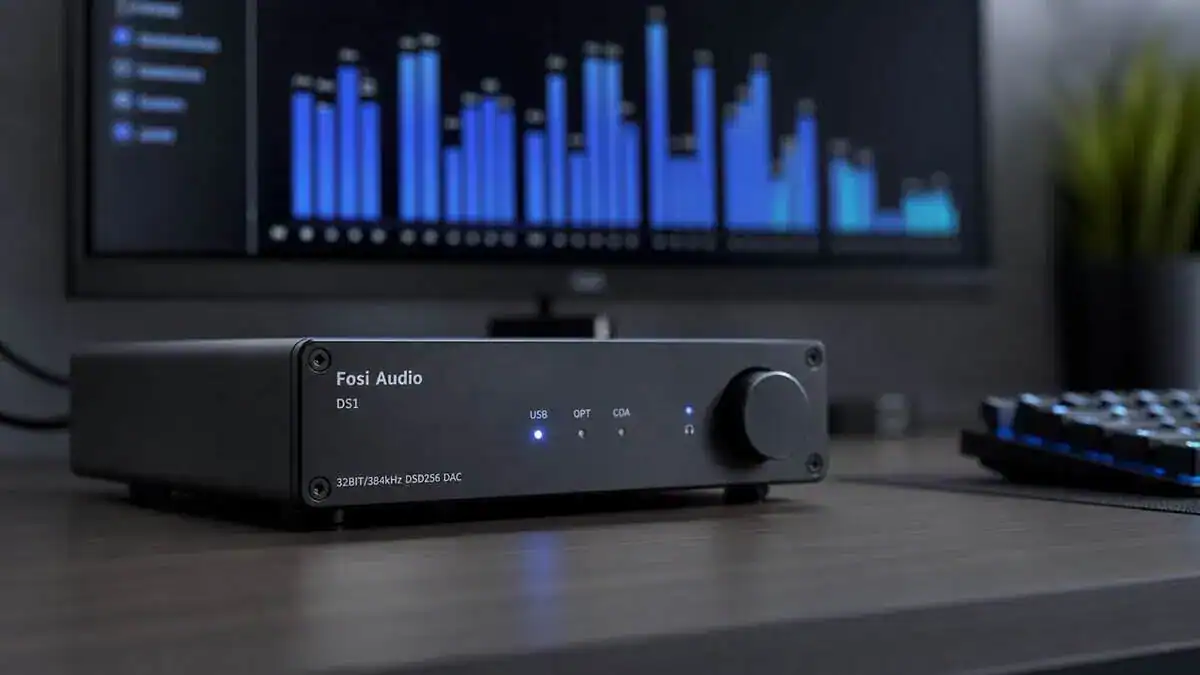
Clean signal matters more than flashy features
In gaming, low noise is practical. You hear it in quiet moments between gunfire, in subtle environmental detail, and in how clean your stream sounds through monitoring. Technical benchmarks for well-designed budget DACs show a SINAD near 120 dB, and that level of signal purity is critical for resolving subtle audio details in competitive gaming and streaming environments (benchmark discussion).
That doesn’t mean every player needs to chase measurements. It means noise floor and signal cleanliness are useful when your game relies on small cues. In an FPS, cleaner output can make faint reloads and footsteps easier to separate from ambient clutter. In a stream setup, it keeps monitoring from sounding smeared or fatiguing over long sessions.
The checklist that actually matters
When I’m looking at a budget DAC for gaming, I care about five things.
- Headphone power: If you’re using easy-to-drive gaming headsets, this is less critical. If you’re using studio-style headphones, weak output becomes obvious fast.
- Connections that fit your hardware: USB is the baseline for PC. Optical can still matter for some console or TV setups. Portable units need to be painless with laptops and handhelds.
- Build quality: Metal housings hold up better on crowded desks. Lightweight plastic units can work, but they move around, scratch easily, and feel disposable.
- Volume control and usability: A hardware knob still beats digging through software when you’re switching between a game and voice chat.
- Mic and monitoring needs: Streamers need to think beyond playback. If you’re balancing your voice with game audio, a solid headphone monitoring guide is more useful than another page of audiophile jargon.
DAC-only vs DAC/amp combo
A pure DAC can be the right call when you already have an amp or powered speakers that handle the rest. But for most budget-conscious gamers, combo units make more sense. Fewer boxes, fewer cables, and fewer points of failure.
The best value setup is usually the one that gets used every day without adding friction.
If you’re building a stream rig from scratch, keep the full chain in mind. A DAC won’t fix bad gain staging, weak monitoring habits, or messy audio routing. That’s why a practical streaming plan matters just as much as hardware. This basic Twitch streaming starter guide covers the broader setup side well.
How We Picked These DACs
Good DACs are not judged by spec sheets alone. For gaming, that misses the point.
A device can measure well and still be awkward on a desk, annoying to switch between outputs, or poorly matched to real headset use. So our picks weigh how these units behave during long real-world sessions, drawing on owner feedback and independent measurements, not just how they look in a product grid.
Games and use cases
The listening tests centered on three patterns:
- Competitive FPS play: Fast positional cues, low-level detail, and fatigue over repeated rounds.
- Open-world and cinematic games: Ambient layering, dialogue clarity, and how well the DAC handles dense soundtracks and effects.
- Streaming and chat use: Monitoring your own voice, balancing game audio with teammates, and checking for noise or connection weirdness during normal use.
Headphones, controls, and desk life
The pairings included common gaming headsets and more revealing headphones such as the Beyerdynamic DT 770 Pro and Sennheiser HD 560S. Those models are useful because they expose different weaknesses. One can show harshness and poor control. The other makes it easier to hear when a source sounds thin or strained.
I also paid close attention to the boring stuff that turns into daily frustration:
- Chassis durability: Metal enclosures generally survive desk bumps and cable swaps better.
- Knob feel and port stability: Loose knobs and wobbly USB ports are bad signs in budget gear.
- Heat, cable clutter, and switch behavior: A DAC that’s annoying in week one won’t get better in month six.
If a DAC sounds fine but feels cheap, disconnects easily, or makes volume changes awkward, it’s not a good value pick for gamers.
That filter matters because budget-conscious buyers don’t need the cheapest box. They need the one they’ll still be happy using after months of matches, streams, and late-night sessions.
Best Budget DACs for Gaming in 2026
These three cover the range most gamers actually need: an affordable all-in-one, a more powerful step-up, and a console-friendly pick with gaming features. Each adds a clean DAC and a real headphone amp without stretching the budget.
| Product | Best for | Type | Strength | Trade-off |
|---|---|---|---|---|
| Fosi Audio Q4 | Most gamers wanting one simple upgrade | Desktop DAC/amp | Clean sound and real headphone power for the money | Fewer gaming-specific features |
| FiiO K11 | Bigger or harder-to-drive headphones | Desktop DAC/amp | More output power and inputs | Costs more than the entry pick |
| FiiO KA11 | Console players and tidy desks | USB-C dongle DAC/amp | Plug-and-play console support | No chat-mix features |
Best Value: Fosi Audio Q4
The Fosi Audio Q4 is the easiest budget upgrade for most PC gamers. It combines a clean DAC with a genuine headphone amp, takes USB, optical, and coaxial inputs, and drives both headphones and powered speakers through 3.5mm and RCA outputs.
For gaming it nails the important part: it powers your headset cleanly and lifts detail like footsteps and positional cues without adding hiss. Simple front-panel controls keep it easy to live with day to day.
Good for:
- Most gamers who want one clean, no-fuss upgrade
- Setups that mix a headset and desktop speakers
- Tight budgets that still want real amp power
Keep in mind:
- Fewer gaming-specific extras than a Sound Blaster
- A simple feature set, not a spec-chaser DAC
- Desktop unit, not built for portable use
Best Step-Up: FiiO K11
If you run larger or harder-to-drive headphones, the FiiO K11 is the sensible step up. It delivers noticeably more output power than entry units, with a clear display, gain settings, and multiple inputs for a proper desktop stack.
The extra headroom keeps demanding headphones composed at higher volume, which matters for immersive single-player audio as much as competitive positional cues. It still lands in budget territory for what it offers.
Good for:
- Higher-impedance or power-hungry headphones
- Players who want gain control and more inputs
- A desktop stack you can grow into
Keep in mind:
- Priced above the entry Fosi pick
- More than a light headset really needs
- Desktop only, no portable or console focus
Best for Gaming and Console: FiiO KA11
The FiiO KA11 is the pick when console-friendly convenience matters. It is a thumb-size USB-C DAC and amp built around the CS43131 chip, it plays hi-res 32-bit/384kHz audio, and its UAC1.0 mode makes it genuinely plug-and-play on PC, PS5, and Switch.
There is no software to install and nothing to configure, which suits console users who want better wired-headset audio without a full desktop stack. It leans toward clean, neutral output rather than gaming sound effects. If you game on in-ear monitors, our guide to IEMs for gaming covers when a dongle like this helps and when your IEMs are fine without one.
Good for:
- Console players who want better headset audio
- Anyone who wants one dongle that works on PC and console alike
- Players who value footstep-clarity features
Keep in mind:
- Sound is tuned for gaming, not strict neutrality
- Smaller controls than a full desktop unit
- App features matter more on PC than console
Setup Tips and Avoiding Common Problems
A good DAC can still sound disappointing if the setup is messy. Most problems come from routing, gain, or using the wrong output mode.
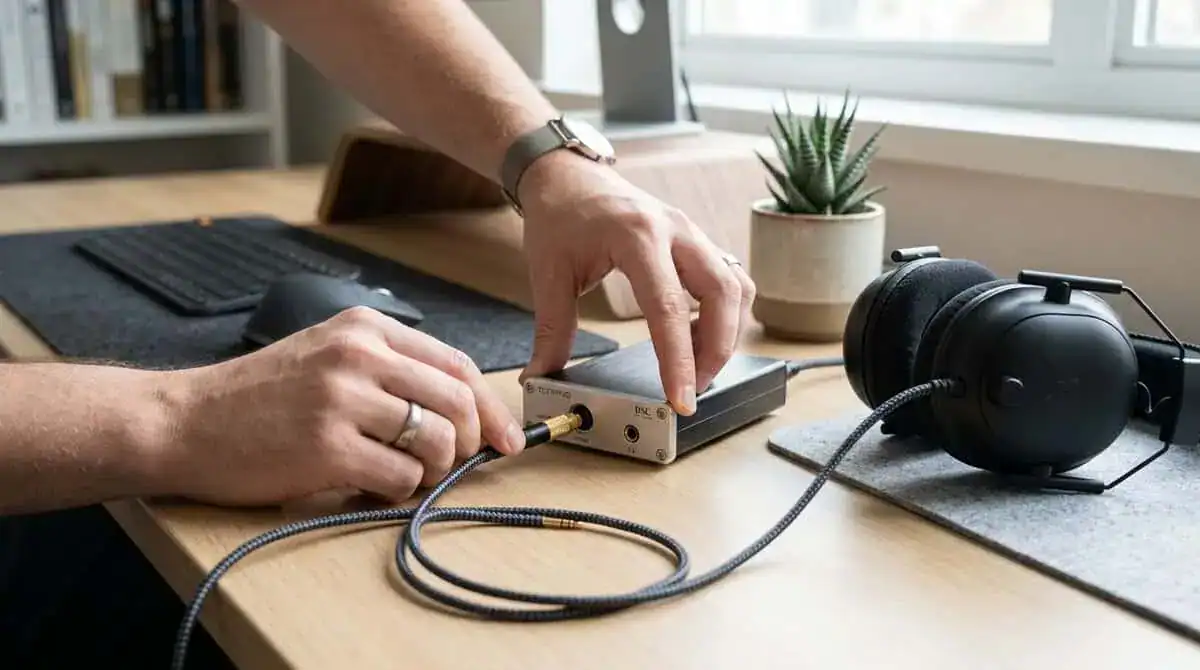
Start with the simple checks
Before judging the sound, make sure the basics are right:
- Set the DAC as the default playback device in your operating system.
- Use a sane sample rate and leave it there unless you know why you’re changing it.
- Turn off duplicate processing if your game, system audio, and headset software are all stacking effects at once.
- Test voice chat separately from game audio so you know where any issue starts.
Avoid common mistakes
The biggest one is double amping. If your DAC or combo unit already has an amplified headphone output, don’t feed that into another headphone amp unless the device is meant for it. That’s an easy way to add distortion, noise, or weird volume behavior.
The second mistake is ignoring mic setup. Plenty of gamers fix playback and leave their voice chain messy. If teammates keep hearing room echo, keyboard clatter, or fan noise, work through a dedicated guide on reducing background noise on a mic.
Console and portable users need to check compatibility first
This matters more than many guides admit. More console gamers are picking up portable DACs, yet compatibility with Xbox and PS5 USB-C audio or battery-powered streaming setups is still a major information gap.
That means you should verify three things before buying:
- USB audio support: Not every console handles every DAC the same way.
- Power behavior: Some portable DACs drain connected devices faster or act inconsistently on low power.
- Mic support: Playback support doesn’t automatically mean headset microphone support.
A five-minute setup check prevents most of the “this DAC sounds bad” complaints people blame on the hardware.
Final Verdict and Your Next Upgrade
For most gamers, the Fosi Audio Q4 is the pick. It gives you a clean DAC and a real headphone amp in one simple desktop box, which is exactly what a first audio upgrade should do without overspending.
If you run larger or harder-to-drive headphones and want more output power and extra inputs, step up to the FiiO K11. It has the headroom to keep demanding headphones composed at higher volume while still sitting in budget territory.
If you play on console or spend a lot of time in voice chat, the FiiO KA11 makes more sense. Its plug-and-play console support, thumb-size form factor, and clean headphone output matter more for those setups than chasing the last bit of measured purity.
The next meaningful upgrade after a budget DAC usually isn’t another slight DAC change. It’s moving to a more complete chain. Better headphones. A stronger dedicated amp if your headphones need it. Cleaner mic monitoring if you stream regularly. That’s where the jump starts to feel bigger in daily use.
The best budget DAC is the one that fixes a clear weakness in your setup and keeps doing its job months later. Not the one with the loudest marketing, and not the one that only looks good in a specs table.
If you listen out loud as well, our best gaming speakers guide covers desktop sets worth buying.
Frequently Asked Questions
Quick answers to the most common questions about picking a budget DAC for gaming and streaming.
Do I really need a DAC for gaming?
Not always. If your onboard audio already sounds clean and your headphones get loud enough, a DAC may not change much. A budget DAC helps most when you hear hiss, your headphones sound weak or thin, or you want cleaner mic monitoring while streaming.
What is the best budget DAC for most gamers?
For most gamers the Fosi Audio Q4 is the best value. It combines a clean DAC with a real headphone amp in one simple desktop box, drives both a headset and powered speakers, and does not overspend on features you will not use.
Do I need a DAC or a DAC and amp combo?
Most gamers are better served by a DAC and amp combo. A DAC alone only converts the signal, while a combo also powers your headphones. All three of our picks are combo units, so they handle both jobs in one device.
Will a budget DAC work with a PS5 or Switch?
Some do. The FiiO KA11 is designed for console use and works with PC, PS5, and Switch, which is why it is our console pick. Desktop units like the Fosi Audio Q4 and FiiO K11 are aimed at PC setups instead.
Does a DAC improve footstep audio in competitive games?
It can help. A clean DAC and amp lowers noise and drives your headphones properly, which makes quiet details like footsteps easier to place. Gaming-focused units like the FiiO KA11 simply deliver a cleaner, more powerful signal that makes those cues easier to pick out.
If you’re building a gaming or streaming setup one smart upgrade at a time, Budget Loadout is worth bookmarking. It focuses on gear that improves your real setup without pushing you into overpriced picks, which is exactly how one should approach audio, peripherals, and streaming hardware.
Related Articles