You’re probably here because your aim feels inconsistent and you can’t tell whether the problem is your settings, your mouse, or the pad under it. In Fortnite, that uncertainty gets expensive fast. One fight you overflick the shotgun shot, the next you undershoot an edit peek, and suddenly the whole setup feels off.
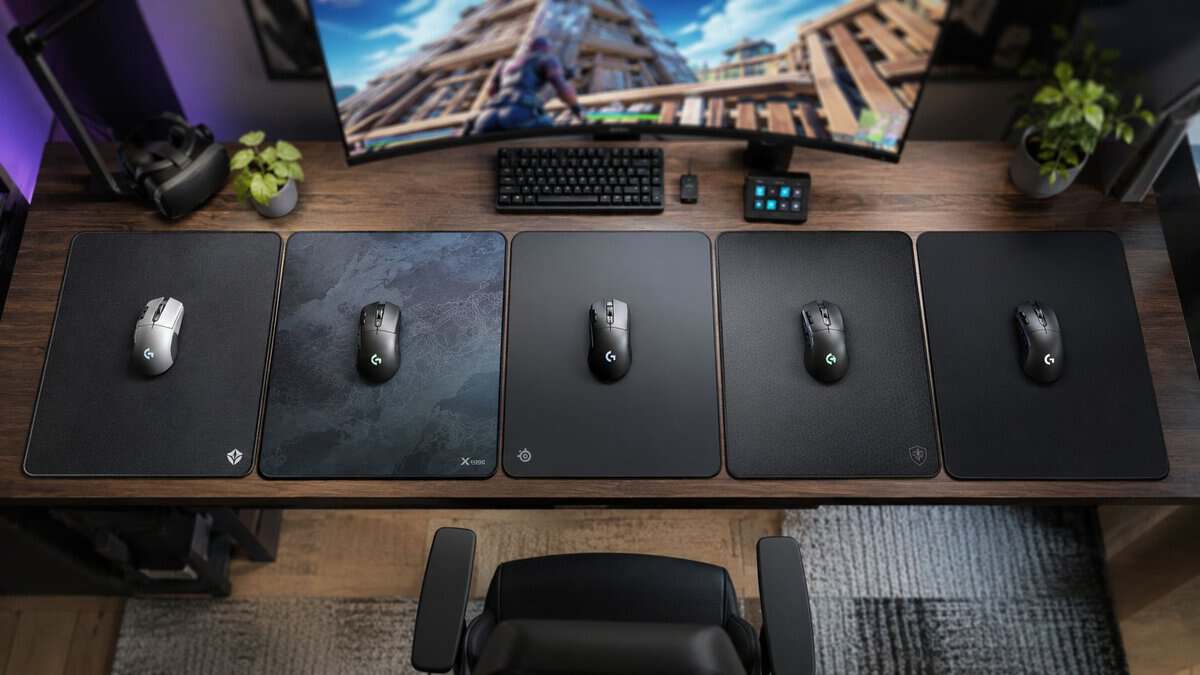
A lot of players buy a mousepad like it’s just desk filler. It isn’t. The best mousepad for Fortnite is the one that matches how you move your mouse, how much friction you need to stop cleanly, and how stable that surface stays after weeks of use. That matters for flick shots, but it matters just as much for building, editing, tracking, and recovering during chaotic close-range fights.
- Fast startup for aggressive building
- Non-slip base stays planted on flicks
- Proven, affordable, multiple sizes
- Faster surface exposes rushed aim
- Less stopping power than a control pad
- Textured feel is a personal preference
- Reliable stopping power for edits
- Easy to adjust to for new PC players
- Available up to a large XXL size
- Slower glide than a fast pad
- Basic cloth without premium coatings
- Very high sensitivities may want quicker
- Holds a consistent feel over time
- Spill-proof and anti-fray edges
- Extended size for arm aimers
- Priced above entry control pads
- Thicker than some players like
- Control-leaning, not built for speed
- Large surface at a low price
- Room for low-sensitivity arm aim
- Leaves budget for the mouse
- Basic surface, no premium coatings
- Middle-of-the-road glide and control
- Simpler edge finish
- Balanced glide and control
- Comfortable for long sessions
- Safe default if you are unsure
- Master-of-none for strong preferences
- Not the fastest or most control-focused
- Fewer surface variants than rivals
- Match the surface to your sensitivity: low-sens arm aimers want control and space, high-sens players want quicker glide.
- Size matters in Fortnite: a large or XL pad gives room for building chains, resets, and long swipes without lifting.
- Cloth is the safe default for building and editing; hybrids and hard pads glide faster but feel less forgiving.
- Durability is a performance feature: a pad that resists wear and fraying keeps the same feel months later.
- Spend on the mouse first: a solid pad matters, but a good sensor and shape move the needle more than a premium surface.
Table of Contents
Why Your Mousepad Is Costing You Fights
You feel it most in the ugly Fortnite moments. You open an edit, flick to punish a peek, then need to stop on a dime for the shotgun shot. If the pad is too slick, the crosshair keeps going. If the pad has too much drag, the correction arrives late. Either way, the miss looks like bad aim even when the underlying problem is the surface under your mouse.
Fortnite exposes mousepad problems faster than a lot of shooters because the input pattern changes every few seconds. One second you are making a long arm swipe to place builds and turn. The next you are doing tiny wrist corrections for an edit reset or a fast right-hand peek. A pad that feels fine for simple tracking can still fall apart once you mix building, editing, flicks, and fast re-centering in the same fight.
The goal is repeatable friction.
That means the pad should let you start moving without a fight, then stop cleanly without guessing how much force the motion needs. When that balance is off, your sensitivity gets harder to read. Players blame their DPI or in-game settings, lower or raise sens, and still feel inconsistent because the pad keeps changing the result of the same hand movement.
Three failure points show up all the time:
- Too fast for your control: common with players who already use a higher sensitivity and rely on quick wrist flicks. Edits feel sharp, but shotgun shots and reset peeks tend to overshoot.
- Too slow for your movement style: common with players who need fast recovery between builds, edits, and short flicks. The crosshair lands accurately, but the mouse feels sticky during rapid direction changes.
- Inconsistent surface wear: the center gets polished down, the edges feel slower, and your stop point changes depending on where the fight happens on the pad.
I usually tell people to stop judging a pad by the first five minutes. A surface can feel smooth at first and still be wrong for your sensitivity. The better test is whether the same motion gives you the same result after a few sessions of box fights, edit courses, and normal ranked games.
If your sens is low, surface consistency matters even more because your arm is covering more distance and any shift in friction gets magnified. If your sens is high, you can get away with a smaller pad, but you still need enough stopping power to keep micro-adjustments under control. Fortnite punishes both extremes. Building rewards speed, but editing and shotgun timing punish sloppy stops.
If your setup feels delayed as a whole, check the rest of the chain before blaming mechanics alone. A practical guide on fixing input lag for gaming can help you rule out system delay, frame pacing, and other issues that can mimic bad mouse control.
Hand stability matters too. Long sessions, too much caffeine, and general fatigue make small aiming errors show up faster, especially on quicker surfaces. If that sounds familiar, some players also look for ways to avoid jitters for demanding work because the same shaky input carries over to games that depend on clean micro-control.
The Best Fortnite Mousepads at a Glance
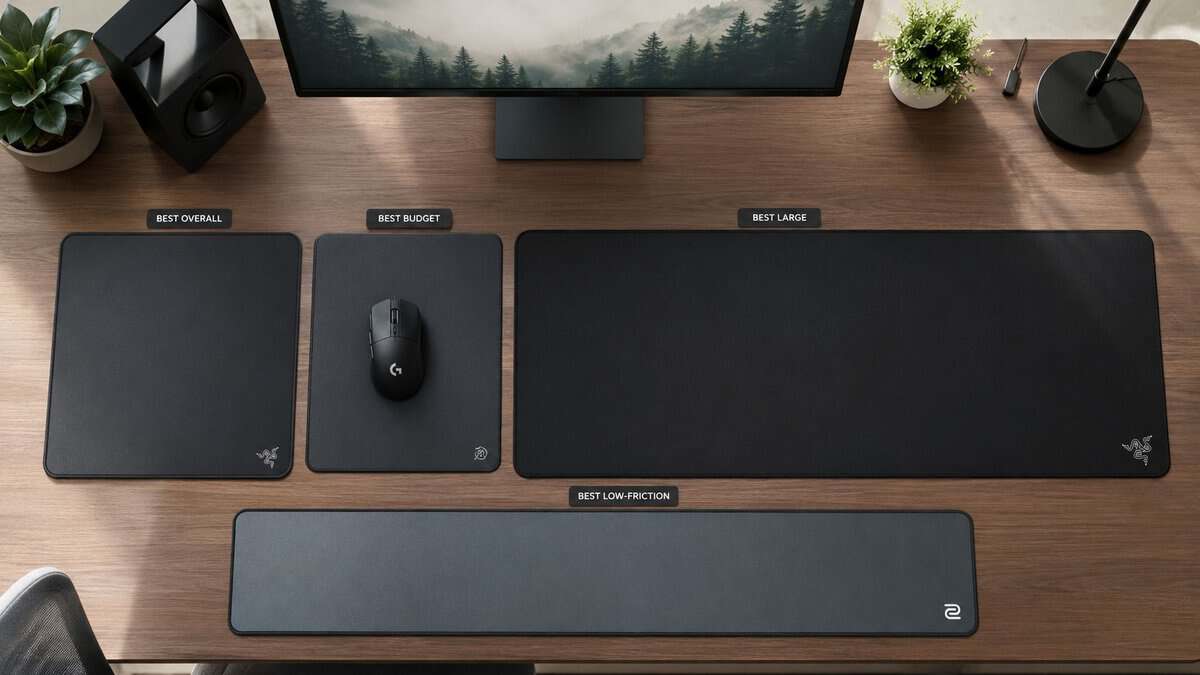
A good shortlist starts with movement style, not brand names. In Fortnite, the right pad depends on how much of your aim comes from the arm, how much comes from the wrist, and whether your fights are lost on wide turns, edit speed, or shotgun micro-corrections.
| Category | Best For | Key Feature |
|---|---|---|
| Best Overall | Players who want a middle ground | Balanced glide with enough stopping power for edits and close-range aim |
| Best Budget Value | New PC players and value-focused buyers | Control-leaning cloth surface that is easy to adjust to |
| Best Large Pad | Low-sensitivity arm aimers | Extra room for long swipes, building chains, and reset movement |
| Best Low-Friction Pick | Faster sensitivities and lighter hands | Quicker glide for fast turns and rapid target switches |
| Best Durable Pick | Players who want stable feel over time | Surface consistency that changes less with wear |
If you are still deciding between cloth speeds, thicknesses, and desk sizes, this breakdown of gaming mouse pad types and sizes helps narrow the field.
Quick read on each pick
Best Overall fits the widest range of Fortnite players because the surface does not force you too far toward speed or control. That matters if you build aggressively but still need clean stops for edit confirms and shotgun follow-up shots.
Best Budget Value makes sense for players buying their first real setup or replacing a worn stock pad. A control-leaning cloth surface usually gives you a safer learning curve, especially if your sensitivity is still changing week to week.
Best Large Pad is the practical choice for low-sens players. Fortnite uses more desk space than many people expect once you combine tracking, 90s, edit resets, and hard turns under pressure.
Best Low-Friction Pick suits players who use a higher sensitivity or prefer a lighter, faster hand feel. The trade-off is simple. Faster pads help with quick redirections, but they punish sloppy stopping technique.
Best Durable Pick is the smart buy if you care more about repeatable feel than first-day smoothness. I usually prefer this type for Fortnite because a pad that feels the same in the center and near the edges is easier to trust during long sessions.
How to Choose Your Fortnite Mousepad
You lose a close box fight, review the clip, and the miss does not look dramatic. Your crosshair drifts a little past the edit, or your shotgun flick starts late because the mouse feels sticky for a split second. That kind of mistake often gets blamed on aim, but the pad is part of it.
Fortnite puts more stress on a mousepad than a lot of shooters. You are not just tracking a target in one lane. You are chaining builds, snapping into edits, resetting, turning hard, and trying to stop cleanly for a shot. The right pad depends on how much desk space you use, how much friction helps your aim, and whether your sensitivity asks for long arm swipes or short wrist corrections.
Large pads, usually XL or 450mm and up, are the common choice among competitive Fortnite players because they give more room for broad arm movement and steadier tracking during fast turns. Fortnite exposes size limits fast.
Start with size
Size comes first because a pad that is too small creates problems no surface can fix.
Low-sensitivity players need enough room for wide turns, build placements, and reset swipes without constant lifting. Even medium-sensitivity players can run out of space in Fortnite because building and editing push the mouse farther across the desk than simple aim drills do. If your elbow or forearm does part of the work, start with an XL pad and only go smaller if your desk absolutely forces it.
If you want a clearer breakdown of shapes, materials, and dimensions, this guide to gaming mouse pad types and sizes is a good companion.
Match the surface to your sensitivity and movement style
Surface speed matters, but only in context.
If you play low sensitivity, you usually benefit from a pad with more controlled glide. You have enough travel distance already. What you need is a surface that lets you stop on an edit tile, hold a right-hand peek, and keep shotgun flicks from sliding long. Too much speed can make low-sens play feel loose, especially when your arm is already carrying momentum.
If you play higher sensitivity, a faster surface can make sense. Shorter movements need less stopping force, and lower friction helps with quick target switches and rapid edit chains. The trade-off is less forgiveness. A fast pad shows every bad habit in your hand.
Here is the practical way to judge it:
- You overflick edits and shotgun shots: choose more control
- You feel drag on fast turns or multi-build sequences: choose more speed
- You use mostly arm aim: prioritize size first, then balanced or control surfaces
- You use mostly wrist aim: prioritize consistent glide and manageable stopping power
Choose the material that fits how you actually play
Cloth
Cloth is the safe buy for most Fortnite players. It gives more stopping power, more hand feedback, and usually a wider margin for error during edits and close-range shots. This is the better fit if your sensitivity is still changing or if you miss more often from overshooting than from slow startup.
Hybrid
Hybrid surfaces sit in the middle and often make the most sense for Fortnite. They start faster than traditional control cloth, but they still give enough resistance to keep your aim from feeling slippery. If you build aggressively, edit often, and want one pad that handles both quick redirection and controlled stopping, this is usually the range to look at first.
Hard or rigid surfaces
Hard pads reduce friction and make the mouse feel very quick. That works best for high-sensitivity players or anyone who wants minimal drag on short movements. The downside is simple. They demand cleaner mechanics, and they tend to feel less forgiving in tense fights where you need a precise stop after a fast motion.
Practical rule: Buy the pad that fixes your miss pattern. If you cannot stop on target, add control. If the mouse resists your first movement, add speed.
Check the small details that affect consistency
Thickness, edge stitching, and base grip matter because they change how stable the pad feels over time.
A thicker pad helps if your desk surface is uneven or has texture. A good base keeps the pad from shifting during hard swipes, which matters more in Fortnite than in slower games because your hand changes direction constantly. Stitched edges are mostly a durability choice, but they also help the pad keep its shape after months of use.
Before you buy, check these points:
- Flatness: the pad should lie flat quickly and stay flat
- Surface consistency: the center should not feel different from the edges
- Base grip: the pad should stay planted during fast turns
- Wear resistance: slow spots and polished areas ruin muscle memory
- Cleaning tolerance: easier cleaning usually means the pad keeps its original feel longer
A good Fortnite mousepad does not need hype behind it. It needs to match your sensitivity, give you enough room to move, and feel predictable every time you edit, flick, and reset under pressure.
Detailed Reviews of the Top Fortnite Mousepads
Fortnite exposes mousepad flaws fast. A surface that feels fine in aim trainers can still fall apart when you chain a wall replace, quick edit, and shotgun flick in one motion. The right pad category depends on how much friction you need at the start of a swipe, how confidently you can stop, and whether your sensitivity puts more work on your wrist or your arm.
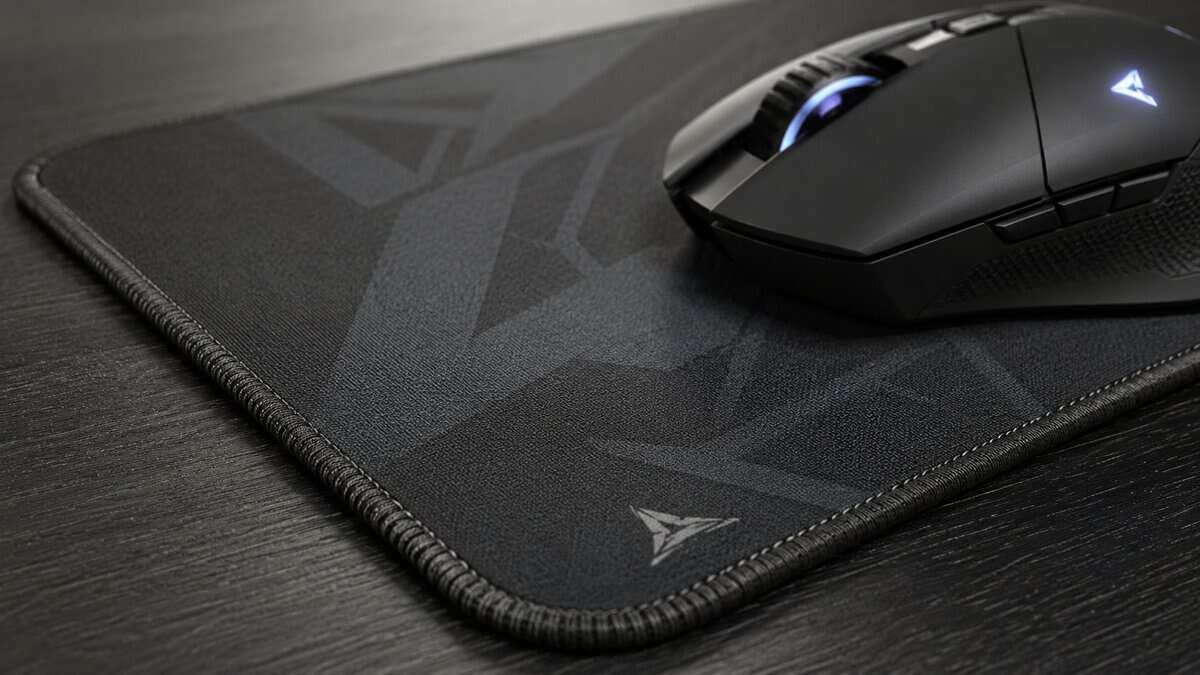
If you want a wider value-focused shortlist before settling on one, this roundup of the best budget gaming mouse pad options is a useful companion.
The Balanced-Fast Option: Razer Gigantus V2
The Razer Gigantus V2 is the balanced-fast pick. Its textured micro-weave surface gets the mouse moving with little effort, which suits edit confirms, fast box entries, and the short snap adjustments Fortnite demands, while still leaving enough feedback to stop your crosshair on target.
It comes in several sizes on a thick, non-slip rubber base with anti-slip edges, so it stays planted during aggressive flicks. The slightly quicker glide rewards clean mouse control.
Good for:
- High-sensitivity or clean medium-sensitivity players
- Aggressive builders who want fast startup on edits
- Anyone wanting a proven, affordable balanced pad
Keep in mind:
- A faster surface exposes rushed or over-flicked aim
- Less raw stopping power than a control pad
- Textured feel is personal, so size up only once you like it
The Balanced-Control Option: SteelSeries QcK
The SteelSeries QcK is the control-leaning standard a huge share of pros trust. Its smooth cloth surface adds stopping power without feeling sluggish, which helps you land precise edits and hold a steady crosshair in close fights.
The micro-woven top and non-slip base make it easy to adjust to, and it is one of the safest first upgrades for a new PC player. It comes in multiple sizes, including an XXL for low-sensitivity aimers.
Good for:
- Players who want reliable stopping power for edits
- New PC players moving up from console or a cheap pad
- Low-to-medium sensitivities that rely on controlled swipes
Keep in mind:
- Slower glide than a balanced-fast or speed pad
- Basic cloth surface without premium coatings
- Very high sensitivities may prefer a quicker pad
The Durable Control Option: Corsair MM350 PRO
The Corsair MM350 PRO is the pick when you want a control feel that lasts. Its thick, spill-proof cloth and anti-fray stitched edges resist the wear that slowly changes how a pad plays over months of daily Fortnite sessions.
The dense weave holds a consistent control-leaning glide, and the extended sizes give arm aimers plenty of room. It asks for a bit more up front, but it stays consistent far longer.
Good for:
- Players who want the same feel a year from now
- Heavy daily use and long ranked sessions
- Arm aimers who want an extended, spill-proof surface
Keep in mind:
- Sits above entry-level control pads on price
- Thicker build than some players prefer
- Control-leaning glide, not built for speed
The Large Surface Value Option: Amazon Basics Gaming Mouse Pad
The Amazon Basics Gaming Mouse Pad covers the value tier for players who want a large surface without spending much. It gives you room for long low-sensitivity swipes and building chains while leaving budget for a better mouse.
The cloth top and rubber base handle the essentials, and the large footprint suits arm aim and reset movement. It is not a premium surface, but for the money it is hard to beat as a first big pad.
Good for:
- Budget builds and first-time large-pad buyers
- Low-sensitivity arm aimers who need space
- Players who would rather spend on the mouse
Keep in mind:
- Basic surface without premium coatings or stitching
- Glide and stopping power are middle-of-the-road
- Edge finish is simpler than pricier pads
The Safe All-Rounder: Logitech G640
The Logitech G640 is the do-everything pick a lot of pros keep coming back to. Its moderate surface texture balances glide and control, so it handles Fortnite edits, tracking, and building without leaning too far in any direction.
The rubber base keeps it planted, the cloth stays comfortable over long sessions, and the large size fits most sensitivities. If you are unsure which category fits you, this is the safe default.
Good for:
- Players who want one pad that does everything well
- Anyone unsure of their preferred glide
- Medium sensitivities and mixed playstyles
Keep in mind:
- A master-of-none feel for players with strong preferences
- Not the fastest or the most control-focused option
- Fewer surface variants than some rivals
Matching Your Mousepad to Your In-Game Sensitivity
A bad pad and a bad sensitivity pairing shows up fast in Fortnite. You flick to place a wall, overrun the tile, correct back, and lose the timing window. Or you hit the first shotgun flick, then miss the follow-up because the mouse never stopped where your hand expected.
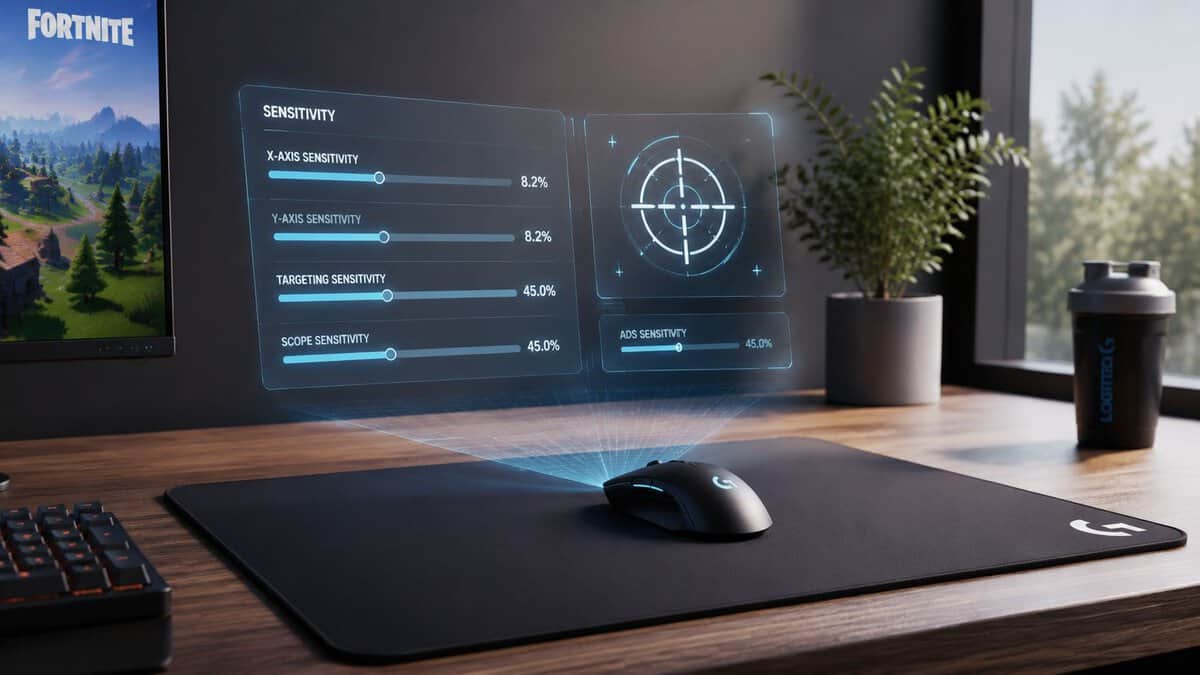
Low sensitivity works best with controlled stopping
Low-sensitivity players put more distance into every fight. That matters in Fortnite because building and editing are not just aim tasks. You are constantly chaining long swipes, fast resets, and sudden stops. If your surface is too fast, the problem usually is not getting the mouse moving. The problem is ending the motion cleanly.
A control or balanced-control pad usually fits better here. It gives your arm aim enough resistance to stop on a wall replace, hold a steady tracking line, or land a shotgun flick after a wide turn. Slightly thicker cloth pads can also feel more planted on uneven desks because they absorb a bit more pressure from the forearm and mouse hand.
Higher sensitivity benefits from easier glide
Higher-sensitivity players cover less desk space, so they do not need the pad to do as much braking for them. Their misses often come from the opposite problem. Too much drag can make quick edit confirms and short flicks feel sticky, especially if they aim more from the wrist and fingers.
That is where a balanced or slightly faster surface makes sense. You get easier startup, less effort on repeated micro-adjustments, and a freer feel during box fights. The trade-off is lower margin for sloppy stopping. If your crosshair tends to drift past targets, going too fast on the pad usually makes that worse.
A simple way to match the surface to your settings:
- Control pad: Better for lower sensitivity, long swipes, and players who want more help stopping.
- Balanced pad: Better for players in the middle who split time between arm aim and wrist aim.
- Faster pad: Better for higher sensitivity, short motions, and players who want less initial drag.
Miss patterns help more than labels. If you regularly undershoot edits or feel like the mouse takes effort to start, look at a faster surface. If you often overshoot peeks, shotgun flicks, or build placements, add more control.
Pad choice also works with your mouse shape, weight, and skates. If you are tuning the whole setup at once, this guide to the best mouse for Fortnite helps you avoid pairing a very light, fast mouse with a pad that pushes the setup too far in the same direction.
Your current sensitivity should decide the pad. Buying for a future settings change usually creates two adjustment problems instead of one.
Why Surface Consistency Beats Raw Speed
A fast pad feels impressive for about five minutes. Consistency matters for months.
That’s why budget-conscious buyers should care less about chasing the quickest glide and more about whether the surface stays the same over time. Fortnite rewards repeatable movement. If one part of the pad gets slower from wear, sweat, or grime, your flick distance and stopping feel change even when your settings don’t.
Durability is a performance feature
Fiberglass mousepads stand out here because their friction stays stable over time, which helps preserve tracking accuracy and reduces the maintenance burden compared with traditional cloth options. That doesn’t mean every player should jump to fiberglass. It does mean durability deserves more attention than it usually gets.
If you’re comparing sensor behavior across surfaces, it also helps to understand the difference between optical and laser mouse tracking, because the pad and the sensor affect each other.
What value actually looks like
Good value typically means:
- Stable glide: The pad feels the same in the center and near the edges.
- Reasonable maintenance: Cleaning doesn’t become a constant chore.
- Durable construction: Edges, base, and surface hold up under daily play.
A pad that stays predictable is usually the smarter buy than one that feels slightly faster on day one.
Once the mousepad is sorted, keyboards for Fortnite and monitors for Fortnite are the next upgrades worth a look. For audio, our headsets for Fortnite guide covers footsteps and squad chat.
Building out the rest of your Fortnite setup? Our gaming setup builder fills every slot from monitor to mousepad, and if you play more than one game, it finds the gear our guides recommend across all of them.
Fortnite Mousepad Questions Answered
Quick answers to the questions Fortnite players ask most before buying a mousepad.
How should you clean a cloth or hybrid mousepad?
Use mild soap, lukewarm water, and gentle hand cleaning. Don’t scrub aggressively, and don’t use harsh cleaners. Let the pad air dry fully on a flat surface before using it again. The goal is to remove grime without damaging the weave that gives the pad its intended glide.
Does a premium mousepad matter for controller players on PC?
Less than it does for mouse and keyboard players, but it can still matter if the desk doubles as a streaming or work setup. A better pad can improve comfort, desk protection, and mouse use in menus or general PC tasks. For pure controller gameplay, it’s a lower-priority upgrade.
Is RGB worth paying extra for?
From a performance standpoint, no. RGB doesn’t improve tracking, stopping power, durability, or consistency. It only makes sense if desk aesthetics matter to you and the rest of the build is already sorted.
Can one mousepad work for FPS gaming, MMO sessions, and streaming?
Yes, but balanced surfaces usually make the most sense. A very slow control pad can feel tiring for broad desktop use, while a very fast surface may feel too loose for precise game input. If you need one pad for everything, aim for a balanced surface with solid build quality and durable edges.
The best setup upgrades are the ones that fix a real problem instead of adding clutter. If you want straightforward buying guides that focus on value, durability, and honest trade-offs, Budget Loadout is a solid place to build the rest of your setup without wasting money.
Related Articles