Most Fortnite mouse advice gets one thing wrong. It assumes the best mouse for Fortnite is automatically the most expensive one with the biggest spec sheet.
That’s not how this game works in practice. Fortnite rewards quick edits, repeated flicks, stable tracking, and long sessions without hand fatigue. A mouse can help with that, but only up to a point. After that, extra spending buys smaller gains, not better fundamentals.

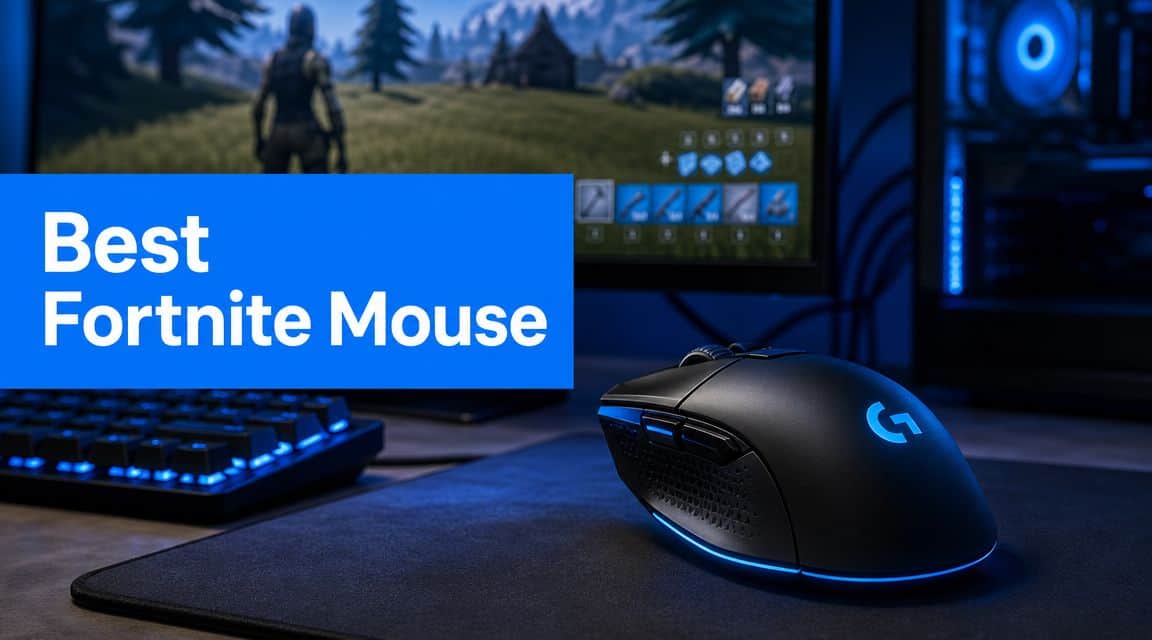
For most players, the sweet spot is simple. Get a mouse with a reliable sensor, low enough weight, solid clicks, and a shape you can control under pressure. Watch what serious players value and the pattern is clear. Good gear matters, but shape, consistency, and setup matter more than chasing every premium feature.
- Shape, weight, and sensor consistency matter more than chasing the highest DPI or polling rate for the best mouse for Fortnite
- On a budget, the Logitech G305 LIGHTSPEED gives you reliable wireless tracking around 99 g without breaking the bank
- Mid-range step-up: the Razer DeathAdder V3 drops weight to around 59 g and adds true 8000 Hz polling
- Premium pick: the Razer Viper V2 Pro pairs 58 g weight with a Focus Pro 30K sensor, the stop point most serious players need
- Skip 360 Hz monitors and 8KHz polling unless your hardware already supports it: pair the mouse with low DPI (400 to 800) and matching in-game sensitivity
Table of Contents
- Reliable wireless with effectively zero perceptible input lag
- Long battery life on a single AA cell
- Compact ambidextrous shape that suits most grips
- Heavier than premium picks at around 99 g
- No RGB or onboard charging
- Fewer programmable buttons than higher-tier mice
- Lower weight makes flicks and edits feel quicker
- 8000 Hz polling smooths cursor motion at 240 Hz and above
- Ergonomic shape with crisp Gen-3 optical switches
- Wired only, no wireless freedom
- High polling rate adds CPU load on weaker systems
- Right-handed shape rules out left-handed players
- Ultra-light 58 g build feels effortless during long sessions
- Focus Pro 30K sensor tracks cleanly at high speeds
- Strong battery life for premium wireless
- Higher price than budget and mid-range picks
- No RGB or palm-rest accessories included
- Ambidextrous shape may not suit large hands wanting a palm grip
Finding the Right Mouse for Fortnite
The right mouse for Fortnite isn’t the one with the highest DPI rating or the most side buttons. It’s the one that disappears in your hand and lets you aim, edit, and build without fighting the shape or weight. To find the DPI your mouse actually runs at, try our free mouse DPI test.
That’s why value matters more than hype. A cheaper mouse that tracks well and fits your grip can outperform a premium model that feels awkward after an hour. I’ve seen plenty of players overspend on flagship gear, then keep missing close-range shots because the mouse was too wide, too heavy in the wrong places, or uncomfortable for their grip.
The real buying question
Don’t ask, “What do pros use?” Ask this instead.
- Can I control it easily? Fortnite punishes sloppy micro-adjustments.
- Can I use it for long sessions? Fatigue matters if you grind ranked, scrim, stream, or play other FPS games.
- Will the build hold up? Cheap-feeling clicks, mushy buttons, and weak scroll wheels get old fast.
- Am I paying for actual performance or just extra features? RGB and overloaded software don’t help your edits.
Practical rule: Buy for the performance threshold you can actually feel, not the one marketing tells you to want.
Three tiers that make sense
A smart Fortnite mouse lineup usually falls into three levels:
- Budget value for players who want dependable performance without overspending.
- Mid-range upgrade for players who want lower weight and faster responsiveness they can notice.
- Premium wireless for players who want a near no-compromise mouse they can keep for years.
That’s the lens here. Not the cheapest. Not flashiest. Just the options that make sense once you factor in performance, durability, and diminishing returns.
What Actually Matters in a Fortnite Mouse
The mouse market loves distraction. Fortnite doesn’t. The things that matter most are weight, shape, sensor quality, and polling rate.
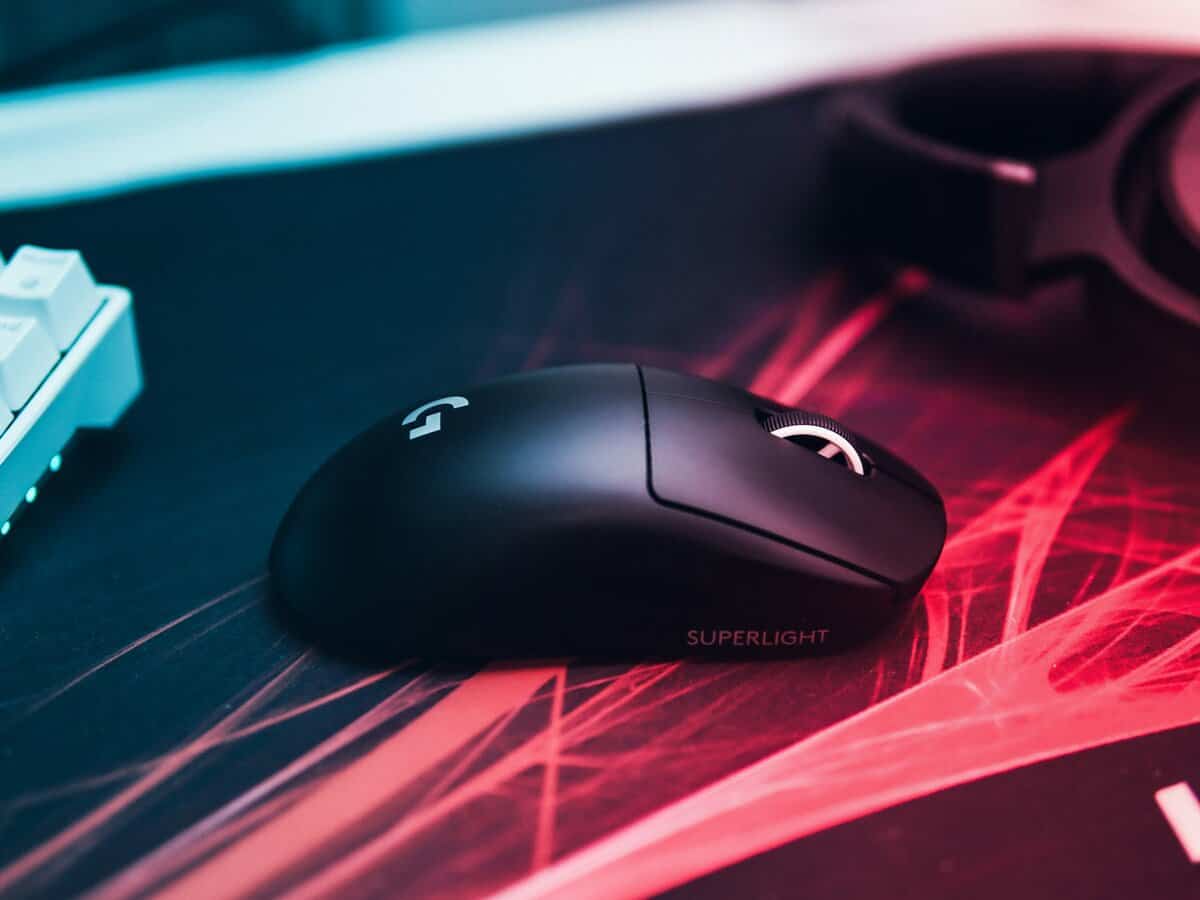
Across recent buying guides, competitive recommendations have clustered around lightweight shells, optical switches, strong sensors, and fast polling. One roundup notes that standout Fortnite options such as the DeathAdder V3 and Viper V3 Pro sit in the roughly 55 g to 63 g range, with premium models offering polling rates above 1,000 Hz, up to 8,000 Hz, and sensors rated from 30,000 to 35,000 DPI in current guides . That tells you where the high end has settled.
Weight matters more than most people expect
Lighter mice are easier to stop, start, and reposition. In Fortnite, that helps with quick target swaps, edit confirms, and those little corrections you make while tracking someone hopping through a box fight.
Heavy mice aren’t unusable. They’re just more tiring over time, especially if you play on lower sensitivity and move your whole arm. If you’ve ever felt sharp for the first few matches and then slower later in the session, weight could be part of the reason.
Shape beats raw specs
A mouse can have a flawless sensor and still be bad for you. Shape affects how naturally you click, lift, and adjust.
Three common grip styles matter here:
- Palm grip usually favors more support and a fuller rear.
- Claw grip often works well with a lower-profile shell that’s easy to pinch and reposition.
- Fingertip grip usually benefits from light weight and compact control.
That’s why I’d treat shape as a first filter. If the shell fights your grip, the rest of the spec sheet doesn’t save it.
If a mouse feels unstable when you lift and reset, it isn’t your endgame mouse, even if the sensor is top tier.
Sensor and switch quality
A modern gaming mouse doesn’t need marketing gimmicks. It needs stable tracking, consistent clicks, and dependable lift behavior. For Fortnite, that means a sensor that doesn’t spin out or feel inconsistent during fast swipes, plus switches that register cleanly when you’re editing and firing in quick bursts.
If you want a plain-English breakdown of tracking tech, this quick guide on optical vs laser mouse differences is useful. The short version is simple. For competitive play, dependable tracking matters more than spec inflation.
Polling rate and DPI without the nonsense
Polling rate is how often the mouse reports its position to the PC. Higher polling can make movement feel more immediate, but the gains get smaller as you go up. You’re much more likely to notice the jump from a poor mouse to a good one than the jump from high-end to ultra-high-end.
DPI gets abused in marketing. A huge DPI ceiling doesn’t make you better. It just means the sensor can go very high. What matters is the setting you use with your in-game sensitivity.
Think in terms of eDPI, which is your mouse DPI combined with your Fortnite sensitivity. That’s the number that defines how fast your aim feels. A stable, comfortable eDPI does more for your accuracy than chasing the highest DPI rating on the box.
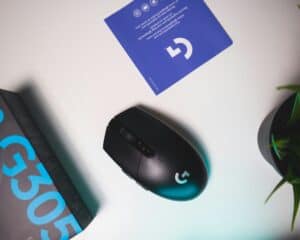
Best Budget Pick Logitech G305 LIGHTSPEED
If you want the best value starting point, this is it. The G305 LIGHTSPEED is the mouse I’d recommend to most players who want to get serious without paying for prestige.
The G305 travels well across shooters: it also anchors our Wardogs mouse guide, where the same sensor handles that game’s much longer sightlines.
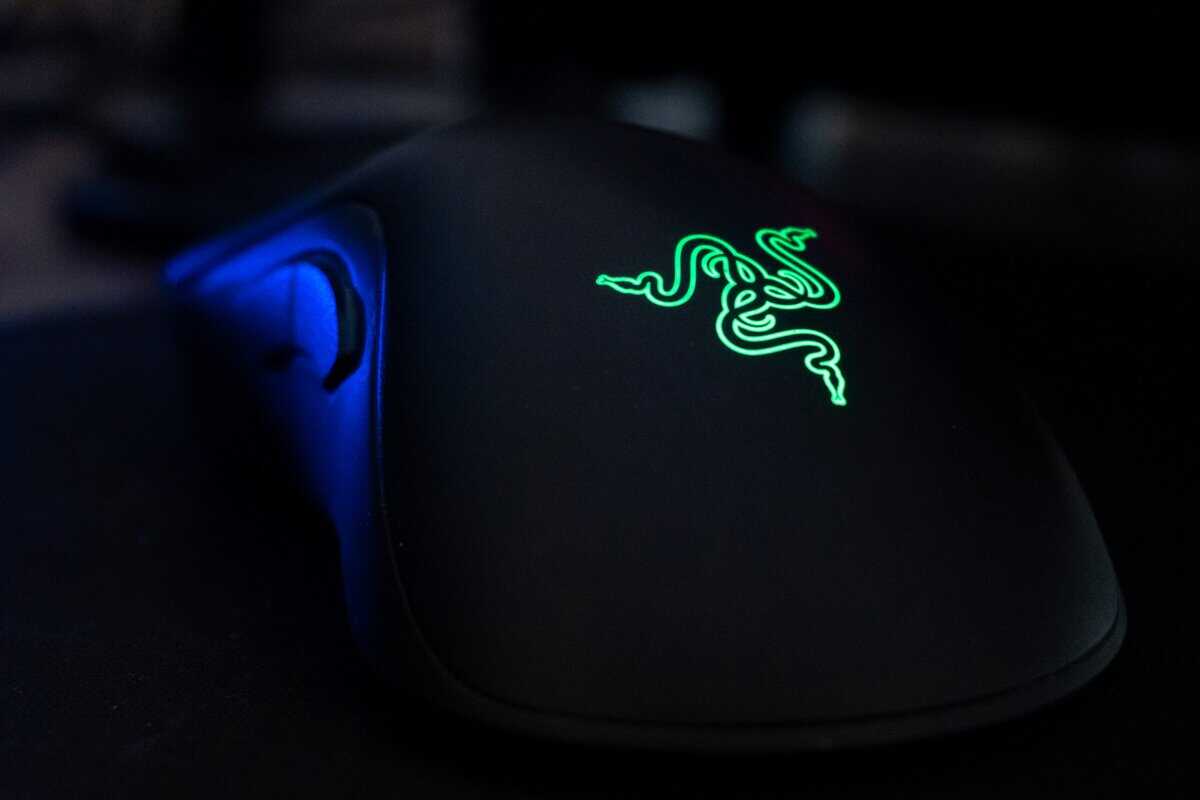
Recent guides have repeatedly treated it as a budget benchmark, listing a HERO sensor rated at 12,000 DPI, about 98 to 99 g weight, 6 programmable buttons, and battery life of up to 250 hours on a single AA battery. Those specs explain why it still matters. It covers the basics well enough that most players won’t hit a hard performance wall.
Why it works
The G305’s real strength is that it avoids the usual budget traps. The wireless connection is dependable, the shell is solid, and the buttons feel built for everyday use instead of short-term novelty. That matters if the mouse also pulls double duty for school, work, streaming controls, or general gaming.
It also holds up well physically. The shell doesn’t feel fragile, and the simple shape tends to age better than trend-driven designs. If you’re building a setup piece by piece, that kind of durability matters more than a fancy launch feature.
Where the savings show
The downside is obvious once you’ve used lighter esports mice. It’s heavier, and you feel that during repeated lift-offs and fast arm aiming. In Fortnite, that usually shows up during long sessions, not the first few minutes.
The shape is also safe rather than specialized. That’s good for broad compatibility, but it won’t feel perfect for everyone. Some players will want a lower, more agile shell for claw or fingertip grip.
Here’s who should buy it:
- Students and younger players: It gives you proper gaming performance without forcing a premium purchase.
- Casual competitors: If you play ranked, creative, and other FPS titles, it’s good enough to be a real long-term mouse.
- Mixed-use users: The battery-based design is practical if you don’t want another cable on your desk.
The G305 is where diminishing returns become obvious. Spend more and you can get lighter, smoother, and faster. Spend less and you usually start giving up too much.
For buyers shopping this tier, a dedicated roundup of the best gaming mouse under 50 is also a useful next step.
Best Mid-Range Pick Razer DeathAdder V3
This is the first upgrade tier where you can point to a real competitive difference, not just nicer packaging. The DeathAdder V3 gives you two meaningful gains over a value pick. Lower weight and much faster polling.
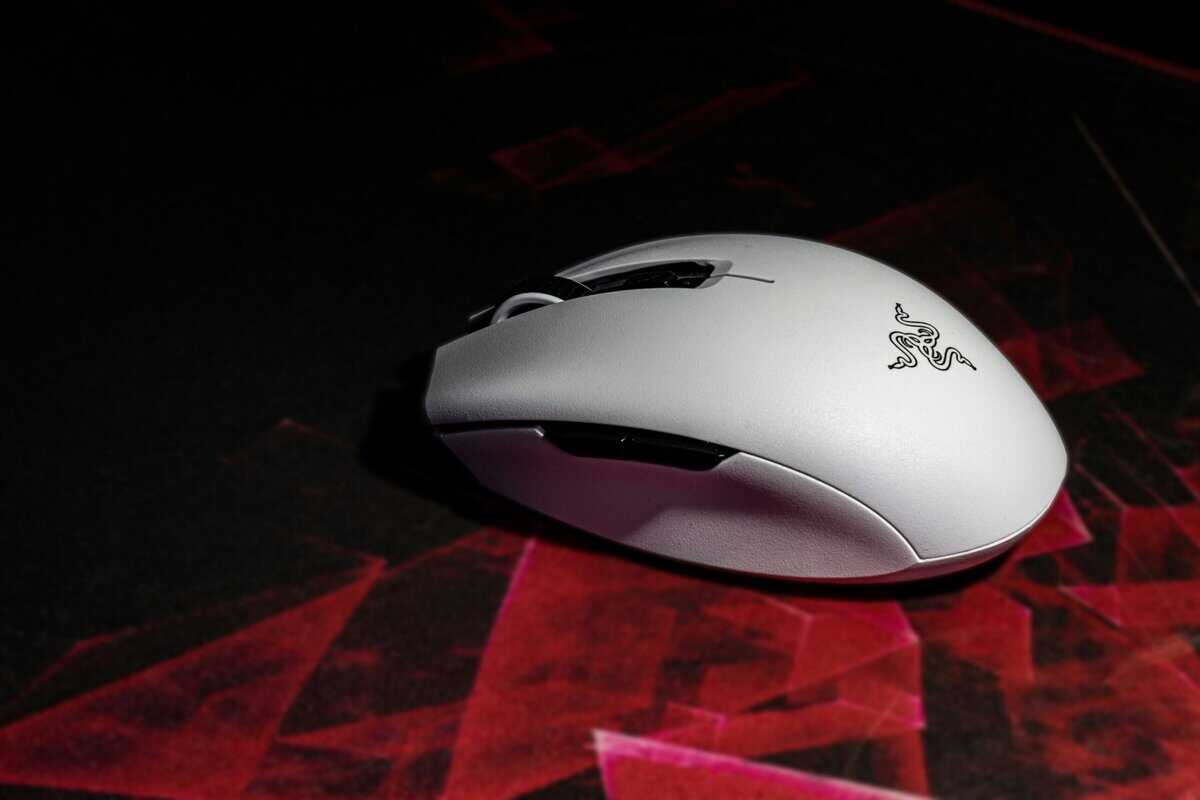
This is the kind of mouse that makes sense for players who already know what they like and want a cleaner, sharper feel in fights. It’s also one of the easiest ways to experience what modern lightweight mice are supposed to feel like without paying premium wireless pricing.
What you gain over the budget tier
Compared with a heavier budget wireless mouse, the DeathAdder V3 feels quicker on direction changes and easier to reset after wide swipes. That’s the benefit of moving into a much lighter shell.
The other headline feature is the high polling rate. In plain terms, the mouse reports to the PC more often, which can reduce the feeling of delay in cursor updates. In a game like Fortnite, that can help movements feel tighter during edit-heavy fights and close-range tracking.
That said, this is where honesty matters. Not everyone will notice the polling-rate jump equally. If your monitor refresh rate is modest, your PC is inconsistent, or your settings already feel messy, the gain can be hard to separate from placebo.
Who should step up to this tier
This mouse makes the most sense if you fit at least one of these cases:
- You already know your grip style: A lighter, lower-profile shape usually benefits players who want fast repositioning.
- You mainly play shooters: The upgrade matters more in Fortnite and FPS games than in slower genres.
- You don’t mind a cable: Wired still gives excellent performance, and it avoids battery concerns entirely.
Build quality also matters here. A good mid-range mouse should feel tight in the shell, with clicks that stay crisp and side buttons that don’t wobble. That’s part of the value equation. You’re not just paying for speed. You’re paying for a mouse that feels more refined every time you use it.
If hand comfort drives your choice even further, an ergonomic gaming mouse guide can help narrow the field.
Buying lens: This tier is worth it when lower weight improves your control. It isn’t worth it if you’re only upgrading for a number on the box.
The DeathAdder V3 is the first mouse in this guide where the average player might say, “Okay, I can feel why this costs more.” It still doesn’t break the law of diminishing returns. It just reaches the first point where extra spending can create a noticeable gameplay benefit.
Best Wireless Pick Razer Viper V2 Pro
If you want a premium recommendation without wandering into excess, this is the stop point I’d suggest for most serious players. The Viper V2 Pro gives you what people want from top-end wireless. Low weight, clean shape, strong sensor performance, and clicks that stay consistent under pressure.
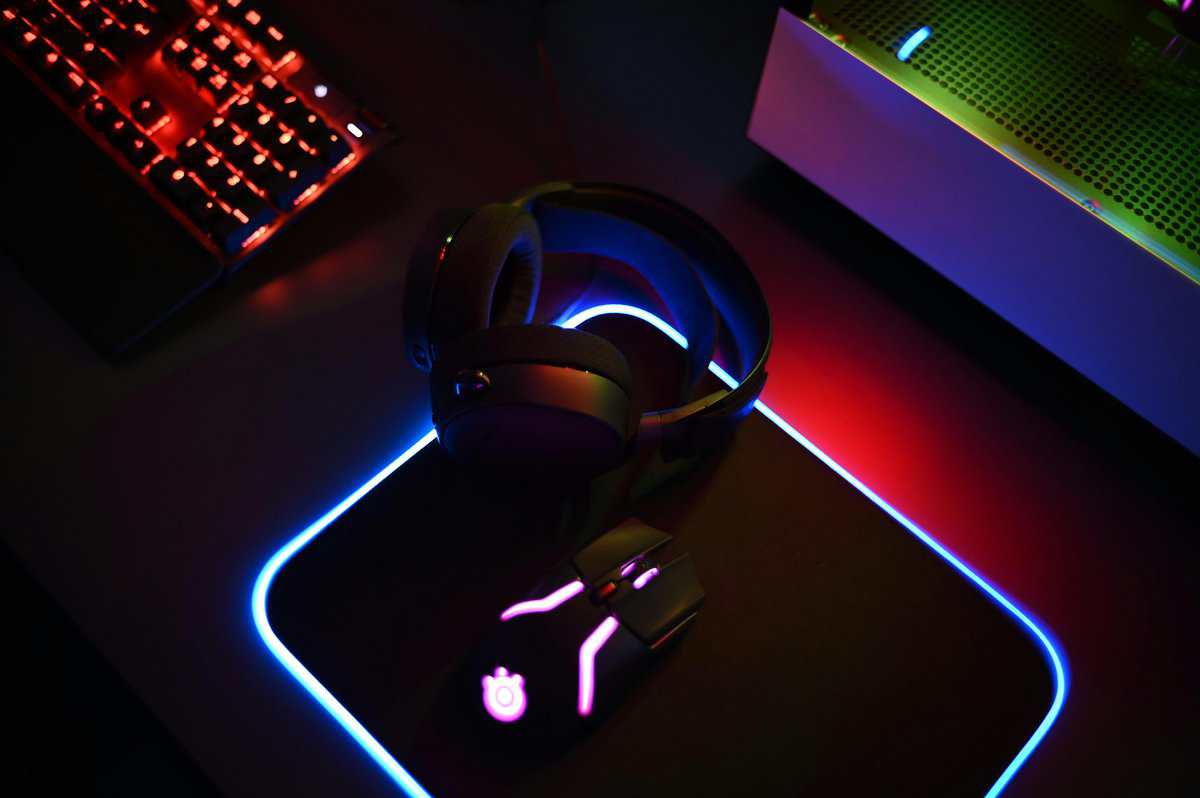
One expert roundup lists the Viper V2 Pro as its best overall Fortnite mouse, citing a 58 g weight, Focus Pro 30K optical sensor, 750 IPS max speed, 30,000 DPI ceiling, and Gen-3 optical switches while also noting that budget picks can still be competitive if the shape suits your hand. That’s the right frame. Premium helps, but shape and control still decide whether it’s worth it.
Why wireless is worth paying for here
Wireless used to come with obvious compromises. Extra weight, battery anxiety, or latency concerns. At this level, those compromises are much smaller.
What you feel in-game is freedom during big swipes and fewer annoyances during frantic movement. No cable drag. No bungee setup. No little resistance changes when the cord catches awkwardly. In Fortnite, that can make the mouse feel more predictable, especially if you play low sensitivity and use a lot of desk space.
If you want a broader look at the trade-offs, this breakdown of wired vs wireless gaming mouse differences is worth a read.
The diminishing returns point
This is also where spending more starts making less sense. The V2 Pro is a genuine performance tool, but it won’t rescue weak mechanics, bad sensitivity choices, or poor desk setup.
That’s why I don’t push premium wireless as the automatic answer. Buy it if you already know you benefit from light weight, you want cleaner movement than a heavier budget wireless mouse can offer, and you care about keeping your setup uncluttered for years.
A separate pro-focused guide also reinforces the broader pattern. It notes that elite-player preferences heavily favor ultra-light wireless mice with high-end sensors and low-latency switches, and mentions one of the most popular pro choices among 330 pro players because of its shape stability, coating, and 8KHz wireless polling rate. The takeaway isn’t that you need the same mouse. It’s that top players prioritize reliable shape and wireless consistency over flashy extras.
Here’s the practical summary:
| If you want… | This tier delivers? | Caveat |
|---|---|---|
| Clean wireless movement | Yes | Costs more than most players need to spend |
| Very low weight | Yes | Shape still has to suit your grip |
| Long-term premium feel | Yes | Only worth it if you’ll actually appreciate the refinement |
For many players, the Viper V2 Pro is the endgame. Not because it has every feature imaginable, but because it removes most compromises without adding unnecessary clutter.
Mouse Setup and Optimal Fortnite Settings
A good mouse still needs a good setup. Bad settings can make a strong mouse feel worse than a cheaper one.
Start with the basics. Install the mouse software, set one DPI value, and stick with it for a while. Don’t bounce between multiple DPI stages. That only adds inconsistency.
A clean setup routine
Use this checklist after you plug in any new mouse:
- Pick one DPI setting: Choose a stable baseline and leave it there while you adjust in-game sensitivity.
- Set the polling rate: Use the highest stable option your system handles well. If performance feels inconsistent, step down to the next practical level.
- Disable extra clutter: Turn off DPI cycling if you hit it by accident. Keep only the buttons you use.
- Test in Creative: Spend time on edits, shotgun flicks, and tracking drills before judging the mouse.
How to dial in sensitivity
Fortnite sensitivity should feel controllable in two situations. Fast box-fight reactions and calmer tracking at medium range. If one feels good and the other feels wild, keep adjusting.
A simple starting method works well:
- If you arm aim: Start lower and test wide turns plus shotgun flicks.
- If you wrist aim: Start a bit higher, but make sure you can still track smoothly.
- If you mix both: Use the setting that lets you edit cleanly without overflicking close shots.
Your best sensitivity is the one you can repeat under pressure, not the one that feels fastest in a warm-up map.
Connection quality also matters more than people think. If your aim feels inconsistent online but stable in local practice, check your network before blaming the mouse. This guide on solutions for rural internet jitter explains one common issue clearly.
Input delay on the system side can also undercut good hardware. If your clicks or movement still feel off after tuning the mouse, work through these input lag fixes.
The final thing to get right is fit. Expert recommendations on Fortnite mice repeatedly point back to grip-specific ergonomics, sensor tuning, and dependable wireless over raw sensitivity numbers. That’s why a budget pick can still be a smart buy, and why a premium pick only makes sense if the shape suits your hand.
Building out the rest of the setup? See our guides to keyboards for Fortnite, monitors for Fortnite and mousepads for Fortnite. For audio, our headset picks for Fortnite cover every platform the game runs on.
Frequently Asked Questions
What is the best mouse for Fortnite on a budget?
The Logitech G305 LIGHTSPEED is the strongest budget pick for Fortnite. It pairs a HERO sensor, low input lag wireless, and around 250 hours of battery life on a single AA battery. It is heavier than premium mice at roughly 99 g, but at a budget price it gives you reliable tracking and consistent clicks without forcing you to overspend.
Does mouse weight really matter for Fortnite?
Yes, weight matters more than most people expect in Fortnite. Lighter mice are easier to flick and reposition during high-action edits and box fights, and they reduce hand fatigue in long sessions. Premium competitive picks sit in the 55 g to 65 g range, while budget options are usually heavier. Most players notice the biggest improvement when they drop from a 100 g mouse to something under 75 g.
Do I need an 8KHz polling rate for Fortnite?
You do not need 8KHz to play Fortnite well, but it can feel smoother on a high refresh rate monitor. Most players will not see a real difference between 1,000 Hz and 8,000 Hz at typical refresh rates of 144 Hz or 240 Hz. If you have a 360 Hz or higher monitor and a strong CPU, an 8KHz mouse like the DeathAdder V3 is where the polling rate jump starts to pay off.
Is a wired or wireless mouse better for Fortnite?
Modern wireless gaming mice like the Razer Viper V2 Pro have effectively zero input lag compared to wired mice, so wireless wins on freedom of movement and cable drag. Wired is still the cheaper path to top-tier responsiveness if you do not want to manage charging. If your budget allows premium wireless, go wireless. Otherwise a good wired mouse is fully competitive.
What DPI should I use for Fortnite?
Most competitive Fortnite players use a low DPI between 400 and 800, paired with in-game sensitivity that makes a full mouse swipe rotate roughly 180 degrees. Higher DPI does not make you aim better. It just makes the cursor move faster, which can hurt control. Pick a DPI you can stay consistent with and adjust the in-game multiplier from there.
If you want more practical gear advice without the marketing noise, Budget Loadout is a solid place to compare gaming mice, streaming accessories, and value-focused setup upgrades that make sense.
Related Articles