Before you compare a single spec, answer one question: how long are the two walls that meet in your corner? Every good L-shaped gaming desk purchase starts with that measurement, because the corner decides what fits long before features do. Get it right and a dead corner of your room becomes the most efficient battlestation layout there is.
Get it wrong and you join the crowd returning a desk that blocks a door or leaves a monitor hanging past the edge. This guide walks the three sizes that matter, from a compact 42-inch corner unit up to a 66-inch command center. Every pick is in stock, well reviewed, and honest about its tradeoffs.
Measure first. Then pick your rung on the ladder.
- Compact 42-inch footprint fits small rooms and apartments
- Integrated power strip with two outlets plus USB-A and USB-C
- Reversible shelves and 2-in-1 monitor stand adapt to either corner
- Particle board top wants a desk mat for heavy daily wear
- LED strip is accent lighting, not room lighting
- Tight fit for triple-monitor setups
- Three AC outlets and two USB ports built into the desk
- CPU stand, shelves, headphone hook, and storage bag included
- Reversible layout works in either corner of the room
- Assembly takes a full afternoon for one person
- LED remote feels cheap next to the desk itself
- Fixed height with no adjustment range
- Genuine 66-inch expanse handles dual or triple monitors
- Hutch assembles two ways, on the desk or beside it
- Sturdy metal frame with a waterproof MDF top
- No built-in lighting or power outlets
- Big footprint demands a genuinely large corner
- Heaviest assembly of the three
Picks and availability last verified: October 19, 2026
- Measure both walls and the door swing before you shop; the corner decides more than any spec sheet.
- The Bestier 42-Inch is the best overall pick with built-in power, LED lighting, and a compact footprint.
- The AODK 53-Inch is the mid-size sweet spot: three outlets, two USB ports, and storage on every edge.
- The ODK 66-Inch with hutch wins large corners, trading LED extras for maximum surface and storage.
- Set your monitor at the joint of the L and split your setup into a gaming run and a second run.
Table of Contents
Measure the Corner First
Grab a tape measure before you open a single product page. You need three numbers: the length of each wall from the corner, and the depth of the clear zone in front of them. Write them down with obstructions included, because a radiator, a vent, or a floor-length curtain steals desk space just as surely as a wall does.
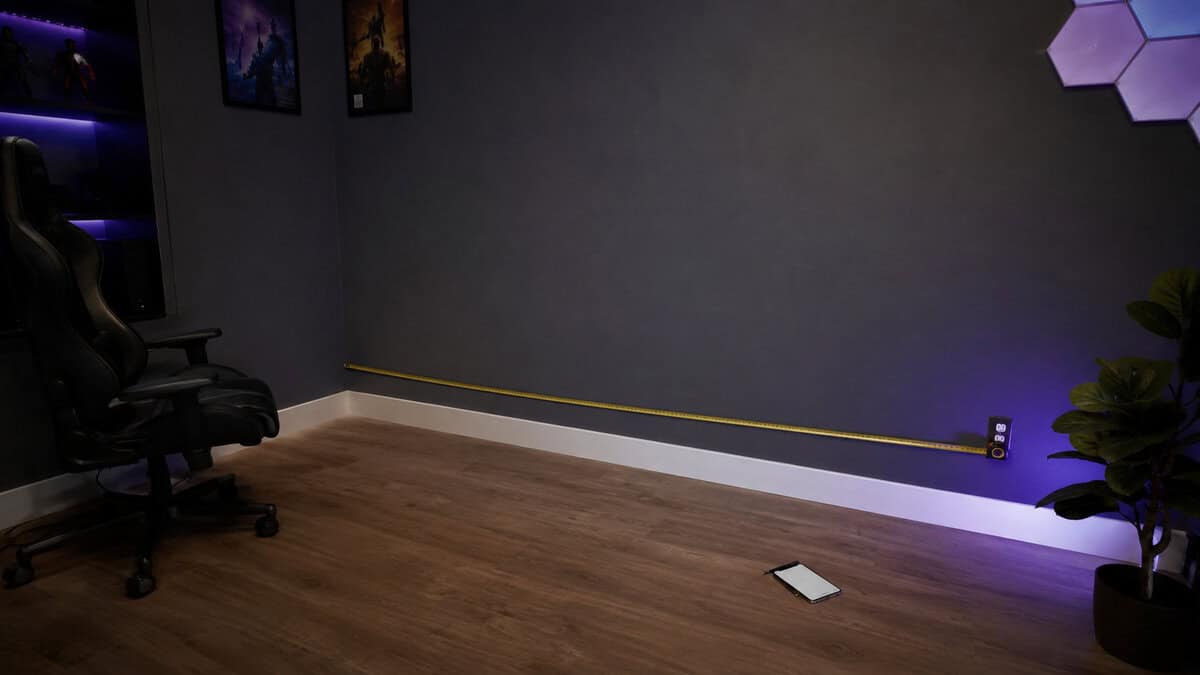
The shorter wall sets your ceiling. An L-shaped desk has a long run and a short return, and the return still needs its full length plus an inch or two of breathing room. If your shorter wall gives you 50 inches before a door frame, a 66-inch desk is out no matter how much you like it.
The shorter wall picks your desk. The spec sheet just confirms it.
Then check the swing zones. A door that opens into the corner needs its full arc clear, and your chair needs about three feet of rollback room behind the joint of the L. Sit in the corner on a chair before buying if you can. If your knees or elbows feel boxed in without a desk there, they will feel worse with one.
Finally, find your outlets. Two of the three picks below carry built-in power strips, which turns one wall outlet into a full charging station. If your corner has no outlet at all, budget for a proper surge protector and plan the cord path now, not on assembly day.
Why an L-Shape Beats a Bigger Rectangle
A corner is dead space on a straight desk. Push a rectangle against one wall and the corner next to it holds a plant, a pile of laundry, or nothing. An L-shape claims that space and hands it back as usable surface, which is why a 42-inch L can out-work a 55-inch rectangle in the same room.
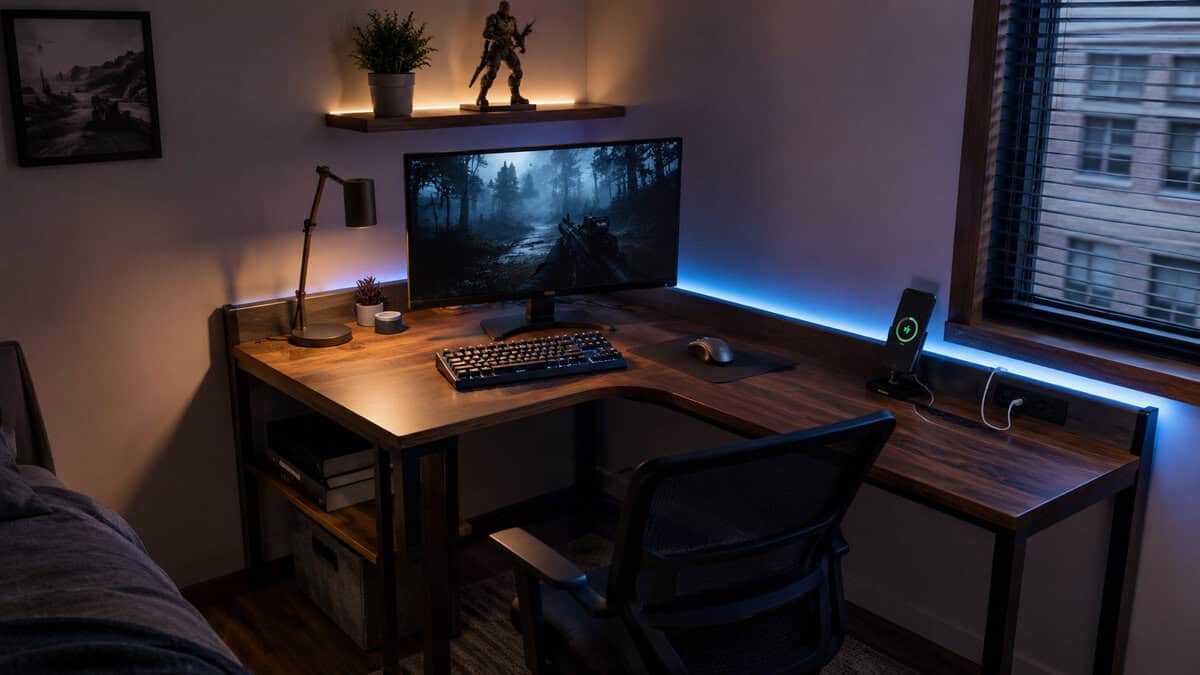
The bigger win is separation. One run holds your gaming setup: monitor, keyboard, mouse, headset. The other run becomes whatever your life needs it to be. A laptop station for work. A console dock with a second controller. A stream deck and mic arm that stay out of your mouse hand’s way.
You swivel between them instead of shoving gear aside. That one habit change is the real reason corner setups feel bigger than their measurements suggest.
An L-shaped desk does not give you more desk. It gives you two desks that share a chair.
There are honest downsides. Corner desks are harder to rearrange, worse in the middle of a room, and slower to assemble. If any of those matter more to you than the space math, the straight-desk section near the end of this guide points you to better options.
The Size Ladder: Three Corner Desks That Fit
The budget corner-desk market sorts cleanly into three rungs: compact, mid-size, and large. Each pick below owns its rung outright. Match the rung to your wall measurements and the decision mostly makes itself.
What an L-Shaped Gaming Desk Needs Beyond the Shape
Four things separate a good L-shaped gaming desk from a wobbly regret. First, reversibility: the return should mount on either side, because your corner picks the orientation, not the manufacturer. All three picks here flip.
Second, built-in power. A corner desk hides its own outlets behind two runs of furniture, so desks with integrated outlets and USB ports save you from fishing behind panels every time a controller dies.
Third, vertical storage. Shelves, hutches, and monitor stands matter more on an L than a rectangle because the joint creates deep space your arms cannot comfortably reach. Good corner desks turn that dead zone into display and storage instead of pretending it is workspace.
Fourth, a metal frame under the board. Budget desktops are particle board or MDF across the whole category, and that is fine when the legs and crossbars under them are steel. Frame first, surface second.
Bestier 42-Inch: The Small Corner King
The Bestier 42-Inch L-Shaped Desk is the pick for apartments, dorms, and shared rooms. At 42 inches on the long run it fits corners that most gaming desks ignore entirely, and it spends its small footprint wisely.
The headline feature is the built-in power strip: two AC outlets plus USB-A and USB-C ports mounted right on the desk. Your phone, headset, and controller charge on the desktop while the wall outlet below stays free for the PC. An LED strip under the upper shelf adds ambience without another plug.
The Bestier 42 is what a small corner setup looks like when nothing is wasted.
The upper stand converts between a monitor riser and a display shelf, and the side shelves rebuild for either corner orientation. The tradeoffs are exactly what the size implies. A single 27-inch monitor and speakers fit comfortably; a triple-screen rig does not. And like every desk in this class, the particle board top will show wear unless you give your mouse zone a mat.
If your corner walls give you less than four feet each, stop reading here. This is your desk.
AODK 53-Inch: The Mid-Size Sweet Spot
The AODK 53-Inch L-Shaped Gaming Desk is where most readers should land. Fifty-three inches on the main run is enough for a dual-monitor setup with room left for a mic arm, and the return still tucks into an average bedroom corner.
AODK wins the power war outright: three AC outlets and two USB ports built into the desk. That is a PC, a monitor, and a lamp plugged in at desk level with charging ports to spare. The LED strip runs ten static colors and ten dynamic modes with a memory function, so it comes back on the way you left it.
Storage is the quiet strength. You get two shelves, a CPU stand that keeps your tower off the carpet, a headphone hook, and a fabric storage bag hanging off the return. Every edge of the desk does a job.
The cons are livable. Assembly runs long for one person, the LED remote is flimsier than the desk deserves, and the height is fixed. If you want to stand while you work, this is not the desk that gets you there.
ODK 66-Inch with Hutch: The Corner Command Center
The ODK 66-Inch L-Shaped Desk with Hutch is the large pick, and it takes a different philosophy than the other two. No LED strip. No built-in outlets. ODK spent the budget on surface and storage instead, and for a big corner that is the right call.
Sixty-six inches across the long run swallows a triple-monitor rig or a dual-PC streaming layout. The 2-tier hutch assembles two ways: mounted on the desktop as a proper hutch, or freestanding beside the desk as a bookshelf. A CPU stand and headphone hook round out the storage, and the metal frame under the waterproof MDF top keeps the whole span steady.
The honest cons: you supply your own lighting and surge protection, the footprint demands a genuinely large corner, and the box count makes this the longest assembly of the three. Buyers rate it the best-reviewed desk in its family regardless, and the reason is simple. Everything it does have is structural, and structure is what a desk this size lives or dies on.
One more name worth knowing: the GTPLAYER 43-Inch L-Shaped Desk mirrors the Bestier formula closely, but it is a newer listing with a thin track record, so it stays off the podium until buyers have had time to live with it.
Three Corner Desks Side by Side
Here is the ladder in one view. Match your shorter wall to the footprint column and the rest of the row tells you what you get.
| Desk | Footprint | Power and Charging | Lighting | Storage |
|---|---|---|---|---|
| Bestier 42-Inch | 42″ compact L | 2 outlets + USB-A + USB-C | LED strip | Reversible shelves + 2-in-1 monitor stand |
| AODK 53-Inch | 53″ x 18.9″ mid-size L | 3 outlets + 2 USB ports | LED strip with 10 colors and modes | Shelves + CPU stand + hook + storage bag |
| ODK 66-Inch with Hutch | 66″ large L | None built in | None built in | 2-tier hutch + CPU stand + hook |
The pattern is easy to read. The smaller the desk, the more convenience features it packs in; the bigger the desk, the more the budget goes to structure and storage. Neither approach is wrong. They are answers to different corners.
Setting Up the Corner
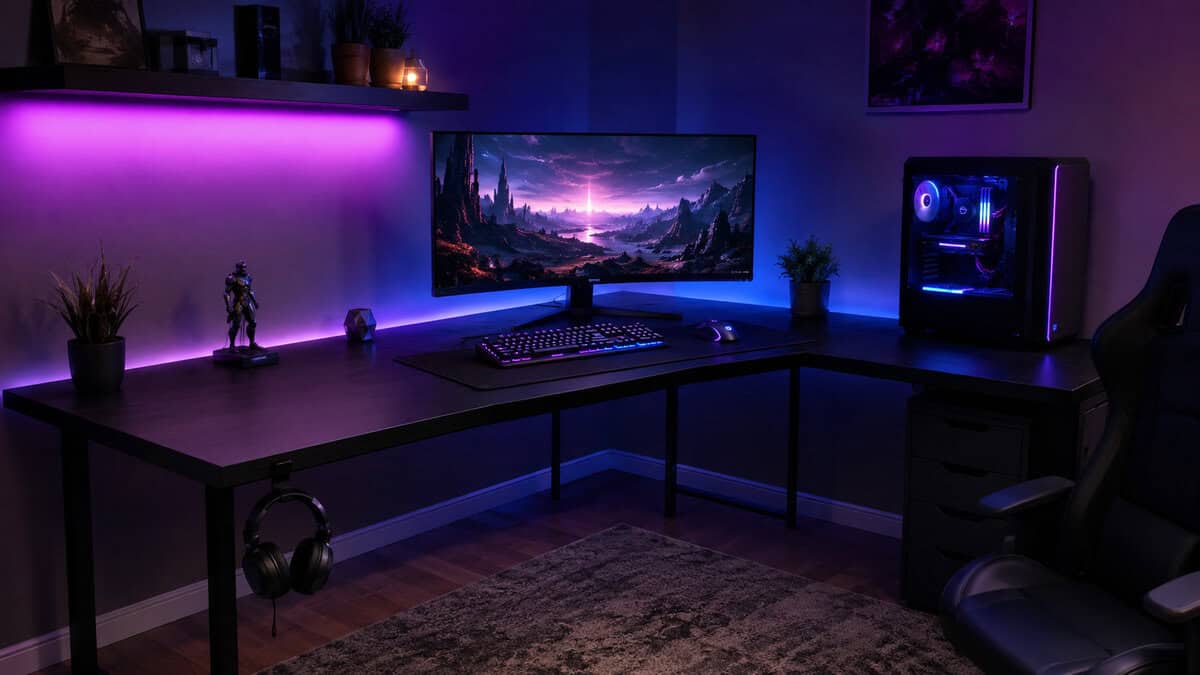
The joint of the L is the natural home for your main monitor. Facing the corner puts the screen slightly deeper than a straight desk allows, which suits larger displays, and it leaves both runs as symmetric wing space for your hands and gear.
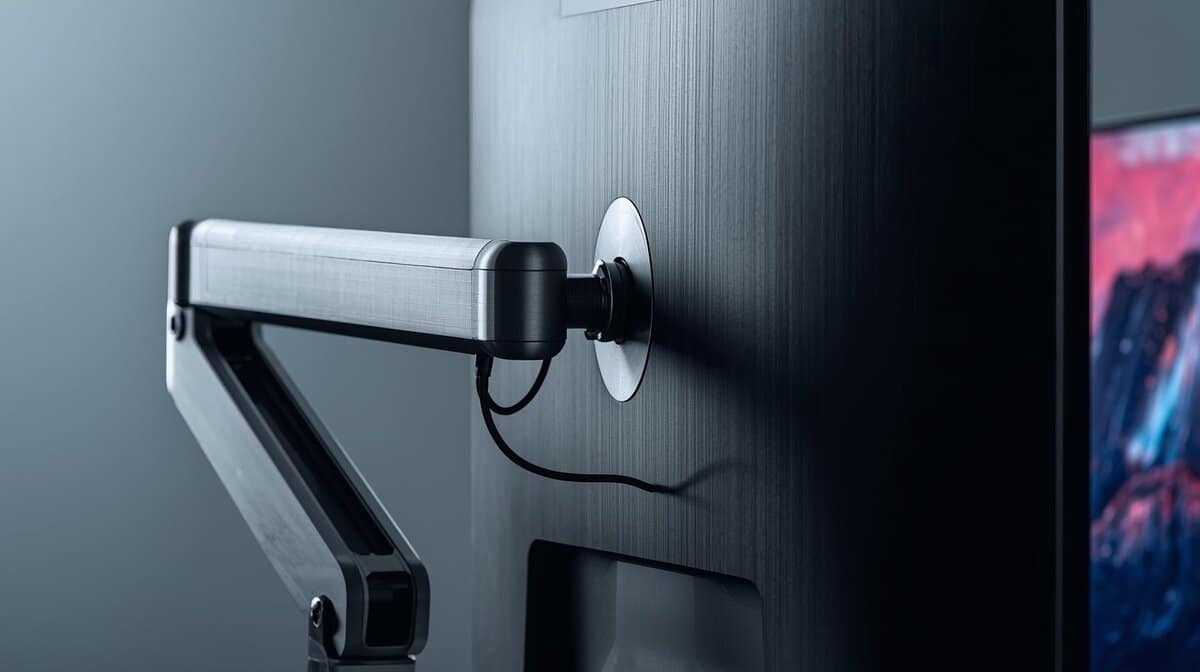
Height matters more than angle. OSHA’s computer workstation guidance puts the top of the monitor at or just below eye level, with elbows close to the body and supported. On a fixed-height desk that usually means a riser or a monitor arm rather than a stack of books. A clamp-on arm frees the joint entirely, and our budget monitor arm guide covers the ones worth trusting with a screen.
Treat the two runs like two rooms: game on one, live on the other.
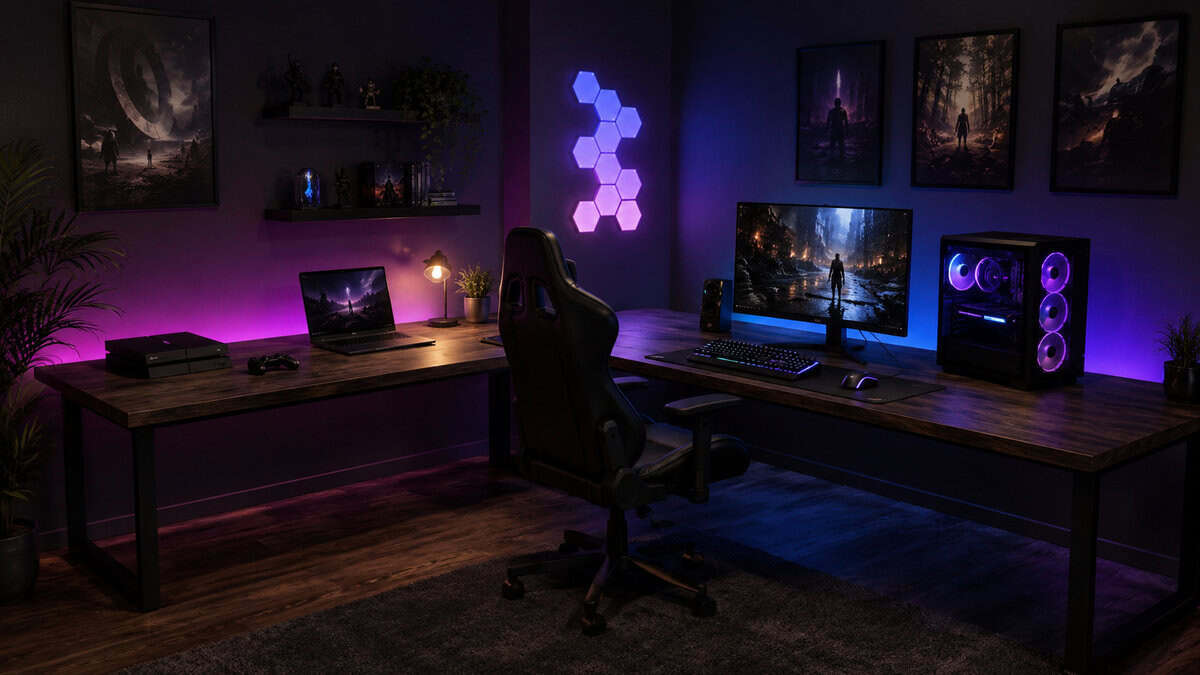
Give each run a role and cable it separately. The gaming run gets the PC, monitor, and peripherals on one power path. The second run gets the laptop, console, or stream gear on its own path. Route each bundle along its own leg of the L with adhesive clips or a cable raceway, and the corner stays clean even with two setups living on it. Our desk accessories guide covers the cheap cable gear that does the job.
If you want full layout inspiration beyond the corner itself, our gaming desk setup ideas article walks five complete budget builds you can copy wholesale.
The Assembly Reality
Every desk in this class arrives flat-packed, and an L-shape means more panels, more cam locks, and more time than the straight desk you may have built before. Plan a full afternoon. Clear the corner first and build in place, because a finished L is awkward to walk through a doorway.
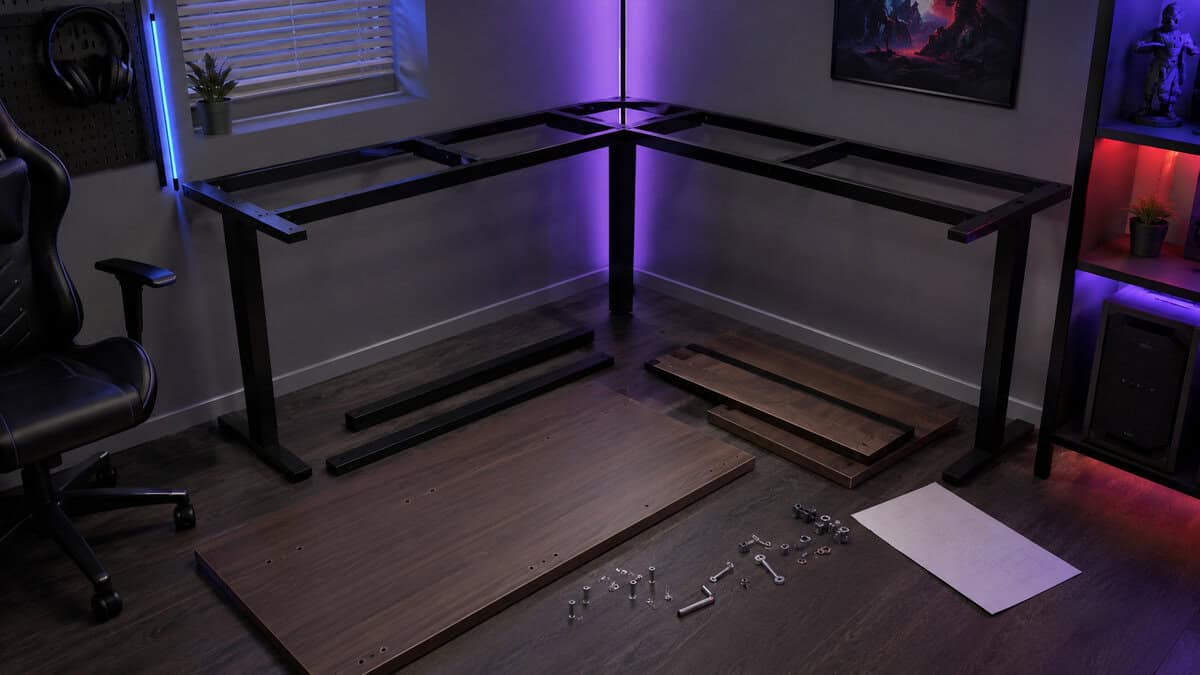
All three picks ship with labeled parts and included tools, which keeps the process tedious rather than difficult. The hutch on the ODK is the one genuine two-person moment; lifting an assembled upper tier onto the desktop alone risks both the hutch and your back.
Two habits prevent nearly all wobble complaints. Leave every fastener a quarter turn loose until the frame is square, then tighten in passes. And come back a week after your first build to re-tighten everything once the joints have settled under load.
Worth knowing for context: commercial office desks are tested against BIFMA durability and stability standards, and budget flat-pack desks generally are not certified to them. That gap is why frame material and buyer track record carry so much weight in this guide. You are trusting the review base to do what a certification lab would.
When a Straight Desk Wins
An L-shape is the wrong answer for some rooms, and pretending otherwise would make this a worse guide.
If you rearrange your room often, rent somewhere you will leave within a year, or need the desk to float in the middle of the space, buy a rectangle. Corner desks commit to their corner. Our budget gaming desk guide covers the straight-desk field from compact to full-size.
If sitting all day is the problem you are actually solving, no fixed corner desk fixes it. A height-adjustable frame does, and our standing desk guide covers the budget end of that market. Standing L-shaped frames exist, but at prices that leave the budget conversation entirely.
Buy the desk for the room you have, not the setup you saw in a photo.
And if your corner holds a window or a radiator, think twice before covering either. Glare behind a monitor is a daily tax, and blocked heat is a seasonal one. A straight desk on the opposite wall often beats a compromised corner.
Frequently Asked Questions
Quick answers to the questions corner-desk shoppers actually ask.
Is an L-shaped gaming desk better than a straight desk?
It is better when your setup lives in a corner. An L-shape turns dead corner space into usable surface and splits your gear into two runs, so you get more working room from the same floor space. A straight desk wins for center-of-room layouts, frequent rearrangers, and anyone who wants a height-adjustable frame on a budget.
How much space do you need for an L-shaped gaming desk?
Measure both walls from the corner and the clear zone in front of them. A compact 42-inch model needs roughly a four foot stretch on each wall, while a 66-inch desk wants a corner with at least five and a half feet on the long side. Add about three feet of chair rollback room behind the joint and keep door swings clear.
Which corner of the room should the desk go in?
Pick the corner with a power outlet, no door swing, and no radiator or vent behind the panels. Sit side-on to windows rather than facing away from them, because a bright window behind your monitor creates daily glare. If the only free corner fails two of those tests, a straight desk on another wall is usually the better buy.
Are budget L-shaped desks stable enough for dual monitors?
Yes, when the desk has a metal frame and you tighten the fasteners in passes after squaring the frame. Keep heavy loads near the legs and the joint, where the structure is strongest. If you clamp on a monitor arm, attach it at a reinforced edge near a leg rather than mid-span on the return.
How hard is it to assemble an L-shaped desk?
Expect a full afternoon and more steps than a straight desk, since the L adds panels and cam locks. All three picks in this guide ship with labeled parts and included tools, which keeps it tedious rather than difficult. Hutch models are a two-person job for the final lift, and a re-tighten one week in prevents most wobble.
Corner sorted? The rest of the battlestation is waiting. Browse every budget-tested pick at Budget Loadout and finish the build without breaking the bank.
Related Articles