Your mid-tower takes up a third of the desk, and the inside is mostly empty air around one graphics card and a motherboard that never used its bottom slots. A micro-ATX case trims that dead space while keeping the parts most gaming builds actually use: a full-size graphics card, a standard power supply and a proper tower cooler. The catch is that every small case gives something up, and no two give up the same thing.
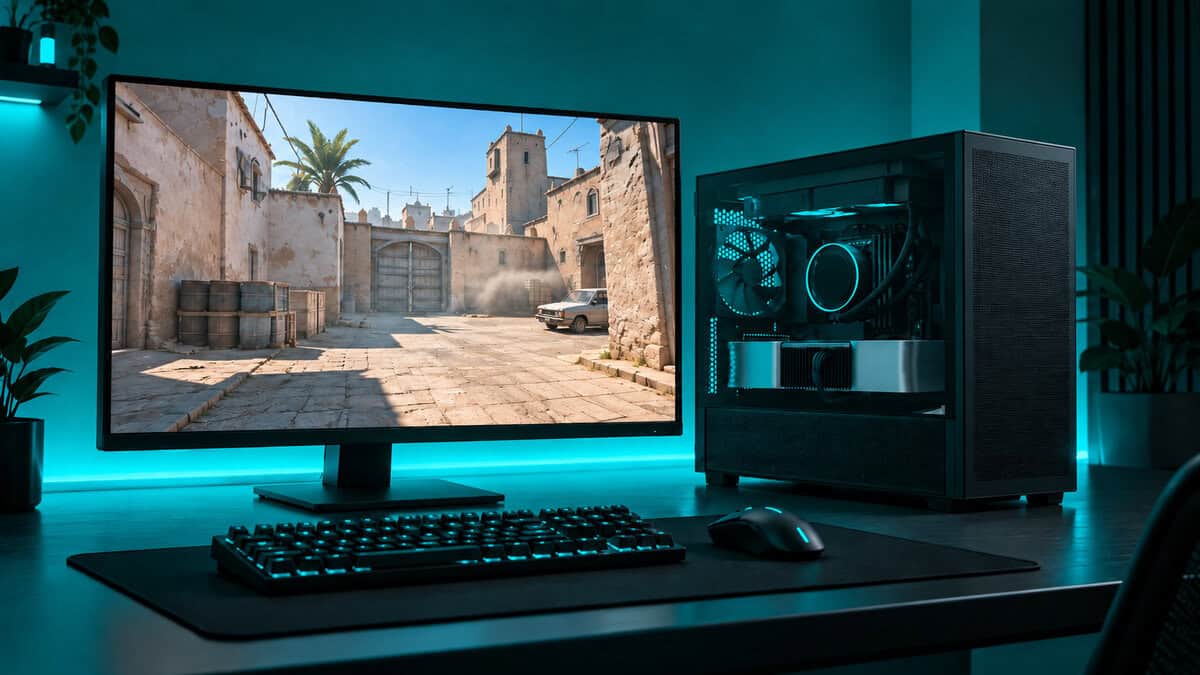
The four picks below split by the job they do best: a balanced all-rounder, a case that arrives with every fan it needs, a tiny box built around the longest graphics cards, and a cheap, proven shell for a first build.
The most balanced small case here. Its mesh front, full-length graphics card room and standard ATX power supply support cover a typical 1440p build without forcing an odd part.
- Mesh front feeds the graphics card
- Fits graphics cards up to 377 mm
- Supports back-connect micro-ATX boards
- Ships with only one fan
- No vertical GPU mount
- Front radiator trims GPU length
The only pick that needs no fan budget. Six fans come installed, including three bottom intakes that push fresh air straight up into the graphics card.
- Six fans installed from the factory
- Bottom intakes feed the GPU directly
- Five expansion slots for thick cards
- Largest footprint of the four
- Newer case with fewer reviews
- ARGB fans add cables to route
The smallest case here holds the longest graphics card. It takes a 360 mm radiator on top or on the side, as long as you budget for every fan yourself.
- Fits graphics cards up to 415 mm
- Takes a 360 mm radiator
- Steel mesh side and top panels
- Ships without any fans
- Wood front will not suit every desk
- Tighter routing around the power supply
The proven cheap box for a first build. It fits a mid-size graphics card, a standard ATX power supply and a 240 mm radiator, with dust filters held on by magnets.
- Magnetic filters lift off for cleaning
- Movable I/O panel suits either desk side
- Fits a standard ATX power supply
- Acrylic side panel rather than glass
- No USB-C on the front
- Only one fan in the box
- A micro-ATX case saves space mostly by dropping the bottom expansion slots that single-GPU builds rarely use.
- Check graphics card length with the front fans or radiator fitted, not just the headline maximum.
- Count the fans in the box: the Antec Flux M ships with six, two picks ship with one and the Lian Li A3 ships with none.
- If you need more than four slots or a full ATX board, a compact ATX tower is the smarter buy.
- Set up intake and exhaust so fresh air reaches the graphics card before it reaches anything else.
Table of Contents
The Micro-ATX Case Picks in Order
All four take a micro-ATX or smaller board, so the real differences are in clearance, cooling and how many fans arrive in the box. Start with the GPU length and fans columns, then read the section for the case that matches your parts.
| Case | Dimensions (mm) | Max GPU Length | Max CPU Cooler | PSU Support | Max Radiator | Fans Included | Expansion Slots | Front USB-C |
|---|---|---|---|---|---|---|---|---|
| NZXT H3 Flow | 400 x 225 x 389 | 377 mm (352 mm with front fans or radiator) | 170 mm | ATX up to 185 mm | 280 mm front, 240 mm top | 1 | 4 | Yes |
| Antec Flux M | 459 x 247 x 365 | 405 mm | 175 mm | ATX up to 160 mm | 360 mm top | 6 | 5 | Yes (10 Gbps) |
| Lian Li A3-mATX | 443 x 194 x 321.5 | 415 mm | 165 mm | ATX, SFX, SFX-L | 360 mm top or side | None | 4 | Yes |
| Cooler Master Q300L | 387 x 230 x 381 | 360 mm | 159 mm | ATX up to 160 mm | 240 mm front | 1 | 4 | No |
NZXT H3 Flow: The Best Micro-ATX Case for Most Builds
The NZXT H3 Flow wins because it asks you to compromise on almost nothing a normal gaming build needs. It measures 400 x 225 x 389 mm, about 35 liters, yet it takes a graphics card up to 377 mm long, a tower cooler up to 170 mm tall and a standard ATX power supply up to 185 mm.
The front is a full mesh panel, so the graphics card breathes even before you add fans. It holds a 280 mm radiator in front or a 240 mm one on top, and the front I/O includes a USB-C port. NZXT also lists support for back-connect micro-ATX boards, which hide the power and fan headers behind the tray for a cleaner window view.
The best small case is the one that makes you change nothing else about the build.
Two limits are worth knowing. It ships with one fan, so plan on adding front intakes on day one. It also has only four slot brackets, and NZXT says vertical GPU mounting is not supported. Fit a front radiator or front fans and the graphics card limit drops to 352 mm, which still clears most dual-fan and many triple-fan cards.
Antec Flux M Arrives Ready to Breathe
The Antec Flux M solves the problem most small cases hand you: an empty fan budget. It ships with six 120 mm fans already installed, two ARGB intakes in front, three reverse-blade fans in the floor and one ARGB exhaust at the rear.
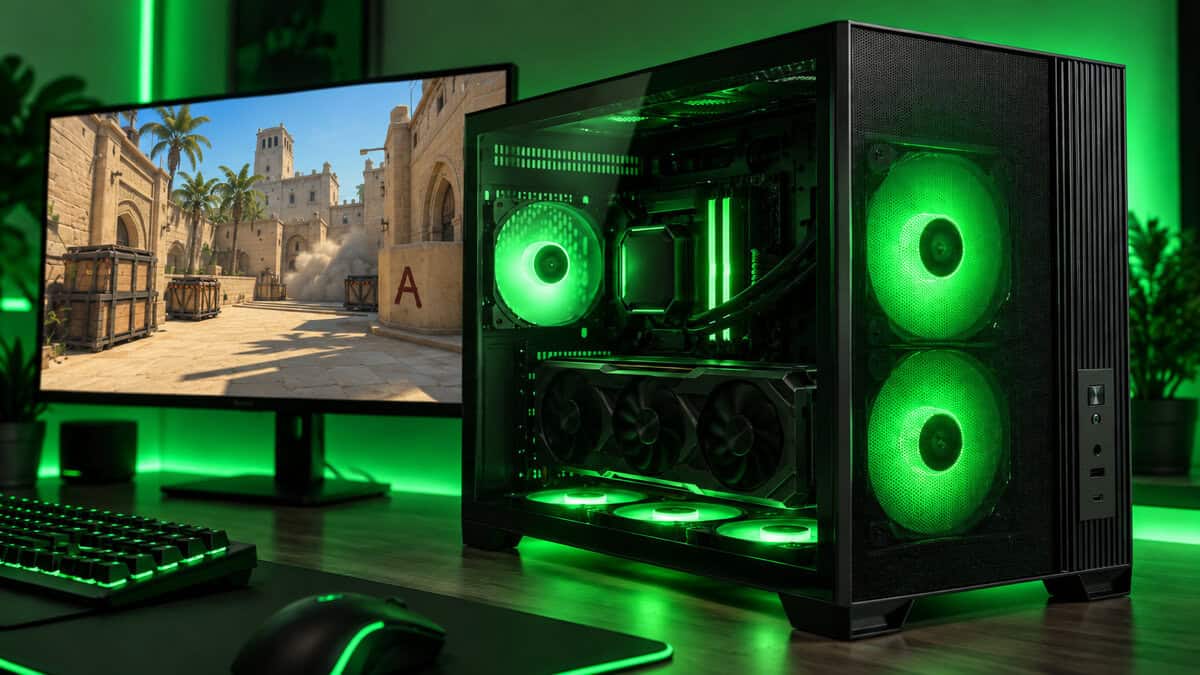
Those bottom fans are the clever part. They push fresh air straight up into the graphics card, which is the hottest part in most gaming builds, and the warm air leaves through the top and rear. Antec calls this vertical layout its F-LUX platform, and it means a hot card gets cool air before anything else does.
It is also the roomiest pick here, with space for a 405 mm graphics card, a 175 mm cooler, a 360 mm radiator on top and five expansion slots, one more than the others. That extra slot helps when a thick card covers the one below it.
The tradeoffs are size and history. At 459 x 247 x 365 mm it has the biggest footprint of the four, and as a newer case it has a much smaller review base than the H3 Flow or the Q300L. ATX power supplies top out at 160 mm, so skip the longest high-wattage units.
Lian Li A3-mATX Fits the Biggest Cards in the Smallest Box
The Lian Li A3-mATX is the oddity of the group: the smallest case here at 26.3 liters, yet the one with the longest graphics card clearance at 415 mm. It pulls that off by moving the power supply to the front or side and giving the full length of the case to the card.
Cooling support is just as generous. It takes a 360 mm radiator on top or on the side and up to ten 120 mm fans, behind steel mesh side and top panels. If you are pairing it with a liquid cooler, our best AIO cooler guide covers 240 mm and 360 mm units that suit a case this size.
Small outside and roomy inside only works if you plan every part before you order.
The catch is that it ships with no fans at all, so the box price is only the start. The edition we picked has a walnut wood front, which will not suit every desk. Routing cables around a front-mounted power supply also takes more patience than in a traditional layout. It accepts ATX, SFX and SFX-L units, and a smaller SFX unit makes that job easier.
Cooler Master Q300L Keeps a First Build Cheap
The Cooler Master Q300L has been the default budget micro-ATX box for years, and its review count shows how many first builds it has carried. It measures 387 x 230 x 381 mm and fits a 360 mm graphics card, a 159 mm cooler and an ATX power supply up to 160 mm.
Two small touches make it easy to live with. The perforated panels use magnetic dust filters that lift off for a rinse, and the modular I/O panel moves to one of several spots, so the ports can face you whichever side of the desk the case sits on.
Know what the low price leaves out. The side panel is acrylic rather than tempered glass, the front has two USB 3.0 ports and no USB-C, and there is only one fan inside. Radiator support stops at 240 mm in front. For a 1080p build with a mid-size card, none of that matters much. Cooler Master also sells a newer glass-panel Q300L V3, but it has very few reviews so far, so the original stays the pick.
Where the Case Will Sit Changes the Pick
Most case guides compare the boxes in a vacuum. In practice, the spot where the case lives decides which compromises matter, because a small case on a desk is looked at and listened to in a way a floor tower never is.
On the Desk Beside Your Monitor
A case on the desk is part of the view, so footprint and finish matter as much as airflow. The H3 Flow is the easiest fit here: it is shallower and narrower than the Flux M, and its plain black mesh sits quietly next to a monitor. The A3 is smaller still, and its wood front reads more like furniture than hardware, which some desks welcome and others do not.
Desk placement also puts the side panel at eye level. If you plan to show off the build, a glass window and tidy cables matter more than they would under the desk.
On the Floor Under the Desk
The floor is where dust lives, and a small case pulls a lot of air through a small area. Filters you can actually clean matter here, which is where the Q300L’s magnetic panels earn their keep. Keep any case with bottom intakes, like the Flux M, off thick carpet so its floor fans have room to breathe.
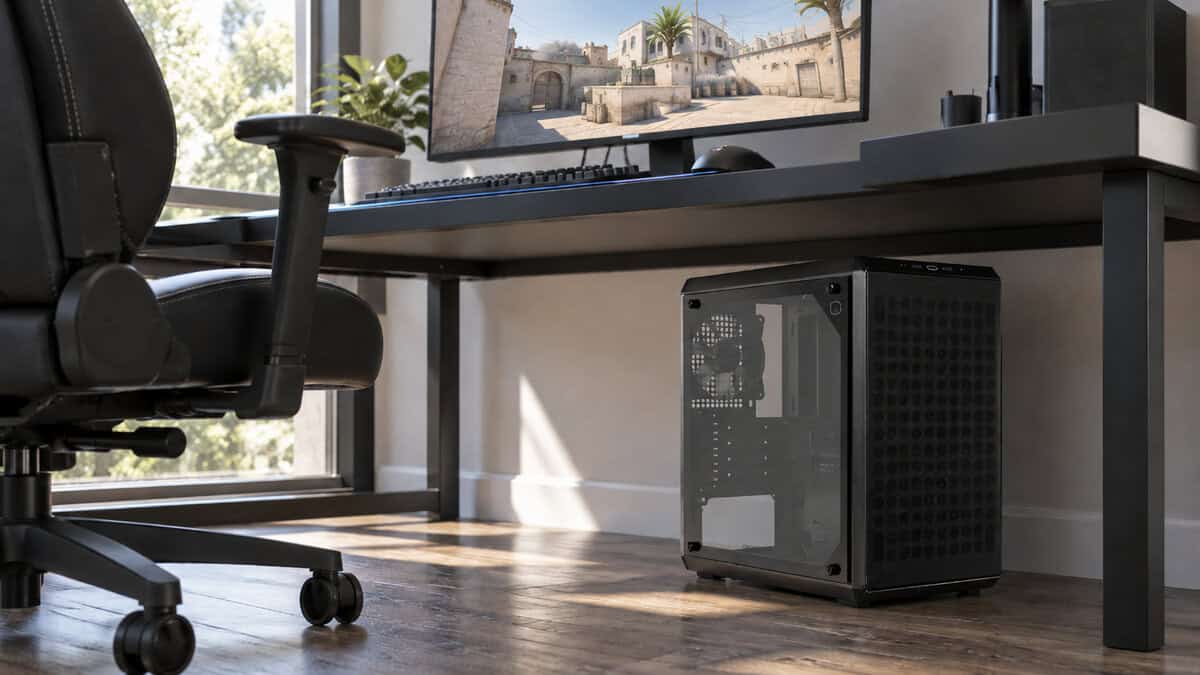
Under the desk, the front I/O also matters more. Ports on top are easier to reach than ports low on the front, and the Q300L’s movable panel lets you put them where your hand naturally goes.
In a Shared Room Where Noise and Dust Matter
In a bedroom or a shared space, steady fan noise bothers people more than the occasional spike. More fans spinning slower usually sound calmer than one fan working hard, which favors the Flux M out of the box, or any of the others once you add intakes. A mesh front lets those fans move air at lower speeds than a closed panel would.
Four Clearance Numbers to Check Before You Order
A micro-ATX board is a square about 244 mm on each side, shorter than a full ATX board, and Professor Messer’s guide to motherboard form factors explains how it relates to ATX and Mini-ITX. If you would rather go one size smaller, our mini-ITX case guide covers that board size. The board sets the case family, but four other numbers decide whether your parts actually fit.
Graphics Card Length With Fans Fitted
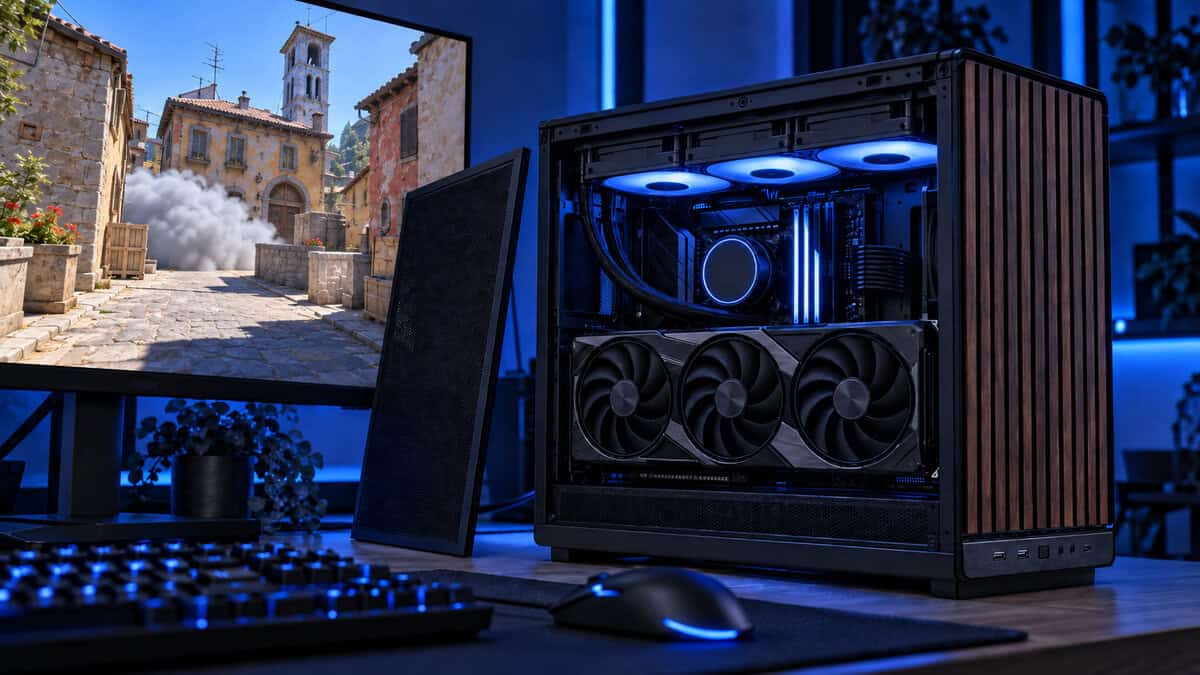
The headline GPU number assumes an empty front. Add front fans or a radiator and the space shrinks, as it does on the H3 Flow, where 377 mm becomes 352 mm. Measure your card, then compare it with the smaller of the two figures if you plan to fill the front.
CPU Cooler Height
Tower coolers vary more than people expect. The four picks here range from 159 mm on the Q300L to 175 mm on the Flux M. Check your cooler’s height, including the fan, before you assume it fits a narrow case.
Power Supply Length and Size
Most small cases take a standard ATX unit, but length still matters, because a long power supply crowds the cables underneath it. The Flux M and Q300L stop at 160 mm. The A3 accepts SFX and SFX-L units too, and our SFX PSU picks cover the small units that make tight builds far easier to wire.
Slot Count and Card Thickness
Four expansion slots sound like plenty until a three-slot graphics card covers most of them. The Flux M’s fifth slot gives a thick card some breathing room underneath. Cases with only four slot brackets, like the H3 Flow, also rule out a vertical GPU mount.
Measure the card, the cooler and the power supply, then buy the case.
What a Smaller Case Costs You
Shrinking a case is not free. The space you save comes out of expansion, cooling and how easily you can work inside it, and it helps to know exactly what you are trading.
Fewer Slots and Fewer Board Choices
Micro-ATX boards often carry fewer PCIe slots, fewer M.2 sockets and smaller power delivery than their ATX siblings. For a single graphics card and two drives, that rarely matters. If you are still choosing a board, our AM4 motherboard guide and AM5 motherboard picks both note which models come in micro-ATX.
A Thin Fan Budget in the Box
Three of these four cases ship with one fan or none, so the true cost includes the fans you add. Factor that in when comparing a cheap shell against one that arrives fully equipped.
Tighter Cable Routing
Less volume means less space behind the motherboard tray and fewer places to hide spare cables. A modular power supply helps a lot here, because cables you never plug in are cables you never have to hide.
When a Compact ATX Tower Is the Smarter Buy
Sometimes the better small case is not a micro-ATX case at all. The NZXT H5 Flow takes a full ATX board, yet NZXT lists it at 465 x 225 x 430 mm, against the H3 Flow’s 400 x 225 x 389 mm. That is the same width and only a few centimeters taller and deeper.
If you want an ATX board, extra drives or room to grow, that step up costs little desk space. Our best airflow PC case roundup covers the H5 Flow and other compact ATX towers in more depth. And if you like the look of a cube, the ASUS Prime AP201 is a 33-liter mesh-sided micro-ATX option that takes a 338 mm graphics card and a 360 mm radiator.
Fans to Add on Day One
Fans are the cheapest upgrade a small case can get, and in three of these four they are not optional. Here is what each pick needs before its first gaming session.
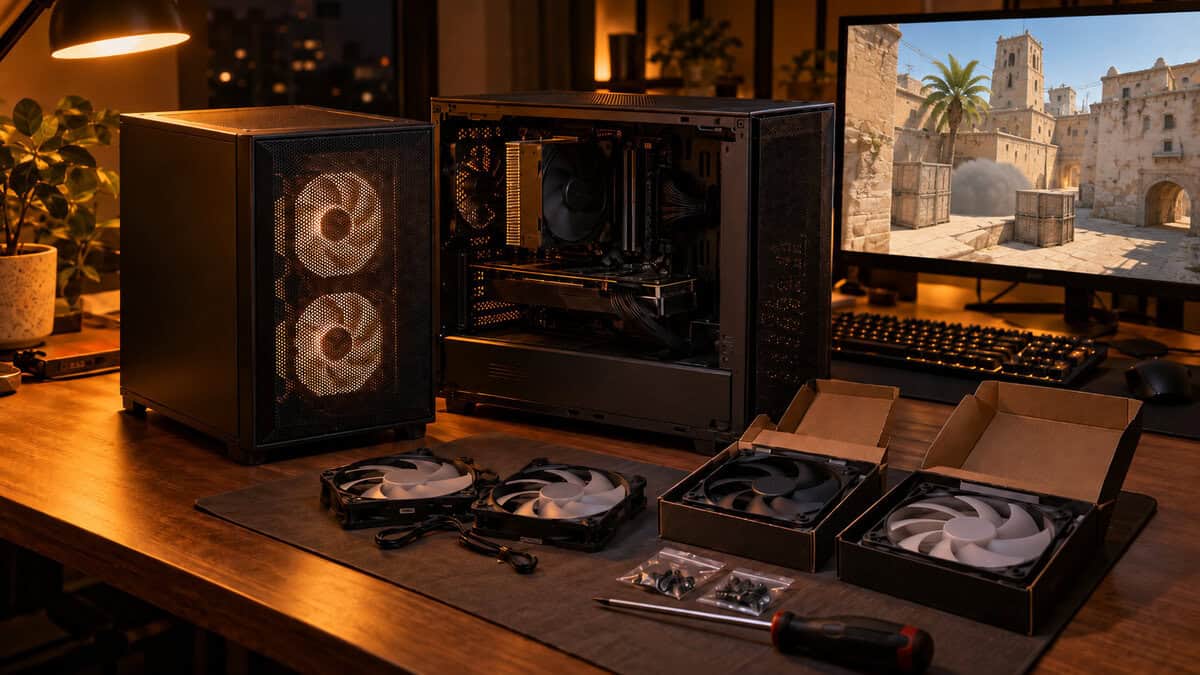
The H3 Flow and the Q300L each ship with a single fan, so add two front intakes. The A3 ships with none, so plan a full set: intakes on the side or bottom and exhaust at the top or rear. The Flux M needs nothing extra.
Aim for slightly more air coming in than going out. That is called positive pressure, and it means air enters through the filters rather than through every gap in the panels, which keeps dust down. Noctua’s airflow guide walks through intake, exhaust and pressure in plain terms.
If you want fans that also light up the build, our best RGB case fans guide covers 120 mm packs that suit all four cases. Match fan size to the mounts, and check whether your board has enough fan headers or whether you need a hub.
Match the Case to Your Build
Find the row that sounds most like your build.
| Your Build | The Case | Why |
|---|---|---|
| First budget build with a mid-size graphics card | Cooler Master Q300L | Proven, cheap and easy to keep clean with magnetic filters |
| Hot graphics card and no plan to buy fans | Antec Flux M | Six fans installed, with bottom intakes aimed at the GPU |
| Long triple-fan card or a 360 mm cooler in the smallest box | Lian Li A3-mATX | 415 mm GPU room and 360 mm radiator support in 26.3 liters |
| Balanced 1440p build with a clean desk look | NZXT H3 Flow | Mesh front, full-size parts support and a quiet black finish |
Whichever case you choose, buy it last. Pick the graphics card, cooler and power supply first, then pick the case whose numbers clear all three with room to spare.
Frequently Asked Questions
Quick answers about choosing and building in a micro-ATX case.
Will an ATX motherboard fit a micro-ATX case?
No. A full ATX board is taller than a micro-ATX board and will not line up with the mounting points. Micro-ATX cases take micro-ATX and usually Mini-ITX boards. If you already own an ATX board, a compact ATX tower like the NZXT H5 Flow is the better fit.
Can a micro-ATX case hold a full-size graphics card?
Yes, most can. Every pick in this guide lists room for a card longer than 350 mm, and the Lian Li A3-mATX takes cards up to 415 mm. Always check the clearance with fans or a radiator fitted, and check how many slots your card covers.
Micro-ATX vs Mini-ITX: which is the better small build?
Micro-ATX is easier for most people. The boards cost less, carry more slots and M.2 sockets, and the cases take standard ATX power supplies and tower coolers. Mini-ITX builds are smaller but usually need an SFX power supply and more careful planning.
Do I need an SFX power supply for an mATX case?
Usually not. All four cases here take a standard ATX power supply, though the maximum length varies by case. The Lian Li A3-mATX also accepts SFX and SFX-L units, which free up space and make cable routing easier.
Can a micro-ATX case run a 360mm AIO?
Some can. The Antec Flux M takes a 360 mm radiator on top, and the Lian Li A3-mATX takes one on top or on the side. The NZXT H3 Flow tops out at 280 mm in front, and the Cooler Master Q300L at 240 mm.
Looking for more budget gaming gear? Check out Budget Loadout for the latest reviews and recommendations.
Related Articles