Finding the best RGB case fans usually starts the same way. You open a few tabs, see ten models that all promise airflow, silence, and better lighting, then realize half the listings barely explain whether the lighting will even work with your motherboard.
That’s where most first builds go sideways. Not because the fan is bad, but because the connector is wrong, the software support is messy, or the RGB version sacrifices some cooling compared with the plain version. The best RGB case fans aren’t the flashiest or the cheapest. They’re the ones that cool well, look good, last, and don’t turn installation into a troubleshooting session.
- Strong airflow and pressure balance for the money
- PST daisy-chaining keeps wiring simple
- Semi-passive mode stops the fans at idle
- Lighting is simpler than premium rivals
- No included controller for non-ARGB boards
- Plain looks with lighting off
- Best-in-class lighting depth and customization
- Modular design nearly eliminates fan wiring
- Controller included in the 3-pack
- Premium price for a budget build
- Lighting is the point; airflow is good, not class-leading
- L-Connect software adds a learning curve
- Excellent low-speed airflow and acoustics
- Single-cable iCUE Link wiring with hub included
- Newer generation with strong reviews
- Locked into the iCUE Link ecosystem
- Needs Corsair software for full control
- Costs more than basic ARGB fans
- The Arctic P12 PWM PST A-RGB is the best overall value: balanced cooling, daisy-chain wiring, and honest build quality.
- Pick the Lian Li UNI Fan SL-Infinity 120 for showcase builds; its infinity-mirror lighting and modular wiring lead the premium tier.
- The Corsair iCUE Link RX120 RGB is the quiet choice, pairing magnetic dome bearings with strong low-speed performance.
- Check your motherboard header before buying: modern addressable fans need a 5V 3-pin ARGB header, not the older 12V 4-pin RGB type.
- Prioritize low-speed airflow and bearing quality over LED count; a fan you can run quietly matters more than a brighter rainbow.
Table of Contents
Choosing RGB Fans Without The Headache
You’re probably staring at a shortlist that mixes budget fan packs, premium single fans, and a few “best RGB” roundups that focus almost entirely on how the lights look in photos. That’s useful right up until you realize your motherboard doesn’t match the connector, your case already has a hub you don’t understand, or your GPU dumps enough heat into the case that pretty lighting alone won’t save temperatures.
A good first step is checking whether your case can support the setup you want. If you’re still picking parts, a practical gaming PC case guide helps because fan support, cable routing, and hub space matter more with RGB than people expect.
What budget actually means here
For RGB fans, “budget” shouldn’t mean buying the cheapest pack you can find. It means getting the best mix of cooling, lighting, build quality, and durability for the money you’re spending in this category.
That changes based on your use case:
- FPS gaming: prioritize airflow and fast response under load.
- MMO gaming and long sessions: prioritize stable cooling across several fans.
- Streaming: prioritize low noise at everyday speeds.
Practical rule: If a fan listing spends more time showing lighting modes than explaining connectors, bearings, and control options, treat it carefully.
What actually matters
Three things separate a smart buy from a frustrating one:
- Compatibility first: RGB and ARGB confusion causes more wasted money than weak lighting.
- Cooling second: some RGB fans look great but give up airflow under heavier load.
- Durability third: a fan you replace early wasn’t a value pick, even if it looked cheap up front.
That’s the filter I use. It cuts through the marketing fast and leaves a short list that makes sense for real builds.
What Specs Matter For RGB Case Fans
A lot of bad RGB fan buys start the same way. The lighting looks good in photos, the price seems fine, and only after the box shows up do you realize the connectors do not match your motherboard or controller. That mistake costs more time than the fan itself.
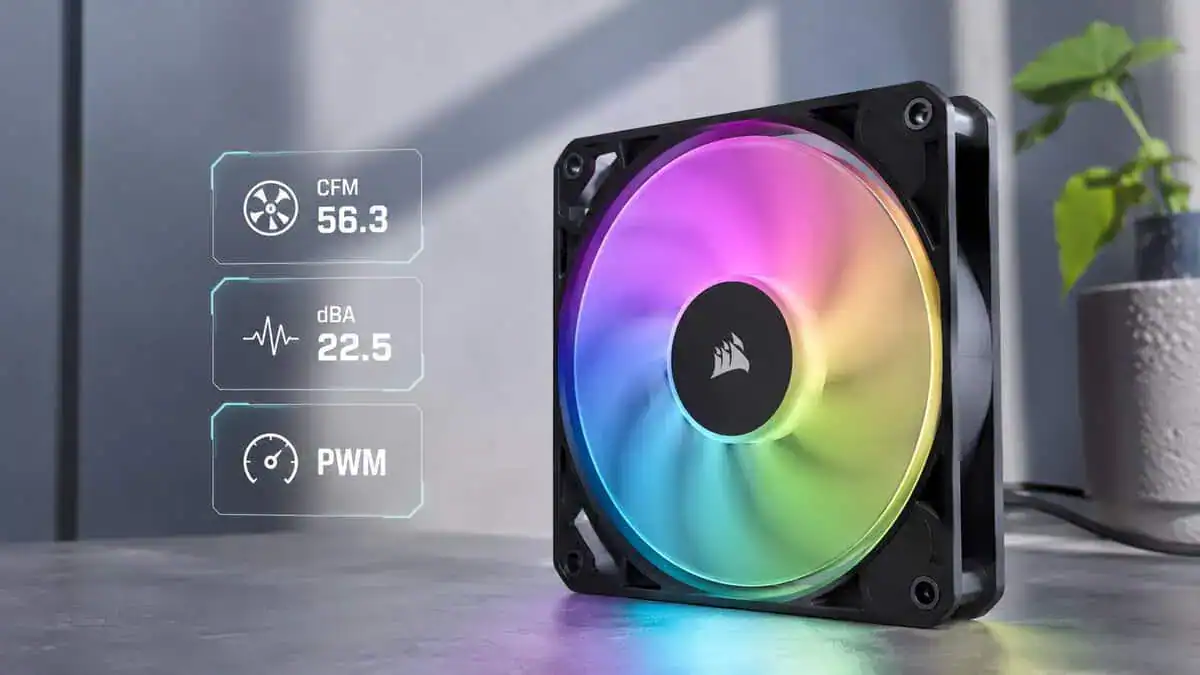
Airflow and static pressure
Start with the job the fan needs to do.
Airflow matters most for open intake and exhaust positions, especially behind a mesh front panel or at the rear of the case. In those spots, a fan that moves a lot of air at moderate RPM usually gives the best balance of cooling and noise.
Static pressure matters more when the fan faces resistance. That includes radiators, fine dust filters, solid front panels with narrow vents, and cramped intake paths. If your case is restrictive, a high-airflow spec alone does not tell you much.
Fan placement changes the answer. Front intake in a mesh case usually favors balanced or airflow-focused fans. Top-mounted radiator fans and filtered intakes benefit more from pressure-focused designs. If you are also choosing a cooler, a practical budget CPU cooler guide helps because case airflow and CPU cooler performance affect each other.
Bearings and build quality
The bearing type affects how a fan sounds after months of use, not just on day one.
- Sleeve bearings: cheaper, but usually the weakest long-term option, especially in warmer cases or horizontal mounting positions.
- Ball bearings: durable, though they can sound rougher at certain speeds.
- FDB or hydro-style bearings: usually the best middle ground for gaming PCs. They tend to last longer and sound smoother at normal fan speeds.
Check the frame too. A stiff frame, decent rubber pads, and clean cable sleeving often tell you more about quality than the lighting ring does. Cheap RGB fans sometimes save money here first, which is why they can develop motor noise or vibration long before the LEDs fail.
RGB vs ARGB compatibility
Connector type decides whether installation is easy or annoying.
A 4-pin 12V RGB fan uses one color signal for the whole fan. A 3-pin 5V ARGB fan allows per-LED effects and more flexible lighting. They are not interchangeable, and forcing the issue can damage the lighting hardware.
Community discussions frequently show builders asking if a fan will work with their board, and the answer is often “only with the right hub or controller.” That is the part many product pages gloss over. Some motherboards have the headers you need. Some do not. Some cases include a basic lighting hub, but only for one connector type.
Buy for the headers and controller support you actually have, not the lighting demo shown in the product photos.
Before you buy, verify three things: the fan connector type, the headers on your motherboard, and whether a controller is included. That quick check prevents the most common RGB compatibility headache.
RGB can affect noise and cooling
RGB is not free from a performance standpoint. The fan motor still does the cooling, and some RGB models give up blade design, frame strength, or acoustic tuning to make room for lighting effects and lower price targets.
The result is usually not catastrophic. In a mid-range gaming build, a decent RGB fan can still cool perfectly well. But when two fans cost about the same, the one with heavier lighting often loses a bit of airflow efficiency or needs higher RPM to match the cooling of a simpler fan. Higher RPM usually means more noise.
That trade-off matters more in quiet builds than in showpiece builds. If you want silent everyday use, pay close attention to low-speed noise, not just max airflow numbers. If you want the strongest cooling for hot hardware, be honest about whether full RGB is worth any loss in thermal headroom.
The Best RGB Case Fans At A Glance
Here’s the short version for most buyers. If you’re building your first system, this is the point where I’d match the fan to the kind of PC you’re putting together, not the one shown in staged photos.
A broader how to build a gaming PC walkthrough also helps if you’re still planning airflow, fan count, and motherboard connections at the same time.
| Product | Best For | Key Feature | Price Bracket |
|---|---|---|---|
| Arctic P12 PWM PST A-RGB | Overall value | Balanced cooling, practical daisy-chaining, sensible design | Budget to mid-range |
| Lian Li UNI Fan SL-Infinity 120 | Showcase RGB builds | Infinity-mirror lighting with daisy-chain wiring | Premium |
| Corsair iCUE Link RX120 RGB | Quiet gaming and streaming setups | Strong low-speed performance and refined acoustics | Premium |
Quick read on each pick
Arctic P12 PWM PST A-RGB is the one I’d point most budget-conscious gamers toward first. It’s the least flashy choice here, but that’s part of why it makes sense. It focuses on useful airflow, straightforward control, and good value.
Lian Li UNI Fan SL-Infinity 120 is for people building a showcase PC. If your case has a glass panel and the lighting is part of the point, its infinity-mirror effect and clean daisy-chain wiring are the premium pick.
Corsair iCUE Link RX120 RGB makes the most sense when fan noise matters as much as temperature. That’s common in bedroom PCs, streaming setups, and systems that stay on for long sessions.
No fan is best at everything. The right choice depends on whether your build needs value, airflow, or low-noise behavior most.
Best Overall Value Arctic P12 PWM PST A-RGB
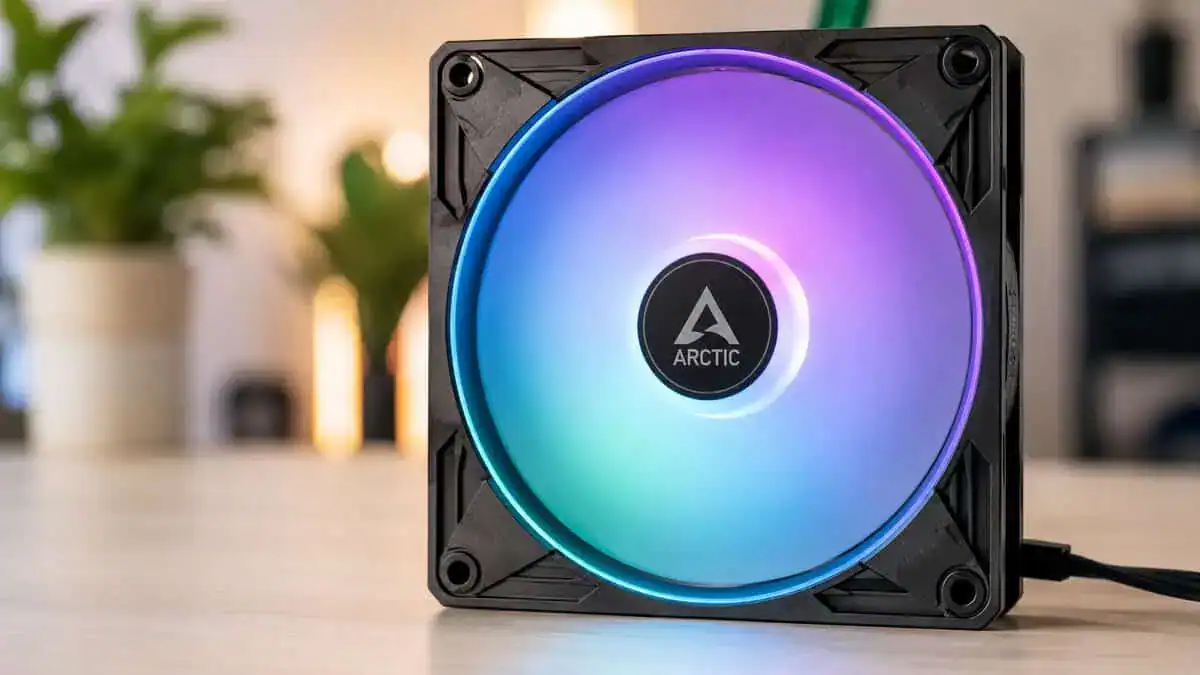
You feel this choice most when you install three or four fans at once. Cheap RGB fans often look fine in product photos, then turn into a wiring mess, a header mismatch, or a noise problem once the system is running. The Arctic P12 PWM PST A-RGB avoids a lot of that pain while still keeping the price reasonable.
Why it’s the smart default
The P12 PWM PST A-RGB gets the basics right. Airflow is good enough for mainstream gaming PCs, PWM control gives you proper fan curve tuning, and the PST sharing feature makes multi-fan installs much cleaner than separate splitter-heavy setups.
That last part matters more than many first-time builders expect.
If your motherboard has limited fan headers or only one usable 5V ARGB header, a fan that is easy to chain saves time, reduces cable clutter, and lowers the odds of buying extra hubs you did not plan for. That is a big part of the value here. You are not just paying for fan blades and LEDs. You are paying to avoid setup mistakes.
Where it fits best
This fan works well in a standard mid-tower that needs balanced intake and exhaust without turning the whole build into a premium lighting project.
It makes the most sense for:
- Mainstream gaming builds with a mid-range CPU and GPU
- First builds where simpler cable management matters
- Multi-fan setups where motherboard header compatibility can get messy fast
- Budget-conscious systems that still need decent acoustics under load
The RGB lighting looks clean, but it is not the main reason to buy this fan. That is a positive. A lot of RGB fans spend too much of the budget on diffusers and light effects, then give up pressure, acoustics, or both.
Good value RGB fans should lower frustration during the build, not add another controller, another adapter, and another point of failure.
The trade-offs
This is still a budget-to-mid-range pick, so there are compromises. The lighting is less dramatic than premium options, and the frame design is plainly functional. If your goal is a showpiece build with the richest glow possible, this is not the flashy choice.
Cheaper fan packs can be tempting, especially when you need to fill every mount in a larger case, but that lower per-fan price usually comes with weaker airflow, rougher acoustics, or worse cabling. I would rather buy the better-balanced fan set unless the budget is tight enough that fan count matters more than fan quality.
One more practical note. Check your motherboard before you buy. These fans make more sense if your board supports the right RGB standard and you want motherboard-based control instead of a locked-in proprietary ecosystem. That compatibility side is easy to ignore until the parts are on your desk.
Best Premium RGB: Lian Li UNI Fan SL-Infinity 120
If the lighting is half the reason you are buying new fans, this is the pick that actually delivers on it. The Lian Li UNI Fan SL-Infinity 120 pairs an infinity-mirror hub with strong everyday cooling, and the triple pack includes the controller you need to run it.
The SL-Infinity earns its spot with design, not gimmicks. It is the fan people picture when they imagine a clean showcase build.
Who should actually buy it
Most budget builds do not need this fan. That is the honest answer.
You buy the SL-Infinity if one of these sounds familiar: you are building around a glass side panel and want the lighting to look finished, you hate cable clutter and want fans that click together and daisy-chain through one connection, or you want lighting effects you can actually customize per fan instead of a single basic rainbow cycle.
The fan is overkill for a closed case or a build where the side panel faces a wall.
What it does better
The infinity-mirror frame gives the SL-Infinity a depth effect standard RGB rings cannot match, with 40 addressable LEDs per fan spread across the center and both frame edges. Independent fan testing (see this benchmark summary) consistently shows that well-built premium fans separate themselves at mid-to-low speeds, and the SL-Infinity holds respectable airflow in that usable range while staying composed acoustically.
The bigger practical win is the modular design. Fans snap together and share one cable run to the controller, which means a three-fan front intake needs one connection instead of six. For a first showcase build, that removes most of the wiring headache.
The trade-offs that matter
You pay more for this level of polish. You also need to be honest about whether your build shows it off.
This is not the fan for someone who just wants a little glow in a mainstream gaming PC behind a mesh panel. It is the fan for a deliberate showcase build. If that is not you, the Arctic pick above covers the practical side for far less.
Quietest RGB Fan: Corsair iCUE Link RX120 RGB
Some builds need fan performance without the fan noise. That is where the Corsair iCUE Link RX120 RGB makes sense.
If you stream, keep the PC on your desk near your microphone, or game in a bedroom where idle and low-load noise gets annoying fast, this style of fan matters more than raw peak airflow. A quiet fan is not just about comfort. It also makes your whole setup feel better built.
Where it wins
Corsair’s iCUE Link fans have led independent low-speed testing, with the pricier QX120 in that family outperforming other tested RGB fans at 1,200, 800, and 450 RPM (low-speed performance reference). The RX120 RGB brings the same magnetic dome bearing and iCUE Link ecosystem in a newer, more affordable package tuned for low noise, which is why it is the quiet pick here.
That result tells you something important. Low-speed performance is not a throwaway metric. It is the difference between a fan that stays useful during everyday gaming and one that only becomes effective once it gets noisy.
Best use cases
The RX120 RGB fits desk-side towers, streaming rigs where the microphone sits close to the case, and overnight machines that stay on for downloads or long sessions. If you are still deciding between radiator cooling and a big heatsink, our AIO vs air cooler comparison walks through which setup these fans complement best.
The triple pack also includes the iCUE Link System Hub, so you are not buying the controller separately to get started.
The part that limits it
The iCUE Link system is its own ecosystem. The hub-based wiring is clean and expansion is easy, but future fans need to come from the same family, and everything runs through Corsair’s software. If you want fans that work with any motherboard header out of the box, the Arctic pick is the simpler route.
Installing And Controlling Your New Fans
Physical installation is usually the easy part. The wiring is where people get stuck.
Start by separating two jobs in your head: fan power and lighting control. They often use different connectors, and mixing them up causes most of the confusion.
The clean install order
- Mount the fans for airflow first. Front and bottom usually feed cool air in. Rear and top usually push warm air out. Make sure every fan faces the direction you intend before tightening everything down.
- Connect fan power next. A 4-pin PWM fan goes to a PWM header. A 3-pin fan uses the matching control method your board supports. If you’re using several fans, a hub or daisy-chain setup can keep cable routing under control.
- Connect RGB or ARGB separately. Proceed carefully here. Match the lighting connector to the correct motherboard header or included controller. Don’t force anything because the plugs look close.
Avoid the common mistakes
- Don’t assume the case hub handles everything. Some hubs control fan speed but not lighting.
- Don’t assume every motherboard can sync every RGB setup. Older or less common boards often need a separate controller.
- Don’t leave cable management until last. RGB builds get messy fast, and tidy routing improves both airflow and future maintenance. A practical PC cable management guide makes this much easier.
Software control without the confusion
If your motherboard supports lighting control properly, use the board’s own RGB utility first. If your fans include a controller, decide early whether you want motherboard sync or controller-based effects. Mixing both approaches often creates weird results or leaves some fans unsynced.
Keep it simple on a first build. One control path is better than three half-working ones.
If your board lacks the right header, the cleanest fix is usually using the included controller or adding a compatible hub. That’s less elegant than direct motherboard control, but it’s still better than buying a whole new fan set because the connectors don’t match.
Fans can only move the air a case lets in, and our best airflow PC case guide covers the cases that help.
Frequently Asked Questions
Quick answers to the questions that come up most when picking RGB case fans.
What is the difference between RGB and ARGB case fans?
Standard RGB fans use a 12V 4-pin header and light the whole fan in one color at a time. ARGB (addressable RGB) fans use a 5V 3-pin header and control each LED individually, which is what enables rainbow waves and per-fan effects. All three picks in this guide are addressable, so make sure your motherboard has a 5V 3-pin ARGB header or use the included controller or hub.
How many RGB case fans do I need?
Most mid-tower gaming PCs do well with three fans: two front intakes and one rear exhaust. That is why every pick in this guide is a 3-pack. Larger cases or hotter hardware can add a top exhaust, but going beyond four or five fans usually adds noise and cost without much cooling benefit.
Do RGB fans cool worse than regular fans?
Not inherently. Lighting does not change the blade design, which is what moves air. The honest trade-off is budget: at the same price, a plain fan often puts more of its cost into the motor and bearing. Good RGB fans like the Arctic P12 A-RGB and Corsair RX120 RGB perform close to their non-RGB siblings while adding lighting.
Do I need a fan hub or controller for RGB fans?
It depends on your motherboard. If it has enough 5V 3-pin ARGB headers, you can run addressable fans directly and control them with your board software. If not, use the included hardware: the Lian Li triple pack ships with its controller and the Corsair RX120 pack includes the iCUE Link hub, so neither needs an extra purchase.
Can I mix RGB fan brands in one build?
You can, but the lighting will not sync through one app. Corsair fans want iCUE, Lian Li wants L-Connect, and motherboard-controlled fans follow your board software. Fans from different brands still cool fine together, so mixing is workable if you are happy running effects separately or setting everything to one static color.
Budget Loadout helps gamers and streamers make these kinds of upgrade decisions without wasting money on parts that look good in photos but create headaches in real builds. If you want more practical, value-focused gear advice, browse Budget Loadout.
Related Articles