You’re probably here because Tarkov audio keeps getting you killed.
You hear a step, but you can’t tell if it’s above you, below you, or two rooms over. You swing the wrong doorway, eat a round to the face, and start wondering whether your headset is trash or the game is. Usually, it’s both. Tarkov’s audio can be inconsistent, but a muddy headset makes it much worse.
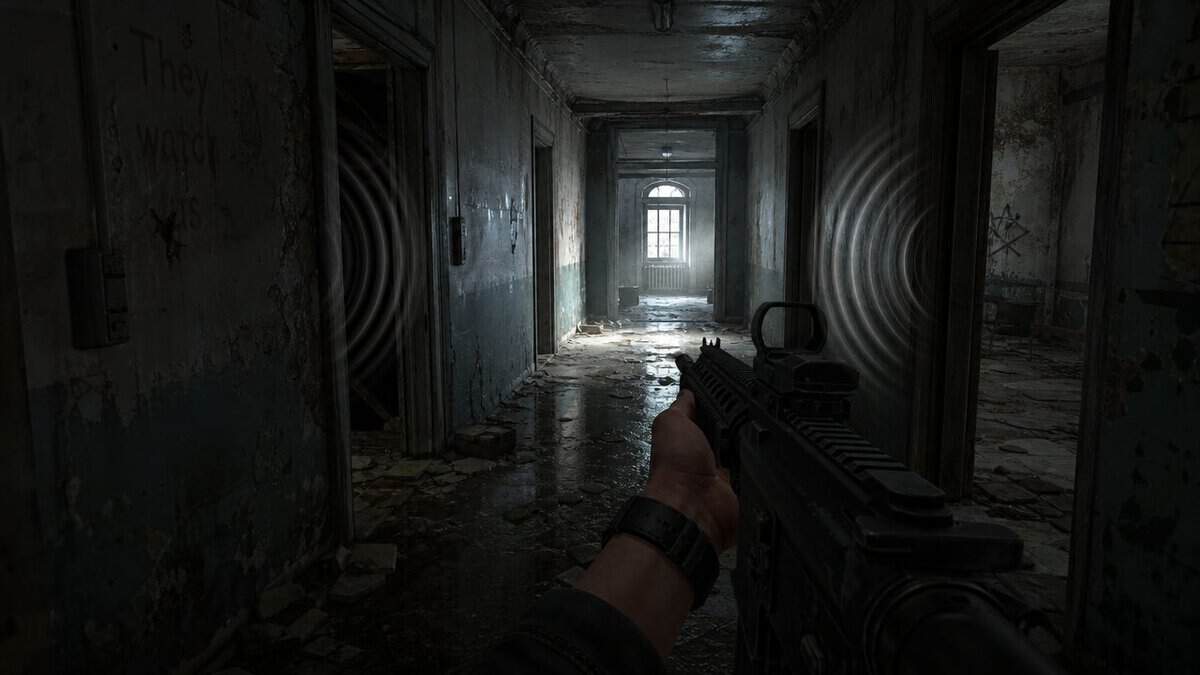
Most “gaming” headsets sell bass, RGB, and fake surround. None of that helps when you’re trying to separate a crouch walk from ambient clutter in Dorms or catch a reload through a wall on Reserve. For the best headset for Tarkov, you want clear stereo imaging, controlled bass, and enough soundstage to place distance without guessing. Everything else is secondary.
- Wide, open soundstage for distance cues
- Razor-sharp left-right footstep imaging
- Light and comfy for long raids
- Easy to drive, no amp needed
- Open-back design still leaks some sound
- No mic included, add a boom mic
- Little isolation in loud rooms
- All-in-one with a built-in mic
- Restrained tuning keeps footsteps clear
- Comfortable memory-foam pads
- Plug-and-play USB-C or 3.5mm
- Narrower soundstage than open-back
- Less ultimate imaging than the ATH-R30X
- Wired only
- Wide open-back soundstage
- Velour pads for marathon raids
- Easy 50-ohm load, no amp needed
- Two detachable cables in the box
- No mic, needs a separate boom mic
- Open-back offers no isolation
- Overkill for casual players
Picks and availability last verified: October 19, 2026
- Open-back headphones win for Tarkov. They widen the soundstage and sharpen footstep imaging far better than bassy gaming headsets.
- Best overall: the Audio-Technica ATH-R30X delivers the best imaging-per-dollar, but it’s open-back and needs a clip-on mic.
- Best all-in-one: the HyperX Cloud III plugs in with a built-in mic and keeps footsteps clear, the no-fuss pick.
- Best premium: the Sennheiser HD 599 adds a wide open-back soundstage and plush velour comfort for experienced, audio-driven players.
- Skip heavy bass and virtual surround; controlled tuning and clean stereo imaging are what actually help you hear the push.
Table of Contents
Why Your Headset Matters More in Tarkov
You know the raid. You’re slow-walking through a dark hallway with a full bag, trying not to scrape against anything. Then you hear it. A tiny shift. Not a sprint. Not a scav yell. Just enough audio to tell you another player is close.
If your headset smears that sound, you lose the fight before you fire a shot.
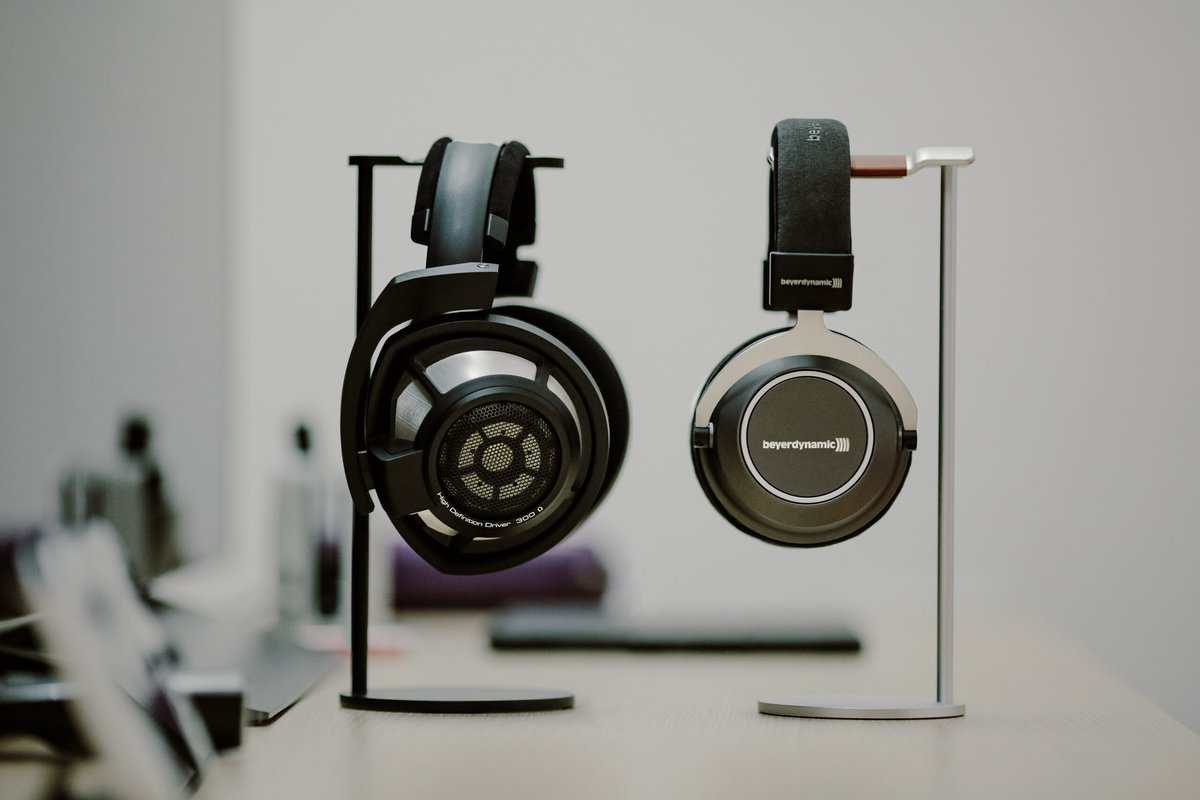
Tarkov punishes bad audio harder than most shooters because fights often start before you see anyone. The first clue is a footstep, a turn, a bag shuffle, or a metal creak. If your headset bloats the low end and blurs the mids, those cues get buried. You don’t need “cinematic” sound. You need useful sound.
That’s also why brand names don’t impress me much here. A big logo doesn’t fix weak imaging. Fancy software doesn’t fix bloated tuning. What matters is whether the headset helps you answer three questions fast:
- Direction: where is the sound coming from
- Distance: how close is the player
- Layering: is that one sound or several
Practical rule: If a headset makes explosions and gunshots feel huge but footsteps feel vague, it’s bad for Tarkov.
For FPS gaming, this is obvious. For MMO players who also raid in Tarkov, it means you may want a different sound profile than the one you like for music-heavy exploration. For streaming, it matters too. If your room is noisy, a closed-back headset can keep outside noise from messing with callouts, even if it gives up some spatial width.
If you also care about blocking outside distractions, take a look at this guide to noise-cancelling headsets that make sense for gaming setups. Just remember that isolation and positional accuracy aren’t the same thing.
How Tarkov Audio and Headsets Actually Work
Tarkov has two separate audio layers you need to think about.
First, there’s the in-game earpiece system. That changes how sounds behave inside Tarkov itself. Second, there’s the real headset on your head. That determines how clearly you hear what the game outputs. A lot of players mix these up and end up buying for marketing instead of performance.
In-game headset vs real-world headset
The in-game part matters because Tarkov’s earpieces don’t just act like cosmetics. They reshape what you hear. The wiki’s breakdown notes that Tarkov headsets amplify low-level sounds like footsteps while suppressing impulse noises such as gunshots, and that some sound more transparent while others are more processed, with stronger low-end boost and heavier ambient compression in certain models, as described in the Tarkov earpiece reference.
That matters because your real-world headset needs to play nicely with those profiles. If the in-game earpiece already boosts low information and compresses ambient noise, a bass-heavy real headset can turn that into mush. A cleaner stereo headset usually works better because it doesn’t pile extra mud on top.
Why stereo beats gimmicks
You do not need virtual 7.1 for Tarkov. In fact, I’d avoid it.
Tarkov positional cues work best when your headset gives you clean stereo imaging. Virtual surround often adds phasey weirdness, smears front-to-back positioning, and makes distance harder to judge. Good stereo with solid imaging beats bad surround every time in this game.
If you’re deciding between cable simplicity and wireless convenience, this breakdown of wired vs wireless gaming headset tradeoffs is worth reading. My short version is simple. Wired is still the safer pick if your priority is consistency and fewer variables.
The stat that proves audio is not optional
The biggest reason in-game headset choice matters is simple. It changes hearing distance in a meaningful way.
In a widely cited in-game test set, no headset detected walking at 47 m and running at 52 m, while the ComTac 4 reached 76 m walking and 84 m running. That’s a gain of 29 m and 32 m, or about 62% more detection range for both walking and running, according to the Escape from Tarkov headset distance table.
Here’s the quick spread from that same test:
| In-game option | Walking detection | Running detection |
|---|---|---|
| No headset | 47 m | 52 m |
| M32 | 59 m | 64 m |
| Tactical Sports | 65 m | 70 m |
| XCEL 500BT | 69 m | 75 m |
| FAST RAC | 71 m | 73 m |
| ComTac 4 | 76 m | 84 m |
That table is why “best headset for Tarkov” can’t just mean a comfortable headset with a mic. In this game, hearing earlier changes fights before they start.
The Best Tarkov Headset for Most Players
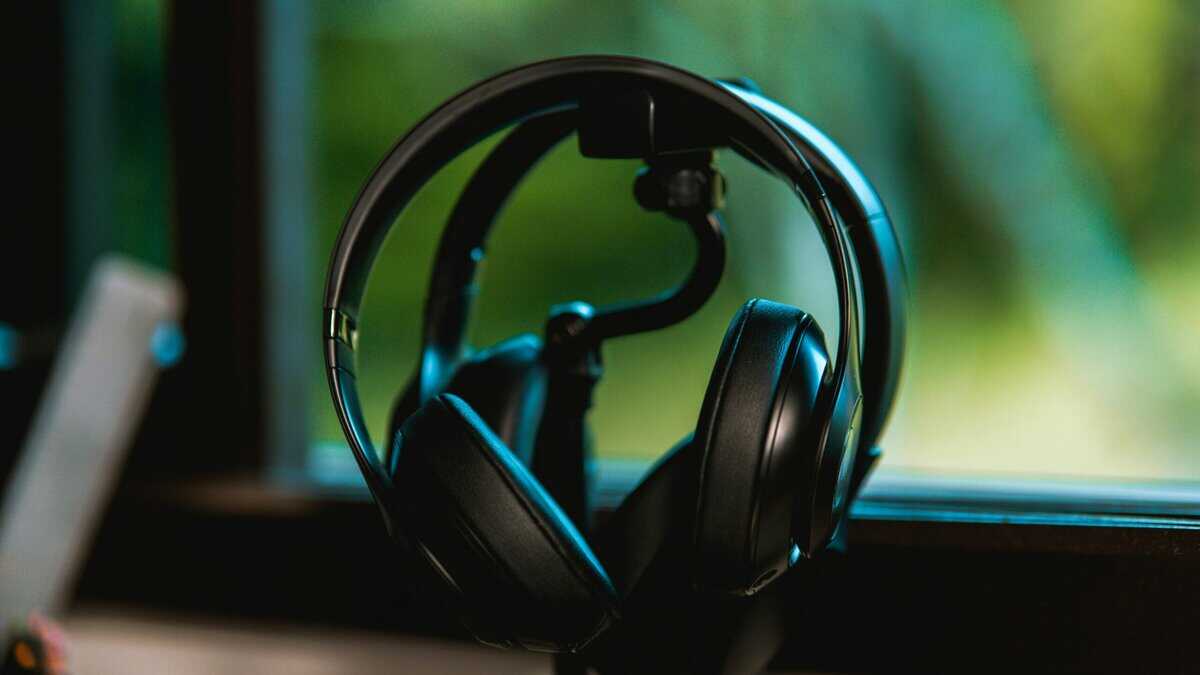
For most players, my pick is the Audio-Technica ATH-R30X, an open-back, studio-style headphone with clean stereo tuning and strong imaging. That’s the sweet spot. Not the flashiest option. Usually not the all-in-one option either. But it gives the best performance-per-dollar if your goal is to survive more fights, not decorate your desk. It is a newer release than the studio classics it replaces, so its review pool is still growing, but its open-back tuning is exactly what Tarkov rewards.
If you want one simple recommendation, go with the ATH-R30X over a bassy mainstream gaming headset. Just budget for a clip-on boom mic like an Antlion ModMic, since studio headphones don’t include one.
Why this is the right fit for most people
Open-back designs usually do three things well for Tarkov:
- They widen the soundstage. Distant shots and movement feel more naturally placed.
- They sharpen imaging. You get cleaner left-right placement and better room-to-room tracking.
- They avoid fake heaviness. That matters because boosted bass often hides the exact cues you’re trying to hear.
This is the kind of headset I recommend to someone who mainly plays FPS games, still wants decent music playback, and doesn’t want to pay extra for software gimmicks they should disable anyway.
The right Tarkov headset should make subtle sounds easier to sort, not make loud sounds more dramatic.
Tradeoffs you need to accept
Open-back isn’t magic. It leaks sound. It lets room noise in. If your PC fans are loud, people are talking nearby, or you stream in a noisy space, that’s a real downside. You also often need a separate mic, which adds clutter even if the actual audio is better.
Build quality matters here, and this category usually gets that part right. Studio-style models tend to skip fragile cosmetic junk and focus on replaceable pads, sturdier headbands, and simpler construction. That’s good news if you play a lot and don’t want a headset that starts cracking at the hinges after a few months.
For MMO use, this kind of headset is still solid because long-session comfort is often better than clamp-heavy closed gaming sets. For streaming, it depends on your room. Quiet room, great choice. Loud room, maybe not.
What actually matters more than brand
Don’t obsess over logos. Check these instead:
| What matters | Why it matters in Tarkov |
|---|---|
| Imaging | Helps place footsteps, reloads, and movement with less guesswork |
| Soundstage | Helps separate distance and room placement |
| Controlled bass | Keeps low-end from masking footsteps |
| Durability | Long-term value beats fragile plastic shells |
| Comfort | A headset you can wear for long raids is the one you’ll actually use well |
The reason this tuning style works so well comes back to Tarkov’s own in-game headset behavior. Since in-game earpieces can amplify low-level sounds and suppress sharper impulse noise, a real-world headset that stays relatively clean and doesn’t over-process the signal usually gives you a more readable result than one chasing exaggerated “gaming” sound. If you want a broader roundup of options in this category, check these gaming headset recommendations focused on value and use case.
My direct take is simple. If you play Tarkov seriously and your room is reasonably quiet, this is the best overall path.
A Cost-Effective Alternative Without Major Compromise
Not everyone wants a separate mic, open-back leak, and a more desk-heavy setup. If you want one headset that’s easy to plug in, easy to live with, and still good enough for Tarkov, get the HyperX Cloud III, a closed-back, all-in-one headset with restrained tuning, a built-in mic, and dependable positional audio.
That’s the better move for most budget-conscious players.
What you gain
The big win is convenience.
You get a built-in mic, simpler setup, better isolation from room noise, and an easier all-around package for mixed use. If you bounce between Tarkov, other FPS games, MMOs, voice chat, and occasional streaming, this kind of headset makes sense. You put it on, plug it in, and play.
Closed-back also helps if your environment is messy. Loud keyboard, fan noise, roommates, street noise, whatever. Isolation won’t improve the game’s audio engine, but it can stop real-world noise from covering the cues you’re trying to catch. If you want that isolation without a headband, sealed in-ears are another route, and our guide to IEMs for gaming covers four wired pairs built for footsteps.
What you give up
You usually lose some width and air compared with a good open-back option. Footsteps can feel a little closer together. Vertical positioning may still be playable, but not as effortless. Fine detail can get slightly boxed in.
That doesn’t make this a bad choice. It just means you should expect a different kind of strength.
Here’s the practical comparison:
- Open-back setup gives you more space and a more natural sense of placement
- Closed-back value headset gives you more isolation and fewer setup hassles
- Cheap bass-heavy headset gives you louder mud and worse decisions
Field advice: If your room is noisy, a decent closed-back headset will help you more than a better open-back model you can’t hear clearly.
Why it’s the value pick
This is the best route for players who want real improvement without turning audio into a side hobby. You’re not chasing perfection. You’re avoiding obvious mistakes.
A good value closed-back headset should have:
- A stable frame so the hinges and adjustment rails don’t become the failure point
- Pads that hold up because worn pads change comfort and sound more than people think
- A usable mic for squad comms, Discord, and basic streaming
- Balanced tuning so footsteps stay present without gunshots becoming painful
If that sounds like your lane, browse these cheap over-ear headphones and headset options that focus on practical value. Don’t read “cheap” as disposable. Read it as smart spending.
For a lot of players, this is the effective answer to the best headset for Tarkov. Not because it’s technically the strongest, but because it gets used correctly every day.
The High End Pick for Competitive Advantage
My high-end pick is the Sennheiser HD 599, a wide-staged open-back headphone with velour pads and an easy 50-ohm load that runs from most sources. Be honest with yourself first, though. High-end audio is where diminishing returns show up fast, and like the ATH-R30X it needs a separate clip-on mic.
You don’t spend a lot more and suddenly become harder to kill. What you get is finer detail retrieval, cleaner separation under chaos, and a little more confidence when several sounds stack at once. That matters most if you already have map knowledge, discipline, and enough experience to act on tiny audio cues instead of second-guessing them.
What premium audio actually buys you
At the high end, the upgrade isn’t “I can hear footsteps now.” It’s more like this:
- a small turn in the next room is easier to distinguish from ambient noise
- overlapping sounds stay separated longer
- harsh peaks feel less fatiguing during long sessions
- quiet information stays readable when the raid gets loud
That’s useful for competitive FPS players. It’s less important for someone who mainly runs casual raids, plays MMOs, or just wants a solid all-round headset with a built-in mic.
Build quality is usually strong here, but don’t assume expensive means indestructible. Premium gear often feels better in the hand and on the head, but it can still include fancy finishes or more delicate parts that need basic care. Durability comes from sensible design, replaceable wear parts, and not paying for nonsense.
Why patches matter more than rankings
One reason I don’t worship static “best” lists is that Tarkov audio keeps shifting. In testing during the .14 wipe, creators found the ComTac 4 still led overall detection, but they also saw meaningful differences by scenario. In a separate Patch 16.5 comparison, ComTac 6 and RAC were strongest for background suppression, which is a reminder that the best in-game choice isn’t only about raw range but also cleaner signal handling, as discussed in this Patch.14 and 16.5 headset comparison.
That’s why a higher-resolution real-world headset can be more patch-resistant. When the game changes how clutter, compression, or suppression feels, better detail retrieval helps you adapt faster. Not because it breaks the game open, but because it lets you hear the changes more clearly.
If you’re chasing every edge and you already know how Tarkov sounds when it’s behaving, high-end audio makes sense. If you’re still learning how to parse footsteps in a stairwell, spend smarter first.
Essential Audio Setup and EQ Settings for Tarkov
A good headset helps. Bad settings can still ruin it.
I’ve seen players buy decent gear and then sabotage it with surround effects, boosted bass presets, and random enhancement toggles. Fixing that usually gives a bigger improvement than switching brands.
The setup that usually works best
Start here:
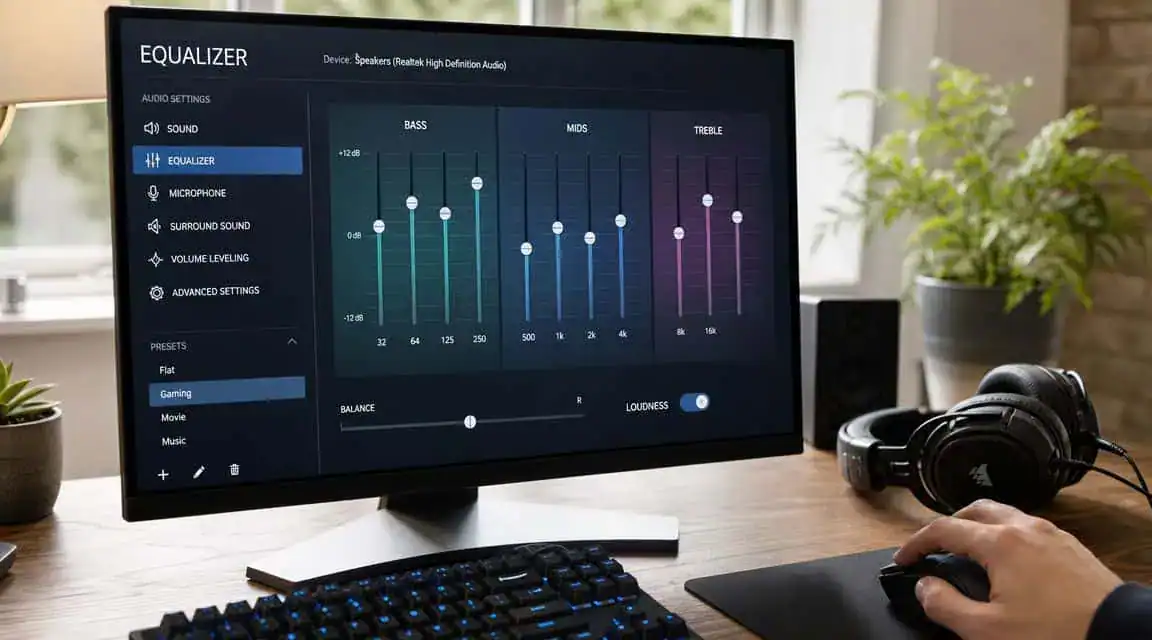
- Use plain stereo. Turn off virtual surround in your headset software, sound card panel, and Windows settings.
- Disable audio enhancements. If there’s a toggle for loudness equalization, spatial effects, or “immersive” processing, kill it.
- Set a sane volume. Loud enough to hear detail, not so loud that gunshots become the whole experience.
- Keep your chain simple. Fewer software layers means fewer chances to smear positional cues.
For players who use multiple audio devices or stream, a PC audio mixer setup can clean up routing without overcomplicating your signal path. Just don’t let “clean routing” turn into six layers of fake processing.
Basic EQ approach
Don’t go crazy with EQ. Tarkov changes, and over-tuned profiles age badly. A June 2026 comparison described Patch 16.5 as a “massive audio buff,” which is exactly why rigid audio advice goes stale fast, as noted in this Patch 16.5 headset update discussion.
A simple approach works better:
- Trim excessive bass if footsteps feel covered up
- Lightly lift the presence region if movement cues feel dull
- Tame sharp highs if gunshots or metallic sounds become fatiguing
Don’t EQ Tarkov to sound exciting. EQ it so you can sort information faster.
For FPS gaming, prioritize clarity. For MMO play, you might want a fuller profile and switch back later. For streaming, use the profile that lets you hear callouts and gameplay cleanly without making your own session exhausting.
Audio is just one piece of your Tarkov kit. Pair the right headset with the best mouse for Tarkov and the best keyboard for Tarkov to round out a setup built for survival. The mousepad guide for Tarkov covers the last piece under your hands.
Building out the rest of your Escape from Tarkov setup? Our gaming setup builder fills every slot from monitor to mousepad, and if you play more than one game, it finds the gear our guides recommend across all of them.
Tarkov Headset FAQs
Open-back or closed-back for Tarkov?
Open-back is better if your room is quiet and you care most about soundstage and imaging. Closed-back is better if your room is noisy, you need isolation, or you want an all-in-one headset with a mic.
Do you need a DAC or amp?
Not always. If your headset gets loud enough, sounds clean, and doesn’t hiss, you’re probably fine. Buy better headphones before you buy extra boxes.
How much should you care about the in-game headset?
A lot. It changes what you hear in raid, and some options are clearly more useful than others. Don’t ignore it.
Is virtual surround worth using?
No. Stereo is usually the better call for Tarkov.
What matters most for the best headset for Tarkov?
Four things: imaging, soundstage, controlled tuning, and a durable build. Mic quality matters for squad play and streaming, but it doesn’t matter more than hearing the guy about to swing your room.
If you want more no-nonsense gear advice built around value instead of marketing, check out Budget Loadout. It’s a solid place to compare practical gaming and streaming gear, understand the tradeoffs, and avoid wasting money on upgrades that don’t help.
Related Articles