Ask one thing before you shop for a Warzone headset. What is drowning out the footsteps right now? The best headset for Warzone is the one that fixes that problem, whether it is engine noise, a chatty squad or a loud room, on the platform you actually play on.
The four picks below cover wired and wireless, PC, PlayStation and Xbox. After them come the settings that decide what you hear. That means how the game’s own spatial audio, the PS5’s 3D Audio and Windows spatial sound overlap, and why Xbox support narrows the wireless shortlist.
One wired headset that plugs into every Warzone platform, from a PC to an Xbox controller. Angled 53 mm drivers and a detachable noise-cancelling mic handle footsteps and callouts.
- Works on PC, PS5, PS4 and Xbox
- Angled 53 mm drivers
- Detachable noise-cancelling boom mic
- Cable ties you to the desk
- Heavier than the wireless Nova 5X
- No wireless option
The wireless pick that works on Xbox as well as PlayStation and PC. A 60-hour battery, Bluetooth for calls and a Call of Duty preset in the companion app round it out.
- Wireless on Xbox, PlayStation and PC
- Up to 60 hours per charge
- Lighter than both HyperX picks
- Pricier than both wired picks
- ChatMix is not supported on PlayStation
- Smaller drivers than the HyperX pair
The longer battery of the two wireless picks, rated up to 120 hours on its 2.4 GHz connection. It suits long Warzone sessions on PS5 and PC, but it does not work with Xbox.
- Up to 120 hours on 2.4 GHz
- Same 53 mm angled drivers as Cloud III
- Bluetooth 5.3 for phone audio
- Not compatible with Xbox
- Heavier than the Nova 5X
- Pricier than the wired Cloud III
The cheapest of the four picks, and it plugs into any controller with a headset jack. Its mic mutes when you flip it up, which helps once proximity chat is live.
- Lowest price of the four
- Flip-to-mute mic is easy to check
- Works on Xbox, PS5, PC and mobile
- Omni mic hears more of the room
- Mic boom cannot be removed
- No USB or wireless option
- A wired 3.5 mm headset works on every Warzone platform, because current PS5 and Xbox Series controllers both have a headset jack.
- On Xbox, a wireless headset must support Xbox itself; some PlayStation and PC wireless models, like the Cloud III S, do not.
- Use one spatial audio layer at a time: the game’s own mode, PS5 3D Audio or Windows spatial sound, not all of them stacked.
- Proximity chat means nearby enemies can hear an open mic, so a mute you can check at a glance matters.
- Both wireless picks use a 2.4 GHz dongle for game audio and keep Bluetooth for calls and music.
Table of Contents
Four Warzone Headsets for PC and Consoles
The four Warzone headsets here split by connection and platform, with two wired picks that plug into anything and two wireless picks that each cover a different set of consoles. The spec table lines up the numbers that decide which one fits your setup.
| Headset | Connection | Driver | Frequency Response | Mic | Battery | Weight | Platforms | Best For |
|---|---|---|---|---|---|---|---|---|
| HyperX Cloud III | Wired, 3.5 mm + USB-A/USB-C | 53 mm angled | 10 Hz to 21 kHz | Detachable, uni-directional, noise-cancelling | None (wired) | 0.70 lb with mic | PC, PS5, PS4, Xbox Series X|S, Xbox One, Switch, Mac, mobile | Hearing footsteps on any platform |
| SteelSeries Arctis Nova 5X Wireless | 2.4 GHz USB-C dongle + Bluetooth 5.3 | 40 mm neodymium | 20 Hz to 22 kHz | Retractable ClearCast Gen 2, bidirectional noise-cancelling | Up to 60 h | 265 g | Xbox, PlayStation, PC, Mac, handhelds, mobile | Wireless on Xbox |
| HyperX Cloud III S Wireless | 2.4 GHz dongle + Bluetooth 5.3 | 53 mm angled | 20 Hz to 20 kHz | Detachable uni-directional boom + built-in mics | Up to 120 h (2.4 GHz) | 0.79 lb | PC, Mac, PS5, Switch, mobile (not Xbox) | Long PS5 and PC sessions |
| Turtle Beach Recon 70 | Wired, 3.5 mm | 40 mm neodymium | 20 Hz to 20 kHz | Fixed omni, flip-to-mute | None (wired) | Not listed | Xbox Series X|S, Xbox One, PS5, PS4, PC, mobile | Tight budgets |
HyperX Cloud III: The Wired Pick for Every Platform
The HyperX Cloud III earns the top spot because one headset covers every place Warzone runs. It ships with 3.5 mm, USB-A and USB-C connections, and HyperX lists it for PC, PS5, PS4, Xbox Series X|S, Xbox One, Switch, Mac and mobile. On a console you plug it into the controller; on a PC you can use USB.
The Cloud III’s 53 mm angled drivers are the largest among the four picks, shared with the Cloud III S, with a rated 10 Hz to 21 kHz frequency response. The detachable uni-directional, noise-cancelling mic is aimed at your mouth rather than the room, which helps keep keyboard clatter down in squad chat.
A cable is the one connection every Warzone platform agrees on.
The tradeoff is the cable itself. You are tethered to the desk or the controller, and at 0.70 lb with the mic the Cloud III is heavier than the wireless Nova 5X. If you are building a full Warzone setup around a controller, our best controller for Warzone guide covers the other half of it, and any of those pads with a headset jack takes this headset directly.
SteelSeries Arctis Nova 5X Wireless for Xbox and Beyond
The SteelSeries Arctis Nova 5X Wireless is the wireless pick for Xbox players, and it also works with PlayStation and PC. It connects over a 2.4 GHz USB-C dongle for gaming and Bluetooth 5.3 for calls and music, and SteelSeries rates the battery at up to 60 hours.
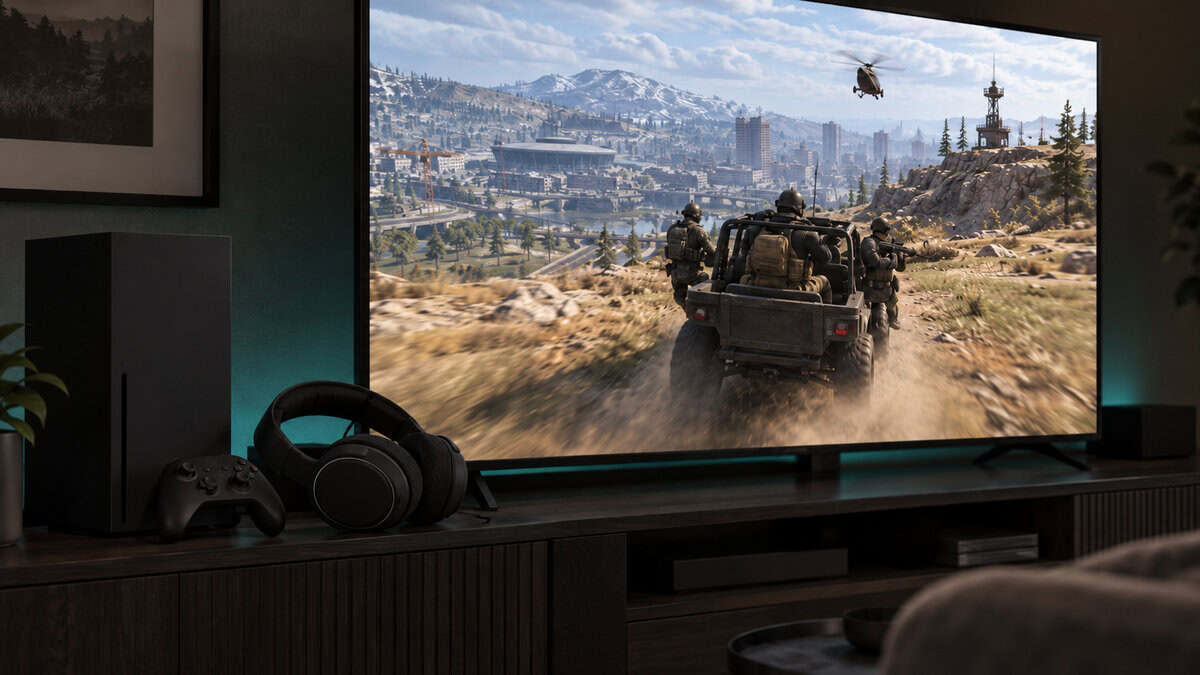
The Nova 5X runs 40 mm neodymium drivers rated at 20 to 22,000 Hz, and at 265 g it is lighter than both HyperX picks. Its retractable ClearCast Gen 2 mic is bidirectional and noise-cancelling, and it slides into the earcup when you are not talking. The companion app includes a Call of Duty preset.
On Xbox, check wireless support before you compare sound.
The Nova 5X costs more than both wired picks, and its drivers are smaller than the HyperX pair’s. SteelSeries notes that ChatMix, its game and chat balance control, is not supported on PlayStation or Mac; on PC it runs through SteelSeries GG Sonar.
HyperX Cloud III S Wireless for Long PS5 and PC Sessions
The HyperX Cloud III S Wireless is the pick for players on PS5 or PC who hate charging. HyperX rates it at up to 120 hours on its 2.4 GHz connection, the longer battery of the two wireless picks, and it adds Bluetooth 5.3 for a phone.
The Cloud III S uses the same 53 mm angled drivers as the wired Cloud III, with a 20 Hz to 20 kHz rated response. It has a detachable uni-directional boom mic plus built-in mics, so you can remove the boom and still talk through the built-in mics.
Xbox is the hard limit. HyperX lists the Cloud III S as not compatible with Xbox, so it is the wrong headset for an Xbox player. At about 0.79 lb it is also heavier than the Nova 5X. If you want a cheaper wireless option for PlayStation, the Turtle Beach Stealth 500 PlayStation version runs up to 40 hours over 2.4 GHz with Bluetooth 5.2 as well.
A 120-hour battery makes charging an occasional chore.
Turtle Beach Recon 70: The Budget Pick That Plugs Into Anything
The Turtle Beach Recon 70 is the most affordable of the four picks. It is a wired 3.5 mm headset with 40 mm neodymium drivers and a 20 Hz to 20 kHz response, and Turtle Beach lists it for Xbox Series X|S, Xbox One, PS5, PS4, PC and mobile.
The Recon 70’s mic is omnidirectional and flip-to-mute, so lifting the boom mutes it. That makes it easy to check whether you are live, which matters once proximity chat comes into play.
Flip the mic up and you know nobody can hear you.
An omni mic picks up more of the room than the directional mics on the HyperX headsets, and the boom cannot be removed. If you want a wired alternative with a different mic, the Razer BlackShark V2 X PlayStation edition is a 240 g 3.5 mm headset with a cardioid mic, which focuses on the voice in front of it.
What Covers the Footsteps in a Warzone Match
Footsteps in Warzone are quiet sounds competing with loud ones. Before you change headsets or settings, it helps to know which noise is covering them, because each has a different fix.
Vehicles and Gunfire Over the Footsteps
Game noise is the first culprit. Vehicles, gunfire and your own actions are louder than a player walking nearby, and no headset can bring back a sound the mix has already buried. A closed headset that sits snugly keeps the outside room out, so you can play at a sensible volume and still pick out quieter sounds.
Audio presets and boosts are the second tool. The Call of Duty preset in the Nova 5X’s companion app changes the balance of the mix, and the PS5’s Audio Focus can boost the high-pitched sounds that footsteps make. Both can lift other noise too, so judge them by ear in a match rather than in a menu.
Your Own Squad Talking Over the Map
Squad chat is the noise players forget. A teammate describing a fight two buildings away can bury the footsteps on your own stairwell, so the balance between game audio and chat matters as much as the drivers do.
The Arctis Nova 5X’s ChatMix control is one way to set that balance on PC through SteelSeries GG Sonar.
The Room Around You
The room around you is the last layer. A fan, a TV in the next room or a family conversation leaks into open-feeling headsets, and it leaks into your mic too. A snug headset and a directional mic, like the Cloud III’s uni-directional boom, help on both sides.
One Spatial Audio Layer at a Time
Spatial audio for Warzone can come from the game, from the console or Windows, or from the headset’s own software. Stacking them can process the same sound twice. Pick one, turn the others off, and judge it by ear in a few matches.
Enhanced Headphone Mode Inside the Game
Enhanced Headphone Mode is Warzone’s own optional spatial audio setting for headphones. If you turn it on, treat it as your spatial layer and switch off the console or Windows virtualizer, so the two do not process the same sound twice.
PS5 3D Audio and Audio Focus
The PS5’s own 3D Audio setting is a console-level spatial layer, separate from the game’s own mode. Audio Focus is a different PS5 feature. PlayStation’s Audio Focus support page says its Boost High Pitch setting amplifies high-frequency sounds that can often be heard in footsteps and metallic noises, and that you must use headphones to use it.
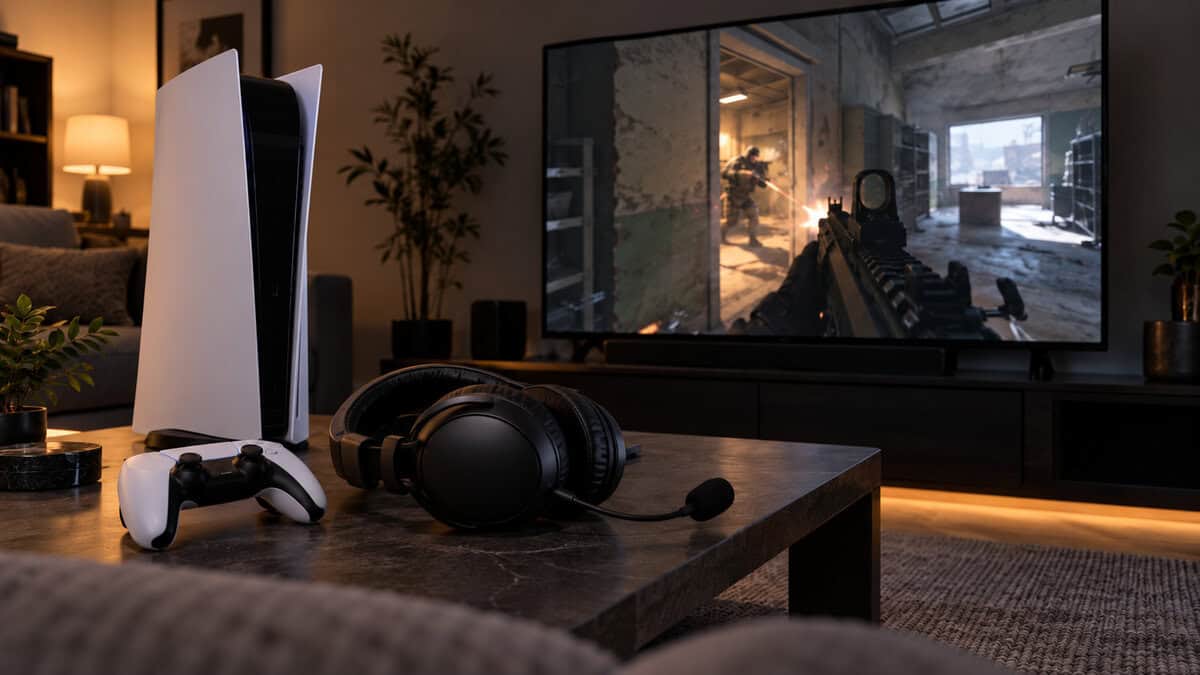
Audio Focus boosts certain frequencies rather than changing where sounds seem to come from. Try it after you have settled on one spatial layer, and check your headphone volume first, since PlayStation warns the feature can make headphone sounds loud.
Windows Sonic and Headset Software on PC
Windows has its own spatial layer for headphones. Microsoft’s guide to spatial sound in Windows walks through turning on Windows Sonic for Headphones, and notes that Dolby Access and DTS Sound Unbound are available from the Microsoft Store as other options.
Headset software can add another layer, and the Nova 5X works with SteelSeries GG Sonar on PC. Choose one of Windows Sonic, a Dolby or DTS app, the headset software or the game’s own mode, and leave the rest off.
Two virtualizers on the same sound do not add up to better positioning.
Crossplay Lobbies and the Xbox Wireless Question
Warzone’s crossplay can put PC, PlayStation and Xbox players in the same lobbies, but headsets do not cross platforms as freely. Xbox is the platform that narrows the wireless list. A wireless headset has to support Xbox specifically, and some PlayStation and PC models, like the Cloud III S, do not.
That is why the Nova 5X and the Cloud III S sit on opposite sides of this guide. The Nova 5X lists Xbox support; HyperX lists the Cloud III S as not compatible with Xbox. Our best Xbox headset guide goes deeper on Xbox-ready models.
Wired headsets avoid the problem entirely. Current PS5 and Xbox Series controllers both have a 3.5 mm headset jack, so the Cloud III and Recon 70 move between consoles and PC with no dongle at all. If you play mostly on PlayStation, our best PS5 headset guide covers more options built around Sony’s console.
Picking the Best Headset for Warzone on Each Platform
Picking the best headset for Warzone on each platform comes down to how you connect. On PC, every pick works, so choose by wired or wireless and battery. On PS5, the Cloud III S gives the longest wireless sessions, and both wired picks plug into the DualSense. On Xbox, the Nova 5X is the wireless option here, and the Cloud III or Recon 70 plug into the controller. If you switch between consoles, a wired headset or the Nova 5X saves you buying two.
Proximity Chat Means Strangers Hear Your Mic Too
If proximity chat is on in Warzone, nearby players can hear you, enemies included. An open mic can give away your position or your plan, so the mic you choose and how you mute it matter as much as how well it picks up your voice.
A directional mic, like the uni-directional booms on the HyperX picks or the Nova 5X’s bidirectional ClearCast mic, focuses on your voice and less on the room. The Recon 70’s omni mic picks up more around you, so it rewards a quiet room and quick muting.
Mute habits matter more than mic specs here. A physical mute you can check without looking, like the Recon 70’s flip-up boom, beats a software toggle buried in a menu.
Wired or Wireless for Long Warzone Nights
Wired or wireless is less about sound than about habits. Both wireless picks here use a 2.4 GHz dongle for game audio and keep Bluetooth for a phone or music on the side.
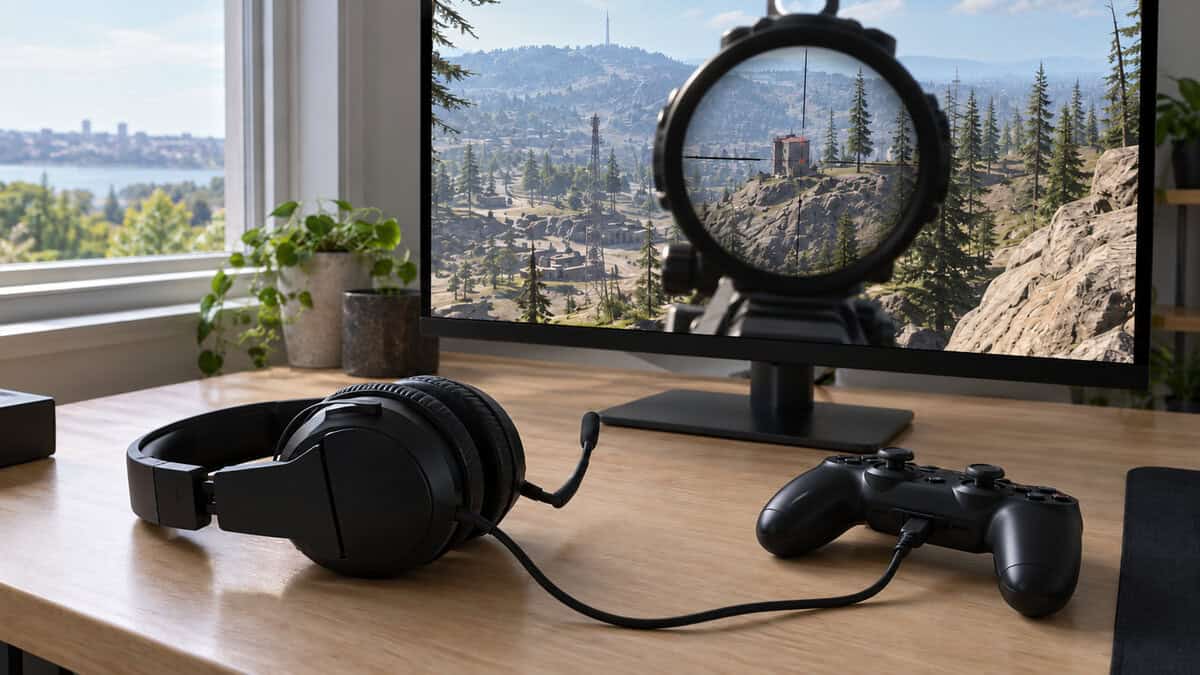
Battery is the real difference between the two wireless picks. The Nova 5X is rated at up to 60 hours and the Cloud III S at up to 120 hours on 2.4 GHz, so either one lasts many sessions, but the Cloud III S is rated for about twice as long per charge.
A wired headset never needs charging and never needs a dongle, and both of the more affordable picks here are wired. Our wired vs wireless gaming headset guide covers the tradeoffs in more detail.
The best battery is the one you never have to think about.
Which Warzone Headset Fits Your Setup
What you most need to hear is the quickest way to choose between the four headsets. Find it in the left column.
| What You Need to Hear First | The Headset | Why | The Tradeoff |
|---|---|---|---|
| Footsteps and callouts on any platform | HyperX Cloud III | Angled 53 mm drivers and a cable that works everywhere | Tethered to the desk or controller |
| Your squad on Xbox, without a cable | SteelSeries Arctis Nova 5X Wireless | Wireless with Xbox support and a 60-hour battery | Costs more than the wired picks |
| Long sessions on PS5 or PC without charging | HyperX Cloud III S Wireless | Up to 120 hours on 2.4 GHz | Not compatible with Xbox |
| Everything, on the smallest budget | Turtle Beach Recon 70 | Plugs into any controller with a headset jack | Omni mic hears more of the room |
If two rows describe you, start with your platform. Xbox players lean toward the Nova 5X or a wired pick, and PS5 or PC players can take any of the four.
Frequently Asked Questions
Quick answers about choosing a headset for Warzone.
Does a headset help in Warzone?
Yes. A headset makes footsteps and the direction of nearby fights easier to pick out than TV or monitor speakers, and its mic lets you talk to your squad. It works best with one spatial audio layer turned on and the volume at a level where quiet sounds stay clear.
Should Enhanced Headphone Mode be on in Warzone?
Try it. Enhanced Headphone Mode is Warzone’s own optional spatial audio setting for headphones. If you use it, turn off PS5 3D Audio or Windows spatial sound so only one layer processes the game, then judge the result by ear over a few matches.
What is the best headset for Warzone on Xbox?
For wireless, the SteelSeries Arctis Nova 5X Wireless, because it supports Xbox and some wireless headsets, like the Cloud III S, do not. For wired, the HyperX Cloud III or Turtle Beach Recon 70 plugs into an Xbox Series controller’s 3.5 mm jack.
Is a wireless headset too laggy for Warzone?
For Warzone, use the 2.4 GHz dongle. Both wireless picks here use it for game audio and keep Bluetooth for phone calls and music. If you would rather never charge anything, a wired headset avoids the question.
Can the same headset work on PC and PS5?
Yes. All four picks work on both, either wired through the DualSense or USB, or wireless through a dongle. If you also play other battle royales, our best headset for Apex Legends guide covers picks for that game.
Looking for more budget gaming gear? Check out Budget Loadout for the latest reviews and recommendations.
Related Articles