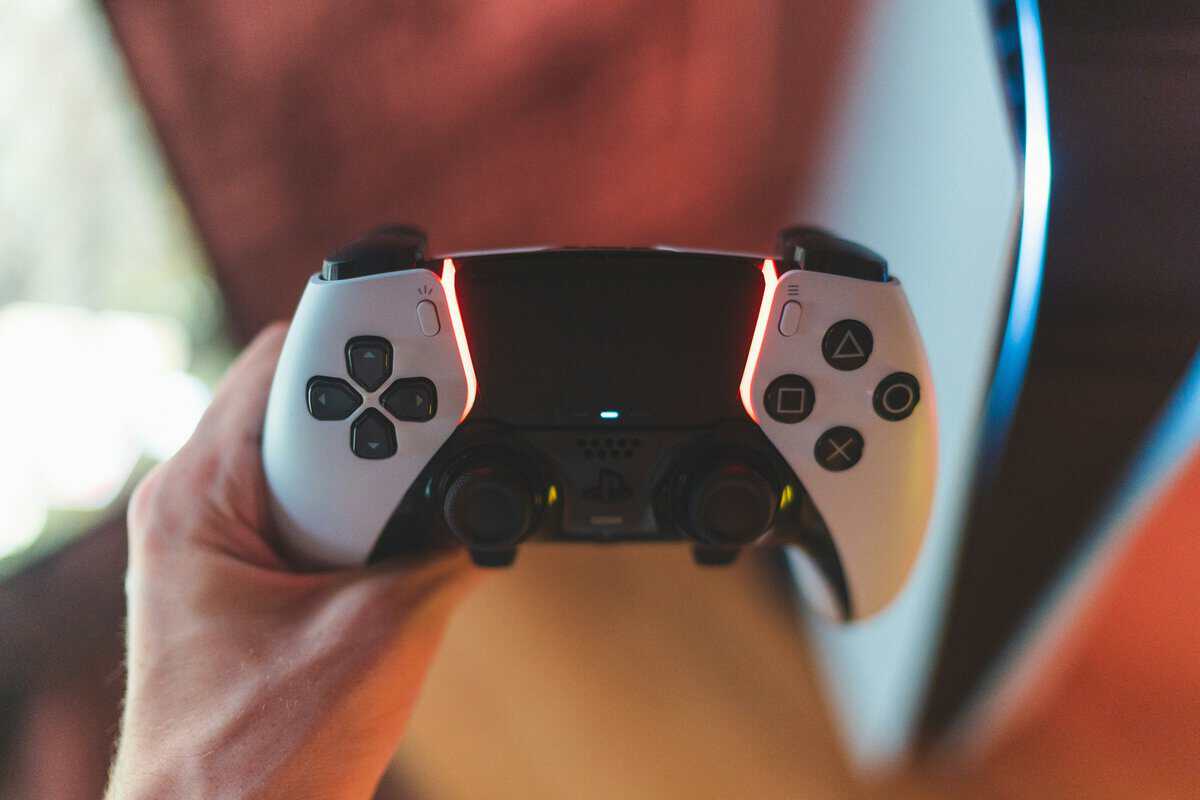
You’ve probably hit the same point a lot of Warzone players hit. Your settings are cleaner than they used to be, your positioning is better, and you’re not making obvious mistakes, but some fights still feel harder than they should. You go to jump, plate, crouch, or swap weapons under pressure, and the controller starts feeling like the slowest part of your setup.
That feeling is real. Skill matters more than gear, but controller design does change how easily you can perform the things Warzone asks you to do every few seconds. The trick is knowing which upgrades help and which ones are mostly branding.
A lot of buyers jump straight to the most expensive option and assume that it must be the best controller for Warzone. That’s usually the wrong way to shop. If you’re value-focused, the smarter move is to look at cost per feature, build quality, durability, and whether the upgrade helps in gunfights, movement, or long sessions.
- Skill matters more than gear, but the right controller removes friction in plate-jump-edit moments that cost you Warzone fights
- Best budget pick: the PowerA FUSION Pro 4 brings Hall effect sticks and mappable rear buttons
- Best mid-range value: the GameSir G7 Pro adds TMR sticks, Hall effect triggers, and 1000Hz polling
- Best premium pick: the Xbox Elite Series 2 layers in swappable parts, four rear paddles, and adjustable trigger locks
- Hall effect or TMR sticks are the single biggest long-term upgrade: they kill stick drift before it kills your controller
Table of Contents
- Hall effect sticks rare at this price
- Mappable rear buttons in budget tier
- Adjustable thumbstick height for grip preference
- Wired only — no wireless freedom
- Shell quality not as premium as higher tiers
- Only 2 rear inputs instead of 4
- TMR sticks deliver flagship-tier precision
- Hall effect analog triggers fight wear
- 1000Hz polling lowers input latency on PC
- Wired connection only
- Software needed for remapping
- Build feels less premium than Elite tier
- Four rear paddles instead of two
- Swappable thumbsticks and D-pad
- Premium build quality and warranty
- No Hall effect sticks — drift is a long-term risk
- Premium price for refinement vs game-changing features
- Companion app required for full customization
Your Standard Controller Is Holding You Back
A standard controller can still work in Warzone. Plenty of good players use one. But once you start caring about consistency, the limits show up fast.
The biggest issue isn’t raw aim. It’s everything wrapped around aim. You need to jump without taking your thumb off the right stick. You need to crouch, reload, swap, ping, and react without fumbling your hand position. Stock controllers make that harder than it needs to be, especially in close-range fights where one awkward thumb movement can cost the exchange.
There’s also the wear factor. A basic pad that felt fine at first can become less reliable over time. Sticks loosen up. Inputs feel less crisp. Triggers feel longer than you want in a fast shooter. If your setup also has display or system delay, it’s worth sorting that out before blaming the pad alone with a guide on how to fix input lag.
Practical rule: Upgrade the controller only after you know the controller is the bottleneck.
What actually changes when you upgrade
A better Warzone controller usually gives you a few direct advantages:
- Rear inputs: You can keep your thumb on the right stick while handling movement-heavy actions.
- Shorter trigger travel: Firing and aiming feels quicker and more repeatable.
- Better ergonomics: Long sessions are easier on your hands, which matters for ranked grinds and even for streamers who play for hours.
- Stronger durability: Better materials and stick tech can make the controller a better long-term buy.
That last point matters outside FPS games too. If you also play MMOs or use the same controller across PC and console, comfort and durability become more important than one flashy feature.
The value question
You don’t need to spend top-end money to get a real edge. In most cases, the best value comes from identifying the feature that fixes your biggest problem. For one player, that’s paddles. For another, it’s drift resistance. For someone else, it’s a controller that doesn’t feel cheap after months of use.
That’s where the actual buying decision starts.
Controller Specs That Actually Matter for Warzone
You feel this in the first few matches after switching from a stock pad. You go to jump, plate, or slide-cancel in a panic, and your thumb has to leave the right stick at the worst moment. That split second is the difference between keeping aim on target and losing a close-range fight.
A lot of controller marketing is fluff. For Warzone, the buying decision usually comes down to four specs: rear inputs, trigger tuning, stick longevity, and comfort. The key for Budget Loadout readers is price discipline. You do not need every premium extra. You need the features that remove a gameplay limitation for the least money.
If you want a broader look at how layout and ergonomics change across platforms, this Switch 2 controller guide is useful context.
Stick technology and drift
Stick tech matters because it affects long-term value, not just day-one feel.
Traditional analog modules wear through contact over time. Some last a long while, some start drifting far sooner than they should. Hall effect sticks reduce that wear point, which is why they stand out in the mid-range market. For a Warzone player who puts serious hours on one controller, that can be a better investment than paying more for cosmetic extras or swappable parts you will barely use.
That said, Hall effect is not automatic magic. A bad controller with Hall effect sticks is still a bad controller. Tension, deadzone behavior, shape, and firmware tuning still matter.
Paddles and rear buttons
Rear inputs give the clearest gameplay return for the money.
If a controller lets you map jump, crouch, or reload to the back, your right thumb can stay on the stick during fights. That has a direct effect on tracking and movement, especially in buildings, during re-challenges, and in any fight where missing one input gets you deleted. For many players, paddles are the first upgrade worth paying for.
Rear buttons help you execute faster. They do not fix bad positioning or bad reads.
This is also where diminishing returns show up. Going from zero rear buttons to two is a big upgrade. Going from two to four can help, but the benefit is smaller unless you already use more advanced binds.
Trigger stops and overall feel
Trigger stops are worth paying for if you play Warzone more than anything else. Shorter trigger travel makes ADS and firing feel quicker and more consistent. The gain is not huge on paper, but it is noticeable over long sessions because the input feels more repeatable.
Comfort is the spec players underrate until a three-hour session exposes it. Grip texture, button firmness, shell shape, and weight balance all affect how steady your hands stay late into a match. I have used expensive controllers with great feature lists that still felt worse than cheaper options because the grips were slick or the face buttons felt mushy.
For Warzone, prioritize features in this order: rear inputs first, trigger tuning second, stick durability third, comfort fourth. That order gives the best cost-per-feature value for most players and keeps you from overspending on premium branding that does little in a gunfight.
Top Warzone Controller Picks for 2026 at a Glance
If you want the short version first, this is the buying map. For more controller roundups by platform and budget, browse the controller category.
| Controller | Key Features | Best For |
| PowerA FUSION Pro 4 | Programmable back paddles, pro-style layout, good feature value | Players who want rear inputs without paying premium pricing |
| GameSir G7 Pro | Strong comfort, remapping, trigger tuning, value-focused feature set, Hall-effect stick appeal | Most players who want the best balance of performance and long-term value |
| Xbox Elite Series 2 | High-end customization, premium build, swappable parts, refined feel | Players who care about luxury feel, tuning depth, and modular hardware |
The key difference between these tiers isn’t whether they’re usable in Warzone. All of them are. The difference is how much convenience, durability, and refinement you get for the money.
Generally, the best controller for Warzone won’t be the most expensive option on the table. It’ll be the one that gives you the most useful features before the price climbs faster than the benefit.
Best Budget Warzone Controller Under $80
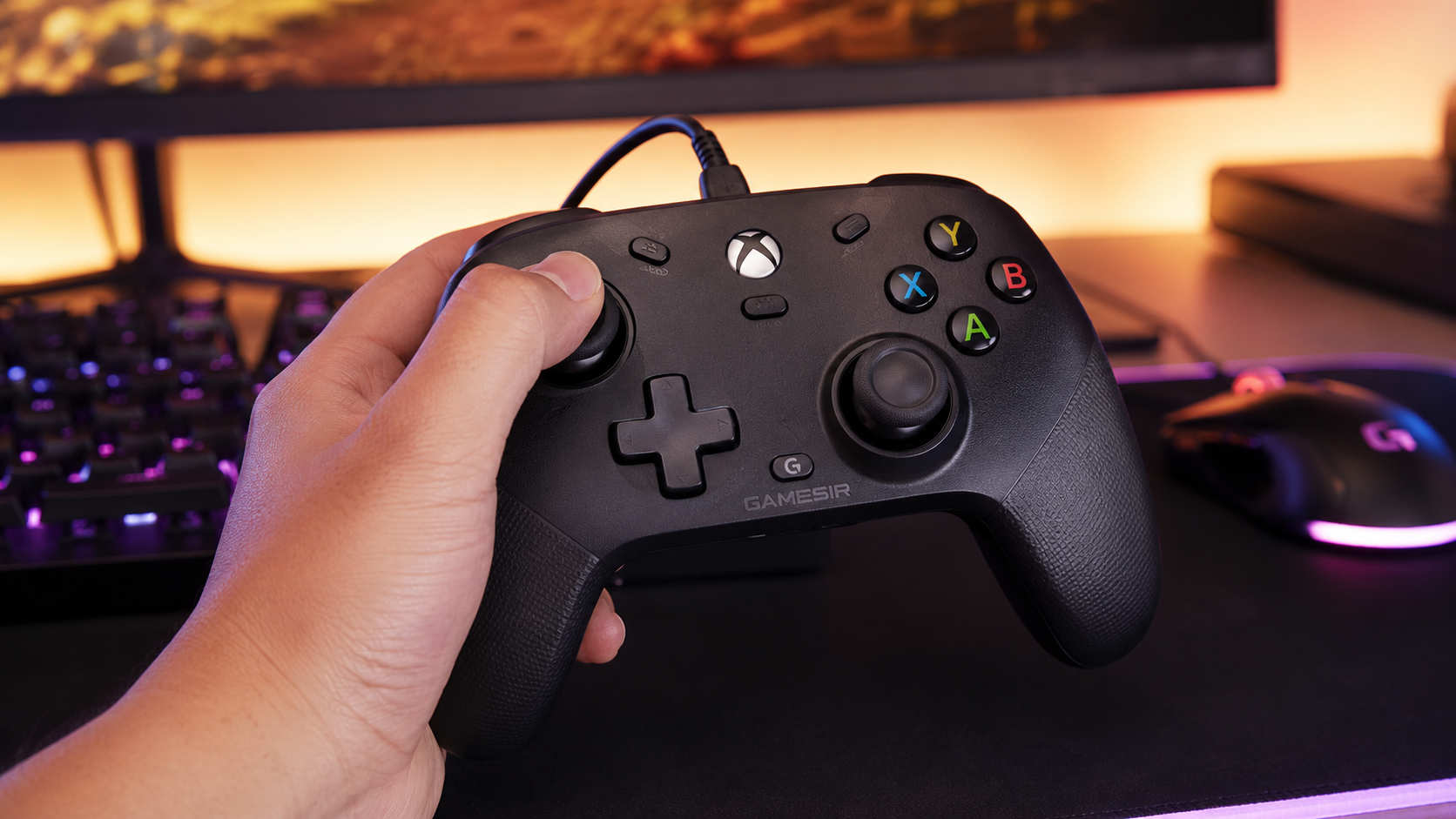
Our pick: PowerA FUSION Pro 4 Wired Controller. Hall effect sticks, mappable rear buttons, and adjustable thumbstick height for roughly $65.
You feel this tier most in a close-range fight. You jump, slide, try to plate or reload, and one thumb has to leave the right stick at the worst moment. A budget pro-style controller with back paddles fixes that problem for a lot less money than the premium tier.
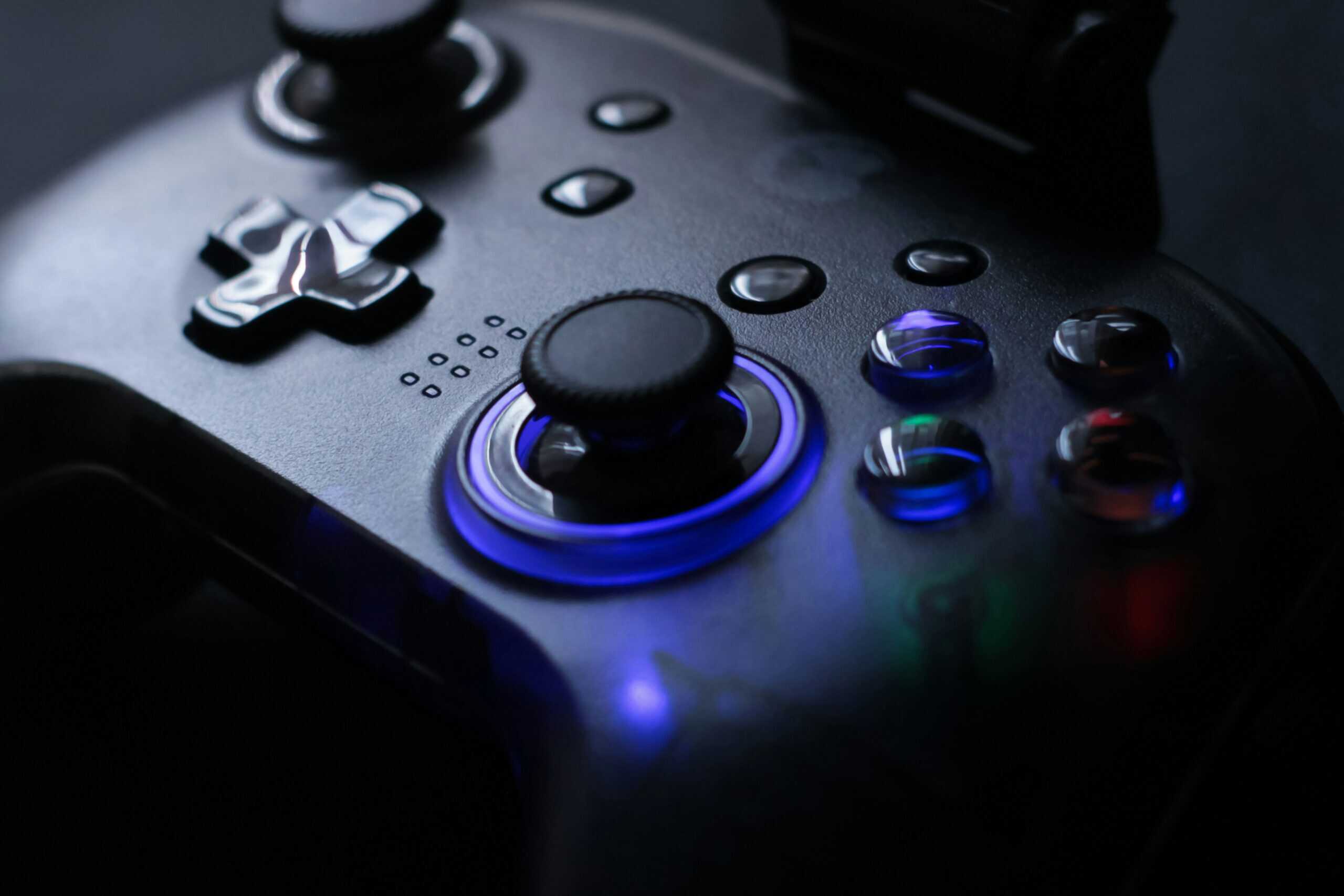
For under $80, the smart buy is usually a wired or lower-cost pro-style pad that gives you rear inputs, basic remapping, and a shape that still feels close to a standard controller. That is the point of diminishing returns for a lot of Warzone players. You get the feature that changes how you play without paying extra for premium materials, swappable parts, or brand tax. If you want more options in this price range, this guide to budget gaming controllers for PC is a useful next stop.
Why it works for Warzone
At this price, back buttons or paddles matter more than almost anything else. They let you keep your right thumb on the stick while handling movement or equipment inputs, which is a real advantage in gunfights. That benefit shows up immediately. Better shell materials and fancier packaging do not.
That is why cost-per-feature matters so much in the budget range. A cheap controller without rear inputs often plays almost the same as the stock pad you already own. A cheap controller with usable rear inputs can change your movement and consistency.
Where the compromises show up
Budget controllers always save money somewhere, and you can usually feel where.
- Build quality: The shell can feel lighter, hollower, or less solid after long sessions.
- Paddle and button feel: Rear inputs may work well enough, but they often lack the crisp response of more expensive models.
- Stick life: If long-term durability is your top concern, this tier is less convincing than controllers with better stick hardware.
- Wired trade-off: Many of the best values under $80 are wired. That is fine for desk play, less ideal for couch setups.
I have tested plenty of cheap controllers that looked strong on the spec sheet and felt average after a week. In this tier, the goal is not perfection. The goal is getting the one feature that improves Warzone the most for the least money.
Buying rule: Buy in this tier if you want rear inputs at the lowest sensible price. Spend more only if stick durability, trigger tuning, or overall build quality matters as much as the extra buttons.
Who should buy it
This is the right pick for players who have outgrown a stock controller and know exactly what they want fixed. Usually, that means better movement without giving up aim control.
It also suits the Budget Loadout crowd. If your budget is tight, spending under $80 on back paddles makes more sense than chasing premium extras you will notice less in actual matches. The value drops fast once the price climbs and the practical gains get smaller.
Best Mid-Range Warzone Controller: The Value Sweet Spot
Our pick: GameSir G7 Pro Wired Controller. TMR sticks, Hall effect triggers, 1000Hz polling, and remappable buttons for roughly $80.
You feel the difference in the first few fights. Slide canceling is cleaner, jump shots stop forcing your thumb off the right stick, and the controller no longer feels like the weak point in your setup. For a lot of Warzone players, that happens in the mid-range tier, not at the top of the price ladder.

This price range usually gives you the first real jump in performance per dollar. You start seeing the features that matter in actual matches: rear buttons that are usable, trigger stops that shorten your shots, better grip, and stick hardware that has a better shot at lasting. If you want a broader console-specific comparison, this Xbox controller guide is a useful next read.
Why mid-range is usually the smart buy
Budget controllers can get one job done. Premium controllers usually add refinement, better materials, and more tuning. Mid-range is where the math often works best for the Budget Loadout crowd.
The biggest gain here is feature stacking. Instead of paying for one headline feature, you can often get two or three upgrades that help in Warzone:
- Rear inputs that are worth using: Two well-placed back buttons are enough for most players. They let you keep your thumb on the right stick during jumps, plates, or reloads.
- Trigger stops or short trigger travel: This matters most if you run semi-auto weapons, tap fire often, or just want a faster, cleaner shot feel.
- Better stick tech: Hall effect sticks are a strong value add in this tier because they target a real problem, long-term drift and wear, not just spec-sheet hype.
- Improved ergonomics: Better texture, grip shape, and button feel matter more over a three-hour session than flashy cosmetic extras.
That combination is what makes this tier the value sweet spot. You are paying for practical advantages, not premium branding.
The features that justify the extra money
I would spend above budget for three things. Rear buttons with a solid click. Stick hardware with a more durable case. Trigger tuning that changes feel, not just marketing copy.
Everything after that needs scrutiny.
Four rear paddles sound better than two, but many Warzone players never use all four efficiently. Swappable thumbsticks can help if you know your preference, but they are rarely the reason someone suddenly improves. Fancy cases, RGB, and app menus full of minor adjustments add cost fast and in-match value slowly.
That is the diminishing returns line. Once the controller already gives you clean rear inputs, reliable sticks, and decent triggers, the next $40 to $100 often buys comfort and customization more than direct gunfight advantage.
Buying rule: In mid-range, pay for inputs and durability first. Pay for luxury features only if you already know you will use them.
Who should buy in this tier
This is the right fit for the Warzone player who is past entry-level gear and wants one controller that can hold up for months, not weeks. It also makes sense for players who bounce between ranked shooters and regular daily gaming and need one pad that feels good everywhere.
If you have been eyeing premium options because of branding or pro-player associations, check the feature list first. A lot of pro-player branded controllers have made rear buttons feel more desirable than they need to be at your budget. For most players, a well-picked mid-range controller gets close enough where the extra spend stops making practical sense.
If you buy based on cost per useful feature, this tier is usually the best answer.
Best Premium Warzone Controller: Is It Worth the Upgrade
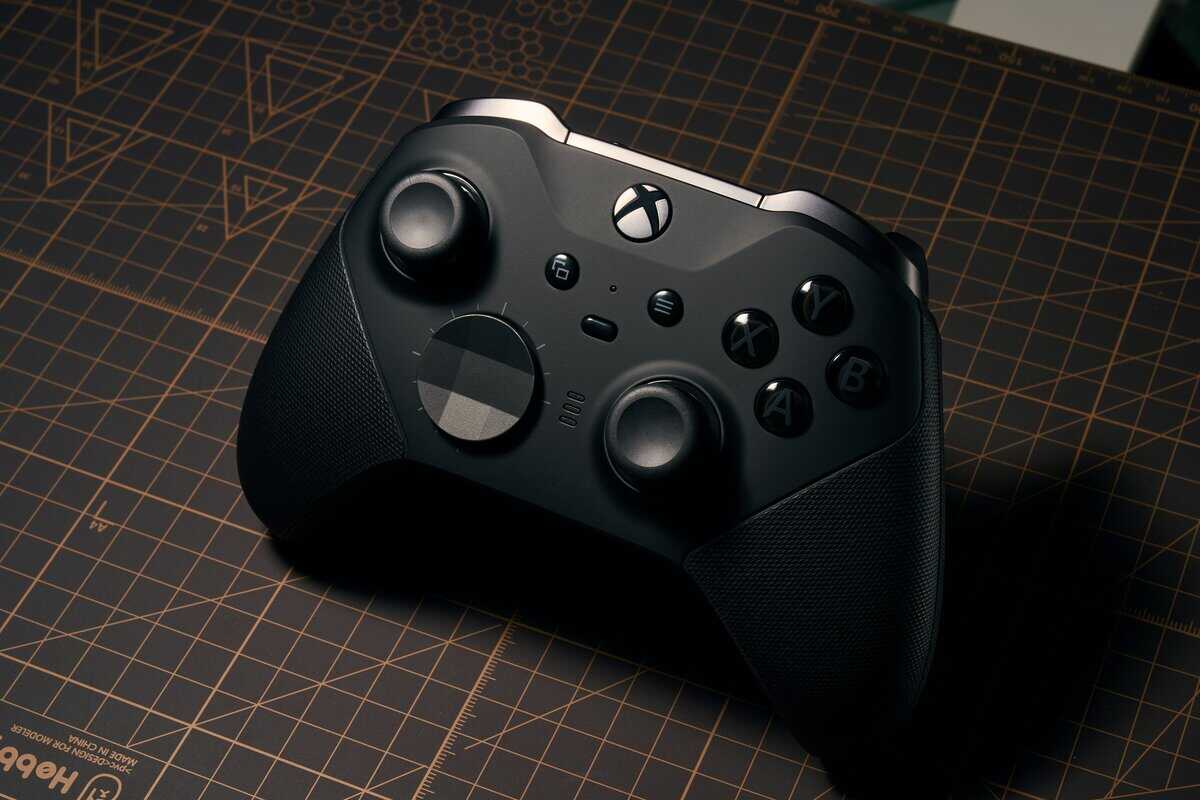
Our pick: Xbox Elite Series 2. Swappable thumbsticks, four rear paddles, adjustable trigger locks, and premium build quality at a premium price.
You lose a close fight, watch the killcam, and start blaming your controller. That is usually the moment premium gear starts looking justified. Sometimes it is justified. Sometimes you are paying a lot for nicer materials and a better unboxing experience.
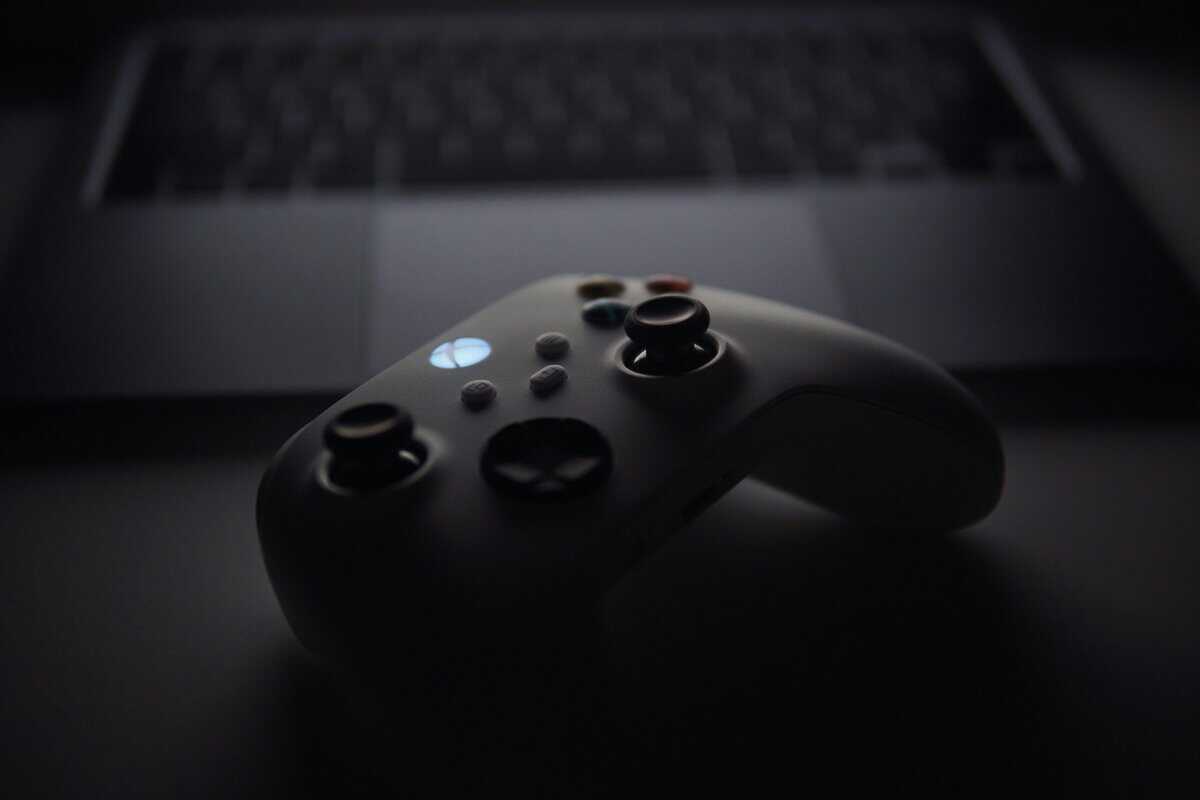
At the premium tier, the question is not whether the controller feels better. It usually does. Ultimately, the question is whether the extra money buys features that change fights in Warzone often enough to justify the jump from mid-range.
What premium money actually buys
Premium controllers usually stack several upgrades into one package:
- Better build quality: tighter buttons, grippier shells, and a cleaner overall feel
- More rear inputs: useful if you already play with advanced movement binds
- Higher-end stick options: especially valuable if the controller includes Hall effect sticks or better stick modules
- Trigger tuning: shorter pull distance helps with faster shots in gunfights
- More adjustment options: stick height, button mapping, and software profiles
Some of that helps in real matches. Some of it mostly helps the controller feel more personal.
Rear buttons and trigger stops still give the clearest gameplay value here. Those are easy to measure because they affect movement, jump shots, slides, and shot timing. Better materials matter too, but mostly over long sessions and over months of use. Extra software layers, cosmetic parts, and niche tuning options add cost faster than they add kills.
Where diminishing returns hit
For Warzone, premium starts making sense once you already know your own habits. Players who can tell the difference between two and four rear inputs, or who know they want a taller right stick for finer aim, are more likely to get real value from this tier.
Everyone else needs to be honest about cost per feature.
If a mid-range controller already gives you reliable rear buttons, low-latency inputs, and trigger stops, the premium jump often buys refinement instead of a major competitive edge. That refinement can be worth paying for. It just should not be mistaken for automatic improvement.
A lot of buyers also get pulled upward by branding. The visibility around Scuf sponsorships helps explain why premium controllers can feel like the default serious-player choice, even when the practical gains are smaller than the price jump suggests.
Who should actually spend premium money?
Premium is a smart buy for players who want one controller to use hard, for a long time, and who already know which features improve their game.
It makes less sense for players who are still testing button layouts, still adjusting dead zones, or still deciding whether they even use all four rear inputs. In those cases, the money is usually better spent one tier down.
Buy premium for specific hardware benefits you will use every match. Skip it if you are mostly paying for branding, extra accessories, or features you will never touch.
That is the honest cutoff. Premium controllers can be excellent. For pure value in Warzone, they are often past the point where price and performance rise together.
Essential Warzone Controller Settings for Better Aim
You lose a close-range fight, watch the killcam, and the problem looks like bad aim. A lot of the time it is bad setup. Before spending more on hardware, fix the settings that control how your stick responds. For pure cost per feature, this is the highest-value upgrade in the whole article because it costs nothing and often gives a bigger gain than jumping from a decent controller to an expensive one.
A good baseline is simple. Set your dead zone as low as your controller can handle without drifting on its own. Start with horizontal and vertical sensitivity at 10 and 10. Then test from there. Those numbers are not universal. They just give you a stable reference point, which matters more than copying random “pro” settings that may not fit your stick tension, thumb speed, or playstyle.
A practical tuning process
Change one setting at a time and play a few real matches before touching the next one.
- Set dead zone first
This has the biggest effect on how responsive the controller feels. Lower dead zone helps with micro-corrections, recoil control, and snapping onto a player who slides across your screen. If your reticle drifts while your thumb is off the stick, raise the value a little until the movement stops. The right number is the lowest stable setting, not the lowest possible number on paper. - Dial in sensitivity second
A 10 and 10 baseline works because it is balanced and easy to judge. If you keep overshooting targets, lower it slightly. If you lose fights because turning feels slow, raise it slightly. Small changes work better than big jumps. Going from one extreme to another usually wrecks muscle memory. - Pick a response curve you can control under pressure
The best option is the one that makes first contact and follow-up corrections feel repeatable. Some players aim well with a more immediate response. Others track better with a softer initial movement. Marketing language does not matter here. What matters is whether your thumb gets the same result every time you make the same input.
What good settings should feel like
Good settings feel calm.
You should be able to track a target without the reticle twitching past them, correct quickly when you miss by a few pixels, and hold that same control in your fifth match of the night, not just your first. If the setup feels great in the firing range but falls apart in a real gunfight, keep tuning.
This is also where diminishing returns show up clearly. Rear buttons, Hall effect sticks, and trigger stops can help, but none of them fix a dead zone that is too high or a sensitivity setting you cannot control. A well-tuned standard controller will beat a badly configured premium one every day.
Frequently Asked Questions
Are Hall effect sticks worth it for Warzone?
Yes, especially long-term. Hall effect and TMR sticks use magnetic sensing instead of potentiometers, so they avoid the stick drift that kills regular controllers after 12-18 months of heavy use. For Warzone players who put hundreds of hours into a single controller, paying $10-20 more upfront for Hall or TMR sticks usually pays for itself by skipping the early replacement.
Do back paddles actually improve Warzone gameplay?
For most players, yes: more than any other single feature in this category. Rear paddles let you jump, slide, plate, or swap weapons without taking your right thumb off the stick, which is the biggest reason claw grip exists. The benefit shows up immediately in close-range fights and edits. That is why even budget pads like the PowerA FUSION Pro 4 ship with mappable rear buttons.
Is the Xbox Elite Series 2 worth $150 over a $80 mid-range pick?
It depends on how much you play. The Elite Series 2 brings premium build quality, swappable thumbsticks, four rear paddles instead of two, adjustable trigger locks, and Microsoft warranty support: refinements rather than competitive game-changers. If Warzone is your main game and you play daily, the durability and feel justify the spend. If you play casually, a GameSir G7 Pro at half the price closes most of the gap.
If your current controller still holds a stable dead zone and the sticks return to center properly, set it up before replacing it. Sometimes the smartest buy is no buy at all.
If you’re building a smarter setup and want honest gaming gear advice without the usual hype, visit Budget Loadout. It’s built for players who care about value, durability, and buying the right upgrade the first time.
Related Articles