Before you read a single benchmark, answer one question: what chip is sitting in your AM4 socket right now? The best AM4 CPU in 2026 depends less on the processor you buy than on the one you are replacing, because a Ryzen 5 2600 owner and a Ryzen 5 5600 owner are shopping for completely different upgrades on the same motherboard. One of them gets a night-and-day jump from almost anything on this list. The other has exactly one move left worth making.
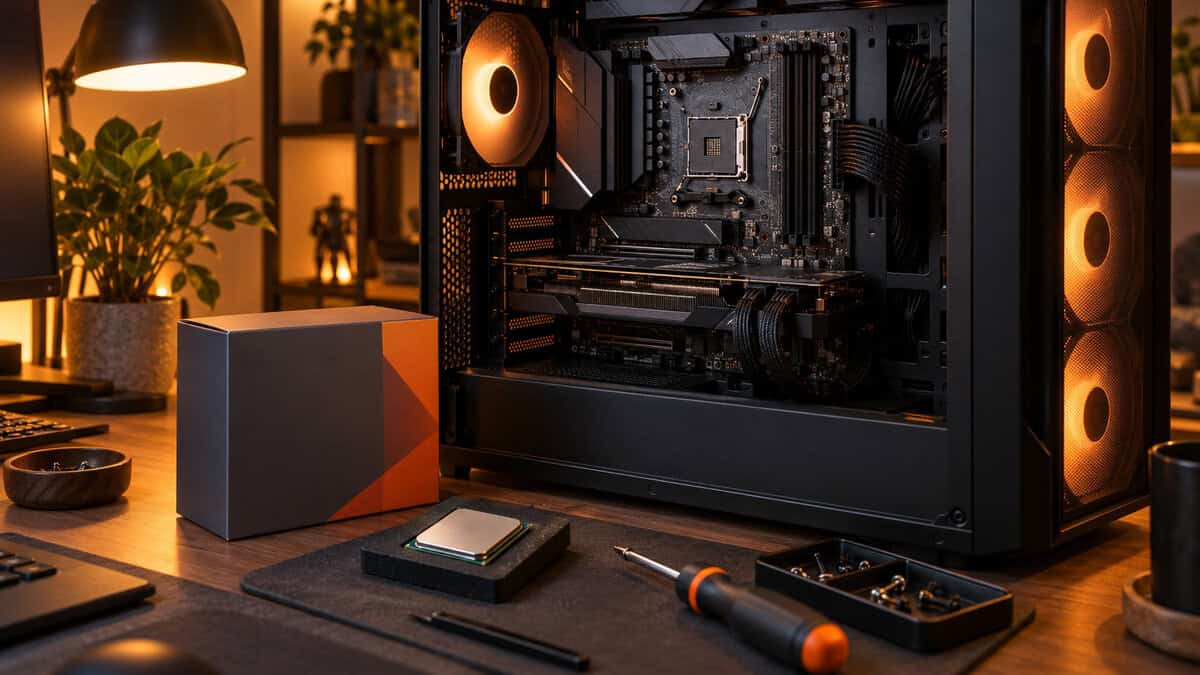
This guide is built around that starting point. Three picks, all still sold new, sorted by who they are for and what your board can safely feed them. The socket has been on sale for ten years, AMD marked the anniversary by putting its most famous AM4 gaming chip back into production, and the whole case for staying put comes down to one comparison: a CPU swap versus a new board, new memory, and a new CPU.
The cheapest way to put Zen 3 into an older AM4 board, with a cooler in the box so the upgrade is one part instead of two. For anyone on a Ryzen 1000, 2000, or 3000 chip it is a large, instantly noticeable jump in every game that leans on the CPU.
- Bundled Wraith Stealth cooler handles its 65W rating without an extra purchase
- Six Zen 3 cores are still plenty for 1080p and 1440p gaming
- The most-reviewed AM4 chip still in production, with no compatibility surprises
- 32MB of cache leaves real gaming headroom on the table next to the 5800X3D
- Six cores feel tighter for streaming and heavy multitasking than an eight-core chip
- The stock cooler is audible under sustained load; a tower cooler is a worthwhile add
The fastest gaming CPU the socket ever got, back on sale as a 10th Anniversary Edition after a long stretch of scalper pricing. Its stacked cache closes most of the gap to a current AM5 X3D chip in CPU-bound games, which is the entire argument for not buying a new platform.
- 96MB of stacked L3 cache lifts minimum frame rates in sims, MMOs, and esports titles
- A drop-in gaming upgrade for any 400 or 500-series board with a current BIOS
- Ships with a Carbice thermal pad, so there is no paste to apply on first install
- No cooler in the box, and the stacked die runs warmer than a standard 5800X
- The multiplier is locked, so there is no traditional overclocking to chase
- Priced at the top of the AM4 range, which only makes sense against the cost of a platform swap
Sixteen Zen 3 cores in the same socket, aimed at the AM4 owner who streams, edits, or compiles alongside gaming. It is the 2024 refresh of the 5950X at a lower price tier, and it turns an old B550 board into a workstation without touching the memory or the case.
- Sixteen cores for rendering, encoding, and streaming while a game runs on the same PC
- Highest boost clock of the three picks, so single-threaded work is not sacrificed
- Runs on the same DDR4 kit and 105W-class cooler an existing 5800X owner already has
- Gaming frame rates trail the 5800X3D despite the extra cores
- Needs a mid-2024 or newer BIOS, which some older boards never received
- Sixteen cores are overkill if games are the only heavy workload
Picks and availability last verified: October 19, 2026
- Your current CPU decides the upgrade. Ryzen 1000 to 3000 owners gain from any Zen 3 chip; Ryzen 5000 owners only gain from the 5800X3D or a core-count jump.
- Check the BIOS before the chip. B450 and X470 boards need a 2020-or-later BIOS for Zen 3, and the 5900XT needs one from mid-2024 or newer.
- The 5800X3D’s stacked cache matters most in CPU-bound games at 1080p and 1440p, in sims, and in MMOs, and least at 4K where the GPU is the limit.
- The 5600X is the only pick with a cooler in the box. Budget a tower cooler for either 105W chip, and confirm your board’s VRM can feed it.
- An AM4 CPU swap costs one part. Moving to AM5 costs a board, DDR5, and a CPU, which is the comparison every pick here has to win.
Table of Contents
What Is in Your Socket Right Now
AM4 launched in 2016 and carried four generations of Ryzen, which is why the same B450 board can be running anything from a first-generation Ryzen 5 1600 to a 5800X3D. That range is the platform’s whole appeal, and it is also why generic “best CPU” advice fails here. The right pick is the one that moves your chip the furthest for the least money, and that math changes with every generation you are coming from.
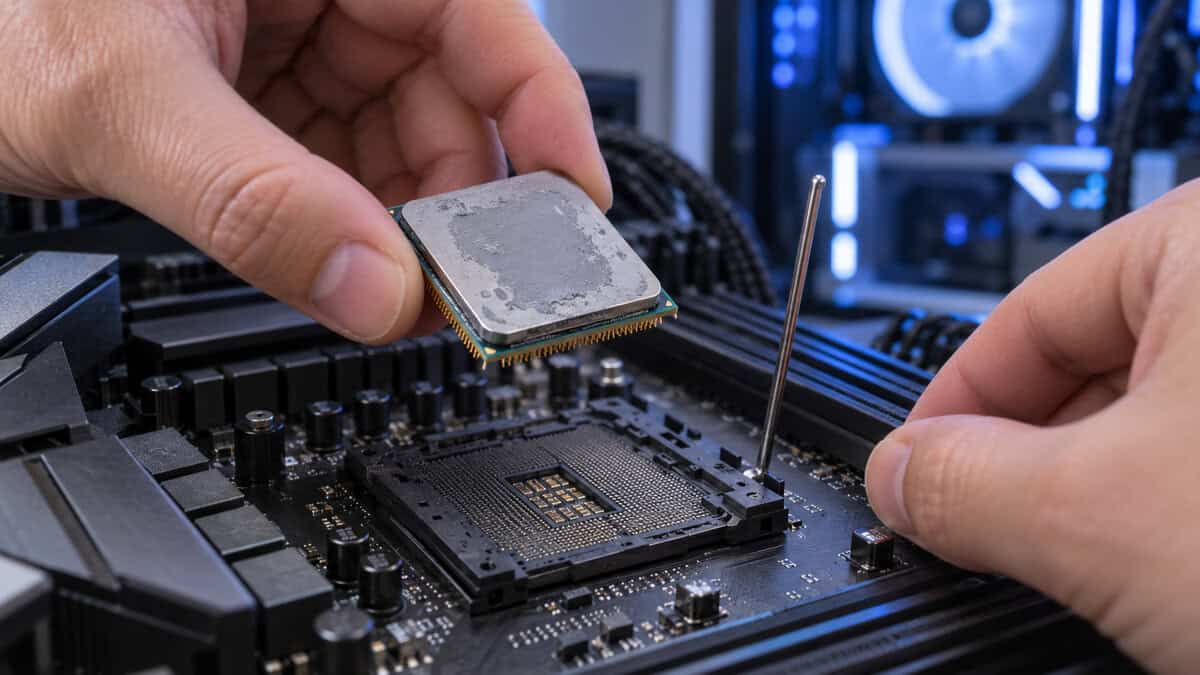
Find your current processor in Windows under System, then find your motherboard model on the board itself or in the BIOS splash screen. Those two facts decide everything below.
Coming From Ryzen 1000 or 2000
If you are on a Ryzen 1600, 2600, 1700, or 2700, you are sitting on the biggest upgrade available anywhere in PC gaming for the money. Zen 3 raised instructions per clock so far over the first two generations that even the six-core 5600X will feel like a new computer in games that stutter today. Frame-time consistency improves as much as the average frame rate does, which is the part you actually notice.
The catch is the BIOS. Boards that shipped in 2018 and 2019 came with firmware that predates Zen 3, so a 5000-series chip will not post until the board is updated. If your board has a USB BIOS Flashback button, you can update it with no CPU installed by following ASUS’s BIOS FlashBack procedure, which every vendor’s version of the feature works like. If it does not have that button, update the BIOS with your current chip before the new one arrives. Do this first. It is the single most common reason an AM4 upgrade ends with a black screen.
One more caveat for this group. Cheap A320 and entry B450 boards were built for 65W chips, and the 105W picks in this guide will throttle on a weak power delivery stage. If your board was the cheapest one in the store in 2018, the 5600X is the safe ceiling.
Coming From Ryzen 3000
A Ryzen 5 3600 or Ryzen 7 3700X still runs modern games acceptably, which makes this the group most likely to talk itself out of upgrading. The 5600X is a clear step up, but it is an evolutionary one. The chip that changes the experience for a 3000-series owner is the 5800X3D, because its stacked cache attacks the exact bottleneck Zen 2 shows in CPU-bound games: stuttery one-percent lows in open worlds, sims, and big multiplayer servers.
If your average frame rate looks fine but the game still hitches, you are cache-bound, not core-bound.
Your BIOS situation is easier here. Any board that already runs a 3000-series chip is a 2019-or-newer platform and almost certainly has a Zen 3 update available, even if you never installed it. Check the version, flash the newest one, and the 5800X3D drops straight in.
Already on a Ryzen 5000 Chip
If you own a 5600, 5600X, 5700X, or 5800X, there are only two upgrades left that you will feel. The first is the 5800X3D for gaming, where the cache gain is large enough to justify replacing a chip that is not broken. The second is the 5900XT for anyone whose PC also renders, encodes, or streams, where doubling the core count changes how the machine behaves under load.
Moving sideways, from a 5600 to a 5600X or a 5700X to a 5800X, is money spent on a spec sheet. You will not see it in a game. If neither of the two real upgrades fits your use, the honest answer for this group is to keep the chip and put the budget toward the graphics card.
The Best AM4 CPU Picks in 2026
Every chip below is a boxed retail part still in production, which narrowed the field more than you might expect. Several AM4 favorites are out of production and now cost more than newer chips wherever they turn up, and we cover those in the cut list further down. These three are the ones you can actually buy at a sane price today.
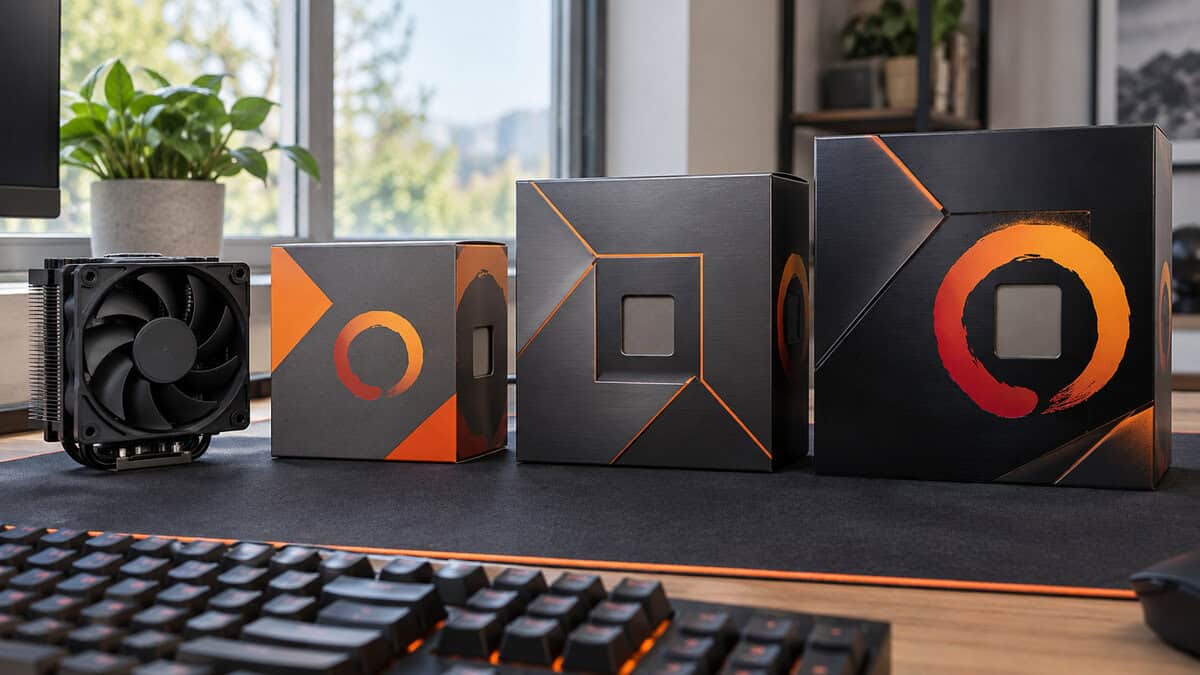
Ryzen 5 5600X: The Drop-In Upgrade
The AMD Ryzen 5 5600X is the chip that made AM4 owners stop looking at Intel in 2020, and it is still the most sensible first upgrade on the platform. Six Zen 3 cores, twelve threads, a 4.6GHz boost, and a 65W rating that any AM4 board ever made can power without complaint. It is also the only pick here that ships with a cooler, which turns the upgrade into a single purchase.
For a Ryzen 1000 or 2000 owner this is the whole recommendation. The jump in single-threaded speed is large enough that games which felt CPU-limited stop feeling that way, and the 32MB of L3 cache is double what a 2600 carried. If you play at 1440p or higher with a mid-range graphics card, the 5600X will not be the part holding the frame rate back.
Six fast cores beat eight slow ones in almost every game you own.
The tradeoff is headroom. Against the 5800X3D the 5600X gives up a large slice of gaming performance in cache-sensitive titles, and against the 5900XT it gives up ten cores for anything beyond gaming. The bundled Wraith Stealth is also the loudest part of the package under a sustained load. It works, but a modest tower cooler from our budget CPU cooler guide makes the chip quieter and lets it hold its boost clock longer.
Ryzen 7 5800X3D: The Gaming Ceiling
The AMD Ryzen 7 5800X3D was the first desktop CPU with 3D V-Cache, and four years later it is still the fastest gaming processor the socket ever received. AMD retired it, prices climbed as stock dried up, and then in mid-2026 the company put it back into production as a 10th Anniversary Edition to mark a decade of AM4. That re-release is the version sold new today, and it ships with a Carbice Ice Pad instead of asking you to apply paste.
The spec that matters is 96MB of L3 cache, three times what the 5600X carries, stacked on top of the compute die. Games that constantly reach out to system memory for world state, physics, or unit data find far more of it on the chip, and that shows up as higher one-percent-low frame rates rather than a bigger average. Flight and racing sims, grand-strategy games, MMOs, and large-server shooters all respond to it. If that list describes your library, this is the one AM4 upgrade that competes with buying a new platform.
The 5800X3D does not win on clock speed. It wins by never waiting for RAM.
Two honest limits. The stacked cache runs warmer than a plain 5800X and the chip has no cooler in the box, so a competent tower cooler is part of the purchase. And the multiplier is locked, so there is no overclocking beyond the curve-optimizer tuning newer BIOS versions allow. Its boost clock is also lower than the 5900XT’s, which is why heavy productivity work is not its strength. It is the gaming pick, full stop, and the highest-priced chip in this guide for that reason. For the chips that can be pushed, our guide to overclocking a CPU safely covers the process.
Ryzen 9 5900XT: Sixteen Cores Without a New Board
The AMD Ryzen 9 5900XT arrived in mid-2024 as a late refresh of the platform: sixteen Zen 3 cores and thirty-two threads, a 4.8GHz boost, 64MB of L3 cache, and a 105W rating. It is effectively the 5950X repositioned at a lower tier, and it exists for one reader in particular. If your AM4 PC edits video, renders, compiles, or streams while a game runs, this doubles the core count of a 5800X on the same board and the same DDR4.
In games it is a good chip rather than a great one. Sixteen cores do nothing for frame rate that eight do not already do, and the smaller cache means it trails the 5800X3D in the titles where that chip shines. Its boost clock is the highest of the three, so single-threaded work and older games run well. The point is not gaming speed. The point is that everything else you ask of the PC stops fighting the game for cores.
Compatibility needs a moment of attention here. The 5900XT launched years after most AM4 boards did, so it requires a mid-2024 or newer BIOS. Most B550 and X570 boards have one. Some older B450 boards received it, and some never will, so check your exact model’s CPU support list before ordering. AMD’s AM4 chipset page is the place to confirm which chipsets support which processor families in the first place.
Why 3D V-Cache Changes the AM4 Math
Every previous AM4 upgrade was about clocks and cores. The 5800X3D changed the question, because it beats chips with higher clocks and more cores in games by doing something different: keeping the data a game needs next on the processor instead of fetching it from memory. Understanding when that helps and when it does not is what separates a smart purchase from an expensive one.
Where the Extra Cache Shows Up
Cache pays off when the CPU is the bottleneck, which happens far more often than the frame counter suggests. At 1080p with a fast graphics card, the CPU sets the frame rate in most competitive shooters. In simulation-heavy games the CPU sets it at any resolution, because the game is simulating a world, not just drawing one. And in anything with a hundred players, thousands of units, or a large streaming open world, the CPU is constantly pulling data that a big cache keeps close.
Those are the cases where the 5800X3D pulls clear of every other AM4 chip, and it does so most visibly in the one-percent lows that decide whether a game feels smooth. If you play Escape from Tarkov, Microsoft Flight Simulator, a Paradox strategy title, World of Warcraft, or a large-map extraction shooter, you are the target buyer.
Where It Does Not
Push the resolution to 4K, or pair any of these chips with a mid-range GPU at 1440p with high settings, and the graphics card becomes the limit. In that setup the 5600X, the 5800X3D, and the 5900XT produce nearly the same frame rate, because none of them is the part being waited on. Spending on the X3D chip there is spending on a bottleneck you do not have.
The same is true of productivity. Stacked cache does little for video encoding, compiling, or rendering, where the 5900XT’s sixteen cores and higher clock win easily. So the choice between the two 105W picks is not about which is faster. It is about which bottleneck your PC actually has. Our best CPU for gaming guide walks through the same logic across the current AM5 and Intel chips if you want the wider picture.
Cooling and Power on an Old Board
A new CPU in an old board is only as good as the board’s ability to feed and cool it. Both 105W picks here ask more of a motherboard than a 2600 ever did, and the boards most likely to be upgraded are exactly the budget models with the least margin. Two checks before you buy.
The Wraith Stealth Question
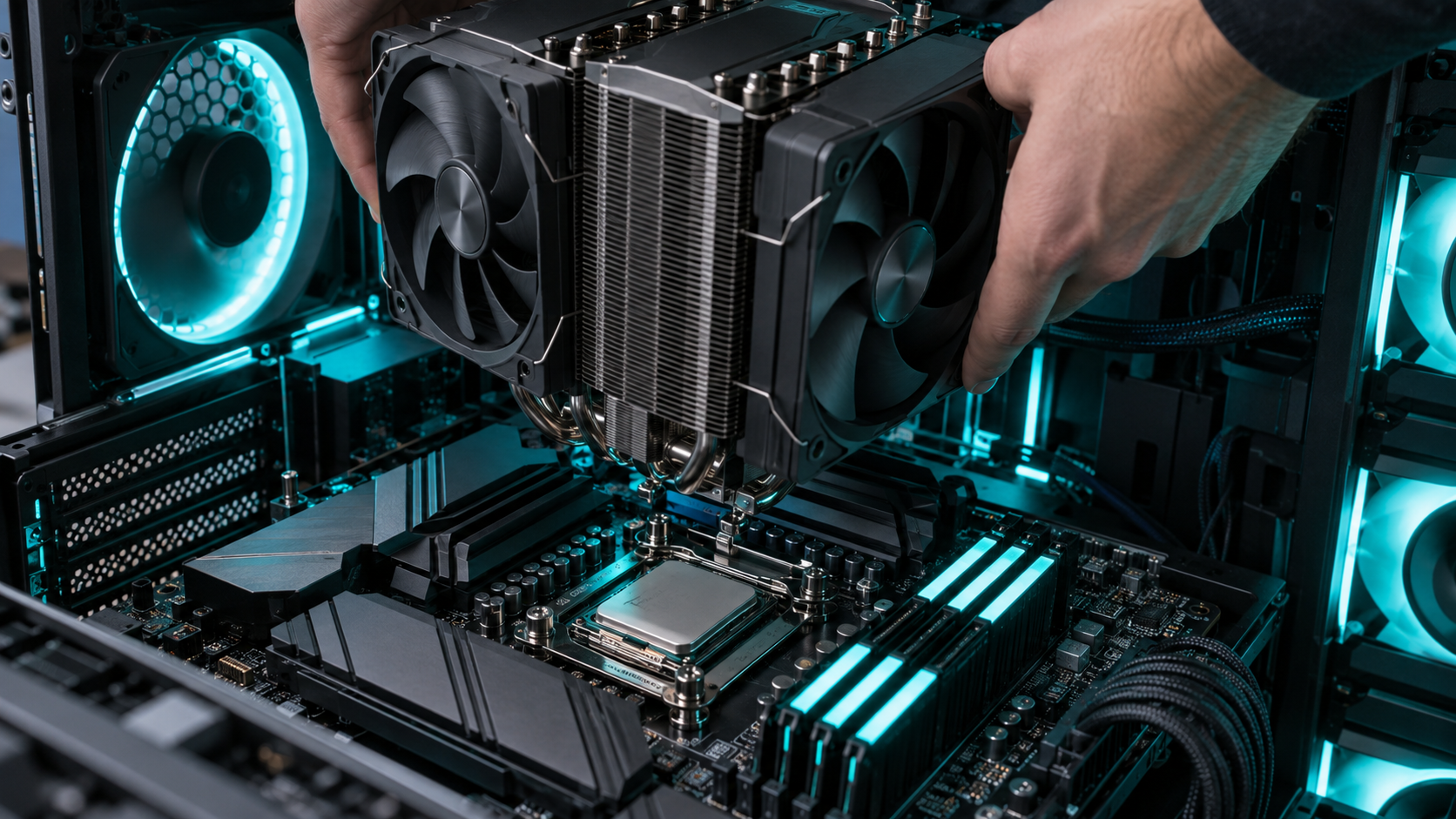
The 5600X’s bundled Wraith Stealth is rated for the chip it ships with and nothing more. It keeps a 65W processor within spec, at the cost of fan noise under a long load. If you already own a tower cooler from a previous Ryzen, keep using it. Every AM4 cooler mounts on every AM4 board, which is one of the platform’s quiet advantages.
Neither 105W chip includes a cooler, and the 5800X3D in particular rewards a good one. The stacked cache die sits between the cores and the heat spreader, so heat has further to travel and the chip reports higher temperatures than a 5800X under the same cooler. A mid-range tower with two heat pipes or more is the floor. It also ships with a Carbice thermal pad in place of paste, so if you swap to your own cooler later, a fresh application from our thermal paste guide is the way to go rather than reusing the pad.
VRMs on B450 and A520 Boards
The voltage regulators between the power connector and the socket decide whether a 105W chip holds its boost clock or throttles. Premium B450 and every X470, B550, and X570 board handles either 105W pick without drama. The risk sits with the cheapest A320, A520, and four-phase B450 boards, which were designed around 65W parts and get hot enough under a sustained sixteen-core load to pull clocks back.
A board that ran a 65W chip for six years has never been asked the question a 105W chip asks.
If you are unsure what your board can handle, the 5800X3D is the more forgiving of the two 105W chips because gaming loads are bursty rather than sustained. The 5900XT under a long render is the hardest case. And if the board is the weak link, replacing it is cheaper than you think. Our best AM4 motherboard guide covers B550 boards with the power delivery to run any chip on this page, and pairing one with the 5900XT still costs far less than an AM5 rebuild.
The Picks Side by Side
Three chips, three different jobs. This is the whole decision on one screen.
| Pick | Cores / threads | L3 cache | Rating and cooler | Upgrade for |
|---|---|---|---|---|
| AMD Ryzen 5 5600X | 6 / 12 | 32MB | 65W, Wraith Stealth included | Ryzen 1000 to 3000 owners on any board |
| AMD Ryzen 7 5800X3D | 8 / 16 | 96MB 3D V-Cache | 105W, no cooler, thermal pad included | Gamers on any AM4 chip below it |
| AMD Ryzen 9 5900XT | 16 / 32 | 64MB | 105W, no cooler | Streamers and creators on a board with a 2024 BIOS |
If you are torn between the two 105W chips, ask which task makes you wait today. A game that hitches points at the 5800X3D. An export bar that crawls while you try to play points at the 5900XT. Nobody needs both.
The AM4 Chips We Left Out and Why
AM4’s catalog is huge, and several chips that would have made this list two years ago no longer qualify. The rule for a pick here is simple: it has to be a new boxed retail part that is still in production, at a price that makes sense against the AM5 alternative. These did not clear that bar, and it is worth knowing why before a search result talks you into one.
- Ryzen 7 5700X3D: the cheaper V-Cache chip was the value gaming pick of 2024, but it is out of production and the stock that remains now costs more than the re-released 5800X3D. At that price it makes no sense. If it ever drops back below the 5800X3D, it becomes the pick again.
- Ryzen 7 5700X: a fine eight-core chip that has gone thin on the shelf, with stock and price bouncing from week to week. When it is in stock at a fair price it is a reasonable middle rung, but you cannot plan an upgrade around a listing that may be gone tomorrow.
- Ryzen 5 5600: the non-X version was the budget darling when it sold well under the 5600X. Today the two sit almost on top of each other in price and the X gets the better cooler and higher boost, so the 5600 has lost its reason to exist.
- Ryzen 5 5500: the cheapest Zen 3 chip is still cheap, but it is a cut-down design with half the cache and PCIe 3.0 only. For a Ryzen 1000 owner on a tight budget it is a legitimate stopgap. For anyone else, the 5600X’s extra cache is worth the gap.
- Ryzen 7 5800XT: the 2024 refresh of the 5800X is a good chip caught between two better ones. It games slower than the 5800X3D and works slower than the 5900XT, and current stock is down to the last few units.
- Ryzen 5 5600G: the integrated-graphics chip belongs in a PC with no graphics card, which is not who this guide is for. It has also drifted well above the 5600X in price as stock has thinned, which removes the only reason a gamer would consider it.
Should You Just Move to AM5 Instead
Every pick above has to beat one alternative: a new AM5 board, a DDR5 kit, and a current Ryzen chip. AMD has committed to supporting AM5 through 2029, so a new platform buys you years of future drop-in upgrades that AM4 can no longer offer. That is a real argument, and for some readers it is the right call.
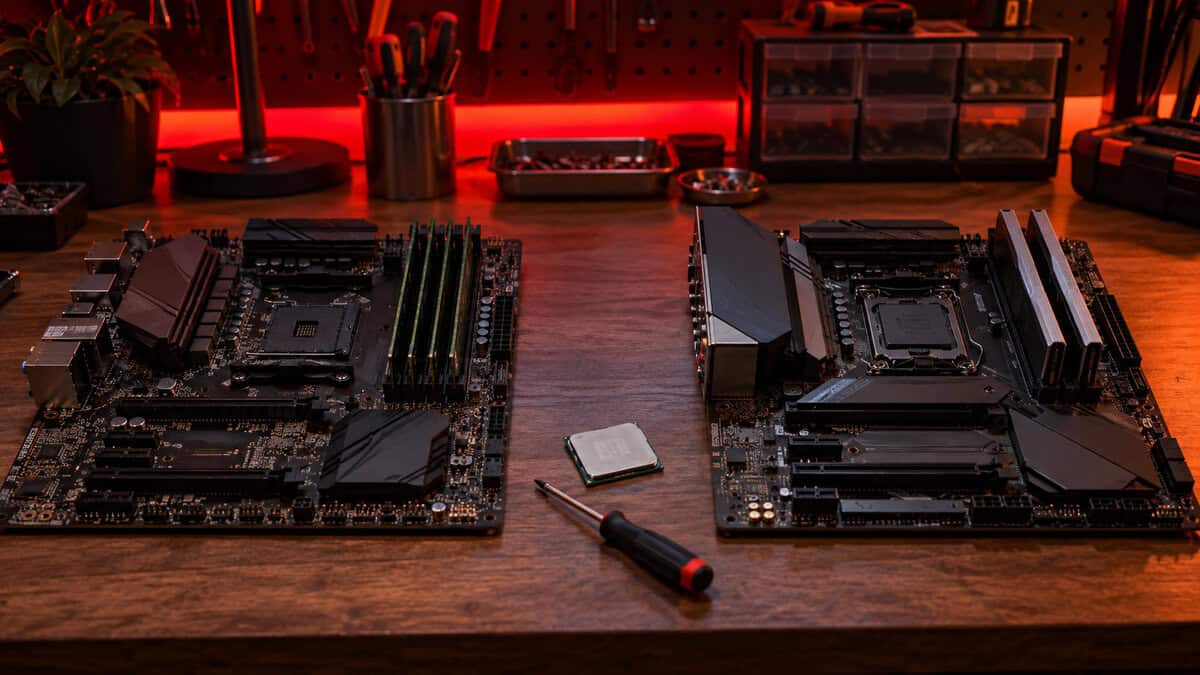
Run the numbers honestly, though. An AM4 upgrade is one part. The AM5 route is three, and the board and memory alone typically cost more than the 5800X3D does. The Ryzen 7 7800X3D is faster than the 5800X3D in games, but the gap between the two is far smaller than the gap between either of them and the Zen 2 chip you are replacing. For most AM4 owners the anniversary 5800X3D delivers the majority of that platform’s gaming benefit for a fraction of its total price.
AM4 is the last platform where the whole upgrade fits in one small box.
The case for moving is strongest if you also want PCIe 5.0 storage, DDR5 bandwidth for productivity, or a socket you can upgrade again in 2028. If that is you, start with our best AM5 motherboard guide and budget for the full rebuild. If it is not, buy the chip, flash the BIOS, and get another three years out of a board that has already paid for itself.
Staying on this platform means staying on DDR4, and our DDR4 vs DDR5 for gaming comparison shows what that costs you. If you are buying memory for the new chip, our best DDR4 RAM guide picks the kits worth the money right now.
Frequently Asked Questions
The questions that come up most when an AM4 owner is deciding whether to upgrade the chip or the whole platform.
What is the best AM4 CPU for gaming in 2026?
The Ryzen 7 5800X3D. Its 96MB of 3D V-Cache gives it the highest one-percent-low frame rates of any AM4 chip in CPU-bound games, and AMD’s 2026 anniversary re-release means it is sold new again after a long stretch of scalper pricing. The Ryzen 5 5600X is the value alternative if you are coming from a Ryzen 1000, 2000, or 3000 chip.
Do I need a BIOS update for a Ryzen 5000 CPU on a B450 board?
Almost always yes. B450 and X470 boards shipped before Zen 3 existed, so they need a BIOS released in 2020 or later to boot a 5000-series chip. Update with your current CPU installed before swapping, or use USB BIOS Flashback if your board has it. The 5900XT needs a newer BIOS still, from mid-2024 or later.
Is the Ryzen 7 5800X3D still worth buying in 2026?
Yes, if you are staying on AM4. It is still the fastest gaming CPU the socket supports, and the cost of one chip is far lower than an AM5 board, DDR5 memory, and a new processor. It is not worth it if you play mostly at 4K, where the graphics card sets the frame rate, or if your PC’s heavy work is rendering and encoding rather than gaming.
Does the 5800X3D come with a cooler?
No. Neither the 5800X3D nor the 5900XT includes a cooler, and the 5800X3D’s stacked cache means it runs warmer than a standard 5800X under the same heatsink. Budget a mid-range tower cooler for either chip. The anniversary 5800X3D does include a Carbice thermal pad in place of paste. Only the Ryzen 5 5600X ships with a cooler in the box.
Will a 105W Ryzen chip work on a cheap A320 or B450 motherboard?
It will boot, but budget boards with weak power delivery can throttle a 105W chip under a sustained load. Gaming is bursty enough that the 5800X3D usually runs fine on a decent B450. A long render on the sixteen-core 5900XT is the hard case. If your board was the cheapest option in 2018, the 65W 5600X is the safe choice, or pair the bigger chip with a B550 board.
Looking for more budget gaming gear? Check out Budget Loadout for the latest reviews and recommendations.
Related Articles