The most expensive DDR4 kit you can buy this year is the one you did not need. Memory prices have climbed far above where they sat a year ago, so the best DDR4 RAM in 2026 is less about chasing speed and more about buying exactly the capacity your build will use, at the speed your platform can actually run, and nothing past that.
That rules out most of what fills a retailer’s memory page. It leaves two kits: the most widely owned 32GB kit, which runs on Intel and AMD boards alike, and a 16GB pair for the builds where 16GB is still genuinely enough. This guide covers those two, then the harder question of whether you should be buying DDR4 at all right now.
The most widely owned DDR4 kit on sale, with a low 34mm profile that clears any cooler. Runs 3200 CL16 on Intel and AMD boards alike, so it suits almost any DDR4 build.
- 34mm low profile fits under any cooler
- Huge owner base and long compatibility lists
- XMP and EXPO profiles both on the sticks
- 3200 leaves a little Ryzen speed unused
- Plain heatspreader with no lighting
- Overkill for an esports-only PC
The right buy when 16GB is genuinely enough: esports titles, an older PC you plan to replace, or a second-hand build that needs a matched pair.
- Cheapest way into a matched dual-channel pair
- Same 34mm profile as the 32GB kit
- Runs 3200 CL16 on Intel and AMD
- 16GB is tight for new open-world releases
- No EXPO profile listed on this kit
- Going bigger later means replacing not adding
- On Intel DDR4 boards, 3200 CL16 is every bit as good as faster kits. On Ryzen 5000 and 3000, 3600 is the ideal speed, but a 3200 CL16 kit gives up only a little.
- Buy one matched kit sized for the whole build. Two kits bought a year apart are the most common cause of memory that will not boot at its rated speed.
- 32GB is the target for a new build. 16GB still covers esports titles and is the right buy when you are adding to an older PC you will replace soon.
- XMP and EXPO are off by default. Until you turn one on in the BIOS, every kit here runs at its slower JEDEC speed.
- Check module height against your cooler. 34mm sticks fit under almost anything; 42mm sticks can collide with wide air coolers.
Table of Contents
The Two Picks
Every kit here is a two-stick, dual-channel set from a brand that has been making DDR4 since the standard launched, with a lifetime warranty and a stored overclocking profile that your board can load in one click. The differences that matter are speed, timings and height, and the table lays them side by side.
Best DDR4 RAM Spec Sheet
| Kit | Capacity | Config | Speed | Timings | Voltage | Height | Profiles | Warranty | Best for |
|---|---|---|---|---|---|---|---|---|---|
| Corsair Vengeance LPX 3200 32GB | 32GB | 2 x 16GB | DDR4-3200 | 16-20-20-38 | 1.35V | 34mm | XMP 2.0 and EXPO | Lifetime limited | Intel boards and older AM4 boards |
| Corsair Vengeance LPX 3200 16GB | 16GB | 2 x 8GB | DDR4-3200 | 16-20-20-38 | 1.35V | 34mm | XMP 2.0 | Lifetime limited | Esports PCs and short-term upgrades |
Corsair Vengeance LPX DDR4-3200 32GB: Best Overall
If you asked a hundred DDR4 owners what is in their PC, the Corsair Vengeance LPX DDR4-3200 32GB would come up more than any other kit. That owner base is its real advantage. It sits on more motherboard compatibility lists than anything else in this class, and it runs 3200 at CL16-20-20-38 on Intel and AMD boards alike.
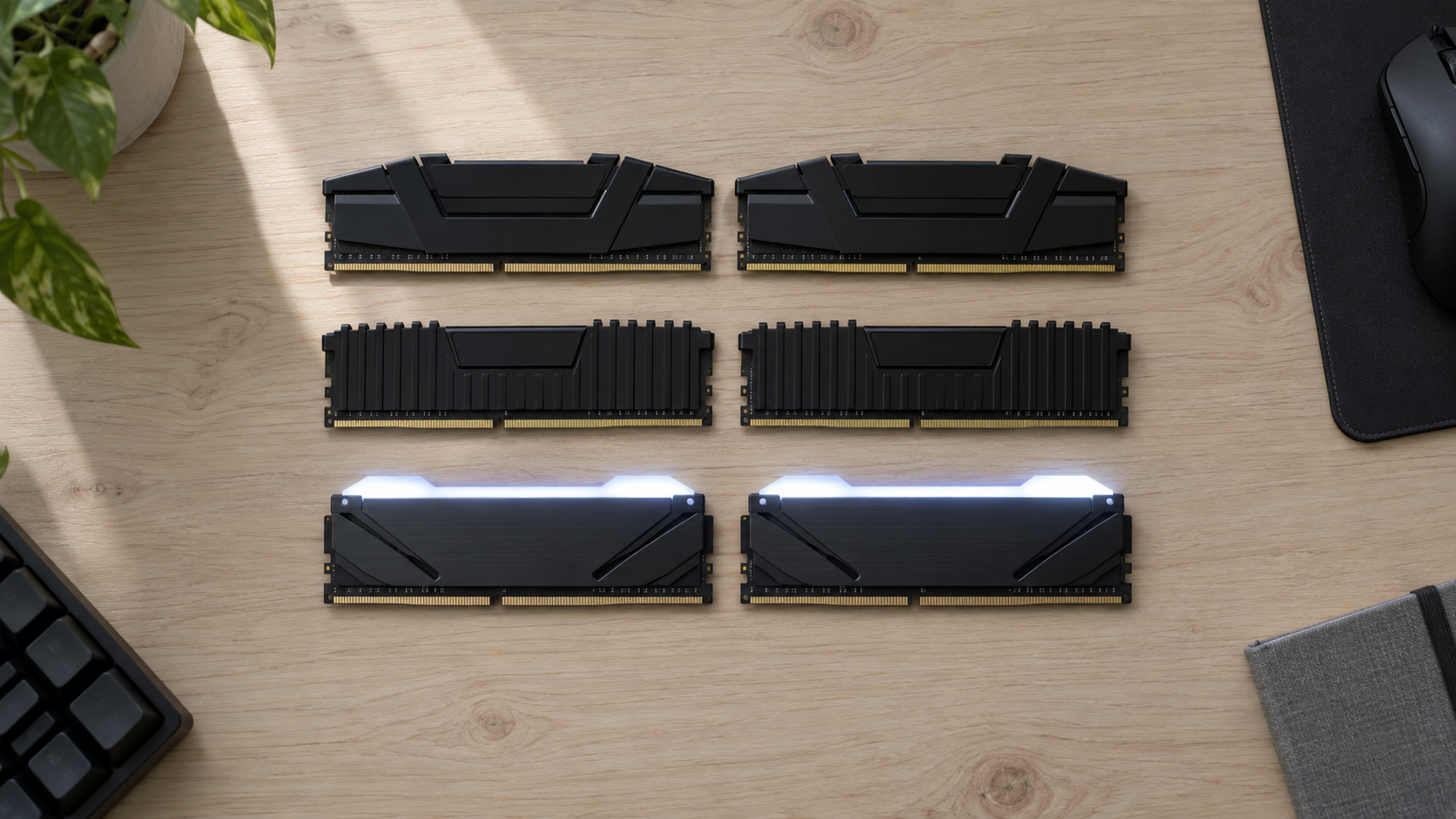
The 34mm low-profile heatspreader is the other reason to pick it. It clears every air cooler on the market, including the big dual-tower designs that collide with taller sticks, so it is the kit to buy when you are not sure what cooler you will end up with. Corsair stores both an XMP 2.0 profile and an AMD EXPO profile on this kit, so either platform loads the rated speed with one BIOS toggle.
Compatibility lists are written around this kit. Pick it when you would rather not test anything.
The tradeoff is speed on Ryzen. At 3200 you give up a small amount of frame rate against a 3600 kit on a Ryzen 5000 chip, because that platform runs best one speed step higher. If you are building on Intel, or on an older B450 or X470 board that never ran 3600 reliably, that gap disappears entirely.
Corsair Vengeance LPX DDR4-3200 16GB: Best Value
A 16GB pick needs a reason to exist in 2026, and the Corsair Vengeance LPX DDR4-3200 16GB has three. It is the cheapest way to put a matched dual-channel pair in a PC. It shares the same 3200 CL16 profile and 34mm height as its 32GB sibling. And for a large group of readers, 16GB is still all the memory their games will use.
That group is bigger than most guides admit. If your library is Counter-Strike 2, Valorant, Fortnite, League of Legends and Rocket League, 16GB does not hold you back at any settings. The same goes for an older PC you plan to replace within a year or two, where spending on 32GB of DDR4 that will not carry over to a DDR5 board is money thrown away.
16GB is not the wrong amount. It is the wrong amount for a new build you intend to keep.
Where it falls short is the newest open-world releases at high texture settings, which now spill past 16GB while a browser and Discord sit in the background. And unlike the 32GB kit, you cannot grow it cleanly: adding a second pair later means running four sticks, which is harder on the memory controller than two. Corsair lists only an XMP 2.0 profile on this kit, but every current AM4 board reads XMP profiles, so the missing EXPO entry changes nothing in practice.
Two Kits Worth Knowing
If you want lighting, the PNY Epic-X RGB DDR4-3200 32GB gives you the same 3200 CL16 profile as the Corsair kit with an RGB bar on top, and it is the lit 32GB kit we would point you to over the RGB versions of the Corsair kits today. It lost the podium to the LPX on owner record alone.
Buy or Hold: DDR4 in a Memory Shortage
Here is the part no other DDR4 guide wants to write. Memory makers have moved factory capacity toward newer memory and toward the chips that feed AI servers, and DDR4 production lines are winding down. Kit prices have climbed well past where they sat a year ago, and nobody in the industry is promising a quick return. That changes the advice.
In a shortage the best kit is the smallest one that removes your bottleneck. Buy that and stop.
Who Should Buy Now
Buy now if memory is the thing holding your PC back today. That means an 8GB machine that stutters in anything modern, a 16GB machine that hitches in the newest open-world games with a browser open, or a build sitting on a bench waiting for sticks. Waiting for a price that may not come back costs you every session in between, and your DDR4 board cannot use anything else.
Buy now, too, if you are assembling a complete AM4 or Intel DDR4 system from a good deal on a used CPU and board. The platform is cheap because it is mature, and our best AM4 CPU guide covers the chips that still make a fresh build worthwhile.
Who Should Wait
Wait if your PC already has 16GB and your games run fine. Nothing about the current market rewards buying memory you will not use, and a 32GB kit bought for a machine you replace next year does not move to the new build. Wait as well if you are already saving toward a new platform: a DDR4 kit is a sunk cost the moment you switch, and our DDR4 vs DDR5 for gaming comparison covers where that line sits.
The Second-Kit Trap
The tempting shortcut is to keep your 16GB pair and add a second matching pair. It sometimes works. It also produces more support-forum threads than any other memory decision, because two kits with the same name bought a year apart are not guaranteed to use the same memory chips, and four sticks push the memory controller harder than two. Every kit here ships with a warning not to mix kits, and the warning is there for a reason. If you need 32GB, buy one 32GB kit and sell or repurpose the old pair.
Three Buying Situations
Which kit is the best DDR4 RAM for you depends less on the kit than on where you are starting from. Almost every DDR4 buyer is in one of three situations.
A New DDR4 Build
You are building on AM4 or an Intel DDR4 board from scratch, usually because the CPU and board came cheap. Buy 32GB, and buy it once. On Intel or AM4, that means the Vengeance LPX 3200 32GB, which loads its rated speed with one BIOS toggle on either platform. Pair it with a board that lists your kit, and our best AM4 motherboard guide covers the boards whose memory support is worth trusting.
Upgrading From 16GB
Your PC runs, but new releases hitch and the task manager shows memory pinned. First confirm that memory is actually the limit rather than the graphics card, because the two feel similar. If it is memory, replace the pair rather than adding to it, and match the speed your board already runs so the new kit slots in without a BIOS fight. A 3200 board takes the LPX 32GB as a straight swap, and a board already running 3600 takes it too, at one small speed step down.
Replacing a Mismatched Kit
You inherited a PC with one stick, or two sticks of different sizes, or a kit that will not hold its XMP speed. This is the situation where the 16GB LPX earns its place. A matched 2x8GB pair at 3200 CL16 fixes single-channel and mismatch problems at the lowest possible cost, and if the machine is a stopgap, that is all the memory it should get.
Speed and Timings Without the Spreadsheet
Memory listings bury the two numbers that matter under a dozen that do not. Speed is the transfer rate, written as 3200 or 3600. Timings are the delays the chips need between operations, led by CAS latency, written as CL16 or CL18. A faster kit with looser timings and a slower kit with tighter timings often land in the same place in games, which is why a well-made 3200 kit stays a strong buy even on a platform that prefers 3600.
3200 CL16 vs 3600 CL18
These are the two configurations that dominate DDR4 RAM 32GB kits, and for good reason. Both sit at 1.35V, both are within reach of every current DDR4 board, and both are cheap to make relative to the exotic 4000-plus kits that overclockers chase. The 3600 CL18 kit moves more data per second and waits slightly longer for each request. The 3200 CL16 kit does the reverse. On Intel the difference is small enough to ignore. On Ryzen the 3600 kit pulls ahead, because of how the chip’s internal fabric is clocked.
Ryzen vs Intel
Ryzen 3000 and 5000 processors run their Infinity Fabric at half the memory transfer rate, and 3600 is the highest speed most chips hold that one-to-one ratio at without manual tuning. Push past it and the fabric drops to a slower ratio that costs more than the faster memory gives back. That is why 3600 is the Ryzen sweet spot and why chasing 4000 on AM4 is a hobby, not an upgrade. Our AM4 CPU guide covers which chips benefit most.
Intel’s DDR4 platforms have no such ratio to protect. A 12th, 13th or 14th generation chip on a DDR4 board runs 3200 CL16 happily and gains little from 3600, so the Corsair kit is the default there. If you are shopping for a complete system rather than a kit, our best gaming PC under 1000 guide shows what a full build gets you at this budget.
Turning On XMP or EXPO
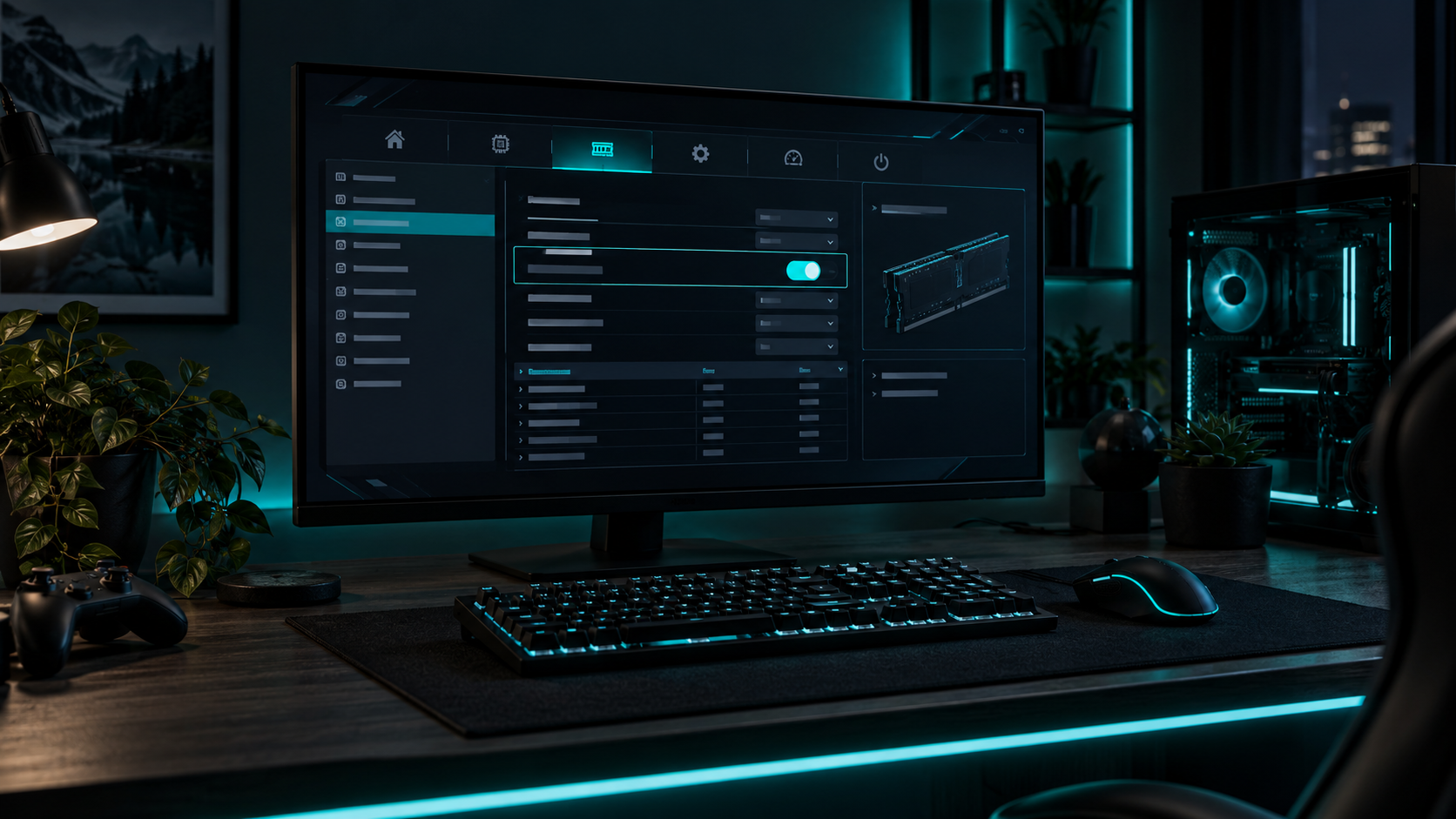
Every kit in this guide boots at a slow default speed set by the JEDEC DDR4 standard, which for these kits is 2133. The rated 3200 lives in a profile stored on the sticks, and it stays off until you enable it in the BIOS. On Intel boards the profile is called XMP; AMD boards read XMP profiles and also their own EXPO format. Intel’s own XMP configuration guide explains the mechanism, and the BIOS switch is usually one line on the first overclocking page. Skipping this step is the single most common reason a new kit feels no faster than the old one.
16GB vs 32GB in 2026
For a new build you intend to keep, the best DDR4 RAM capacity is 32GB. The newest open-world and simulation titles already spill past 16GB at high texture settings, and a browser with a few tabs, Discord and a launcher take their share on top. Our guide to how much RAM you need for gaming works through the numbers title by title.
For an esports PC or a stopgap machine, 16GB is still correct, and in a shortage it is the responsible buy. The mistake is not choosing 16GB. The mistake is choosing 16GB for a PC you will still be using in three years, then paying again for 32GB at whatever DDR4 costs then. Decide how long the machine lives first, and the capacity follows.
64GB has no place in a gaming build on this platform. If you edit video or run virtual machines, that is a different purchase, and in the current market it is a very expensive one on DDR4.
Clearance and Cooler Fit
Module height is the spec that sends kits back. Both Corsair kits stand 34mm, which is about as low as a heatspreader gets, and they clear every air cooler sold today. Taller DDR4 kits often stand 42mm or more, which is tall enough that a wide dual-tower cooler with its front fan pushed down can sit on top of the first slot.
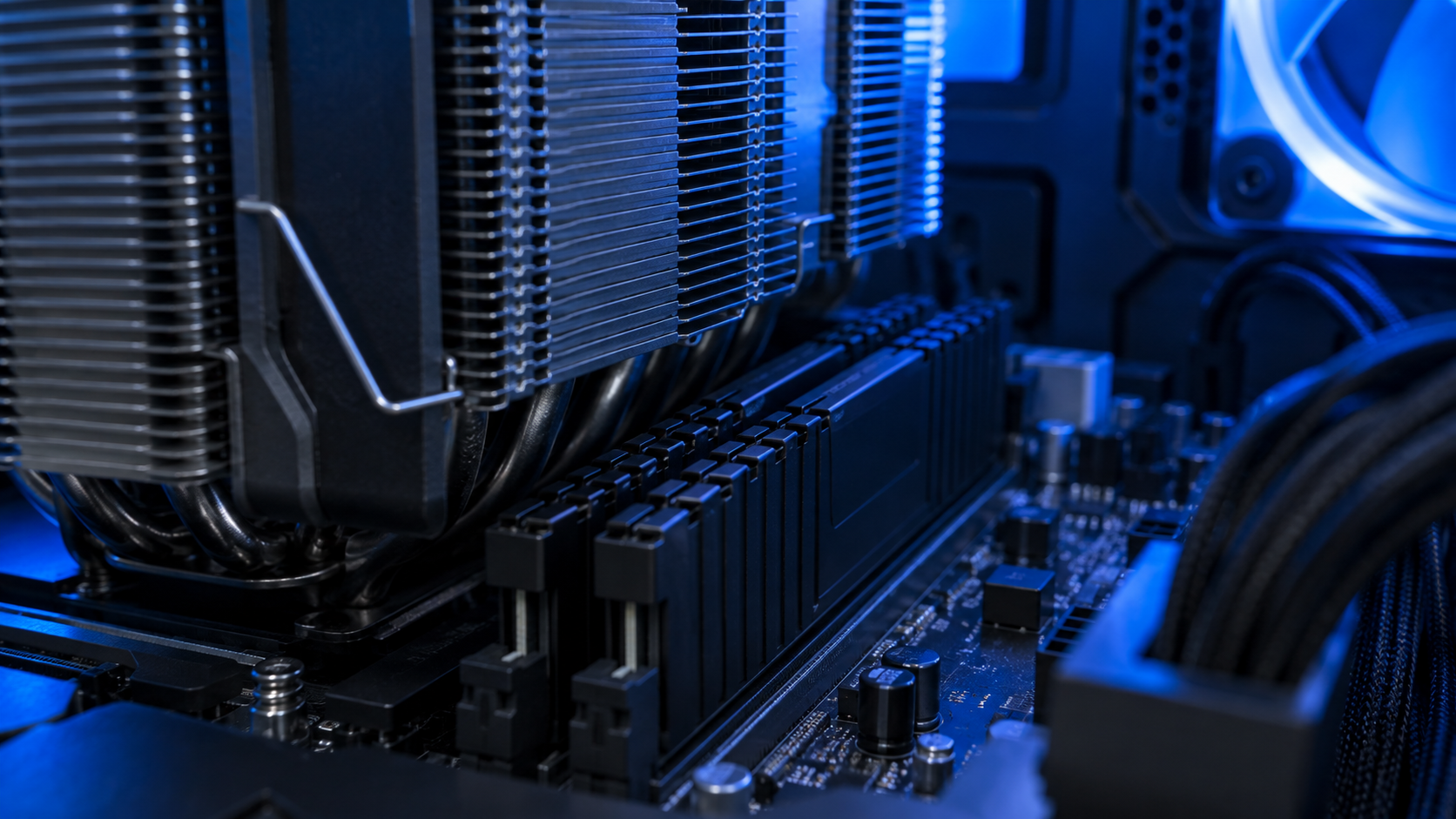
The fix is a one-line check. Every cooler maker publishes a memory clearance figure; if it matches or beats your kit’s height, the kit fits, and if the number is missing, assume the cooler was designed around low-profile sticks. Liquid coolers have no clearance problem at all. Small cases add a second check: in a mini-ITX build where the memory sits close to the side panel or the power supply, the 34mm kits are the safer buy, and our SFX PSU guide covers the other tight-fit part in those builds.
Which Kit Fits Which Build
One row per kit, matching the best DDR4 RAM picks to the platform and the situation where each is the right call.
| Kit | Best platform | Situation | Cooler clearance | Lighting | Skip it if |
|---|---|---|---|---|---|
| Corsair Vengeance LPX 3200 32GB | Intel DDR4 and older AM4 | New build or a 16GB upgrade where compatibility matters most | 34mm: clears everything | None | You are on Ryzen 5000 and want every frame |
| Corsair Vengeance LPX 3200 16GB | Intel and AMD | Esports PC or a stopgap machine with a mismatched kit | 34mm: clears everything | None | The PC is a keeper and plays new releases |
Frequently Asked Questions
Short answers to the questions that come up most when shopping for the best DDR4 RAM.
Is DDR4 RAM still worth buying in 2026?
Yes, if your motherboard takes DDR4 and memory is what limits your PC today. Prices sit well above where they were a year ago, so buy the smallest kit that removes the bottleneck: 32GB for a build you will keep, 16GB for an esports PC or a stopgap machine. If you are already saving for a DDR5 platform, hold off, because a DDR4 kit does not move to the new board.
Is 3200 or 3600 better for DDR4 RAM?
On Ryzen 3000 and 5000, 3600 is the sweet spot because the chip’s Infinity Fabric runs in step with the memory at that speed, so a good 3600 kit edges ahead there. On Intel DDR4 boards and older AM4 boards, 3200 CL16 performs within a hair of 3600 CL18 and is easier to run. Even on Ryzen the gap is small, which is why the Corsair Vengeance LPX 3200 is our pick.
Can I mix two DDR4 kits?
It sometimes works, but it is the most common cause of memory that refuses to boot at its rated speed. Kits with the same name bought at different times can use different chips, and four sticks push the memory controller harder than two. If you need 32GB, buy one 32GB kit rather than adding a second 16GB pair.
Do I need 32GB of DDR4 RAM for gaming?
For a new build you plan to keep, yes. The latest open-world and simulation games spill past 16GB at high texture settings once a browser and Discord are open. For esports titles like Counter-Strike 2, Valorant and Fortnite, 16GB is still enough, and it is the sensible buy for a PC you will replace within a year or two.
Why does my new DDR4 kit run slower than advertised?
Because the rated speed is stored in an XMP or EXPO profile that stays off until you enable it in the BIOS. Out of the box every kit here runs at its JEDEC default of 2133. Turn the profile on from the BIOS overclocking page and the kit jumps to its rated 3200 with the matching timings.
Looking for more budget gaming gear? Check out Budget Loadout for the latest reviews and recommendations.
Related Articles