You’re probably looking at three SSD capacities on the same product page and wondering whether 512GB is the smart budget move, 1TB is the obvious middle ground, or 2TB is the only choice you won’t regret in six months.
That’s the right question, but most buying guides answer the wrong one. They treat storage like a simple capacity chart. For gamers, streamers, and anyone building a value-focused PC, the primary issue is daily friction. How often you uninstall games. How cramped your boot drive feels after updates. How soon you end up buying a second drive. How much wear and sustained write performance you get for the money.
If you’re deciding between 512GB vs 1TB vs 2TB SSD options, don’t just compare sticker price. Compare the full ownership experience.
- Fast Gen4 NVMe speeds for snappy boots and loads
- Standard M.2 2280 fits desktops and laptops
- Power-efficient design, a good laptop match
- 512GB fills quickly with modern game installs
- Weakest value-per-GB of the three right now
- Best as a boot or secondary drive, not a main library
- Best value-per-GB at the capacity most gamers need
- Holds several large games installed at once
- Up to 7,400 MB/s reads, 6,500 MB/s writes
- Value (DRAM-less) drive, not a sustained-write champ
- Heatsink may not fit thin laptops
- Heavy creators may still want more headroom
- Up to 6,900 MB/s writes for recording and editing
- 2TB headroom for a permanent library plus clips
- Flagship Gen4 performance from Samsung
- Overkill if you only keep a few games installed
- Highest upfront cost of the three
- More capacity than most pure gamers need
Picks and availability last verified: October 12, 2026
- 512GB only makes sense as a boot, starter, or secondary drive; modern game installs fill it fast
- 1TB is the sweet spot for most gamers, with room for several big titles without constant uninstalling
- Choose 2TB if you stream, record, or edit, or want a large permanent library you never prune
- Bigger drives often write faster and last longer (higher TBW), so capacity buys endurance too
- Buy the capacity that fits your real library plus headroom; running an SSD near-full hurts performance
Table of Contents
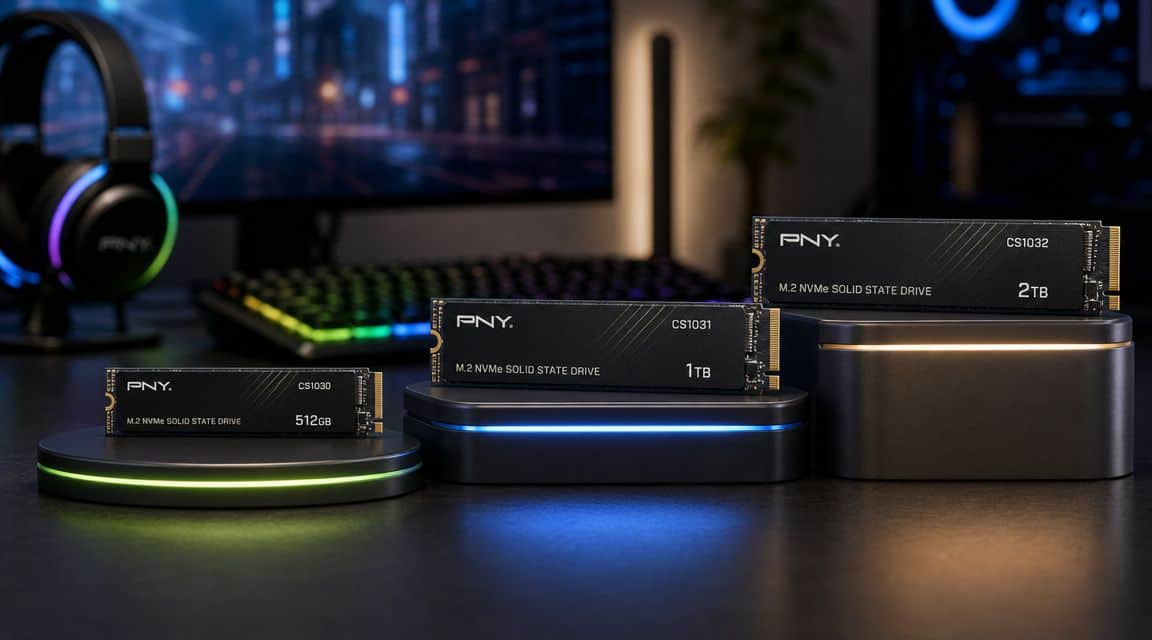
Our 512GB pick: the SanDisk Optimus 5100 500GB: a current-gen Gen4 NVMe that stays fast and dependable as a boot or starter drive, so the small capacity is the only real compromise you make.
Our 1TB pick: the Lexar NM790 1TB with Heatsink: the value standout at the capacity most gamers actually need, with Gen4 speeds up to 7,400 MB/s and the headroom to keep several big titles installed at once. Its built-in heatsink suits desktops and the PS5, but it may not fit thin laptops, so check clearance first.
Our 2TB pick: the Samsung 990 PRO 2TB: Samsung’s flagship Gen4 drive, a step up in tier that costs more than the other picks but brings the write speeds that recording, editing, and a large permanent library demand.
Choosing Your Next SSD Is More Than Just Capacity
The mistake most first-time upgraders make is assuming storage is only about “how much fits.” It isn’t. Your SSD choice affects performance under load, endurance over time, upgrade hassle, and how annoying your setup feels to live with.
A small drive can look cheap up front, then cost you time every week. You delete one game to install another. You move clips off your drive because recording space is gone. You postpone updates because free space is tight. That’s a real cost, even if it doesn’t show up on the product page.
What actually changes between 512GB, 1TB, and 2TB
Here’s the short version:
| Capacity | Where it fits best | Main drawback | Practical take |
|---|---|---|---|
| 512GB | Basic use, light gaming, secondary drive duty | Fills fast | Only worth it if your budget is tight and your game library stays small |
| 1TB | Most PC gamers | You may still manage installs eventually | Best balance for value and convenience |
| 2TB | Heavy gaming, streaming, content work | Higher upfront cost | Best long-term ownership experience |
That’s why the right SSD isn’t always the cheapest one. It’s the one that avoids a second purchase, avoids constant cleanup, and gives your system room to breathe.
Practical rule: If a drive choice forces you to think about storage every week, it wasn’t the cheap option. It was the inconvenient one.
A lot of builders learn the same lesson when comparing SSD vs HDD for gaming. The faster part usually wins not just because of benchmarks, but because it removes friction from normal use. Capacity works the same way.
How Much Space Do You Really Have
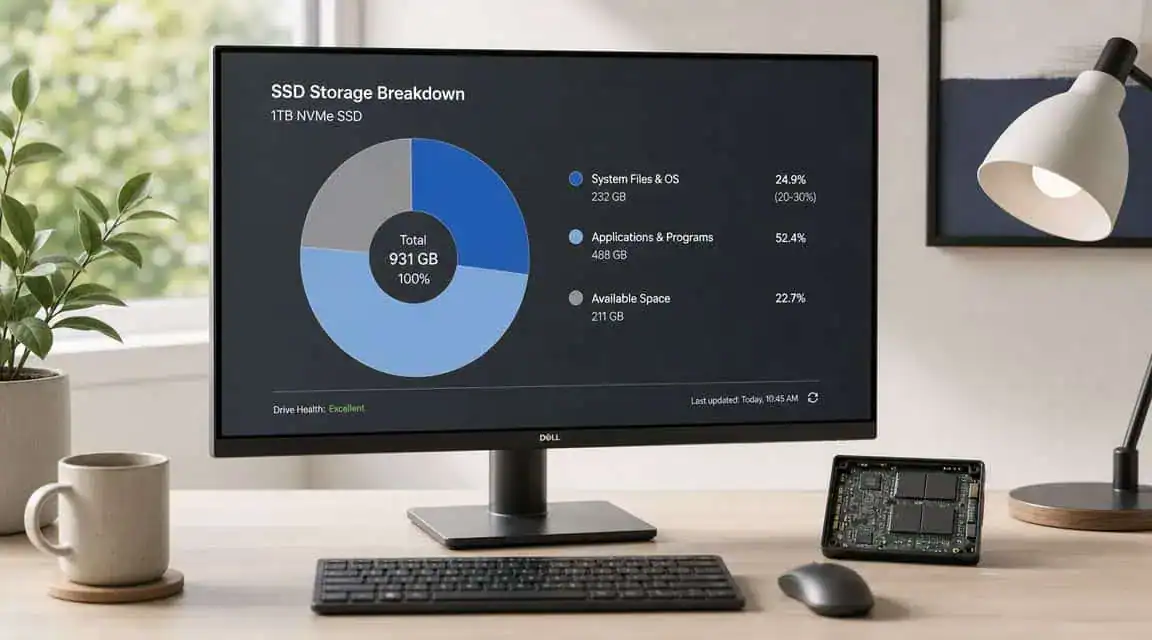
The number on the box isn’t the space you get to use. That matters most on a 512GB drive, where the margin for error is small from day one.
A neutral comparison of portable SSD capacities points out that the real issue is not raw capacity alone, but how much usable space remains after system software and the user’s actual library are installed, and that many buyers hit the practical limit of 512GB much faster than expected, especially when they underestimate modern game footprints and end up managing storage constantly (Digiera Global’s 512GB vs 1TB guide).
Why 512GB feels small so quickly
Gamers rarely install just a game and stop there. A real setup usually includes:
- The operating system: Your boot drive starts partly occupied before you install a single title.
- Launchers and chat apps: Steam, other launchers, Discord, driver packages, and utility software all eat into free space.
- Recording and clip folders: Even short captures stack up fast if you save them locally.
- Updates and temporary files: Games don’t stay the same size forever.
- Shader caches and background clutter: These aren’t always obvious, but they still consume usable space.
That’s why a 512GB SSD often feels fine in the shopping cart and cramped once the PC is set up.
The difference between fitting and fitting comfortably
There’s a big gap between “the drive technically works” and “the drive feels easy to live with.”
A 512GB drive can make sense if you mostly play one competitive shooter, keep documents in the cloud, and don’t store recordings locally. But once you mix game genres, things get messy. An FPS player might keep a few multiplayer titles installed all year. An MMO player often wants one large long-term game plus a couple of side games. A streamer wants space for recordings, thumbnails, and project leftovers.
A drive that’s nearly full changes your behavior. You stop installing what you want and start negotiating with storage.
If you’re also planning a console upgrade, the same capacity logic applies to PS5 storage expansion options. The question isn’t just “Will it fit?” It’s “Will it stop being annoying after the first month?”
Core Differences: Price, Performance and Longevity
Capacity affects more than library size. It also changes how the drive handles writes over time, how much punishment it can take, and how well it holds up in real use.
Here’s the cleanest way to think about 512GB vs 1TB vs 2TB SSD choices.
SSD Capacity at a Glance 2026
| Capacity | Avg. Price/GB | Typical Endurance (TBW) | Best For |
|---|---|---|---|
| 512GB | Higher than larger capacities in typical consumer guidance | 200 to 300 TBW | Basic use, casual gaming, secondary drive roles |
| 1TB | Better value balance | 400 to 600 TBW | Mainstream gaming, mixed everyday use |
| 2TB | Often the lowest price per gigabyte in current guidance | 800 to 1200 TBW | Heavy gaming, content creation, long-term primary storage |
A 2026 SSD capacity comparison notes that larger drives often write faster and last longer, with typical endurance ratings of about 200 to 300 TBW for 512GB, 400 to 600 TBW for 1TB, and 800 to 1200 TBW for 2TB, because larger drives can use more parallel NAND channels and spread writes across more flash cells (Geekom PC’s SSD capacity comparison).
Why bigger drives often feel better
This is the part many buyers miss. A larger SSD from the same family often isn’t just the same drive with more room. It can also sustain writes better because it has more flash to work with. For gaming, that matters less in short bursts and more when you’re downloading, patching, recording, moving files, or filling the drive over time.
That endurance spread matters too. A 1TB SSD often gives around 2x the endurance of a 512GB model in typical consumer comparisons. If you reinstall games often, capture gameplay, or keep a busy system for years, that extra durability isn’t theoretical. It’s part of the ownership value.
Build quality still matters
Capacity doesn’t excuse weak hardware. You still want a drive with solid thermal behavior, a reputable controller, and a design that doesn’t throttle too aggressively under sustained use. On desktops, that may mean using the motherboard’s heatsink. In compact systems, it means checking clearance and airflow before buying.
If your whole system feels slow, storage may only be part of the problem. General tips for boosting your PC’s speed can help you sort out whether your bottleneck is the drive, background software, cooling, or aging hardware.
Buy capacity for the workload you’ll actually create, not the one you imagine on a clean install day.
If you’re still in the planning phase, pairing storage decisions with the rest of a gaming PC build helps avoid mismatched spending. Overspending on a tiny premium drive and underspending everywhere else is a common beginner mistake.
The 1TB SSD Sweet Spot For Most Gamers
For those building or upgrading a gaming PC, 1TB is the right answer.
A 2026 consumer SSD guide describes 1TB as the “sweet spot” and “market standard”, with 512GB as the entry option and 1TB suitable for the operating system plus about 5 to 10 AAA games (ACEMAGIC’s 2026 SSD capacity guide).
That lines up with what works in day-to-day gaming. A 1TB drive gives you enough room for the OS, your regular apps, and a healthy rotation of games without turning storage into a chore. It’s the point where a budget-minded build starts feeling complete instead of compromised.
Why 1TB works for so many play styles
A lot of gamers don’t stick to one genre. They bounce between an FPS, an MMO, a big single-player RPG, and a couple of smaller titles with friends. That mix is exactly where 1TB makes sense.
You get room for things like:
- An FPS rotation: Keep your main multiplayer titles installed instead of redownloading them every weekend.
- One long-term MMO: MMO players usually want one game permanently parked on the drive.
- A single-player backlog: Open-world games, mods, save backups, and patches all feel more manageable.
- Basic streaming apps: If you’re testing the waters with streaming, 1TB gives you enough flexibility before local recordings become a serious storage issue.
Where 1TB stops making sense
1TB isn’t perfect for everyone. It’s the balanced option, not the forever option.
If you record a lot of gameplay, keep a massive game library installed, or share the PC with other people, you’ll hit the point where 1TB becomes “fine, but managed.” That’s still much better than 512GB, but it’s different from the set-it-and-forget-it feel of a larger drive.
For a value-focused gaming build, 1TB is usually the first capacity that feels like a complete solution instead of a compromise.
That’s why I’d call 1TB the default recommendation for budget-conscious gamers who want value, not the absolute lowest entry price.
When to Upgrade to a 2TB SSD
A 2TB SSD starts making sense when your goal isn’t just more room. It’s less hassle.
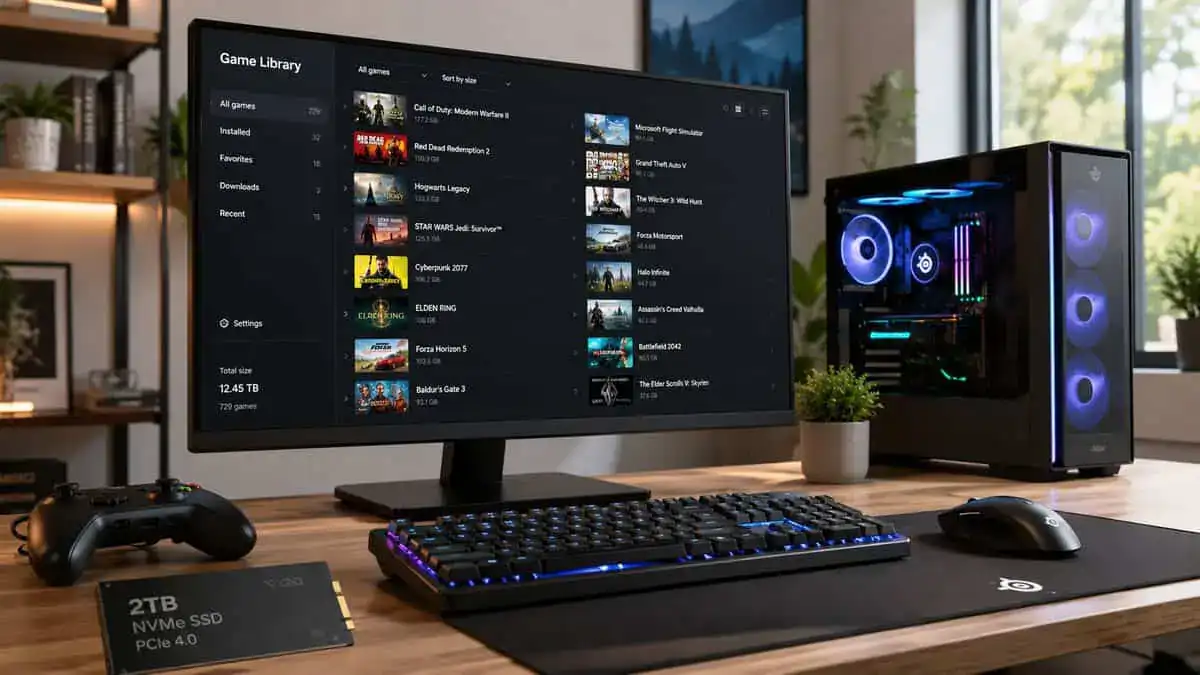
That’s a significant upgrade. You stop curating your storage all the time. You keep more games installed. You leave more free space on the drive. You postpone or completely avoid the second upgrade that a smaller SSD often pushes onto you later.
A 2026 guide focused on 1TB vs 2TB buying decisions notes that a 2TB SSD is often a better long-term value than 1TB because it reduces storage-management friction and helps preserve performance by keeping more free space available (Lexar Enterprise’s 1TB vs 2TB SSD guide).
Who actually benefits from 2TB
This isn’t just for extreme users. Plenty of normal gamers get good value from 2TB if their habits create storage friction.
Multi-genre gamers often want several large games installed all the time. They don’t want to delete one game just to check in on another.
Aspiring streamers need room for local recordings, highlights, overlays, and the mess that comes from testing a setup.
Shared-family PCs fill faster than people expect because one drive ends up serving multiple users with different games and apps.
Content creators benefit twice. They want the space, and they also benefit from the stronger sustained behavior larger drives often deliver.
The hidden cost of smaller drives
Upfront price is only one cost. There’s also the cost of:
- Time spent uninstalling and reinstalling
- Bandwidth used on repeat downloads
- Extra drive purchases later
- External storage workarounds
- More cluttered file management
Those aren’t benchmark numbers, but they matter. Budget buyers feel them more because every later fix tends to cost more than choosing correctly once.
Why 2TB can be the smarter budget move
If you know you keep systems for years, 2TB is often the most economical “leave it alone” option. It gives you room to stay organized, room to keep free space available, and room for your habits to change.
That’s especially true if your setup starts expanding into capture, editing, modding, or console-adjacent storage planning like Xbox Series X storage expansion. Once your gaming life includes more than just launching one title at a time, the bigger drive often becomes the cleaner long-term play.
SSD Recommendations By Use Case and Budget
The best SSD capacity depends on how you use your system, not on a generic “budget” label. Budget in this category means getting the most useful ownership experience for the money.
Best fit for a tight-budget gamer
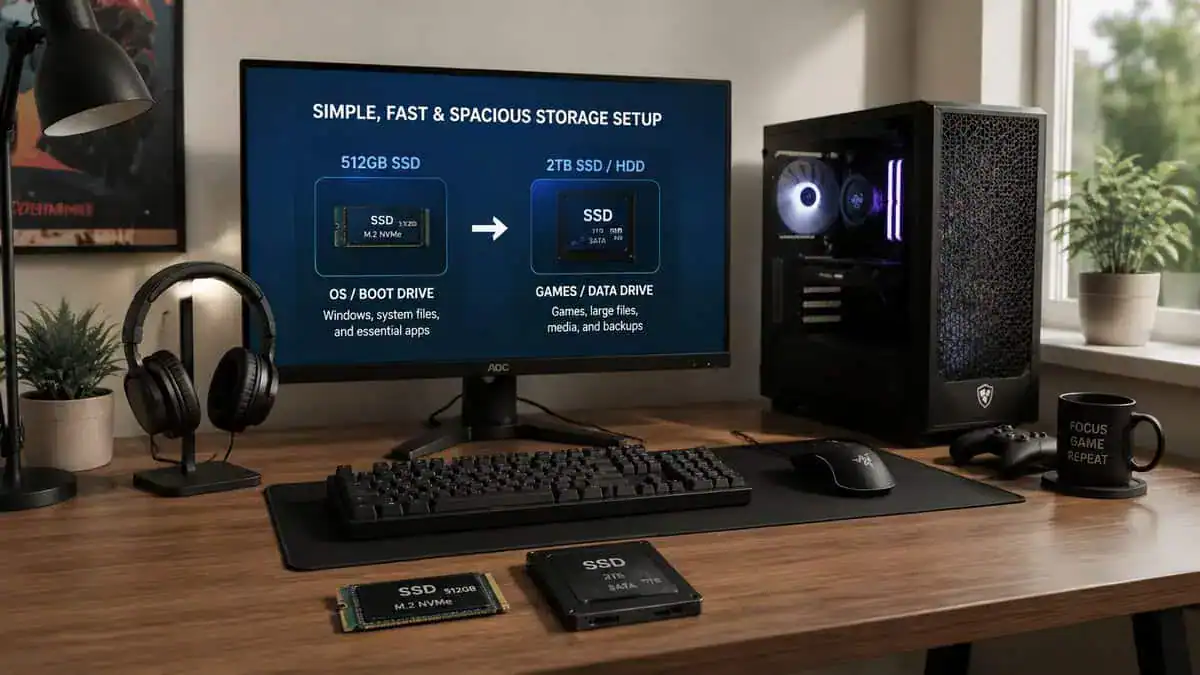
Go with a 512GB SSD only if it has a very specific job. It works as a boot drive, a starter drive, or a drive for a small game rotation. It also makes sense if you already know you’ll pair it with secondary storage and you’re disciplined about what stays installed.
In this role, prioritize:
- Reliable build quality: Don’t cheap out on a drive that runs hot or has a weak reputation for sustained writes.
- Decent thermal control: Even a lower-capacity drive should behave predictably in a cramped case.
- A clear expansion plan: A 512GB choice without a later upgrade path is where people get stuck.
This is the one tier where “cheap” often turns into “temporary.”
Best fit for most PC gamers
Choose a 1TB SSD if you want the safest value recommendation. This is the sweet spot for someone who plays competitive games, keeps a few larger titles installed, uses voice chat daily, and wants the PC to feel simple.
Look for:
- Consistent everyday performance: You want a drive that stays stable during updates, downloads, and file moves.
- Good durability for the class: Since 1TB often lands in the stronger endurance tier, it’s the best all-around ownership choice.
- Solid physical design: Proper label, thermal pad support, and dependable components matter more than flashy marketing.
For most readers, this is the answer I’d give first.
Best fit for streamers and creators
Pick 2TB if the PC also handles streaming, recording, editing, or a large permanent library. This is the least annoying option once the system starts doing double duty.
What matters here:
- Sustained behavior under heavier writes
- Enough free-space headroom to avoid micromanagement
- Durability that matches repeated file movement and local capture workflows
If you’re shopping based on value-first performance rather than hype, a focused guide to the best SSD for gaming can help narrow the field after you’ve chosen the right capacity.
The smartest SSD purchase usually isn’t the smallest drive you can tolerate. It’s the one that still feels roomy after your habits expand.
Quick Sizing Checklist And Final Verdict
Use this checklist if you’re still deciding.
- Choose 512GB if your budget is strict, your game library stays small, and you’re comfortable treating the drive as a boot drive or temporary solution.
- Choose 1TB if you’re a typical PC gamer who wants a balanced setup that handles everyday gaming without constant cleanup.
- Choose 2TB if you hate uninstalling games, share the system, record gameplay, or want one upgrade that lasts longer and asks less from you.
- Prioritize durability and thermal behavior no matter which capacity you buy. Build quality still matters.
- Plan the whole system, not just the SSD. Smart builders often save more by avoiding bad GPU buys too, which is why practical advice on buying used graphics cards can be just as useful as storage advice.
The short verdict is simple. 512GB is a compromise, and it only makes sense when you know exactly why you’re accepting that compromise. 1TB is the best buy for most gamers because it balances convenience, durability, and sensible spending. 2TB is the better ownership experience if your library is large or your PC also handles streaming and content work.
512GB vs 1TB vs 2TB SSD: FAQ
Is 512GB enough for gaming in 2026?
It works as a boot or starter drive, but modern AAA games often run 80 to 150GB each, so 512GB fills up after just a few installs. Most gamers are happier on 1TB; keep 512GB only if you pair it with a second drive and stay disciplined about what stays installed.
Is 1TB or 2TB better for a gaming PC?
For most gamers, 1TB is the sweet spot: it holds several large titles with room to spare at the best value per gigabyte. Step up to 2TB if you stream, record, edit video, or keep a big permanent library you do not want to uninstall and re-download.
Do I need an NVMe SSD, or is SATA fine for games?
Either will run games well, but a Gen4 NVMe drive loads levels and handles big updates noticeably faster and costs only a little more than SATA now. For a new build or upgrade, an M.2 NVMe drive is the better default.
Does SSD capacity affect gaming performance?
Indirectly, yes. Larger drives often have higher sustained write speeds and endurance, and running any SSD near-full slows it down. Leaving headroom, and not cramming a 512GB drive to the brim, keeps performance consistent over time.
If you’re building a gaming or streaming setup and want more practical, value-first advice like this, check out Budget Loadout. It’s built for players who want better gear choices, fewer wasted upgrades, and honest recommendations that focus on what improves the experience.
Related Articles