Most advice on finding the best SSD for gaming is backwards. People chase the highest benchmark number they can afford, then expect that spec sheet to transform every game they play.
That is not how storage upgrades work in a real gaming PC.
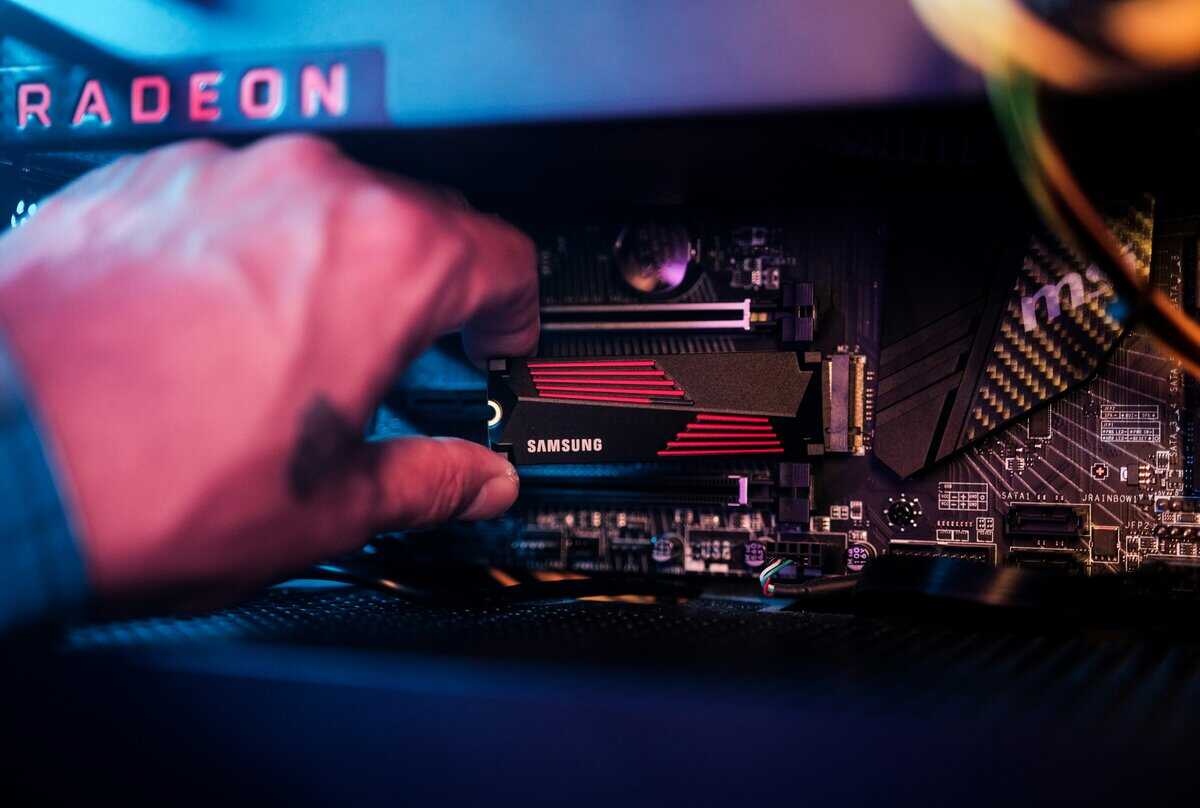
For most players, the best ssd for gaming is not the fastest drive on paper. It is the drive that hits the value sweet spot: strong random performance, good thermal behavior, enough capacity for modern installs, and build quality you can trust for years. Past that point, spending more often buys bragging rights, not a meaningfully better experience in matches, raids, or story games.
If you want one practical answer, buy a high-end PCIe 4.0 NVMe drive unless you have a specific reason to go higher. That gets you quick boots, short load screens, cleaner asset streaming, and none of the extra heat and platform hassle that comes with chasing top-tier PCIe 5.0 numbers. If you are still comparing SSDs to hard drives, this quick guide on SSD vs HDD for gaming is worth a look before you buy.
| SSD type | Best use | What you gain in games | What you give up |
|---|---|---|---|
| PCIe 4.0 NVMe | Best overall for most gamers | Fast loads, responsive installs, strong open-world streaming | Costs more than SATA |
| PCIe 5.0 NVMe | Enthusiast rigs and mixed gaming/workstation use | Highest benchmark speeds | More heat, more platform requirements, weak value for pure gaming |
| Budget NVMe | Value builds and first SSD upgrades | Big jump over older drives and HDDs | Lower peak performance and often simpler cooling |
| SATA SSD | Secondary library storage or older systems | Much better than HDD for storing games | Far slower than NVMe for primary-drive use |
- Gen5 speeds with TLC NAND for long-term builds
- Strong sequential and random read performance for gaming
- Rated for up to 13,600 MB/s sequential reads
- Requires a motherboard with PCIe 5.0 M.2 slot
- Runs warmer than Gen4 drives, heatsink recommended
- Overkill speed for most gaming loads where Gen4 is sufficient
- Up to 7,450 MB/s reads and 6,900 MB/s writes
- Standard M.2 2280 fits most desktop boards
- Bare design slips under a motherboard heatsink
- Costs more than the budget Gen4 pick
- Gen4 speeds are a generation behind current Gen5 options
- No heatsink included, so a PS5 or hot slot needs one
- Up to 7,400 MB/s reads on PCIe 4.0
- Heatsink included in the box
- 1,000 TBW endurance rating on the 1TB model
- DRAM-less, relies on Host Memory Buffer instead
- Lower peak speeds than the Gen5 pick
Picks and availability last verified: October 12, 2026
- The Crucial T705 is the best SSD for gaming in 2026 if your board has a PCIe 5.0 slot, with Gen5 speeds and TLC NAND
- For PS5 expansion, the Lexar NM790 with heatsink is the plug-and-play pick because the heatsink comes in the box
- Sequential speed benchmarks barely matter for gaming, random read performance and consistent firmware are what affect load times
- A reliable 1TB NVMe is the sweet spot for most gaming builds, 2TB only makes sense if your library is genuinely massive
- Skip PCIe 5.0 unless your motherboard supports it and the price is competitive with Gen4, the real-world gaming difference is minimal
- On a tighter budget, the Lexar NM790 with heatsink gets you Gen4 speed and a 1,000 TBW rating without paying for premium extras
Table of Contents
Why the Fastest SSD Is Not Always the Best for Gaming
The popular advice says to buy the fastest SSD you can. For gaming, that advice falls apart fast.
A drive can post huge sequential numbers and still feel only a little better than a cheaper alternative once you are loading into a map, booting Windows, or hopping between fast travel points. That is the point of diminishing returns, and modern gaming hits it sooner than a lot of buyers expect.
The better question is simple. What changes your experience?
Usually it is not the jump from very fast to ultra fast. It is the jump from old storage to a competent NVMe drive with good random performance, stable thermals, and enough room for your current library. MMO players notice cleaner zone loads. FPS players notice less waiting between matches. Streamers notice a snappier desktop and game launcher workflow.
Takeaway: For most gaming PCs, a premium PCIe 4.0 SSD is the smart ceiling. Spend above that only if you also care about workstation tasks or you just want the newest platform for its own sake.
Gaming SSD Specs That Matter in 2026
Ignore the marketing race for the biggest read number. For gaming in 2026, a good SSD is the one that keeps load times short, stays fast after updates and installs, and gives you enough space to avoid constant shuffling.
NVMe versus SATA
NVMe is the default pick for a modern gaming PC. SATA still works, but it belongs in a secondary role.
The gap is simple. NVMe has far more bandwidth and lower latency, which helps with game installs, launcher behavior, Windows responsiveness, and newer games that stream assets aggressively. SATA SSDs still crush hard drives, and they are fine for older games, media storage, or a backlog you do not play every week. For a fresh build, put the OS and the games you care about on NVMe. If you are still planning the full parts list, this gaming PC build guide helps match the storage choice to the rest of the system.
That does not mean every gamer needs to rip out a working SATA drive. It means SATA is no longer where you should spend primary-drive money.
PCIe generation matters, but the returns flatten fast
PCIe 4.0 is still the smart target for most gaming builds.
PCIe 5.0 drives push absurd sequential speeds on paper, but games rarely reward that extra spend in a meaningful way. Reviews at TechPowerUp’s SSD database and benchmarks show how far peak throughput has climbed across recent generations. The part that matters for buyers is what happens after that jump. Once you are already on a strong PCIe 4.0 drive, paying more for PCIe 5.0 usually buys benchmark wins, more heat, and a larger cooler requirement before it buys a noticeable difference in play.
There are edge cases. If you also move huge video files, work with large projects, or just want the newest platform regardless of value, PCIe 5.0 can make sense. For a gaming-first machine, that money usually does more elsewhere.
Random performance and thermal behavior
This is the part buyers skip, and it matters more than the headline speed.
Game launches, background patching, shader compilation, Windows startup, and bouncing between Discord, a launcher, and a game all hit small-file and mixed-load performance. A drive with solid random reads and writes tends to feel snappier day to day than a drive built to post one huge sequential result in a benchmark chart. StorageReview’s consumer SSD testing is useful here because it compares more than just peak transfer rates.
Heat matters too. Some high-end drives look great for a short run, then pull back once they get hot. In a normal mid-tower with a GPU dumping heat nearby, that is not a minor detail. It affects consistency.
Capacity and endurance
Capacity changes the ownership experience more than a small bump in rated speed.
- 1TB is the practical minimum for a primary gaming drive now. It works if you play a handful of big titles at a time.
- 2TB is the value sweet spot for many gamers. It leaves room for large installs, patches, clips, and the usual pile of launchers and mods.
- 4TB makes sense for players with huge libraries, slow internet, or one-drive setups.
Endurance matters, but gaming workloads are rarely what kills a decent modern SSD. Constantly filling a drive to the edge is a more common problem. Leave some free space, keep firmware current, and do not overpay for enterprise-style durability you will never use.
Buy the class, not the bragging rights: A quality PCIe 4.0 NVMe SSD with good thermals and enough capacity is the point where gaming value peaks for many users. Above that, the gains get expensive fast.
How We Compare Real-World Performance
I do not rank gaming SSDs by spec sheets alone. That is how you end up recommending drives that look great in benchmarks and make little difference in actual play.
The evaluation starts with normal gamer behavior. Game boots. Save loads. Fast travel. Patch extraction. Installing and moving large games. Reopening launchers with other apps running in the background. Open-world streaming matters more than a giant headline sequential number.
What gets weighted most
A gaming SSD earns its spot by doing these things well:
- Load consistency: Not just one fast run, but repeatable behavior across multiple game launches.
- Desktop responsiveness: How quickly the system feels ready after login, updates, and launcher startup.
- Thermal stability: Whether the drive stays steady in a normal case, not only on an open test bench.
- Behavior after heavy writes: Some drives look great until caches fill and performance falls off.
What we do not overvalue
Synthetic peak numbers. Fancy labels. Marketing around “future proof” speeds that current games barely touch.
Real-world rule: If two drives feel the same during boot, level loads, and fast travel, the cheaper and cooler one is usually the better recommendation.
Best Overall Gaming SSD The Value Champion
The best SSD for gaming for many users is the Crucial T705.
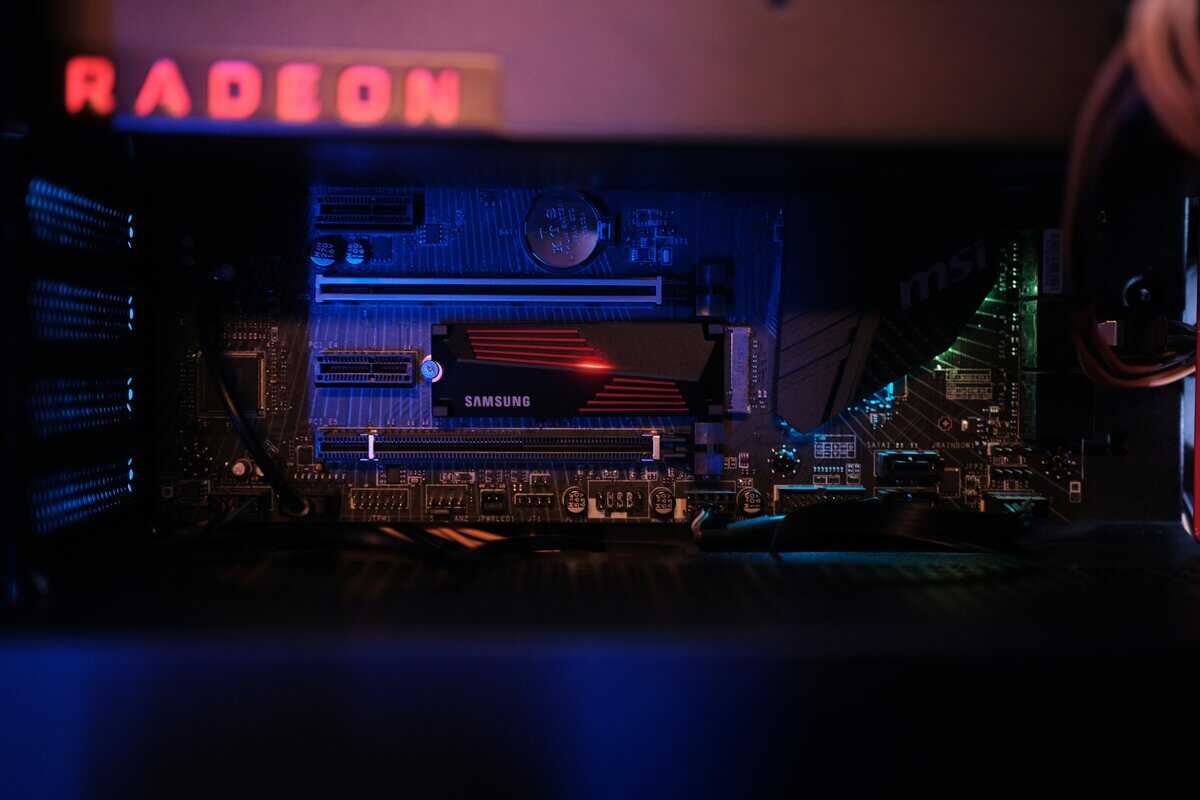
It is a Gen5 drive on PCIe 5.0, rated for up to 13,600 MB/s sequential reads, with strong random read performance and a 1TB capacity that holds a healthy rotation of current games. In actual play the gap over a good Gen4 drive is small, so treat the extra speed as headroom rather than the reason to buy.
The catch is heat. A Gen5 drive runs warmer than Gen4 drives, so plan on a heatsink, either your motherboard’s M.2 cover or a separate one, and make sure the board has a PCIe 5.0 M.2 slot before you buy. In a normal mid-tower with decent airflow that is easy to sort out. In a cramped build it takes more planning.
Why it wins for actual gamers
For FPS players, the T705 keeps the system feeling snappy between matches and updates. For MMO players, it helps with zone loads and large patch handling. For streamers, it gives you a responsive boot drive that can juggle OBS, launchers, browser tabs, and a game install without feeling sloppy.
Build quality is also part of the value story. The T705 uses TLC NAND rather than the QLC flash found in some cheaper drives, which suits a build you plan to keep for years.
The practical case for this drive is simple:
- Fast enough that gaming bottlenecks shift elsewhere
- Stable enough for long sessions
- Durable enough for a build you plan to keep
- Headroom for big game installs and patches
When I would skip it
Skip it if one of two things is true. Your motherboard has no PCIe 5.0 M.2 slot, or you need a cheaper NVMe just to get off an older drive and into modern performance, in which case the budget Gen4 pick further down is the better fit.
For everyone else on a PCIe 5.0 board, this is the cleanest answer: top-tier speed in a drive that still makes sense for a gaming build.
Best High-End SSD for Enthusiast Builds
A top-tier Gen5 SSD is easy to overspend on for gaming.
The T705 is the kind of part you buy after the rest of the build is already sorted. You need a board with proper PCIe 5.0 support, a heatsink that is more than decorative, and a case with airflow good enough to keep the drive from cooking itself during long transfers. That is a real enthusiast scenario, not the default recommendation for someone who just wants faster game loads.
What you get
The appeal is simple. Gen5 drives like the T705 post huge benchmark numbers, especially in sequential reads and writes, and reviewers at Tom’s Hardware found the T705 among the fastest consumer SSDs available.
That speed matters if your PC also handles large video projects, heavy file copies, or other storage-intensive work. In those jobs, a flagship Gen5 drive can save real time.
For gaming alone, the return is smaller.
A strong PCIe 4.0 drive already gets you to the point where storage stops being the obvious bottleneck in most games. The jump to PCIe 5.0 is measurable in benchmarks, but it is usually not the kind of upgrade that changes how a game feels once you are in menus, loading into a match, or resuming a save. This is the main reason I only recommend Gen5 SSDs for enthusiast builds with mixed-use workloads, not for a standard high-end gaming rig.
What you give up
Heat is the first cost.
Fast Gen5 drives need serious cooling, and that affects the whole build. M.2 slot placement matters more, motherboard heatsinks matter more, and compact cases become less forgiving. If you are building small form factor, a cooler-running premium Gen4 SSD is often the smarter choice even if the spec sheet looks less impressive.
Price is the second cost. You are paying extra for top-end throughput that many current games do not use well enough to justify the premium. For a lot of builders, that money is better spent on more capacity, a better GPU tier, or a quieter and easier system to live with.
Who should buy this: Enthusiasts running a Gen5 platform who also do heavy file-transfer or creator work and do not mind the extra heat.
Who should not: Gamers chasing the best price-to-performance ratio, because this is usually where SSD spending starts hitting diminishing returns.
Best Budget NVMe and SATA SSDs
Budget SSD shopping gets simpler once you stop chasing top-end benchmark numbers. For gaming, the smart buy is usually more capacity on a decent drive, not a premium model with speed you will rarely feel.
That leaves two sensible paths. Buy a budget NVMe drive for the OS and current games, or add a large SATA SSD as a second library drive when M.2 slots are limited or already full.
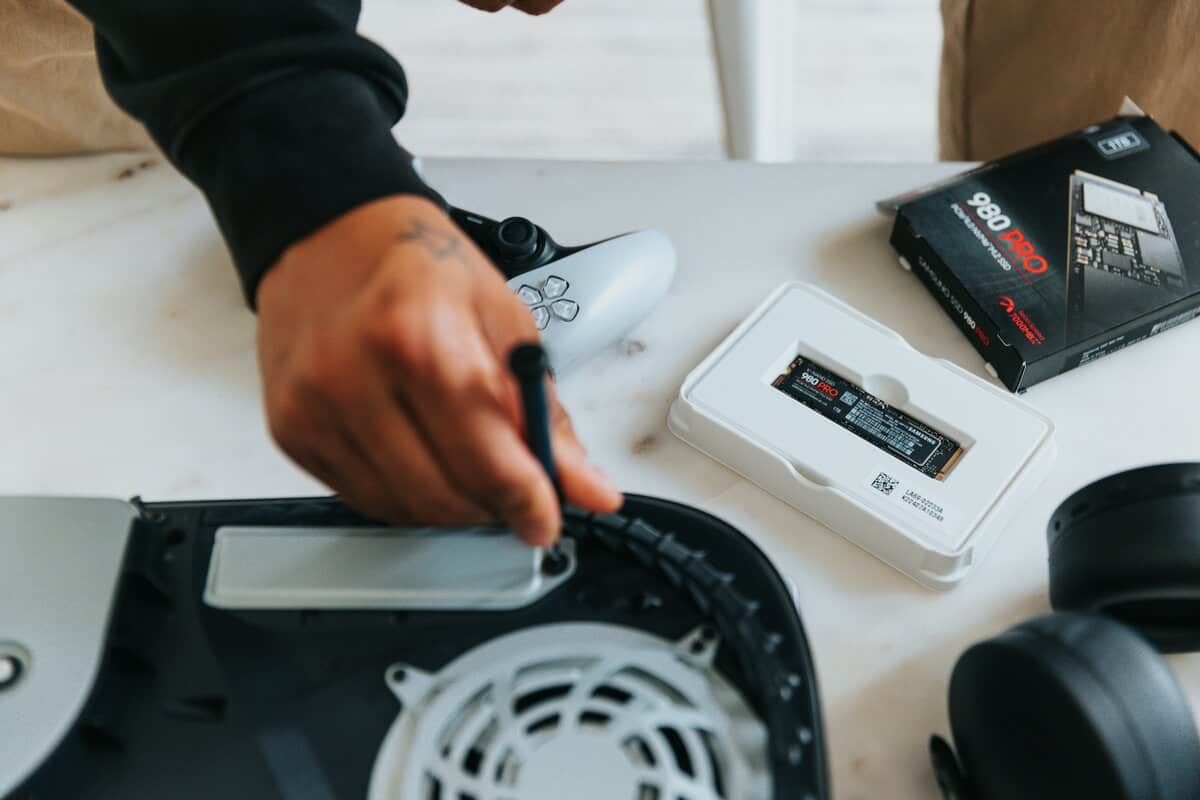
Best budget NVMe route
A good budget NVMe drive is the value play for almost every gaming PC.
Our pick at this tier is the Lexar NM790 1TB with heatsink. It is a PCIe Gen 4×4 NVMe drive in the standard M.2 2280 size, rated for up to 7,400 MB/s reads and 6,500 MB/s writes, with 1,000 TBW of endurance on the 1TB model. The heatsink comes in the box, so you are not hunting for a cooler if your board leaves the slot bare.
The trade-off is that it is DRAM-less. It leans on Host Memory Buffer 3.0, borrowing a small slice of system memory instead of carrying its own cache, which is how a drive at this tier keeps costs down. Lexar also pitches it as a lower-power design than DRAM-cache Gen4 drives. For game loads and installs that is a sensible compromise, but if your PC also handles heavy sustained writes, the pricier picks in this guide are the safer fit.
Even lower-cost PCIe 4.0 models, and many solid PCIe 3.0 drives, get close enough to the gaming sweet spot that spending more often stops paying off. You still get fast boots, quick installs, cleaner patching, and game load times that feel modern. In a budget build, I would take a reliable 1TB or 2TB NVMe over a tiny high-end drive every time, because running out of space is more annoying than missing a few seconds in a benchmark chart.
What matters at this tier is boring stuff. Consistent performance, decent thermals, a trustworthy warranty, and enough capacity for the games you play.
Where SATA still makes sense
SATA is the fallback for a primary drive. It is still a smart secondary drive.
The speed gap versus NVMe is large on paper, and you can feel it in heavier installs, file moves, and some newer games. Still, SATA SSDs remain faster than hard drives and fine for a lot of game storage jobs. I still recommend them for older systems, mATX and ITX boards with limited M.2 expansion, and anyone who wants cheap bulk solid-state storage without paying NVMe prices for every terabyte.
SATA works well for:
- Backlog storage: Games you want installed and ready, but do not launch every night
- Older games and indies: Titles that do not hammer storage hard enough to justify paying extra
- Full M.2 setups: Systems where the easy NVMe slots are already occupied
- Console-adjacent storage planning: If you are also balancing storage across platforms, this guide to Xbox Series X storage expansion options helps sort out where faster storage matters and where capacity matters more
My buying rule
Buy NVMe first. Add SATA second.
For a new gaming PC, SATA should usually not be Plan A unless the board, budget, or upgrade path forces it. But as a cheap second drive, SATA still earns its keep. The mistake is paying extra for premium SSD features before you have enough fast storage to hold the games you want installed.
Top SSDs for PS5 and Portable Gaming
Console and portable use change the buying criteria. Raw speed still matters, but compatibility and physical design matter just as much.
Best pick for PS5
For PS5, the easiest recommendation is the Lexar NM790 1TB with heatsink, our PS5-ready pick.
The reason is practical. A PS5 expansion drive needs a heatsink, and the Lexar includes one in the box. That makes it a straightforward fit for players who want internal expansion without fuss.
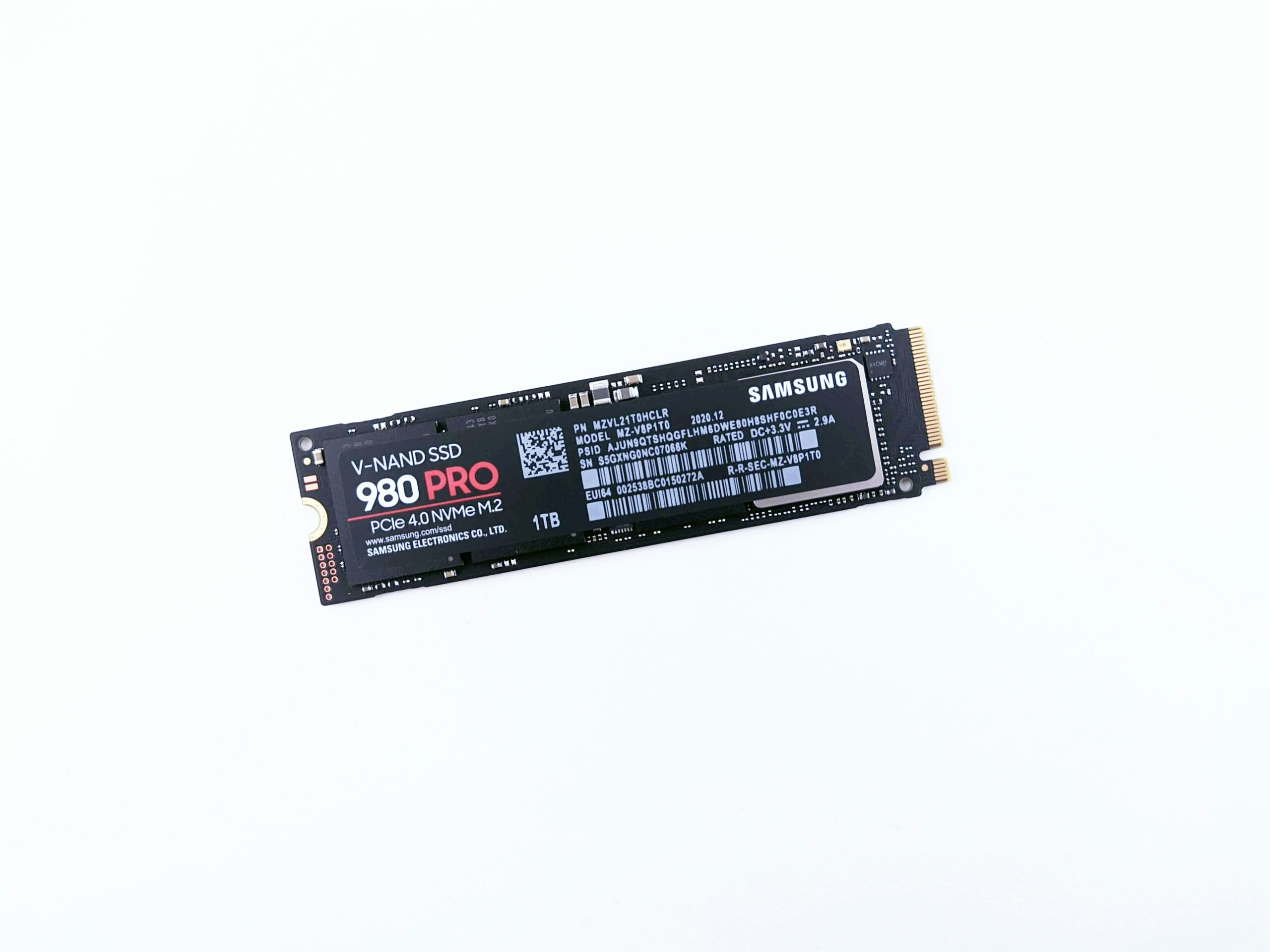
If you want more speed, the Samsung 990 PRO 1TB is the faster Gen4 drive, rated up to 7,450 MB/s reads and 6,900 MB/s writes. It ships without a heatsink, though, so it makes the most sense in a desktop slot with a motherboard M.2 cover. For a PS5, plan on adding a heatsink before it goes in.
For PS5 use, I would keep the checklist simple:
- Choose a PCIe 4.0 NVMe model
- Buy the heatsink version, not the bare drive
- Stick with proven drives instead of obscure spec-sheet specials
Best pick for portable gaming
For portable gaming, I lean toward a fast external SSD over chasing internal upgrades on every device.
The right external SSD is useful for gaming laptops, moving installs between systems, storing captures, and keeping a travel library ready to plug in. Build quality matters more here than on an internal desktop drive because the device is going in bags, on desks, and between setups.
What to prioritize:
- Solid enclosure durability: You want a drive that handles travel without feeling fragile.
- Consistent transfer behavior: Fast burst speed is nice, but sustained transfers matter more when moving large games.
- Cable and port sanity: A drive is less useful if it is constantly negotiating around slow ports and dongles.
For handheld-style use, external storage is usually best treated as flexible library space, not a magic fix for every loading issue. The convenience is the primary advantage.
Practical advice: On PS5, buy internal storage that fits the console properly. On portable setups, buy an external SSD you will trust to carry around.
Not sure how much space to buy? Our 512GB vs 1TB vs 2TB SSD comparison works through the choice.
Common Questions About Gaming SSDs
How do I install a new M.2 SSD?
Power the system down, remove the side panel, find the M.2 slot on the motherboard, insert the drive at an angle, then secure it with the retention screw or latch. After that, format the drive in the operating system or install your OS fresh if it is becoming the boot drive.
Check your motherboard manual before you start. Some slots share bandwidth with SATA ports or have a preferred slot for the fastest CPU-connected lanes.
Do I need a heatsink for my NVMe SSD?
Sometimes. Many good PCIe 4.0 drives run fine under a motherboard heatsink or in a case with reasonable airflow. Higher-end PCIe 5.0 models are more likely to need serious cooling to avoid throttling.
For PS5, buy the heatsink version when the model recommendation calls for it. That is one area where skipping the heatsink is just making life harder.
How long does a gaming SSD last?
A good gaming SSD should last years under normal use. Gaming mostly means reads, installs, updates, and occasional large writes, which is not a punishing workload for a quality modern drive.
Durability still matters. Look for drives with a solid reputation, mature firmware, and endurance that fits a long-term build rather than the absolute cheapest label on the shelf.
Should I buy PCIe 5.0 for gaming?
Only if you know why you want it.
If your goal is maximum performance per dollar in games, a premium PCIe 4.0 drive is the better buy. If your goal is a top-end enthusiast build and you are fine with the extra heat, platform requirements, and weaker value, then PCIe 5.0 is a luxury choice, not a practical one.
If you want more straight answers like this, Budget Loadout covers gaming and streaming gear with the same value-first approach. The goal is simple: help you avoid overpriced parts, understand the trade-offs, and build a setup that feels good to use without wasting money.
Related Articles