Most advice on DDR4 vs DDR5 for gaming starts with the same lazy conclusion. Newer is better, so buy DDR5 if you can.
That’s incomplete advice.
DDR5 is faster in the right games and the right systems. But budget-minded builders don’t buy RAM in isolation. They buy a whole platform. Motherboard, CPU compatibility, cooling, upgrade path, and the simple question of where each saved dollar does the most work all matter more than marketing slides.
If you care about value, the primary question isn’t “Which RAM wins benchmarks?” It’s “Which choice gives me the best total system for the money?” In many builds, the smartest move is keeping a solid DDR4 setup and putting the savings into a stronger GPU. In other builds, especially newer platforms, DDR5 is the right call.
- DDR5 is faster on paper, but real-world gaming gains are small unless you are chasing high FPS at 1080p with a top-tier GPU.
- Your platform decides for you: AM5 and LGA1851 are DDR5-only, while AM4 and LGA1200 builds stay on DDR4.
- The money saved by choosing DDR4 often goes further on a better GPU tier than on faster memory.
- 32GB at 6000MT/s CL36 is the DDR5 sweet spot; 16GB at 3200 to 3600MT/s CL16 covers nearly every DDR4 gaming build.
- Always enable XMP (Intel) or EXPO (AMD) in BIOS: without it, your RAM runs at much slower default speeds.
Table of Contents
Is DDR5 a Necessary Upgrade or Just Hype
DDR5 gets oversold in gaming builds.
Yes, it is better memory. The problem is that RAM speed is rarely the part that makes or breaks a budget gaming PC. Platform cost usually matters more. If DDR5 forces you onto a pricier motherboard and memory kit, that extra money often does more for frame rates in a better GPU tier than it does in faster system memory.
That is the part buyers miss.
DDR5 can improve performance, especially in newer AAA games, CPU-limited scenarios, and 1% lows. You can feel that in some systems. But those gains are not automatic, and they are not evenly distributed across every game or every budget. A mid-range card at higher settings will often hit its graphics limit long before DDR5 changes the result in a meaningful way.
For a lot of builders, a comparison centers on how to allocate a fixed budget. It is this: same total budget, where does the extra cash go? If choosing DDR4 saves enough to move from a lower GPU class to a stronger one, the GPU upgrade usually wins the gaming value argument.
| Decision factor | DDR4 | DDR5 |
|---|---|---|
| Raw gaming speed | Often close enough for value builds | Faster in more CPU-sensitive and newer titles |
| Best use case | Existing systems, lower-cost rebuilds, esports-heavy play | Fresh builds on newer platforms, heavier AAA focus |
| Platform cost | Usually lower | Usually higher |
| Tuning difficulty | Mature, predictable, easy to run at rated speeds | More sensitive to board quality and memory support |
| Long-term relevance | Fine if you already own the platform | Stronger choice for a new build you plan to keep |
Bottom line: DDR5 is better technology. That does not automatically make it the best buy.
The mistake is treating RAM like a standalone upgrade. Budget gamers should judge DDR4 and DDR5 as full-platform decisions, then ask a simple question: does spending more on memory and motherboard beat spending that same money on graphics power? In many gaming builds, it does not.
Core Differences in DDR4 and DDR5 Architecture
DDR5 isn’t just DDR4 with a bigger number. The changes are real, and some of them matter directly for gaming, streaming, and long-term platform choice.
Bandwidth is the main reason DDR5 pulls ahead
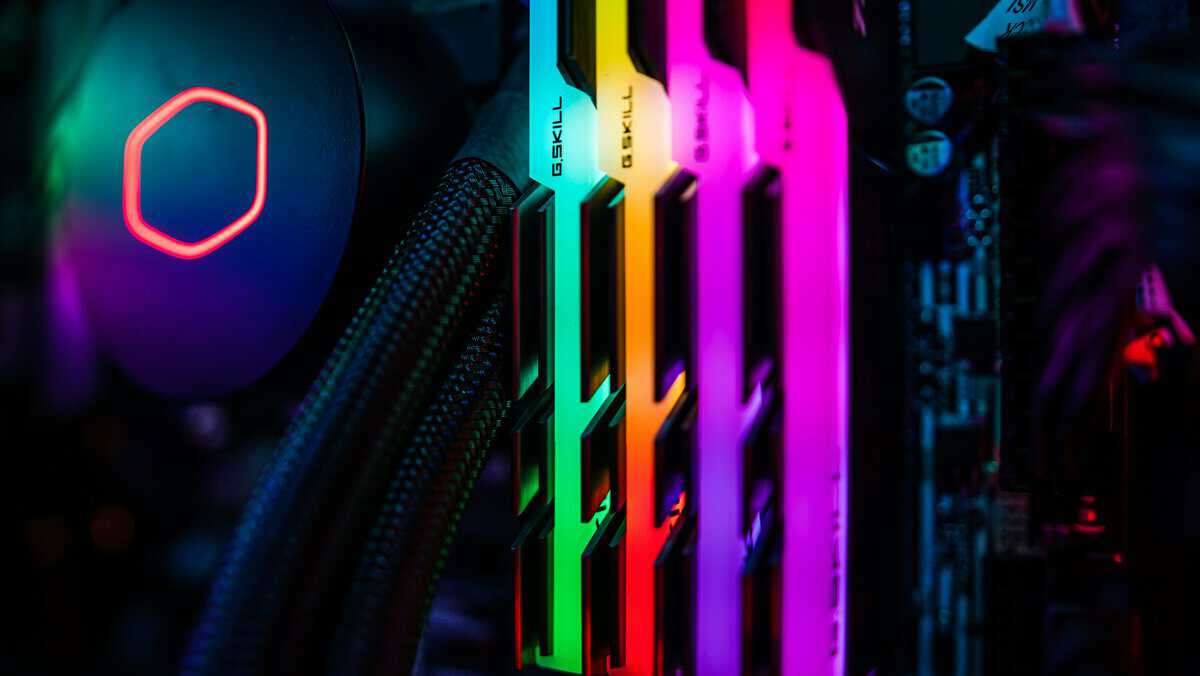
The biggest practical difference is bandwidth.
DDR5 offers 50 to 100% greater memory bandwidth and capacity than DDR4, with effective speeds up to 6,000 to 8,000MT/s versus DDR4’s 3,200 to 3,600MT/s ceiling. In AIDA64 testing, DDR5 showed 2.33x read speeds and 1.78x writes over DDR4 at equivalent clocks. The same source also notes that, by 2026, DDR5 dominates new platforms like AMD Zen 5 and Intel Arrow Lake, while DDR5 modules scale to 48 to 128GB compared with DDR4’s 32GB max (DDR4 vs DDR5 guide at DDRPreference).
For gaming, more bandwidth helps when a title is memory-sensitive and the CPU is feeding frames aggressively. That’s why open-world games, ray-traced titles, and heavier simulation workloads tend to show clearer gains than older or lighter esports games.
DDR5 changes how each module handles data
DDR4 uses a single 64-bit channel per module. DDR5 splits that into two independent 32-bit channels per module.
That sounds abstract until you look at real use. A gaming system doesn’t just load textures and frame data. It also handles background tasks, voice chat, launchers, browser tabs, capture tools, and anti-cheat processes. DDR5’s channel layout can help the platform manage that traffic more efficiently, especially if you stream while gaming or keep multiple apps open.
This doesn’t guarantee higher frame rates in every title. It does help explain why DDR5 tends to look stronger in more demanding mixed-use systems than in a stripped-down esports box.
Lower voltage doesn’t mean simpler thermals
DDR5 runs at 1.1v per module, while DDR4 uses 1.2v. On paper, that sounds like an easy efficiency win.
In practice, DDR5 also adds on-module PMIC and higher operating frequencies, plus on-die ECC for stability. Those are useful improvements, but they also make DDR5 kits more dependent on good heatspreaders, decent airflow, and motherboard memory support. Cheap DDR5 isn’t always a clean upgrade if the rest of the build cuts corners.
What matters in a real build
For a practical builder, the architecture differences come down to this:
- DDR4 is mature: easier to buy, easier to tune, and still strong in value systems.
- DDR5 is broader: higher bandwidth, bigger module capacities, and better fit for current and newer platforms.
- Streaming and multitasking benefit more: not because DDR5 is magic, but because the platform is designed to move more data at once.
Buy RAM for the system you’re building, not for the spec sheet you want to brag about.
Gaming Benchmarks DDR4 vs DDR5 Performance in 2026
Raw benchmark charts can point you in the wrong direction if you ignore the rest of the build.
For gaming in 2026, DDR5 is usually faster. A pertinent question is whether that speed is worth the total platform cost, or whether the same money would buy more FPS in a different part of the system.
Where DDR5 shows real gains
DDR5 helps most in CPU-limited games and settings. That usually means 1080p, sometimes 1440p, with a fast GPU and a processor that can push high frame rates. In those cases, the extra bandwidth can improve average FPS, but the bigger win is often better 1% lows and cleaner frame pacing.
That matters in play. A game that jumps from “mostly fine” to “consistently smooth” feels like an upgrade, even when the average FPS number on the chart looks modest.
Memory-sensitive AAA games tend to show that pattern most clearly. The gains are not universal, and they are rarely large enough to rescue a weak CPU or mid-tier GPU, but they are measurable on the right hardware.
| Game Type | Where DDR5 Helps Most | What You Usually Notice |
|---|---|---|
| CPU-heavy AAA games | 1080p and 1440p with strong GPUs | Better 1% lows, fewer hitchy moments |
| High-refresh multiplayer titles | Systems chasing very high FPS | Higher ceiling if the CPU is already the limit |
| Heavier mixed-use gaming setups | Gaming with apps open in the background | More consistent responsiveness |
Mid-range builds can produce misleading results
Buyers often overspend here.
If a benchmark uses a powerful GPU, low settings, and a CPU bottleneck on purpose, DDR5 can look like a big jump. Those tests are useful because they show memory scaling. They do not reflect every real build.
On a practical mid-range gaming PC, the memory gap often matters less than the GPU tier. A budget gamer choosing between DDR4 plus a better graphics card or DDR5 plus a weaker one should usually put the money into the GPU first. If you are still balancing that parts list, this guide to the best CPU for gaming helps frame the CPU and platform side of the decision.
That is the value argument people miss. DDR5 can win the RAM test and still lose the full-system budget test.
Fast DDR4 is still close enough in many gaming builds
Well-tuned DDR4 still performs respectably, especially in esports titles and GPU-limited setups. If the graphics card is already doing most of the work, the difference between decent DDR4 and entry DDR5 can shrink enough that you will not feel it without a frame-time graph.
That is why blanket advice around ddr4 vs ddr5 for gaming gets sloppy. The answer changes based on resolution, refresh target, GPU class, and whether the system is built around value or around squeezing out every last frame.
For a lot of budget and lower mid-range systems, DDR4 remains the smarter gaming buy because it stays close enough while freeing up cash for parts that move the needle more.
Resolution changes the payoff
At 4K, RAM speed usually drops down the priority list. The GPU becomes the main limit, so DDR5’s advantage tends to narrow.
At 1080p, memory differences are easier to expose. At 1440p, they still matter in stronger systems. At 4K, they often matter less than people hope.
So the benchmark takeaway is simple. DDR5 is the performance winner, especially for 1% lows and CPU-limited gaming. DDR4 is still the value winner in many price-conscious builds, because the money saved can often buy a better GPU, and that upgrade usually has a bigger effect on real-world FPS.
The Hidden Cost Platform and Compatibility Constraints
RAM pricing only tells part of the story. Platform cost decides whether DDR5 is a smart upgrade or an expensive distraction.
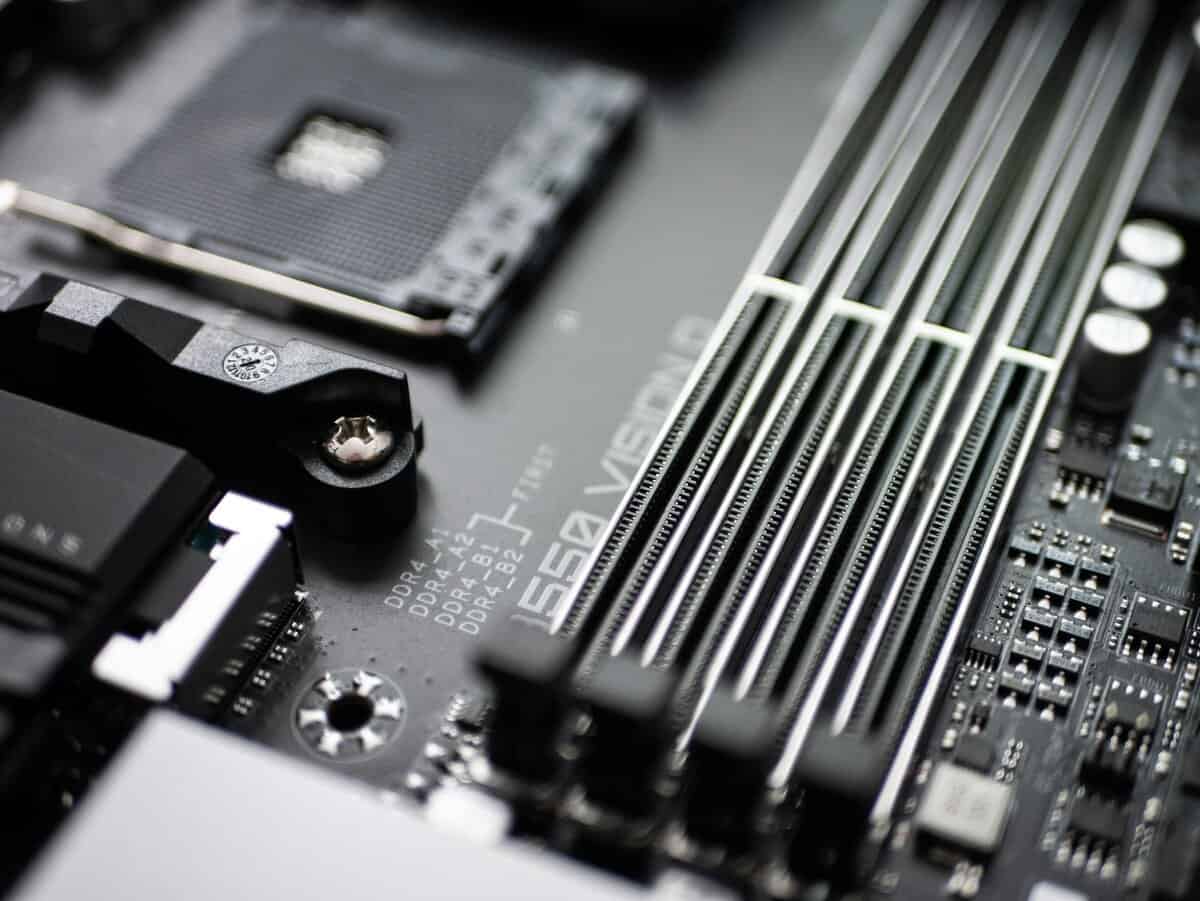
A DDR5 build often means buying into a different motherboard tier, and sometimes a different CPU path, not just a different memory kit. If you are still sorting out the full parts list, compare the memory decision against the processor budget too. A stronger CPU guide like this roundup of the best CPUs for gaming helps frame that trade-off the right way.
The DDR5 tax is usually a platform tax
Budget builders feel this first.
The extra cost of DDR5 usually comes from the board and platform around it, not only the DIMMs. On older or crossover platforms, sticking with DDR4 can leave enough room in the budget for a meaningful GPU step-up, better storage, or a quieter cooler.
That matters more than a spec-sheet win. A fixed budget means every dollar spent on memory and motherboard is a dollar not spent on the graphics card, which is still the part that moves gaming performance the most in many builds.
A practical question keeps this decision honest. What part gets cut to afford DDR5?
Compatibility decides more builds than benchmarks
Benchmarks make the debate look simple. Real upgrade paths do not.
- If you already own a solid DDR4 platform, staying on it is usually the value move.
- If you are buying into a DDR5-only platform, the decision is already made by the socket and board support.
- If your platform supports both DDR4 and DDR5, here total system value matters most.
An AM4 owner replacing a CPU and adding a faster GPU has a very different decision from someone starting fresh on a new motherboard. Treating those two buyers the same leads to bad advice.
Cooling and tuning are real costs too
DDR5 runs at a lower base voltage than DDR4, but that does not automatically make it simpler to live with. Its on-module power management and higher operating speeds add more variables, and Corsair’s explanation of DDR5 vs DDR4 thermals and complexity points out that heatsink quality, airflow, and stability tuning matter more than many builders expect.
I have seen cheap DDR5 kits on entry-level boards turn a straightforward build into hours of BIOS updates, memory training delays, and stability testing. Mature DDR4 setups are usually less fussy. For a budget gaming PC, that reliability has value.
This video gives a helpful visual overview of where platform trade-offs show up in a real build.
If your budget is tight, stability has value. A part that needs less tuning is often the better part.
Where the money usually works harder
For budget-focused gaming builds, the smartest path usually looks like this:
- Keep DDR4 on an existing platform. Put the savings into a better GPU or CPU.
- Skip the cheapest DDR5 kits. They often give up part of the performance advantage you are paying for.
- Do not ignore motherboard quality and airflow. DDR5 benefits more from a well-balanced platform.
That is the hidden cost people miss in the ddr4 vs ddr5 for gaming debate. The better-value build is the one that leaves enough room for the parts that raise frame rates.
Choosing Your RAM The Best Fit for Your Gaming Style
Buying RAM for gaming is really a budget allocation decision. The question is not just which memory is faster. It is whether DDR5 gives you enough extra performance to justify the higher total platform cost, or whether that money would do more work in a better GPU.
For competitive FPS players
If you mostly play CS2, Valorant, Overwatch, Rainbow Six Siege, or Fortnite at high refresh rates, DDR4 still deserves a serious look. These games usually respond more to CPU tuning, low memory latency, and a well-balanced system than to paying extra for newer memory.
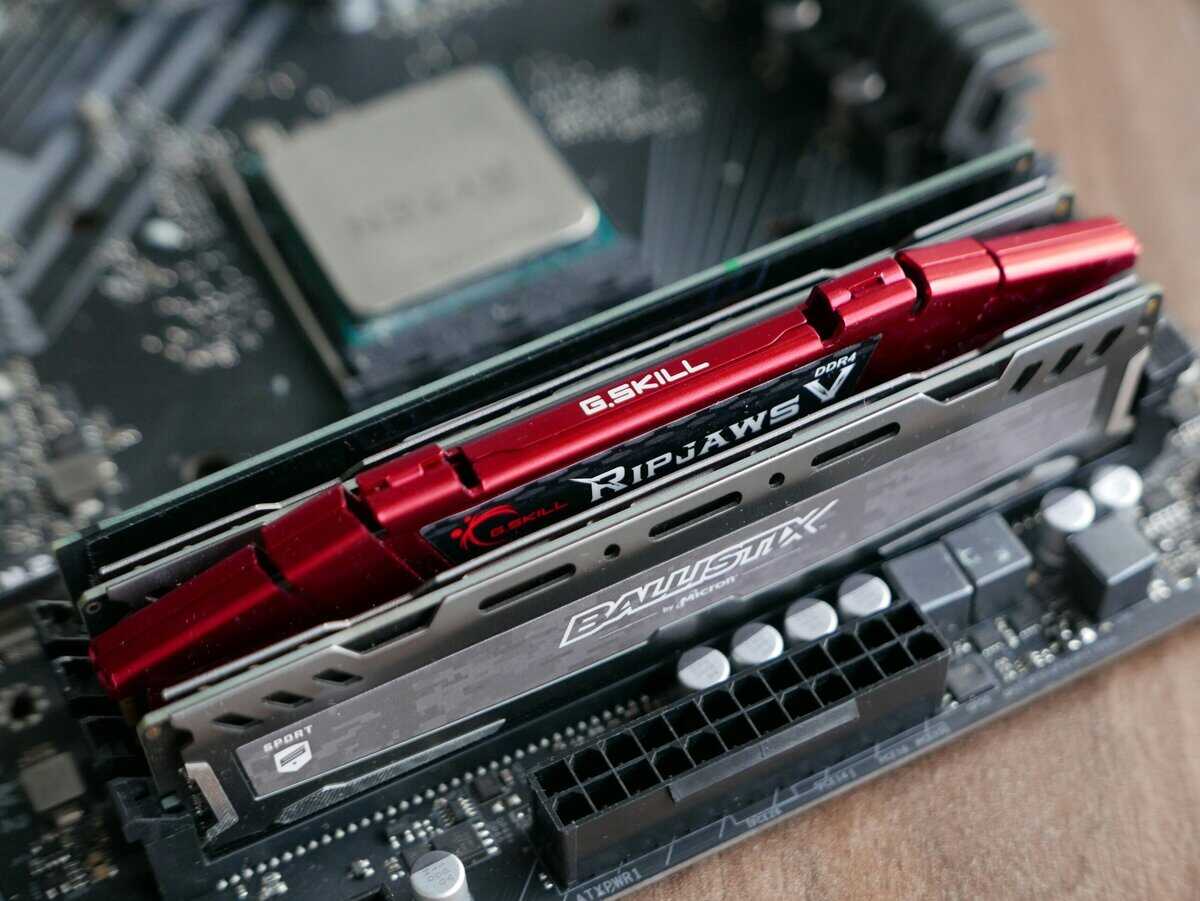
That makes DDR4 a strong value choice on existing AM4 and LGA1700 systems. A solid kit from G.Skill Ripjaws V, Corsair Vengeance LPX, or Kingston Fury is usually easier on the budget and easier to live with.
Before picking DDR4 or DDR5, make sure you are buying the right capacity for the games you play. This guide on how much RAM for gaming is a useful starting point.
For 1440p AAA gamers
DDR5 makes more sense when the rest of the build is already strong enough to show the difference. Recent AAA games can benefit from the extra bandwidth, especially on newer CPUs, but the gain is not automatic and it is rarely the first upgrade I would make for a budget build.
The practical question is simple. If DDR5 pushes the build cost up enough that you have to step down a GPU tier, the trade is usually bad for gaming. A faster graphics card will often improve frame rates more than the RAM change.
If the GPU budget is already covered and you are building on a current platform anyway, DDR5 is easier to justify.
For MMO players and multitaskers
MMOs and heavily modded games put pressure on a system in a different way. Long sessions, busy hubs, add-ons, Discord, browser tabs, and launchers running in the background can make overall responsiveness matter as much as average FPS.
In that kind of build, DDR5 can be a reasonable pick if you are starting from scratch on a newer motherboard. Kits like Corsair Vengeance DDR5 and G.Skill Flare X5 are the kind of parts I would look at first. They target the mainstream market, which is usually where the best reliability sits.
If you are already on a stable DDR4 platform, though, this is still not an automatic upgrade.
For streaming and content capture
Streaming changes priorities. System balance matters more than a spec-sheet win.
If DDR4 leaves enough room for a better GPU, better cooler, or a stronger CPU, that is often the smarter gaming purchase. If you already own a DDR5 board and CPU, then buying DDR5 is the straightforward move because the platform is built for it.
Practical rule: Buy the RAM platform that leaves enough budget for the graphics card you want.
Quick buying guidance
- Choose DDR4 if you are upgrading an older platform, you mainly play esports titles, or you want the best value-per-dollar.
- Choose DDR5 if you are building fresh on a newer platform, you play newer AAA games, or you run heavy multitasking alongside games.
- Choose the better total build if prices are close. Motherboard cost, CPU compatibility, and GPU tier matter more than chasing small RAM gains.
- Choose proven kits over flashy ones. G.Skill, Corsair, Kingston, and other long-standing memory manufacturers have all produced dependable mainstream kits for years.
Overclocking Build Quality and Long-Term Durability
RAM isn’t just a speed rating. What matters is whether it hits its rated settings, stays stable, and keeps doing that for years.
XMP and EXPO need to be enabled
A lot of people buy faster RAM and never run it at the advertised speed.
For Intel boards, that usually means enabling XMP in BIOS. For AMD DDR5 systems, that often means EXPO. If you skip that step, you may be leaving performance on the table. The fix is simple, but it’s worth checking after every BIOS reset or major update.
Build quality matters more than flashy design
A value kit should still have decent physical quality.
Look for a reputable line with:
- A proper heatspreader: especially important on DDR5, where thermals can affect stability.
- Good motherboard compatibility: mature support matters more than packaging.
- A reliable brand track record: G.Skill, Corsair, Kingston, and other long-standing memory manufacturers have all produced dependable mainstream kits for years.
Cheap RGB doesn’t improve signal quality. A stable PCB, decent binning, and a heatspreader that contacts the modules do.
Durability comes from boring decisions
The most durable RAM choice is usually the less dramatic one.
Skip extreme kits if you won’t tune them. Skip bargain-basement DDR5 if the rest of the build is basic. A modest, well-supported kit with stable BIOS support is better long-term than a spec-chasing purchase that boots inconsistently.
For most gamers, reliability wins. RAM should disappear into the build and do its job without becoming a weekend troubleshooting hobby.
Final Recommendations The Smart Money Choice for Gamers
DDR5 is not the automatic gaming upgrade a lot of builders assume it is.
For most budget and mid-range builds, the better question is not which RAM standard is faster on paper. It is which choice gives you the best total system value. If choosing DDR4 saves enough money to move up a GPU tier, that usually has a bigger effect on gaming performance than spending more on memory and the board that supports it.
That makes the recommendation pretty simple.
Choose DDR5 for a new build only if the platform already points you there, or if you are spending enough on the rest of the system that the extra memory and motherboard cost will not crowd out a better graphics card. It also makes sense for builders who plan to keep the same platform for years and upgrade around it later.
Choose DDR4 if you already own a compatible board, if you are targeting the best frames per dollar, or if every part of the budget needs to work harder. In practical gaming builds, the money saved on RAM and platform cost is often better spent on the GPU, SSD capacity, or a stronger cooler that keeps boost clocks up.
That is the part buyers miss. RAM does matter, but it rarely deserves priority over the graphics card in a value-focused gaming build.
If you are putting together a full rig and want help balancing parts without overspending on the wrong spec, this guide on how to build a gaming PC is a solid place to start.
Keeping a DDR4 build going? Our AM4 motherboard guide covers the boards worth buying. Our best DDR4 RAM guide covers the memory kits that still make sense.
Frequently Asked Questions
Is DDR5 worth it for gaming in 2026?
Only if your platform requires it or you are already spending on a top-tier GPU. For most budget and mid-range gaming builds, fast DDR4 paired with a better GPU gives you more frames per dollar than paying extra for DDR5 and a DDR5-capable motherboard.
Will DDR5 RAM work in a DDR4 motherboard?
No. DDR4 and DDR5 use different slot keying and signaling, so the two are not cross-compatible. The motherboard and CPU platform have to match the RAM standard, which is why a DDR5 upgrade usually means a full platform change.
How much faster is DDR5 than DDR4 in games?
Usually only by a small margin at 1080p when paired with a strong GPU, and often by even less at 1440p or 4K where the GPU is the bottleneck. DDR5 bandwidth helps more in multitasking and streaming workloads than in pure gaming frame rates.
If you want practical gaming and streaming gear advice without the usual hype, visit Budget Loadout. It’s built for players who care about value, durability, and buying the parts that improve the experience.
Related Articles