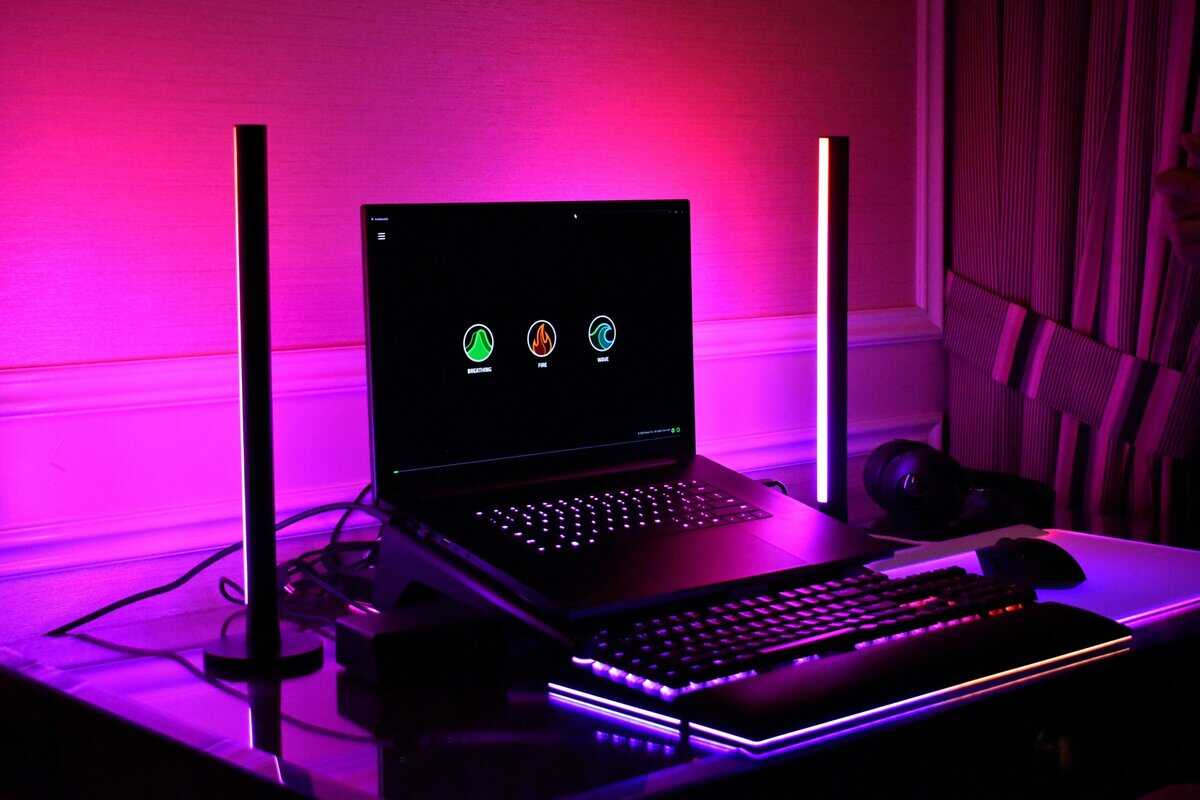
The price tag that used to define this category has quietly moved. Not long ago, the best gaming laptop under $1000 was a crowded fight between half a dozen RTX 4050 machines. Today, Amazon.com does not sell a single new laptop with a dedicated graphics card below that line.
That does not make the budget useless. It changes the honest answer: the cheapest real gaming laptops now start just past $1,000, and the smart money goes to the one that wastes the fewest of those dollars. The three picks below are the closest you can get, checked against current prices.
A good budget gaming laptop still has the same job. It should handle 1080p gaming, stay stable through long sessions, and leave room to upgrade memory or storage later. It also needs to survive a backpack, a commute, and daily use for school, work, Discord and late-night ranked matches.

The most gaming hardware Amazon sells near this budget. An RTX 4060, 16GB of DDR5 and a 1TB drive mean no day-one upgrades, for about $300 over the $1,000 line.
- RTX 4060, a step above the 4050 and 5050
- 16GB DDR5 and 1TB out of the box
- 16-inch 165Hz screen with G-SYNC
- About $300 over the budget
- Heavy at 6 pounds
- No Multi Frame Generation, an RTX 50 feature
The one to carry every day. MIL-STD-810H durability testing, a 16-inch 165Hz screen with full sRGB coverage and 16GB of DDR5, with a slightly weaker GPU than the RTX 4060 Nitro 16.
- MIL-STD-810H durability testing
- 16:10 165Hz panel, 100% sRGB
- 16GB DDR5 from day one
- RTX 5050 trails the RTX 4060
- Same price as the RTX 4060 Nitro
- 512GB fills up fast
The cheapest real gaming laptop Amazon sells right now, just over $1,000. The RTX 4050 and 16-inch 165Hz screen are solid, but budget for a second memory stick.
- Closest to the $1,000 line
- 16-inch WUXGA 165Hz display
- Fine for 1080p esports
- Only 8GB of RAM
- Heaviest pick at 6 lb
- Fewest owner reviews
- No new laptop with a dedicated GPU sells from Amazon.com under $1,000 right now; the cheapest real option sits just past the line.
- The Acer Nitro 16 with an RTX 4060, 16GB and 1TB is the most performance Amazon sells near this budget, at about $1,300.
- Buy the GPU first: an RTX 4060 or 5050 beats a fancier CPU paired with a weaker graphics chip.
- 8GB of memory is a day-one upgrade, so plan for 16GB if you buy the Acer Nitro 16.
- If $1,000 is a hard ceiling, a desktop or an esports-only laptop stretches the money further.
Table of Contents
Finding Value in a Crowded Market
Shoppers in this category want the same thing. They don’t want the cheapest machine. They want the laptop that wastes the fewest dollars.
That’s the right approach. In gaming laptops, “budget” doesn’t mean buying the lowest price tag on the page. It means buying the system that gets the important parts right and makes compromises in the places that hurt less.
If you’re open to previous-generation hardware, a well-vetted refurbished or used option can make sense too.
What matters
The laptops worth buying in this range usually share a few traits:
- A real gaming GPU first. The graphics card decides whether your games feel smooth or compromised.
- A usable high refresh display. Fast panels matter if you play shooters, MOBAs, or competitive sports titles.
- Serviceable thermals. A laptop that starts strong and fades after half an hour gets old fast.
- Upgrade access. Extra RAM or a larger SSD can stretch the life of the machine more than a flashy design ever will.
- Decent chassis durability. You can live with plastic. You can’t live with hinges, flex, or keyboard decks that feel one drop away from failure.
Laptop or desktop still matters
Some buyers are still on the fence between mobility and raw value. If that’s you, this breakdown of gaming laptop vs desktop helps frame the trade-off clearly.
Practical rule: Buy a gaming laptop because you need a laptop. If the machine will never leave your desk, the value equation changes.
For everyone who does need portability, there are solid choices. You just have to ignore a lot of marketing and judge these systems by sustained performance, build quality, and how easy they are to live with after the first week.
What a $1000 Budget Buys in 2026
The honest answer right now: a little less than it used to, and not quite for $1,000.
Why the $1000 Line Moved
Laptop prices climbed through 2026 as memory and storage got more expensive across the whole PC market. The machines that used to sit around $700 to $800, like the RTX 4050 versions of the Acer Nitro V and HP Victus, have either disappeared or climbed well past $1,000.
NVIDIA’s RTX 5060 laptop launch announcement put those machines at $1,099 and up, and that is roughly where the real floor sits today. The cheapest RTX 4050 laptop still around lands just above $1,000.
The budget did not stop working. It just stopped being a hard ceiling.
What $1050 to $1250 Gets You
Stretch a little past the line and the spec sheet is better than the old sub-$1,000 machines. In this range you can reasonably expect:
- An RTX 4050, 5050 or 5060 laptop GPU
- A 165Hz display on every pick, and 16:10 panels on two of them
- 16GB of memory on most models, with 8GB only at the very bottom
- A 512GB to 1TB SSD
That is a genuine step up. The catch is that you are paying for it, so the rest of this guide is about spending those extra dollars where they count.
Where Brands Still Cut Corners
Manufacturers protect the headline specs first, because shoppers notice GPU names, CPU badges and refresh rates. To hit a price, they trim quality elsewhere:
- Build materials tend to be plastic-heavy.
- Speaker quality is often forgettable.
- Keyboard deck flex shows up on thinner or cheaper shells.
- Screen brightness varies a lot, even when the refresh rate looks good on paper.
- Battery life is still secondary on most gaming designs.
This is why two laptops with similar core specs can feel very different after a month of use.
The Honest Baseline
If you are hunting for the best gaming laptop under $1000, or just over it, hold every listing to this baseline.
| What to demand | Why it matters |
|---|---|
| RTX 4050 or newer | Older or weaker graphics chips age quickly in new games |
| 144Hz or higher display | Needed for esports and general responsiveness |
| 16GB of RAM, or a plan to add it | 8GB is tight in many current games |
| Good cooling layout | Prevents performance drops in long sessions |
| Solid port selection | Matters if you use a mouse, headset, monitor or Ethernet |
| A chassis that feels stable | Daily use exposes weak hinges and flex fast |
If $1000 Is a Hard Ceiling
If you truly cannot go past $1,000, you have three honest options. A desktop still stretches the money much further, and our gaming PC under $1000 guide shows what that budget builds.
If you mostly play esports titles, the Acer Aspire Go 15 handles lighter games on integrated graphics for about half the price. Our gaming laptop under $600 guide covers what that tier can and cannot run.
The third option is patience. Prices move, and our tier-by-tier guide to the best cheap laptop for gaming tracks what each budget buys as the market shifts.
The Unskippable Specs to Prioritize

Most buying mistakes happen because people shop in the wrong order. They compare CPU names first, then storage, then whatever the seller chose to highlight.
That’s backwards.
For the best gaming laptop under 1000, the priority order should usually be GPU, then CPU, then display, then RAM and storage. If you get that sequence wrong, you can end up with a machine that looks premium on paper and still feels disappointing in games.
Start with the GPU
The graphics card carries the load in gaming. It has the biggest impact on frame rate, settings flexibility, and how long the laptop stays relevant.
Budget gaming laptops now commonly pair CPUs like the AMD Ryzen 7 7735HS or Intel Core i7-14650HX with GPUs such as the RTX 5050 or RTX 4060, while most models settle around 15.6-inch to 16-inch, 1920×1200, and 144Hz to 165Hz displays with 16GB DDR5 RAM and 512GB SSD storage (2026 budget gaming laptop overview).
That tells you a lot. The market has already decided what a balanced machine looks like.
If you have to choose, take the better GPU over the fancier CPU.
- RTX 5060 is the safer pick for longevity and heavier games.
- RTX 5050 is a sensible step down, especially in a better-built laptop.
- RTX 4050 can still work well, especially for esports and lighter AAA settings, but it’s more dependent on cooling and sensible expectations.
Don’t overspend chasing the CPU badge
A strong CPU matters, especially if you stream, multitask, or play games that lean on processor performance. But once you’re already in competent gaming territory, the GPU usually decides the bigger difference.
For practical use:
- If you play Valorant, CS2, League, Fortnite, or Rocket League, CPU quality matters, but so does sustained cooling.
- If you play single-player AAA games, GPU strength usually matters more.
- If you edit clips, stream casually, or keep a lot of apps open, a better CPU becomes more valuable.
A bad buying move is choosing a higher-tier CPU paired with a weaker GPU just because the processor name looks more impressive.
The display isn’t optional
A gaming laptop with a weak screen wastes the rest of the hardware.
You want a 144Hz or higher panel because that’s what makes lower-latency games feel responsive. This matters for shooters, MOBAs, racing games, and basically any title where smoothness affects control.
A few display notes matter in real use:
- Resolution around 1920×1200 is a good fit here.
- Refresh rate matters more than flashy color claims for competitive players.
- Brightness and panel quality still vary, even in similar price brackets.
- Size around 15.6 to 16 inches is the sweet spot for portability and playability.
A budget laptop can have a good gaming panel without having a creator-grade screen. Those are different goals. Buy for the games you actually play.
RAM and storage: Still essential
Memory and storage matter, but they come after the parts that produce the gaming experience.
The modern floor is 16GB DDR5 and a 512GB SSD. That’s enough to start, not enough to forget about. Large game installs fill drives quickly, and some laptops still ship with memory setups that leave performance on the table.
If you need a fuller breakdown of what memory capacity does in games, this guide on how much RAM for gaming is worth reading before you buy.
The right way to evaluate a listing
When you’re comparing models, check them in this order:
- GPU class
- Cooling and thermal reputation
- Display refresh rate and panel quality
- CPU suitability for your game mix
- Upgrade access for RAM and SSD
- Build quality, ports, and keyboard feel
That order saves money because it keeps you focused on the parts that change the experience, not the parts that just decorate the spec sheet.
Our Top Picks for Gaming Laptops Under $1000
None of these three sits below $1,000 today, so read the prices as the real cost of entry rather than a sales pitch. Each wins a different kind of buyer, and the prices below were accurate at the time of this update.
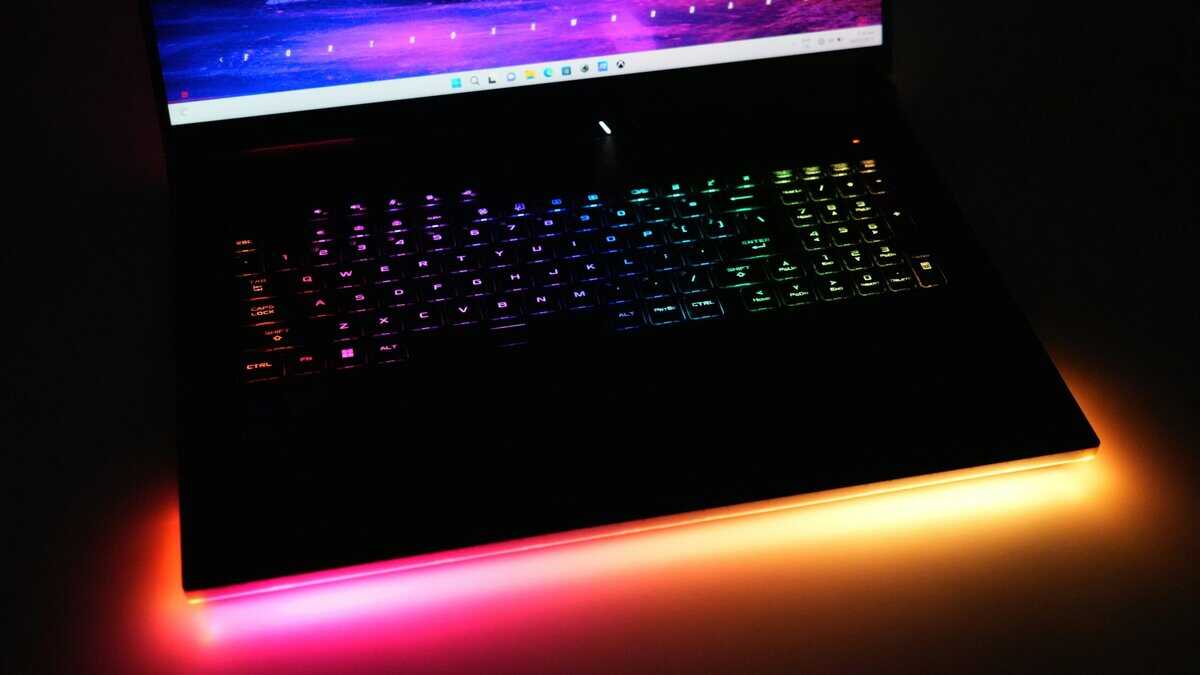
Best Gaming Laptop Under $1000 Contenders Compared
| Model | Badge | GPU | CPU | Display | RAM / Storage | Weight | Price at Update |
|---|---|---|---|---|---|---|---|
| Acer Nitro 16 (RTX 4060) | Best Overall | RTX 4060 8GB | AMD Ryzen 7 7840HS | 16″ WUXGA 165Hz | 16GB DDR5 / 1TB | 6 lb | About $1,300 |
| ASUS TUF Gaming F16 (2025) | Most Durable | RTX 5050 (115W) | Intel Core i5-13450HX | 16″ 1920×1200 165Hz | 16GB DDR5 / 512GB | 4.9 lb | About $1,300 |
| Acer Nitro 16 (RTX 4050) | Closest to $1,000 | RTX 4050 6GB | AMD Ryzen 5 7640HS | 16″ WUXGA 165Hz | 8GB DDR5 / 512GB | 6 lb | About $1,050 |
Acer Nitro 16 (RTX 4060)
The Acer Nitro 16 with the RTX 4060 gives you the most gaming hardware Amazon sells near this budget. It pairs an AMD Ryzen 7 7840HS with an RTX 4060 Laptop GPU and 8GB of video memory, plus 16GB of DDR5 and a 1TB SSD, behind a 16-inch 1920×1200 165Hz display. It sold for about $1,300 at the time of this update.
Why it works: the RTX 4060 is a clear step above the RTX 4050 and RTX 5050 in the other two picks, and it supports DLSS 3 frame generation in games that use it. The 16GB and 1TB mean no day-one upgrades, and Acer cools it with dual fans, intakes on the top and bottom, and a quad-exhaust design.
If you can stretch to about $1,300, this is where a budget gaming laptop stops feeling like a compromise.
Where it gives ground: it is about $300 over the budget in the title, and at 6 pounds it is as heavy as the RTX 4050 Nitro 16. It also misses the Multi Frame Generation that RTX 50 laptops add. For 1080p play, none of that outweighs the GPU.
ASUS TUF Gaming F16 (2025)
The ASUS TUF Gaming F16 is the pick for a laptop that lives in a backpack. It pairs an Intel Core i5-13450HX with an RTX 5050 Laptop GPU rated up to 115W, 16GB of DDR5, a 512GB SSD and a 16-inch 1920×1200 165Hz display with 100% sRGB coverage. It sold for about $1,300 at the time of this update.
Why it works: ASUS puts the TUF line through MIL-STD-810H durability testing, the 16:10 panel gives you more vertical room for schoolwork, and the color coverage makes it the best screen of the three for photos and video. Its second-generation Arc Flow fans and full-width heatsink target the long-session stability that matters in ranked play.
Where it gives ground: the RTX 5050 trails the RTX 4060 in the Nitro 16 at about the same price. The 512GB drive fills quickly with modern games, so plan on a second SSD or an external drive.
Acer Nitro 16 (RTX 4050)
The Acer Nitro 16 with the RTX 4050 is the closest you can get to the $1,000 line with a real gaming GPU. It pairs an AMD Ryzen 5 7640HS with an RTX 4050 Laptop GPU and 6GB of video memory, 8GB of DDR5, a 512GB Gen 4 SSD and a 16-inch WUXGA 165Hz display. It sold for about $1,050 at the time of this update.
Why it works: the Ryzen 5 7640HS and RTX 4050 are a balanced pair at 1080p, and the 16-inch 165Hz screen matches the TUF’s size and refresh rate. For esports and lighter AAA settings, it does the job.
Where it gives ground: 8GB of memory is too little for many current games, so budget for a second stick right away. At 6 pounds it ties the RTX 4060 Nitro as the heaviest pick, and it has fewer owner reviews than the TUF.
Which One Should You Buy
If you can stretch to about $1,300, buy the Acer Nitro 16 with the RTX 4060. If the laptop will travel every day, the ASUS TUF Gaming F16 is the tougher machine with the better screen. If $1,050 is your absolute limit, take the Acer Nitro 16 and plan the memory upgrade from day one.
If your budget can stretch further, our best gaming laptop under $1500 guide shows what the next few hundred dollars buy.
Performance Beyond Benchmarks for Your Games
A lot of gaming laptop advice still leans too hard on AAA benchmark charts. Those charts matter, but they don’t answer the question many buyers care about.
Can the laptop hold smooth performance in the games people play every night?

Budget laptop coverage has a real gap. Many lists focus on peak numbers in demanding AAA titles, while real esports behavior gets less attention. Some budget laptops post big frame rates in a short run, then lose a noticeable chunk once they heat up and throttle.
Why that matters more than a flashy benchmark
For Valorant, CS2, League of Legends, and similar games, sustained frame rate is more important than bragging rights from a short benchmark run.
If your screen refreshes fast but the laptop can’t maintain performance after heating up, the experience changes mid-session. That’s where many budget machines separate:
- Some look great in first-run testing
- Some stay stable in longer sessions
- Some feel fine for casual play but less reliable for ranked grinding
That’s why cooling design and fan tuning matter almost as much as the GPU tier in esports-focused buying.
Peak FPS sells laptops. Sustained FPS wins matches.
What different players should care about
Not every buyer has the same performance target.
For FPS players
You need stable frame pacing, not just high bursts. Prioritize laptops with proven cooling, solid venting, and a display fast enough to show the gains.
A weaker laptop that holds smooth output can feel better than a stronger one that repeatedly dips once temperatures rise.
For MMO players
MMOs expose different strengths. They punish weak cooling over long play sessions and can benefit from decent CPU behavior, especially when busy areas, raids, or lots of background apps enter the picture.
Keyboard comfort also matters more here than benchmark charts suggest. If you’re spending long stretches in one game, a harsh or flexy deck gets annoying.
For beginner streamers
Streaming on a budget laptop is possible, but the machine has to stay composed while handling game load, chat, browser tabs, and encoding. That’s where balanced systems tend to age better than spec-sheet specials.
If you stream casually, I’d rather have a laptop with sensible thermals and stable all-around behavior than one with a tiny paper advantage in a short benchmark.
Maximizing Your Investment with Smart Upgrades
A budget gaming laptop gets better when you treat it like a platform, not a sealed appliance. The good news is that the most useful upgrades are usually simple.
The best place to start is memory. On laptops that ship with a single stick, adding matching RAM to run dual-channel can improve game responsiveness and help CPU-bound titles feel smoother. That’s exactly why the 8GB Acer Nitro 16 needs a second stick on day one.
The upgrades that matter first
Don’t throw money at random accessories or cosmetic extras before handling the basics.
- Add RAM if the laptop is single-channel. This is often the cleanest value upgrade for gaming.
- Expand storage early. Modern game libraries fill a baseline drive fast.
- Use a proper cooling setup. Even a simple stand or better airflow on a desk helps.
- Buy the right mouse before chasing tiny laptop spec gains. Input quality affects daily use more than people admit.
If storage is your first bottleneck, this guide to the best SSD for gaming helps narrow down what’s worth installing once your library starts crowding the stock drive.
Don’t ignore the feel of the setup
A better gaming experience doesn’t only come from the laptop itself.
A good external mouse matters immediately in shooters and strategy games. A decent headset improves positional audio and team communication. Even your desk surface changes consistency more than many buyers expect. Our budget gaming mouse pad picks are a cheap way to improve mouse glide and desk comfort without sinking more money into the laptop.
Spend on the parts you touch every day. Mouse, headset, storage, and RAM often improve the overall experience more than stretching for a slightly fancier chassis.
Refurbished Can Be Smart If You’re Picky
Buying refurbished or reloved can work well in this category, especially if it gets you into a stronger GPU tier or a better-built model.
Check for:
- Battery condition
- Hinge stability
- Keyboard wear
- Screen defects
- Upgrade access
- Return policy
Avoid mystery listings with vague specs or no clear condition notes. Budget buying only works when the risk stays controlled.
What not to waste money on
Skip the usual traps:
- Overpaying for RGB extras
- Assuming more CPU name prestige means better gaming
- Buying a larger charger brick as if it improves performance
- Ignoring thermals because the first benchmark looked fine
A laptop under this budget cap lasts longer when you make a few smart changes early. That’s where real value comes from.
If your budget stretches a long way further, our best gaming laptop under 2000 guide shows what the extra money buys.
Frequently Asked Questions
A few questions always come up right before people buy. Most of them have straightforward answers.
Is a thicker gaming laptop always better for cooling?
Not always. A thicker chassis gives designers more room to work with, but cooling quality still depends on fan tuning, vent placement, and the way the system handles sustained load. A slim laptop can perform well if the thermal design is competent. A chunky one can still run hot if the tuning is poor. Judge the exact model, not the silhouette.
How much battery life should I care about?
Less than most buyers think, but not zero. If this is mainly a gaming machine, it will spend most of its serious gaming time plugged in. Battery life matters more for school, travel, browsing, and note-taking between classes than for game sessions. A laptop with decent unplugged behavior is easier to live with, but it should not outrank GPU quality or cooling.
Can these laptops work for school or work too?
Yes, if you accept the trade-offs. Most of these systems can handle documents, browser tabs, calls, media, and general productivity easily. The compromises show up in weight, charger size, fan noise under load, and styling that may still look more gaming than office.
Should I buy the strongest GPU I can afford?
Usually yes, but only if the rest of the laptop is competent. A better GPU inside a poorly cooled or flimsy machine does not always produce the better ownership experience. The right buy is the one that balances graphics power with display quality, upgrade potential, and durability.
Is build quality really that important at this price?
Yes. You will notice weak build quality every day. A flexy keyboard deck, loose hinge, rough trackpad, or thin shell gets old fast. Even if you mostly game with an external mouse and keyboard, the base laptop still needs to feel solid when you open, close, carry, and type on it. Good build quality is also a proxy for better quality control on the rest of the machine.
If you’re still narrowing down the right laptop or deciding which upgrades and peripherals improve the experience, Budget Loadout is built for exactly that. It cuts through spec-sheet noise and focuses on the gear that gives gamers and beginner streamers the best value, durability, and day-to-day performance without overspending.
Related Articles