Before a single spec on the box matters, one question decides the right screen: what are you plugging into it? A gaming TV for a PS5 or an Xbox Series X needs different things from one for a Switch 2 or a docked Steam Deck, and paying for features your console never uses is the easiest way to overspend.
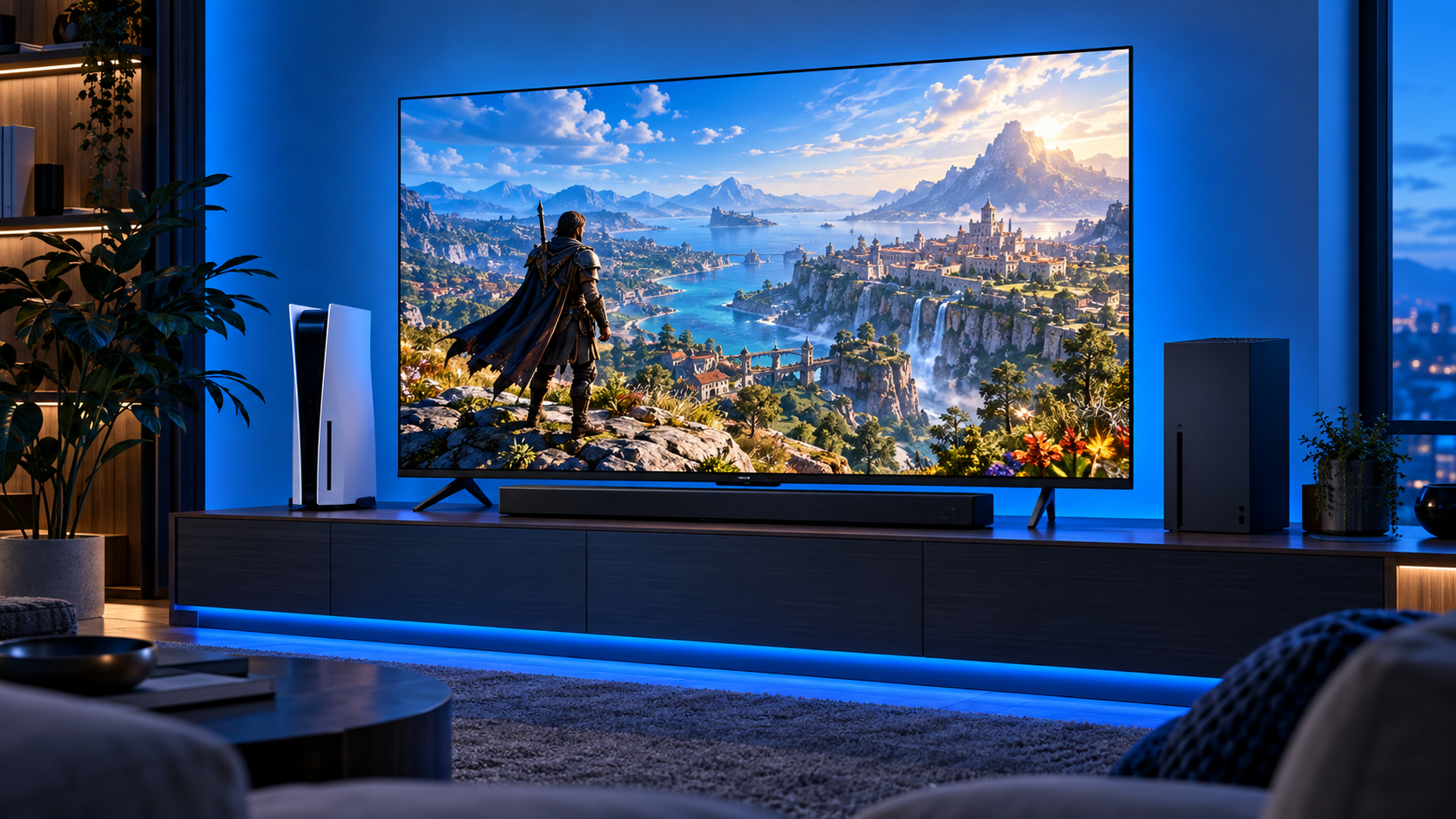
So this guide starts from the console, not the panel. The four picks below cover fast 120Hz and 144Hz play for the big consoles and PCs, a premium OLED for dark rooms, and a smaller screen that suits the systems that top out at 60 frames in 4K.
Mini-LED brightness and a native 144Hz game mode at a mid-range price. It covers PS5, Xbox and PC at their fastest settings without stepping up to OLED money.
- Native 144Hz game mode
- Mini-LED backlight for bright HDR
- FreeSync Premium for smooth VRR
- Fire TV interface carries ads
- Fewer reviews than older models
- Blooming shows in dark scenes
The cheapest way into real 120Hz play on a PS5 or Xbox. A native 120Hz panel, VRR and auto game mode cover the features that matter, with four HDMI inputs.
- Native 120Hz panel at a low price
- VRR and auto game mode
- Four HDMI inputs with eARC
- No Mini-LED local dimming
- HDR punch trails the Hisense
- Motion Rate label overstates speed
Per-pixel OLED contrast in a size that fits a desk or a small living room. It refreshes at up to 144Hz from a PC, and consoles get their full 120Hz.
- Perfect blacks for dark-room play
- Up to 144Hz with G-Sync and FreeSync
- 48-inch size fits a desk
- Costs the most by a wide margin
- Dimmer than Mini-LED in bright rooms
- Static HUDs need some care
A small, sharp Mini LED screen for consoles that top out at 4K 60. It suits a Switch 2 or a docked Steam Deck in a bedroom, dorm or desk corner.
- Mini LED at a small-screen price
- 43-inch size fits tight rooms
- 4K 60 matches Switch 2 docked
- 60Hz native, not for 120Hz play
- DLG 120Hz mode softens the image
- Only three HDMI inputs
- Start with the console: PS5, Xbox Series X and PCs can use 120Hz or faster, while Switch 2 tops out at 4K 60 in TV mode.
- A native 120Hz or 144Hz panel matters more than any “Motion Rate” number on the box.
- VRR and auto low latency mode are the two gaming features worth paying for on any console that supports them.
- Mini-LED suits bright rooms; OLED wins in the dark but costs more and needs a little care with static game HUDs.
- A 43-inch 60Hz screen is a smart buy for a Switch 2 or a docked Steam Deck in a small room.
Table of Contents
Four Gaming TVs Side by Side
The first thing to read is the Refresh column, because it decides which consoles each TV can serve at full speed. The Best For column then maps each set to the systems that get the most out of it.
| TV | Size | Panel | Refresh | VRR | HDMI Inputs | Smart Platform | Model Year | Best For |
|---|---|---|---|---|---|---|---|---|
| Hisense 55-Inch E7 | 55-inch | Mini-LED | Native 144Hz game mode | FreeSync Premium | 4 | Fire TV | 2026 | PS5, Xbox and PC |
| TCL 55-Inch T7 | 55-inch | QLED | Native 120Hz, 144Hz gaming | Yes, with ALLM | 4 (one eARC) | Google TV | Current | PS5 and Xbox on a budget |
| LG 48-Inch C4 | 48-inch | OLED | Up to 4K 144Hz (PC) | Yes | 4 | webOS | 2024 | Dark rooms and PC |
| Samsung 43-Inch M70H | 43-inch | Mini LED | 60Hz native | Not listed | 3 | Tizen | 2026 | Switch 2 and Steam Deck |
If you own a PS5 or an Xbox Series X and play in a normal living room, the Hisense is the one to buy. The TCL gets you most of the way there for less, the LG OLED is the step up for dark rooms, and the small Samsung is the right size and speed for Nintendo and Valve hardware.
The Picks by Console Fit
Each TV here earns its slot by matching what a specific kind of console can actually send it.
Hisense 55-Inch E7 Mini-LED (2026)
The Hisense 55-Inch E7 Mini-LED is the pick for most PS5, Xbox and PC players. Its native 144Hz game mode covers the fastest output any console can send, and AMD FreeSync Premium smooths out frame-rate dips in games that cannot hold a steady 120.
Mini-LED backlighting is the other reason it sits at the top. Thousands of small lighting zones let bright highlights pop in HDR games while keeping dark scenes darker than a standard LED set, and Dolby Vision and Dolby Atmos are both supported.
It is the rare mid-range TV that leaves nothing on the table for a PS5 or an Xbox.
The tradeoffs are the usual ones for Mini-LED and Fire TV. Bright objects on black backgrounds can show a faint halo, and the Fire TV home screen leans on sponsored rows. Set it to its game mode, and neither gets in the way once a game starts.
For a PC on the same TV, the Hisense is the only 55-inch pick here that runs at 144Hz in its native game mode, which makes it the best choice for a living-room gaming PC or a laptop plugged in for couch play.
If you want a model with a longer track record, the TCL QM6K is our pick in the best TV for PS5 guide and covers the same ground with more owner reviews behind it.
TCL 55-Inch T7 QLED
The TCL 55-Inch T7 QLED is the cheapest TV here that still handles a PS5 or an Xbox at full speed. The panel runs at a native 120Hz, TCL lists a 144Hz gaming mode, and VRR and auto low latency mode are both on board.
Four HDMI inputs, one with eARC for a soundbar, leave room for a console, a streaming box and a PC at the same time. Google TV handles apps and casting well, and the QLED layer keeps colors vivid.
What you give up is local dimming. Without a Mini-LED backlight, dark scenes look more gray and HDR highlights hit less hard than on the Hisense. For fast shooters and sports games, the smooth 120Hz motion matters more, and that is where this TCL spends its money.
Real 120Hz play for the price of a basic 4K TV.
Budget TVs often cut corners on inputs, and this one does not. With four HDMI ports, you can keep a PS5, an Xbox and a streaming stick plugged in at once, with the eARC port feeding a soundbar, instead of swapping cables every time you change systems.
LG 48-Inch C4 OLED
The LG 48-Inch C4 OLED is the stretch pick, and it is the one to buy if you play at night with the lights off. Every pixel lights itself, so black is truly black, and nothing blooms around a bright HUD on a dark map.
LG lists a refresh rate of up to 144Hz with NVIDIA G-Sync and AMD FreeSync Premium, and the 144Hz mode is for PC games that support it. Consoles get their full 120Hz, and the 48-inch size is small enough to sit on a desk as a monitor replacement, which suits a PC and a console sharing one screen.
It is also the pick for players who care about motion clarity above all. OLED pixels switch almost instantly, so fast pans in racing and shooter games look crisp even at 120Hz from a console.
OLED has two known limits. It cannot match a Mini-LED set for brightness in a sunny room, and static elements like HUDs and menus call for sensible care over years of play; the TV’s own screen-protection settings handle most of that. The LG C6 48-Inch OLED raises the ceiling to 165Hz as the newer model, and it costs more for the same size.
Samsung 43-Inch M70H Mini LED (2026)
The Samsung 43-Inch M70H Mini LED exists for the consoles that do not need 120Hz. A Switch 2 in TV mode outputs up to 4K at 60 frames, and a docked Steam Deck runs the same handheld hardware on a bigger screen, so a 60Hz native panel is not holding either one back.
What you get instead is a sharp 43-inch Mini LED picture at a small-screen price, sized for a bedroom, a dorm or a desk corner. Samsung’s DLG mode can push the panel to 120Hz, but it lowers sharpness to get there, so treat it as a bonus rather than a reason to buy.
It is the wrong pick for a PS5 or an Xbox you want to run at 120Hz, and it has three HDMI inputs instead of four. For a Nintendo or Valve setup, it is the one that fits.
Three inputs still cover a Switch 2 dock, a Steam Deck dock and a streaming stick, which is exactly the kind of small-room setup this TV is built for. If a PS5 or an Xbox joins it later, that is the moment to step up to the Hisense or the TCL.
What Each Console Sends to the TV
This is the part most gaming TV guides skip. The consoles do not all ask for the same thing, and matching the TV to the one you own is where the real savings are.
PS5 and Xbox Series X
Both big consoles can output at 120Hz, and both support VRR and auto low latency mode. PlayStation’s own support pages list 120Hz output, VRR and ALLM among the PS5’s video settings, and Xbox lists a single HDMI 2.1 port on the Series X with the same two features.
For these consoles, a native 120Hz panel with VRR is the feature that matters. The Hisense and the TCL both deliver it, and the OLED does too.
Nintendo Switch 2
Nintendo’s Switch 2 tech specs list a maximum of 4K at 60 frames in TV mode, with 120 frames supported only when 1080p or 1440p is selected. Most docked play lands at 60, so a fast 120Hz TV rarely gets used.
That is why the Samsung 43-inch earns a place here. A sharp 60Hz screen covers what the Switch 2 sends, and the money you save can go toward a Switch 2 controller or a soundbar.
Paying for 144Hz on a Switch 2 setup buys speed the console will almost never send.
Two Consoles on One TV
Plenty of households run a PlayStation and a Nintendo, or an Xbox and a gaming PC, off the same screen. In that case, buy for the most demanding system you own. A TV that suits a PS5 at 120Hz also shows a Switch 2 perfectly well, but the reverse is not true.
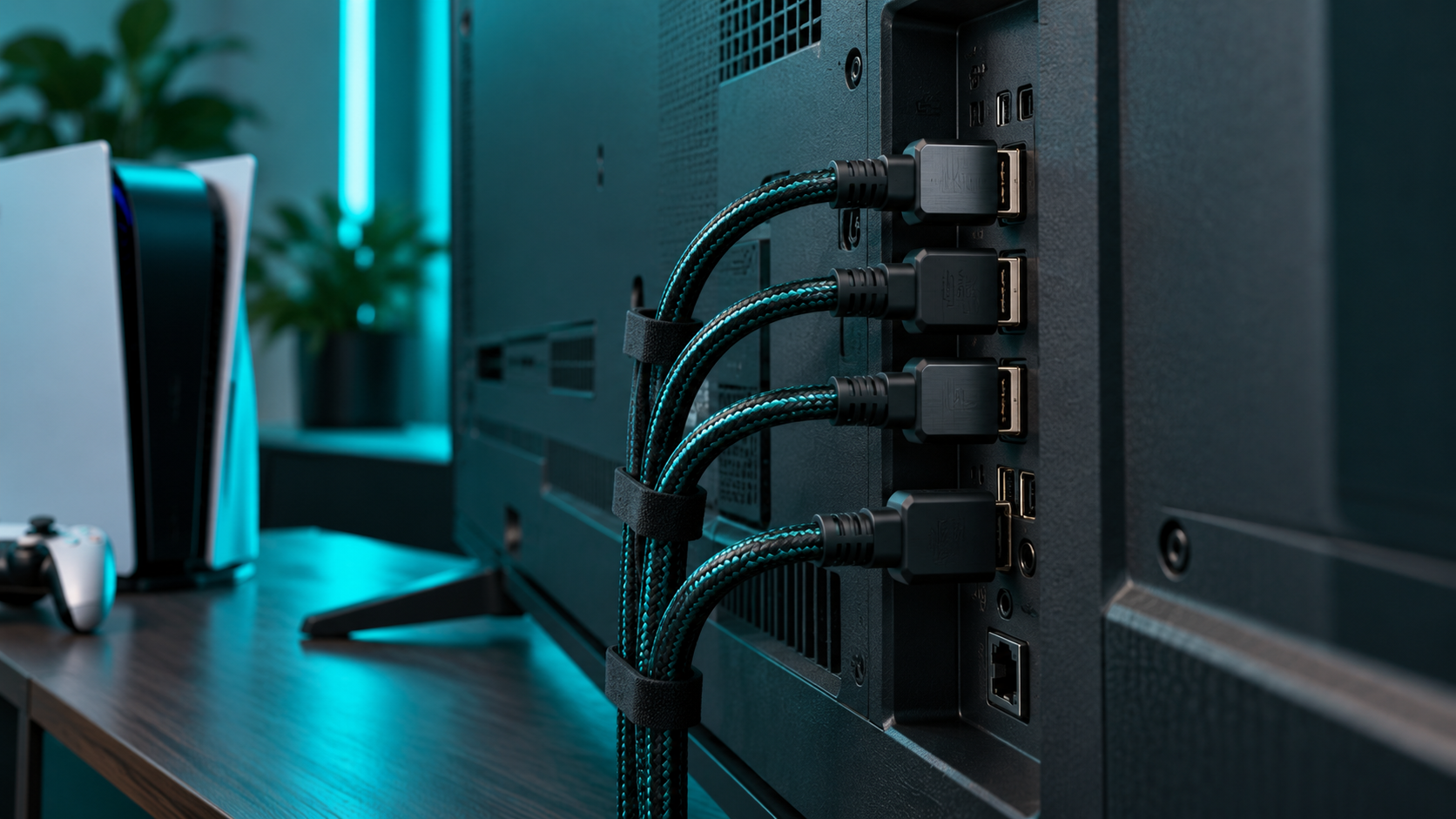
Count inputs too. A soundbar on the eARC port, two consoles and a streaming stick use up four HDMI inputs, which is why three of the four picks here have four.
Steam Deck and PC
A docked Steam Deck runs the same chip it uses in handheld mode, just on a bigger screen, so it behaves more like a Switch 2 than a PS5. A 60Hz TV suits it well, and our Steam Deck dock guide covers the dock side.
A gaming PC is the opposite. A strong graphics card can push well past 120 frames, and that is the one case where a 144Hz TV like the Hisense or the LG OLED pays off in full.
Spec-Sheet Traps on Gaming TVs
TV boxes are written to sell, and a few labels mislead gamers more than others.
Motion Rate Is Not Refresh Rate
Numbers like Motion Rate 480 describe the TV’s motion processing, not how many frames per second the panel shows. The figure that matters is the native refresh rate: 60Hz, 120Hz or 144Hz. The TCL, for example, carries a Motion Rate label on a native 120Hz panel.
Read the native refresh rate and ignore the bigger number printed next to it.
Motion processing can make films look smoother, but it adds lag, and game mode turns most of it off anyway. For play, the native figure is the only one that counts.
144Hz Often Means PC Only
Many TVs that advertise 144Hz reach it only with a PC. The LG C4 is a good example: its 144Hz mode is for PCs. Consoles top out at 120Hz, so a 144Hz rating is a PC feature, not a console upgrade.
VRR and ALLM Are the Real Gaming Features
VRR lets the TV match the console’s frame rate as it rises and falls, which removes tearing and stutter. ALLM switches the TV into its low-lag game mode automatically when a console starts a game. The HDMI Licensing gaming overview explains both.
If a TV lists neither, it is not a gaming TV, whatever the box says.
Setting Up a Gaming TV for Your Console
A good gaming TV can still look and feel slow if a few settings are off. These take a couple of minutes and make the biggest difference.
Use Game Mode
Every TV here has a game mode that switches off most of the picture processing that adds lag. With ALLM, the TV switches into it on its own when a console starts a game. If yours does not, pick the game picture mode by hand before you judge how responsive it feels.
Turn On 120Hz at the Console
A 120Hz TV only runs at 120Hz when the console asks for it. The PS5 has a 120Hz output setting in its screen and video menu, and VRR and ALLM sit in the same place. Turn them on once, and games that support higher frame rates will use them.
Use the Cable in the Box
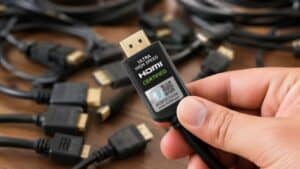
The HDMI cable that came with your console is the safe choice for its top output. Older cables from a drawer can cap the signal at a lower refresh rate without any obvious warning, which makes a 120Hz TV look no faster than a 60Hz one.
Mini-LED vs OLED for Play
The panel type matters more than any single spec once your console’s needs are covered.
Bright Rooms
Mini-LED sets get brighter than OLED, which helps in a living room with windows or overhead lights. The Hisense is the pick if you play during the day with the curtains open.
Brightness also helps HDR games on a bright panel. Sun glare, explosions and neon signs hit harder when the TV has headroom to spare, and Mini-LED has more of it than any OLED at this price.
Dark Rooms
OLED wins at night. Perfect blacks make horror games and space scenes look far better, and there is no halo around bright objects. The LG C4 is the pick for a dedicated dark room.
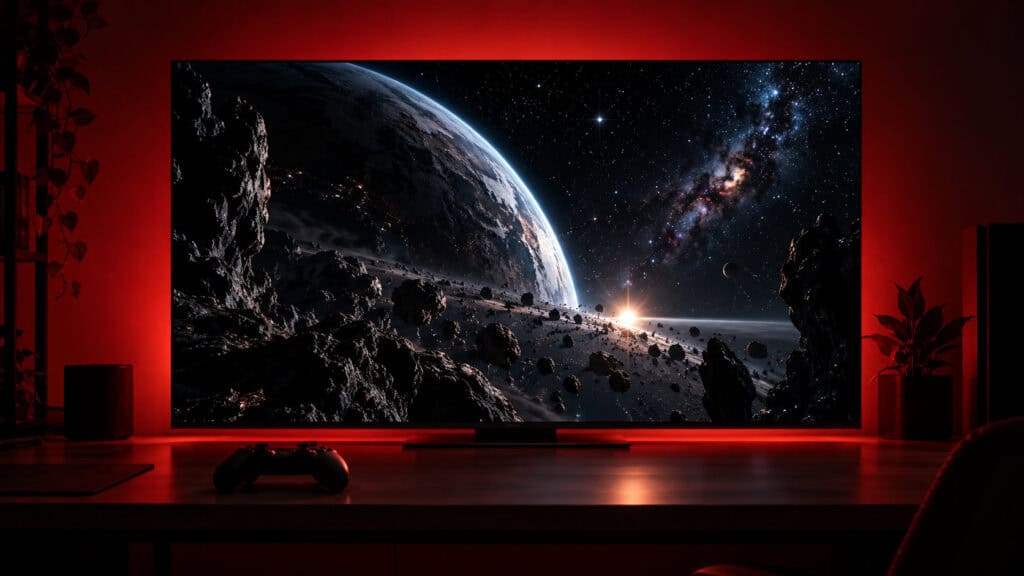
If you split your time between both, think about when you play most. Evening and late-night players get the most from OLED, while daytime players and busy family rooms suit Mini-LED better.
Static HUDs
OLED panels can retain static images after very long exposure. Modern sets include protection features that shift and dim static elements, and varied play across different games is the easiest habit to keep a panel healthy. Mini-LED has no such concern.
Size and Seating Distance
Bigger is not always better for gaming. A screen that is too large for the room makes you move your eyes across it to read a HUD, which is tiring in fast games.
Couch Across the Room
A 55-inch set is the sweet spot for most living rooms. It is big enough for split-screen and couch co-op, and it is the size both the Hisense and the TCL come in here.
If your couch sits well back from the wall, both of those models also come in a 65-inch size with the same gaming features. Step up only if the extra distance calls for it, since a larger screen costs more and shows the same frames.
Desk or Small Bedroom
At a desk or in a small room, a 43-inch or 48-inch screen is easier to take in at a glance. The LG OLED and the Samsung 43-inch both suit close seating, and a 43-inch set also fits on most dressers and desks without a wall mount.
When a Monitor Beats a TV
A TV is not always the right screen for gaming. If you sit at a desk within arm’s reach, a gaming monitor is usually cheaper for the same speed and easier to see at close range.
Monitors also tend to reach higher refresh rates at lower prices, which matters for competitive PC players. A TV makes more sense when you play from a couch, share the screen with other people or want one display for both games and streaming.
The LG 48-inch OLED sits right on that line, which is why it works well on a large desk. For a smaller desk, our gaming monitor vs TV comparison walks through the tradeoffs in detail.
Rounding Out the Living Room
Match your console to one row, then fill in the rest of the setup.
| TV | Console Fit | Pick It If |
|---|---|---|
| Hisense 55-Inch E7 | PS5, Xbox and PC | You want 144Hz and Mini-LED without OLED money |
| TCL 55-Inch T7 | PS5 and Xbox | You want 120Hz at the lowest price |
| LG 48-Inch C4 | PC and consoles in a dark room | Contrast matters more than brightness |
| Samsung 43-Inch M70H | Switch 2 and Steam Deck | Your console tops out at 4K 60 |
TV speakers are the weak spot on every set here, so a gaming soundbar is the next upgrade for most rooms. Xbox players can pick up a second pad from our Xbox controller picks, and Switch 2 owners will want our Switch 2 dock guide for the TV connection.
Frequently Asked Questions
Quick answers about choosing a TV for gaming.
Do I need a 120Hz TV for gaming?
Only if your console or PC can use it. PS5, Xbox Series X and gaming PCs can output at 120Hz, so a native 120Hz panel makes their games smoother. A Switch 2 tops out at 4K 60 in TV mode, so a 60Hz TV suits it.
Is 144Hz worth it on a gaming TV?
Mostly for PC players. Consoles top out at 120Hz, so a 144Hz rating only pays off when a gaming PC is connected. It does no harm on a console, but it should not be the reason you pay more.
Is OLED or Mini-LED better for gaming?
OLED wins in dark rooms with perfect blacks and no halo around bright objects. Mini-LED gets brighter, which suits rooms with windows or lights, and it has no concern with static game HUDs. Both handle 120Hz consoles well.
What size gaming TV should I get?
For a couch across a typical living room, 55 inches is the sweet spot. For a desk, dorm or small bedroom, a 43-inch or 48-inch screen is easier to take in without moving your eyes across it.
Does the Switch 2 need a 4K TV?
It can use one. The Switch 2 outputs up to 4K at 60 frames in TV mode, so a 4K 60Hz TV shows everything it sends. Its 120-frame mode only works at 1080p or 1440p, so a fast 120Hz TV is optional.
Looking for more budget gaming gear? Check out Budget Loadout for the latest reviews and recommendations.
Related Articles