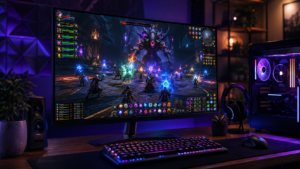
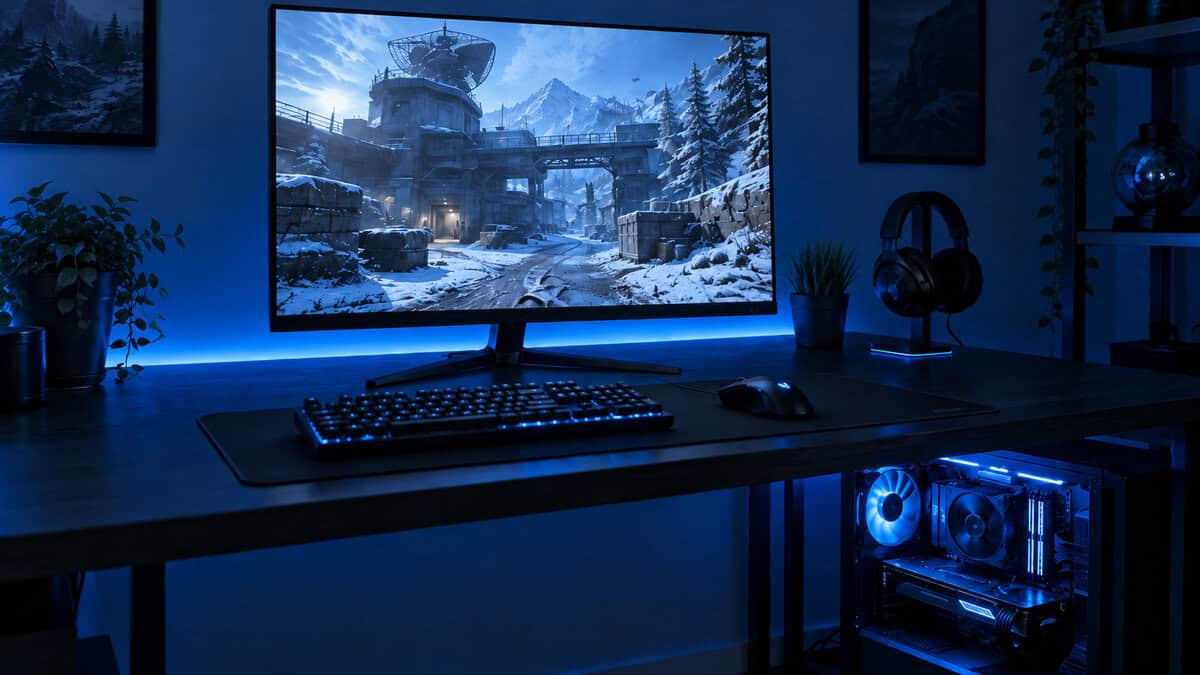
You’re probably in the same spot a lot of gamers hit. You want the wider field of view for racing games, MMOs, and single-player stuff that benefits from extra screen space. You also want enough room for Discord, OBS, a browser, or a second app without going back to a cramped standard display.
Then you look at premium ultrawides and the whole idea starts to feel expensive fast.
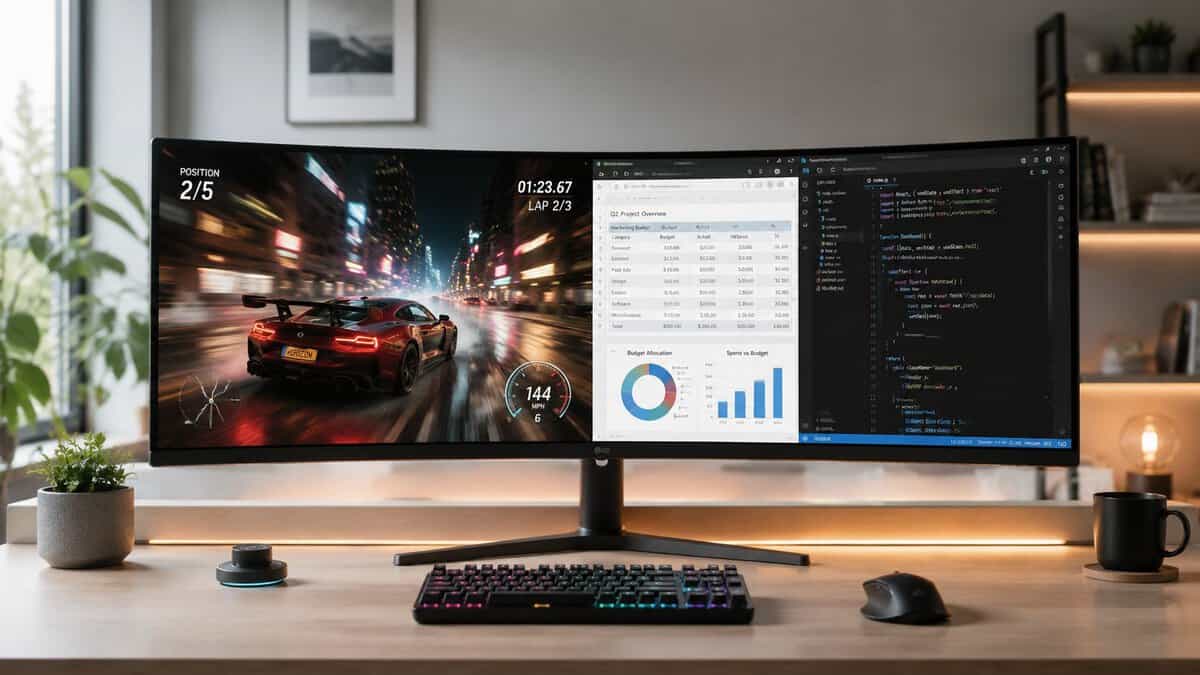
The good news is that the best budget ultrawide monitor usually isn’t the cheapest panel you can find. It’s the one that cuts the right corners. Cheap ultrawides can look fine on a spec sheet and still feel rough in actual use because of weak stands, poor motion handling, washed-out HDR modes, or flimsy build quality. Good value models avoid the worst mistakes.
If you’re also cross-shopping standard displays, this guide on the best budget gaming monitor is useful. But if you already know you want ultrawide, the question becomes simpler. Which compromises are safe, and which ones will annoy you every day?
- Sharp 34-inch 1440p VA panel at a smooth 180Hz
- HDR400 and 95% DCI-P3 add real color punch
- PIP/PBP plus dual HDMI and DisplayPort for multitasking
- VA panel smears a little in dark, fast scenes
- HDR400 is entry-level, not a true HDR experience
- Stand is functional but basic
- Amazon-shipped with strong everyday value
- 99% sRGB and dual DisplayPort suit work and play
- Built-in speakers keep the desk clean
- VA motion handling trails dedicated gaming panels
- Out-of-box color needs a quick calibration
- Built-in speakers are convenient but basic
- 200Hz refresh for the smoothest motion here
- Amazon-shipped and the lowest price of the three
- Immersive 1500R curve with Adaptive-Sync
- Color and HDR are basic next to the KOORUI
- VA blacks can smear in dark scenes
- Newer model with a shorter review track record
- The best budget ultrawide monitor is not the cheapest panel, it is the one that cuts the right corners and skips weak stands, fake HDR, and poor motion handling.
- 1440p (3440×1440) is the value sweet spot; 1080p ultrawides save money but look noticeably softer for text and detail.
- KOORUI 34E6UC is the best all-rounder: 180Hz, HDR400, and strong color for immersive single-player games and streaming.
- Sceptre C345B-QUT suits productivity-first desks with dual DisplayPort, 99% sRGB, and built-in speakers.
- AOC CU34G4H is the speed pick at 200Hz when smooth motion in FPS and racing games matters most.
Table of Contents
Going Ultrawide Without Going Broke
A budget ultrawide makes sense when you want one screen to do two jobs. During the day, it handles work, streaming tools, or school. At night, it becomes your gaming display. That’s where ultrawide value gets real. You’re not just buying extra width for the sake of it. You’re replacing the need for a second monitor while getting a more immersive game view.
And if you want the wraparound feel without the extra-wide aspect ratio, our curved gaming monitor picks bring the same immersion math to standard 16:9 panels.
The mistake I see most often is buying by headline specs alone. A low price and a curved panel don’t automatically equal value. Some bargain models save money in the wrong places. The stand wobbles. The menu system is clunky. The panel looks decent in bright scenes but falls apart in darker games. A few months later, the buyer wishes they had spent a little more for a model that felt solid.
Here’s the short version.
| Monitor | Best for | What stands out | Main trade-off |
|---|---|---|---|
| KOORUI 34E6UC | Best overall value | 34-inch 1440p VA panel, 180Hz, strong gaming performance | No HDR, VA dark-scene compromises |
| Sceptre C345B-QUT | Productivity and casual gaming | Better fit for mixed desk use, practical connectivity focus | Less gaming-first than the KOORUI |
| AOC CU34G4H | High-refresh priority | Strong choice when smooth gameplay matters most | Usually gives up some polish elsewhere |
That’s the sweet spot this guide is focused on. Not the rock-bottom option. The one you can live with for years.
What Specs Matter on a Budget Ultrawide
Budget ultrawides live or die by a few core specs. Ignore the marketing fluff and focus on the parts that affect daily use.
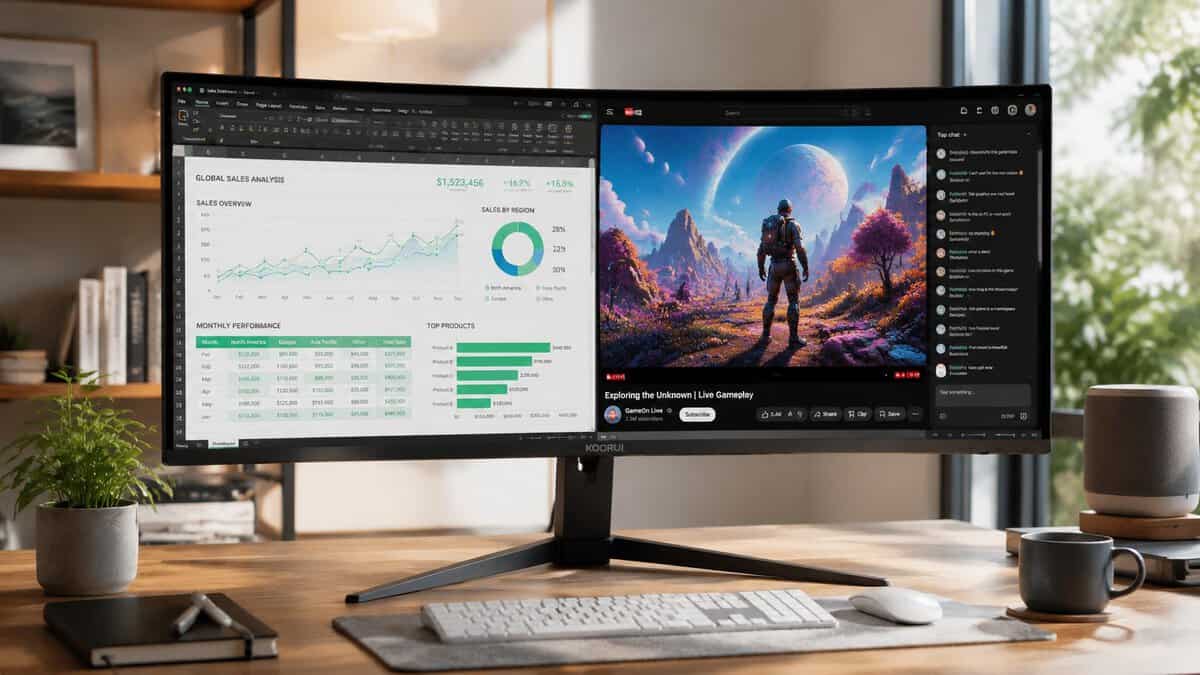
Resolution and aspect ratio
Mainstream budget ultrawides commonly use a 21:9 aspect ratio with either 2560 × 1080 or 3440 × 1440 resolution, and many budget-friendly options run at 60Hz to 100Hz because that’s the practical balance between wider workspace, casual gaming usability, and lower hardware demand, according to Lenovo’s ultrawide buying guide.
That matters more than people think. 2560 × 1080 is easier to drive and usually makes more sense if your GPU is modest. 3440 × 1440 looks sharper and gives you more workspace, but it asks more from your hardware in every modern game.
Practical rule: If your system struggles with newer games already, a lower-resolution ultrawide often feels better in practice than a sharper panel you can’t drive smoothly.
Refresh rate on the best budget ultrawide monitor
For a lot of buyers, 100Hz is the preferred target. It’s a clear step up from 60Hz. Cursor movement feels better, camera pans look smoother, and games feel more responsive without pushing you into premium pricing.
If you can get more refresh rate without a major trade-off, great. But don’t tunnel vision on the highest number. A shaky stand, poor overdrive tuning, or weak build quality will bother you more than the difference between decent high refresh and slightly higher refresh.
For more on how panel behavior affects motion, this breakdown of IPS vs VA for gaming is worth reading.
Panel type and the trade-offs that matter
In this category, VA is common. That usually means stronger contrast and better dark-room depth, which is good for story games, MMOs, and media. The downside is that some VA panels still show smearing in darker transitions. In slower games, that’s often manageable. In fast shooters with lots of shadow detail, it can be distracting.
IPS can look cleaner in motion and from wider angles, but budget ultrawides often lean VA because it’s where manufacturers can keep prices down while still giving you a decent immersive picture.
Build quality and ports
A word of caution: cheap turns into regrettable. Don’t ignore:
- Stand stability: A wide screen with a weak stand feels cheap every time you bump the desk.
- VESA support: Important if the included stand is basic or your desk is tight.
- Port selection: HDMI and DisplayPort are the minimum for hassle-free use across gaming PCs and consoles.
- Plastic quality and assembly: Budget doesn’t have to mean flimsy, but sometimes it does.
A good budget ultrawide should feel like a finished product, not a panel that was rushed into a shell.
Best Overall Budget Ultrawide: KOORUI 34E6UC
If you want the clearest example of value sweet spot thinking, this is it.
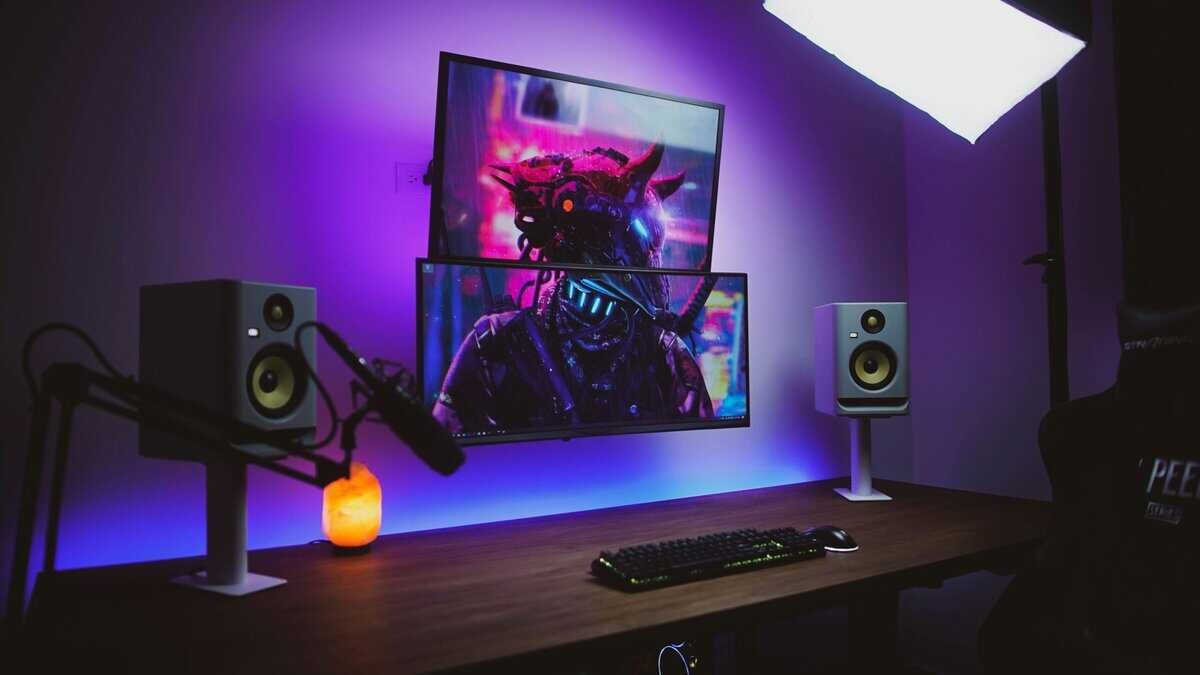
The KOORUI 34E6UC offers a 34-inch 1440p VA panel with a 180Hz refresh rate. Benchmarks cited in LINE’s KOORUI 34E6UC analysis show a 1.3ms (GtG) response time and 16ms input lag, which makes it a strong gaming option in the budget category. It’s also often one of the more affordable 1440p ultrawides around, which is why it stands out so much for value.
Why it works
This monitor gets the big things right for a lot of players:
- MMOs and RPGs: The ultrawide format adds real immersion.
- Streaming setups: The wider canvas helps when you want game content and utility windows on one screen.
- Casual and entry-level competitive gaming: The refresh rate is high enough to feel fast, and the 1440p resolution gives you more detail than lower-end ultrawides.
On paper, that combination is hard to beat at this level. In real use, it makes sense for someone who wants one monitor that can handle work, games, and media without feeling like a compromise machine.
What you give up
It’s still a budget VA ultrawide, so don’t pretend it’s flawless.
The biggest trade-offs are the obvious ones. It lacks HDR support worth caring about, and VA panels can still show their usual dark-scene weaknesses depending on the game. If you spend most of your time in competitive shooters with lots of fast shadow transitions, you may notice that more than someone playing MMOs, racers, or open-world games.
Build quality also matters here. The KOORUI wins because its performance package is strong, not because every physical detail feels premium. That’s normal at this tier. What matters is that the compromises stay tolerable instead of ruining the whole experience.
If you want one answer for the best budget ultrawide monitor, this is the easiest recommendation because it spends the budget where you’ll actually feel it.
Best for Productivity and Casual Gaming: Sceptre C345B-QUT
Not everyone buying an ultrawide is chasing the highest refresh rate possible. A lot of people need a screen that works all day, then switches into gaming mode at night without needing a second setup.
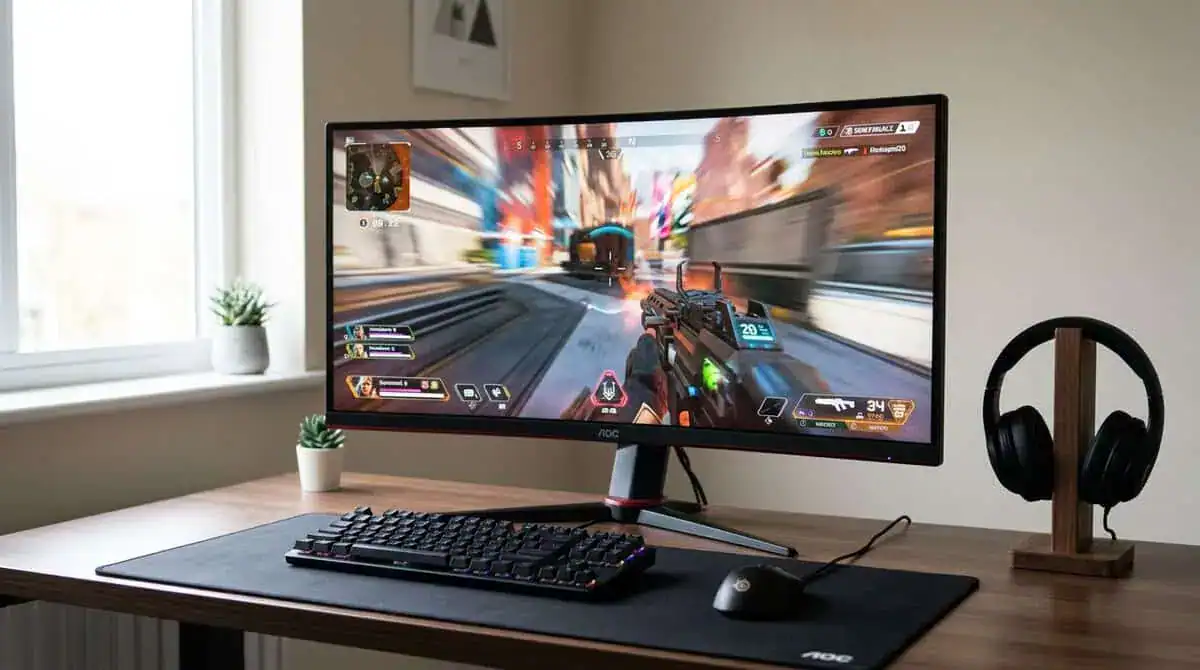
That’s where the Sceptre C345B-QUT makes more sense than a pure gaming-first pick. It fits the buyer who spends more time in spreadsheets, browser tabs, editing timelines, chat windows, or general multitasking than in ranked matches.
Why you’d choose it over the KOORUI
The KOORUI is the better all-round gaming value. The Sceptre is the better fit if your monitor needs to feel practical first.
A productivity-leaning ultrawide usually works better when it has:
- Useful multi-device connectivity for a work laptop and gaming system
- A less aggressive overall feel at the desk
- Comfortable text and window management for long sessions outside games
If your day includes work and your evening includes casual shooters, MMOs, or controller games, that balance matters more than squeezing every last bit of gaming speed out of the panel.
The curve question also matters here. If you’re trying to decide what shape works best for your desk and your games, this guide on curved vs flat monitor for gaming is a helpful reference.
The trade-off
The Sceptre-style buyer is trading peak gaming focus for a more even daily experience. That usually means it won’t feel as sharp on motion as a stronger gaming-first option, but it can be the smarter purchase if your monitor spends more hours displaying documents, dashboards, browser tabs, and stream controls than fast action games.
This is one of those cases where “best” depends on how you use your setup. If your ultrawide is replacing both a work monitor and a play monitor, a balanced workhorse can be the better buy.
Best for High-Refresh Gaming: AOC CU34G4H
Some buyers should ignore almost everything except smoothness. If you mostly play FPS games, racers, and fast multiplayer titles, refresh rate deserves priority.
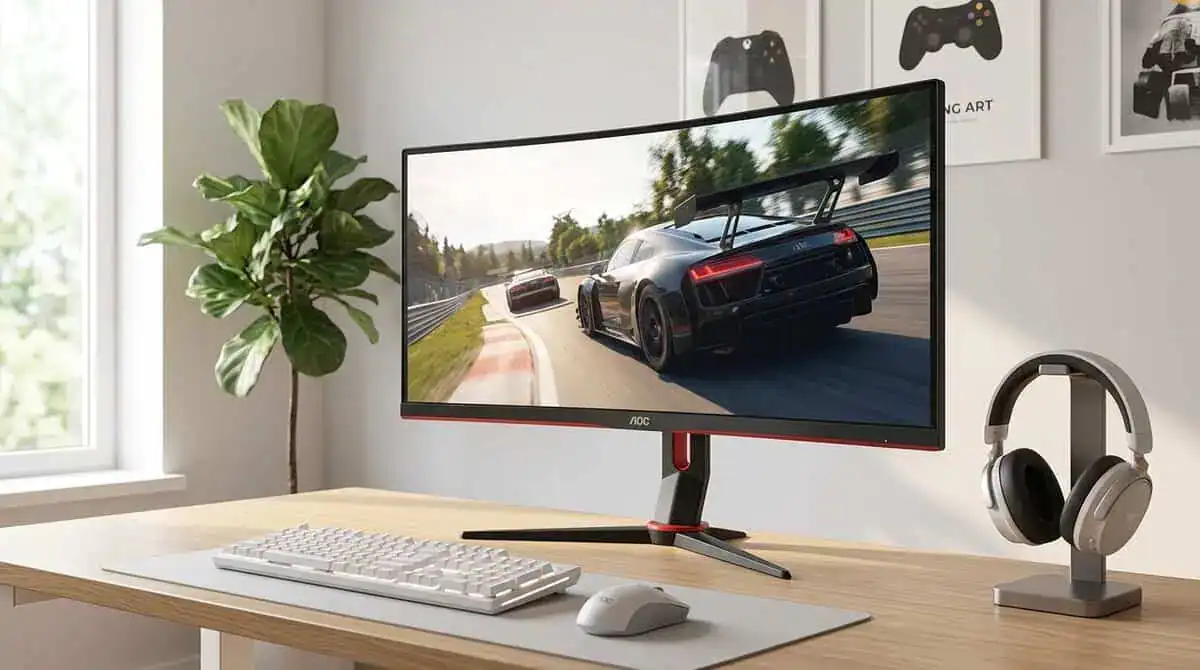
The AOC CU34G4H is the kind of pick that makes sense when you care more about speed than panel elegance. That doesn’t make it the best ultrawide for everyone. It makes it the right ultrawide for the player who notices motion first.
Why high refresh can be worth the trade
Ultrawide monitors commonly span from 34 to 49 inches, with 34-inch models acting as the usual entry point for value-focused buyers, and standard ports like HDMI and DisplayPort have helped make them practical replacements for dual-monitor setups for gaming and productivity, as noted in RTINGS’ ultrawide guide.
That’s the lane this kind of monitor lives in. It gives you the larger format, the one-screen layout, and a gaming-first feel without climbing into premium territory.
If your whole buying decision comes down to motion smoothness, the difference between refresh tiers matters a lot more than it does for mixed-use buyers. This explainer on 60Hz vs 144Hz covers why that jump is still one of the biggest quality-of-life upgrades in gaming.
What usually gets sacrificed
When a budget ultrawide leans hard into refresh rate, something else usually gives. It might be the stand. It might be the color tuning. It might be the menu system, build materials, or overall polish.
That’s fine if you know what you’re buying.
- For FPS players: Prioritize motion and responsiveness.
- For racing games: Ultrawide speed plus field of view can feel especially good.
- For story-heavy gaming: You may care more about contrast, panel depth, or general image quality than max refresh.
Buy this type of monitor when smooth gameplay is your first requirement. Don’t buy it expecting premium fit and finish at a budget price.
Setup Tips for Your New Ultrawide
A good ultrawide can still feel disappointing if you set it up wrong. Most issues come from settings, cables, or expectations that don’t match your hardware.
Start with the basics:
- Check your GPU output settings. Make sure the monitor is running at its native resolution and highest supported refresh rate in your operating system and graphics driver panel.
- Use the right cable. If you’re aiming for higher refresh rates, don’t assume any cable in the box is the best option. This guide on DisplayPort vs HDMI for gaming helps sort that out.
- Turn on adaptive sync if your monitor supports it. A lot of people miss this and leave performance on the table.
- Set up window zones. Ultrawides are much easier to live with when you use window snapping or layout tools to divide the screen cleanly.
Desk setup matters too
Ultrawides take up real space. If the stand is too deep or too wide for your desk, the monitor can sit too close to your face. That’s one reason VESA mounting is worth checking before you buy.
Also spend a few minutes dialing in brightness, contrast, and any gaming overdrive settings. Factory presets are often usable, but not always pleasant for long sessions.
Want to go wider still? Our best 49 inch monitor guide covers the super-ultrawide class.
Frequently Asked Questions
Is a curved screen necessary?
No. It helps on wider displays, especially if you sit close, but it isn’t mandatory. A curve can make the screen feel more natural across your field of view. It can also be less ideal if you prefer flatter lines for office-heavy use.
Is 1080p ultrawide too blurry?
It depends on your tolerance and viewing distance. Some people are fine with it because the lower rendering load helps gaming performance. Others notice the softer image quickly, especially for text-heavy work. If you split time between work and play, sharper options are easier to live with.
Can a budget ultrawide work for streaming?
Yes, if you buy for the right use case. A wider panel is useful when you want your game, chat, and control windows on one display. If you watch a lot of creator setup videos while planning your desk, this breakdown of who sponsors gaming creators gives useful context on the brands and gear categories that show up around gaming content.
How much should I spend on a good budget ultrawide?
Budget is relative in this category. The smart move is to pay for the value tier, not the absolute floor. If a monitor gives you solid motion, acceptable build quality, and the right resolution for your hardware, that’s money better spent than chasing the cheapest possible ultrawide and replacing it later.
If you’re building a setup around value instead of marketing, Budget Loadout is worth bookmarking. It’s built for gamers and streamers who want gear that performs well, lasts, and doesn’t waste money on the wrong specs.
Related Articles