One question picks a TV for GTA 6 better than any panel spec does, and it is about what else will plug into the TV. The best TV for GTA 6 takes everything a PS5 or Xbox Series X sends over HDMI 2.1, and it still has a fast port left for the soundbar or second console sitting next to it.
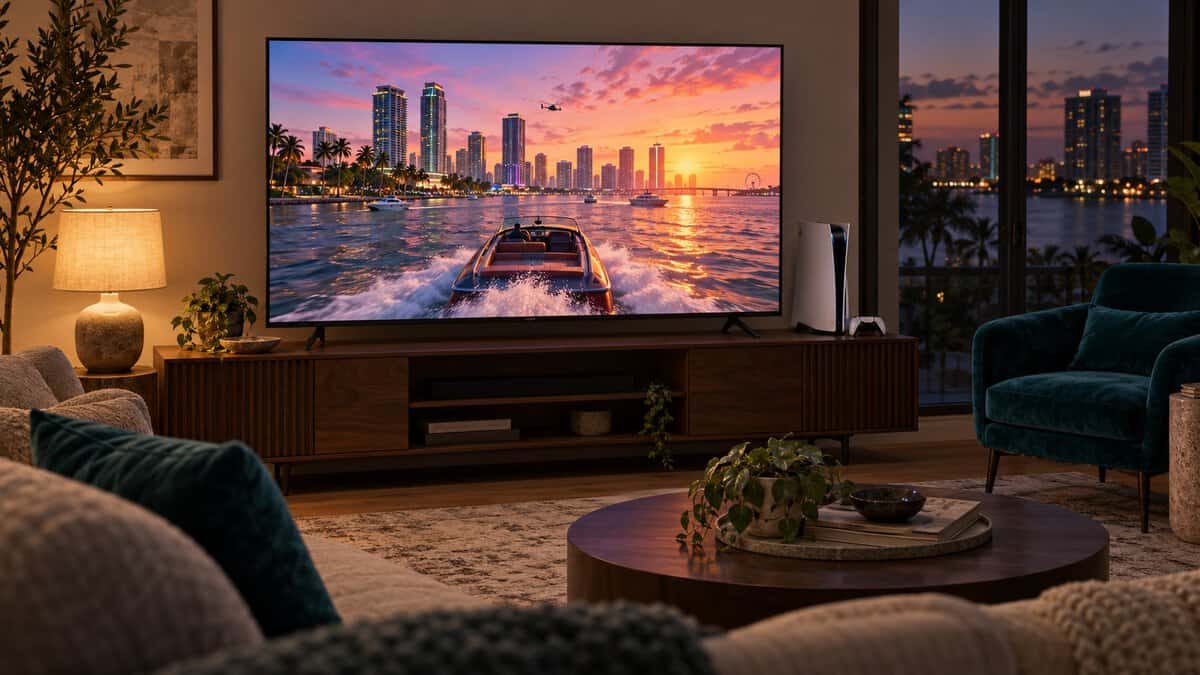
Every TV below is a 55-inch 4K set with a 120Hz or faster panel, VRR and auto low latency mode. They split by panel type and by how many HDMI ports run at full speed.
A bright, anti-reflective mini-LED that fits a console and a soundbar. TCL puts eARC on a slower port, so both 144Hz inputs stay free for games.
- 2,100+ local dimming zones
- Anti-reflective HVA 2.0 Pro panel
- eARC sits off the fast ports
- Only two ports run at 4K 144Hz
- Smaller review base than the Sony
- Mini-LED blooms more than OLED
The cheapest way into mini-LED and 144Hz in this lineup. It suits a single console, since Toshiba does not publish which ports run at full speed.
- Native 144Hz with VRR and ALLM
- Full array local dimming backlight
- REGZA bass woofer built in
- Toshiba lists no HDMI port map
- Rated below the TCL and LG
- Fire TV leans on Amazon services
Per-pixel contrast for neon-lit nights, and all four HDMI ports take 4K at 120Hz. It is the pick for a PS5 and an Xbox on one TV.
- All four HDMI ports take 4K 120Hz
- Self-lit pixels give true blacks
- G-Sync and FreeSync Premium listed
- OLED Care matters with static HUDs
- Dimmer than mini-LED in sunny rooms
- Second-priciest of the four
The only pick with PS5 features built in, including Auto HDR Tone Mapping. Its 4K 120Hz and VRR support sits on two of its four ports.
- Auto HDR Tone Mapping for PS5
- Auto Genre Picture Mode for games
- Largest review base of the four
- 120Hz and VRR on two ports only
- A 2024 model in a 2026 lineup
- Priciest card in this guide
- Count the HDMI ports that take 4K at 120Hz before you compare panels, since some TVs, including two picks here, run only two at full speed.
- A soundbar on eARC can use up a fast port, so check which input carries eARC if a console and a soundbar share the TV.
- Rockstar has not announced a frame rate or graphics mode for GTA 6, so buy for what your PS5 or Xbox can output.
- Mini-LED suits a bright living room, and OLED suits night play in a dim one.
- Plug the console straight into the TV with the cable from its box when a receiver blocks 4K at 120Hz.
Table of Contents
Vice City on the Big Screen: The TV Picks
The four Vice City TV picks below are all 55-inch 4K sets that take a PS5 or Xbox Series X|S signal over HDMI 2.1 with VRR. Two are mini-LEDs for bright rooms, one is an OLED for dark ones, and one has PS5 features built in.
| TV | Panel | Native Refresh | HDMI Inputs | 4K 120Hz+ Ports | eARC | VRR / ALLM | Smart Platform | Best For |
|---|---|---|---|---|---|---|---|---|
| TCL QM7L | SQD-Mini LED, 2,100+ zones, anti-reflective | 144Hz | 4 | 2 (HDMI 1 and 2, 4K 144Hz) | HDMI 4 | VRR, ALLM, FreeSync Premium Pro | Google TV | A console plus a soundbar |
| Toshiba Z670R | Mini-LED, full array local dimming, QLED | 144Hz | 4 | Not listed by Toshiba | Not listed by Toshiba | VRR 144Hz, ALLM, FreeSync Premium | Fire TV | One console on a budget |
| LG C6 55-inch OLED | OLED evo | 120Hz (165Hz VRR with a PC) | 4 | 4 | HDMI 2 | VRR, ALLM, G-Sync, FreeSync Premium | webOS | Two consoles in a dark room |
| Sony BRAVIA 7 | Mini LED, XR Backlight Master Drive | 120Hz | 4 | 2 (HDMI 3 and 4) | Yes (port not listed) | VRR on HDMI 3 and 4, ALLM on all four | Google TV | PS5 owners |
TCL QM7L SQD-Mini LED
The TCL QM7L is the best all-round fit here for a living room that gets daylight. TCL rates its 55-inch model at 2,100+ local dimming zones on an HVA 2.0 Pro panel that the Amazon listing calls anti-reflective, with a native 144Hz refresh rate and FreeSync Premium Pro.
The port layout is the quiet win. TCL’s spec sheet lists four HDMI 2.1 inputs, with HDMI 1 and 2 at 4K 144Hz and HDMI 3 and 4 at 4K 60Hz, and it puts eARC on HDMI 4. A soundbar on HDMI 4 never takes a fast input, so a PS5 and an Xbox both still get full speed.
The soundbar goes on the slow port, and both fast ports stay free for games.
The stand adjusts for height, so a soundbar can sit in front of the screen. The tradeoff is that only two ports run at full speed. For a faster panel, the Hisense U8QG has a native 165Hz panel and FreeSync Premium Pro, though Amazon lists it with three HDMI ports.
Toshiba Z670R Mini-LED
The Toshiba Z670R is the cheapest way into mini-LED and 144Hz in this lineup. Toshiba lists a mini-LED backlight with full array local dimming, QLED color, a native 144Hz panel, VRR up to 144Hz, ALLM and AMD FreeSync Premium.
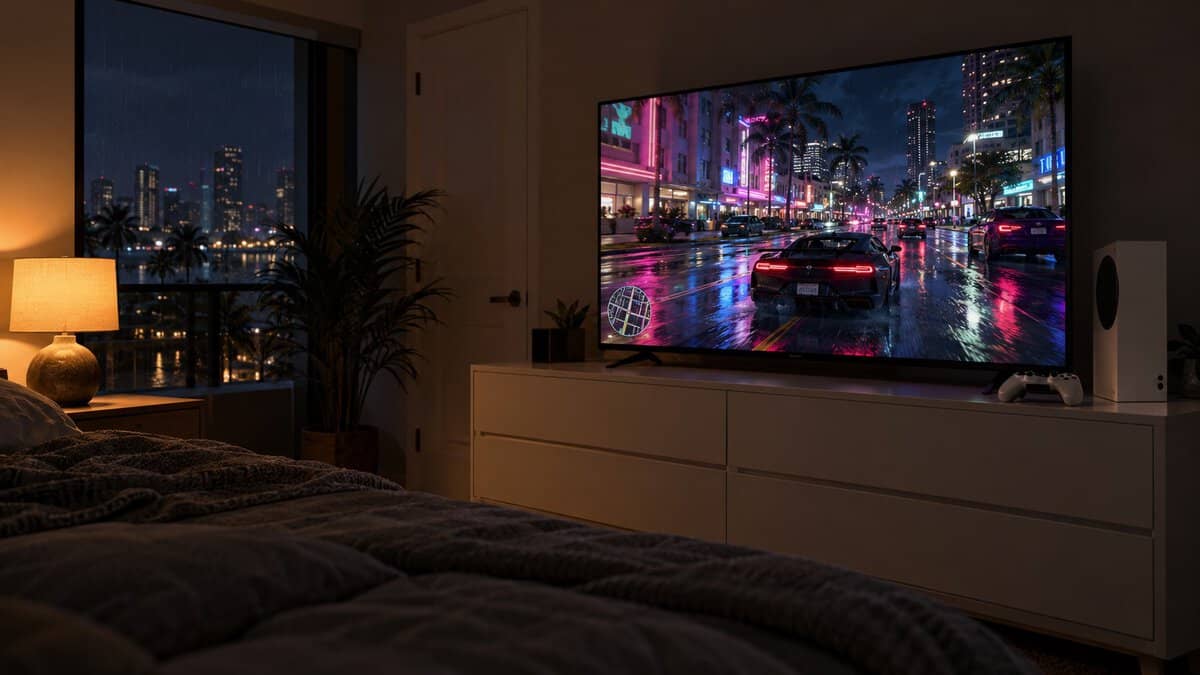
Full array local dimming lets the backlight darken behind a night sky while a streetlight stays bright. A REGZA bass woofer gives the built-in speakers some weight if a soundbar is not in the plan yet. For late nights when the speakers would wake the house, our GTA 6 headset picks cover both PS5 and Xbox.
The tradeoff is the unknowns. The Amazon listing shows four HDMI inputs, but Toshiba does not publish which take 4K at 120Hz or 144Hz, or which carries eARC, so the Toshiba Z670R suits a one-console setup best.
LG C6 OLED
The LG C6 is the OLED of the group, and every pixel makes its own light. A dark street in a night scene stays black while neon signs and headlights glow against it, with no backlight blooming around the bright spots.
LG’s US spec sheet lists four HDMI inputs that all support 4K 120Hz, VRR and ALLM, with eARC on HDMI 2. That makes the LG C6 the easy answer for a PS5, an Xbox and a soundbar on one TV. The panel is 120Hz native, with VRR up to 165Hz when a PC with a 165Hz graphics card is connected.
With four full-speed HDMI ports, nothing on your TV stand has to wait its turn.
G-Sync, FreeSync Premium and a 0.1ms response time are listed too. The tradeoffs are brightness in a sunny room and price. For another 55-inch OLED, the Roku Pro Series OLED has a 120Hz panel, VRR and ALLM, though Roku publishes no port-by-port map.
Sony BRAVIA 7
The Sony BRAVIA 7 is the pick for a PS5 owner who wants the TV to handle the setup. Sony lists two features for PlayStation 5, Auto HDR Tone Mapping and Auto Genre Picture Mode, and its listing adds a Game Menu that puts the gaming picture settings in one place.
Auto HDR Tone Mapping matters because HDR looks right only when the console knows what the TV can show. Rockstar says GTA 6 plays best on PlayStation 5, and this is the pick built to pair with that console.
The mini LED backlight uses Sony’s XR Backlight Master Drive. The catch is in Sony’s spec sheet, where the 100Hz and 120Hz modes and VRR run on HDMI 3 and 4 only, while ALLM works on all four inputs.
The Sony BRAVIA 7 is also a 2024 model, carries the lowest owner rating of the four and costs the most. If you own an Xbox as well, the LG C6 gives you more room.
Count Your HDMI Ports Before You Count Inches
HDMI ports decide a GTA 6 TV more often than screen size does. A TV can list four HDMI inputs while only two take 4K at 120Hz or faster, as the TCL QM7L and Sony BRAVIA 7 spec sheets show. List everything that will plug into the TV, then give each high-refresh device a full-speed port.
Just the Console
A single console is the simplest setup, and any of the four picks handles it. Use a port that takes 4K at 120Hz, which is HDMI 1 or 2 on the TCL and HDMI 3 or 4 on the Sony.
The Toshiba Z670R makes the most sense here. One console needs only one fast port, so the missing port map matters less.
A Console and a Soundbar
A console and a soundbar is an easy setup to get wrong. A soundbar connects over HDMI eARC, and if the eARC input is also a fast port, the soundbar takes a slot a second console could have used.
The HDMI Forum’s HDMI 2.1 announcement describes eARC as the link for the most advanced audio formats, alongside VRR and auto low latency mode for games. The TCL places eARC on HDMI 4, a 60Hz port, so both 144Hz inputs stay free for games.
The LG C6 avoids the problem a different way, since all four of its ports run at 4K 120Hz. Our gaming soundbar guide covers the soundbar side of the setup.
A PS5 and an Xbox on One TV
A PS5 and an Xbox on one TV need two fast ports, and a third helps if a gaming PC joins them. The TCL and the Sony each run two ports at 4K 120Hz or faster, which covers two consoles with nothing to spare.
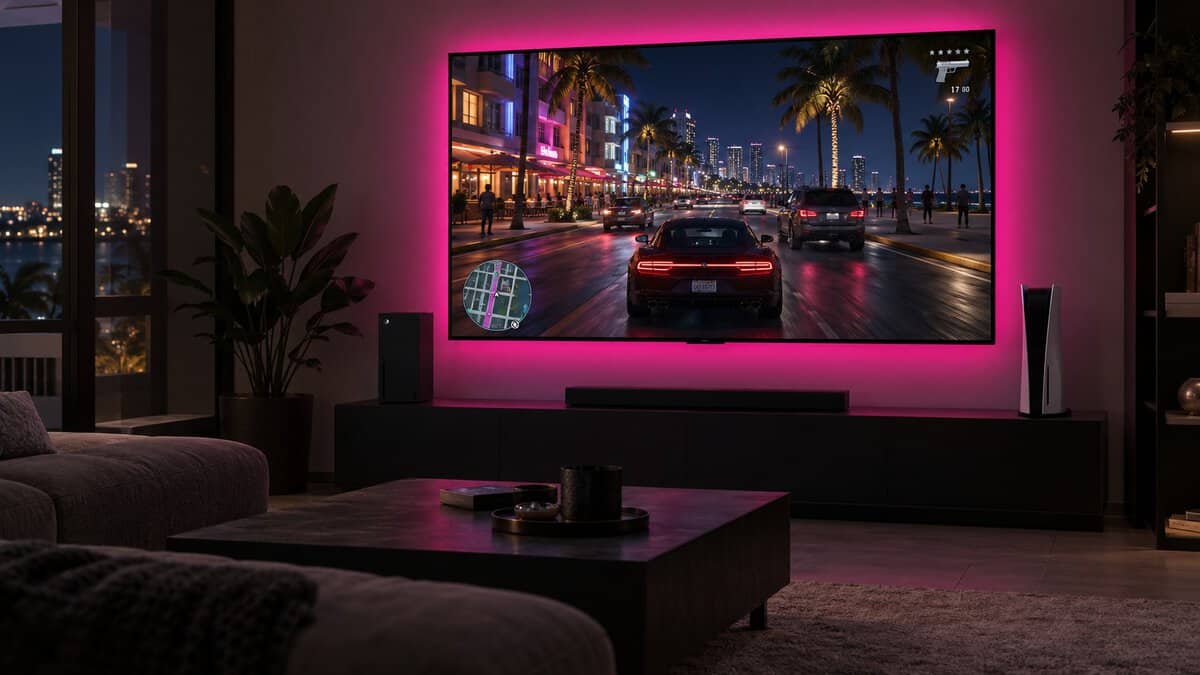
The LG C6 is the comfortable choice here, with all four inputs at 4K 120Hz. The Sony works if both consoles go into HDMI 3 and 4, its only ports with 120Hz and VRR. Our HDMI 2.0 vs 2.1 explainer covers what the older ports still carry.
The Best TV for GTA 6 With a Receiver in the Chain
The best TV for GTA 6 can still show the wrong picture if an AV receiver sits between it and the console. When 4K at 120Hz does not appear, PlayStation’s PS5 resolution guide asks whether the console connects directly to the TV or through a receiver that could be affecting the signal.
The same page asks whether the PS5 is on an HDMI 2.1 port and whether you use the console’s own cable or an Ultra High-Speed cable. If your receiver predates HDMI 2.1, plug the console into the TV and send audio back over the TV’s ARC or eARC output, whichever the receiver supports.
A receiver that cannot pass 4K at 120Hz turns a fast TV into a slow one.
What Rockstar Has Confirmed About GTA 6 on Consoles
Rockstar has confirmed the essentials for GTA 6 on consoles and little else about the picture. The official Grand Theft Auto VI page lists a November 19, 2026 release on PlayStation 5 and Xbox Series X|S, and it says the game plays best on PlayStation 5.
Rockstar has not announced a frame rate, a resolution mode, HDR details or VRR support, and it lists no PC version. A TV guide that promises how GTA 6 will run is guessing, so these picks are built around what the consoles can send.
Why 120Hz Still Earns Its Place on a GTA 6 TV
A 120Hz TV still earns its place even with GTA 6’s frame rate unannounced. PlayStation’s support page says the PS5 supports HDMI 2.1 and 4K 120Hz output, and some console games already offer 120Hz modes, so a 60Hz set would rule those out.
VRR is the other reason. When a busy scene makes a console’s frame rate dip, VRR lets the TV follow it instead of tearing, and all four picks list it.
PS5 Pro and Series S Owners
PS5 Pro owners can use the same four TVs. PlayStation notes that the Pro’s 8K output needs a screen that supports 8K at 60Hz, which none of these sets are. Our PS5 Pro vs PS5 comparison covers the rest of the differences.
Xbox Series S owners are on the budget Xbox, which Rockstar lists alongside the Series X. The Toshiba Z670R is the natural match, with 144Hz, VRR and ALLM for a lower spend.
PS5 Settings That Change How Vice City Looks
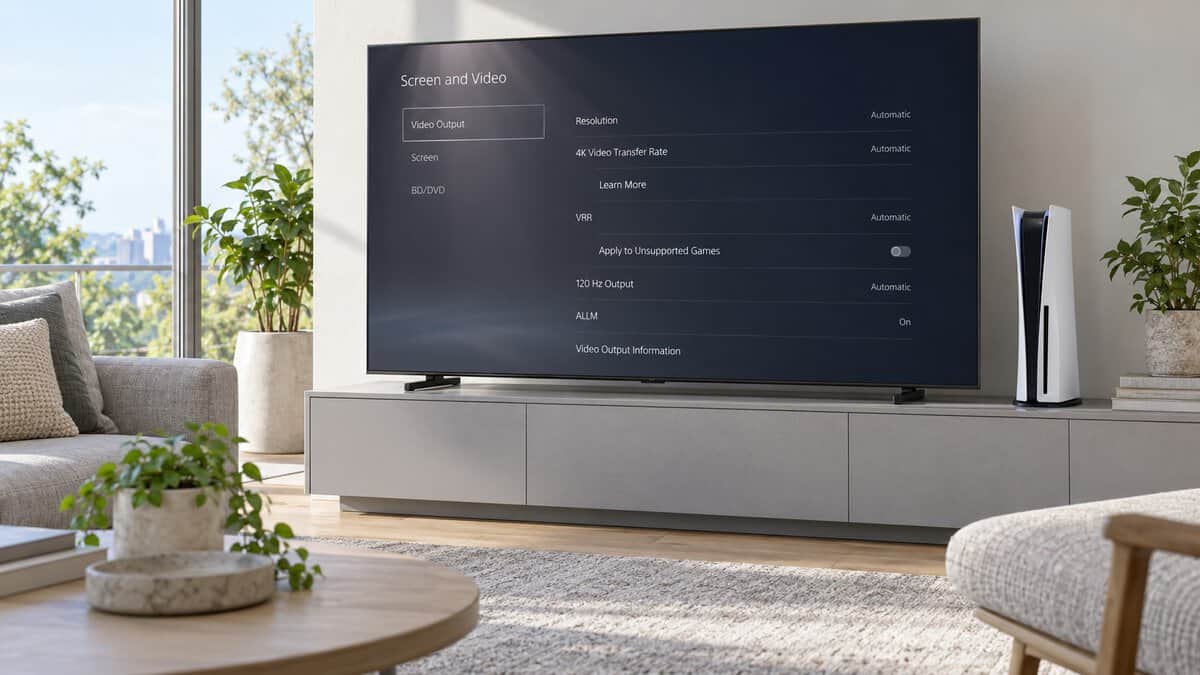
PS5 video settings change how Vice City looks as much as the TV does. The PS5 picks the best resolution on its own, and the rest sits under Screen and Video, then Video Output.
HDR and Adjust HDR
The PS5’s HDR setting offers two modes. Always On converts games and apps that are not HDR-compatible to HDR, while On When Supported leaves those in standard dynamic range, which keeps older games looking the way they were made.
Adjust HDR walks through brightness steps so the console knows the TV’s limits. The Sony BRAVIA 7 handles that step automatically on a PS5 with Auto HDR Tone Mapping, the main reason it carries the Best for PS5 badge.
VRR With 120 Hz Output and ALLM
The PS5 has separate switches for VRR, 120 Hz Output and ALLM. VRR adds an Apply to Unsupported Games option that steadies the frame rate in games without VRR support.
ALLM switches the TV to its low-latency game mode automatically, and the PS5 keeps low-latency mode on whenever VRR is active. If the screen flickers at 4K, try a Video Transfer Rate of -1 or -2.
Turn on VRR, 120 Hz Output and ALLM once, and the TV handles the rest.
Mini-LED vs OLED in Leonida’s Daylight and Dark
Mini-LED and OLED handle Leonida’s sunny days and dark nights in different ways, so the room you play in decides which panel wins.
A mini-LED TV like the TCL QM7L lights the screen with small LEDs grouped into dimming zones. It gets bright enough to fight a sunny window, but a small bright object on a black background can show a faint glow around it.
An OLED like the LG C6 turns each pixel on and off on its own, so night scenes have true blacks and no glow. In a room with big windows it looks dimmer than mini-LED, so it pays off most with the curtains closed.
OLED Care and Long Sessions With a Static HUD
OLED Care matters because open-world games keep some elements on screen for hours. Past GTA games kept a minimap in the same corner the whole time, and static images are what an OLED has to manage.
LG describes OLED Care as a feature that helps protect the display and keep its picture quality over time. Leave it switched on, and skip the brightest picture modes for long sessions if the room does not need them.
Screen Size From the Couch
A 55-inch screen is the default for this guide because it fits a typical TV stand and couch distance. Every pick also comes in larger sizes, so the port and panel advice carries over if you size up.
A 65-inch set makes sense when the couch sits farther back or the TV hangs on a wall in a larger room.
When a Monitor Beats a TV for GTA 6
A monitor beats a TV for GTA 6 when you play at a desk instead of from a couch. A monitor at arm’s length fills as much of your view as a big TV across the room, and it fits beside a PC. Our gaming monitor vs TV breakdown walks through that choice.
Your HDMI Lineup and the TV That Fits It
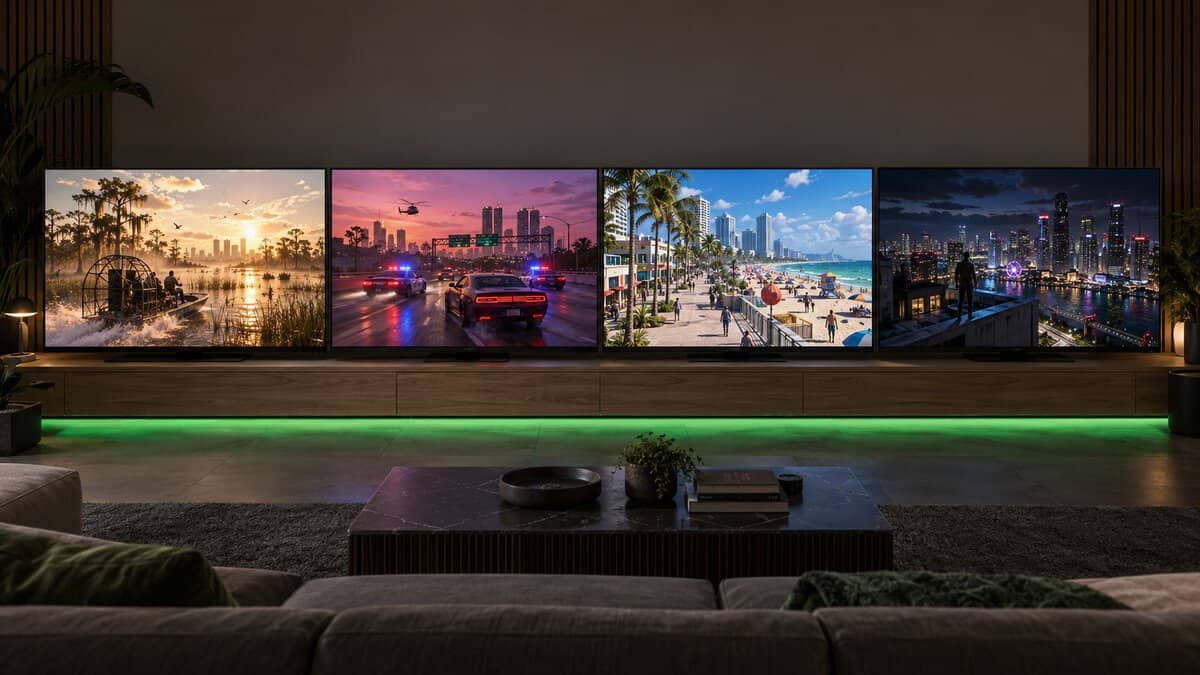
Your HDMI lineup is the quickest way to the right TV. Find what plugs into your TV in the left column, check your console, then follow the row to the pick.
| What Plugs In | Your Console | The Pick | Why |
|---|---|---|---|
| One console and nothing else | PS5, PS5 Pro, Xbox Series X or Series S | Toshiba Z670R | 144Hz mini-LED with VRR and ALLM for the smallest spend |
| A console plus a soundbar | PS5 or Xbox Series X | TCL QM7L | eARC on HDMI 4 leaves both 4K 144Hz ports free |
| A PS5 and an Xbox, or a console and a PC | PS5 plus Xbox Series X|S | LG C6 55-inch OLED | All four HDMI ports take 4K at 120Hz |
| A PS5 on its own, set and forget | PS5 or PS5 Pro | Sony BRAVIA 7 | Auto HDR Tone Mapping sets up HDR with the console |
For more TVs that work across consoles, see our gaming TV guide.
Frequently Asked Questions
Quick answers on choosing a TV for GTA 6.
Is a TV or a monitor better for GTA 6?
A TV is better from a couch across the room, and a monitor is better at a desk. GTA 6 is a console game, so either screen needs HDMI 2.1 to take 4K at 120Hz from a PS5 or Xbox Series X.
What do you need to play GTA 6 on a TV?
You need a PS5, PS5 Pro, Xbox Series X or Xbox Series S, since Rockstar lists only PlayStation 5 and Xbox Series X|S. A 4K TV with HDMI 2.1, VRR and ALLM gets the most from either console.
Is OLED or QLED better for GTA 6 on a PS5?
OLED is better for night play in a dark room, because each pixel turns off on its own. A QLED mini-LED set like the TCL QM7L is better in a bright room. On a PS5, the Sony BRAVIA 7 adds Auto HDR Tone Mapping.
Do I need HDMI 2.1 for GTA 6?
You need HDMI 2.1 for 4K at 120Hz and VRR from a PS5 or Xbox Series X. An HDMI 2.0 TV still plays the game, but it misses those modes.
Which of these TVs works best with a soundbar?
The TCL QM7L, because its eARC input is HDMI 4, a 60Hz port, which leaves both 4K 144Hz ports for games. The LG C6 also works, since all four of its HDMI ports take 4K at 120Hz.
Looking for more budget gaming gear? Check out Budget Loadout for the latest reviews and recommendations.
Related Articles