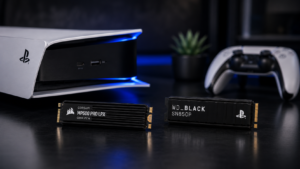
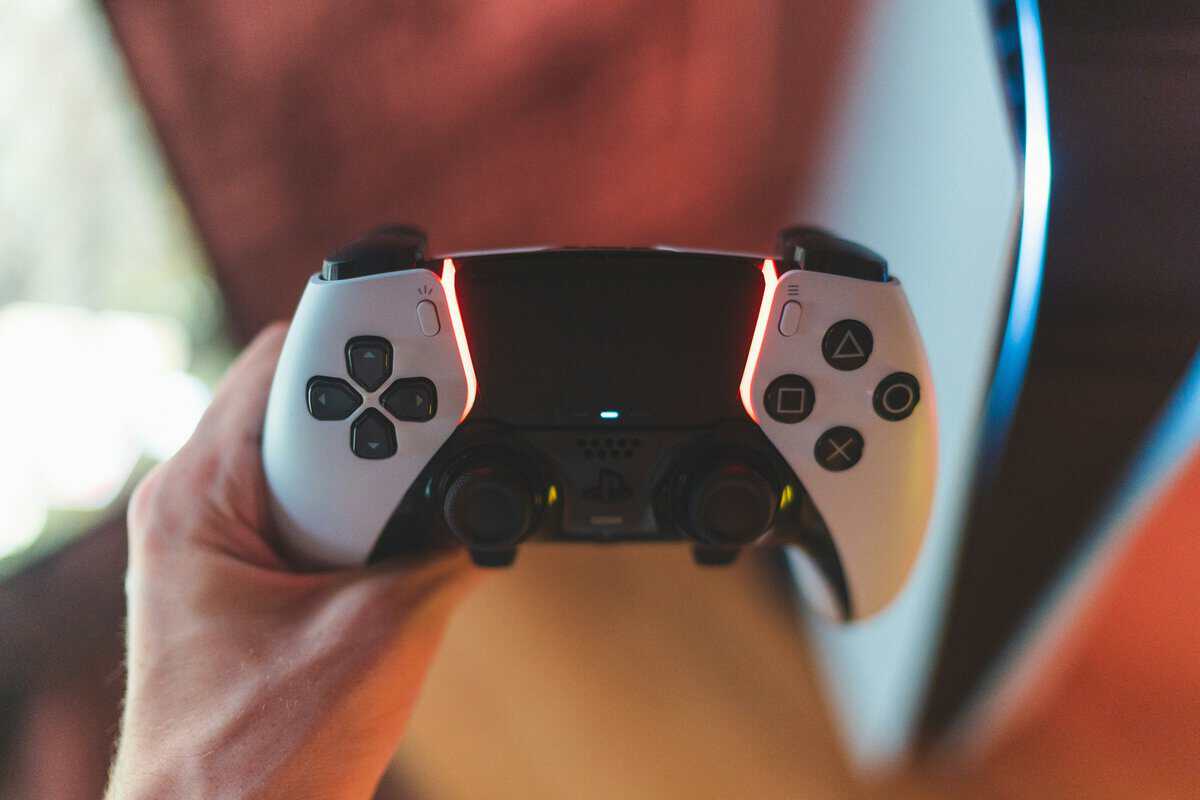
Most PS5 Pro vs. PS5 advice starts from the wrong place. It starts with specs, then works backward to justify the more expensive box.
That’s fine if your budget is loose and your display already exposes every graphical upgrade. It’s bad advice if you care about value per dollar. For a lot of players, the better question isn’t “Which console is stronger?” It’s “What does the extra money change in my setup?”
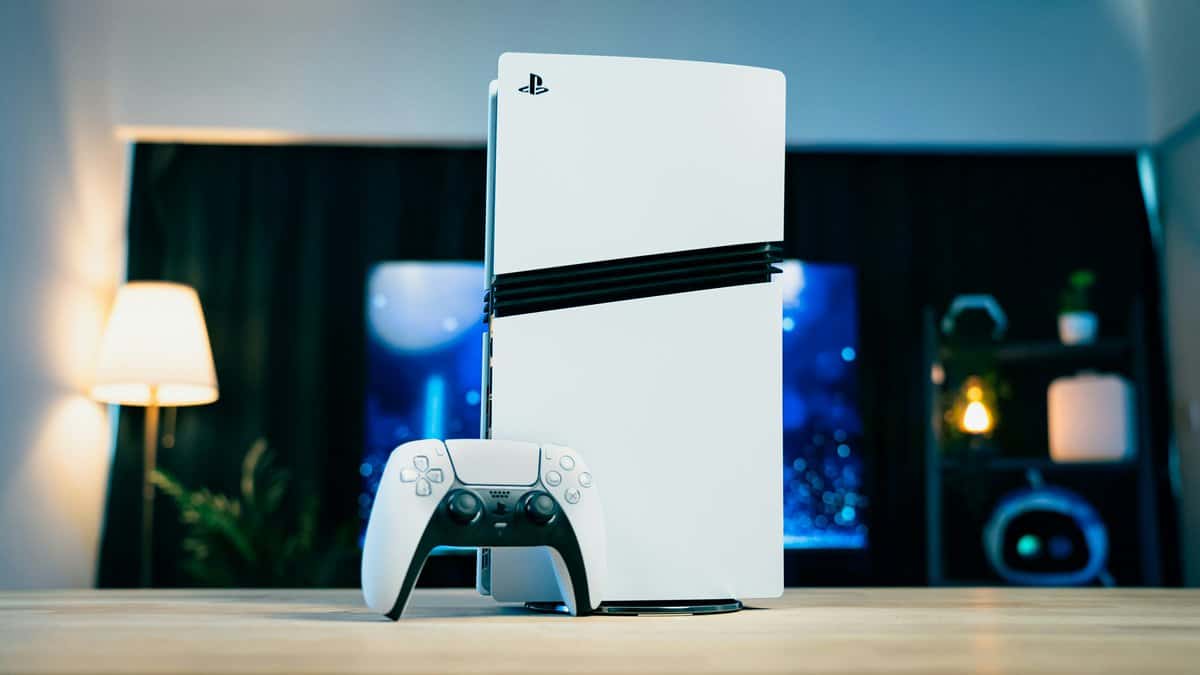
I’ve spent enough time with console hardware to know this pattern. A mid-generation refresh looks compelling on paper, then real life steps in. Your TV may cap the benefit. Your favorite games may not show much difference. Your money might go further in storage, audio, or a display upgrade than in the console itself.
If you’re also weighing the broader console choice, this PS5 vs Xbox Series X comparison is worth checking alongside the decision here.
- PS5 Pro is worth the premium only for 4K-first single-player players on high-quality displays — most players save money with the standard PS5
- Competitive FPS and esports players gain more from a better monitor, headset, and SSD than from the Pro’s extra GPU power
- Most current games look nearly identical between PS5 and PS5 Pro at 1440p and below — the Pro shines on demanding 4K HDR titles
- Total cost of ownership matters: the saved money from skipping the Pro covers most of an entire accessory upgrade path
- If you can’t decide today, buy what fits your TV and play style now — waiting for PS6 means years on the sidelines
Table of Contents
Is the PS5 Pro an Essential Upgrade or a Luxury?
The short answer is simple. For the general user, the PS5 Pro is not essential. It’s a premium version of a console that already plays the same library well.
That doesn’t make it pointless. It makes it selective. If you own a strong 4K display, care about image quality, and notice lighting, reflections, and resolution shifts during play, the Pro has a case. If you play on a 1080p TV, a basic 1440p monitor, or mostly care about getting into matches quickly and keeping your setup affordable, the standard PS5 remains the smarter buy.
The mistake most buyers make
A lot of buyers assume “newer” means “better value over time.” That’s not always true. Better hardware only turns into better value when the rest of your setup can use it.
If your display, headset, storage, and internet setup are all average, putting more money into the console alone often creates an unbalanced loadout. You’ve paid for power you won’t consistently see.
Practical rule: Buy the console that matches your screen first, then improve the rest of the setup.
Where the Pro makes sense
The Pro fits a narrower group of players:
- Visual-first single-player fans who want cleaner image quality and stronger ray tracing in supported games
- Early adopters with 4K or 4K/120Hz displays who can see the upgrade
- Players thinking long-term who’d rather buy once and sit still for years
Everyone else should slow down. A standard PS5 is already a durable, well-built console for mainstream use, and it avoids the trap of overspending on capability your room doesn’t reveal.
The Spec Sheet Showdown PS5 vs PS5 Pro
Specs matter here, but only if your screen and budget let you use them. For a budget-conscious buyer, the fundamental question is not which console is stronger. It is whether the stronger one changes your day-to-day experience enough to justify the extra spend.
| Feature | PS5 | PS5 Pro |
|---|---|---|
| GPU compute power | 10.28 TFLOPS | 16.7 TFLOPS |
| GPU design change | Standard baseline | 67% more compute units |
| Memory bandwidth | 448 GB/s | 576 GB/s |
| Rendering speed | Baseline | 45% faster in games |
| Ray tracing | Standard PS5 level | 2 to 3x improved ray tracing |
| CPU | AMD Zen 2 8-core at 3.5 GHz | Same AMD Zen 2 8-core at 3.85 GHz |
| AI upscaling | Not listed as Pro feature | PSSR |
| SSD | 667 GB usable | 1.33 TB usable |
| Wireless | Wi-Fi 6 | Wi-Fi 7 |
The headline difference is simple. The Pro puts far more money into graphics performance, not a major CPU jump. That usually means cleaner image quality, stronger ray tracing, and fewer visual compromises in supported games, especially at higher resolutions.
What those numbers mean in practice
The GPU gains matter more than the teraflop figure by itself. More compute units, higher memory bandwidth, and PSSR give the Pro more room to render sharper images and hold demanding visual settings without dropping quality as quickly.
On a good 4K display, that can show up as:
- Sharper detail in fine textures and distant scenery
- More stable image quality in busy scenes
- Better reflections, shadows, and lighting in games that use ray tracing
- Less need to choose between visual quality and smoother performance
On a basic 1080p TV, a cheaper 1440p panel, or an older living room setup, a lot of that advantage shrinks. You are still buying the extra horsepower. You just may not see enough of it to call it good value per dollar.
The CPU bump is small by comparison. That matters because the Pro is not a full reset for every genre. If you mostly play competitive shooters, sports games, live-service titles, or older PS5 releases, the upgrade is often subtler than the spec table suggests.
Storage, connectivity, and the hidden cost side
Storage is one of the Pro’s more practical upgrades. The larger usable SSD means less deleting and reinstalling, which helps if you keep several big games ready to go. For some buyers, that saves the cost of adding storage sooner.
Wi-Fi 7 sounds nice on paper, but it is only useful if your router and internet setup can take advantage of it. For a lot of households, this is a future-proofing bonus, not a reason to spend more today.
Total cost of ownership matters here. If the Pro pushes you to stretch your budget, but you are still using a mediocre screen, the money often works harder elsewhere. A better display, more storage later, or even a second controller can improve daily use more than raw console power. If you are still deciding on a screen, this guide to the best monitor for PS5 is the smarter place to start.
The short version is blunt. The PS5 Pro has the stronger spec sheet. The standard PS5 often has the stronger value case.
Real-World Performance: What to Expect in Games
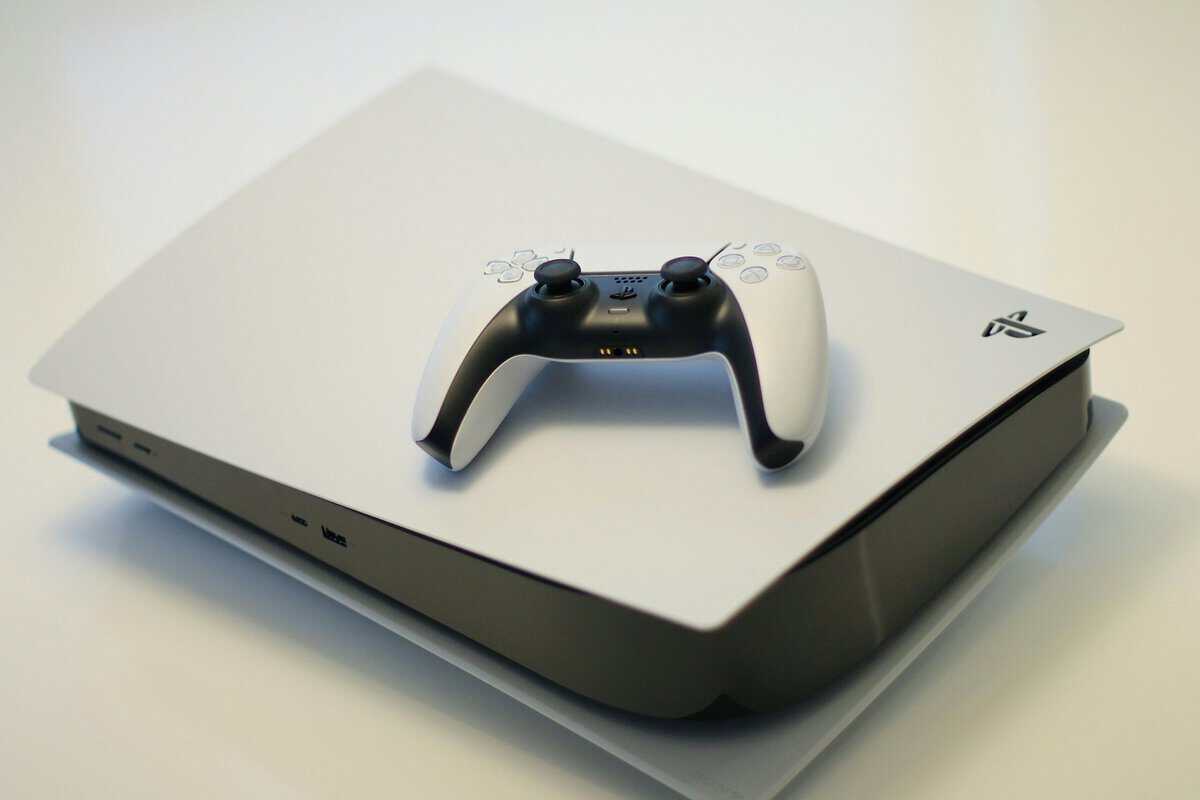
Specs tell you potential. Your display tells you whether that potential lands.
The cleanest real-world summary comes from this PS5 Pro vs PS5 performance breakdown, which notes that a game running at dynamic 1440p on the standard PS5 can reach native 4K on the Pro while keeping the same performance settings and frame rates, especially when a title gets a Pro Enhanced patch.
That’s a meaningful upgrade. It just isn’t universal.
If you play on a 4K TV
The Pro’s best argument arises from these circumstances. Single-player games with detailed environments, heavier lighting, and more demanding rendering pipelines benefit the most.
You’re more likely to notice:
- Cleaner fine detail on distant objects and textures
- Better stability when games aim for high image quality
- Stronger ray-traced effects that don’t force as many trade-offs
- Fewer moments where the image softens to hold frame rate
If you care about cinematic games, the Pro can look closer to the version people hoped the original PS5 would always deliver.
If you play on a 1440p monitor
This is the danger zone for overspending.
A good 1440p monitor already pairs nicely with the base PS5. The Pro can still improve image quality and consistency, but the jump often feels more incremental than dramatic. You may notice it in side-by-side testing. You may not think about it after a week of normal play.
That matters for FPS players. In competitive games, responsiveness and consistency matter more than prettier reflections. If your monitor is built around fast response and solid refresh behavior, the standard PS5 already gives you most of what you need.
For a broader screen decision, this 1440p vs 4K gaming guide helps frame where visual gains start to become worth paying for.
If you play on a 1080p TV
The base PS5 is the obvious value choice.
You’re still getting a strong current-gen experience, fast loading, good visual quality, and broad game support. The Pro’s advantages shrink hard at this resolution. You’re paying extra for performance headroom your screen won’t display clearly.
On a 1080p setup, the Pro is usually a luxury purchase, not a practical one.
What about FPS games, MMOs, and streaming?
Different genres expose different parts of the hardware.
FPS gaming
If you mostly play shooters, the PS5 already covers the basics well. Fast frame delivery, low-friction matchmaking, and controller familiarity matter more than top-end visual effects. The Pro helps more if your shooter includes demanding lighting, large maps, or modes that stress resolution. Otherwise, many players will prefer saving money and investing in a better monitor or headset.
MMO and live-service play
MMO-style games and big social hubs often lean on CPU behavior, network quality, and optimization. Since the Pro’s CPU gain is relatively small, don’t expect every crowded town or large raid-style scene to transform. The GPU improvements help visual quality more than they rewrite the feel of every online game.
Streaming from console
For console streaming, the Pro is often overkill unless your entire setup is already premium. Stream viewers usually care more about stable output, clear voice quality, and smooth presentation than whether your local image is slightly sharper.
That’s why so many budget-conscious players get more practical value from a balanced setup than from buying the strongest console first.
Price and Value Analysis: Is the Pro Worth the Premium?
The PS5 Pro vs. PS5 discussion stops being a hardware debate and becomes a budgeting decision.
The key number is the gap. Based on this cost-focused PS5 Pro comparison, the PS5 Pro costs considerably more than a PS5 Slim, and many games show minimal gains if you’re not on a high-end 4K display. That same source specifically calls out Ghost of Yotei and COD Black Ops 6 as titles with “virtually the same” visuals and identical 60fps targets for many non-premium setups.
Value per dollar matters more than top-end output
That extra money doesn’t exist in a vacuum. If you buy the Pro, you’re giving up other upgrades that may improve your day-to-day use more:
- More storage flexibility if your base console is filling up
- Better audio for shooters, co-op, and long sessions
- A stronger monitor or TV match for the console you already own
- Extra games instead of extra rendering headroom
For a budget-conscious buyer, opportunity cost is the whole story. The Pro can be the better machine and still be the worse purchase.
Total cost of ownership is where the base PS5 pulls ahead
The price gap is only part of it. The same source notes higher power draw on the Pro, which adds to ownership cost over time. That won’t ruin anybody’s budget on its own, but it reinforces the larger point. Premium hardware tends to bring premium surrounding costs.
A stronger console also nudges people toward pricier supporting gear. To get the most from the Pro, you’re more likely to want a display that shows off 4K and high refresh support. If you don’t already own that screen, the overall spend is no longer just the console upgrade.
Spend based on the bottleneck in your setup. For many people, the bottleneck isn’t the PS5. It’s the display, storage, or audio.
When the premium is justified
The premium can make sense if you check most of these boxes:
| Buyer type | Pro premium makes sense? | Why |
|---|---|---|
| 4K image-quality focused player | Yes | Your screen can reveal the gains |
| 1080p TV owner | No | The visual difference is harder to justify |
| 1440p competitive player | Usually no | Better per-dollar gains often come from peripherals |
| Mixed-use family console | Usually no | Shared households rarely maximize the extra hardware |
For most value buyers, the standard PS5 wins because it leaves room for the rest of the setup.
Who Should Buy Which Console? Upgrade Scenarios
The best answer depends less on the console and more on the person using it. Here’s the practical split.
Buy the PS5 Pro if you’re the 4K graphics-first player
You play mostly single-player games. You sit close enough to your display to notice image clarity. You care about shadows, reflections, lighting quality, and cleaner reconstruction in demanding scenes.
This is the ideal PS5 Pro buyer. You’re paying for visual headroom and you’ll use it. If your setup is already built around a high-quality screen, the Pro fits naturally.
Just be honest about your habits. If you mostly log into sports titles, shooters, or familiar comfort games, you may admire the hardware more than you benefit from it.
Buy the standard PS5 if you’re the competitive FPS player
If your priority is fast, consistent play, the standard PS5 is usually the better value. You still get a strong current-gen experience, and your money can go toward the parts of the setup that change performance and comfort more directly.
That could mean:
- A better monitor match for response and clarity
- A more reliable headset for positional audio and team communication
- More storage so you don’t rotate installs constantly
In pure value terms, this is one of the easiest calls in the article. The base PS5 is the smarter platform for most budget-minded FPS players.
Buy the standard PS5 if you’re a family gamer or parent
Shared consoles need to be durable, simple, and cost-efficient. The standard PS5 checks those boxes without loading the purchase with premium pricing that many family users won’t notice.
Kids and teens care more about what they can play and how much storage is free than whether a reflection is more advanced in one game mode. Parents usually get more practical value by keeping the console cost under control and reserving room for accessories, extra controllers, or game purchases.
Buy the standard PS5 plus peripherals if you want to stream
This is one of the clearest value wins. According to this streamer-focused PS5 setup analysis, a base PS5 paired with affordable peripherals often gives more value than a lone PS5 Pro, because the base console’s 1440p/60fps output works well with budget capture cards, while the Pro’s biggest benefits often depend on more expensive HDMI 2.1 displays.
That lines up with real-world streaming priorities. Viewers notice these first:
- Clean voice audio
- Stable stream output
- Consistent gameplay
- A comfortable on-camera or chat setup
They rarely care whether your local gameplay feed started from a pricier console.
If you’re building a stream setup, it makes more sense to leave budget for storage too, especially if you’re keeping recordings or swapping between large installs. This PS5 storage expansion guide is a smarter next step than jumping straight to the Pro for most beginners.
The best beginner streaming setup usually isn’t the most powerful console. It’s the most balanced overall setup.
The simple decision filter
If you’re stuck, use this:
- You own a premium 4K display and care about graphics first. Buy the Pro.
- You play on 1080p or standard 1440p and want strong value. Buy the standard PS5.
- You stream, share the console, or need room in the budget for accessories. Buy the standard PS5.
- You want the newest hardware because you enjoy enthusiast gear and accept diminishing returns. Buy the Pro, but treat it as a premium choice, not a necessity.
Smarter Upgrades Affordable Accessories for Your PS5
If you choose the standard PS5, the smartest move is turning the savings into a better overall loadout.
Where the saved budget actually helps
A balanced setup improves daily use more than raw console power for most players. Focus on the parts that remove friction.
- Storage first: If you juggle large installs, extra internal storage makes the console easier to live with.
- Audio second: A solid headset improves shooters, co-op, party chat, and general immersion immediately.
- Display match third: A responsive gaming monitor can make the base PS5 feel better even when the resolution doesn’t change.
- Streaming basics: A simple capture solution, decent mic, and usable camera setup beat a lonely premium console for creators.
Product categories worth prioritizing
A few accessory types consistently give strong value:
| Upgrade category | Why it matters |
|---|---|
| Internal SSD expansion | Reduces install juggling |
| Headset or mic | Improves chat clarity and game awareness |
| Gaming monitor | Better fit for FPS and desk setups |
| Charging and controller add-ons | Makes shared or frequent play easier |
If you’re choosing where to start, use this best PS5 accessories guide to build around your actual habits instead of buying extras at random.
The standard PS5 becomes a better long-term value when the money you didn’t spend on the Pro goes into the parts of the experience you touch every day.
Whichever console you pick, storage fills fast, and our best SSD for PS5 guide covers the upgrade.
Frequently Asked Questions
The most common PS5 Pro vs PS5 questions tend to come down to value, real-world performance, and timing. Here are quick answers worth knowing before you spend.
Is the PS5 Pro worth the extra cost over the standard PS5?
For most players, no. The PS5 Pro is worth the premium only if you sit close to a high-quality 4K display, play mostly demanding single-player titles, and care deeply about image clarity. If you play competitive shooters at 1440p or 1080p, or you mostly run sports and esports titles, the standard PS5 delivers a near-identical experience for considerably less money.
Does the PS5 Pro support 4K 120fps in all games?
No. The PS5 Pro improves performance in titles that ship with a Pro patch, but most games still target 60fps or use Pro’s extra power for cleaner image reconstruction rather than higher frame rates. 4K 120fps remains rare and game-dependent on both consoles.
Can I upgrade a standard PS5 to play games at PS5 Pro quality?
You cannot upgrade the GPU or CPU of a standard PS5. You can, however, improve the experience around it, a faster SSD reduces install juggling, a better headset improves competitive play, and a high-refresh gaming monitor often does more for perceived smoothness than a console upgrade would.
Will my PS5 games automatically run better on the PS5 Pro?
Games with PS5 Pro Enhanced patches run better automatically, usually higher resolution, smoother frame pacing, or cleaner reconstruction. Older or unpatched games run identically to the standard PS5 in most cases. Check whether your favorite titles have Pro patches before assuming the upgrade benefits you.
Should I wait for the PS6 instead of buying a PS5 Pro now?
Waiting always sounds reasonable, but the PS6 is still years away from launch and another year or two from a healthy software library. If you want a console to play with today, buying the PS5 or PS5 Pro that fits your habits and display is usually better than skipping a full generation on the hope of future hardware.
If you want help building a smarter gaming setup without wasting money, Budget Loadout covers the gear that improves play, streaming, comfort, and durability. The focus is simple: practical upgrades, honest trade-offs, and better value per dollar.
Related Articles