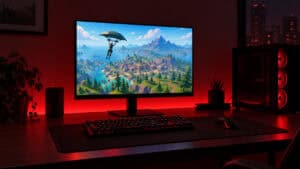
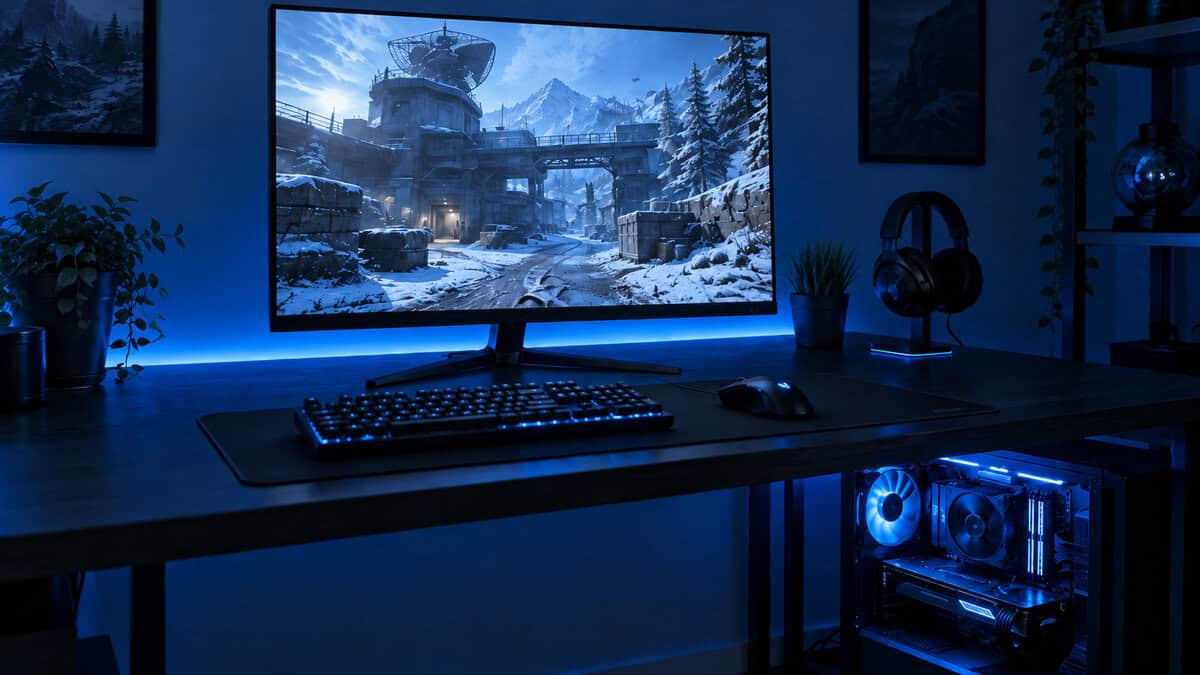
Most buying advice on 1440p vs 4K gaming gets this wrong. It treats 4K as the obvious upgrade and 1440p as the stepping stone you settle for on the way up.
For budget-conscious gamers, that logic falls apart fast.
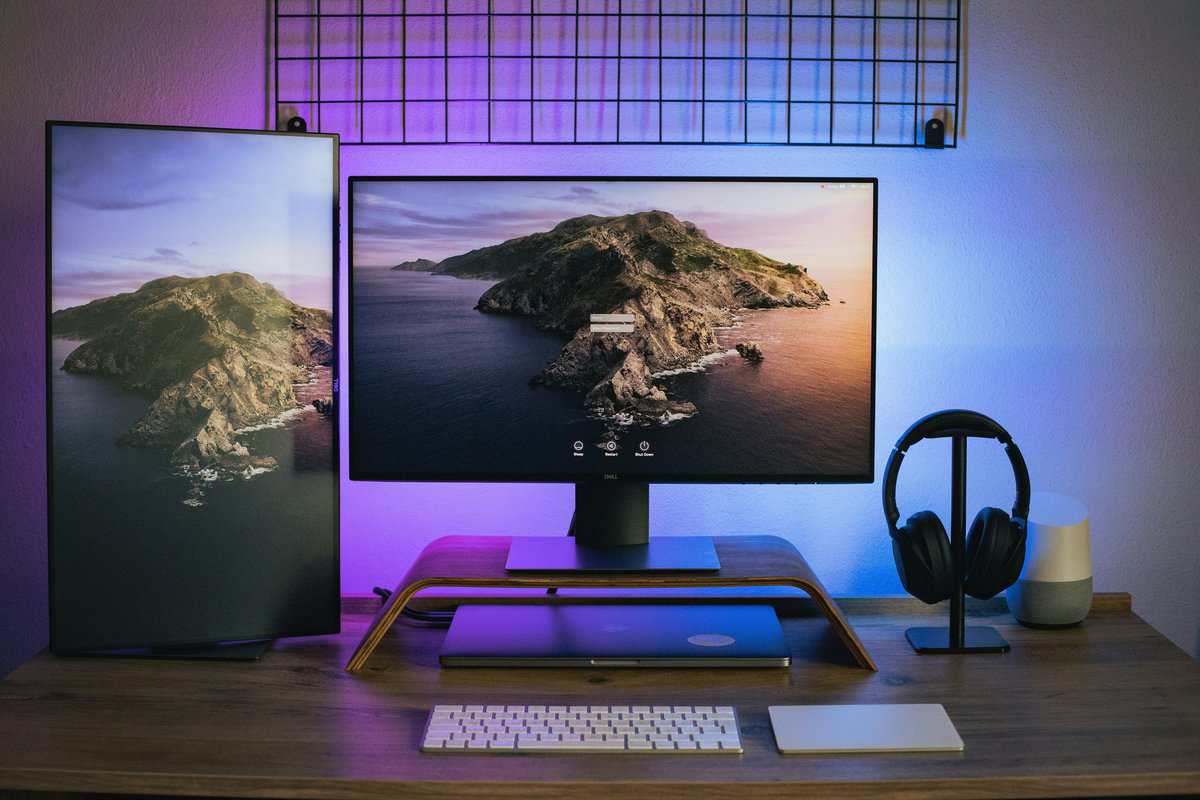
If you play on a mid-range GPU, especially something in the RTX 5060 or RTX 5070 class, 1440p is usually the better long-term gaming choice. Not because 4K looks bad. It does not. 4K is sharper. But sharper is not the same as smarter when the cost is lower frame rates, louder systems, more aggressive settings cuts, and a much more expensive GPU.
That matters in use. A competitive FPS player wants motion clarity and responsiveness. An MMO player wants stable performance in busy zones and raids. A streamer wants enough headroom left over for capture, overlays, voice chat, and background apps. In all three cases, 1440p usually fits the system better.
The core question in 1440p vs 4k gaming is not “which resolution is best?” It is “which one gives me the best experience for the hardware I can justify buying?” That is a very different question, and it leads a lot of people back to 1440p.
| Factor | 1440p | 4K |
|---|---|---|
| Best fit | Mid-range GPUs, high refresh gaming, value builds | Premium GPUs, visual-first single-player setups |
| Pixel load | Lower | Much higher |
| Sharpness on 27-inch screens | Crisp | Sharper |
| Frame rate headroom | Better | Lower on the same hardware |
| Budget impact | Easier to balance | Expensive across the whole build |
| Streaming and multitasking | More forgiving | Heavier system load |
| Console use | Great for 120Hz-focused play | Better if you prioritize image detail over refresh |
- 240Hz refresh keeps competitive shooters smooth and responsive
- Validated G-SYNC Compatible plus AMD FreeSync Premium
- Full 240Hz over DisplayPort 1.4 or HDMI 2.1
- 27-inch 1440p is less pixel-dense than smaller alternatives
- IPS glow can be visible in very dark scenes
- Premium price compared to budget 1440p panels
- 27-inch 4K packs dense, sharp detail
- ELMB Sync keeps fast motion clear
- G-SYNC Compatible and FreeSync Premium
- Needs a high-end GPU for 4K 160Hz
- Costs more than 1440p panels
- 27 inches may feel small after 32
Picks and availability last verified: October 12, 2026
- 1440p is the better value for most gamers in 2026: it pairs well with mid-range GPUs and delivers high refresh rates without the 4K performance penalty
- 4K only makes sense if you have a high-end GPU (RTX 4080/4090 class) and prioritize image detail over frame rate
- On a mid-range GPU, native 1440p looks sharper than upscaled 4K and runs noticeably smoother in actual gameplay
- The ‘future-proof’ argument for 4K is a myth: by the time mid-range GPUs can handle 4K natively, your current monitor will be due for replacement anyway
- For competitive gamers, 1440p with a high refresh rate is the right call; for cinematic single-player fans with the GPU budget, 4K can still be worth it
Table of Contents
Why 4K Is Not The Automatic Upgrade You Think It Is
4K gets sold as the obvious next step. For a lot of PC builds, especially ones built around an RTX 5060 or RTX 5070, it is the point where the monitor starts asking more from the system than the budget can comfortably support.
That mismatch shows up fast in play. A 4K panel looks great in stills, but mid-range hardware usually pays for that extra detail with lower average FPS, rougher 1% lows, and more time spent trimming settings than enjoying the upgrade. If the goal is a smoother daily gaming experience, a good 1440p gaming monitor for high refresh play is often the stronger buy.
Better on paper does not always feel better at your desk
Spec sheets reward pixel count. Games reward consistency.
On a mid-range GPU, 1440p is where high settings and high refresh still meet in a realistic way. An RTX 5070-class card can target strong 1440p performance in modern games, often with enough overhead left for ray tracing tweaks or some streaming on the side. Push that same card to 4K and the trade-off is usually obvious. You either accept a much lower frame rate, rely heavily on upscaling, or start cutting settings that made the expensive monitor attractive in the first place.
That is why “4K is future-proof” does not hold up well for budget builders. Future-proofing only works if the GPU budget keeps up too.
The hidden cost is not just the monitor
A 4K upgrade rarely stops at the display. Once resolution goes up, pressure goes up on the GPU, and often on cooling, power supply headroom, and noise levels as well.
That matters more than many buyers expect. A balanced 1440p setup can feel faster, quieter, and easier to live with over the next few years than a strained 4K setup that spends most of its life below the refresh rate you paid for.
Budget builders should buy around the whole experience
For most value-focused systems, the better upgrade path is straightforward:
- Match the monitor to the GPU you can afford: RTX 5060 and RTX 5070 class cards make far more sense at 1440p than at native 4K in demanding new releases.
- Protect frame rate headroom: Fast shooters, MMOs, co-op games, and open-world titles all feel better when performance stays stable during heavy scenes.
- Avoid top-heavy spending: Putting too much of the budget into resolution often forces compromises elsewhere, including GPU tier, storage, thermals, or peripherals you use every day.
A monitor upgrade should make the whole system feel better, not expose its limits every time a new game launches.
Understanding Pixels Per Inch and Perceived Sharpness
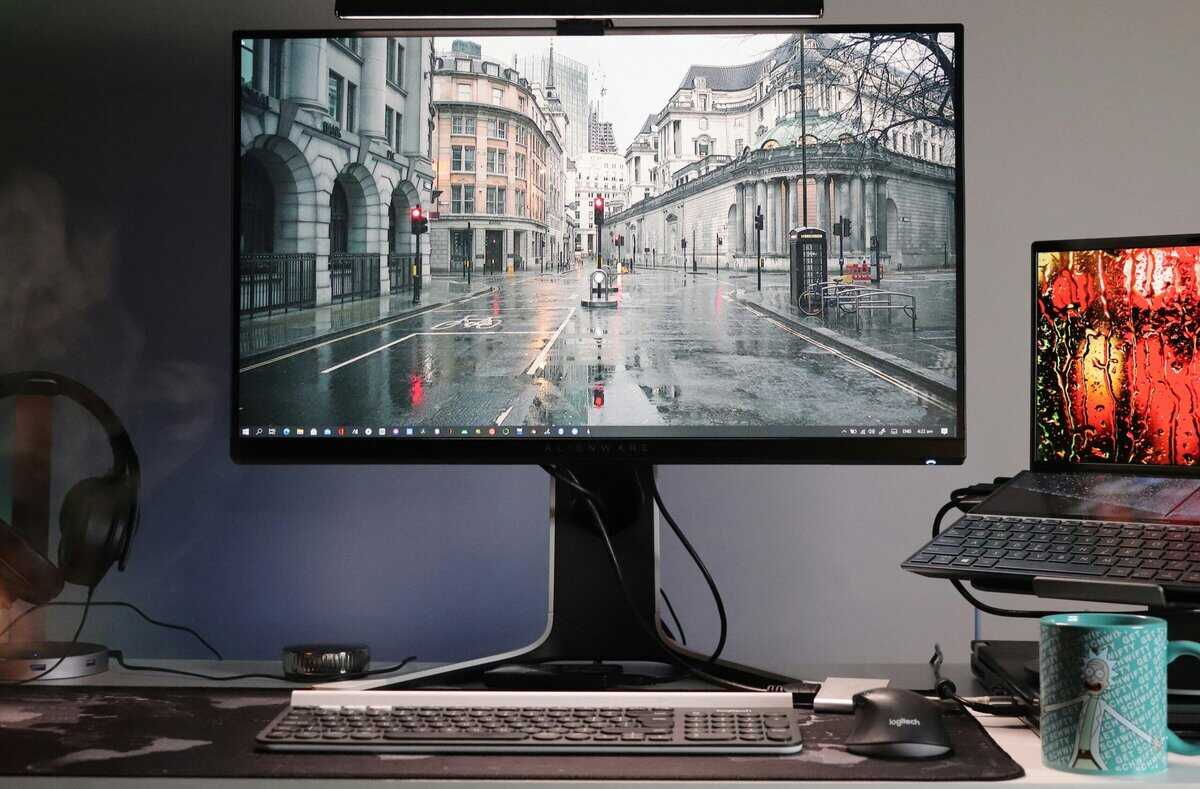
Sharpness is the one area where 4K has a real, visible advantage. The catch is that the size of that advantage depends heavily on screen size, desk distance, and what you do on the monitor.
A 27-inch display is the best example. At that size, 1440p already looks clean in normal desktop use and in games. You are not staring at a blurry image on an RTX 5060 or 5070 build. You are getting a sharp enough picture that the jump to 4K feels more noticeable in text, UI edges, and fine desktop detail than in the middle of a fast match.
What PPI changes in real use
Pixel density affects how smooth fine detail looks on the panel. Higher PPI reduces visible jaggedness on thin lines, makes small text look cleaner, and helps detailed textures hold together better when you are sitting close to the screen.
That sounds bigger than it often feels.
At 27 inches, 1440p already clears the bar for a gaming monitor on a desk. HUD elements look crisp, text is readable without looking coarse, and most games present a clean image unless the anti-aliasing is poor or you sit unusually close. In practical use, the upgrade to 4K tends to stand out more on the Windows desktop, in strategy games, and in inventory-heavy RPGs than in shooters where your eyes are tracking motion.
That distinction matters for mid-range builds. A sharper static image is nice. It is not always worth the frame rate hit that comes with trying to drive 4K on a card like an RTX 5060 or even many RTX 5070-class setups.
Distance matters more than buyers expect
A monitor sits farther away than a phone or tablet, so the extra density from 4K is not always obvious in every game.
You can still see it. The question is how much you value it.
Reading user impressions on monitor forums and retailer reviews shows a consistent pattern. Buyers moving from 1080p to 1440p at 27 inches usually call the jump obvious. Buyers moving from 1440p to 4K at the same size more often describe it as cleaner and nicer, but not a significant change for gaming at a normal desk distance. That lines up with what I see in real builds. 4K looks better, but 1440p already looks good enough that refresh rate and stable performance usually matter more.
Size changes the value equation
Screen size shifts the balance. On a 27-inch panel, 1440p makes a lot of sense. Once you move into 32 inches and above, 4K has a stronger case because the added pixel density does more to preserve image sharpness.
For most budget-conscious gaming setups, though, 27-inch 1440p is still the sweet spot. It pairs well with the GPUs people buy, keeps image quality high, and leaves room in the budget for a better panel, better refresh rate, or a higher GPU tier later. If you want help narrowing down panel types, refresh ranges, and good value picks, this guide to 27-inch 1440p gaming monitors is a useful next step.
On a 27-inch gaming monitor, 1440p already looks sharp enough that many players will get more value from higher FPS than from the extra pixel density of 4K.
Cost Of Pixels Performance And FPS
Resolution gets expensive fast once you look past the monitor price.
4K renders 8.3 million pixels. 1440p renders 3.7 million. That gap is why a system that feels excellent at 1440p can feel merely decent at 4K on the same GPU. For builders shopping in the RTX 5060 or RTX 5070 range, this is the part that matters. The panel upgrade is easy. Paying for the GPU headroom is not.
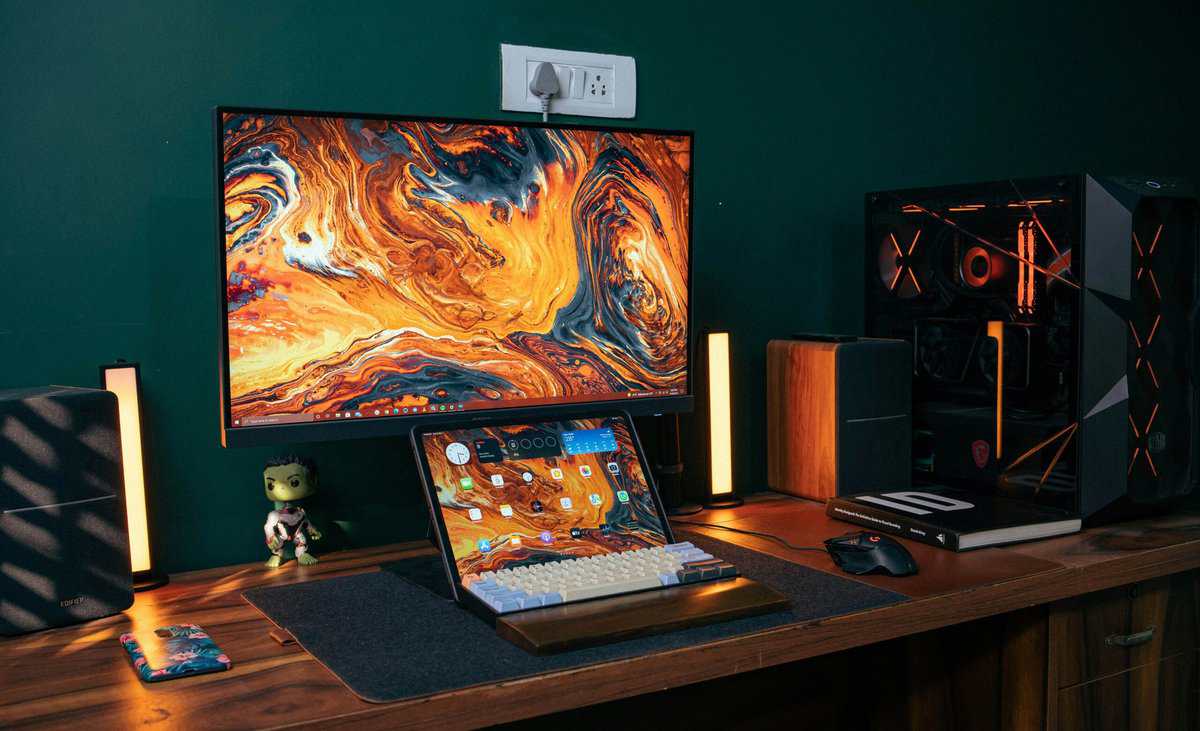
Same system, very different result
In practice, 1440p often turns a mid-range card into a high-refresh card. 4K usually turns that same card into a settings-management project.
On an RTX 5070 class system, 1440p is the resolution where high and ultra settings still make sense without giving up the smoothness people buy 165 Hz and 240 Hz monitors for. Step up to 4K, and the trade-off changes. Frame rates drop hard enough that you start relying on aggressive upscaling, lowered settings, or both just to stay in comfortable territory in newer AAA games.
Older high-end cards show the same pattern. An RTX 2080 Ti can still deliver a very good 1440p experience in demanding games, but 4K pushes it into compromise territory much sooner. That is why I usually steer people toward a better 1440p setup instead of a cheaper 4K setup. The first one feels balanced. The second one often feels like the GPU is chasing the monitor.
GPU pairing matters more than monitor shopping
For gaming, pick the GPU-resoultion match first, then buy the monitor around it.
Here is the practical breakdown:
- RTX 5060 or RTX 5070 class builds: Best matched with 1440p if you want strong frame rates, better ray tracing flexibility, and less dependence on performance-saving tricks.
- RTX 5080 class builds and above: Better suited to 4K, especially for players who care more about image detail than running very high refresh rates.
- Older enthusiast cards like the RTX 2080 Ti: Still useful, but they age much more gracefully at 1440p than at 4K.
That is also where the “4K is future-proof” argument falls apart for budget builds. A monitor can last years. A mid-range GPU usually does not stay comfortable at 4K for years of new AAA releases. At 1440p, the same card has more room for tougher games, heavier patches, and less-than-perfect PC ports. That extra headroom is worth money.
If you are trying to match a monitor to the kind of performance your PC can realistically hold, a general guide to average gaming PC FPS expectations helps frame the decision.
Hidden cost beyond raw fps
Frame rate gets the attention, but 4K also puts more pressure on the entire graphics subsystem.
VRAM use climbs. GPU utilization stays pinned longer. Fans ramp harder. Case airflow matters more. Noise usually goes up. None of that makes 4K a bad target, but it does make it a more expensive one to do well.
For a budget-conscious builder, 1440p is usually the smarter place to spend. You get sharper image quality than 1080p, a much easier path to 120 fps or more, and more freedom to keep visual settings high without making every new game a compromise checklist. That is the key value difference. 4K buys extra clarity. 1440p buys a better overall gaming experience on the hardware people own.
Choosing Between High Refresh Rate And High Resolution
For most players, this choice is really about feel.
A high-refresh 1440p setup feels quick, clean, and easy to drive. A 4K setup feels sharper and more detailed when the game and hardware line up. Neither is universally better. One fits your habits better.
If you play shooters, prioritize motion
In games like Valorant, Apex Legends, Call of Duty, or The Finals, refresh rate usually matters more than extra pixel density.
You are tracking targets, reacting to movement, and reading the screen under pressure. A 1440p monitor running at a high refresh rate gives you cleaner motion and a more responsive feel. That matters more than tiny texture detail on a wall you sprint past in half a second.
This also applies to many MMO players. In raids, large PvP fights, and crowded hub areas, stable performance usually improves the experience more than top-tier sharpness.
If you mostly play cinematic games, 4K has a real case
Single-player RPGs and slower story-driven games benefit more from 4K. If your time goes into Cyberpunk 2077, Alan Wake 2, racing games, or third-person action titles, you may care more about image detail than extreme refresh.
That is a legitimate preference. It just requires honesty about the cost.
A 4K monitor only pays off when the rest of the build can support it comfortably. Otherwise, you end up lowering settings, leaning heavily on upscaling, or accepting frame rates that make an expensive display feel underused.
Streaming changes the decision
Streamers often assume “higher resolution equals better stream.” In practice, headroom matters more.
Running the game, chat tools, alerts, browser tabs, and capture workloads on the same system is easier when the GPU is not pinned. A 1440p setup leaves more space for everything else.
A quick visual comparison helps if you want to see how people talk through this trade-off in practice.
For FPS players, the upgrade you feel is usually refresh rate. For cinematic players, the upgrade you notice more often is resolution.
How Upscaling Changes The Game With DLSS And FSR
DLSS and FSR changed this whole conversation. They are the reason more people can even consider 4K on mid-range hardware.
The basic idea is simple. The game renders at a lower internal resolution, then scales the image up to a higher output resolution. That saves GPU workload compared with native rendering.
Why upscaling helps
Used well, upscaling can make a game look good while recovering a lot of performance. It can turn a difficult title into something much smoother without cutting settings as aggressively.
That matters at both resolutions:
- For 4K users: Upscaling can make a demanding game playable where native 4K would drag.
- For 1440p users: It can push frame rates even higher or let you hold better settings.
- For mid-range systems: It gives you flexibility when a game launches heavier than expected.
Why upscaling is not a free pass to 4K
Many buyers overcorrect here. They hear “DLSS fixes 4K” and assume they can buy a 4K monitor without consequences.
That is not how it works in practice.
Upscaling can look very good, but it is still a compromise against native resolution. Depending on the game and the quality mode used, you may notice a softer image, edge artifacts, shimmer, or less stable detail in motion. The verified guidance also notes that DLSS does not fully eliminate jaggies or input lag on budget monitors in the underserved-angle summary tied to the Rtings reference.
The stronger value argument
Ironically, upscaling often strengthens the case for 1440p more than 4K.
If you run a 1440p monitor on a mid-range GPU, DLSS or FSR gives you extra headroom for future games, heavier effects, or streaming overhead. You are using the technology to add comfort to an already sensible target.
If you run a 4K monitor on that same class of hardware, upscaling often becomes a crutch rather than a bonus. You are relying on it just to stay in range.
That is the difference between a setup that feels flexible and one that feels expensive but strained.
Considerations For Consoles And Content Creation
Console buyers should be careful with the 4K label. A PS5 or Xbox Series X can output 4K, but that does not mean every game delivers the kind of smooth, sharp 4K experience people expect from a good PC setup. In practice, a lot of console games ask you to choose between image quality and frame rate, and that trade-off matters more than the number on the box.
For players who spend most of their time in Call of Duty, EA Sports FC, Rocket League, Fortnite, or racing games, 1440p usually makes more sense than a budget 4K screen. You are more likely to get a responsive high-refresh experience, and that tends to matter more during play than extra pixel count.
A few monitor features matter more than resolution alone:
- 120Hz support: Console performance modes are easier to enjoy on a 1440p display than on a cheap 4K panel with slower pixel response.
- VRR support: Variable refresh rate helps when frame pacing is uneven, which is common in demanding console titles.
- HDMI 2.1 ports: If console features are a priority, it helps to read a proper guide on choosing an HDMI 2.1 monitor for PS5 and Xbox Series X before buying.
- Good scaling behavior: Some displays handle console output more cleanly than others, especially when the game is not rendering at the panel’s native resolution.
There is also a problem buyers miss. Console games often use dynamic resolution, reconstruction, or internal upscaling, and the final image quality depends on the whole chain, not just the console itself. A mismatched setup can look softer than expected, particularly if the game is bouncing between resolutions and the display is doing extra scaling work on top.
That is one reason I usually steer console-first buyers toward a solid 1440p monitor unless they know they want a larger screen, mostly play slower cinematic games, and are willing to accept lower frame rates in quality modes.
Content creation changes the math a bit, but not as much as people assume.
If your work is primarily streaming, recording gameplay, cutting YouTube videos, making thumbnails, or running a side channel, 1440p is still the practical sweet spot. Files stay smaller, exports finish faster, and your whole setup feels easier to manage. That matters if you are using the same machine for gaming, capture, Discord, browser tabs, and editing.
4K starts to make more sense for creators who are editing native 4K footage regularly, doing detailed timeline work, or using the monitor for both gaming and professional visual tasks. Even then, budget matters. A mediocre 4K panel with weak color performance, poor HDR, and average motion handling is not automatically better than a well-tuned 1440p display.
For the typical budget-conscious gamer, including anyone pairing a console with a mid-range PC built around an RTX 5060 or RTX 5070, 1440p is usually the safer long-term choice. It fits high refresh gaming better, keeps display costs under control, and avoids paying extra for pixels that your hardware will not consistently use well.
Final Verdict Buying Recommendations For 2026

Here is the blunt version. For many gamers comparing 1440p vs 4k gaming in 2026, 1440p is the better buy.
It gives you a sharper image than 1080p, much better frame-rate headroom than 4K, and a monitor market full of mature, reliable options. This resolution also fits the kind of GPU many value-focused builders buy.
Best pick for competitive and mixed-use players
This is the kind of monitor I recommend to people who want one display that does almost everything well. It is a strong fit for shooters, MMOs, daily desktop use, and some content work.
Why it makes sense:
- Resolution and refresh are balanced: 1440p pairs well with mid-range GPUs, and the 240Hz ceiling over DisplayPort 1.4 or HDMI 2.1 leaves room for high frame rates in shooters.
- Build quality is dependable: LG’s gaming monitors in this class are generally known for solid chassis quality and usable stands.
- Durability and long-term value are good: It is the kind of monitor you can keep through multiple GPU upgrades.
This is the best match for players using cards in the RTX 5060 or RTX 5070 range and wanting a system that feels fast rather than strained.
Best for the player who really wants 4K
If your priority is image detail first and you accept the GPU cost that comes with it, the VG27UQ1A is one of the cleaner entry points into 4K gaming monitors. It runs 4K at 160Hz, covers 95% of DCI-P3, and works with G-SYNC Compatible or FreeSync Premium, so frame dips stay smooth on either GPU brand.
It makes sense for:
- single-player RPG and action fans
- console owners who want modern connectivity
- buyers building around premium GPUs
I would only go this route if you are comfortable building the rest of the system around 4K. If you pair a monitor like this with a mid-range GPU and expect easy high-refresh gaming in demanding titles, you are setting yourself up for disappointment.
Best value path for most budget-conscious gamers
A 27-inch 1440p monitor paired with an RTX 5060 Ti or RTX 5070
This is the sweet spot. Not the cheapest setup. The best value setup.
It works because the parts support each other. The monitor gives you sharp desktop use and strong gaming clarity. The GPU has enough room to deliver the kind of smooth experience that makes a gaming monitor worth owning in the first place.
Buy the resolution your GPU can serve well for years, not the one that looks most impressive in a product listing.
Who should buy what
| Buyer type | Best choice | Why |
|---|---|---|
| Competitive FPS player | LG 27GR83Q-B with a mid-range GPU | High-refresh 1440p is easier to drive and easier to feel |
| MMO and mixed-use gamer | 27-inch 1440p panel | Stable performance matters more than extreme pixel density |
| Streaming beginner | 1440p monitor and value-focused GPU | More headroom for streaming tools and multitasking |
| Visual-first single-player gamer | ASUS TUF Gaming VG27UQ1A with premium GPU | 4K pays off more in slower, detail-heavy games |
| Console player focused on 120Hz | 1440p or a carefully chosen HDMI 2.1 display | Better fit for high-refresh console modes |
The future-proof myth
People call 4K “future-proof” because it sounds like the end point. In reality, future-proofing only works if the hardware curve stays comfortable.
For a budget builder, 1440p is often the more durable decision because it stays easier to run across more game releases and more GPU generations. A setup that continues to deliver smooth play at sensible settings ages better than one that always sits on the edge.
Quick Answers To Common Questions
Can you run games at 1440p on a 4K monitor?
Yes, you can. Whether you should is another question.
Non-native resolutions on a 4K monitor often look softer than native 1440p on a real 1440p panel. If you already own a 4K display, dropping to 1440p can be a useful fallback for demanding games. But if you already know you will do that often, buying a 1440p monitor from the start is usually the cleaner choice.
Are ultrawide 1440p monitors a better alternative?
For some players, yes.
Ultrawide 1440p can feel more immersive than standard 16:9 without carrying the full cost of 4K. It is especially appealing for racing, MMOs, strategy games, and single-player titles. The trade-off is desk space, game support, and generally higher monitor pricing than standard 27-inch 1440p models.
Is 1440p still a good long-term buy in 2026?
Yes.
1440p still makes sense because it balances clarity, refresh rate, GPU demand, and monitor pricing better than 4K for many gamers. It is not a fallback option. It is the resolution that lines up best with what a lot of real systems can sustain comfortably over time.
Does 4K make sense for anyone on a budget?
Sometimes, but only in a narrow way.
If you mostly play slower games, accept lower frame rates, and care more about image detail than responsiveness, entry-level 4K can still make sense. For broad gaming use, especially with a mid-range PC, 1440p remains the easier recommendation.
If you want gear advice that treats value seriously, Budget Loadout is worth bookmarking. The site focuses on practical gaming and streaming upgrades, clear trade-offs, and products that hold up over time without pushing you into overspending.
Related Articles