One question decides which pad a Tarkov player needs, and it is not about the surface. It is how far your hand travels to turn around. The best mousepad for Tarkov is sized to that distance first, built thick enough to carry a wrist through a forty-minute raid second, and given a surface that keeps a slow scoped correction slow third. Most buying guides start with the surface. For a game played at low sensitivity, that is backward.
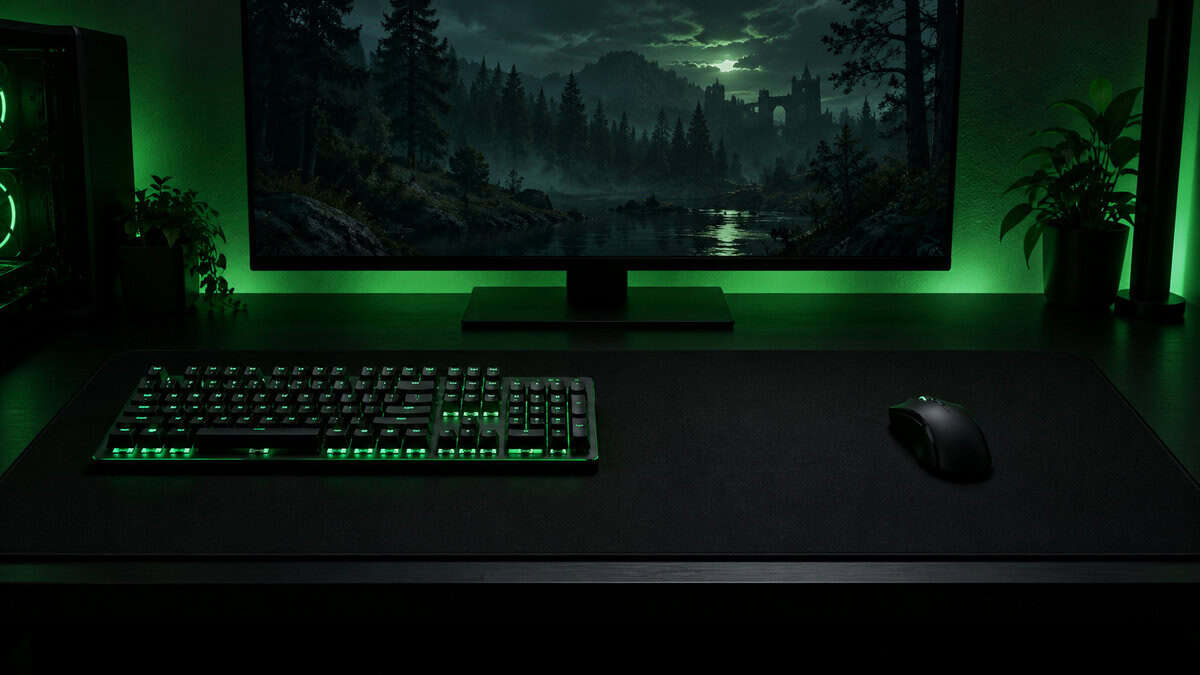
Three cloth pads cover that ground at budget money. The rest of this guide covers why Tarkov punishes a small pad harder than any other shooter, the myths that keep players on the wrong one, and what a pad has to survive when a session runs into the inventory hours instead of ending at the extract.
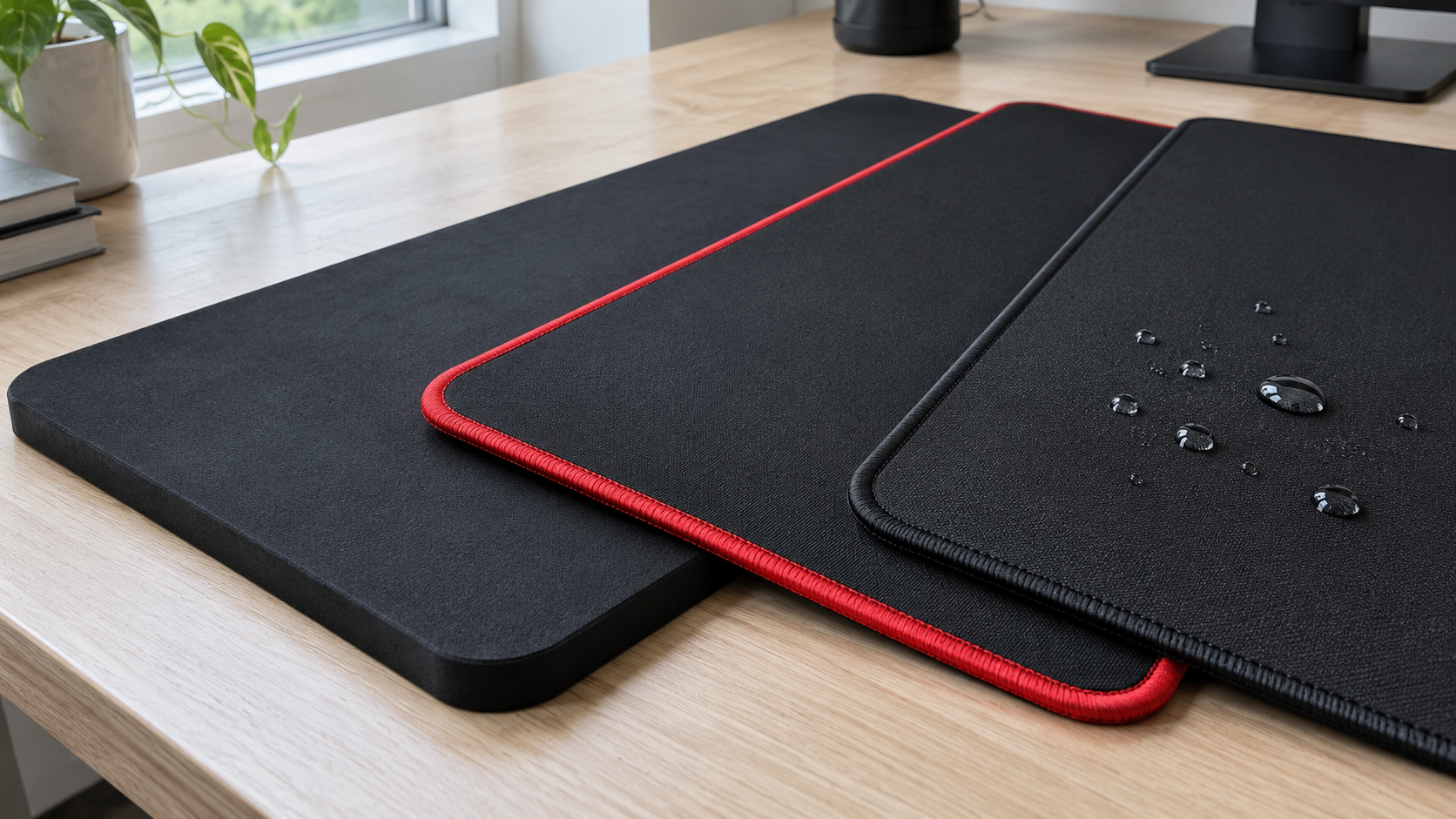
A four-millimeter base for a wrist that holds one angle all raid, a spill-proof coating that wipes clean, and a stitched edge that will not fray. The widest pad in this guide.
- Four-millimeter base hides a rough desk
- Spill-proof coating wipes clean
- Widest pad here with a stitched edge
- Coated surface starts moving a touch sooner
- Coating feels slicker under a damp arm
- Fewer reviews than the SteelSeries
The deepest pad here and the cheapest. Extra depth for forward peeks, a stitched edge that outlasts an unstitched one, and a balanced surface for a sensitivity you are still settling.
- Deepest pad here for forward peeks
- Anti-fray stitching at the lowest price
- Balanced surface suits an unsettled sens
- Three-millimeter base shows desk seams
- Raised stitching takes a session to forget
- Smaller review pool than the SteelSeries
The pad half the shooter world learned on, in the extended size. The purest control cloth here keeps scoped corrections small, and on a flat desk the thin base gives nothing away.
- Purest control cloth of the three
- Washable, and the glide comes back after a rinse
- Thin base sits flush with the desk
- Two-millimeter base shows desk seams
- Unstitched edge can fuzz over time
- Little cushion under a resting wrist
Picks and availability last verified: November 2, 2026
- Tarkov is played at low sensitivity, and low sensitivity turns a full turn into real hand travel. Size the pad to that travel before you think about the surface.
- An extended cloth pad around 900 millimeters wide is the right starting point. Anything smaller runs out mid-turn once a keyboard takes its share of the desk.
- A control-leaning surface suits scoped corrections and slow peeks. A speed surface only makes sense if you run the high end of a low-sens range and turn with your arm.
- Thickness earns its money on a rough desk and under a wrist that sits in one place for a whole raid. Four millimeters is the sweet spot for both.
- The inventory grid punishes an inconsistent surface more than a slow one. Keep the pad clean and the glide stays the same from the stash to the extract.
Table of Contents
Why Tarkov Punishes a Small Pad
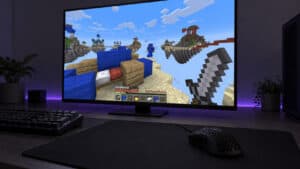
Most shooters let you get away with a medium pad and a mid sensitivity. Escape from Tarkov does not, because almost nothing in it happens fast. Battlestate’s Steam page calls every raid a gamble with death, and the way you hedge that gamble is by slowing down: leaning around corners, walking a treeline with a scope up, holding an angle for a full minute waiting for a footstep. Slow play rewards a low sensitivity and an aim-down-sights setting matched to it, so a small hand movement lands a small correction instead of throwing the reticle past the target.
Low sensitivity has a cost that is measured in centimeters of desk. The moment a Scav steps out behind you, that patient scoped sensitivity has to produce a half turn, and at a Tarkov-style setting a half turn is a long swipe. Our mouse guide for Tarkov makes the case for a light mouse with good feet for exactly this reason. The pad is the other half of the same problem.
What the Best Mousepad for Tarkov Has to Do
Three jobs, in order. First, hold a full low-sens turn with room to spare, because you never start a turn from the center of the pad. Second, stay comfortable under a wrist that barely moves for forty minutes at a stretch, which is a thickness and edge problem rather than a surface one. Third, keep slow movement slow: a surface that lets the mouse coast past a one-millimeter correction undoes the whole point of running low sensitivity.
Nobody loses a raid to their mousepad in the first minute. They lose it forty minutes in, on the turn that ran out of desk.
Cloth does all three better than hard plastic or glass at budget money, which is why every pick here is cloth. Hard pads start moving with almost no push, and that is precisely the behavior a scoped shooter does not want. The differences between the three picks come down to thickness, edge, and how the surface feels once a session has gone long.
Three Pads Built for Long Raids
Three extended cloth pads at roughly the same width, sorted by what they do for a player who spends a whole evening in raids. One is the thick, spill-proof pad that covers a whole raid on any desk, one is the deepest pad for the least money, and one is the classic control cloth for a desk that is already smooth.
Corsair MM350 Pro: The Thick Spill-Proof Pad for a Full Raid
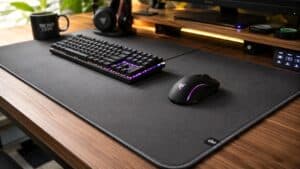
Tarkov sessions run long, and long sessions have drinks in them. The Corsair MM350 Pro is the extended cloth pad built for both. It sits on a four-millimeter base, thick enough to flatten a desk with a seam or a warp in it and to give a wrist that holds one angle for a whole raid something soft to rest on. Its micro-weave surface carries a spill-proof, stain-resistant coating, so a knocked-over glass beads up and wipes off instead of soaking into the weave and changing the glide for a week. The edge is stitched all the way around against fraying, and at 930 by 400 millimeters it is the widest pad in this guide, with room for a low-sens half turn and margin to spare.
A cloth pad only ever dies two ways. It frays at the edge, or something gets spilled on it.
The coating is also the tradeoff. It makes the surface start moving a touch sooner than bare control cloth, which suits a player at the higher end of a low-sens range who turns with the arm, and asks a little more of anyone doing slow scoped work. If you want the coating on a newer pad, the Glorious GMP 2 XXL pairs a spill-resistant weave with low-profile stitching on a deeper 460-millimeter pad, with a much shorter track record. If you run the fast end of low sens and want no coating at all, the Razer Gigantus V2 XXL is the speed-leaning pad with a thick base.
ASUS ROG Sheath: The Deepest Pad for the Least Money
The ASUS ROG Sheath is 900 millimeters wide like the SteelSeries but 440 millimeters deep, and that extra depth is the dimension a Tarkov peek actually uses. Leaning out of cover and pushing the reticle onto a target is a forward and diagonal movement, not a sideways one, and a deeper pad means the mouse never falls off the front edge in the middle of it. The reinforced anti-fray stitched edge is the other thing the price should not allow, and the surface sits in the balanced middle: slower to start than a speed pad, quicker than the QcK, which is the honest place to be if you are still finding your sensitivity.
The tradeoffs are physical. The base is three millimeters rather than the Corsair’s four, so a visible desk seam shows through more than it does on the Corsair, and the stitching is raised rather than flush, which the heel of your hand notices for a session or two before forgetting about it. The ROG Sheath II XXL is the successor with a flat edge, at more than twice the money for a change most players will not feel.
SteelSeries QcK XXL: The Classic Control Cloth for a Smooth Desk
The SteelSeries QcK XXL is the QcK cloth that half the shooter world learned on, in the extended 900 by 400 millimeter size. The micro-woven surface has a slightly higher starting friction than a speed pad, so a scoped correction stays the size you made it, and a slow track across a treeline does not run ahead of your hand. Of the three picks it is the purest control surface, with no coating to speed up the first push.
On a smooth desk, the QcK is still the control cloth the others get measured against.
What you give up is the base and the edge. It sits on a two-millimeter base, half the Corsair’s, so a seam or a warp in the desk shows through and a resting wrist feels more of the desk under it. The edge is unstitched, and the spot where your forearm rides it will start to fuzz after a year or two of daily raids. On a flat, smooth desk neither matters much, and this is the pick for the player who wants the most control in the cloth. On any other desk, the thicker Corsair is worth the step up.
Four Mousepad Myths Tarkov Players Repeat
Mousepad advice travels through Discord servers faster than it gets checked. Four pieces of it come up in every Tarkov gear thread, and each one is about half right.
Myth One: A Slow Game Wants the Slowest Surface
Half right. A control-leaning surface is correct for scoped corrections, because higher starting friction keeps a tiny movement tiny. The mistake is chasing the grippiest pad on the market. A surface that fights every movement makes the forearm do more work on every swipe, and over an evening of raids that is fatigue you will feel at the extract. Control-leaning, not maximum control, is the target, and the micro-woven cloth on the SteelSeries is about as far down that road as a Tarkov player should go.
Myth Two: Thicker Always Means Comfier
Thickness does two real things. It hides a rough desk from the sensor, and it gives a wrist resting on the pad a softer surface than laminate. Past four millimeters, it starts doing a third thing you do not want: it raises the edge into a step your forearm has to cross. Four millimeters is the point where the first two benefits are in and the third is not. Comfort past that comes from the edge type, not the thickness, which is why the raised stitching on the Sheath gets mentioned in this guide more than its three-millimeter base does.
Myth Three: Bigger Is Always Better
Bigger than a medium pad, yes. Bigger than 900 millimeters, rarely. The mouse zone is what matters, and a desk-sized 3XL pad mostly adds cloth under the keyboard and the monitor stand, where it bunches and gathers crumbs. The honest exception runs the other way: if the desk cannot host a 900-millimeter pad at all, the Logitech G640 in its large 600 by 460 millimeter size is a control-leaning cloth that covers a mid-range low-sens turn without the keyboard on it.
Measure your turn, not your desk. The desk tells you what fits. The turn tells you what you need.
Myth Four: Cloth Dies in One Wipe
Cloth pads get a reputation for being disposable because most people never wash one. Every pick here survives mild soap and cool water in a sink, rinsed clean and dried flat, and comes back with its original glide. What kills cloth is folding it, drying it with heat, or scrubbing the edge. The middle path is a thin water-repellent pad like the Lenovo Legion Control XXL, which shrugs off a spill on a two-millimeter base, at the cost of the thickness the rest of this guide argues for.
Forty Minutes In
The Posture a Raid Locks You Into
A Tarkov raid on a big map can run most of an hour, and for most of it your mouse hand does very little. It holds a scope steady, it nudges, it waits. That stillness is the comfort problem. A hand that flicks around a pad never stays anywhere long enough to hurt. A hand that holds an angle for two minutes puts all of its weight through the heel of the palm into whatever is under it, and the pad is what is under it. The same long raids are why our headset guide for Tarkov spends so long on clamp force.
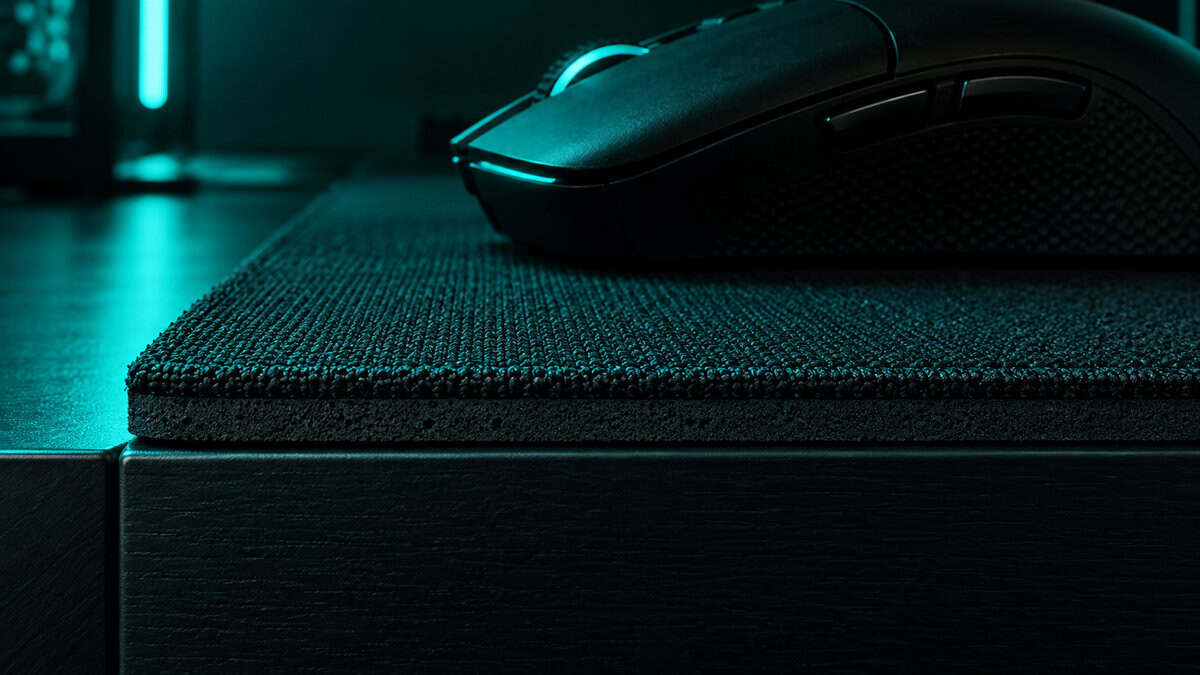
Three things decide whether the pad passes the fifty-minute test. The base: four millimeters of rubber is a cushion, two is a sheet of cloth over the desk. The edge: where the wrist rests it should be flush or soft, which is the case for the unstitched SteelSeries and the flat-stitched Corsair and takes a couple of sessions on the raised Sheath. And placement: pull the pad to the front edge of the desk so your forearm rests on cloth rather than a hard desk edge, which is the single cheapest comfort fix in this hobby.
A raid is long enough to find every hard edge on your desk. The pad’s job is to make sure your wrist never does.
Sweat is the last piece. A forearm on cloth for an hour warms it up, and a damp pad glides differently than a dry one. Bare micro-woven cloth breathes and dries between raids, while the coated Corsair feels marginally slicker under a damp arm, the one place the spill-proof pad gives back a little of what it gains.
The Inventory Hours
Ask a Tarkov player how much of their session is spent in raid and the honest answer is under half. The rest is the stash: sorting, splitting, selling, dragging a rig into a container one cell too small and doing it again. That is hours of small, slow, precise mouse movement across a dense grid, and it is a harder test of a pad’s surface than any gunfight.
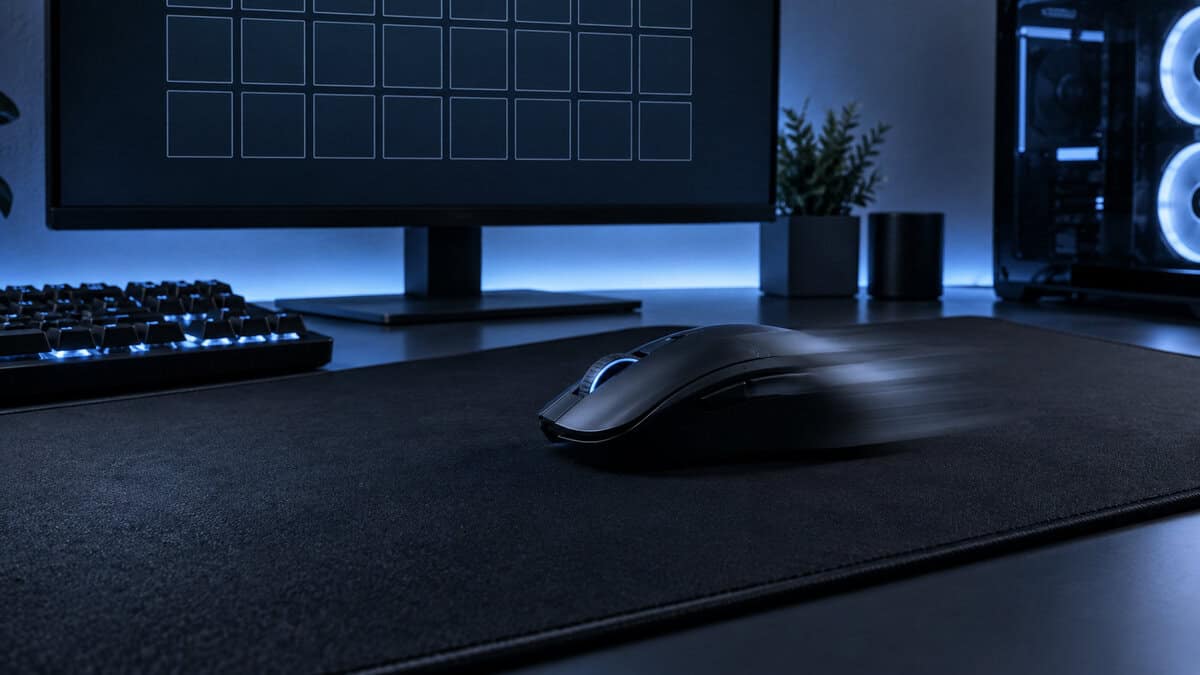
Inventory work does not care whether a pad is fast or slow. It cares whether the pad is the same everywhere. A surface that is worn slick in the middle and rough at the edges makes the cursor speed change as you cross it, and in a grid that shows up as items landing one cell off.
Bare cloth with a uniform weave, cleaned now and then, is the most consistent surface at this price. If your mouse supports it, run its surface calibration on the pad you actually play on: Logitech’s surface tuning guide walks through the process, and the G305 from our mouse guide is one of the mice that benefits. The monitor guide for Tarkov covers the other half of the grid problem, which is a panel sharp enough to read it.
Fitting the Pad Around a Tarkov Keyboard
Every pad width in this guide is a promise the keyboard gets to break. Tarkov has more binds than almost any shooter: lean, blind fire, walk speed, check chamber, fold stock, tactical device, and a dozen more. Most players run a full-size or tenkeyless board to hold them all, and our keyboard guide for Tarkov explains why the compact boards other shooters get away with are a harder sell here. The consequence for the pad is simple math.
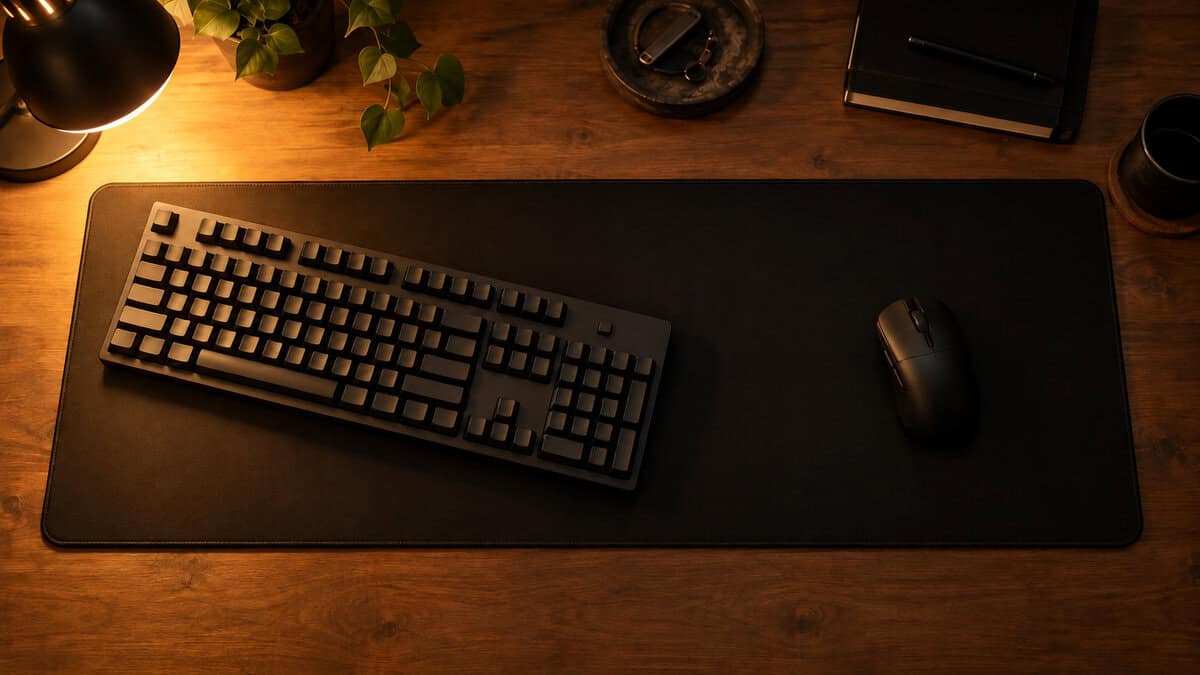
The Desk Math Behind a 900 mm Pad
A full-size keyboard takes about 440 millimeters of a 900-millimeter pad, which leaves the mouse roughly 460. That is enough for a mid-range low-sens half turn and not quite enough for the slowest settings, because you are never centered when a turn starts. A tenkeyless gives back around eighty millimeters and keeps every bind. Angle the keyboard ten or fifteen degrees to the left so its right edge swings out of the mouse zone, and most full-size setups recover the rest. If you would rather cover the whole desk in one piece so the keyboard can sit anywhere, our desk mat guide is the right list.
How the Three Compare
One row per pad. If it leaves you between two of them, the edge column is the tiebreaker for a long session and the surface column is the tiebreaker for a scope.
| Pick | Size | Thickness | Surface | Edge | Best for |
|---|---|---|---|---|---|
| Corsair MM350 Pro | 930 x 400mm | 4mm | Coated micro-weave | Flat stitched | Long raids on any desk, drink included |
| ASUS ROG Sheath | 900 x 440mm | 3mm | Balanced cloth | Raised stitched | Deep peeks on a tight budget |
| SteelSeries QcK XXL | 900 x 400mm | 2mm | Control cloth | Unstitched | Scoped players on a smooth desk |
Building out the rest of your Escape from Tarkov setup? Our gaming setup builder fills every slot from monitor to mousepad, and if you play more than one game, it finds the gear our guides recommend across all of them.
Frequently Asked Questions
The questions that come up most when picking a pad for a slow, low-sensitivity shooter with long sessions.
What size mousepad do Tarkov players use?
An extended pad around 900mm wide. Tarkov is played at low sensitivity, and a low-sens half turn can take twenty centimeters or more of hand travel from wherever the mouse happens to be. Once a full-size or tenkeyless keyboard takes its share, a medium or large pad runs out mid-turn.
Should I use a control or speed mousepad for Tarkov?
Control-leaning. Most Tarkov aiming is slow scoped corrections and careful peeks, and a control surface keeps a small movement small. A speed surface only makes sense if you run the high end of a low-sens range and turn with your whole arm. The SteelSeries QcK XXL is the purest control cloth here, the ASUS ROG Sheath sits in the balanced middle, and the Corsair MM350 Pro’s coating starts a touch faster.
Is a thick mousepad better for long gaming sessions?
Up to a point. A four-millimeter base cushions a wrist that rests in one spot for a whole raid and hides seams or warps in the desk. Past that the edge becomes a step your forearm has to cross. Edge type matters as much as thickness for comfort, and flush or unstitched edges feel softer under the wrist than raised stitching.
Does a mousepad actually affect aim in Tarkov?
It does not make you aim better, but it stops the desk from making you aim worse. A pad that is too small ends turns early, a surface that is too slick lets scoped corrections overshoot, and a worn or dirty surface changes cursor speed as you cross it. A consistent control-leaning cloth pad removes all three problems.
How do I clean a cloth mousepad without ruining it?
Wipe it with a damp cloth every couple of weeks and wash it every few months with mild soap and cool water, rinse it clean, and let it dry flat. Never fold it, never scrub the edge, and never use a dryer or direct heat. The Corsair MM350 Pro’s spill-proof coating lets liquids wipe straight off, which cuts the washing down further.
Looking for more budget gaming gear? Check out Budget Loadout for the latest reviews and recommendations.
Related Articles