A desk mat looks like the most interchangeable thing on your desk, right up until your mouse skips during a clutch or the edge starts fraying into your wrist. The best desk mat gets three things right: usable glide for how you actually aim, stable support under the keyboard, and edges built to survive daily contact. This guide covers all three, then names the mats worth your money.
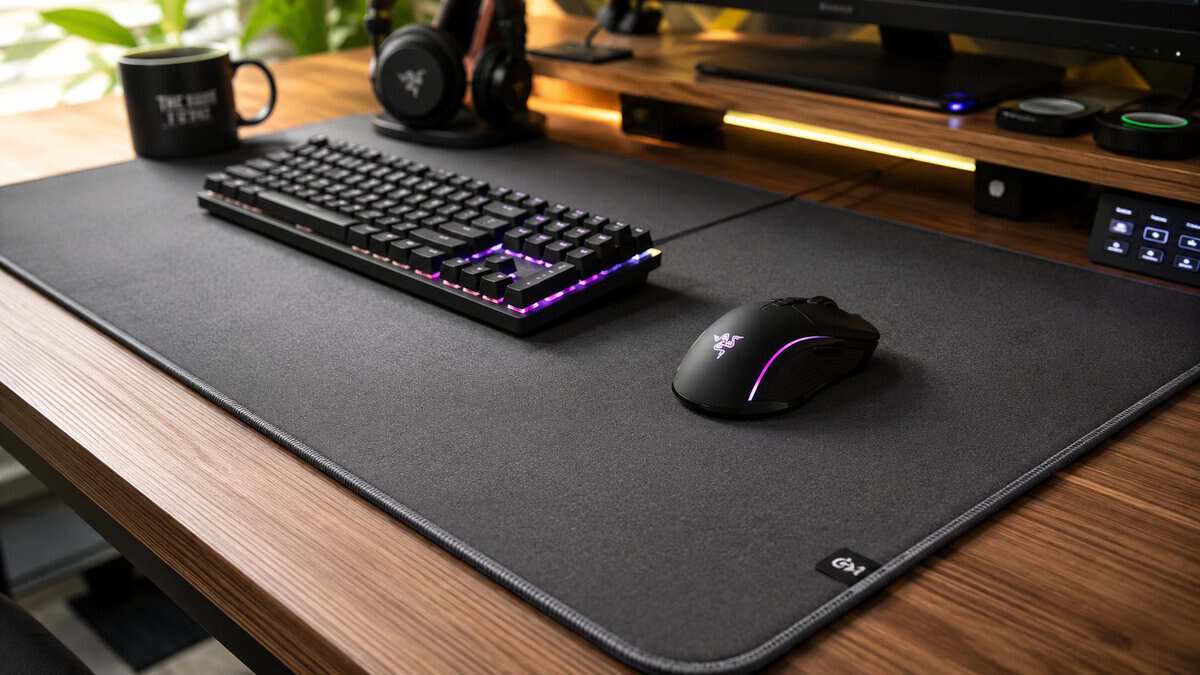
The best desk mat isn’t the cheapest slab of fabric you can fit under your keyboard. It’s the one that gives you usable glide, stable support, and edge construction you can live with during long FPS sessions, MMO grinds, and late streaming nights. Value matters more than sticker shock. A mat can be cheap and still be a bad buy if the surface slows down unevenly, the base shifts, or the edge digs into your forearm.
- Micro-woven surface gives consistent glide for precise aim
- Eighty-thousand-review track record of durability
- Full desk coverage anchors keyboard and mouse together
- Plain black design with no styling flourishes
- Cloth surface absorbs spills without a protective coating
- Edges are heat-treated rather than stitched
- Spill-resistant coating shrugs off desk accidents
- Stitched edges resist fraying under daily contact
- Slightly wider than rivals for extra keyboard room
- Coating makes glide a touch faster than pure control cloth
- Woven texture shows wear lines sooner than plain mats
- Large logo placement is not to every taste
- Extra 17.3 inch depth fits deep desks and far-back keyboards
- Anti-fray stitching on all four edges
- Smooth surface works across mixed genres, not just FPS
- Red ROG accent stitching will not match every setup
- Smaller review base than the QcK line
- Slightly slick for players who want heavy control texture
Picks and availability last verified: October 19, 2026
- Match the surface to your aim style: control cloth for FPS precision, faster hybrid weaves for mixed genres
- The SteelSeries QcK XXL is the default pick, with the most consistent tracking surface in the category
- The Corsair MM350 Pro adds a spill-resistant coating, the safe choice for desks that double as snack stations
- The ASUS ROG Sheath brings extra depth for MMO setups where the keyboard sits further back
- Check the edges first: stitched or beveled edges outlast heat-sealed ones and are kinder to wrists
Table of Contents
Why Your Desk Mat Is More Than Just a Coaster
That growth makes sense. A desk mat changes three things at once: mouse feel, desk comfort, and how much abuse your setup can take before it starts looking worn out. If you want more ideas for rounding out the rest of your setup, this guide to gaming desk accessories is a useful next stop.
Here’s the short list if you want the quick answer first.
A cheap mat usually fails in predictable ways:
- Surface inconsistency that makes your mouse feel different in the center than at the edges
- Weak edge finishing that starts to fray or catches on your wrist
- Soft, unstable construction that feels padded at first but gets sloppy under pressure
- Poor base grip that turns wide swipes into desk adjustments
Practical rule: Buy for long-session comfort and tracking consistency first. Looks come after that.
If you’re building around a budget, the real question isn’t “What costs the least?” It’s “What still works well after months of use?” That’s the difference between a disposable mat and a good value desk mat.
Understanding Desk Mat Materials and Surfaces
Surface feel decides whether a desk mat helps your aim or fights it. Most buyers reduce this to “cloth or hard,” but that misses the actual trade-off. What matters is how the top layer manages friction, how predictable it feels over long swipes, and whether it stays consistent when your hand warms up the surface.
For gaming use, there’s a useful technical guardrail. Optimal desk mats should maintain a friction coefficient between 0.12–0.18. Below 0.10, fast swipes can overshoot. Above 0.20, small corrections start to feel sticky and forced. If you want a deeper breakdown of how this overlaps with mouse pad selection, this primer on a gaming mouse pad is worth reading.
Cloth surfaces for control-first players
Most budget-conscious gamers should start with cloth. A good cloth mat usually gives the safest balance of control, comfort, and cost. The texture slows the mouse just enough to help with micro-adjustments, which is exactly what tactical FPS players need when they’re making tiny corrections instead of constant full-arm flicks.
Cloth also works well for mixed setups. If you switch between games, Discord, editing clips, and general work, cloth feels less harsh on the skin and less demanding across different tasks.
What doesn’t work is ultra-soft cloth with a mushy core. That kind of mat can feel pleasant on day one, but the mouse feet sink in slightly under pressure. Tracking gets less predictable, especially when you bear down in tense fights.
Faster hybrid surfaces for mixed genres
Hybrid surfaces try to split the difference. They usually feel quicker than traditional control cloth and less abrasive than a fully hard mat. That can make sense if your library is all over the place. Arena shooters, faster hero shooters, MMOs with frequent cursor travel, and desktop use all benefit from a surface that doesn’t drag too much.
The trade-off is that hybrid mats can be less forgiving. If your aim depends on friction helping you stop exactly where you want, a faster surface can expose bad habits fast.
A straightforward approach is to consider:
| Surface style | Best fit | Main downside |
|---|---|---|
| Control cloth | FPS, precise tracking, low-sens play | Can feel slow if heavily textured |
| Balanced hybrid | Mixed gaming, MMO, general use | Less forgiving for tiny stops |
| Hard surface | Fast swipes, easy wipe-down | Harsher feel and lower comfort |
Hard mats for speed, not comfort
Hard surfaces feel quick because they reduce drag and don’t compress. They’re easy to clean and they stay more uniform in the short term. That sounds good until you spend a long evening on one and remember why so many players go back to cloth.
Hard mats are less comfortable on the wrist, louder in use, and often less pleasant for broad desk coverage. For a dedicated mouse pad they can make sense. For a full desk mat, they’re usually the wrong fit unless speed is your only concern.
A desk mat should make your mouse feel predictable, not just fast.
Match the surface to the way you actually play
Don’t buy based on marketing labels alone. Buy based on how you move a mouse.
- Low-sensitivity FPS players usually need controlled glide and a surface that stays even during long swipes.
- MMO players can tolerate a bit more speed because they do more broad cursor travel and less pixel-level correction.
- Streamers and hybrid users usually do best with balanced cloth, because they need comfort for hours and enough consistency for games after work.
If a mat feels good only in one narrow use case, it’s not a strong value buy. The best desk mat for a budget setup usually lands in the middle. Controlled, stable, comfortable, and durable enough to still feel right after the novelty wears off.
Choosing the Right Size and Ergonomic Profile
A lot of people buy the wrong mat because they think size is just about desk coverage. It isn’t. Size affects how you move, where your wrist lands, and whether your forearm keeps hitting the desk edge instead of the mat.
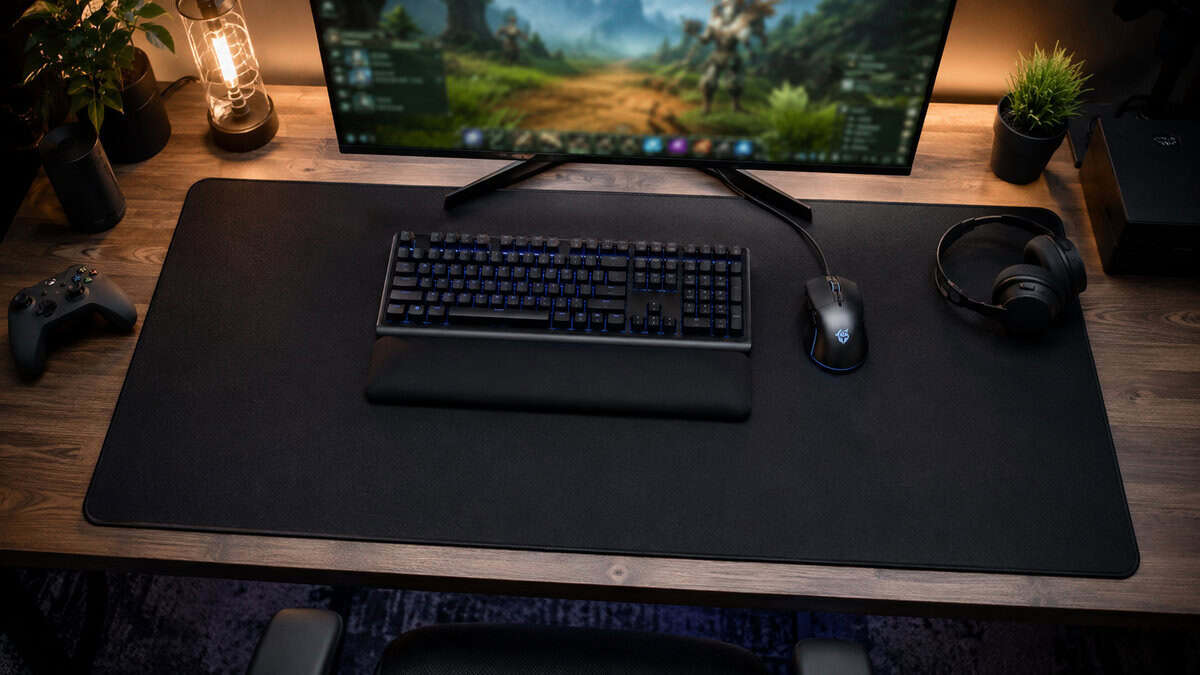
The other mistake is ignoring edge shape. That’s one of the biggest gaps in bad desk mat advice. Sharp 90° edges can compress the ulnar nerve, while beveled or rounded edges reduce pressure points. The ideal thickness is 3–5mm, because that range supports the wrist without making the surface unstable (ergonomic desk mat edge and thickness guidance). If your setup still needs more support under the keyboard side, a separate keyboard wrist rest can help, but it shouldn’t be compensating for a bad mat edge.
Size should follow your game type
Low-DPI FPS players need room. If you aim with your arm, a compact mat becomes a hard limit fast. You don’t want to clip the edge in the middle of a tracking fight.
MMO players and general users can get away with smaller formats if desk space is tight, but even then, oversized mats have one practical advantage. They anchor the whole setup. Keyboard, mouse, and small desk movements happen on one surface instead of several.
Here’s the simple fit:
- FPS gaming needs larger usable width for wide swipes
- MMO and strategy benefit from space, but don’t demand the same arm travel
- Streaming and dual-purpose desks usually benefit most from extended mats because they unify the setup and reduce desk wear
Thickness isn’t just a comfort feature
Thicker doesn’t automatically mean better. That’s a common bad assumption.
A thin mat can feel clean and fast, but too little support leaves your wrist close to the desk underneath. On the other side, a very thick mat can make the mouse feel less planted. If the top layer shifts over soft foam, precision suffers.
That’s why the 3–5mm range makes sense in real use. It gives enough cushion to take the edge off long sessions without turning the desk into a pillow.
Watch for this: If you press down near the mouse and the surface feels bouncy or uneven, the mat is prioritizing softness over control.
Edge profile tells you a lot about quality
“Stitched edges” gets repeated so often that people stop asking whether the stitching is done well. A bad stitched edge can still be bulky, sharp, or uneven. What you want is a low-profile perimeter that doesn’t catch your sleeve or create a hard ridge under the forearm.
Use a quick physical test when the mat arrives:
- Run a finger along the full edge and feel for ridges or rough transitions.
- Rest your forearm where you normally play and notice whether one pressure point stands out.
- Swipe across the edge zone with your mouse to check for lifting or bunching.
If the edge bothers you in the first hour, it won’t get better after a week. Good ergonomics aren’t optional for anyone spending long sessions at the desk.
The Best Budget Desk Mats Reviewed
A good value pick has to do more than look decent in product photos. It needs to hold up to sweat, snacks, mug spills, wrist pressure, and constant mouse movement. These are the desk mats that make sense for budget-conscious gamers because each one gets something important right.
SteelSeries QcK XXL
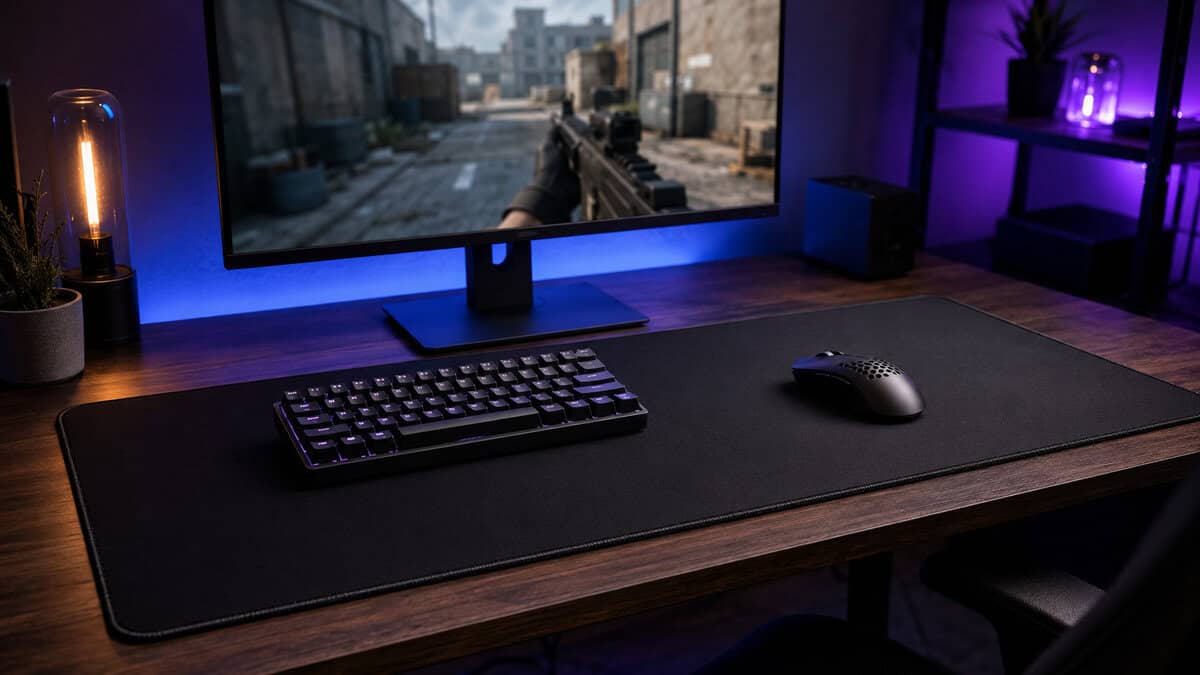
The QcK XXL remains one of the easiest recommendations for FPS players because it focuses on the thing that matters most in that genre. Consistent tracking. It uses a micro-woven cloth surface with test-verified glide trusted by esports professionals, which is why it keeps showing up in setups where precise tracking matters.
What works:
- Reliable control feel for tactical shooters and tracking-heavy games
- Large surface area that suits lower sensitivity
- Comfortable cloth texture for long sessions
Where it gives ground is spill resistance and ruggedness compared with mats built more explicitly around durability. It’s a performance-first choice. If your priority is raw mouse consistency, that’s fine. If you’re rough on gear, eat at the desk, or stream with drinks nearby, that trade-off matters.
Best fit:
- FPS players
- Aim-focused users
- Anyone who wants familiar, controlled cloth feel
Main trade-off:
- Strong on performance, less focused on abuse resistance than a durability-led pick
Corsair MM350 Pro Extended XL
If you care about longevity, the MM350 Pro makes the strongest case. It features a spill-proof coating and precision-stitched edges, which directly addresses the build quality problem that sinks a lot of cheaper mats.
That spill-proof layer matters more than people think. Budget users often keep gear longer, which means more real-life wear. Coffee, energy drinks, hand oils, and repeated wipe-downs kill low-end mats early. A surface that resists that abuse has real value.
Where the MM350 Pro stands out
| Strength | Why it matters |
|---|---|
| Spill resistance | Easier cleanup, less staining risk |
| Precision-stitched edges | Better long-term edge durability |
| Extended format | Good for gaming plus streaming gear |
The drawback is that durability-oriented surfaces can sometimes feel a little less natural than the softest pure cloth options. Not bad. Just slightly more build-focused than comfort-first. For streamers, hybrid users, and anyone who wants one mat to survive daily life, that’s a fair trade.
Best fit:
- Streaming setups
- Shared desks
- Users who want fewer durability headaches
Main trade-off:
- Prioritizes resilience over the most classic cloth feel
ASUS ROG Sheath
The ROG Sheath is a good reminder that budget is relative. It’s called out as a strong value option because it combines a non-slip base and durable construction with a budget price point relative to its category.
That “relative to its category” part is important. Large desk mats cost more to build well. If you want a wide mat that covers a lot of desk space and still stays planted, you shouldn’t judge it against the cheapest no-name cloth slab online. Judge it against what large-format mats need to do.
A value desk mat saves money over time because it avoids the usual replacement cycle of frayed edges, surface wear, and slipping bases.
The Sheath makes sense for players who want a big play area and stable footing under both mouse and keyboard. It’s especially practical for MMO players and general all-around use where desk coverage matters as much as raw FPS tuning.
Best fit:
- MMO and mixed-genre players
- Large desks
- Users who want a big stable base under the whole setup
Main trade-off:
- More about broad value and size than highly specialized FPS surface tuning
| Product | Best For | Surface Type | Price Tier |
|---|---|---|---|
| SteelSeries QcK XXL | FPS gaming and precise tracking | Micro-woven cloth | Mid-range value |
| Corsair MM350 Pro Extended XL | Streaming, mixed use, durability | Cloth with spill-resistant build focus | Mid-range value |
| ASUS ROG Sheath | Large setups, MMO, all-around use | Cloth | Value-oriented large format |
Which one should you actually buy
If your games are mostly tactical shooters and your mouse feel matters above all else, the QcK XXL is the cleanest pick. If your desk sees heavy everyday use and you want better protection against wear, the MM350 Pro is the smarter long-term buy. If you want a large mat that balances grip, durability, and overall usefulness, the ROG Sheath is the practical middle ground.
For more picks in the same value-first category, this roundup of the best budget gaming mouse pad is a solid companion read.
How to Clean and Maintain Your Desk Mat
A desk mat doesn’t wear out all at once. Performance usually fades in stages. The first sign is often inconsistent glide. Then the surface starts looking shiny in high-contact areas, the edges hold grime, and the base picks up enough dust that the mat stops staying put.
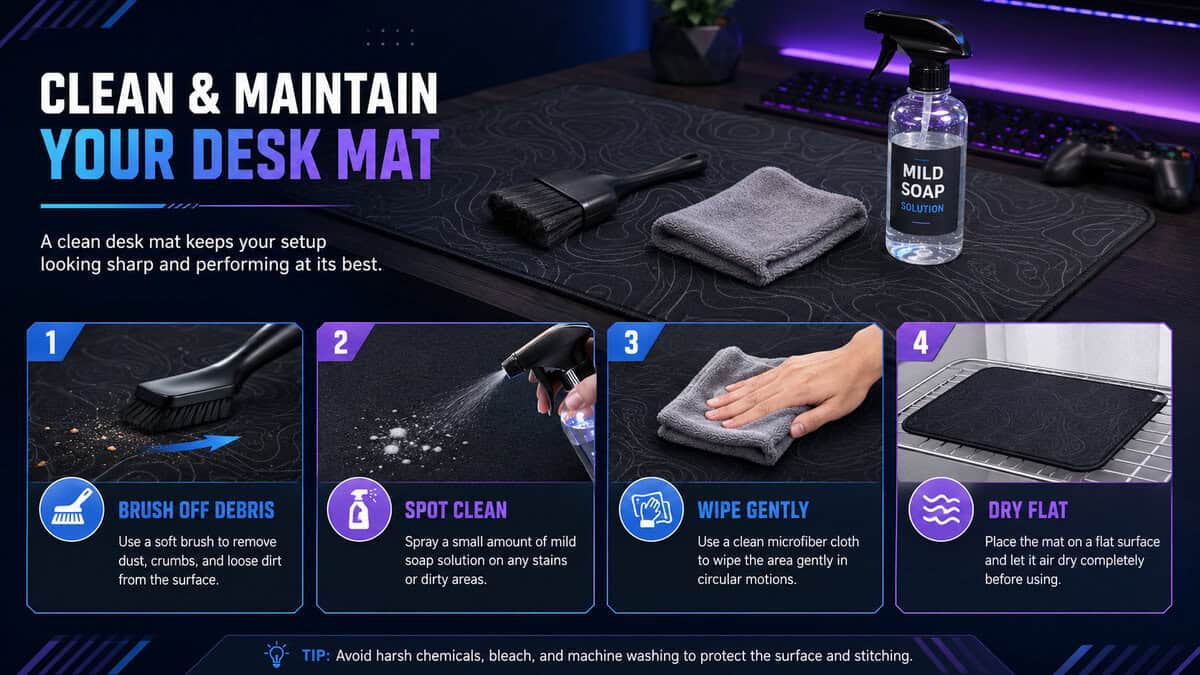
That’s why durable construction matters. The Corsair MM350 Pro is a good example because its spill-proof coating and precision-stitched edges are built around long-term use, not just first impressions. That makes regular maintenance easier and lowers the chance that a small accident turns into permanent damage.
Basic maintenance that actually helps
You don’t need a complicated process. You need consistency.
- Brush off debris first so crumbs and grit don’t grind deeper into the fabric during wiping.
- Spot-clean spills quickly with a soft cloth and mild soap diluted in water.
- Use light pressure instead of scrubbing hard, especially on cloth surfaces.
- Let it dry flat before putting gear back on top.
For a manufacturer-approved routine, SteelSeries publishes a practical guide to cleaning cloth mousepads that applies to every mat in this article.
What to avoid
A lot of desk mats get damaged by cleaning, not by use.
- Don’t soak the base unless the mat specifically handles deeper washing well.
- Don’t use strong solvents that can break down coatings or discolor the top layer.
- Don’t fold the mat while wet because that can warp the base or stress the stitched edge.
- Don’t rush drying with high heat since it can affect adhesives and rubber backing.
Dirty cloth doesn’t just look bad. It changes how the mouse moves.
A simple care rhythm
For most setups, quick weekly wipe-downs and occasional deeper cleaning are enough. If you eat at the desk, stream often, or live in a dusty space, clean sooner. If your keyboard is also collecting oils and dust, this guide on how to clean a mechanical keyboard pairs well with the same maintenance routine.
Treat the mat like a wear surface, not decor. If you keep it clean, it’ll keep feeling consistent longer, and that’s the whole point of buying for value.
Your Final Desk Mat Buying Checklist
The best desk mat for your setup depends less on hype and more on honest priorities. Don’t buy based on a product photo and one buzzword. Buy based on how you play, how long you sit there, and how much abuse the mat will take.
The ASUS ROG Sheath is a useful example of this mindset. It shows why budget should be treated as relative value within the category, not a fixed low number, because a large, durable mat with a non-slip base can be the better deal even if it isn’t the absolute cheapest option.
Use this checklist before you buy:
- Start with your main use. FPS players need controlled tracking. MMO players often want more desk coverage and freedom of movement. Streamers need comfort and durability across long mixed-use sessions.
- Check the surface goal. If you want steadier micro-adjustments, lean toward control-oriented cloth. If you want faster cursor travel across many tasks, a more balanced surface makes more sense.
- Look closely at edge shape. Rounded or beveled edges are better for comfort than hard, sharp borders.
- Stay in the stable thickness range. Too thin feels harsh. Too thick can feel unstable under a mouse.
- Inspect the base and stitching. A mat that slides or starts fraying early isn’t value, even if it was inexpensive.
- Think in lifespan, not purchase price. A mat that survives daily use is cheaper than replacing a bad one twice.
If you keep coming back to one question, make it this: does this mat feel built to be used hard, or just built to sell fast? That answer usually points you to the right desk mat.
Frequently Asked Questions About Desk Mats
Quick answers to the questions that come up most when picking the best desk mat for a gaming setup.
What is the difference between a desk mat and a mousepad?
Size and coverage. A standard mousepad only sits under the mouse, while a desk mat spans the desk so your keyboard, mouse, and wrists all share one continuous surface. That means consistent glide across the whole area and no pad edge digging into your forearm mid-game.
How often should I clean a cloth desk mat?
A quick wipe with a lightly damp microfiber cloth every couple of weeks keeps oils from building up. Do a deeper hand wash with mild soap when the glide starts feeling sticky or uneven, and always air dry flat before using it again.
Do desk mats work with any gaming mouse sensor?
Modern optical sensors track reliably on woven cloth surfaces like the ones in this guide. The exceptions are glass and mirror-finish desks, which some sensors dislike; a cloth mat actually fixes that problem by giving the sensor a consistent surface.
How long does a desk mat last?
With stitched or reinforced edges and occasional washing, two to three years of daily gaming is realistic. Heat-sealed edges tend to fray first, which is why edge construction matters more than surface pattern when you buy.
Is a thicker desk mat better?
Up to a point. Around 3 to 4 millimeters is the sweet spot: enough cushioning for comfort and to mask small desk imperfections without feeling spongy under precise aim. Very thick mats can make low-sensitivity FPS tracking feel vague.
If you’re building a setup that needs to stretch every dollar without settling for junk, Budget Loadout is worth bookmarking. It cuts through the usual hype and focuses on what matters for gamers and streamers: value, durability, and gear that performs well enough to keep.
Related Articles