Buy the wrong headset for a sim rig and you find out at the first braking zone. The marker board is a smear, the apex is a guess, and the car you were chasing is a shape rather than a shape you can read. The best VR headset for sim racing is not the one with the longest spec sheet. It is the one whose lenses and panels resolve a small object at distance, whose weight you can carry for an hour-long stint, and whose PC connection holds frame pacing when the field bunches up into turn one.
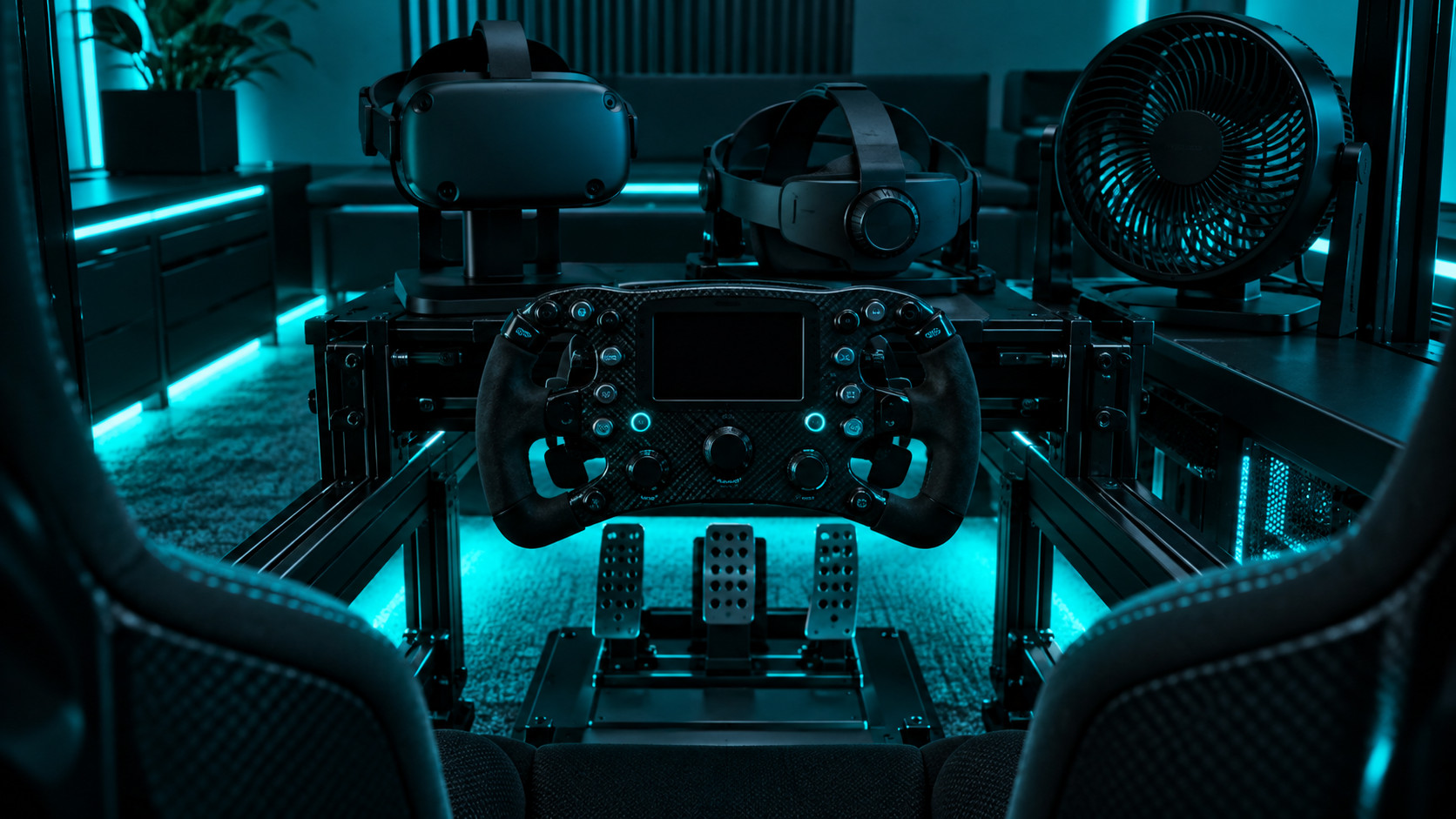
Two headsets meet that bar at a budget price, and they come from the same company. This guide runs them against each other on what a rig actually asks for, then places the two other names you will hear about, one with an OLED panel and one built for people who have already spent more on pedals than on a console.
The headset to buy for a rig if the budget stretches. Pancake lenses give an edge-to-edge sharp image with no sweet spot to hunt for, the higher-resolution panels turn distant braking boards into readable text, and it runs iRacing, ACC, and Automobilista through a Link cable like any PC headset.
- Pancake lenses stay sharp across the whole view, which matters when you glance at mirrors
- Highest per-eye resolution in the budget class for reading distant markers
- Works as a full PC VR headset over a single USB-C cable
- The most expensive pick here, and the 512GB storage is wasted on PC use
- The stock strap is not built for an hour in a bucket seat
- LCD blacks look grey on night races next to an OLED
The same chip, the same PC connection, and the same software as the Quest 3 for a lot less money. The compromises are the older Fresnel lenses and a lower-resolution panel, which cost you clarity at the edge of the view and at long range. For a first VR rig on a mid-range GPU it is the sensible starting point.
- Identical PC VR pipeline to the Quest 3, so every sim runs the same way
- Lower resolution is easier on a mid-range graphics card
- The largest review pool of any headset in this guide
- Fresnel lenses have a sweet spot, so mirrors and side windows go soft
- Distant text and braking boards are harder to read than on the Quest 3
- Same stock strap problem, so budget for a replacement
Picks and availability last verified: October 26, 2026
- Sim racing rewards clarity at distance more than any other VR use. Lens type and per-eye resolution decide whether you can read a braking board, and the Quest 3 wins both against the 3S.
- The Quest 3S runs every sim the Quest 3 does through the same cable and software. It gives up edge sharpness and long-range detail, which is the whole gap between the two.
- Use a wired Link cable on a rig, not Air Link. A seated driver does not need wireless, and a cable removes the frame-pacing stutter that ruins a stint.
- Replace the stock strap before your first long session. A rigid strap is the cheapest comfort upgrade in this entire hobby.
- PSVR2 brings OLED blacks and Pimax brings the sharpest image, but each carries a catch that keeps it off a budget podium.
Table of Contents
What a Sim Rig Asks of a Headset
Most VR buying advice is written for people who stand up, wave controllers, and move around a room. A sim racer does none of that. You sit in one place, your hands are on a wheel, and the headset’s only jobs are to show you the track clearly, stay comfortable while you do a stint, and keep the frame rate steady while a full grid funnels into the first corner. That narrows the field a lot, and it changes which specs matter.
Why the Best VR Headset for Sim Racing Is Judged at Distance
Room-scale VR happens at arm’s length, where any modern headset looks fine. Racing happens at two hundred meters. A braking board, a marshal post, a car three seconds up the road: these are small objects a long way off, and rendering them as readable shapes takes resolution per eye and a lens that stays sharp away from center. That is why the two picks here are separated by their lenses and panels rather than by their chips, which are identical. Our budget PC VR headset guide ranks the same two headsets for general use, and lands in the same place for a different reason.
A headset that is sharp at arm’s length and soft at the braking board is a headset for a different hobby.
Quest 3 vs Quest 3S for the Rig
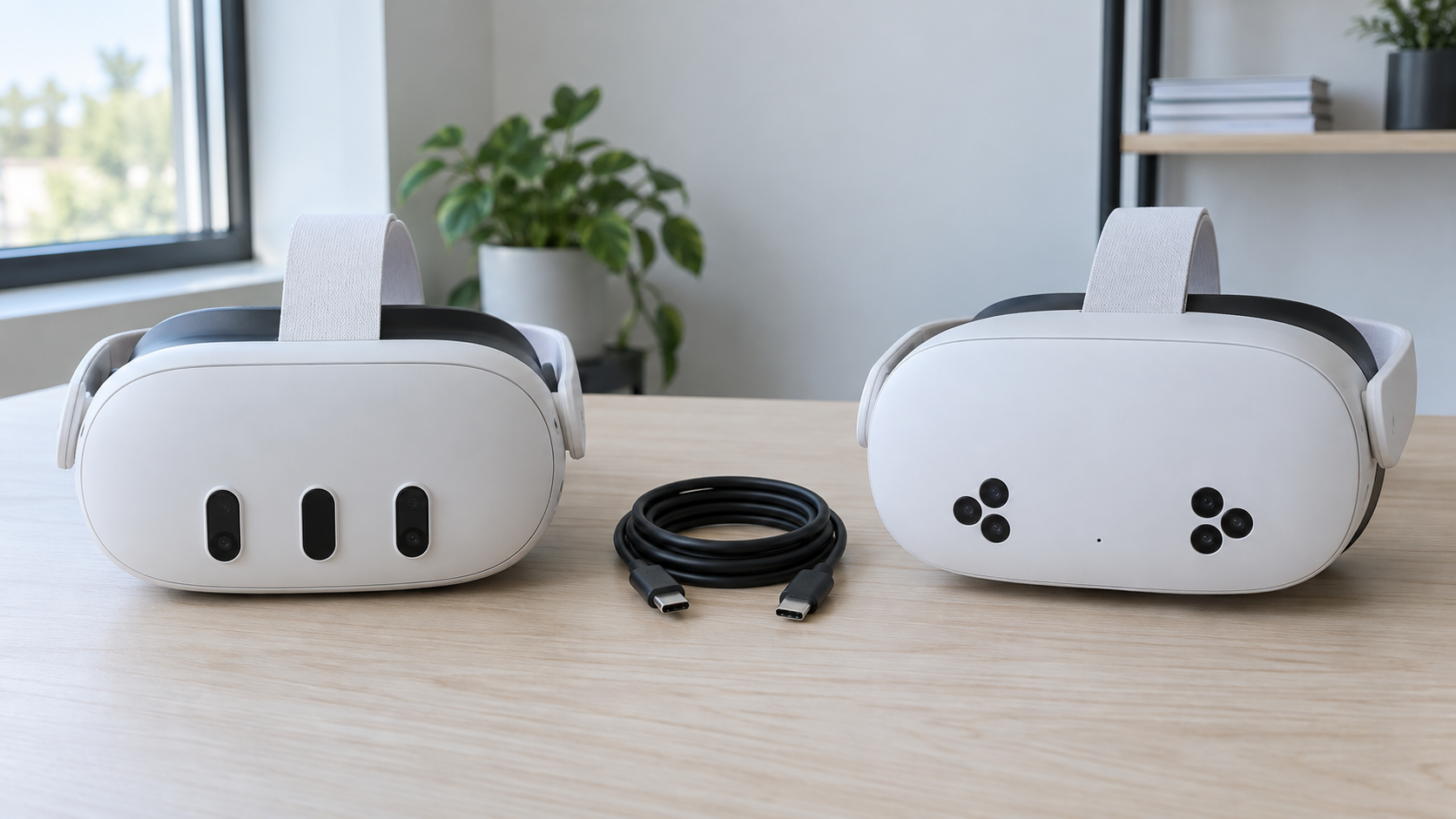
Both headsets run the same processor, the same software, and connect to a PC the same way. Everything that separates them for a sim racer lives in front of your eyes.
Meta Quest 3: The One to Buy If You Can
The Meta Quest 3 uses pancake lenses, a thin stacked optic that keeps the image sharp from the center of your view out to the edges. In a car that means the mirrors, the side windows, and a rival alongside you are all in focus without turning your head to look straight at them. Its panels put more pixels in front of each eye than the 3S, and the difference shows exactly where a racer looks: at the marker boards and the cars far ahead.
As a PC headset it is straightforward. One USB-C cable to the PC, the Meta Horizon Link app, and iRacing, Assetto Corsa Competizione, Automobilista 2, and the rest run through OpenXR like they would on any dedicated PC headset. The 512GB of storage is irrelevant on a rig, since the sims live on your PC, and you are paying for it anyway. The stock strap is the other weak spot, and it is shared with the 3S, so it gets its own section below.
Meta Quest 3S: The Same Pipeline for Less
The Meta Quest 3S is the Quest 3’s processor and PC connection in a cheaper shell. It runs every sim the Quest 3 runs, through the same cable and the same app, and on a mid-range graphics card its lower panel resolution is a quiet advantage: fewer pixels to render means a steadier frame rate when the grid gets busy.
The 3S does not run the sims worse. It shows you less of the track while it runs them.
What you give up is the lenses. The 3S uses Fresnel optics, the ridged type older headsets used, and they have a sweet spot in the center of the view with a softer ring around it. Looking straight ahead the image is fine. Glance at a mirror without turning your head and it goes soft. Combined with the lower resolution, distant boards and cars lose the detail that lets you read them early. For a first rig, or one running a graphics card near the bottom of the recommended range, that trade is worth making. For anyone who already races in flat-screen at a high level, the Quest 3’s extra clarity is the upgrade you will feel every lap.
Reading the Track
Three settings decide how much of the track a headset lets you read, and all three are yours to set once the headset is on.
Render resolution is the big one. Both headsets let the PC render above the panel’s native resolution and downsample, which sharpens distant detail more than any other setting, and it is also the setting that costs the most frames. Start at native, raise it until the frame rate drops below the refresh rate under a full grid, then back off one step.
Refresh rate comes second: 90Hz is the honest target for a mid-range card, and 120Hz only makes sense if the card can hold it in the worst corner of the worst track. A steady 90 beats a stuttering 120 every time. Field of view is the one to leave alone. Narrowing it buys frames but takes away the peripheral awareness that makes VR worth having in a race.
Both headsets have LCD panels, which means black is dark grey. On a daytime race you will never notice. On a night race at Le Mans or Spa, the sky glows a little and headlights bloom. It is the one place an OLED headset has a real edge, and it is why the PSVR2 gets a section of its own further down.
Comfort Over a Stint
A sim stint is thirty to ninety minutes with the headset on and your head still. That is a different comfort problem from a twenty-minute standing game, and the stock strap on both Quests fails it. The elastic band puts the headset’s weight on your cheeks and forehead, and by the half-hour mark a race becomes an exercise in ignoring pressure.
The fix costs less than a set of pedals. The KIWI design K4 head strap is a rigid halo strap that moves the weight to the crown of your head and adds a dial for fit. It is the most recommended accessory in seated VR for a reason, and it should be in the cart with whichever headset you pick. Pair it with a racing chair that holds your head position and you can run a full endurance stint without thinking about the hardware.
Nobody quits VR sim racing because of the graphics. They quit because of the strap.
Heat is the other stint problem. Both headsets warm up over an hour, and the face gasket traps it. A fabric or PU replacement facial interface breathes better than the stock foam, and a small desk fan aimed at the rig does more for motion sickness and comfort than any setting in the software. If the rig itself is still a desk and a rolling chair, our sim racing cockpit guide covers the frames that pair well with a headset.
The Tether and the PC Behind It
Both Quests can reach a PC wirelessly over Air Link, and both should be wired on a rig. You are not moving, so the freedom wireless buys is worth nothing, and the cost of wireless is compression and frame pacing: a busy first lap through a Wi-Fi link produces exactly the stutter that makes people feel ill in a car. A USB-C Link cable removes the variable. iRacing’s own VR requirements say the same thing: wired over wireless, and OpenXR as the display mode.
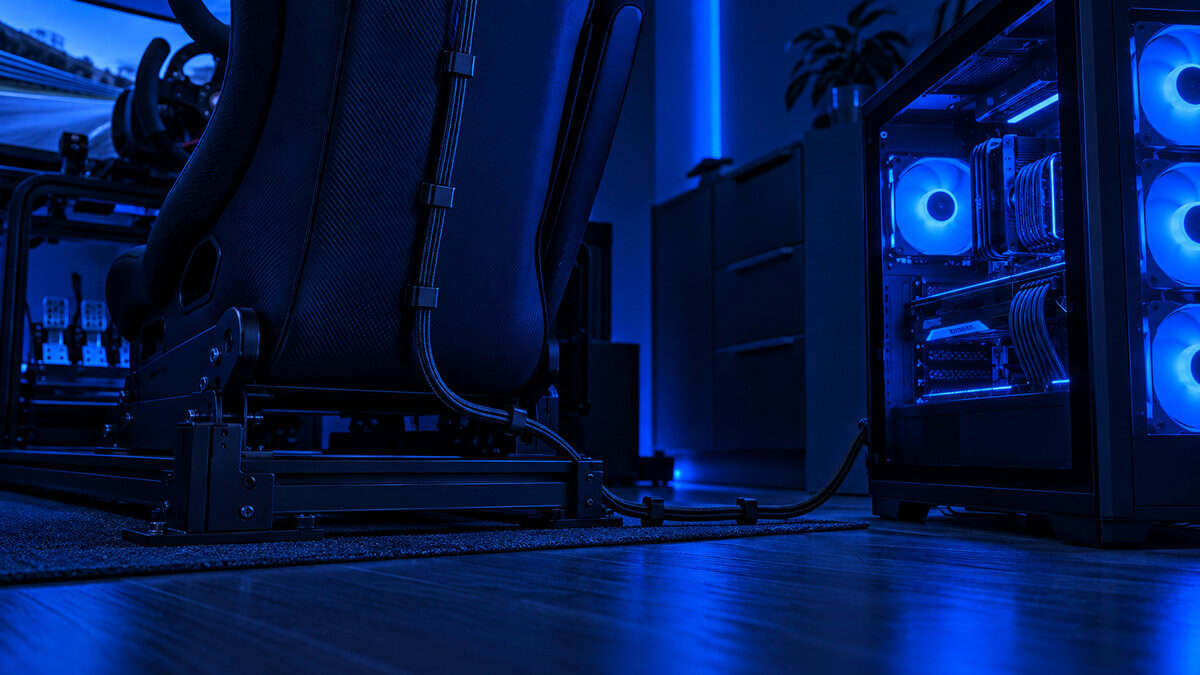
Meta’s official cable is expensive for what it is. The UGREEN right-angle VR Link cable is a 5Gbps USB-C cable long enough to reach a rig from a tower on the floor, with an angled connector that does not lever against the headset when you turn your head. Route it up the back of the seat and over the top of the strap so it never lands in your lap with the wheel.
The PC matters more than the headset. Meta’s PC requirements for Horizon Link put the floor at an older mid-range card, and that floor is for standing games at native resolution. A sim at 90Hz with a full grid and the render scale turned up wants more. If your card sits in the mid-range class, the mid-range GPU guide covers which ones hold VR frame rates, and the 3S’s lower resolution is the headset that meets them halfway.
The Two You Will Hear About
Ask a sim racing forum and two other names come up every time. Both are real options. Neither is a budget pick, and each carries a catch worth knowing before the price tempts you.
PlayStation VR2: OLED Blacks With a Catch
The PlayStation VR2 has the one thing neither Quest offers: OLED panels with true black and a resolution close to the Quest 3’s. On a night race it is the best-looking headset in this price range, and on a PS5 it is the native home of Gran Turismo 7 in VR. The catch is the PC.
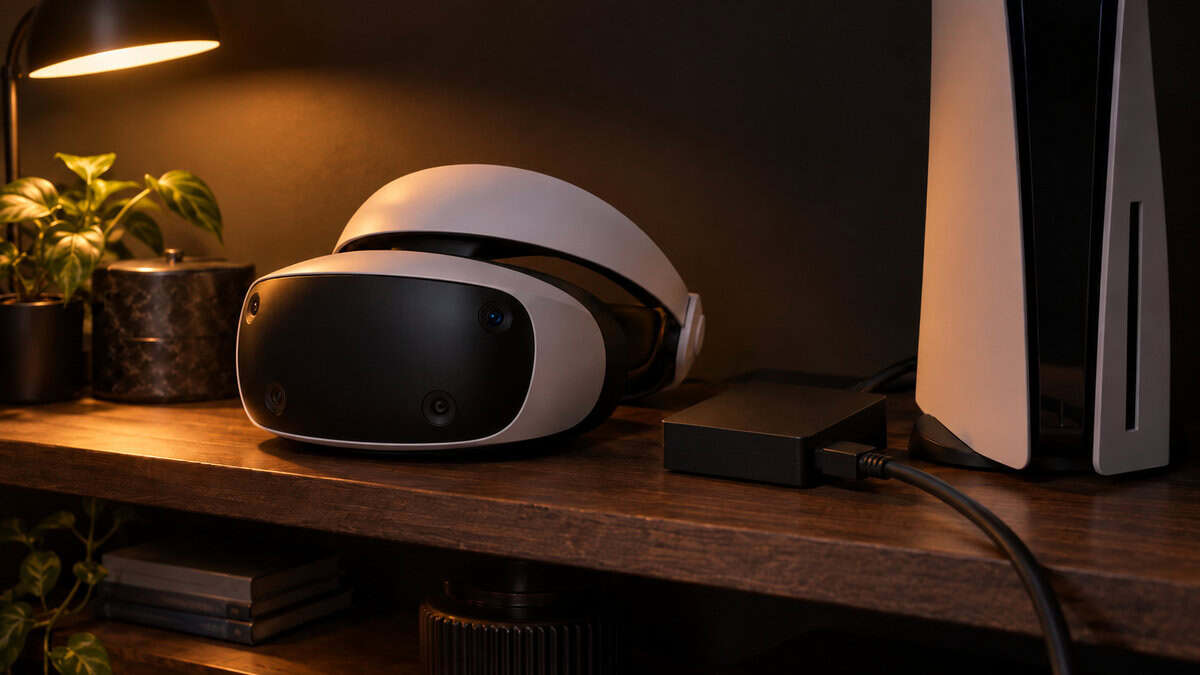
Running it on a sim PC needs Sony’s separate PC adapter, a DisplayPort 1.4 output, and Bluetooth for the controllers, and on PC it loses the eye tracking, HDR, and headset haptics that make it special on the console. It also uses Fresnel lenses with a noticeable sweet spot. If you race Gran Turismo on a PS5 it is the obvious choice. As a PC sim headset it is a project.
Pimax Crystal Light: The Enthusiast Tier
The Pimax Crystal Light is what serious sim racers move to once the rig is worth more than the PC. Its per-eye resolution is far beyond either Quest, it connects over DisplayPort with no compression at all, and its local-dimming backlight gets closer to OLED blacks than any other LCD headset. The catches are the price, which is roughly the Quest 3 and the 3S together, a graphics card requirement that starts where the mid-range ends, and a support track record that is thinner than Meta’s. It belongs in this article so you know where the ladder goes. It does not belong on a budget podium.
Before spending on either, look at the rest of the rig. A headset upgrade shows on screen, but a wheel with real force feedback and a load-cell brake change how you drive, and our steering wheel guide and sim racing pedals guide both land well under the price of a Pimax.
Side by Side
The two picks on one line each. The lens row is the whole decision.
| Pick | Per-eye resolution | Lenses | Refresh | PC connection | Best for |
|---|---|---|---|---|---|
| Meta Quest 3 | 2064 x 2208 | Pancake | 90Hz and 120Hz | Link cable or Air Link | Anyone who can stretch to it, and any card above mid-range |
| Meta Quest 3S | 1832 x 1920 | Fresnel | 90Hz and 120Hz | Link cable or Air Link | A first VR rig on a mid-range card |
Frequently Asked Questions
The questions that come up most when adding a headset to a sim rig.
Is the Quest 3 or Quest 3S better for sim racing?
The Quest 3, if the budget allows. Its pancake lenses stay sharp across the whole view and its higher-resolution panels make distant braking boards and cars readable sooner. The Quest 3S runs every sim through the same cable and software, and its lower resolution is easier on a mid-range graphics card, but the Fresnel lenses soften the mirrors and the edges of the view.
Should I use a Link cable or Air Link for sim racing?
A Link cable. You are seated and not moving, so wireless buys nothing, and the compression and frame-pacing variation of a Wi-Fi link is exactly what causes stutter and motion sickness in a car. iRacing’s own VR guidance recommends a wired connection and OpenXR as the display mode.
Does the PSVR2 work for PC sim racing?
Yes, with Sony’s PC adapter, a DisplayPort 1.4 output, and Bluetooth for the controllers. On PC it loses eye tracking, HDR, and headset haptics, and its Fresnel lenses have a sweet spot. Its OLED panels make it the best-looking headset for night races, and it is the native choice for Gran Turismo 7 on a PS5, but as a PC sim headset it is more of a project than either Quest.
What PC do I need for VR sim racing?
More than Meta’s minimum, which is written for standing games at native resolution. A sim at 90Hz with a full grid and the render scale raised wants a graphics card from the upper mid-range or better. If your card is closer to the floor, the Quest 3S’s lower resolution is the headset that meets it halfway.
How do I stop motion sickness in VR sim racing?
Hold a steady frame rate first: wired connection, 90Hz, and a render resolution the card can sustain in the busiest corner. Then keep the headset cool with a breathable facial interface and a desk fan, replace the stock strap with a rigid one, and keep early sessions short. Seated racing is one of the gentler VR experiences once the frame rate is stable.
Looking for more budget gaming gear? Check out Budget Loadout for the latest reviews and recommendations.
Related Articles