A complete gaming setup in 2026 typically costs $2,000–$2,500 for a solid baseline, and the PC tower is only about two-thirds of that total. So how much does a gaming setup cost once nothing is left off the list? If you’ve been staring at a cart that looks “cheap” until the monitor, keyboard, mouse, chair, and desk get added, that’s the bill.

Many walk in thinking they’re budgeting for a tower. Then the full total lands, and the setup price is suddenly higher than expected because the tower is only one piece of the system.
- The tower is only part of the bill: plan a few hundred dollars beyond it for a display and peripherals before you call a build affordable
- Entry-level lands near the bottom of four figures for a complete 1080p setup, mid-range roughly doubles it for 1440p, and high-end runs open-ended
- Resolution drives cost twice over, once in the monitor and again in the GPU needed to feed it, so pick the target resolution before the parts
- Spend first on the monitor, then the mouse and headset, since those three are what you touch and look at every session
- The cheapest option is rarely the best value: a shorter lifespan and an early replacement usually cost more than buying once at the right tier
Table of Contents
The Real Price Tag Behind a Complete Gaming Setup
You add a decent monitor, a keyboard, a mouse, a headset, and some basic furniture, then wonder why a “budget” build no longer feels budget-friendly. That’s the trap, and it’s why asking how much does a gaming setup cost is really asking how much the whole station costs, not just the PC.
A practical baseline for a budget gaming setup now sits around $2,000–$2,500 for the full system, while budget PC towers themselves land around $700–$1,100 according to a 2025 cost breakdown. The same source puts many gamers into a mid-range tower around $1,500, especially for strong 1440p performance, which makes the gap between “PC price” and “setup price” hard to ignore. In plain terms, the setup often runs 2 to 3 times the tower-only budget because the rest of the gear isn’t optional if you want a functional desk.
Practical rule: treat the tower as the engine, not the whole car.
A common first-time mistake is buying the PC first and assuming the rest can be filled in later with whatever’s cheapest. That works until you’re using a dim display, a stiff chair, and a mouse that feels awful in FPS games. If you want a sane starting point for beginners, the right order matters, and a practical intro build guide like this beginner gaming setup roadmap is a better mental model than chasing the lowest tower sticker price.
The lesson is simple. A gaming setup is a system. If the display, input devices, and furniture drag the experience down, the PC’s raw power won’t save it.
Gaming Setup Cost by Budget Tier
The market splits cleanly into three spending bands, and that’s the most useful way to think about how much a gaming setup costs. Trying to pin everything to one average just hides the trade-offs, especially when the target moves from esports to AAA games to higher-refresh competitive play.
Entry-level
A technically realistic entry-level gaming setup for 1080p play usually lands around $500–$800 for the PC alone, and a complete first setup is commonly quoted at $700–$900 once you include the monitor, keyboard, mouse, headset, desk, and chair. That level works for FPS games, lighter MMOs, and older titles, especially if you care more about smooth play than max settings. For buyers who want a lean starting point, a lower-cost build guide such as this sub-$500 PC reference can help frame what “cheap” really means before peripherals are added.
Mid-range
Mid-range is where most serious gamers should aim. A solid tower commonly sits around $1,200–$2,200, and a full setup often lands in the $1,500–$2,500 range or higher once the display and accessories are included. This is the tier that makes sense for 1440p, stronger AAA performance, and a mix of gaming plus streaming or MMO multitasking. If you would rather buy the tower complete than assemble one, our gaming PC under $1,000 picks cover this exact tier.
High-end
High-end builds are for people who know they want them. If you would rather buy than build at this level, our prebuilt gaming PC picks cover the range. Tower-only budgets commonly climb to $2,500–$5,000+, and full setups can push well beyond that once premium monitors and ergonomic extras get involved. These systems are aimed at 4K, ultra-high refresh 1440p, and people who want headroom for streaming, content creation, and demanding new releases without compromise.
| Tier | Tower Cost | Full Setup Cost | Target Resolution |
|---|---|---|---|
| Entry-level | $500–$800 | $700–$900 | 1080p |
| Mid-range | $1,200–$2,200 | $1,500–$2,500+ | 1440p |
| High-end | $2,500–$5,000+ | $3,000–$6,500 | 1440p high refresh, 4K |
The useful takeaway is blunt. If your goal is competitive play, entry-level can be enough. If you want a setup that still feels current a few years from now, mid-range is the sane buy.
How Resolution and Refresh Rate Change Your Budget
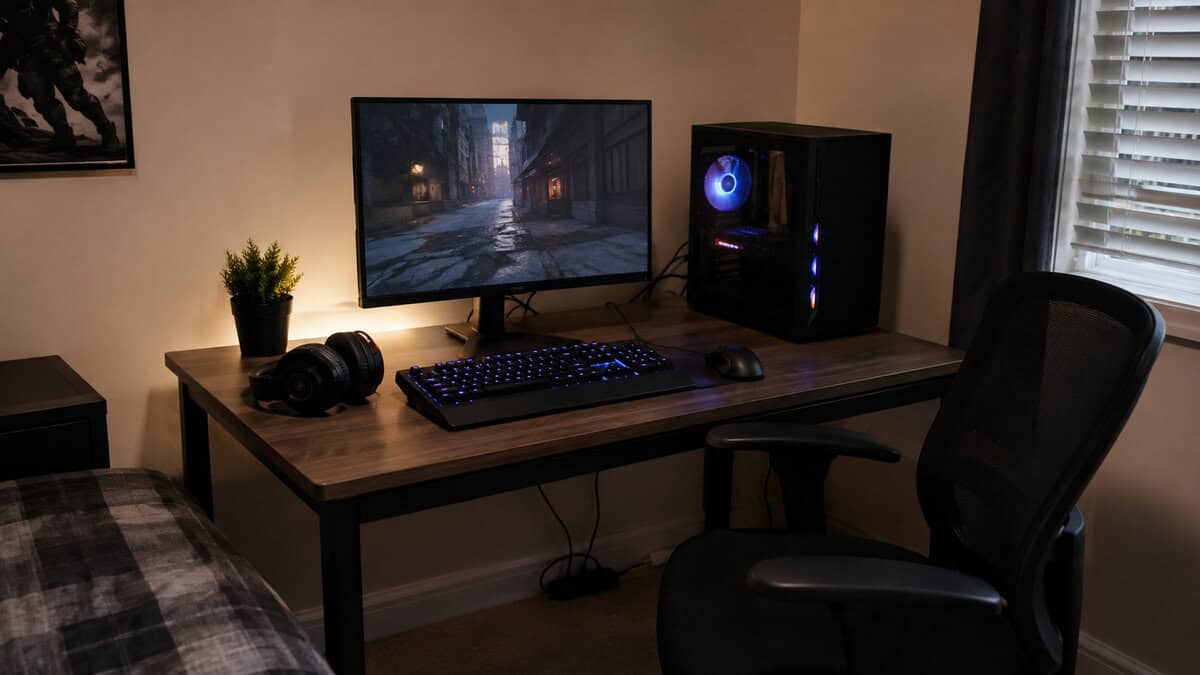
Resolution is the biggest cost driver in a gaming setup, and it hits you twice, first in the monitor, then in the GPU needed to feed it. That’s why a 1080p cart can look manageable while a 1440p or 4K cart quickly starts to feel like a different class of purchase.
What changes at each target
A 1080p setup is still the cheapest route into PC gaming, and a complete first machine generally lands in the $700 to $1,000 window once a display and peripherals are counted. Our sub-$500 PC build shows how far the tower alone stretches at the very bottom of that range. Steam’s own hardware survey still shows 1080p as the most common display among PC gamers by a wide margin, so this is the mainstream tier rather than a compromise. That’s where FPS players usually start if they want the most frames for the least cash. The trade-off is obvious: the screen is easier to drive, but the image and long-term headroom are both lower.
A 1440p setup is the sweet spot for value-minded buyers who don’t want a bare-minimum machine. A mid-tier 1440p build generally runs $1,400 to $2,000, and a solid 1440p setup commonly sits around $1,200–$1,800 or higher. A neutral pricing guide also puts a complete 1440p gaming setup at roughly $1,500 to $2,000 all in, with a quality 1440p high-refresh monitor at $250 to $400. That’s the price range where you can justify stronger visuals without overspending on 4K.
A 4K build is where costs jump hard. One 2026 breakdown places enthusiast 4K systems at $2,650 to $4,250, and another guide puts 4K-targeting budgets at $1,300 to $2,000+ for ultra-high-refresh 1440p or 4K depending on the workload. The reason is the same every time: the GPU bill rises fast, and the monitor doesn’t get cheap either. If you’re weighing the jump, this 1440p vs 4K breakdown is the right place to compare what you’re paying for.
A sharper monitor only matters if the rest of the system can keep up. Don’t buy a display your GPU will struggle to feed.
Refresh rate matters too. A 144Hz panel costs more than a plain 60Hz screen, but for FPS gaming the smoother motion is worth it long-term. For slower games or casual play, that premium can wait. For competitive shooters, it shouldn’t.
Peripheral and Furniture Costs Most Guides Ignore
The tower gets the attention, but the full setup is what decides whether the space works day to day. Skip peripherals and furniture, and you wind up with a strong PC parked on a bad workstation.
Budgeting this part is simple if you separate comfort from performance. The tower swallows the clear majority of a core setup, the monitor is the next largest line by some distance, and the keyboard, mouse and headset together account for a much smaller slice than most first-time buyers expect. The practical rule: plan a few hundred dollars beyond the tower price for a display and peripherals. Those extra costs are why a cheap build often stops being cheap fast.
What deserves money first
Start with the monitor. It affects every game, whether you’re in an FPS, an MMO, or a streaming session where chat stays open on the side. After that, buy a mouse that feels precise in hand and a headset that handles voice clearly, because those two pieces get used constantly. A solid budget keyboard and a chair you can sit in for hours round out the list. For the desk itself, a dedicated gaming desk can keep the whole setup cleaner and give you more usable space, and our gaming desk guide breaks down what to look for.
Where cheap usually backfires
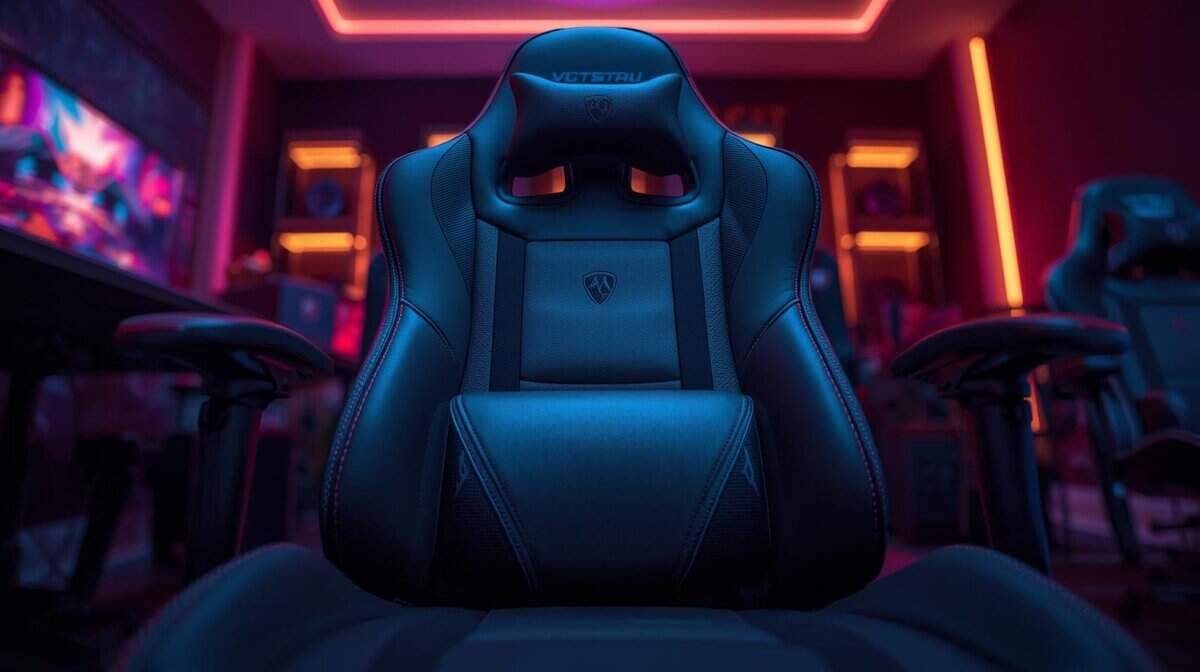
The cheapest keyboard on the shelf is usually the first regret. If it flexes, rattles, or fails early, it stops being a bargain. Chairs can go the same way. A seat that looks fine on day one can feel wrong very quickly, and once your back starts fighting the setup, the whole rig feels worse.
Spend on the parts your body touches all the time. Hands, wrists, back, and eyes deserve a better share of the budget. Then save on the cosmetic extras that do not change how the setup feels every night. If the desk and chair are solid, the entire room feels more expensive even when the tower itself is plain.
Streaming and Console Add-Ons That Shift the Total
Not every setup is a pure PC build, and that’s where costs creep up again. Streaming gear, console accessories, and network upgrades can turn a decent build into a much larger project.
For streaming, the add-ons stack fast. A capture card, webcam, microphone, and lighting don’t have to be premium, but they do have to be usable. If you’re recording FPS matches, hosting MMO sessions, or trying to go live with voice and video, those extras matter more than flashy case parts. A beginner-focused streaming setup guide is a smart starting point if you want to see how fast the budget expands once content creation enters the picture.
Console players face a different version of the same problem. Extra controllers, charging docks, headset upgrades, and storage add to the total even if the base console price looked manageable. Ongoing costs matter too, especially game subscriptions and internet quality, because a weak connection makes any gaming or streaming setup feel worse than it should.
Mobile and wireless play have their own demands, especially if you want stable performance across a shared home network. Our gaming router guide is worth a look if your setup depends on solid wireless coverage rather than a simple desk-and-cable layout.
The clean takeaway is this. Streaming and console use both push you beyond the tower budget faster than people expect. If either of those is part of your plan, don’t pretend the base hardware is the full cost.
Why the Cheapest Option Is Rarely the Best Value
Budget-conscious doesn’t mean buying the absolute cheapest part in every slot. It means buying hardware that won’t fail early, frustrate you daily, or block your next upgrade.
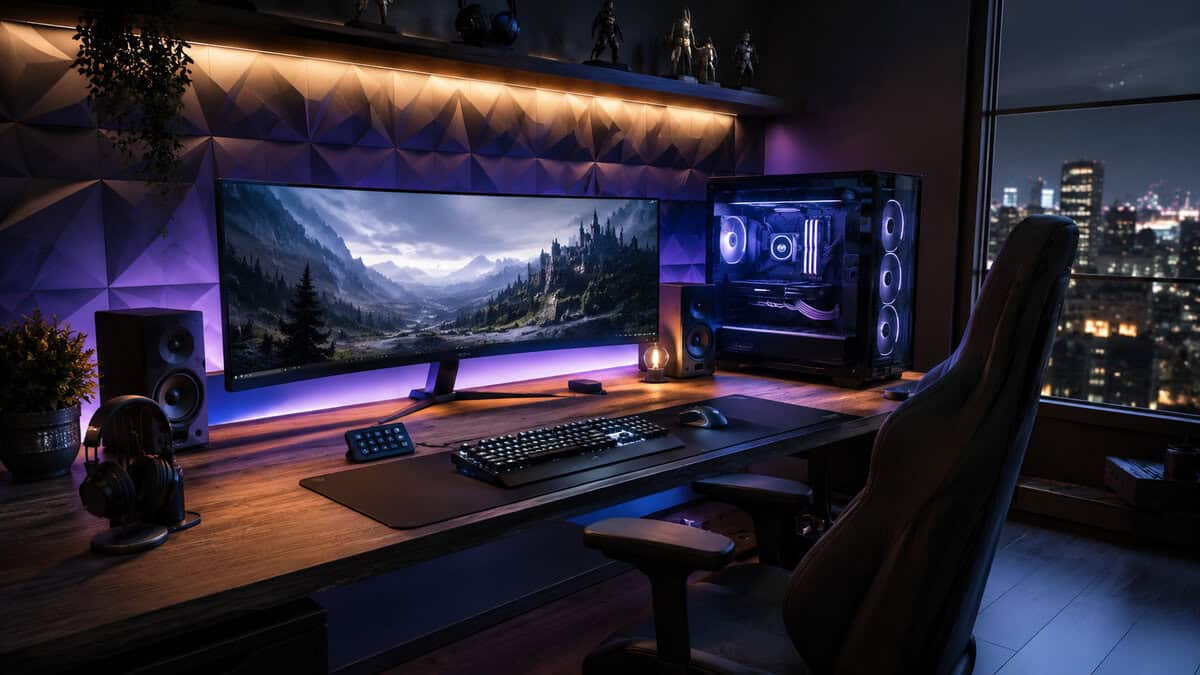
A slightly better power supply, a sturdier chair, or a keyboard built with replacement parts in mind can easily make more sense than the rock-bottom option. The point is durability. If a cheap peripheral starts failing or feels bad to use, you pay twice, once in the original purchase and again in the replacement.
Buy for the lifespan, not just the checkout screen
For FPS gaming, a mouse that tracks cleanly matters every session. For MMOs, a comfortable board and reliable switches matter because you’re pressing them constantly. For streaming, you need gear that stays stable through long sessions, not just gear that looks good in the box.
Upgrade paths matter just as much. A case with sensible airflow, a chair that won’t sag immediately, or a keyboard with hot-swappable switches can keep paying off long after the initial purchase. Spending a bit more upfront is often smarter than rebuilding the same category two years later.
Practical rule: if a cheaper part will annoy you every day, it isn’t cheaper.
The best value is performance per dollar over time. That’s the standard that matters, not the lowest receipt total.
A Practical Upgrade Path for Growing Budgets
If you can’t buy the whole setup at once, that’s normal. The mistake is buying random pieces out of order and ending up with a lopsided system that feels unfinished.
Start with the parts that change the experience most. A better monitor comes first if you’re coming from a bad screen, because every game benefits from that improvement. After that, tighten up the mouse and keyboard, then make sure the chair and desk are stable enough for long sessions.
- Monitor first. This is the most visible quality-of-life gain, especially if you’re moving up from a low-quality panel.
- Input devices next. A mouse and keyboard that fit your hands improve FPS aim, MMO comfort, and daily use.
- Chair and desk after that. Build quality and durability matter here because discomfort compounds fast.
- GPU upgrades last, unless your current card is the clear bottleneck. If your screen and controls are already decent, then a stronger GPU gives the biggest performance jump.
- CPU later. Most budget-minded players don’t need to rush this unless their game list is especially demanding or they’re streaming heavily.
The used market can make sense for a monitor or a previous-generation GPU if the price is right, but buy the core comfort pieces new when you can. Timing matters too. Previous-generation hardware usually becomes the value play when newer parts land, and that’s when patient buyers get the best deal without buying junk.
If the whole budget has to cover a portable machine, see our guide to the cheapest gaming laptops worth buying.
Frequently Asked Questions
The questions that come up most often when people start pricing a build.
How much does a gaming setup cost for a complete beginner?
A complete first setup, meaning tower, monitor, keyboard, mouse and headset, generally lands in the $700 to $1,000 window at 1080p. The tower itself is the largest single line, but the display and peripherals add several hundred dollars that first-time buyers routinely forget until checkout.
Is the PC tower really most of the cost?
It is the clear majority of a core setup, but not all of it. The monitor is the next largest line by some distance, and the keyboard, mouse and headset together take a much smaller slice than most people expect. A useful habit is to price the tower, then add a few hundred dollars before deciding whether the total is affordable.
Does 1440p or 4K actually cost that much more?
Yes, because resolution charges you twice. You pay more for the panel itself, then again for the graphics card needed to drive it at a playable frame rate. That is why a 1080p cart can look manageable while the same build at 1440p or 4K moves into a different class of purchase entirely.
What should I spend money on first?
The monitor, because it affects every game and every hour you spend at the desk. After that, the mouse and headset, since those are the parts you are physically holding and listening to constantly. Storage, lighting and desk upgrades can wait without hurting the experience much.
Is it cheaper to build a PC or buy a prebuilt?
Building can save money at the mid and high tiers where component choice matters most, but the gap has narrowed and prebuilts often win at the very bottom of the market thanks to bulk pricing on parts. Factor in your own time and comfort with the process, because a build that goes wrong is not cheap in any sense.
If you want a setup that fits your game type, room, and budget without wasting money on weak parts, keep using Budget Loadout as your reference point. It’s built for people who care about value, durability, and real-world performance, not just the cheapest sticker price.
Related Articles