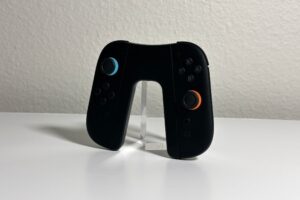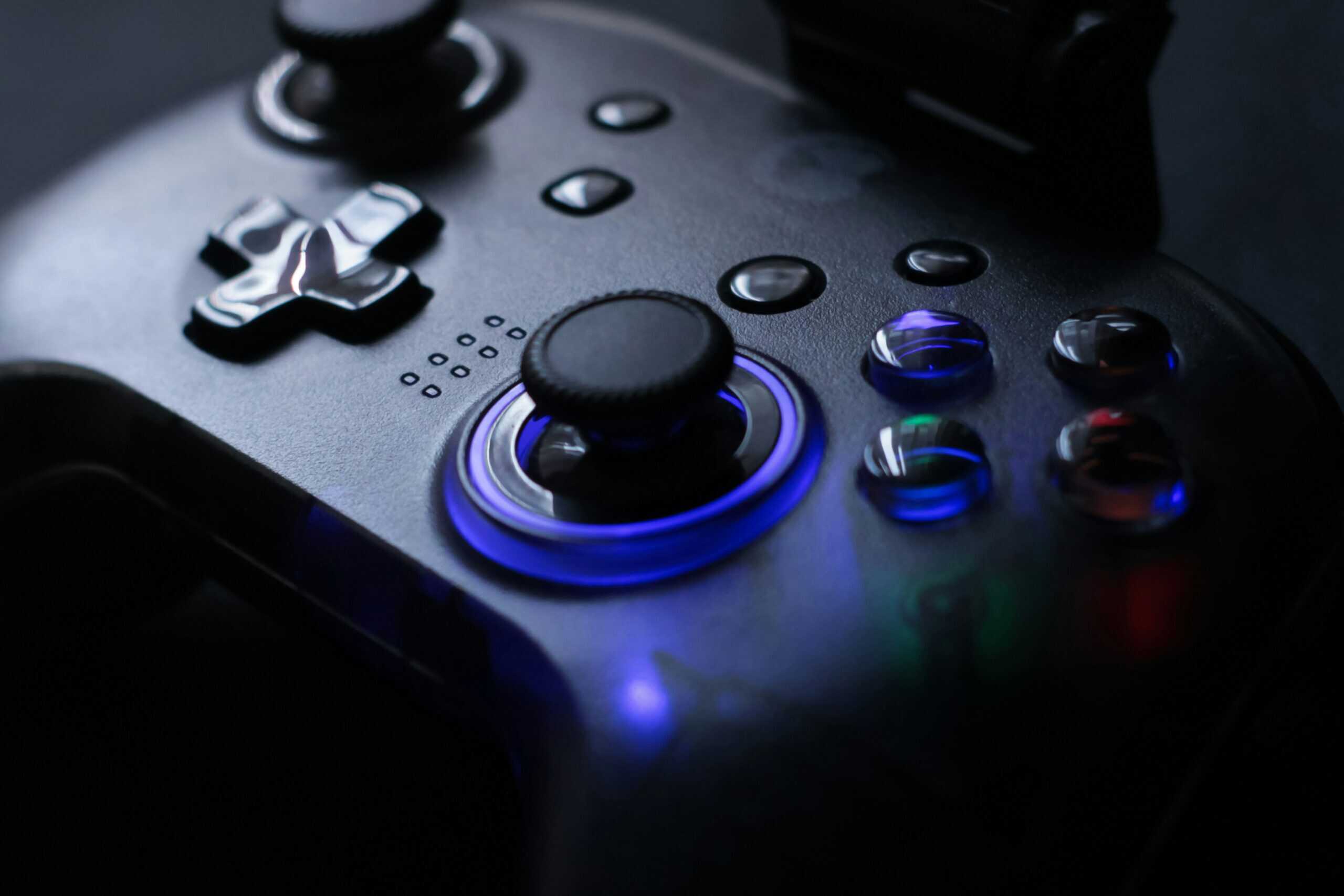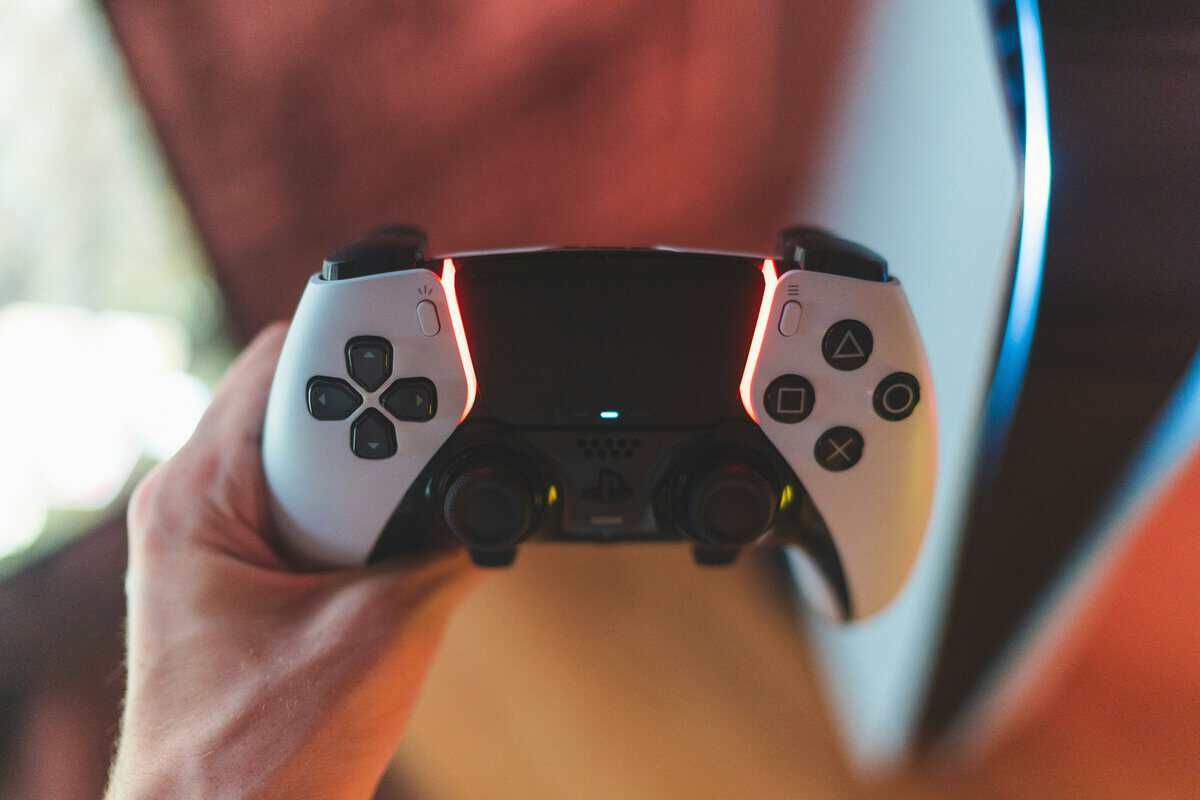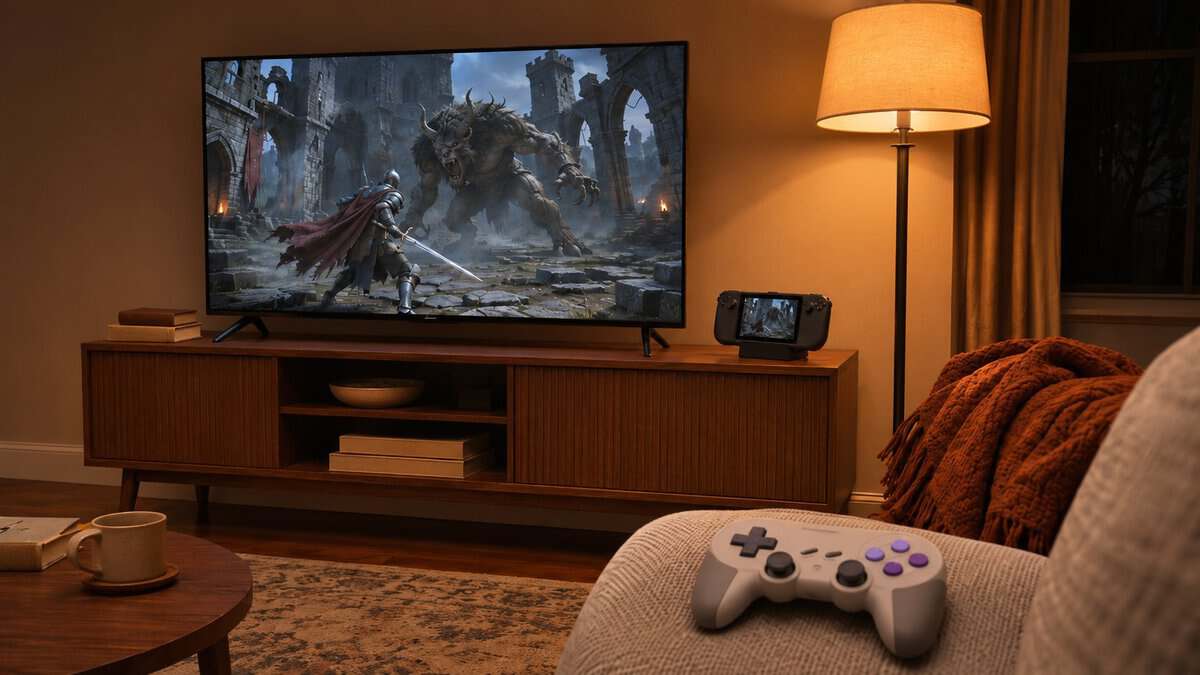

A Steam Deck already has two trackpads, four back buttons and a gyro built in, which means a cheap gamepad can feel like a step down from the handheld it’s paired with. The best controller for Steam Deck play on a TV or monitor keeps as much of that as it can, which is why the 8BitDo Pro 3 is our top pick. It pairs straight to the Deck over Bluetooth and still gives you a gyro and extra buttons to map.
A controller’s connection type matters more on a Steam Deck than on a PC. Some controllers ship with a wireless dongle that the maker doesn’t support on SteamOS so check the maker’s connection table before you buy. We picked three controllers for a docked Steam Deck and checked how each one connects to SteamOS on the maker’s own pages.
8BitDo lists SteamOS by name for the Pro 3, which connects over Bluetooth so it needs no dock port. It adds back paddles, gyro and magnetic face buttons that swap between Switch and Xbox layouts.
- 8BitDo lists SteamOS support with Bluetooth and wired modes
- Magnetic ABXY buttons swap between Switch and Xbox layouts
- Charging dock comes in the box
- Its 2.4GHz adapter is for Windows and Switch so it stays unused on a Deck
- Needs SteamOS 3.7.13 or newer
- The retro shape may feel small compared to an Xbox-style pad
The GameSir Cyclone 2 is the most affordable of our three picks and has micro-switch face buttons plus a charging dock that also stores its dongle. PCGamesN paired it to a Steam Deck over Bluetooth, though GameSir lists Steam support without naming SteamOS.
- Costs less than the other two picks
- Charging dock stores the dongle when it isn’t plugged in
- Micro-switch face buttons give a short, sharp click
- GameSir doesn’t name SteamOS in its platform list
- Two back buttons compared to the Pro 3’s four extra buttons
- Its 860mAh battery is smaller than the Pro 3’s
The DualSense brings a touch pad that Steam Input can use as a mouse, along with motion controls for gyro aiming. It suits games built around the Deck’s trackpads and anyone used to a PlayStation layout.
- Touch pad works as a mouse surface in Steam Input
- Motion sensor supports gyro aiming
- 3.5mm jack and built-in mic for voice chat
- No back buttons to map
- Sony says haptics and adaptive triggers may need a USB connection
- Charges by cable with no cable or dock in the box
- Bluetooth is the safest way to connect a controller to a Steam Deck because it needs no dock port or adapter.
- A 2.4GHz dongle only helps if the maker supports SteamOS in that mode. Check the maker’s connection table before you count on it.
- Steam Input can map gyro aiming and a touch pad. Back buttons are usually assigned in the maker’s own remapping first so Steam Input picks up whatever you set.
- Sony says some DualSense features like haptics and adaptive triggers may need a USB cable.
- A controller with a charging dock is easier to keep topped up next to a TV than one that charges by cable.
Table of Contents
How a Controller Connects to a Steam Deck
A controller can reach a Steam Deck three ways. Bluetooth pairs straight to the handheld, a 2.4GHz dongle plugs into a USB port and a cable runs through the dock or the Deck’s own USB-C port. Each one works differently on SteamOS and the box doesn’t always say which ones work on a Deck.
Valve’s Steam Deck docking help page covers connecting the Deck to a TV or monitor and has a section on fixing Bluetooth controller problems. If you still need a dock, our best Steam Deck dock guide covers docks with spare USB ports for a dongle or a cable.
Bluetooth Pairs Straight to the Deck
Bluetooth pairs a controller straight to the Steam Deck with no adapter and no free USB port, which matters on a Deck that has only one USB-C port of its own. It’s the connection we built this guide around and all three of our picks connect to a Steam Deck over Bluetooth. If the controller ever stutters at couch distance, keep the docked Deck out of a closed cabinet since wood or metal between them can weaken the signal.
A 2.4GHz Dongle Needs a Dock Port and SteamOS Support
A 2.4GHz dongle only helps if the maker supports it on SteamOS. 8BitDo’s own connection table lists SteamOS under Bluetooth and wired for the Pro 3, while its 2.4G adapter is meant for Windows and Switch. 8BitDo lists the 8BitDo Ultimate 2C for Windows and Android only, which is why it isn’t one of our picks despite showing up in other guides.
GameSir’s Cyclone 2 comes with a dongle too, but GameSir lists Steam support without naming SteamOS. PCGamesN paired it to a Deck over Bluetooth so plan on Bluetooth and treat the dongle as a bonus for a Windows PC.
Playing Wired Through the Dock
A USB cable is the simplest fallback when Bluetooth acts up. Plug the controller into a spare port on the dock and SteamOS treats it as wired. That’s also how you’ll charge the DualSense, which has no dock of its own. A cable ties you to the dock so wired play suits a desk better than a couch.
Controller Picks for a Docked Steam Deck
Our three picks for a docked Steam Deck are the 8BitDo Pro 3 for a TV across the room, the GameSir Cyclone 2 for a desk with a charging spot and the Sony DualSense for games built around trackpads and gyro.
8BitDo Pro 3
The 8BitDo Pro 3 is our pick for a docked Steam Deck because 8BitDo lists SteamOS support by name and the Pro 3 connects to it over Bluetooth or a cable. That makes it the most predictable of our three picks on a Deck. 8BitDo asks for SteamOS 3.7.13 or newer so update the Deck before you pair it.
The 8BitDo Pro 3 is the one pick here whose maker lists SteamOS by name.
It carries two back paddles plus extra L4 and R4 bumpers, the most extra buttons of our three picks. 8BitDo lists the paddles and bumpers as remappable with custom profiles in its Ultimate Software. 8BitDo also lists 6-axis motion control for Switch and Steam, TMR joysticks and a trigger switch that flips between linear Hall effect and tactile triggers.
The face buttons are magnetic and swap between Switch and Xbox layouts with the included button puller. A charging dock comes in the box. The 2.4G adapter in the box stays unused on a Deck since 8BitDo supports it on Windows and Switch only.
GameSir Cyclone 2
The GameSir Cyclone 2 is the most affordable of our picks, though GameSir lists Steam support without naming SteamOS. PCGamesN paired it to a Steam Deck over Bluetooth and Best Buy’s listing names the Steam Deck. Expect Bluetooth to be the mode that works on a Deck.
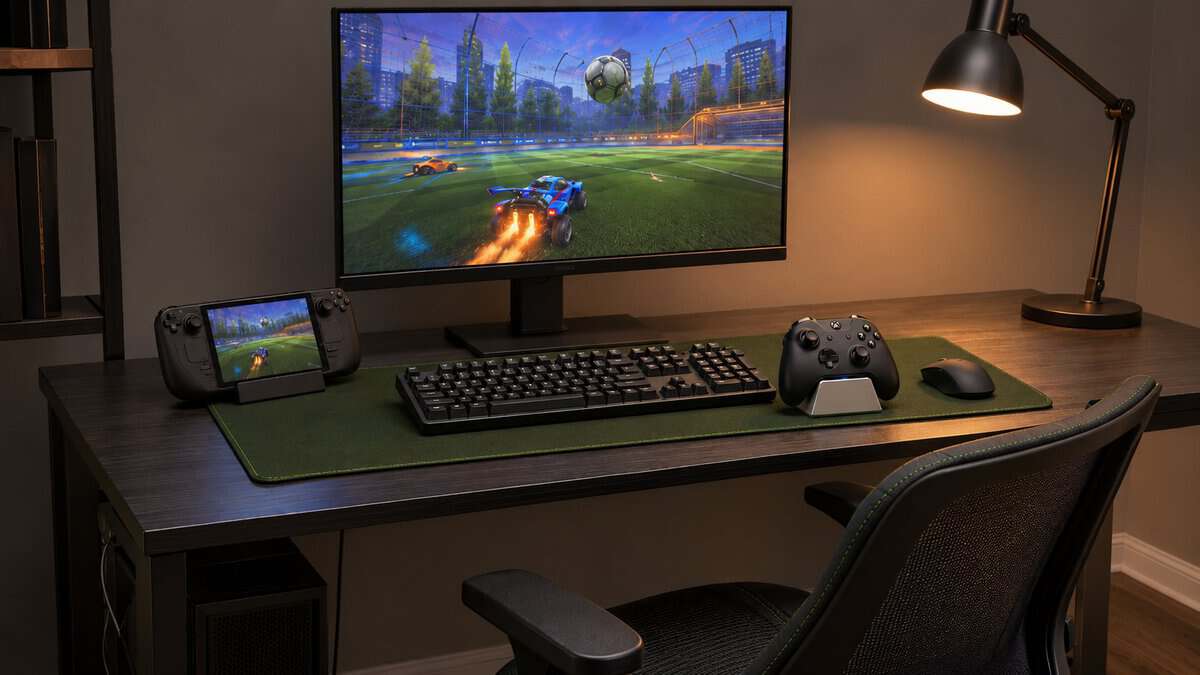
The GameSir Cyclone 2 brings a charging dock and micro-switch face buttons at the lowest cost here.
Its aluminum charging dock also holds the 2.4GHz dongle when it isn’t plugged in. GameSir fits TMR sticks, micro-switch ABXY buttons with a short, sharp click and triggers that switch between Hall effect and micro-switch modes. GameSir’s manual lists two back buttons and the spec sheet lists a 6-axis gyroscope and an 860mAh battery. If the Cyclone 2 will also serve a gaming PC, our budget gaming controllers for PC guide covers how it stacks up on Windows, where GameSir lists 1000Hz polling over its dongle.
Sony DualSense
The Sony DualSense Wireless Controller is our pick for games built around the Deck’s trackpads because it has a touch pad and a motion sensor that Steam Input can read. It has no back buttons so anything you mapped to the Deck’s rear buttons has to move to a face button or the touch pad.
The DualSense touch pad gives Steam Input a mouse surface that the other two picks don’t have.
Sony lists Bluetooth or USB-C for a PC and adds a footnote that haptic feedback and adaptive triggers may need a USB connection. The built-in mic, mute button and 3.5mm headset jack are extras the other two picks don’t have.
Here’s how the three controllers compare on connection, motion control, extra buttons, battery and box contents.
| Controller | Connection on a Steam Deck | Motion Control | Extra Buttons | Battery | In the Box |
|---|---|---|---|---|---|
| 8BitDo Pro 3 | Bluetooth or wired | 6-axis | 2 back paddles plus L4 and R4 | 1000mAh | Charging dock, 2.4G adapter, cable |
| GameSir Cyclone 2 | Bluetooth (per PCGamesN) | 6-axis gyroscope | 2 back buttons | 860mAh | Charging dock, dongle, cable |
| Sony DualSense | Bluetooth or USB-C | Motion sensor | None, plus a touch pad | Not listed by Sony | Controller only (no cable) |
Gyro Aiming and Trackpad Games on a Steam Deck
The Sony DualSense and the 8BitDo Pro 3 are the picks to get for gyro aiming and trackpad games because Steam Input can read their motion sensors and the DualSense touch pad. Valve’s Steam Input documentation explains how Steam remaps controllers from other makers and lists PlayStation 5 controllers among the supported devices. If you mostly play on a PlayStation too, our best PS5 controller guide covers the DualSense alongside its Edge sibling.
Which Picks Give Steam Input a Gyro
The DualSense and the 8BitDo Pro 3 both give Steam Input a gyro, while the GameSir Cyclone 2’s gyro is unconfirmed on a Deck. Steam Input lists the PS5 controller’s motion sensor among its supported features. 8BitDo lists the Pro 3’s 6-axis motion for Switch and Steam so Steam Input can use it for gyro aiming too.
GameSir lists a 6-axis gyroscope on the Cyclone 2 but doesn’t say whether Steam Input reads it over Bluetooth on a Deck. Treat its gyro as a maybe and pick the Pro 3 or the DualSense if gyro aiming is a must.
Using the DualSense Touchpad as a Mouse
The DualSense touch pad can act like one of the Deck’s trackpads in Steam Input. That helps in strategy games, menus built for a mouse and older PC games with no controller support.
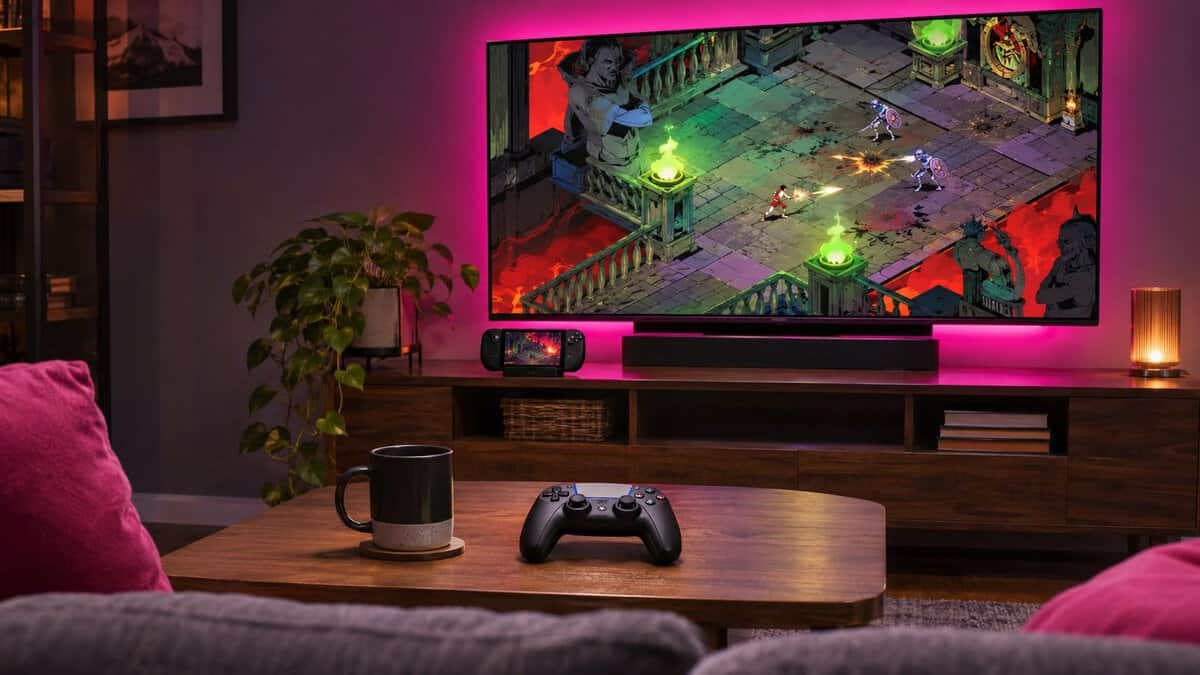
Open the controller settings for a game in Steam and set the touch pad to a mouse or a trackpad layout. Steam saves that layout per game so your shooter and your strategy game can each keep their own setup.
Get our free Budget Gaming Setup Checklist
Plus one email every Thursday on what changed for budget gaming gear.
No spam. Unsubscribe any time. Privacy
Sticks and Back Buttons for Steam Deck Play
The 8BitDo Pro 3 has more back buttons than the other two. It shares TMR sticks with the GameSir Cyclone 2 while the DualSense uses Sony’s standard sticks. You can copy more of the Deck’s own layout to a docked setup when a controller has matching sticks and back buttons. Our TMR vs Hall effect guide explains how magnetic sticks differ from older potentiometer sticks and why they tend to resist drift.
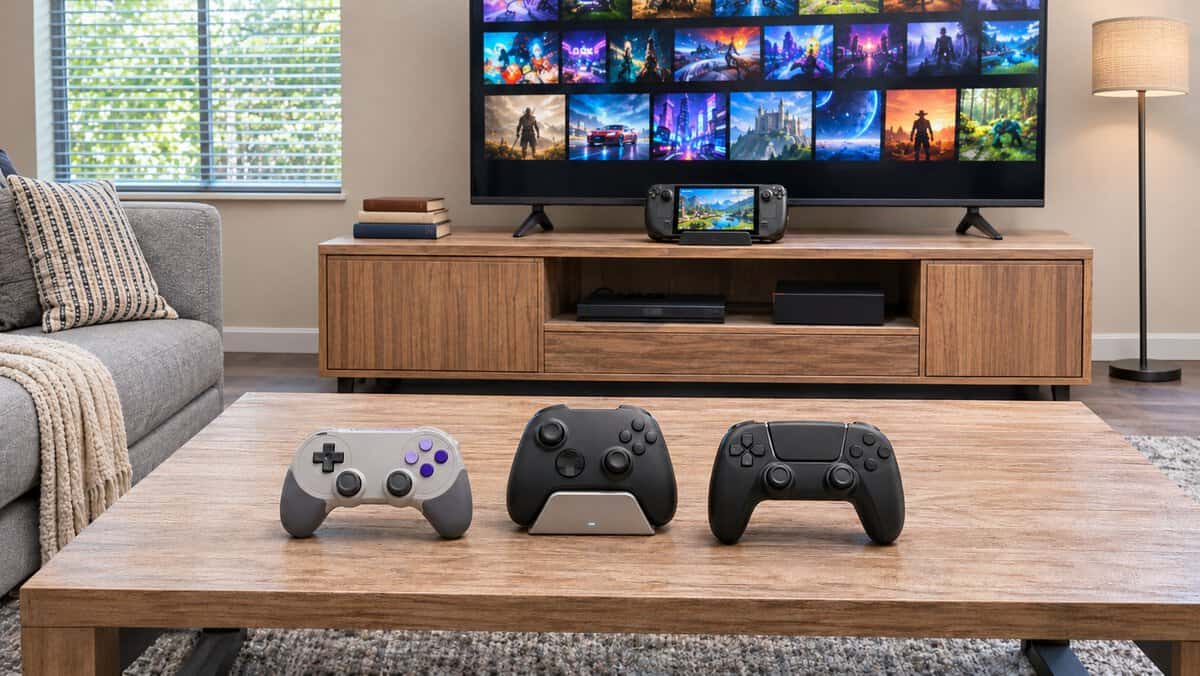
TMR Sticks and Drift
TMR sticks read position with magnets instead of parts that rub against each other, which is why makers pitch them as drift resistant. 8BitDo pairs the Pro 3’s TMR sticks with a 12-bit sampling chip and GameSir calls the Cyclone 2’s version Mag-Res TMR. Both pads also let you switch the triggers between a linear Hall effect mode for racing games and a shorter click for shooters.
Mapping Back Buttons in Steam Input
Mapping back buttons for a Steam Deck usually starts on the controller itself since Steam Input doesn’t always list another brand’s back buttons as separate inputs. 8BitDo lists the Pro 3’s paddles and L4 and R4 bumpers as remappable in its Ultimate Software. GameSir’s manual says to set the Cyclone 2’s L4 and R4 by holding the M button and the back button you want to assign.
Once a back button copies a face button or bumper, Steam’s per-game layout picks it up like any other input. In a game, press the Steam button, open Controller Settings and choose Edit Layout to change what that input does.
The Pro 3 comes closest to the Deck’s own four back buttons with two paddles plus L4 and R4 bumpers. The Cyclone 2 has two back buttons and the DualSense has none.
Choosing the Best Controller for Steam Deck Emulation
The best controller for Steam Deck emulation is the 8BitDo Pro 3 because its magnetic face buttons swap between Switch and Xbox layouts. Nintendo games put A on the right and B on the bottom so a matching layout saves you from remapping every emulator.
Its D-pad and retro shape also suit older 2D games. The DualSense and the Cyclone 2 work fine in emulators too, but their face buttons stay in one layout.
Battery and Charging on a Docked Steam Deck
The 8BitDo Pro 3 and the GameSir Cyclone 2 come with charging docks while the DualSense charges by cable. A charging dock gives a controller a spot to rest and charge next to a docked Deck between sessions.
Charging Docks Next to the TV
The Pro 3 and the Cyclone 2 both come with a charging dock. 8BitDo lists a 1000mAh battery for the Pro 3 and GameSir lists 860mAh for the Cyclone 2. Neither maker publishes battery hours on its spec page so we don’t print a figure here.
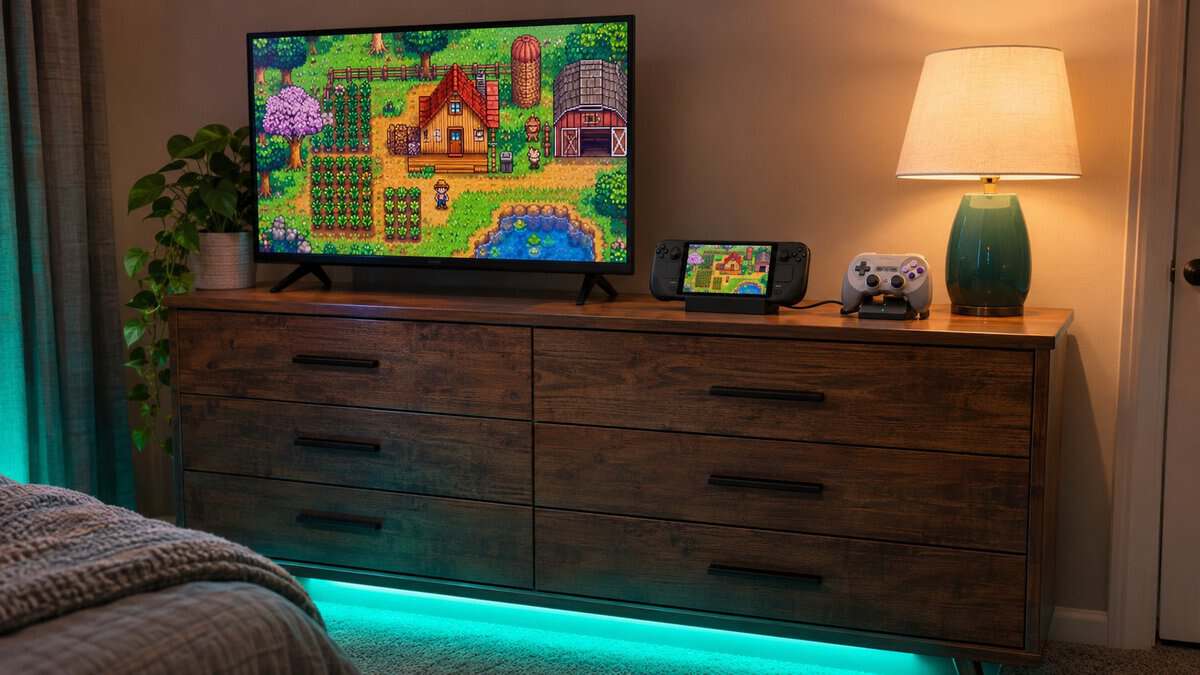
DualSense Features That Need a USB Cable
Sony says the DualSense’s haptic feedback and adaptive triggers may need a USB connection. Sony doesn’t promise those features over Bluetooth so plug in a cable if you want them on a Deck.
The DualSense also charges only by cable. A long USB-C cable to the dock keeps it charged and gives haptics and adaptive triggers their best chance to work.
Steam Deck Controller Picks by Where You Play
The 8BitDo Pro 3 fits a TV across the room, the GameSir Cyclone 2 fits a desk with a charging spot and the Sony DualSense fits mouse-driven games. Here’s how our three picks line up by setup. If the Deck feeds a monitor at a desk, our best monitor for Steam Deck guide covers screens that suit its output.
| Where You Play the Deck | Controller | Why It Fits | What You Give Up |
|---|---|---|---|
| Docked to a TV, from the couch | 8BitDo Pro 3 | Bluetooth to the Deck, gyro and back paddles | Its 2.4G adapter isn’t used on SteamOS |
| Docked at a desk with a charging spot | GameSir Cyclone 2 | Bluetooth to the Deck plus a charging dock | GameSir doesn’t list SteamOS by name |
| Mouse-driven games and PlayStation habits | Sony DualSense | Touch pad and gyro through Steam Input | No back buttons and some features need a cable |
Pairing Checklist for a Steam Deck Controller
Pairing a controller with a Steam Deck runs through the Deck’s Bluetooth menu once SteamOS is up to date. Here’s the order we’d follow for any of our picks. Our Steam Deck accessories guide covers the cases, docks and screen protectors that round out a docked setup.
- Update SteamOS first. 8BitDo asks for version 3.7.13 or newer for the Pro 3.
- Put the controller in Bluetooth pairing mode using the steps in its manual.
- On the Deck, open Settings and then Bluetooth and select the controller when it appears.
- Swap the Pro 3’s ABXY buttons to the Switch layout if you play Nintendo games in an emulator.
- Open each game’s controller settings in Steam and check the layout before you play.
- Set the controller order in Steam’s controller settings when a second player joins.
When the Deck’s Own Controls Are Enough
If you play handheld most of the time, the Deck’s built-in controls already give you two trackpads, four back buttons and a gyro. A separate controller is worth buying when the Deck sits on a dock, when a second player joins or when you want a full-size grip for long sessions. An Xbox Wireless Controller already in the drawer pairs over Bluetooth too, but it has no gyro and runs on AA batteries.
Frequently Asked Questions
Here are quick answers on pairing a controller with a Steam Deck.
What is the best controller for Steam Deck docked play?
The 8BitDo Pro 3 is our pick for docked Steam Deck play because 8BitDo lists SteamOS support over Bluetooth or a cable. It also carries back paddles, 6-axis motion and a charging dock. The GameSir Cyclone 2 costs less, while the Sony DualSense suits trackpad and gyro games.
Do PS5 controllers work on Steam Deck?
Yes, a PS5 DualSense controller works on a Steam Deck over Bluetooth or a USB-C cable. Steam Input lists the PS5 controller with its touch pad and gyro. Sony says haptic feedback and adaptive triggers may need a USB connection so plug in if you want those features.
Can you use 3rd party controllers on a Steam Deck?
Yes, a controller from another brand works on a Steam Deck as long as it supports Bluetooth or a wired connection that SteamOS recognizes. Check the maker’s connection table first. 8BitDo lists SteamOS for the Pro 3 over Bluetooth or wired, while its 2.4G adapter is meant for Windows and Switch.
What controllers are recommended by Steam?
Valve’s Steam Input documentation lists Xbox and PlayStation controllers among the devices Steam supports and remaps. Valve also sells its own Steam Controller through the Steam store. All three of our picks pair with a Steam Deck over Bluetooth, though GameSir lists Steam support for the Cyclone 2 without naming SteamOS.
Can two controllers connect to one Steam Deck?
Yes, a Steam Deck can pair more than one Bluetooth controller for local co-op. Pair each controller in the Deck’s Bluetooth settings and set the player order in Steam’s controller settings before the game starts. Each player then gets their own Steam Input layout for that game.
Related Articles