The costly mistake with a sagging graphics card isn’t skipping a bracket, it’s buying one that can’t reach the card or sits right where your fans go. The best GPU support bracket for your build depends less on the bracket than on where it can push from: the case floor, the PSU shroud, an expansion slot or a bottom fan. Get that wrong and a cheap part goes straight into the drawer.
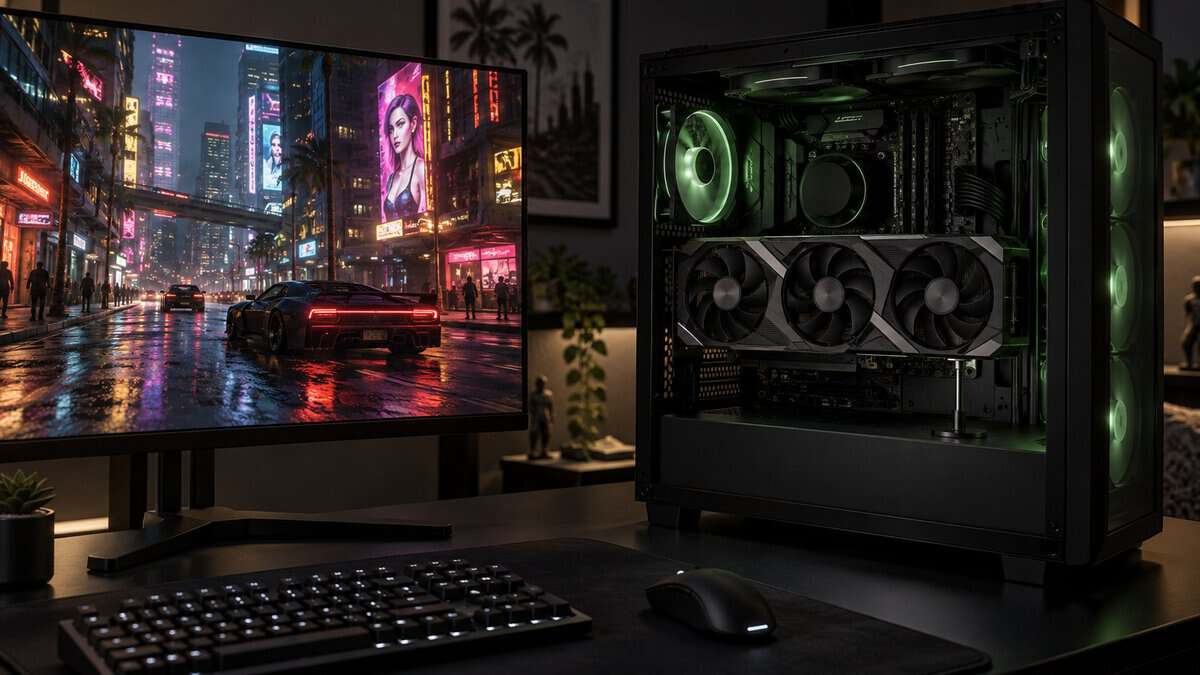
The four picks below cover the two main mount types, floor stands and slot-mounted arms, from a tiny screw stand to a toolless zinc-alloy stand with built-in ARGB. After the cards, the guide covers how to measure the gap under your card, where the support point should sit, and when you can skip a bracket altogether.
A small aluminum stand you twist to height and stand on the PSU shroud. The magnetic base grips steel, and rubber ends add grip so it stays put.
- Magnetic base sticks to a steel shroud
- Twist-to-adjust height with the nut
- Fits ATX, micro-ATX and ITX cases
- Supports a single point, not the full length
- Needs a flat surface under the card
- No lighting to match an RGB build
A beam that screws in at the back of the case and runs under the card. Its sliding support sets the contact point, and a built-in ARGB strip syncs with the motherboard.
- Reaches under the card from the back
- Sliding support adjusts for card length
- 5V ARGB strip syncs with the motherboard
- Uses an expansion-slot position
- The ARGB cable adds one more lead to route
- Plugging it into a 12V header can ruin the strip
A lengthened, bent aluminum arm that fixes at an expansion slot and reaches up under the card. Nothing stands on the case floor, so intake fans down there stay put.
- Leaves the case floor and shroud clear
- Two pad sizes for different coolers
- Light aluminum alloy arm
- Made for cases with seven or more slots
- Fewer owner reviews than the other picks
- Takes an expansion-slot position
A solid zinc-alloy stand with the widest listed height range of the four. A wheel sets the height, a release button drops it, and a spirit level comes in the box.
- Widest listed height range here
- Toolless wheel and release button
- Included spirit level for setup
- The priciest pick by a wide margin
- ARGB lead needs a motherboard header
- Bulkier than a simple screw stand
- Choose a GPU support bracket by where it pushes from: the case floor, the PSU shroud, an expansion slot or a bottom fan.
- Measure the gap between the card and the shroud before you order, then match it to the bracket’s height range.
- Support the card near its far end, close to its center of gravity, not in the middle of a fan.
- A bracket should hold the card level, not lift it: snug contact is enough.
- Check your graphics card box first, since some cards ship with a holder.
Table of Contents
Why Heavy Graphics Cards Droop
A graphics card droops because it hangs from one end. The card plugs into a PCIe slot on the motherboard and screws to the case at its bracket, and everything past that point, often the whole cooler, hangs in the air like a shelf held up on one side. The longer and heavier the card, the more it pulls down at the far end.
Modern high-end cards are heavy. Tom’s Hardware’s RTX 5090 Founders Edition review puts it plainly: “The 5090 Founders Edition card weighs 1826g, a sizeable weight loss compared to the 4090 Founders Edition that weighed 2186g.” All of that weight rides on the slot and the bracket screws.
Mid-range cards are lighter, though some still use long triple-fan coolers. If you are still choosing a card, our best budget graphics card guide covers the value end of the market, where you will find shorter two-fan models.
Four Brackets That Keep a Card Level
These four GPU support brackets cover the two main mount types, two stands and two slot-mounted arms, and the spec table lines up the details from each listing that decide whether one fits your case.
| Bracket | Type | Support Height | Material | Mounts On | Contact Pads | Lighting | Weight | Warranty |
|---|---|---|---|---|---|---|---|---|
| Aivalas GPU Support Bracket | Screw-jack stand | 73-121 mm | Aluminum | Case floor or PSU shroud (magnet) | Rubber ends | None | 30 g | Not listed |
| upHere G276ARGB | Sliding beam | Not listed | Iron | Rear expansion slot | Silicone pad | 5V 3-pin ARGB | 200 g | 12 months |
| EZDIY-FAB 309EZ | Bent slot-mounted arm | Not listed | Aluminum alloy | Expansion slot (made for 7+ slot cases) | 2 rubber pads | None | 136 g (4.8 oz) | Not listed |
| ASUS ROG Herculx | Stand | 72-128 mm | Zinc alloy | Case floor or shroud, no PCIe slot used | Not listed | 3-pin ARGB | 171 g | 2 years |
Aivalas GPU Support Bracket
The Aivalas GPU Support Bracket is the simplest way to hold a card level, and it fits ATX, micro-ATX and ITX layouts. It is a small aluminum screw-jack: you twist the nut to set the height, then stand it between the case and the card. The support height runs from 2-7/8 to 4-3/4 inches, roughly 73 to 121 mm; compare that with the gap you measure under your card.
The Aivalas stand is a simple, adjustable fix for a case with a PSU shroud.
The base is magnetic, so it sticks to a steel PSU shroud or case floor rather than sliding around when you move the PC. Both ends carry rubber, which adds grip and stops it slipping. At 30 g it is the lightest pick here.
The tradeoff is that a stand supports one point and needs a flat surface right under it. If your case has fans on the floor or a shroud that stops short of the card’s end, look at the slot-mounted picks instead.
upHere G276ARGB GPU Brace
The upHere G276ARGB is a horizontal beam rather than a stand. upHere’s product photos show it screwing in at the case’s rear, in an expansion-slot position below the card, with the beam running along under the card toward its far end. A sliding support moves along the beam, so you can set the contact point for your card’s length.
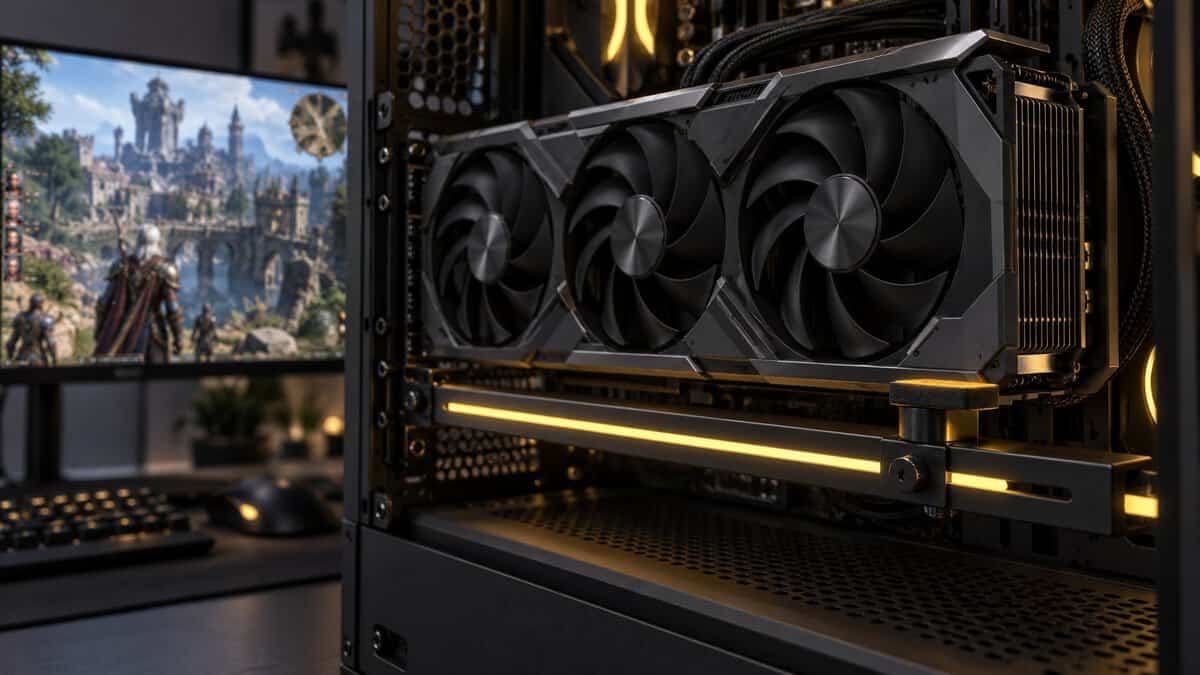
The upHere beam reaches under the card from the back of the case, with a sliding contact point.
The main structure is iron, and upHere lists 2-way adjustment for card length and support position. The top edge carries a shock-absorbing silicone strip, and a built-in 5V 3-pin ARGB strip that syncs with a motherboard’s addressable RGB header. The lead has a pass-through end, so another 5V ARGB device can chain onto it.
The lighting is also the catch. upHere warns never to connect the strip to a 4-pin 12V RGB header, which would destroy it, so check which headers your board has first. The beam also takes an expansion-slot position, which matters if a capture card or Wi-Fi card lives below the graphics card. If you are lighting the rest of the case, our RGB case fans guide covers fans that sync from the same kind of header.
EZDIY-FAB 309EZ GPU Holder
The EZDIY-FAB 309EZ is a lengthened, bent aluminum arm that fixes at an expansion slot and reaches up under the card. Because it hangs from the slot area rather than standing on anything, the case floor and the PSU shroud stay completely clear, which is why it suits cases with intake fans along the bottom.
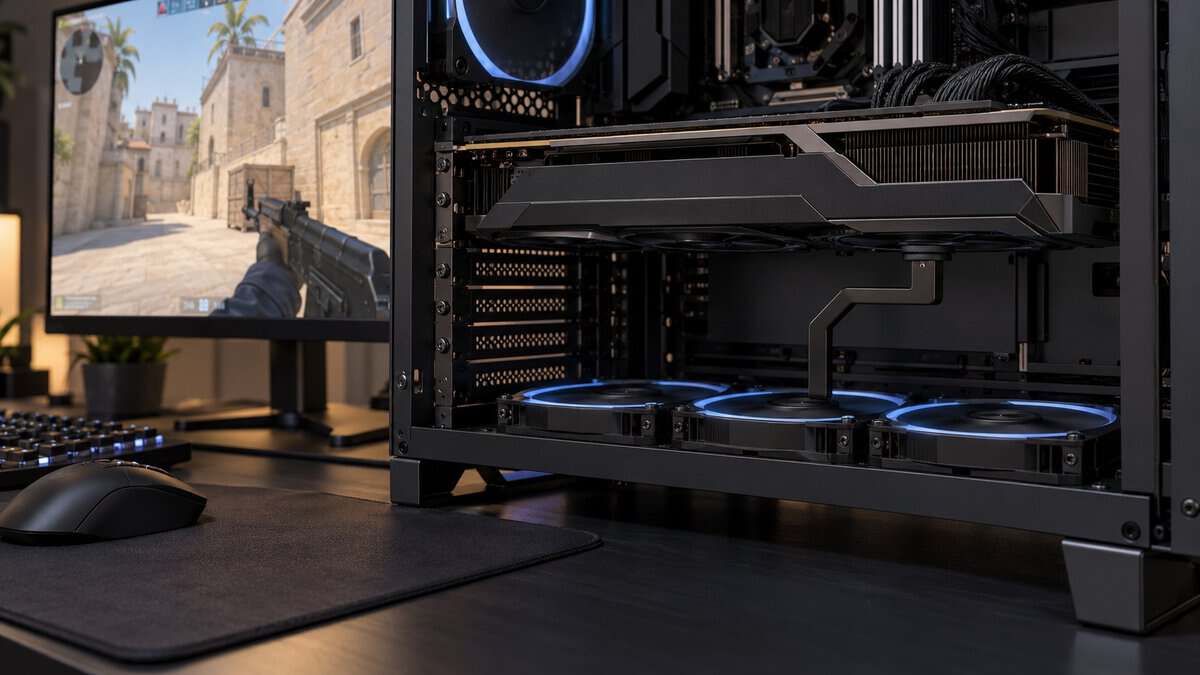
The 309EZ holds the card without touching the case floor at all.
The arm is aluminum alloy with an adjustable support point, and the box includes two rubber pads in different sizes. EZDIY-FAB’s photos show the smaller pad is there to keep the support clear of the fan blades on coolers with open fans along the edge. The whole holder weighs 4.8 ounces.
The fit rule is the case: EZDIY-FAB says it fits most cases with seven or more PCI expansion slots, which leaves out many compact cases. It also has the thinnest review base of the four, though owners still rate it well.
ASUS ROG Herculx Graphics Card Holder
The ASUS ROG Herculx is the premium stand for big flagship cards. It is a solid zinc-alloy stand with a 72-128 mm support height range, the widest listed range of the four, and ASUS says the stand design fits a wide range of cases without taking up a PCIe slot.
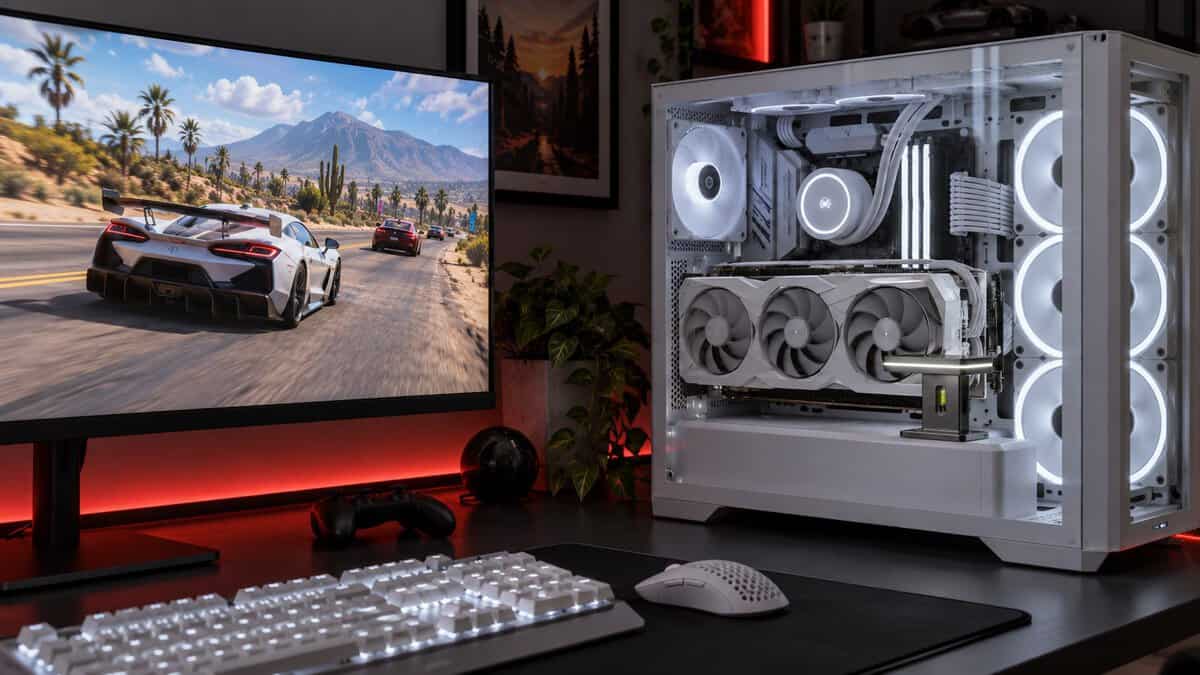
The Herculx adds toolless height control and a spirit level, at the highest price of the four.
Setup is toolless. An adjustment wheel raises the support, a release button drops it, and an included spirit level helps you check the card is level before you close the case. A 3-pin ARGB element lights the stand and works with ASUS Aura Sync. ASUS lists it at 0.171 kg and 208 x 71 x 46 mm, with a 2-year warranty.
The Herculx costs several times as much as the other picks, so it makes the most sense under a flagship card or in a showcase build where the lighting matters. On a mid-range card, the Aivalas does the same job at the same spot for a fraction of the cost.
Where the Bracket Pushes From
A GPU support bracket can only push from a spot that exists in your case, and that spot is the first thing to check. There are three anchor points, and each one rules some builds in and others out.
From the Case Floor or PSU Shroud
A floor or shroud stand, like the Aivalas or the Herculx, sits on whatever flat surface lies under the card’s far end. In many ATX cases that surface is the PSU shroud, a cover over the power supply that leaves a gap under the card. Magnetic bases grip the steel, and a screw or wheel sets the height.
Compact cases are the tricky ones. A mini-ITX case often puts the card close to the floor or the power supply, so the gap can fall below a stand’s minimum height. Our mini-ITX case guide covers graphics card fit in small cases.
From an Expansion Slot Below the Card
A slot-mounted bracket, like the EZDIY-FAB 309EZ or the upHere beam, fixes at the case’s rear expansion slots instead of standing on anything. That frees the floor and shroud entirely, but it uses a slot position and needs enough slots below the card, which is why EZDIY-FAB builds its arm for cases with seven or more.
Both slot-mounted picks run a beam under the card from the back of the case. The upHere G276ARGB’s sliding support sets where it touches the card, and the EZDIY-FAB arm adjusts too. A beam suits long cards that hang past the end of the shroud, where a stand has nothing to stand on.
From a Bottom Fan
A fan-mounted bracket screws onto a bottom intake fan and rises from its frame, which suits cases where fans fill the whole floor. The Uyubao fan-mount GPU support bracket mounts on 90, 120 or 140 mm fans with the two screws in the box, adjusts from 10 to 120 mm, and comes with a level for setup. Uyubao says it does not block the fan’s air outlet.
Measure Before You Order
Measuring before you order decides which GPU support brackets can fit at all. You need two things: the gap under the card’s far end, and where on the card the support should touch.
The Gap Between Card and Shroud
The gap between the card and the shroud is the number that decides a stand. With the PC off, measure from the surface the bracket will stand on up to the underside of the card’s far end, with the card held level by hand. Compare that number with the support height on the listing: the Aivalas covers about 73 to 121 mm and the Herculx 72 to 128 mm.
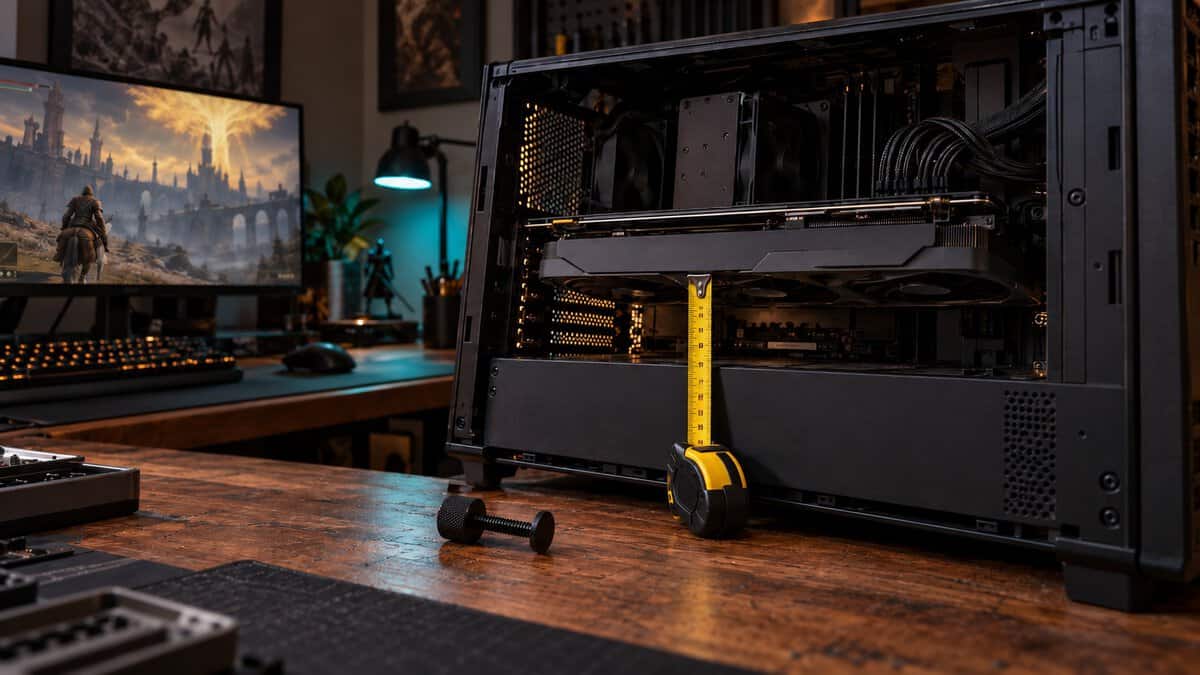
If the gap is shorter than a stand’s minimum, a slot-mounted arm or fan mount is the way out. If it is taller than the maximum, check whether the shroud stops short of the card.
Finding the Support Point
The support point is where the bracket should touch the card. ASUS’s support FAQ on graphics card holders says that this point is “typically” at the upper-right corner near the card’s center of gravity, and that the holder should just support the rear of the card with tight contact on the heatsink housing.
That usually means near the far end of the card, on the frame or shroud of the cooler, not in the middle of a fan. The EZDIY-FAB’s small pad exists for exactly this reason: some coolers leave fan blades close to the edge.
Picking the Best GPU Support Bracket for a Bottom-Fan Case
Picking the best GPU support bracket for a case with bottom intake fans means ruling out anything that stands on the floor where the fans sit. The EZDIY-FAB 309EZ and the upHere beam both fix at the slots, and the Uyubao mounts on a fan frame. A stand still works if the case has a shroud under the card and the fans sit further forward.
Many airflow-focused cases put intake fans on the floor, and our best airflow PC case guide covers cases built around that layout.
When You Can Skip a Bracket
A GPU support bracket is not a must-have for every build. Some cards barely droop, and some ship with their own holder.
Lighter Two-Fan Cards
A lighter two-fan card often does not need a bracket. A short card hangs less weight past the slot, and many sit level on their own. If the card sits level, parallel to the case floor, when viewed through the side window, there is little to fix.
A Holder Already in the GPU Box
Some graphics cards include a holder, so check the box before buying one. ASUS’s support FAQ says certain models in its RTX 4000 and RTX 5000 series and RX 7000 and RX 9000 series ship with a graphics card holder, and that the card’s Tech Specs page lists “Graphics Card Holder” under accessories when it does.
Vertical Mounts and Cable Routing
A vertical GPU mount stands the card up beside the motherboard on a riser cable, so the card no longer hangs off the slot and sag stops being a concern. It needs a case and mount kit made for it. If you add a lit bracket instead, plan its lead along with the rest of the wiring; our PC cable management guide covers routing cables inside the case.
Setting the Height Without Lifting the Card
Setting a GPU support bracket’s height is about holding the card level, not pushing it up. Raise the bracket until it just touches the card, then add a little more so the contact is snug. ASUS’s guidance is to just support the rear of the card; pushing past that lifts the card instead of holding it level.
A spirit level makes this easy. The Herculx includes one, and Uyubao’s bracket comes with one as well; any small bubble level laid on the card’s top edge does the same job. Level the case first so the reading means something.
Recheck the bracket after you move the PC to make sure it has not shifted on the shroud.
Pick the Bracket by Case and Card
The right GPU support bracket comes from your case layout and your card, in that order. Find your build in the left column.
| Your Build | Bracket | Where It Pushes From | Why It Fits |
|---|---|---|---|
| Standard ATX case with a PSU shroud, mid-weight card | Aivalas GPU Support Bracket | PSU shroud (magnetic base) | Small, adjustable and cheap; covers the usual shroud gap |
| Long triple-fan card in an RGB build | upHere G276ARGB | Rear expansion slot (beam) | Supports along the card and syncs its ARGB strip |
| Case with intake fans on the floor | EZDIY-FAB 309EZ | Expansion slot (bent arm) | Leaves the floor clear for fans |
| Big flagship cards, a tall gap under the card | ASUS ROG Herculx | Case floor or shroud (stand) | Widest listed height range, toolless and level-checked |
If you only buy one bracket and your case has a PSU shroud, start with the Aivalas. Move to the slot-mounted arm when fans fill the floor, and to the Herculx under a big flagship card.
Frequently Asked Questions
Quick answers about choosing a GPU support bracket.
Do I need a GPU support bracket?
Not always. A short two-fan card often sits level on its own. A long, heavy card that tilts down at its far end benefits most, and some cards already ship with a holder in the box, so check that first.
Can a GPU support bracket damage my graphics card?
A bracket set correctly only holds the card level. Raising it too far lifts the card’s far end and moves the strain to the slot, so set it to touch the card firmly without lifting it, and keep the pad on the cooler frame, away from the fan blades.
Does a GPU support bracket work with a vertical mount?
A vertical mount usually makes one unnecessary. The card stands upright on a riser cable instead of hanging off the motherboard slot, so it no longer droops the way a horizontal card does.
Is a magnetic GPU support bracket better?
A magnetic base helps a stand stay put on a steel PSU shroud or case floor, especially when the PC gets moved. It needs steel underneath, so it adds little on a glass or plastic surface.
Does a GPU support bracket improve performance?
No. A bracket holds the card’s weight; it does not change how the card runs. Buy one to stop sag and take strain off the slot.
Looking for more budget gaming gear? Check out Budget Loadout for the latest reviews and recommendations.
Related Articles