The best Steam Deck alternative is often not another handheld PC. The right Steam Deck alternative depends on where your games already live: in a Steam library, on a Nintendo account, on a PS5 under the TV, or on a gaming PC in the next room.
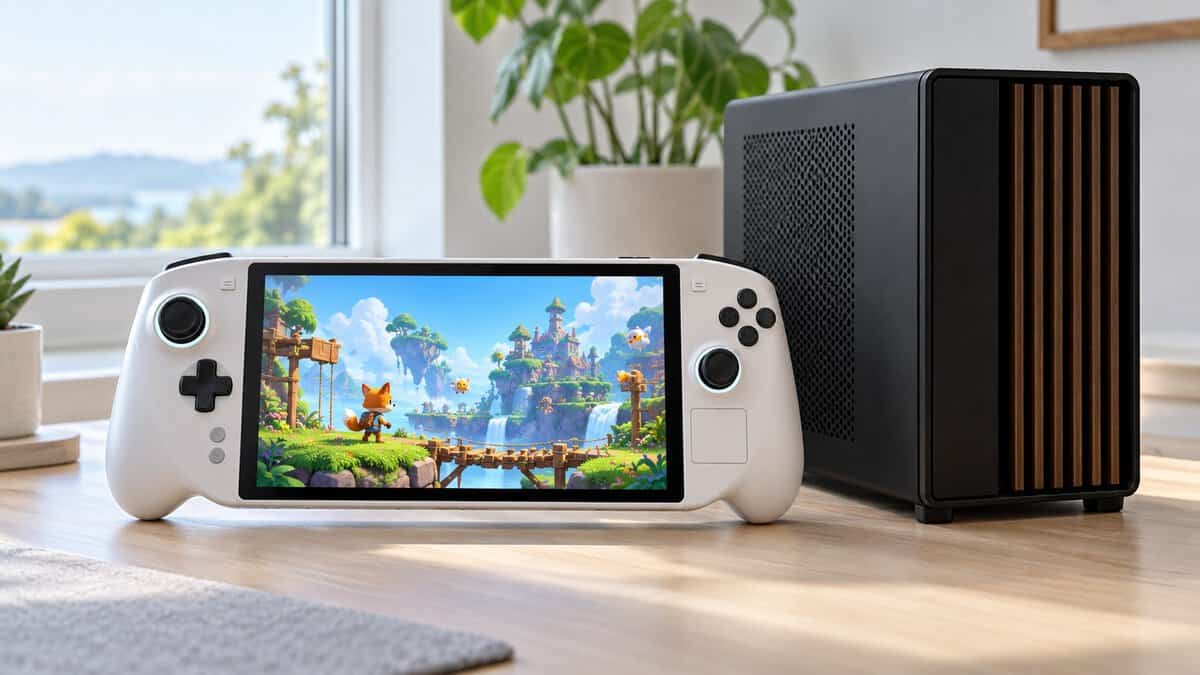
Each of the four picks below covers one of those places, and each one asks you to give up something the Deck does well. The cards show the short version, and the sections after them spell out the tradeoffs.
A Windows handheld PC that plays your Steam library plus other PC launchers on the device itself. It is the closest match here to the job a Deck does.
- Runs Steam and other PC launchers
- Sharper 8-inch 120Hz screen
- Bigger battery than the Deck
- Windows needs more setup than SteamOS
- One small touchpad instead of two
- Heavier than the Deck OLED
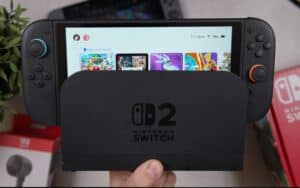
A hybrid console with a deep handheld library and a dock for the TV. It plays Nintendo games, not PC games, and that is the whole trade.
- Plays Switch 2 and Switch games
- Docks to a TV at up to 4K
- Joy-Con 2 double as a mouse
- Plays no Steam or PC games
- Approx. 2-6.5 hour battery range
- Expansion needs microSD Express
A remote player that streams the PS5 you already own to any room. It is the cheapest dedicated device here, but it needs that console and steady Wi-Fi.
- Streams games installed on your PS5
- Haptics and adaptive triggers built in
- Cheapest dedicated device here
- Needs a PS5 and steady Wi-Fi
- Runs no games on its own
- No VR or extra-peripheral games
A phone controller that turns the phone you own into a Steam Link or cloud handheld. It is the cheapest route here if you already have a gaming PC.
- Turns your phone into a handheld
- Hall effect sticks and triggers
- Charge and use headphones while playing
- PC games need a gaming PC or cloud plan
- Wi-Fi quality decides the experience
- Thick phone cases must come off
- Pick a Steam Deck alternative by where your games already live, not by raw power.
- Of these four picks, only the Legion Go S runs Steam games on the device itself.
- The Switch 2 and the PlayStation Portal are not PC devices and cannot run Steam games.
- A phone controller plus Steam Link is the cheapest route if a gaming PC is already at home.
- Leaving the Deck means giving up twin trackpads, four back buttons and SteamOS suspend.
Table of Contents
How the Four Stack Up Against a Steam Deck OLED
The Steam Deck OLED is the yardstick for any handheld that wants its job, so it sits in the first row of the table as a reference, not as a pick. Its figures come from Valve’s Steam Deck tech specs page, and the four alternatives use their makers’ pages and listings. Where a maker does not list a figure, the cell says so rather than guessing.
| Device | What It Plays | Screen | Resolution | Refresh or Frame Rate | Battery | Storage | Weight or Size | What You Need |
|---|---|---|---|---|---|---|---|---|
| Steam Deck OLED (reference) | Steam games on SteamOS | 7.4-inch HDR OLED | 1280 x 800 | Up to 90Hz | 50Whr, 3-12 hours | 512GB or 1TB + microSD | Approx. 640 g | Nothing else |
| Lenovo Legion Go S | Windows PC games: Steam, PC Game Pass, other launchers | 8-inch IPS, 500 nits | 1920 x 1200 | 48-120Hz VRR | 55.5Whr | 512GB | Around 740 g | Nothing else |
| Nintendo Switch 2 | Switch 2 and Switch games | 7.9-inch LCD, HDR10 | 1920 x 1080 | VRR up to 120Hz | 5220mAh, approx. 2-6.5 hours | 256GB + microSD Express | Approx. 1.18 lb (about 535 g) with Joy-Con 2 | Nothing else |
| PlayStation Portal | Games installed on your PS5, plus PS Plus Premium cloud games | 8-inch LCD | 1080p | Up to 60fps | Not listed by Sony | None, it streams | Not listed by Sony | A PS5, a PSN account and Wi-Fi (5 Mbps minimum, 15 Mbps recommended) |
| GameSir G8 Galileo | Phone games, Steam Link, GeForce NOW, Amazon Luna | Your phone’s | Your phone’s | Your phone’s | Uses the phone’s (pass-through charging) | Your phone’s | 217 x 107 x 54 mm | A USB-C phone 110-185 mm long |
Reading the Numbers Without a Spec Sheet Habit
A spec table for a Steam Deck alternative is easier to read if you start with the second column, not the screen. What it plays decides the purchase. A sharper panel means nothing if the device cannot open the games you already own, and two of these four cannot run a Steam game at all.
Screen size and resolution come next. The Deck runs 1280 x 800 on a 7.4-inch panel, which is modest by today’s standards but light work for its chip. The Legion Go S and the Switch 2 push far more pixels, which looks sharper but asks more of the hardware in demanding games.
Battery figures are the hardest to compare. Valve and Nintendo quote ranges in hours, Lenovo quotes watt-hours, and Sony quotes neither for the Portal. Treat the range as the useful number, since where you land in it depends on the game.
If Your Games Live on Steam
A Steam library with no gaming PC at home is the one case where a Steam Deck alternative has to be a real PC. The other picks in this guide reach your games some other way, or not at all.
Lenovo Legion Go S
The Lenovo Legion Go S is a Windows handheld built around an AMD Ryzen Z2 Go chip with 16GB of memory and a 512GB drive. Its 8-inch IPS screen runs at 1920 x 1200 with a 48-120Hz variable refresh range and 500 nits of brightness, per Lenovo’s spec sheet. The battery is 55.5Whr, a little larger than the Deck’s 50Whr.
The Legion Go S is the only pick here that plays your Steam library on the device in your hands.
Lenovo lists the Legion Go S at around 740 g, about 100 g heavier than the Deck OLED. It has two back buttons and a small touchpad on the right controller, which helps with mouse-driven menus but is not a substitute for the Deck’s two large trackpads.
The honest drawback is the owner rating: as of October 2026 the Legion Go S has the lowest Amazon owner rating of the four picks. Windows also asks more of you than SteamOS does, with updates, settings and a desktop interface that was never designed for a thumbstick. If you are comfortable tweaking a PC, that is a manageable chore. If you want a device that just turns on and plays, it matters more.
A Steam Deck Alternative That Runs Windows
A Windows handheld trades the Deck’s tidy SteamOS for the full PC software world. That adds PC Game Pass, the Epic, EA and Ubisoft launchers, and multiplayer games whose anti-cheat blocks Linux, all running natively instead of through workarounds. It costs you the console feel: Windows asks for driver updates, sign-ins and the occasional settings hunt that SteamOS handles for you.
The ASUS ROG Xbox Ally X is another Windows handheld worth knowing, and our Steam Deck vs ROG Ally comparison lines it up against the Deck OLED and the Legion Go S.
If Your Games Live on Nintendo
A Nintendo player who asks for a Steam Deck may want a great portable console more than a PC. If the games you care about are Mario, Zelda and Pokémon, a handheld PC is the wrong tool, however powerful it is.
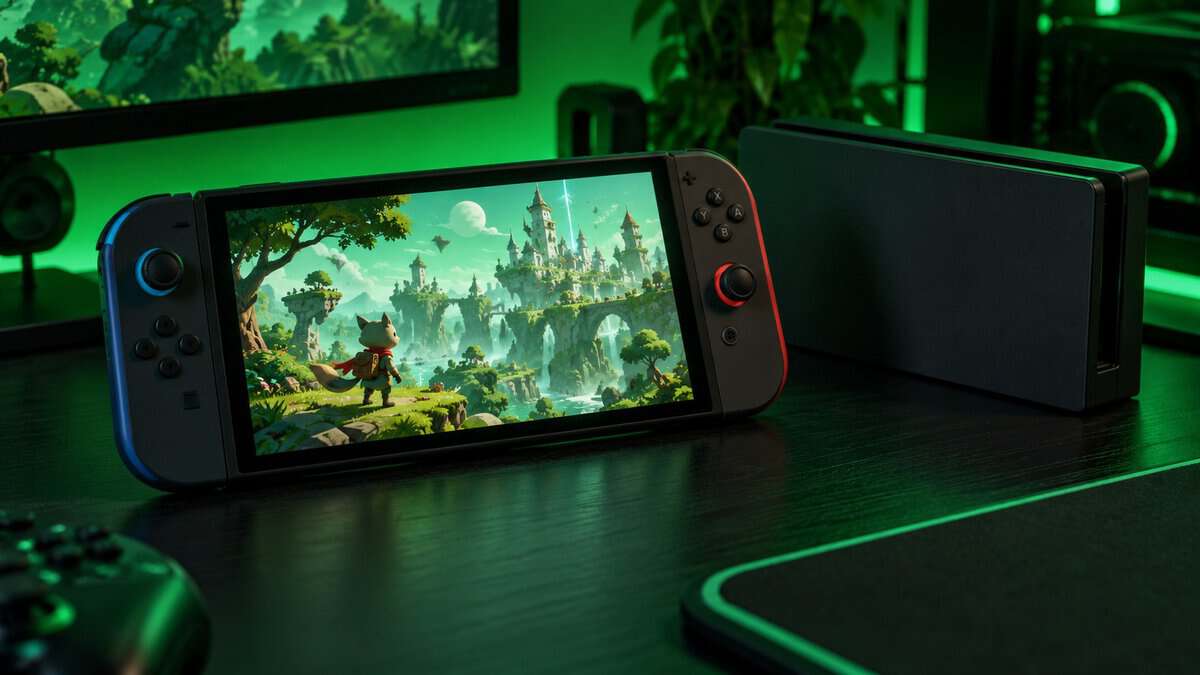
Nintendo Switch 2
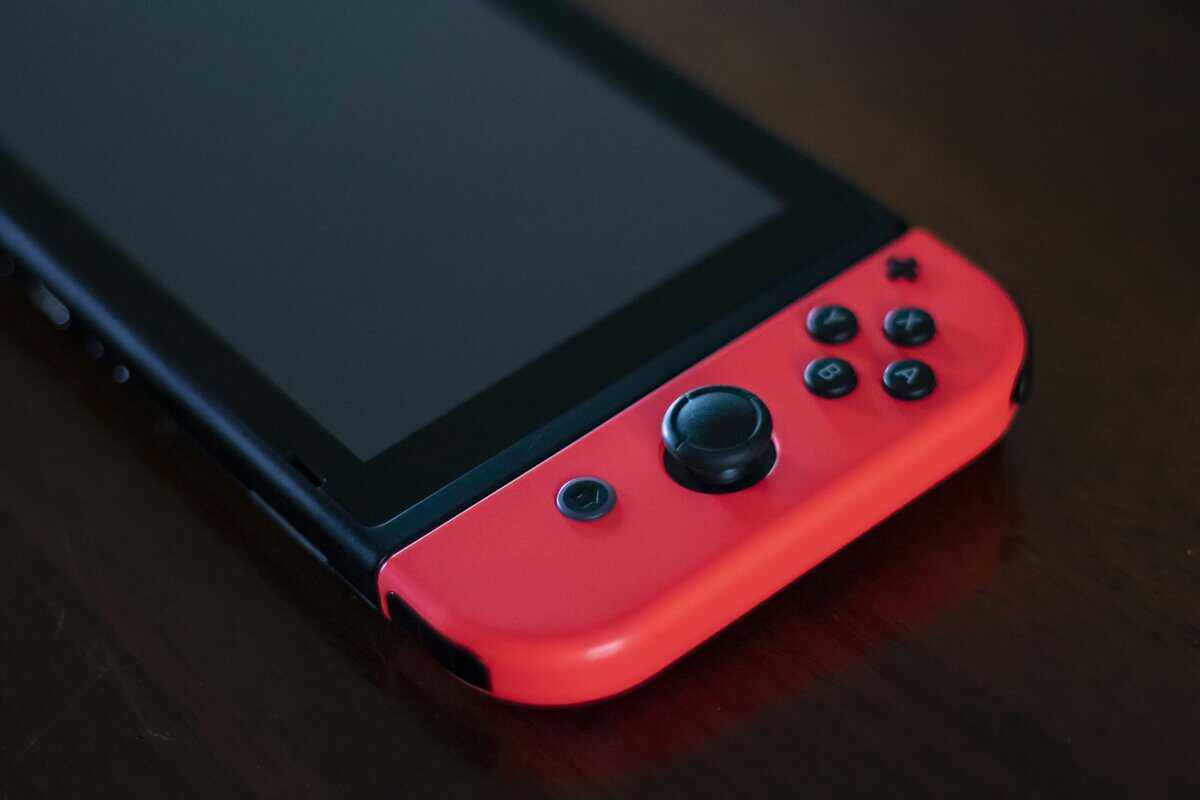
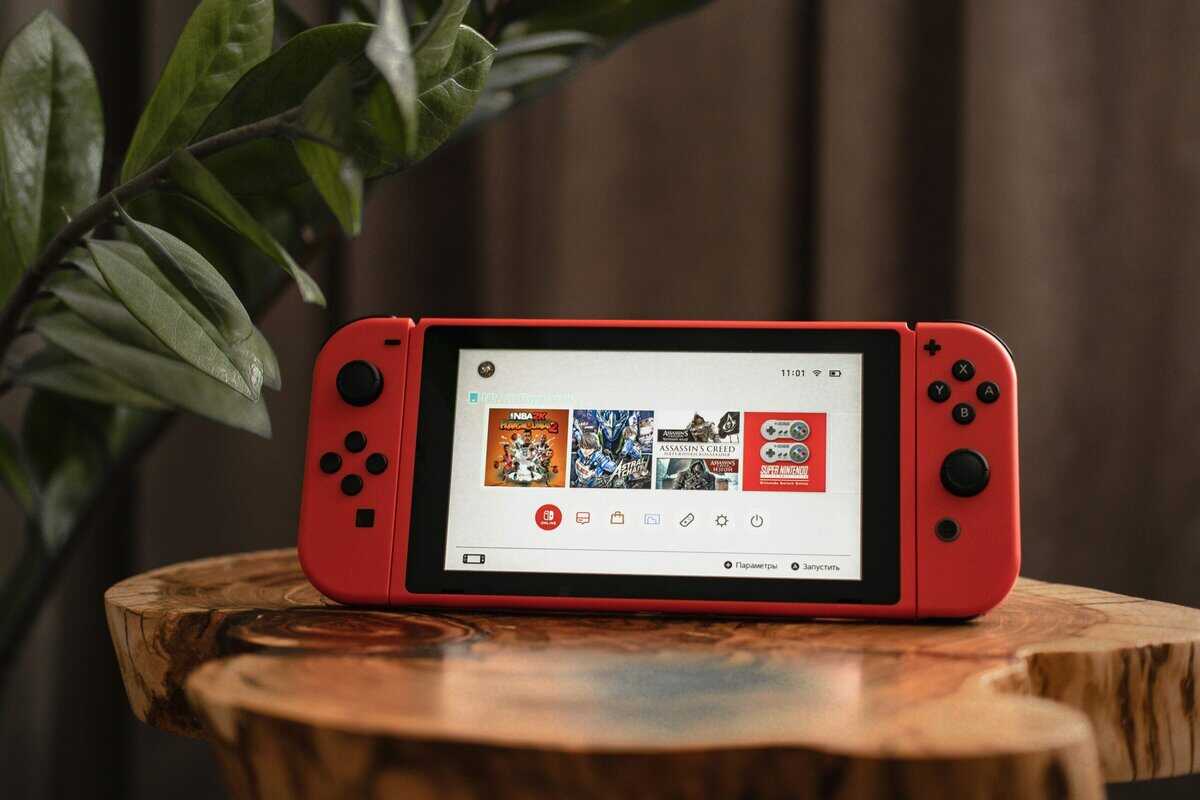
The Nintendo Switch 2 pairs a 7.9-inch LCD touch screen at 1920 x 1080 with HDR10 and VRR up to 120Hz, according to Nintendo’s tech specs. It has 256GB of built-in storage, a microSD Express slot and a dock that sends up to 4K at 60 fps to a TV. The Joy-Con 2 controllers carry a mouse sensor, so a few games let you slide one across a table like a mouse.
The Switch 2 is the best handheld here for someone whose games are on Nintendo.
Nintendo rates the battery at roughly 2 to 6.5 hours, and where a session lands in that range depends on the game. Weight is about 1.18 lb with the Joy-Con 2 attached, so it is lighter than the Deck in the hand. Original Switch game cards fit in the slot, so most of an existing library comes along.
What a Switch 2 Will Never Run
The Nintendo Switch 2 runs no Steam games, no PC launchers and no Game Pass. Its library is Nintendo’s eShop and game cards, full stop. That is fine if that library is the point, and a dead end if you were hoping to bring a Steam backlog along.
Our Nintendo Switch vs Steam Deck breakdown covers the split in more detail, from game libraries to how each handles a TV.
If Your Games Live on a PS5
A PS5 owner already has the hardware that runs their games, so the cheapest dedicated device is one that streams that console rather than a second machine.
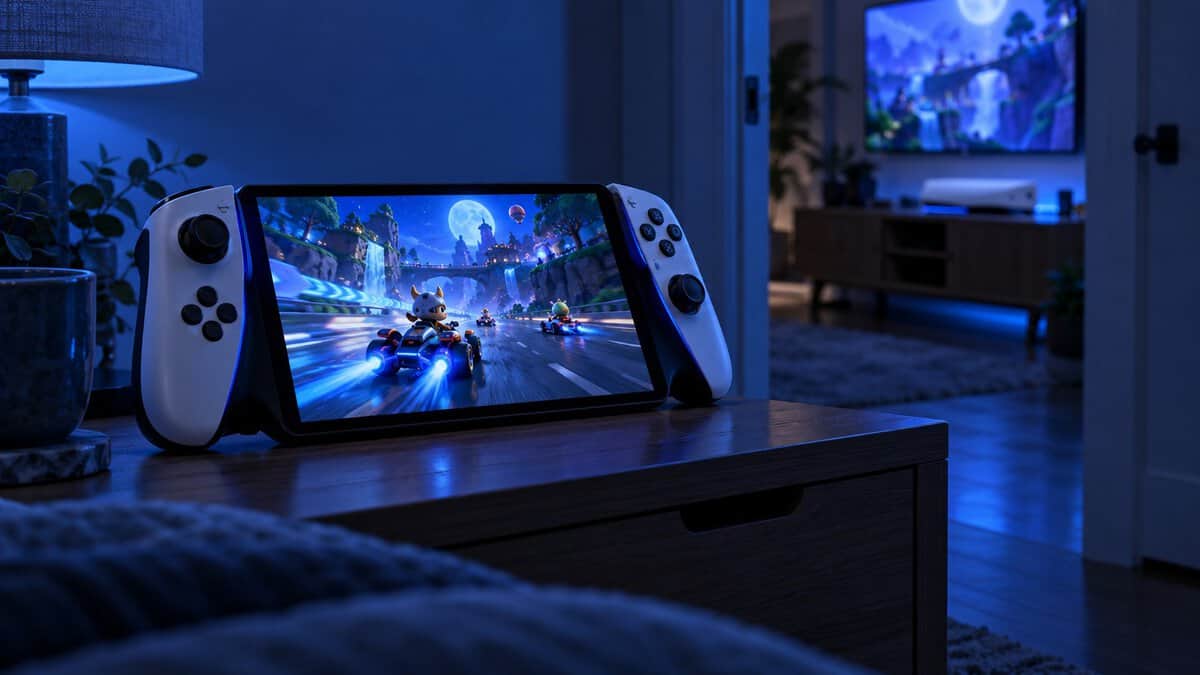
PlayStation Portal Remote Player
The PlayStation Portal Remote Player in Midnight Black is a streaming handheld with an 8-inch LCD at 1080p and gameplay at up to 60fps. It plays the PS5 and PS4 games installed on your console over Wi-Fi, and with PlayStation Plus Premium it can also stream games from the Game Catalog and Classics Catalog and select digital PS5 games in your library from Sony’s cloud.
The Portal is built like a DualSense split around an 8-inch screen.
The controls match a DualSense: haptic feedback and adaptive triggers work in games that support them, and a 3.5mm jack or PlayStation Link carries Tempest 3D audio to a headset. For a PS5 owner it is also the cheapest dedicated device in this guide.
The Wi-Fi and Rest Mode Catch
The PlayStation Portal stores and runs no games of its own. Sony’s listing asks for a broadband Wi-Fi connection of at least 5 Mbps, with 15 Mbps recommended, and the PS5 must be powered on or in Rest Mode, online and paired with the Portal. If the console is off at the wall or the Wi-Fi drops in the bedroom, the Portal has nothing to play.
Games that need PlayStation VR or extra peripherals beyond a DualSense or DUALSHOCK 4 do not work either. For gear that helps the console side of the setup, our best PS5 accessories guide covers more add-ons for the console.
If Your Games Live on a Gaming PC at Home
A gaming PC at home is the setup where a Steam Deck alternative can cost the least, because the PC does the work and the handheld only has to show the picture and send your inputs.
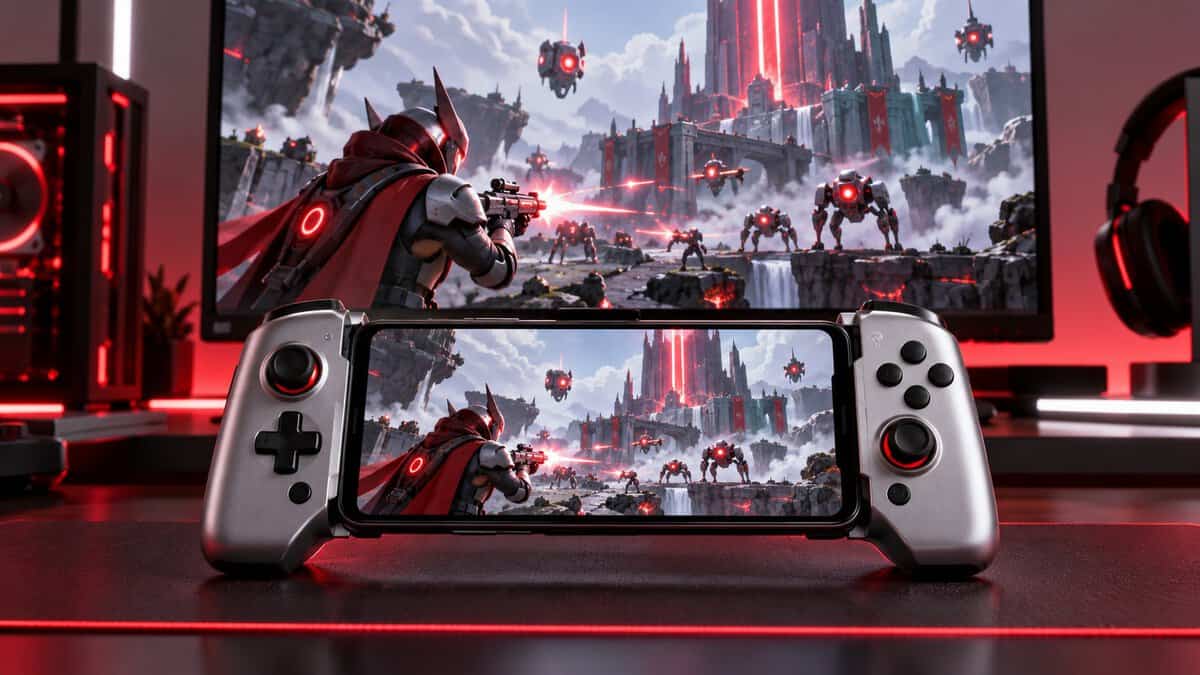
GameSir G8 Galileo Plus the Phone You Own
The GameSir G8 Galileo is a telescoping controller that plugs into a phone’s USB-C port. It fits phones 110 to 185 mm long and up to 13 mm thick, with Hall effect sticks and triggers, pass-through charging and a 3.5mm headphone jack. GameSir lists support for Steam Link, NVIDIA GeForce NOW and Amazon Luna, and the USB-C version works with most Android phones and the iPhone 15 series.
A phone you already own plus a good grip is the cheapest Steam Deck alternative here.
The G8 itself measures 217 x 107 x 54 mm, and two extra buttons can be mapped without software. The catch is that the phone, the PC and the Wi-Fi between them decide how it plays. A strong router and a PC on a wired connection help, and a thick phone case has to come off for the phone to fit.
Other grips and Bluetooth pads cover the same idea, and our best phone controller roundup compares more of them.
Steam Link and Cloud Streaming Instead of New Hardware
Steam Link is Valve’s app for playing a PC’s Steam library on another screen. Valve’s Steam Remote Play page lists apps for iPhone, iPad, Android phones, tablets and TVs, Apple TV and more, and the setup is two steps: install the app, then connect to a computer running Steam. The PC stays on and does the rendering, so your phone’s battery goes to the screen and the radio rather than the game.
Cloud services work the same way without a PC at home. GeForce NOW and Amazon Luna stream from remote servers instead, which suits a reader with fast internet and no gaming PC, as long as the games you want are in that service’s catalog.
What You Give Up by Skipping the Steam Deck
Every Steam Deck alternative here wins somewhere, but each one drops something Valve built into the Deck on purpose. These are the Deck features that do not carry over.
Trackpads and Four Back Buttons
The Steam Deck OLED has two 32.5mm square trackpads with haptic feedback and four assignable grip buttons, per Valve’s spec page. The trackpads make mouse-heavy PC games like strategy titles and older shooters playable on a handheld. The Legion Go S has one small touchpad and two back buttons, the Switch 2 has no trackpad, the Portal uses its touch screen in place of the DualSense touchpad, and a phone grip has none.
SteamOS Suspend and Verified Games
SteamOS was built for a handheld, so pressing the power button suspends a game and pressing it again picks up where you left off. Valve’s Deck Verified ratings also tell you before you buy whether a Steam game runs well on the Deck. A Windows handheld relies on Windows sleep and on your own checking, the Switch 2 has its own sleep mode, and the Portal depends on the PS5.
Battery and Weight Against the Deck
The Deck OLED pairs a 50Whr battery with roughly 640 g of weight. The Legion Go S carries more battery and more weight, the Switch 2 is lighter with a shorter battery range, and the Portal and a phone grip shift the heavy lifting to another machine. If you have already decided the Deck is right after all, our best Steam Deck accessories guide covers the add-ons worth buying with it.
Picking the Right Steam Deck Alternative for You
The right pick comes down to where your games live today and what you already own. The table puts each pick next to the setup it suits and the one thing to know before buying.
| Where Your Games Live | Pick | What You Need Already | The Catch |
|---|---|---|---|
| Steam and other PC launchers, no gaming PC | Lenovo Legion Go S | Nothing | Windows means more settings to manage than SteamOS |
| Nintendo games | Nintendo Switch 2 | Nothing | No Steam library at all |
| A PS5 at home | PlayStation Portal | A PS5 and steady Wi-Fi | Plays nothing unless the console is on or in Rest Mode |
| A gaming PC at home | GameSir G8 Galileo + a phone | A USB-C Android phone or iPhone 15 series, and a PC running Steam | Phone battery and Wi-Fi quality decide the experience |
When the Steam Deck Itself Is Still the Answer
The Steam Deck is still the answer for a reader who plays mostly Steam games, wants a device that behaves like a console and values the trackpads. None of the four picks matches all three at once. If two of the three describe you, the Deck OLED is worth a second look before you settle on an alternative.
Frequently Asked Questions
Quick answers about choosing a Steam Deck alternative.
Is there a cheaper Steam Deck alternative?
Yes, if you already own a gaming PC. A phone controller like the GameSir G8 Galileo plus Valve’s Steam Link app streams your Steam library to your phone. Among dedicated devices, the PlayStation Portal is the cheapest here, but it needs a PS5.
Is the Legion Go S a good alternative to Steam Deck?
The Legion Go S is the closest pick for a Steam library. It runs Windows, so it plays Steam plus other PC launchers on a sharper 8-inch 120Hz screen. Expect more setup than SteamOS and one small touchpad instead of two.
Can a Switch 2 play Steam games?
No. The Nintendo Switch 2 plays Switch 2 and Switch games from game cards and the Nintendo eShop. It cannot install Steam or run PC games.
Do I need a PS5 for the PlayStation Portal?
Yes. Sony lists a PS5 console and a PlayStation Network account as required. The PS5 must be on or in Rest Mode, online and paired with the Portal, over Wi-Fi of at least 5 Mbps.
Can I play my Steam games on my phone?
Yes. Install the Steam Link app on an iPhone or Android phone and connect it to a PC running Steam. A clip-on controller makes it play like a handheld.
Looking for more budget gaming gear? Check out Budget Loadout for the latest reviews and recommendations.
Related Articles