You’ve probably hit the same wall a lot of gamers hit. You save long enough to buy a monitor that feels like an upgrade, then the decision gets messy fast. One side says OLED is the only panel worth caring about. The other says IPS is still the smarter buy unless you want to baby your screen.
That argument usually gets framed the wrong way. Most OLED vs. IPS guides focus on which one looks better in a showroom or on a spec sheet. Budget-minded gamers need a different question answered. Which one gives you the best mix of performance, durability, and ownership value after a few years of real use.
That matters even more if you don’t use your monitor for one thing. A lot of people game at night, watch streams, leave Discord open, alt-tab into launchers, keep a taskbar visible, or run OBS on the same display. That’s where the usual OLED hype starts to run into practical limits.
- OLED wins on contrast, response time, and HDR — best for cinematic single-player and dark-room setups
- IPS wins on brightness, burn-in safety, and value — best for mixed gaming and work use in bright rooms
- Modern gaming OLEDs ship with pixel maintenance and panel warranties — burn-in risk is real but manageable
- For competitive FPS, OLED’s near-instant response edges out fast IPS, but a 240Hz+ IPS is still very competitive
- Spend on refresh rate first, panel tech second when the budget is tight
Table of Contents
- 1440p IPS at 180Hz hits the sweet spot for most builds
- Tilt, height, and pivot adjustments included
- No burn-in management — set it and forget it
- HDR is on paper only — not true HDR performance
- Black levels typical of IPS, not OLED-deep
- USB-C / HDMI 2.1 bandwidth limited vs higher tiers
- TrueBlack HDR 400 with the per-pixel contrast OLED is known for
- 0.03ms transitions for cleaner motion than any IPS panel
- LG's burn-in warranty backs the panel longevity
- Brightness still trails the best IPS panels in bright rooms
- Requires basic care habits to avoid static-content wear
- Premium price vs comparable IPS at the same resolution
- 480Hz refresh + 0.03ms transitions = no IPS can match the motion clarity
- DisplayPort 2.1 future-proofs for newer GPUs
- Full pixel maintenance + LG burn-in warranty
- Significant price premium over the 240Hz entry OLED
- Most players won't perceive the 240→480Hz jump in most games
- Demands serious GPU horsepower to actually hit 480 fps
The Toughest Choice in Gaming Monitors Today
OLED sells itself in ten seconds. You load a dark game scene, blacks look black, highlights pop harder, and the whole image has more depth. If you mostly play single-player games in a dim room, the appeal is obvious.
IPS takes longer to appreciate because its strengths are less flashy. It’s usually easier to live with, easier to place in a bright room, and easier to trust for long sessions with fixed UI on screen. For a lot of buyers, that matters more than cinematic contrast.
The hard part is that both can be the right answer. A budget-conscious gamer isn’t always shopping for the cheapest panel. Most are trying to avoid paying twice. They want something that performs well today and still feels like a smart purchase later.
Practical rule: The best monitor value isn’t the one with the most dramatic first impression. It’s the one that still fits your habits after the honeymoon period.
Build quality and durability matter here too. A sturdy stand, decent panel uniformity, predictable heat management, and a chassis that doesn’t feel flimsy all affect long-term satisfaction. Cheap-feeling construction can sour an otherwise good panel, and that’s especially frustrating when you stretched your budget to get there.
If you mainly play competitive shooters, your priorities are different from someone who grinds MMOs with static hotbars all day. If you stream, your risk profile changes again. The OLED vs. IPS decision gets better once you stop treating it like a universal winner-takes-all fight.
OLED vs IPS: The Core Technology Difference
The biggest difference is simple. OLED pixels create their own light. IPS pixels don’t. IPS uses a backlight behind the panel, and the liquid crystal layer controls how much light gets through.

Why OLED looks different immediately
Think of OLED like a grid of tiny light switches. Each pixel can turn on, dim, or shut off completely. That’s why dark scenes look so clean. Blacks don’t just look darker. They disappear into the panel.
That behavior is the core reason OLED has such a strong reputation for premium image quality. ASUS describes IPS black levels as “very dark gray” and OLED as “perfect blacks” in its OLED and IPS comparison. That single difference changes how depth, shadow detail, and HDR scenes feel in actual use.
IPS works more like shining one big light through layers. It can still look very good, especially on a quality panel, but it can’t fully eliminate backlight influence in dark scenes. So black tends to look closer to dark gray than true black.
How that one design choice creates the trade-offs
Once you understand self-lit pixels versus a backlight, the rest of oled vs ips starts to make sense.
- Dark-room immersion: OLED benefits the most because it can shut pixels off completely.
- Bright-room consistency: IPS often feels easier to use because the screen can stay punchy across larger bright areas.
- Panel behavior over time: OLED needs more care around static content because those self-emissive pixels wear differently.
- Daily comfort: If you spend long hours at a monitor for work and gaming, panel choice is only part of the story. Things like ambient lighting, screen habits, and healthier digital viewing also affect how comfortable your setup feels over time.
If you’ve been comparing LCD panel types more broadly, it also helps to see where IPS sits against other mainstream options. This breakdown of IPS vs VA for gaming adds useful context if you’re still deciding between multiple non-OLED routes.
OLED wins by controlling each pixel directly. IPS wins by being more predictable across everyday mixed use.
That’s the foundation. Everything else, motion clarity, HDR impact, brightness behavior, and long-term risk, comes from that split.
Performance Metrics That Matter for Gaming
You don’t feel panel technology in abstract terms. You feel it when you flick in a shooter, scan a dark hallway in a horror game, or try to read a minimap with sunlight hitting your desk.
Here’s the quick version first.
| Feature | OLED | IPS | Winner For… |
|---|---|---|---|
| Contrast | Near-infinite, often described as 1,000,000:1 | Around 1,000:1 | Dark-room gaming, movies, HDR-heavy games |
| Black levels | True black, pixels can switch off | Very dark gray | Horror, RPGs, cinematic games |
| Response time | Near-instant, often sub-1 ms | Fast, but slower pixel transitions | FPS, racing, fast camera pans |
| Full-screen brightness | Usually lower in sustained full-screen use | Commonly stronger in bright-room use | Daytime gaming, browsing, work |
| Burn-in resistance | Needs care with static content | Not prone to burn-in | Mixed use, MMO UI, streaming dashboards |
| Long-term ease of ownership | Higher maintenance awareness | Lower maintenance stress | Value-focused buyers |
Motion clarity and response time
If you play competitive games, OLED has the cleaner motion story. Pixel transitions are typically described as near-instant or sub-1 ms. In practice, that means less blur and less ghosting in fast movement.
This matters most in:
- FPS games: enemy outlines stay cleaner during quick turns
- Racing games: track detail holds together better at speed
- High-refresh play: motion feels more immediate at the same refresh rate
IPS can still be very good for gaming. A strong IPS panel at a high refresh rate remains a perfectly legitimate choice for multiplayer games. But when two displays run at the same refresh rate, OLED usually looks sharper in motion.
If refresh rate is part of your buying debate, this guide on 144Hz vs 240Hz pairs well with the panel decision because response time and refresh rate work together.
Contrast and HDR feel
OLED separates itself visually in this regard. IPS panels commonly land around 1,000:1 contrast, while OLED can reach a near-infinite 1,000,000:1 because each pixel can turn off for true black.
That doesn’t just improve black bars in movies. It changes game scenes with mixed bright and dark elements. Torchlight in a cave, neon signs in a rainy street, spell effects in a dungeon, and moonlit stealth sections all gain more visible separation.
For story-driven games, OLED’s image depth is its strongest real-world argument.
In dark content, OLED doesn’t just look richer. It preserves the difference between shadow, black, and highlight more convincingly.
Brightness and glare handling
This is the part a lot of buyers underestimate. A monitor can look fantastic in a dim room and still be the wrong choice for the desk it’s going on.
Many IPS monitors commonly sit in the 300 to 600 nit range, while premium OLED models are often discussed around 600 to 1,000 nits depending on content and design, but IPS often keeps an advantage in bright environments and sustained full-screen brightness in practical use, as noted in the earlier Riverdi-linked comparison. That’s why IPS often feels better for daytime gaming, web browsing, spreadsheets, and rooms with lots of ambient light.
If your setup is near a window or under strong overhead lighting, IPS usually asks for fewer compromises.
Color and genre fit
For most gamers, both look good enough on color that other traits matter more. The better way to think about it is genre fit.
- Competitive FPS: OLED gets the edge for motion clarity
- MMO and strategy: IPS is often the easier long-session pick because static UI is a constant
- Single-player cinematic games: OLED’s contrast advantage is obvious
- Streaming and multitasking: IPS is often the more practical all-rounder
Build quality also deserves a quick reality check here. A panel type doesn’t excuse bad hardware. A monitor with a weak stand, poor cooling, or noisy fan behavior can be annoying no matter how good the image is. For gaming value, the whole product matters, not just the panel.
The Real Cost: Burn-In Risk and Monitor Longevity
Burn-in is the part of OLED vs. IPS that gets either exaggerated or brushed aside. Neither approach helps buyers. If you’re spending real money, you need the honest version.
OLED burn-in risk is tied to static content staying in the same place over time. Game HUDs, hotbars, minimaps, taskbars, stream overlays, browser tabs, and toolbars are the usual concern. If your usage pattern keeps those elements parked on screen for long stretches, OLED asks for more awareness than IPS.
What the long-term difference looks like
Some comparative reports rate IPS displays at 100,000+ hours, while OLED panels are often cited around 50,000 hours on average in this lifespan and burn-in comparison. That’s why IPS has historically remained the safer long-term value option for people who want durability with less maintenance risk.
Those numbers don’t mean an OLED monitor suddenly becomes unusable at a fixed point. They do mean the ownership equation is different. IPS is usually the less stressful option if you keep a monitor for years and use it for more than gaming.
Who should take burn-in seriously
The risk is most relevant for a few groups:
- MMO players: static hotbars, party frames, and map elements stay put for hours
- Streamers: OBS layouts, chat windows, audio meters, and dashboards can sit on screen all day
- Hybrid users: work apps, spreadsheets, browser tabs, and taskbars add a lot of static screen time
- Always-on users: anyone who leaves the monitor active for long sessions without much content variation
That doesn’t make OLED a bad buy. It means your habits matter as much as the spec sheet.
If you want the least complicated ownership experience, IPS is still the safer answer.
Practical ways to reduce OLED risk
If you do want OLED, there are sensible habits that lower the chance of problems over time.
- Use built-in panel protections: pixel shifting, screen refresh cycles, and logo dimming exist for a reason
- Hide persistent UI when possible: auto-hide the taskbar and disable static desktop clutter
- Vary your content: don’t leave the same launcher, HUD, or dashboard up for endless hours
- Check warranty language carefully: some brands are much clearer than others about panel protection and burn-in coverage
- Match the panel to the job: if you need one screen to do everything, compare it against dedicated picks in a guide like this best OLED gaming monitor article before you commit
Build quality matters a lot here too. Better cooling, better firmware tuning, and better protection features all help. Two monitors can both be OLED and still differ in how confident you feel owning them long term.
Choosing the Right Panel for Your Games and Budget
You buy a monitor for late-night matches, then six months later it is also handling spreadsheets, Discord, YouTube, and a game HUD that barely moves for hours. That is where panel choice stops being a spec-sheet debate and turns into a money question.
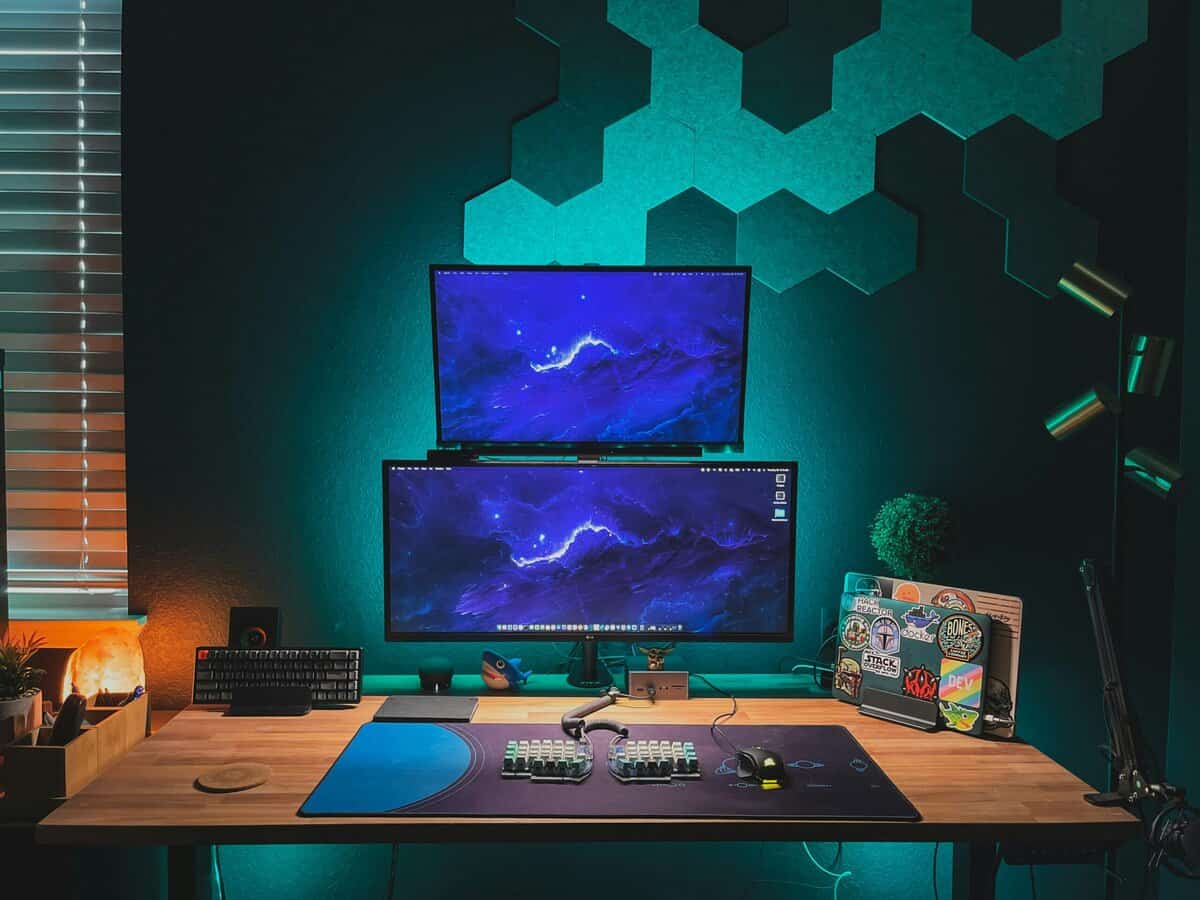
The right answer depends less on what looks best in a five-minute demo and more on how you will use the screen for the next three to five years. For mixed-use gamers, total cost of ownership matters. A panel that looks amazing but demands more care, carries more risk with static content, or needs earlier replacement can be a worse value than a less flashy option that holds up better.
The competitive FPS player
If ranked shooters are your main hobby and the monitor is there mostly for games, OLED has a real advantage. Motion looks cleaner, dark scenes have better separation, and the screen feels more responsive in actual play.
That said, budget still matters.
A strong IPS gaming monitor often makes more financial sense if you also use the same display for school, work, web browsing, or long idle desktop sessions. You give up some image quality and motion performance, but you usually get a lower upfront price and fewer long-term ownership concerns.
The MMO or RPG player
Buying based only on visuals can backfire. OLED looks fantastic in cinematic RPGs and darker worlds, but MMO players tend to keep static UI on screen for very long sessions. Hotbars, minimaps, raid frames, and inventory panels are exactly the kind of elements that should be part of the buying decision.
For a player who lives in one MMO every night, IPS is often the smarter value pick. For someone who mostly plays single-player RPGs, rotates games often, and uses panel care features properly, OLED becomes easier to justify.
The streamer or creator
IPS is usually the safer buy here. Streaming and content workflows keep fixed elements on screen for hours, and many people in this group also need one monitor to cover editing, browsing, admin work, and gaming.
I would only push a budget-conscious streamer toward OLED if gaming quality is the clear top priority and the monitor comes with panel protection features plus warranty terms that inspire confidence. Otherwise, IPS is easier to own and easier to recommend.
The hybrid work-and-play user
For one-monitor setups, IPS keeps winning on practicality. It handles daytime use well, it is less stressful for static desktop work, and it asks less from the owner over time.
That matters more than many buyers expect. The cheaper monitor is not always the better deal, and the more expensive monitor is not always the worse one. But once you factor in lifespan, usage habits, and the chance that your monitor spends more time on desktop apps than games, IPS often delivers the better return for the money.
A simple way to decide:
- Choose OLED if gaming is the main job, you care a lot about contrast and motion clarity, and you are comfortable managing panel care over time
- Choose IPS if you want the safest long-term value, use one screen for everything, or expect lots of static content every week
- Choose based on ownership, not the honeymoon period. The best panel for your budget is the one you will still feel good about after years of daily use
If you are still comparing what solid value looks like at different price points, this guide to the best budget gaming monitor options is a good next filter.
Top Monitor Recommendations for Gamers in 2026
The smartest way to recommend monitors here is by role, not by pretending one product fits everybody. These picks are the types of monitors worth targeting if you want strong value for the use case.
Best value IPS monitor
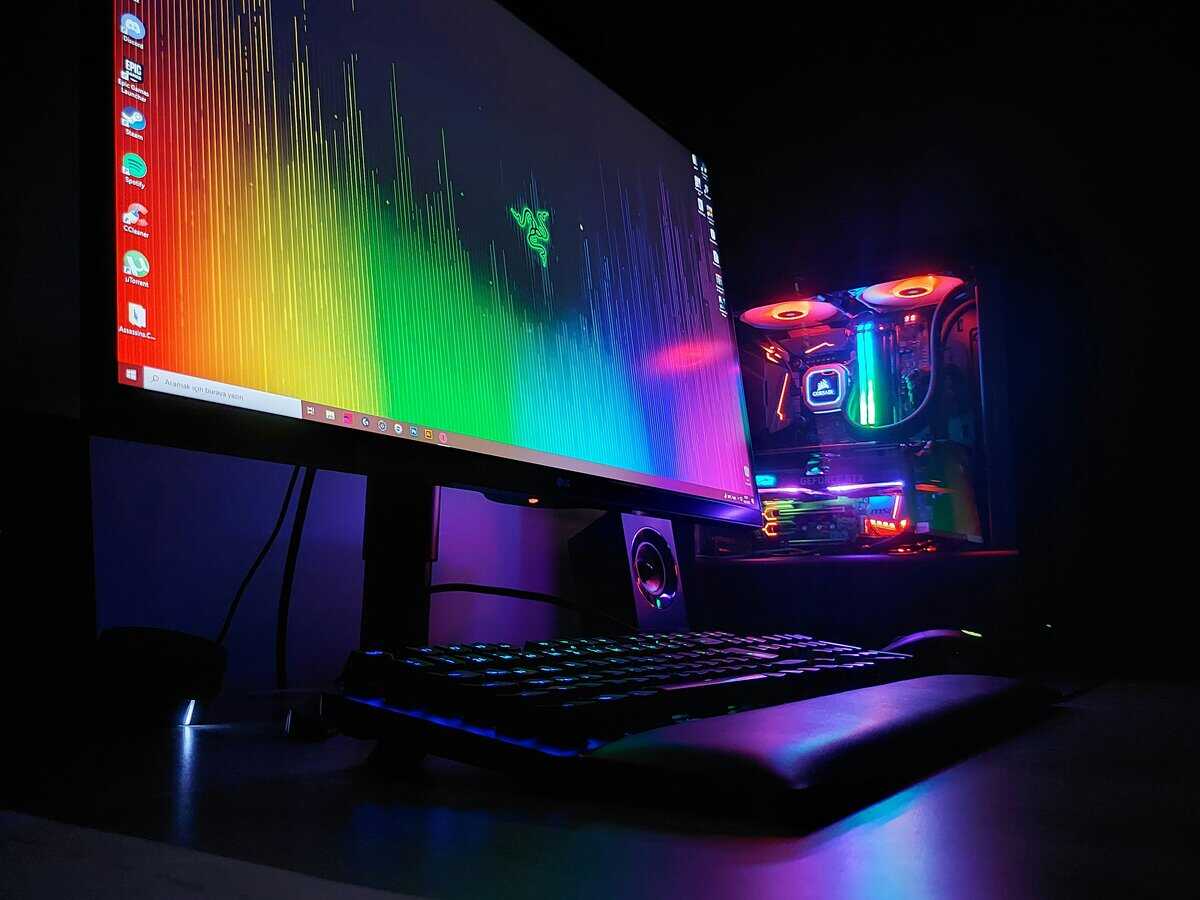
Look for a 27-inch or 32-inch high-refresh IPS gaming monitor with a solid stand, good brightness behavior, and a chassis that doesn’t feel flimsy. Our budget pick: the LG UltraGear 27GS75Q-B, 1440p IPS at 180Hz that hits the value sweet spot without compromising on build. For most budget-conscious gamers, this is still the sweet spot.
Why this type works:
- It handles mixed use well: gaming, school, work, browsing, and streaming prep
- It’s easier to own long term: no burn-in management
- It usually gives stronger value: more of your budget goes toward refresh rate, ergonomics, and overall build
This is the panel type I’d recommend first to someone buying one monitor for everything.
Best entry-level OLED
Look for an entry OLED with clear panel care features and a warranty that specifically addresses long-term panel confidence. Our entry OLED pick: the LG UltraGear 27GX704A-B, 27″ QHD OLED at 240Hz with built-in pixel maintenance and LG’s panel warranty. This is the version of OLED that makes sense for buyers who want the visual upgrade but still care about ownership risk.
What to prioritize:
- Burn-in protections: pixel maintenance features should be easy to understand and use
- Thermal design: better cooling usually inspires more confidence
- Build quality: the stand, menu system, and overall finish should feel like a durable product, not just a good panel in a cheap shell
Entry-level OLED is best for players who mostly game, don’t leave static content up all day, and want to experience OLED without jumping straight to the highest tier.
Worth the splurge OLED
If you know you want OLED and you understand the trade-offs, a premium gaming OLED can absolutely be worth it. This category is for players who spend hours in visually rich games, care about dark-scene performance, and are willing to manage the panel properly. Our splurge pick: the LG UltraGear 27GX790A-B, 480Hz QHD OLED with DisplayPort 2.1 for buyers who want a true competitive-grade flagship.
Here OLED’s strengths justify the premium:
- Fast multiplayer feels cleaner
- Cinematic games look materially better
- HDR-heavy content benefits the most
The key is being honest about your habits. If your monitor spends half its life showing static desktop elements, the expensive OLED may be the wrong luxury.
Buy the OLED because you’ll use its strengths often, not because you want bragging rights on the box.
If competitive speed is your main priority, it also makes sense to compare panel type with refresh target. A guide to the best 240Hz gaming monitor category can help you decide whether motion performance is better improved by panel choice, refresh rate, or both.
For the vast majority of buyers, the simple answer is this. IPS is the best value choice. OLED is the best experience choice. The right buy depends on whether you value long-term ease or top-end visual performance more.
There is a third option between the two. Our guide to the best budget mini-LED monitors covers panels that get close to OLED contrast at IPS prices.
Frequently Asked Questions
The most common OLED vs IPS gaming questions tend to come down to burn-in risk, motion clarity, and value. Here are quick takes worth knowing before you spend.
Is OLED or IPS better for gaming in 2026?
Neither is universally better. OLED wins on contrast, response time, and HDR. It’s the better pick for cinematic single-player games and dark-room setups. IPS wins on brightness, burn-in safety, and value. It’s the better pick for mixed gaming/work use in bright rooms. The right choice depends on your room, games, and how long you sit at the screen.
Should I worry about OLED burn-in for gaming?
Less than you might think, but it’s not zero. Modern gaming OLEDs ship with pixel maintenance routines, taskbar dimming, and panel warranties that explicitly cover burn-in. If you mostly play games and don’t leave a static taskbar visible for 12 hours a day, the risk is manageable. If your monitor doubles as a productivity screen with static UI elements, IPS is the safer pick.
Is OLED worth it over IPS for competitive FPS?
Increasingly yes: OLED’s near-instant response time (sub-1 ms transitions) produces cleaner motion than even fast IPS panels. But the gap is smaller than at the cinematic-gaming end of the spectrum, and a high-refresh IPS at 240Hz+ is still genuinely competitive. If budget is tight, prioritize refresh rate first, panel tech second.
Are entry-level OLED monitors actually good?
Yes. The 27″ QHD OLED tier in 2026 (e.g., LG 27GX704A) hits 240Hz with TrueBlack HDR and full burn-in protections at prices that were impossible 18 months ago. They’re no longer “flagship-only” tech. The trade-off is brightness still trails the best IPS panels in bright rooms.
How long does an OLED gaming monitor last vs IPS?
Both can easily last 5+ years of daily gaming use. IPS has a longer track record and no burn-in risk. OLED can match or exceed that lifespan if you use pixel maintenance routines and don’t pin static content for long sessions. Most warranties now address OLED panel longevity directly; read the terms before buying.
If you want more practical gear advice without the usual hype, Budget Loadout is built for that. It focuses on gaming and streaming gear that delivers real performance per dollar, explains trade-offs clearly, and helps you avoid upgrades that look good on paper but don’t hold up in everyday use.
Related Articles