You’re probably in the same spot most builders hit. You’ve picked a CPU, figured out your case, and now the GPU decision is eating the whole budget. That’s normal. For a gaming PC, the AMD vs. Nvidia GPU choice usually matters more than any other single part because it affects frame rate, power draw, streaming quality, driver experience, and how long the build feels current.
The mistake is treating this like a brand war. It isn’t. It’s a trade-off between value and ecosystem.

For a budget gaming rig, peak benchmark bragging rights matter less than what the card does every day. Can it hold up in shooters at high refresh rates? Does it stay quiet in a small case? Will it stream cleanly from one PC without turning the game into a stuttery mess? Does it pull enough extra power over time that the “cheaper” card stops looking cheap?
Here’s the short version before we get into detail.
| What matters most | AMD usually makes more sense | NVIDIA usually makes more sense |
|---|---|---|
| Raw value in gaming | Better performance per dollar in many mid-range setups | Often costs more for similar native gaming output |
| Upscaling flexibility | Open approach, broader compatibility | Stronger proprietary image reconstruction in supported games |
| Ray tracing priority | Good enough in many realistic budget builds | Usually the safer pick if ray tracing is a major priority |
| Streaming on one PC | Usable, especially for casual creators | Better fit if you want the smoother all-in-one streaming path |
| Open software preference | Better fit for open standards and multi-platform habits | Better fit if you’re comfortable buying into a closed ecosystem |
| Power and running costs | Can be the better value over time in the right card tier | Depends heavily on the specific card and cooler design |
| Linux and tinkering mindset | Often appealing if you value open ecosystems | Often appealing if your workflow depends on proprietary acceleration |
- AMD usually wins on raw raster performance per dollar; NVIDIA wins on ray tracing, DLSS, and NVENC streaming
- For pure budget gaming at 1080p, AMD is the smarter buy in most price tiers
- For mixed gaming and streaming, NVIDIA’s NVENC encoder + DLSS reduces friction enough to justify the price premium
- Ray tracing on budget GPUs is usually a tax, not a feature. Leave it off and put the savings into a better display
- Driver reliability is now close enough that the old NVIDIA-vs-AMD reputation gap no longer drives buying decisions
Table of Contents
- NVENC encoder produces cleaner streams than software encoding
- DLSS 4 upscaling stretches the 8GB of VRAM
- SFF-ready 2.5-slot design fits smaller cases
- 8GB VRAM is tight for 1440p with maxed textures
- Ray tracing performance is limited at this tier
- Outpaced on raw raster by AMD cards at the same price
- 16GB VRAM offers serious headroom for 1440p and modern textures
- Strong raw raster performance per dollar
- PCIe 5.0 and DisplayPort 2.1a for newer panels
- Ray tracing still trails NVIDIA at the same tier
- FSR upscaling looks softer than DLSS in motion
- Larger 2.5-slot cooler may not fit ultra-compact builds
- Lowest cost of entry for solid 1080p gaming
- 0dB silent cooling at idle keeps the build quiet
- ASRock USA warranty and direct support
- 8GB VRAM limits future-proofing at higher resolutions
- No ray tracing performance worth turning on
- Older RDNA 3 architecture vs newer 9000-series options
AMD vs NVIDIA: The Core Decision for Your Gaming PC
A GPU choice locks in more than frames. It also locks in a feature set, a driver experience, and a set of compromises you’ll live with for years.
Budget builders usually ask the wrong first question. They ask, “Which one is faster?” The better question is, “Which one does the most for my build without creating new costs somewhere else?” Sometimes that means stronger native gaming performance for the money. Sometimes it means paying extra for cleaner upscaling, better single-PC streaming support, or less hassle in the games you play.
If you play competitive FPS titles, your priorities are different from someone who spends most nights in an MMO, an open-world RPG, or a mixed gaming-and-streaming setup. If you’re also thinking about content creation, this GPU decision touches that too. Anyone planning clips, live streams, or channel uploads should also think through the workflow side, not just the in-game side. If that’s on your list, this guide on how to start a gaming channel is a useful companion because it covers the practical setup around the content, not just the hardware.
What actually matters first
Three things decide most smart GPU purchases:
- Your real game mix. Esports shooters care more about steady raster performance and frame pacing. Story-heavy games expose upscaling and ray tracing differences faster.
- Your monitor target. A card that feels great at 1080p high refresh can feel cramped at 1440p if you want visual extras turned on.
- Your total ownership cost. Purchase price matters, but so do power use, cooler quality, noise, and whether you’ll need a beefier power supply.
Practical rule: Buy for the games and habits you have now, not the cinematic benchmark fantasy you might use twice.
If you’re shopping in the middle of the market, it also helps to compare against a focused shortlist instead of staring at every GPU on the shelf. A good starting point is this breakdown of the best mid-range GPU options, because that’s where the AMD vs NVIDIA decision gets most interesting.
Understanding Team Red and Team Green
A budget builder usually hits this choice after the CPU, case, and SSD are already penciled in. You find two cards close in price, one promises more features, the other promises more raw value, and the wrong pick can force a bigger power supply, more fan noise, or a driver headache you deal with for years.
Why NVIDIA feels like the default
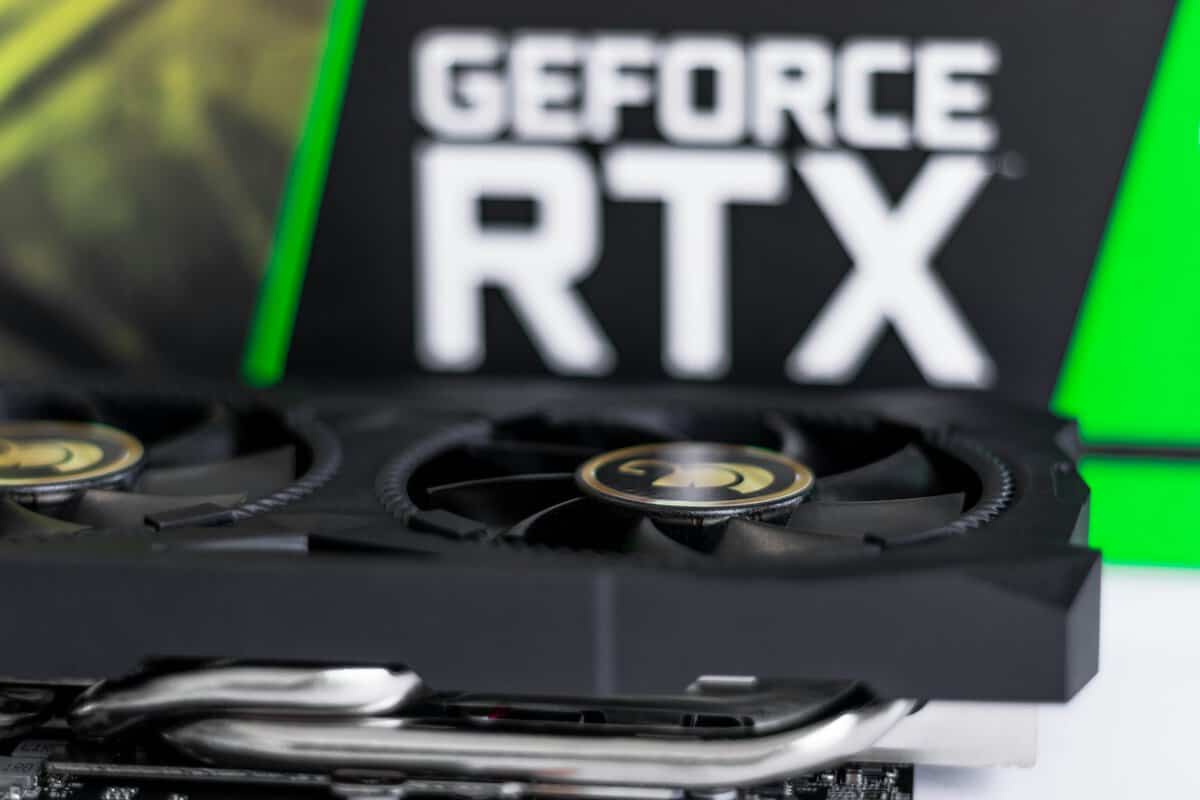
NVIDIA still sets the tone in discrete graphics. Reported market-share coverage from Tom’s Hardware on discrete GPU sales shows just how dominant that position became in late 2025, and that kind of lead affects everything around the card. Developers optimize for the install base they expect. Board partners put more effort into cooler designs that will sell in volume. Buyers see more reviews, more tuning guides, and more “safe choice” recommendations.
That convenience has value. It can also cost extra.
For a lot of builders, NVIDIA is easier to drop into a mixed-use PC because the ecosystem is mature and the feature stack is tightly controlled. If you already know you want those features, that premium can make sense. If you mainly want strong 1080p or 1440p gaming without paying for extras you rarely touch, the value argument gets weaker fast.
If you are comparing cards inside NVIDIA’s own stack, this breakdown of the RTX 4060 vs RTX 4070 for budget and mid-range builds helps frame where the price jumps start to hurt value.
Why AMD keeps showing up in smart budget builds
AMD stays relevant because it often attacks the part of the market where every dollar matters. That usually means aggressive pricing, more VRAM at a given tier, and fewer assumptions that the buyer wants to pay extra for a closed feature path.
For budget rigs, that matters more than brand loyalty. A cheaper card that runs your actual games well, works with your existing power supply, and does not push you into a hotter, louder build can be the better long-term buy even if it loses a few headline benchmark charts.
I see this a lot in entry-level and lower mid-range builds. Buyers start out chasing the badge, then realize the smarter question is total system cost, not just GPU sticker price.
The software philosophy changes long-term value
This part gets ignored too often. You are not only buying frame rates. You are buying driver behavior, software support, and a set of features that may or may not matter to your setup two years from now.
- AMD usually pushes a more open approach. That can be attractive if you care about wider compatibility, Linux friendliness, or avoiding a stack built around vendor-specific lock-in.
- NVIDIA usually pushes a more controlled approach. You often get polished support for its own feature set, but the best experience can depend on staying inside that ecosystem.
- That affects ownership cost. A feature you never use is still part of the price. A proprietary feature you do use every day can justify the premium.
My practical view is simple. NVIDIA usually wins if you want the least guesswork and you are willing to pay for the closed ecosystem. AMD usually wins if your priority is frames per dollar, broader flexibility, and keeping the whole build cost under control.
Comparing Upscaling and Ray Tracing Technology
You buy a budget GPU, fire up a new game, turn on the flashy features from the box, and suddenly the frame rate drops hard. That is the moment upscaling stops being a buzzword and becomes a real value question.
Upscaling matters because it can keep a cheaper card useful longer. Instead of rendering every frame at full resolution, the GPU renders fewer pixels and reconstructs the image to recover performance. The question is not which brand has the better marketing term. It is which approach gives you acceptable image quality, broad game support, and fewer headaches over the life of the build.
DLSS and FSR in plain English
One side pushes a more closed, tightly integrated approach built around proprietary Tensor Core acceleration. The other pushes a more open method that works across a wider range of hardware. For a budget builder, that difference affects ownership cost more than the feature slide suggests.
Here is the practical breakdown.
| Feature | NVIDIA DLSS | AMD FSR |
|---|---|---|
| Core approach | Proprietary, tied to one ecosystem | Open approach with wider hardware support |
| Best use case | Games with strong vendor-specific tuning | Mixed libraries and broader compatibility |
| Image quality trend | Often cleaner in motion, especially in demanding scenes | Often good enough, but weaker in some edge cases |
| Long-term flexibility | Best if you stay within one hardware stack | Easier to keep using across different systems |
| Buyer trade-off | Higher premium for polish and integration | Better chance of saving money without giving up too much |
In actual use, the gap is usually easiest to spot in motion. Fast camera pans, thin objects, foliage, and fine detail tend to look cleaner on the more polished proprietary option. The open option has improved a lot, and at sane settings it is often close enough that many budget builders would rather keep the cash.
That matters if you upgrade piece by piece. A feature that works across more hardware can age better in a hand-me-down PC, a second system, or a future build where you switch brands. For anyone who wants a broader technical explanation of how reconstruction works outside gaming too, mastering AI photo enhancement techniques gives useful context.
If you want an example of how feature differences affect value even within one lineup, this RTX 4060 vs RTX 4070 price-to-performance comparison shows where paying more starts to make sense and where it does not.
Ray tracing matters less on budget cards
Ray tracing can look great. It can also turn a sensible midrange build into a compromise machine if the card needs aggressive upscaling just to stay comfortable.
My advice is simple. Treat ray tracing as a bonus unless you are spending enough to use it without wrecking frame rate, image quality, or noise levels. On lower-cost cards, buyers often end up paying extra for screenshots they admire more than settings they keep enabled.
The closed ecosystem still tends to deliver the stronger ray tracing experience, especially in games built around it. AMD has improved, but the budget value case usually still comes from strong standard rendering first, with ray tracing available as an occasional extra rather than the reason to buy.
How budget builders should use these features
Use upscaling to extend the life of the card, not to excuse buying the wrong card.
- Competitive games: keep latency, clarity, and stable frame delivery ahead of visual extras.
- Big single-player games: upscaling can be worth using if it holds image quality well enough on your monitor.
- Ray tracing: turn it on if the result still feels smooth after an hour of play, not for a five-minute graphics test.
- Long-term value: favor features you will use often, because every watt, crash, and upgrade decision adds to total ownership cost.
That is the practical split. If image quality under upscaling and heavier effects is your top priority, paying more can make sense. If your goal is the best overall budget rig, broad support and lower total cost usually matter more than the fanciest rendering feature on the product page.
Real-World Gaming and Streaming Performance
Benchmarks matter, but they don’t tell the whole story. You don’t play a chart. You play actual games with your own settings, your own monitor, and your own tolerance for stutter, fan noise, and visual compromises.
For competitive FPS players
If your main games are fast shooters, raw raster performance still carries a lot of weight. You care about smooth frame delivery, low latency, and not paying extra for features you won’t notice during a match.
At the key $300 to $500 mid-range, the gap gets much tighter than a lot of marketing suggests. AMD’s RX 7900 GRE at $549 competes directly with the RTX 4070 at $549, and in native 1440p gaming, mid-range AMD cards can deliver 95% to 98% of NVIDIA’s performance for less cost, based on this GPU hierarchy analysis.
That’s why a lot of budget-minded FPS builders end up leaning AMD. If your goal is straightforward high-refresh gaming without obsessing over premium extras, AMD often gives you more room elsewhere in the build.
For MMO and RPG players
This use case changes the equation. MMOs, open-world games, and visual-heavy single-player titles put more pressure on memory, image reconstruction, and feature support over long sessions. They also expose cooling and acoustics faster because you’re often playing for hours, not dropping into a quick match.
In this kind of build, NVIDIA’s premium can make more sense if you know you’ll use its upscaling and ray tracing strengths. Better feature integration often matters more here than chasing one more bit of native raster value.
That said, AMD still makes sense if you mostly play at sensible settings and care more about stable native performance than feature checklists. For many players, that’s the better compromise.
For pure gaming, the best card isn’t the one with the flashiest feature slide. It’s the one that keeps the game smooth without forcing the rest of the build to suffer.
For beginner streamers on one PC
Streaming is where the difference gets more practical. A single-PC setup asks the GPU to game and help carry the stream workload at the same time. That’s where NVIDIA often earns its price premium. Its ecosystem is built for that all-in-one path, and that matters if you’re trying to play, encode, clip, and upload from one system without headaches.
AMD can still work well for lighter or more casual streaming, especially if your main focus is gaming first and streaming second. But if you’re serious about regular live content, I’d usually rather see a beginner pay for reliability in the workflow than squeeze out a small native gaming advantage.
If your build is more mobile or you’re comparing desktop logic to portable systems, this look at the RTX 5090 laptop category shows how fast GPU branding can drift away from practical value once thermal limits enter the picture.
Where each brand usually lands best
- Choose AMD for gaming-first builds when native performance per dollar is your main target.
- Choose NVIDIA for mixed gaming and streaming when your GPU also needs to carry creator workload cleanly.
- Choose based on your actual settings habits if you know you don’t care about premium visual features.
A card that’s slightly slower on paper can still be the smarter buy if it runs cooler, quieter, and cheaper over time.
Evaluating Drivers: Power and Build Quality
This is the part people skip, then complain about six months later. Daily ownership matters more than launch-day benchmark wins.
A GPU can be a good deal and still be a bad fit if the cooler is cheap, the fans are loud, or the card runs hot enough to annoy you every night. That’s why the AMD vs. NVIDIA GPU decision should always include drivers, power draw, and partner build quality.
Drivers and software feel
Driver stability is one of those topics that gets exaggerated in both directions. The honest answer is simpler. Both brands can work well. Both can have rough patches. What matters is how much friction you’re willing to tolerate and what software path you rely on.
NVIDIA usually gets the nod from buyers who want a more locked-down, feature-rich ecosystem and who don’t mind that many of the best extras live inside that ecosystem. AMD appeals more to builders who value open standards and don’t want the purchase tied as tightly to one proprietary path.
For a plain gaming build, don’t over-dramatize this. Stable current drivers matter. Clean install habits matter. Avoiding day-one panic updates matters.
Power is part of the budget
A GPU’s power use affects more than the electric bill. It affects case temperature, fan noise, power supply headroom, and sometimes even which case feels comfortable to build in.
A card that uses 50W more than a competing option could add $15 to $30 in annual electricity costs, according to this power-cost discussion. For a tight-budget build, especially one used for long gaming sessions or always-on streaming, that’s real money.
Total cost of ownership checklist
- Electricity cost. The cheaper card at checkout isn’t always cheaper after long-term use.
- PSU requirements. Higher draw can force you into a better power supply than you planned.
- Cooling needs. More heat usually means more fan noise or more spending on airflow.
- Room comfort. If you game in a small room, heat output is not an abstract issue.
If you want to improve a card you already own, this guide on how to undervolt your GPU is one of the best ways to reduce heat and noise without giving up much real performance.
Ownership rule: Don’t measure GPU cost once. Measure it at purchase, during setup, and on every power bill after that.
Build quality is often an AIB question
Most durability differences come from the board partner, not the chip brand itself. Cooler design, fan quality, thermal pad application, and overall shroud rigidity vary a lot.
When I’m helping someone choose, I care about these things more than RGB or box art:
- Cooler thickness and fin stack. Better cooling usually means lower noise and less thermal stress.
- Fan quality. Cheap fans age badly. You hear it before you see it.
- Backplate and frame rigidity. Sag isn’t just cosmetic on larger cards.
- Warranty reputation. If build quality is shaky, support matters more.
For value-focused buyers, a well-built lower-tier card is often the better long-term purchase than a poorly built higher-tier one.
Which GPU Should You Actually Buy in 2026
You’re putting together a budget gaming PC. The GPU choice looks simple until the extra costs show up. One card gives you stronger raw value in games. The other can make more sense if you stream, care about specific visual features, or want fewer compromises in creator workloads.
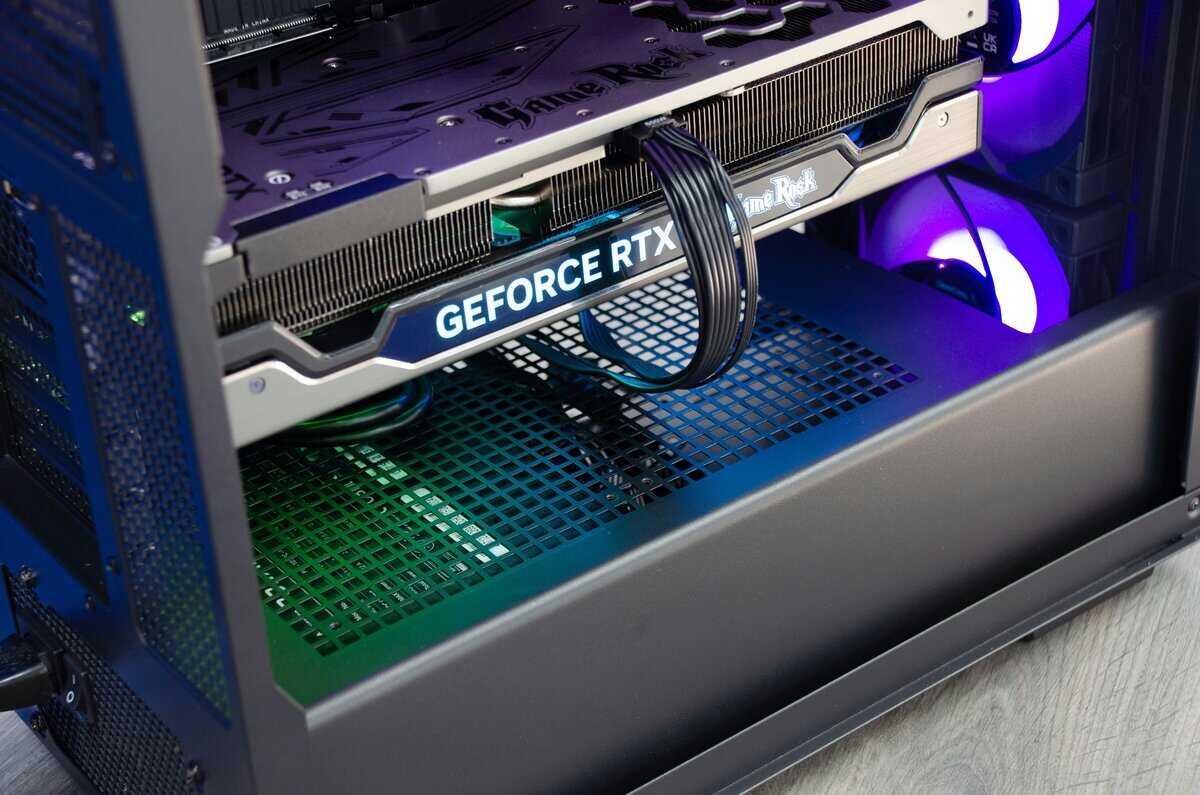
You don’t need a winner. You need the right answer for your own build.
For budget-focused gaming rigs, AMD usually makes the stronger case. It tends to be harder to beat on frames per dollar, and the software side is appealing if you prefer more open standards and less dependence on proprietary extras. If your actual weeknight gaming is competitive shooters, older AAA games, esports titles, or a mix of 1080p and 1440p, cards like the Radeon RX 9600 XT or Radeon RX 9070 XT are the kind of parts I’d check first.
That recommendation gets stronger when every dollar matters. Saving money on the GPU can free up room for a better PSU, a quieter case, or another terabyte of storage. Those upgrades often improve the full PC more than chasing a small benchmark lead.
Best fit for gaming-first buyers
Choose AMD first if your build is mainly for gaming and you care more about value over three years than flashy feature checklists on day one. Our budget AMD pick for this category: the ASUS Dual Radeon RX 9060 XT 16GB, strong raw raster performance at a price NVIDIA can’t match in the same tier.
AMD makes sense when you want:
- Better native gaming value for the money
- A more open software approach
- Less regret about paying extra for features you may barely use
- A balanced build where the GPU does not eat the whole budget
That last point matters. A cheaper card that lets you keep a quality power supply and decent case airflow can be the smarter long-term buy than a pricier card that forces cuts elsewhere.
Best fit for gaming plus streaming
If the same PC needs to handle gaming, streaming, and maybe some content work, NVIDIA often justifies the premium. Cards like the GeForce RTX 5060 or GeForce RTX 5070 fit that buyer better. The NVIDIA pick that handles both cleanly: the ASUS Dual GeForce RTX 5060 OC, NVENC encoder for clean streams plus DLSS for the games themselves.
The value is not magic. It comes from a cleaner all-in-one experience for buyers who will use it. Better support for gaming while streaming, stronger feature support in many new releases, and fewer workflow headaches can make the higher price reasonable.
I usually give this advice. If you stream once in a while, AMD is still a good option. If streaming is part of your normal routine, paying more for NVIDIA can save frustration.
My direct recommendations by buyer type
If you mostly play FPS games
Start with AMD. Raw value matters more here than premium visual features. Put the savings into a higher refresh monitor, better cooling, or lower system noise. Budget AMD pick for FPS-first builds: the ASRock RX 7600 Challenger, solid 1080p frame rates without padding the build cost.
If you mostly play MMOs and big story games
Pick based on what you notice. Buyers who care about image reconstruction quality and heavier visual effects may prefer NVIDIA. Buyers who want strong performance without stretching the whole build usually get better value from AMD.
If you stream from one PC
NVIDIA is the safer pick if the prices are close. AMD is still worth buying if the discount is large enough to outweigh the feature gap for your setup.
If you care about total ownership cost
Check more than the shelf price:
- Power use over time
- Cooler quality and fan noise
- Driver stability for the games you play
- Whether the card pushes you into a bigger PSU
- Whether you will use the software features you are paying for
That is where a “cheap” purchase can turn expensive.
What I’d avoid
I would skip any GPU purchase built around one cherry-picked benchmark, one ray tracing demo, or one influencer talking about “futureproofing” without discussing power, cooling, and software trade-offs. I would also avoid the absolute cheapest version of a good chip if the cooler, fan quality, or warranty looks weak.
For a lot of budget builders, the best buy is not the fastest card on the chart. It is the card that fits the whole system, stays stable, does not turn the case into a heater, and still looks like a good deal two years later.
If you want a tighter shortlist before buying, this guide to the best budget graphics card for gaming builds is the right next step.
The short answer is simple. AMD is usually the smarter buy for pure gaming value. NVIDIA is usually the smarter buy for mixed gaming and streaming. The right card is the one that gives you solid performance without unnecessarily increasing the total cost of the build.
Already settled on NVIDIA at the high end? Our RTX 5070 Ti vs 5080 comparison weighs the two on value.
Frequently Asked Questions
The most common AMD vs NVIDIA GPU questions tend to come down to value, features, and whether 2026 changes the answer. Here are quick takes worth knowing before you spend.
AMD or NVIDIA GPU, which is better in 2026?
Neither is universally better. NVIDIA wins on ray tracing, DLSS image reconstruction, and NVENC for streaming. AMD wins on raw raster performance per dollar and VRAM at the same price tier. The right pick depends on what you play and how you use the PC, not on which brand “wins.”
Is AMD better than NVIDIA for budget builds?
Often yes. At the same price, AMD usually delivers higher raw frame rates in raster-heavy games, more VRAM, and competitive performance in older titles. NVIDIA pulls ahead when you actually use ray tracing or rely on DLSS to hit playable frame rates on demanding titles.
Is DLSS or FSR better in 2026?
DLSS still produces a cleaner image at lower internal resolutions, especially with DLSS 4 and frame generation. FSR has closed the gap on raster fidelity but tends to look softer or shimmer more in motion. If image quality at upscaled resolutions is your top priority, NVIDIA leads.
Do I need ray tracing on a budget GPU?
On budget cards (RTX 4060, RX 7600, RX 9060 XT), ray tracing is usually a tax, turning it on drops frame rates more than the visuals improve. Most budget gamers leave RT off and benefit more from a higher refresh display than from chasing premium visual features the GPU can’t comfortably run.
Are AMD drivers reliable in 2026?
Modern AMD drivers are far more stable than the reputation suggests. Issues from past generations are largely resolved. Both AMD and NVIDIA still ship occasional buggy releases, the difference now is much smaller than online forum wisdom claims.
Related Articles