You’re probably looking at two tabs right now. One has the RTX 4060, which feels sensible. The other has the RTX 4070, which feels like the card you might regret not buying.
That’s a normal spot to be in. For a first serious GPU upgrade, this isn’t just a speed question. It’s a whole-build question. The card you choose affects your monitor target, your power supply, your CPU pairing, your thermals, and how long you can stay happy before the next upgrade itch shows up.
The useful way to think about RTX 4060 vs RTX 4070 is simple. Don’t ask which card is better in a vacuum. Ask which card makes the most sense in the system you can afford to build. If you’re still figuring out what kind of frame rates are realistic for your setup, this breakdown of average FPS for a gaming PC is a good reality check before you spend on a GPU.
- Excellent price-per-frame at 1080p, the bracket where most gamers actually play
- 115W TGP keeps PSU and case requirements modest
- DLSS 3 and Frame Generation deliver real headroom in supported titles
- 8GB VRAM is the bare minimum in 2026, modern AAA games at high textures will press it
- 128-bit memory bus limits 1440p uplift compared to wider-bus competitors
- Below the 4070’s headroom for ray tracing and 1440p
- 12GB VRAM handles modern AAA textures at high settings without compromise
- 192-bit memory bus + GDDR6X delivers significantly more bandwidth than the 4060
- Comfortable 1440p performance with ray tracing on supported titles
- 200W TGP raises PSU and cooling requirements, plan accordingly
- Limited Amazon availability in 2026, check the RTX 4070 SUPER as a 2026 alternative
- Higher cost-per-frame than the 4060 if you only play 1080p
- The RTX 4060 wins on price-per-frame for 1080p gaming, it’s the smarter buy if you mostly play esports titles or budget-conscious AAA at 1080p.
- The RTX 4070 wins for 1440p, ray tracing, and any modern AAA where you want headroom, the extra 4GB of VRAM matters for textures.
- Power cost matters: the 4060 sips ~115W vs the 4070’s 200W, which adds up over years of daily play.
- Don’t pair a 4070 with a budget CPU, bottlenecking a strong GPU is a common waste. Aim for at least a Ryzen 5 7600 or Intel i5-13400-tier CPU.
- In 2026, the RTX 4070 is harder to find new at MSRP, if you can’t get one at a fair price, the RTX 4070 SUPER is the natural alternative, not the 4060.
Table of Contents
Choosing Your Next GPU Is About More Than FPS
A lot of buyers get stuck because the RTX 4060 and RTX 4070 both sound like mid-range cards, but they don’t behave like small steps apart. One is the practical choice for a lot of 1080p systems. The other starts to make more sense when the rest of the build is strong enough to support it.
Quick 2026 reality check: The RTX 4070 is harder to find new at MSRP in 2026 since NVIDIA’s product cycle moved on. If you can’t get one at a reasonable price, the RTX 4070 SUPER is the natural alternative, it’s the same tier with slightly more performance. Either way, the comparison framework below still applies.
That difference matters more than benchmark screenshots make it seem. If your budget also has to cover a CPU, motherboard, RAM, case airflow, and maybe a power supply, the wrong GPU can throw the whole build out of balance. I’ve seen plenty of first-time builders spend too much on the graphics card, then wonder why the overall experience still feels compromised.
What value actually looks like
Good value isn’t the cheapest part on the page. It’s the part that gives you the most usable performance without forcing extra spending elsewhere.
For most buyers, that comes down to three questions:
- Resolution target: Are you aiming for smooth 1080p play, or are you trying to hold strong settings at 1440p?
- Game type: Fast competitive shooters, MMOs, and lighter multiplayer games don’t stress a GPU the same way cinematic single-player games do.
- Upgrade path: Are you dropping a card into an older PC, or building around it from scratch?
Practical rule: If buying a faster GPU forces weaker choices everywhere else, the faster GPU usually isn’t the better purchase.
The RTX 4060 often wins on system balance. The RTX 4070 often wins on raw gaming experience. The hard part is knowing when that extra headroom is useful and when it’s just expensive.
Comparing Core Specs Beyond the Marketing
The names are close, but the hardware gap isn’t. The RTX 4070 has 5888 CUDA cores, while the RTX 4060 has 3072. It also carries 12GB of GDDR6X VRAM on a 192-bit bus versus 8GB of GDDR6 on a 128-bit bus, and that translates to 504 GB/s of memory bandwidth against 272 GB/s. That’s an 85% bandwidth increase and 93% higher theoretical compute performance, according to NanoReview’s RTX 4070 vs RTX 4060 comparison.
If you’re shopping this part of the market, it also helps to compare where these cards sit in the wider stack. This guide to the best mid-range GPU gives that bigger-picture context.
RTX 4060 vs RTX 4070 Specification Comparison
| Specification | NVIDIA GeForce RTX 4060 | NVIDIA GeForce RTX 4070 |
|---|---|---|
| CUDA Cores | 3072 | 5888 |
| VRAM | 8GB GDDR6 | 12GB GDDR6X |
| Memory Bus | 128-bit | 192-bit |
| Memory Bandwidth | 272 GB/s | 504 GB/s |
| Theoretical FP32 Compute | 15.1 TFLOPS | 29.2 TFLOPS |
| Base Clock | 1830 MHz | 1920 MHz |
| Boost Clock | 2460 MHz | 2475 MHz |
| TGP | 115W | 200W |
| Launch Positioning | Mainstream | Mid-range enthusiast |
| MSRP | ~$300 | ~$600 |
Why these specs matter in real use
The memory subsystem is the primary dividing line. At 1080p in lighter games, the RTX 4060 can look fine on paper and feel fine in use. Once you move into heavier textures, denser worlds, or 1440p, the wider bus and larger VRAM pool on the RTX 4070 start helping in ways that are easy to notice.
That doesn’t just mean higher averages. It often means less strain when you push texture quality, less need to compromise early, and more room for demanding games over time.
Build quality also tends to track with class. In general, RTX 4070 models more often ship with larger coolers and sturdier shrouds, while RTX 4060 cards are usually smaller and simpler. That isn’t a knock on the 4060. Compact cards can be a real advantage in smaller cases. But if quiet operation and lower fan speeds matter, the heavier 4070 designs usually have an easier job.
More VRAM and more bandwidth don’t guarantee perfection. They do give the card more breathing room when games get less forgiving.
Gaming and Streaming Performance Benchmarks
The RTX 4060 vs RTX 4070 decision becomes much easier at this point. In actual gaming, the RTX 4070 doesn’t just edge ahead. It usually creates a different class of experience once you move beyond basic 1080p play.
Across multiple benchmark sets, the RTX 4070 delivers about 30 to 38% higher average frame rates than the RTX 4060. In Cyberpunk 2077, it reaches 80 FPS average with 47 FPS 1% lows, while the RTX 4060 posts 57 FPS average and 30 FPS 1% lows, which gives the 4070 a clear edge in smoothness, especially during heavier scenes, as shown in Tech4Gamers’ RTX 4060 vs RTX 4070 testing.
For FPS games and MMOs
If your week is mostly made up of competitive shooters, MMOs, or long sessions in games that prioritize responsiveness over visual excess, the RTX 4060 is still a very usable card. According to Tom’s Hardware’s GPU benchmark hierarchy, the 4060 lands solidly in the value tier for 1080p gaming. It fits the kind of build where you want good frame rates, low heat, and fewer supporting-part costs.
The RTX 4070 still helps, but the return depends on the rest of your setup. If you’re using a 1080p monitor and a modest CPU, the extra GPU muscle may not feel as dramatic as the price difference suggests.
A practical way to think about it:
- Competitive FPS focus: The RTX 4060 makes sense when your goal is stable performance at 1080p and you’d rather preserve budget for the rest of the build.
- MMO and mixed-library focus: Either card works, but the RTX 4070 gives more comfort if you bounce between online games and heavier single-player releases.
- High-refresh 1440p focus: For high-refresh 1440p, the 4070 starts earning its place.
For AAA gaming and beginner streaming
The 4070’s lead becomes much easier to justify in demanding single-player games, especially when visual quality matters. Better 1% lows matter here as much as average FPS. A game that feels mostly smooth but stutters during traversal or combat gets old fast.
For streaming, both cards support modern encoding features and both can handle a beginner broadcast setup. The difference is workload headroom. If you’re gaming, recording clips, running chat, and managing overlays at the same time, the RTX 4070 leaves more breathing room for the PC. If you’re trying to dial in a clean stream without overcomplicating things, these OBS settings for streaming are worth pairing with your GPU choice.
Your internet connection matters just as much as the encoder once you hit the Go Live button. A practical guide to internet for gaming and streaming helps if your stream quality problems are really upload or latency problems, not GPU problems.
A smoother stream setup doesn’t always require a faster card. Sometimes it requires fewer background mistakes, better settings, and enough GPU headroom that the system isn’t constantly on the edge.
Beyond the Sticker Price, Power and Build Costs
The RTX 4060’s biggest strength isn’t glamorous. It’s efficiency. For budget-conscious builders, that matters because the GPU bill doesn’t end at checkout.
The RTX 4060 has a 115W TGP, while the RTX 4070 sits at 200W. That makes the 4060 roughly 42% lower in power draw, and for someone gaming 4 hours a day, that efficiency can save about $25 to $35 annually at $0.15/kWh. The same comparison also notes that the 4060 can work with a less expensive 550W PSU, which can lower upfront build cost, according to Geekom’s RTX 4060 vs 4070 overview.
Where the hidden costs show up
The extra GPU cost on the 4070 is obvious. The less obvious costs tend to show up in three places:
- Power supply pressure: If your current PSU is modest, the 4060 is easier to drop in without changing anything.
- Case thermals: Lower-power cards are easier to cool in compact builds.
- Noise under load: Less heat usually means less fan work.
That matters for students, apartment setups, and anyone building in a smaller case. If the PC sits on your desk, acoustic comfort is part of value. Build quality and cooler design also play into this. A well-built 4060 can be quiet because it doesn’t need a huge cooler to stay under control. A well-built 4070 often uses a beefier heatsink and stronger fan assembly, which helps durability and noise, but it also adds cost and physical size.
When the 4070’s higher power draw is worth it
The higher running cost doesn’t automatically make the 4070 a bad buy. It just means you should count the whole platform, not only frame rates.
If your build already has a quality PSU and a case with decent airflow, the penalty is less painful. If you’re starting from an older system, though, GPU upgrades can turn into PSU upgrades very quickly. If you’re checking what makes sense for a stronger future build, this overview of the best 1000W power supply is useful context, even if these two cards don’t require that level themselves.
Buying more GPU than your power budget and case can comfortably support is one of the easiest ways to turn a smart upgrade into an annoying one.
How to Pair Your CPU and Avoid Bottlenecks
A GPU can only render what the CPU can feed it. When the processor falls behind, the graphics card waits. That’s the simplest way to understand a bottleneck.
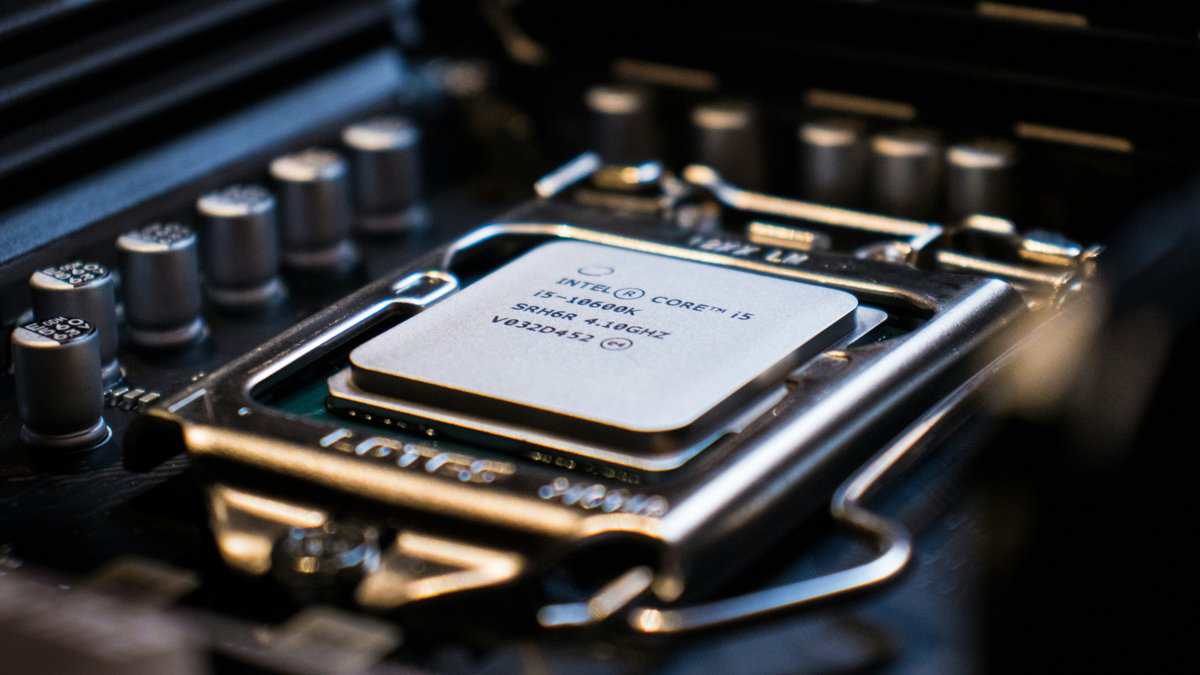
At 1080p, the RTX 4070 can be bottlenecked by 25 to 35% when paired with mid-tier CPUs such as the Ryzen 5 5600 in CPU-heavy games. In those cases, the RTX 4060 ends up being the more balanced card and reaches nearly full GPU utilization more often, based on the testing summarized in this CPU bottleneck discussion.
The pairing mistake first-time builders make
A lot of buyers assume the stronger GPU is always the smarter choice. It isn’t if the CPU can’t keep up.
At 1080p, the processor has a bigger role in many games. That means spending heavily on a 4070 while keeping a budget CPU can leave part of the card’s value unused. The game doesn’t care what your receipt says. It only cares whether the whole system is balanced.
Practical pairing advice
Use this as a simple guide:
- RTX 4060 plus affordable CPU: A strong fit for 1080p gaming, esports, MMOs, and mixed use where budget control matters.
- RTX 4070 plus affordable CPU: Often a poor match if your main target is 1080p in CPU-heavy games.
- RTX 4070 plus stronger platform: Better suited to 1440p gaming where the GPU gets more room to stretch.
If you’re still deciding how far to push the processor side of the build, this guide to the best CPU for gaming helps narrow down the right tier.
Put your money where the bottleneck is. If the CPU is the limiter, a bigger GPU won’t fix the build.
The Verdict: Which GPU Offers Better Value in 2026
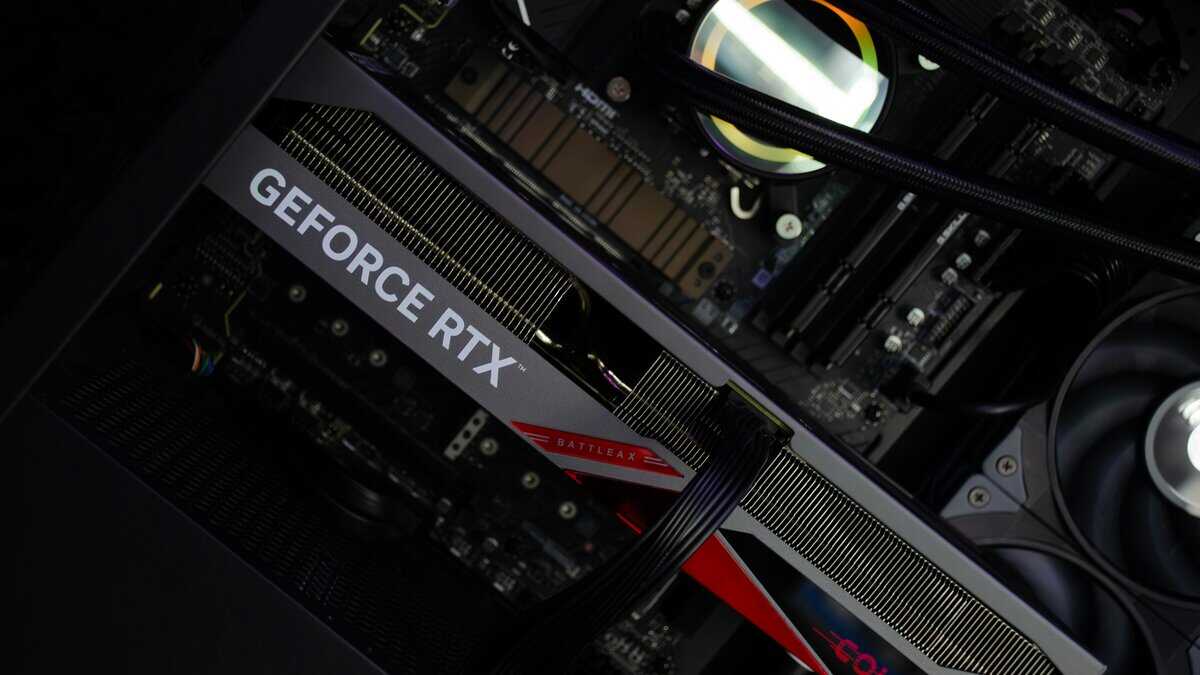
For many, the answer is straightforward once the whole build is in view.
Buy the RTX 4060 if this sounds like you
You should buy the RTX 4060 if you want a balanced 1080p gaming PC, you care about lower power draw, or you’re upgrading an existing system without turning the project into a full rebuild. It’s also the safer value pick for budget-first streamers, students, and parents buying a machine that needs to stay practical.
It’s the card I’d point to for:
- Competitive FPS players who care more about stable play than maxed-out visuals
- MMO players who want a solid experience without overbuilding the system
- Compact or quieter builds where lower heat is a genuine advantage
Its build quality is often simpler, but that’s not a flaw. Simpler cards are easier to fit, easier to power, and often easier to live with.
Buy the RTX 4070 if this is your target
Choose the RTX 4070 if your priority is 1440p gaming, heavier single-player titles, or a build with more staying power. The stronger specs and better benchmark results support that use case, and the extra VRAM makes more sense when you’re keeping the card for several years.
It’s the better fit for:
- 1440p players who want stronger settings without immediate compromise
- Single-player fans who notice smoother lows, not just headline averages
- Beginner creators and streamers who want more room while gaming and encoding at the same time
Cards in this class also tend to come with more substantial cooling hardware. That usually means better cooler durability, less fan strain, and quieter operation under sustained load.
The short version
If your monitor is 1080p and your CPU budget is modest, the RTX 4060 is the smarter buy.
If you’re building around 1440p and the rest of the system is strong enough to support it, the RTX 4070 is where your money starts turning into a meaningfully better experience instead of just a more expensive box.
The best value isn’t the cheapest card. It’s the card that fits the whole machine without waste.
Looking at the newer generation instead? See our RTX 5070 Ti vs 5080 comparison.
Frequently Asked Questions
Is the RTX 4060 enough for 1440p gaming?
The RTX 4060 can run 1440p in many titles, but it’s not the right tier for it. The 128-bit memory bus and 8GB VRAM mean you’ll be turning down settings or relying heavily on DLSS to maintain comfortable frame rates in modern AAA games at 1440p. For pure esports and lighter titles, it handles 1440p fine. For AAA, the 4070 is the right step up.
Will an RTX 4070 bottleneck a budget CPU?
It can. The 4070’s headroom is wasted if your CPU can’t keep up, particularly at 1080p where most modern games are CPU-limited. Pair the 4070 with at least a Ryzen 5 7600 or Intel i5-13400 to avoid bottlenecking. Going lower-tier on the CPU is a common mistake that turns a flagship GPU purchase into 4060-level performance.
Is 8GB of VRAM still enough in 2026?
For 1080p with sensible settings, yes. For 1440p or modern AAA at high textures, increasingly no. Several 2024-2025 AAA releases have already shown 8GB cards struggling with texture pop-in or forced lower settings. If you’re building for 3-4 years of use and want to play modern AAA, 12GB is the safer floor, that’s the 4070’s key advantage over the 4060.
Can I run ray tracing on an RTX 4060?
Yes, but with realistic expectations. The 4060 has the same ray tracing hardware as the 4070, just less of it. With DLSS 3 and Frame Generation, you can run RT in most titles at 1080p with playable frame rates. For RT at 1440p or in heavy implementations like Cyberpunk’s Path Tracing, the 4070 (or higher) is the better fit.
If you want more practical buying advice like this, Budget Loadout publishes straightforward guides for gamers and beginner streamers who want solid gear, durable parts, and fewer bad purchases.
Related Articles