A lot of what is printed on a gaming headset box describes things you will never hear. Virtual 7.1 badges, frequency ranges that say little about sound and driver sizes in millimeters fill the packaging, while the gaming headset features that actually change a match get a single line, if that.
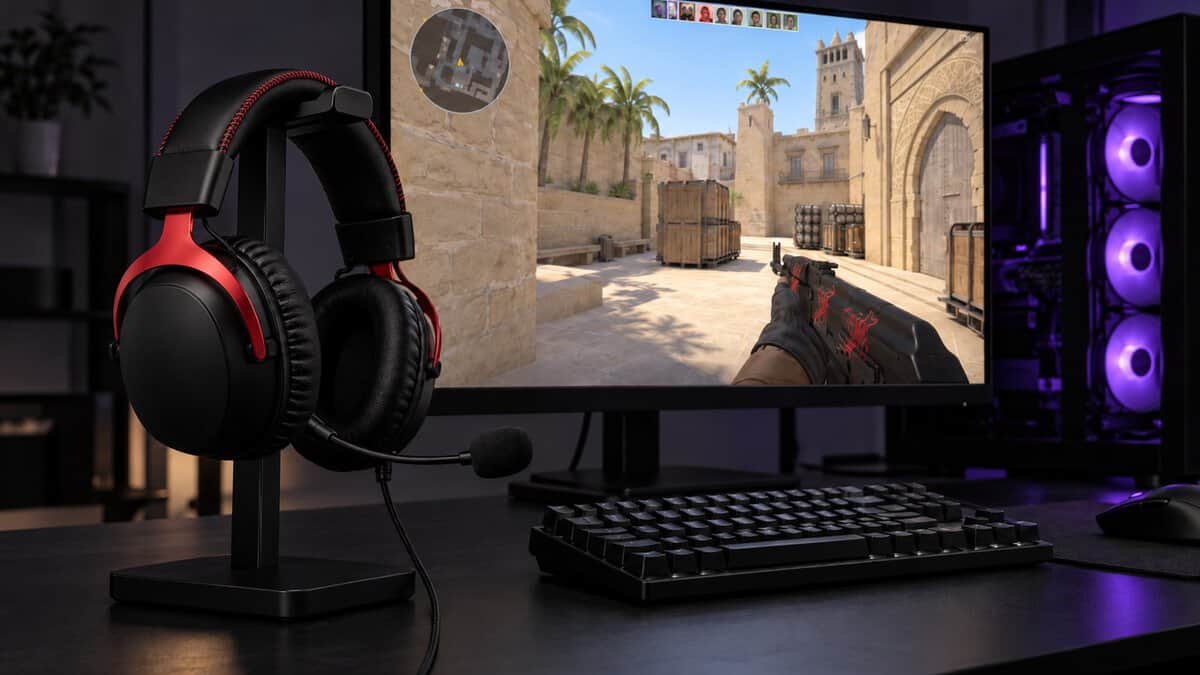
This guide sorts those features by payoff. It covers what you hear in every session, what your squad hears, what depends on the platform you play on, and which box claims rarely matter. Three headsets follow, each one showing a different feature set done well.
The wired features worth paying for in one headset. A detachable noise-canceling mic, a spatial audio activation in the box and a cable kit for PC, consoles and mobile.
- Detachable mic with an LED mute
- DTS Headphone:X activation included
- 3.5 mm, USB-A and USB-C in the box
- Cable keeps you near the desk
- No active noise cancellation
- No Bluetooth for phone audio
The wireless features that matter, done right. A 2.4 GHz dongle plus Bluetooth, up to 100 hours on 2.4 GHz with the lighting off, and a detachable boom mic.
- Up to 150 hours on Bluetooth, lighting off
- Detachable boom plus a built-in mic
- Swappable magnetic earcup plates
- No wireless support for Xbox
- Lighting on drops 2.4 GHz to 20 hours
- Plastic frame rather than metal
The basics a budget headset should keep. Noise-isolating cushions, a mic that mutes when you flip it up and a 3.5 mm plug that works through Xbox and PlayStation controllers.
- Flip up the mic to mute
- One 3.5 mm plug for Xbox and PlayStation
- Volume control on the earcup
- Mic is fixed, not removable
- No weight listed for it
- No USB connection for PC
- A good cushion seal changes what you hear more than a bigger driver number on the box.
- A noise-canceling mic cleans up what your squad hears; it does not block outside noise for you the way ANC does.
- Spatial audio mostly lives in software on the PC or console, so check what your platform already includes before paying for a license.
- Dual wireless (2.4 GHz plus Bluetooth) matters most if one headset has to cover games and a phone.
- Xbox needs a wireless headset built for Xbox, while a wired 3.5 mm headset works through Xbox and PlayStation controllers.
Table of Contents
What to Look for in a Gaming Headset Before the Box Copy
What to look for in a gaming headset starts with three questions, and none of them is about the spec sheet. Where do you play? Who needs to hear you? And how long does the headset stay on your head in one sitting?
Where you play decides the connection and the spatial audio you can use. Who hears you decides how much the mic matters. How long you wear it decides whether weight, clamp and cushions matter more than any sound feature. Answer those three and much of the box falls away.
Gaming Headset Features That Change Every Match
The gaming headset features that change every match are short in number. A closed earcup that seals well, a mic that rejects keyboard noise, a mute you can trust, a connection that suits your platform and a fit you forget about after an hour cover what players notice match to match.
The features you notice in a match are rarely the ones in the biggest type on the box.
Features You Hear in Every Session
Features you hear in every session come down to three things. They are how well the earcups seal, how the drivers are tuned, and whether the headset stays comfortable long enough for any of it to matter. Both HyperX picks use closed-back earcups, and the Recon 70 lists noise-isolating cushions for the same reason.
Closed-Back Seal and Isolation
A closed-back headset with a good cushion seal blocks room noise and keeps bass from leaking away, so quiet sounds like footsteps and reloads stand out against a lower noise floor. A fan, a TV or a housemate is often the thing hiding those cues, not the headset’s drivers.
The seal depends on the cushion material and on the clamp. Memory foam, used on both HyperX picks, shapes itself around the ear.
Driver Tuning Over Driver Millimeters
Driver size is one of the most quoted headset specs and one of the least useful on its own. The Cloud III uses 53 mm drivers, the Cloud Flight 2 uses 50 mm drivers and the Recon 70 uses 40 mm drivers, but that order is not a quality ladder.
How a headset sounds depends on tuning, housing and fit far more than on the diameter of the driver. A well-tuned 40 mm driver in a sealed cup can make footsteps easier to place than a larger one tuned for heavy bass.
A bigger driver is a number on the box, not a promise about footsteps.
Clamp Force and Weight Over a Long Night
Clamp force and weight decide whether you finish a long session with a headache. The wired Cloud III is listed at 308 g, or 320 g with its mic attached, while HyperX lists the Cloud Flight 2 at 0.74 lb (about 336 g) before its boom mic. No weight is listed for the Recon 70.
A wide headband spreads the load, and earcups that rotate, like the 90-degree swivel on the Cloud Flight 2, let the headset sit flatter on different head shapes. Our Warzone headset guide covers how fit and seal play out in long shooter sessions.
Features Your Squad Hears Before You Do
Features your squad hears before you do sit on the microphone side of the headset. Your teammates never hear your drivers, but they hear every keystroke, fan and sigh your mic picks up, so the mic deserves as much attention as the sound.
Detachable vs Retractable vs Fixed Boom Mics
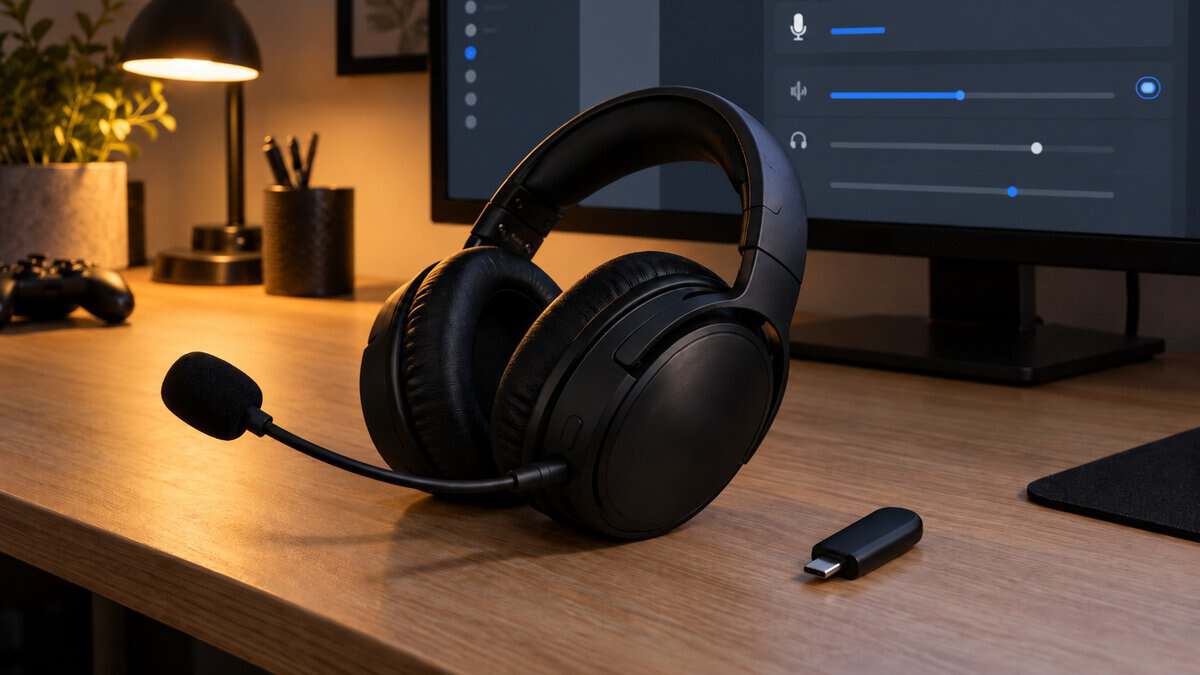
A detachable boom mic, like the ones on the Cloud III and Cloud Flight 2, comes off when you use the headset for music or travel. A retractable mic slides into the earcup, which avoids losing it. A fixed boom, like the Recon 70’s flip-up mic, stays attached and folds out of the way.
The Cloud Flight 2 adds a built-in mic for when the boom is off, which is handy for calls but picks up more of the room than a boom placed near the mouth.
A Noise-Canceling Mic Is Not ANC
A noise-canceling mic and active noise cancellation are two different features that share a word. A noise-canceling mic is shaped or tuned to pick up your voice and reject sound from the sides, so your squad hears less keyboard and fan noise. It does nothing for what you hear.
Active noise cancellation, or ANC, uses microphones in the earcups to cancel outside sound before it reaches your ears. The Cloud III has a noise-canceling mic but no ANC, and many wired gaming headsets skip ANC too. If blocking a loud room is the goal, our noise-canceling headset guide covers headsets built around that feature.
A noise-canceling mic protects your squad’s ears, not yours.
A Mute You Can Find Without Looking
A mute you can find without looking matters more than mic quality in the moment you need it. The Recon 70 mutes when you flip the mic up, so the boom position itself tells you whether you are live.
The Cloud III has a mute with an LED on the mic, and the Cloud Flight 2 shows an LED with the boom attached and plays an audible prompt with or without it. Any of these beats a menu toggle you have to hunt for mid-fight.
Features That Depend on Where You Play
Features that depend on where you play are often sold as headset parts when they really belong to the console or PC. Spatial audio and wireless support both change from one platform to the next, so check your platform first.
Spatial Audio Lives in Software
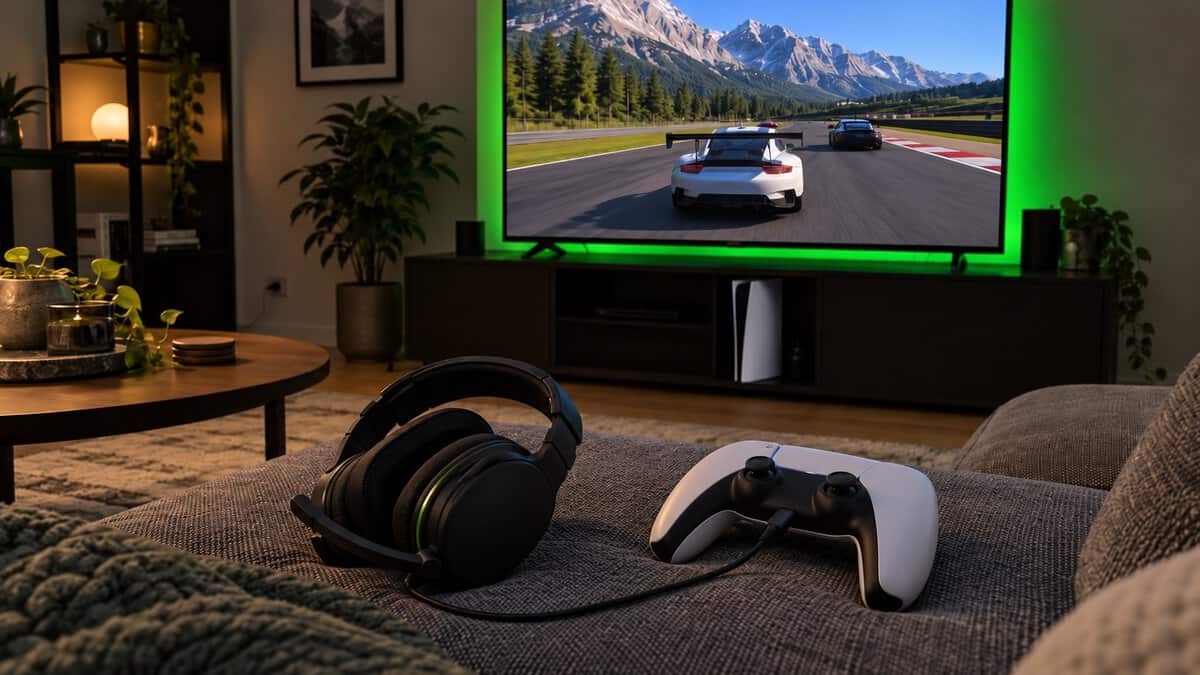
Spatial audio, the processing that places sounds above, behind and around you, lives in software rather than in the headset’s drivers. On PS5 it is a console setting. The PlayStation 3D audio setup page explains that you can pick one of five presets or create a personalized 3D audio profile for headphones under the console’s sound settings.
Windows has its own spatial sound option, Windows Sonic for Headphones, and DTS sells its own format for PCs. The Cloud III includes a DTS spatial audio activation, a nice extra on a PC. The Recon 70 works with platform spatial audio, and on PS5, 3D audio works with headphones through the console setting.
2.4 GHz vs Bluetooth and Why Dual Wireless Matters
2.4 GHz and Bluetooth do different jobs on a wireless headset. A 2.4 GHz dongle is the usual gaming link, while Bluetooth is the convenient link for a phone, a tablet or music. Bluetooth audio keeps changing, and the Bluetooth SIG’s LE Audio page describes LE Audio as the next generation of Bluetooth audio, running on the Bluetooth Low Energy radio.
Dual wireless means one headset carries both links. The Cloud Flight 2 switches between its 2.4 GHz dongle and Bluetooth 5.3 with a simple switch, so it can go from a PC match to a phone call without swapping headsets. If you only ever play at one desk, dual wireless is a nice extra rather than a must.
Xbox Needs Its Own Wireless Version
Xbox consoles only work wirelessly with headsets made for Xbox, so check for Xbox on the box. The Cloud Flight 2 lists no Xbox support, so it will not connect to one wirelessly.
The SteelSeries Arctis Nova 5X Wireless is one Xbox route, with a 2.4 GHz USB-C dongle, Bluetooth 5.3, a battery rated up to 60 hours and a retractable mic at 265 g. A wired 3.5 mm headset avoids the question entirely by plugging into the controller. Our guide to wired and wireless headsets weighs the two connection types in full.
On Xbox, the platform picks your wireless headset before you do.
Box Claims That Rarely Change What You Hear
Box claims that rarely change what you hear are not lies, but they describe features that either already exist in your platform’s software or set limits that say little about how the headset sounds.
Virtual 7.1 Badges on Stereo Headsets
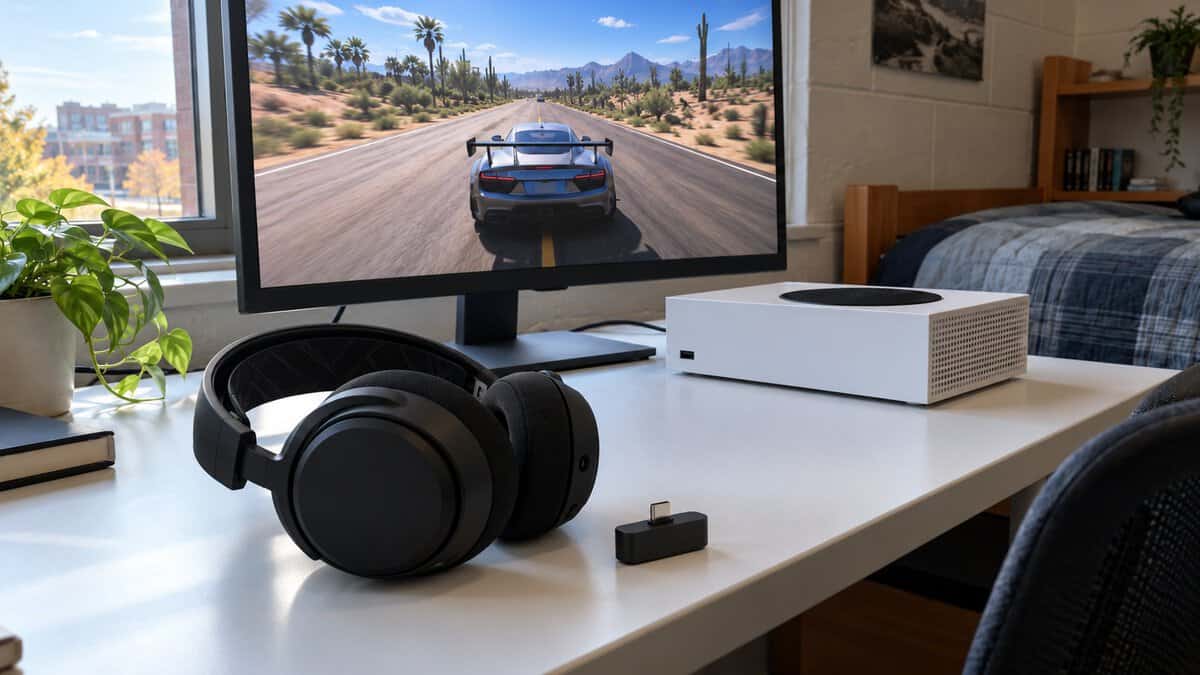
A virtual 7.1 badge on a stereo headset means software is mixing a surround signal down into two drivers, one per ear. The headset itself still has two drivers. Similar processing is built into Windows and the PS5, so the badge often sells something you already own.
Frequency Range Numbers and RGB Lighting
Frequency range numbers like 20 Hz to 20 kHz appear on plenty of headset boxes, including the Cloud Flight 2 and the Recon 70, and the wired Cloud III lists 10 Hz to 21 kHz. Those figures describe the edges of what the drivers can produce, not how the headset sounds in between.
RGB lighting and pro or esports labels sit in the same group. Lighting does nothing for sound, and on a wireless headset it costs battery life. HyperX rates the Cloud Flight 2 at up to 100 hours on 2.4 GHz with the lighting off and up to 20 hours with it on.
A wide frequency range on the box tells you where the drivers stop, not how they sound.
Headsets That Put the Paid-For Features to Work
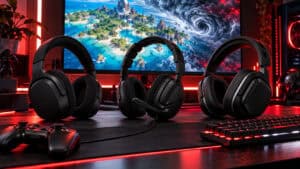
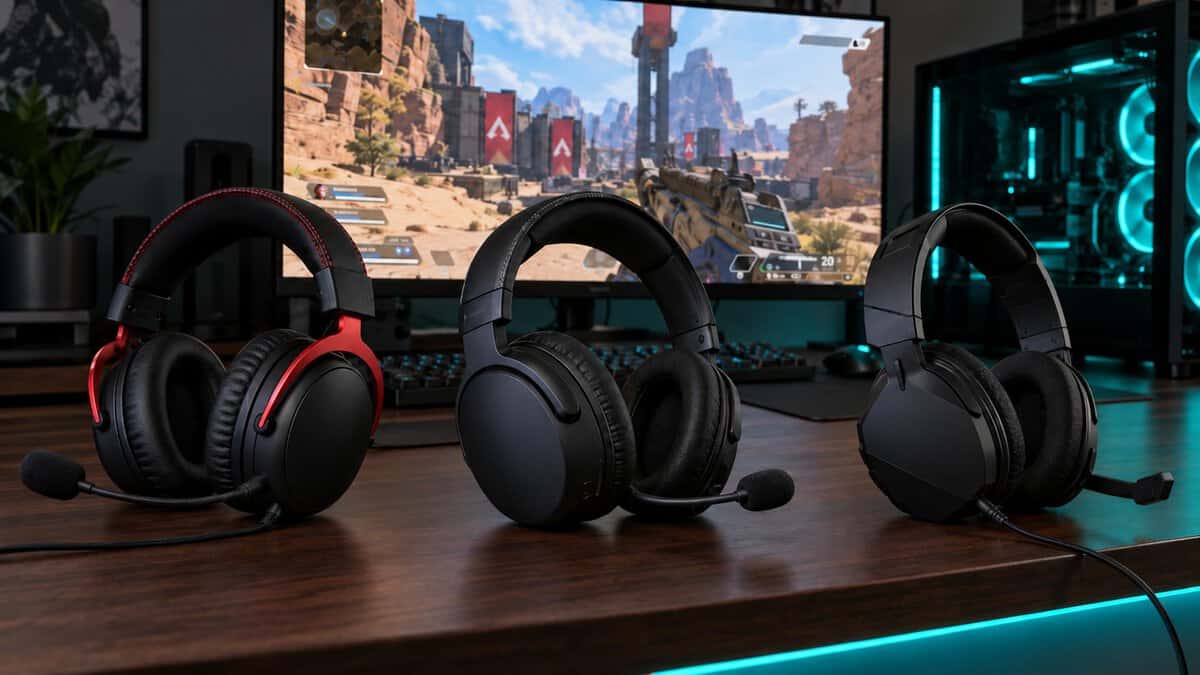
The HyperX Cloud III, HyperX Cloud Flight 2 and Turtle Beach Recon 70 each show a different set of gaming headset features done well, from a wired all-platform kit to a dual-wireless headset and a budget basic. The spec table lines up the features from the sections above.
| Headset | Connection | Driver | Weight | Mic | Spatial Audio | Battery | Platforms | Best For |
|---|---|---|---|---|---|---|---|---|
| HyperX Cloud III | Wired 3.5 mm + USB-A/USB-C dongle | 53 mm angled dynamic | 308 g (320 g with mic) | Detachable, noise-canceling, LED mute | DTS Headphone:X included | None needed (wired) | PC, PS5, PS4, Xbox Series X|S, Xbox One, Switch, Mac, mobile | Wired players who want a strong mic |
| HyperX Cloud Flight 2 | 2.4 GHz USB-C dongle + Bluetooth 5.3 | 50 mm angled | 0.74 lb (headset, before mic) | Detachable 10 mm boom + built-in mic, LED mute | Uses the platform’s own | Up to 100 h on 2.4 GHz, 150 h on Bluetooth (lighting off) | PC, PS5, PS4, Switch, Mac, mobile | One wireless headset for everything but Xbox |
| Turtle Beach Recon 70 | Wired 3.5 mm | 40 mm neodymium | Not listed | Fixed boom, flip-to-mute | Works with platform spatial audio | None needed (wired) | Xbox Series X|S, Xbox One, PS5, PS4, PC, mobile | Tight budgets and controller jacks |
HyperX Cloud III
The HyperX Cloud III shows what a wired headset should include. It ships with a 3.5 mm cable and a USB dongle with USB-A and USB-C, so it plugs into a controller, a PC or a laptop, and HyperX lists it for PC, PS5, PS4, Xbox Series X|S, Xbox One, Switch, Mac and mobile.
The Cloud III’s detachable noise-canceling mic has an LED mute, and a DTS spatial audio activation is included. Its 53 mm angled drivers sit in closed-back, memory-foam earcups on an aluminum frame, with a listed weight of 308 g without the mic.
The Cloud III puts its money into the parts you use every night.
The tradeoffs are the cable and the noise. The Cloud III keeps you within reach of your PC or controller, and its noise-canceling mic does not add active noise cancellation for your ears.
HyperX Cloud Flight 2
The HyperX Cloud Flight 2 is the wireless feature set, with both a 2.4 GHz USB-C dongle and Bluetooth 5.3. A USB-C to USB-A adapter comes in the box, and HyperX lists it for PC, PS5, PS4, Switch, Mac and mobile.
Battery is the Cloud Flight 2’s headline. HyperX rates it at up to 100 hours on 2.4 GHz and 150 hours on Bluetooth with the lighting off, with a 3.5-hour charge time. Its detachable 10 mm boom mic is uni-directional, and a built-in mic takes over when the boom is off. The magnetic earcup plates pop off to change the look.
The Cloud Flight 2 does not support Xbox, and turning its RGB lighting on cuts the 2.4 GHz rating to 20 hours. For more wireless options across platforms, see our wireless headset roundup.
Read a battery rating with the lighting setting next to it.
Turtle Beach Recon 70
The Turtle Beach Recon 70 shows which features a budget headset keeps. It has 40 mm drivers, noise-isolating ear cushions, a flip-to-mute mic and a volume control on the earcup, all on a single 3.5 mm plug.
That plug is the Recon 70’s best feature. It works through the controller jack on Xbox Series X|S, Xbox One, PS5 and PS4, and in a PC or phone with a headset jack, with no pairing and no charging.
The Recon 70 skips the extras. Its mic is fixed rather than detachable, there is no USB connection or bundled spatial license, and no weight is listed for it. Our budget gaming headset guide compares more headsets at this level.
Your Priority and the Headset Built Around It
Your priority decides which feature set to pay for. Find the line that sounds most like you in the left column.
| Your Priority | Headset | What Carries It | What You Give Up |
|---|---|---|---|
| A good mic and spatial audio without charging | HyperX Cloud III | Detachable noise-canceling mic, DTS Headphone:X activation, 3.5 mm plus USB-A and USB-C | A cable to the desk or controller |
| No cable, one headset for PC and phone | HyperX Cloud Flight 2 | 2.4 GHz plus Bluetooth 5.3, up to 100 hours on 2.4 GHz with lighting off | Xbox support |
| A low-cost headset that still seals and mutes | Turtle Beach Recon 70 | Noise-isolating cushions, flip-to-mute mic, 3.5 mm plug | A removable mic and a USB connection |
If two rows fit, let the platform decide. An Xbox player should stay wired or pick an Xbox wireless version, while a PS5 and PC player can choose freely between wired and the dual-wireless pick.
Frequently Asked Questions
Quick answers to the questions that come up most about gaming headset features.
Does driver size matter in a gaming headset?
Not much on its own. Driver size describes the diameter of the speaker, but tuning, housing and the cushion seal decide how a headset sounds. Treat it as a detail rather than a reason to pay more.
Is virtual 7.1 surround worth paying for?
Usually not as a headset feature. Virtual 7.1 on a stereo headset is software that mixes surround sound into two drivers, and Windows and the PS5 already include similar processing. Try your platform’s own spatial audio first, and use only one spatial layer at a time.
Do I need a noise-canceling mic for gaming?
If you play with voice chat, a noise-canceling mic is worth having. It picks up your voice and rejects keyboard, fan and room noise, so teammates hear you clearly. It is not the same as active noise cancellation, which blocks outside sound for your own ears.
What should I look for in a gaming headset for single-player games and online shooters?
For single-player games, comfort, a good seal and spatial audio matter most. For online shooters, add a mic that rejects background noise, a mute you can find by feel and a connection that suits your platform.
How much battery life should a wireless gaming headset have?
Enough to last several sessions between charges. Check whether the battery rating assumes the lighting is off, because RGB can cut it sharply. The Cloud Flight 2, for example, is rated up to 100 hours on 2.4 GHz with the lighting off and up to 20 hours with it on.
Looking for more budget gaming gear? Check out Budget Loadout for the latest reviews and recommendations.
Related Articles