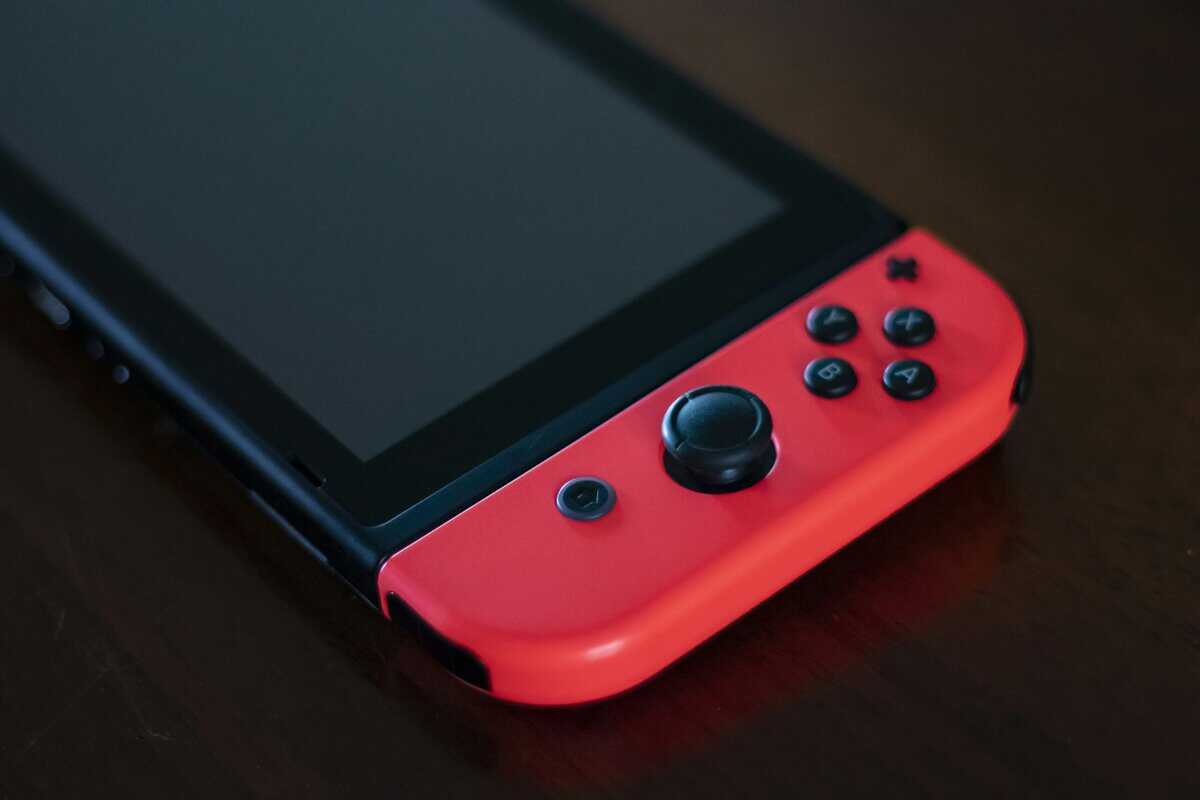
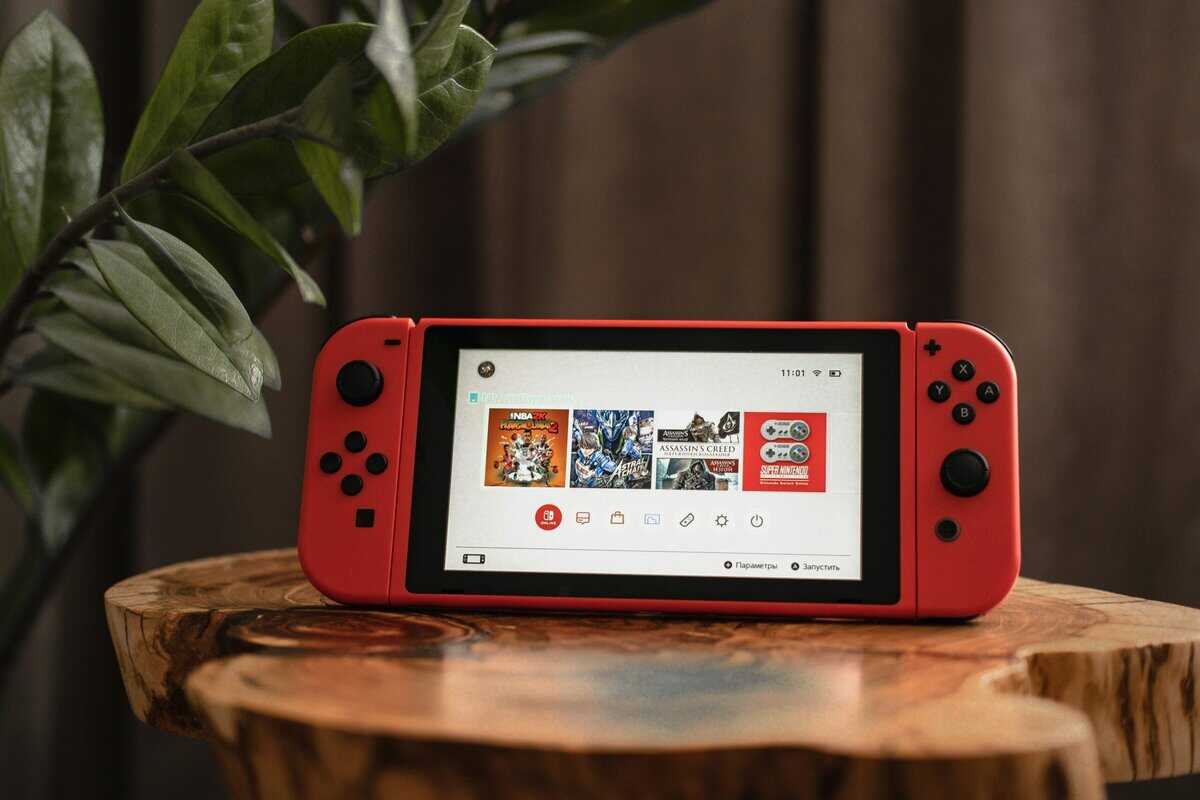
The battery icon turns red halfway through the train ride, the dock you ordered will not seat the Ally inside its case, and the SSD that arrived is the wrong length. Those three mistakes are why the best ROG Ally accessories start with knowing which Ally you own. ASUS has four 7-inch Ally models, and their batteries, ports and SSD sizes are not all the same.

The four picks below are a hard case, a TV dock, a 100W power bank and a controller for docked play. Each pick below says which of the four models it covers, so you can match the gear to your handheld before you buy.
A hard shell with a pocket for the charger and cables. Spigen names the original ROG Ally and the larger ROG Xbox Ally X, and the base Xbox Ally shares that larger body.
- Hard shell guards a dropped bag
- Room for the charger and cables
- Sized for the larger Xbox Ally X
- Bulkier than a soft sleeve
- Comes off before docking or play
- Base Xbox Ally fit is inferred, not listed
An 8-in-1 dock that puts an Ally on a TV with wired Ethernet and three USB-A ports. iVANKY names the ROG Xbox Ally X, the Ally X and the original Ally.
- HDMI 2.1 with room above 60Hz
- Wired Ethernet for online play
- Three USB-A ports for pads and drives
- Needs a USB-C charger plugged in for pass-through power
- Base Xbox Ally not named
- Less known than ASUS or UGREEN
A 20,000mAh bank rated at 100W, above the 65W adapter ASUS lists for all four Ally models. Baseus also pitches it for laptops and the Steam Deck.
- 100W tops the Ally’s 65W adapter
- Two USB-C and two USB-A ports
- 20,000mAh for long sessions
- Watt-hours not in the listing title
- One more device to recharge
- Read the Wh label before a flight
Microsoft’s own pad, with the familiar Xbox A/B/X/Y layout. It pairs with all four Ally models over Bluetooth or plugs in by USB-C cable at the dock.
- Familiar Xbox A/B/X/Y layout
- Bluetooth or a wired USB-C link
- Textured grip on triggers and bumpers
- Full size adds bulk to a travel bag
- Needs pairing or a cable at the dock
- One more device to power
- The four ROG Ally models covered here all have a 7-inch screen, so 7-inch screen glass carries across all four.
- The 2023 ROG Ally takes an M.2 2230 SSD, while the Ally X, Xbox Ally and Xbox Ally X take M.2 2280.
- Batteries run from 40Wh on the 2023 Ally to 80Wh on both X models, which changes how far a power bank goes.
- ASUS lists a 65W USB-C adapter for all four models, so a dock or power bank should supply at least that much.
- Power banks fly in carry-on bags only, and the FAA caps each lithium-ion battery at 100Wh unless the airline approves more.
Table of Contents
What to Check Before You Buy Any ROG Ally Accessory
Check three things before you buy any ROG Ally accessory. Know which of the four models you own, which USB-C port does the docking work, and how big its battery is. Those three facts decide which case, dock, bank and SSD fit.
Quick check before you order
- Model: the 2023 ROG Ally, the 2024 ROG Ally X, or the 2025 ROG Xbox Ally or Xbox Ally X.
- Ports: one USB-C combo port on the 2023 Ally, two USB-C ports on the other three.
- Battery: 40Wh, 60Wh or 80Wh, printed on the ASUS spec page for your model.
- Charger: ASUS lists a 65W USB-C adapter, but whether one ships in the box varies by region.
Four Ally Models Share One 7-Inch Screen
All four ROG Ally models covered here use a 7-inch 1920 x 1080 screen, so screen glass carries across the whole family. The bodies differ more. The 2023 Ally and the Ally X share a 28.0 by 11.1 cm footprint, and the Ally X is a little thicker. The 2025 Xbox Ally and Xbox Ally X share a larger 29.0 by 12.1 cm body with deeper grips (up to 5.09 cm thick).
A case made for the larger Xbox Ally body has room for the smaller models. A case cut tightly for the 2023 Ally will not take an Xbox Ally. Our Steam Deck vs ROG Ally comparison covers how the original Ally stacks up against Valve’s handheld.
The Port That Decides Your Dock
The 2023 Ally docks through its one USB-C combo port, the Ally X and Xbox Ally X through either USB-C port, one of them USB4, and the base Xbox Ally through either of two USB-C ports. The 2023 ROG Ally’s single port shares space with the ROG XG Mobile connector, so the dock carries power and video through one cable. The Ally X and the Xbox Ally X add a USB4 port with DisplayPort 1.4 next to a second USB-C port. The base Xbox Ally has two USB 3.2 Gen 2 Type-C ports, and ASUS says both support DisplayPort and power delivery.
Why the Best ROG Ally Accessories Depend on Battery Size
Battery size changes which power bank makes sense. ASUS lists 40Wh for the 2023 Ally, 60Wh for the Xbox Ally and 80Wh for both the Ally X and the Xbox Ally X. The same power bank refills a 40Wh 2023 Ally about twice as many times as an 80Wh model, so owners of the X models need a bigger bank for one full refill.
Four ROG Ally Accessories Worth Buying First
The four ROG Ally accessories worth buying first are the Spigen hard case, the iVANKY dock, the Baseus 100W bank and an Xbox Wireless Controller. Each covers a different place you play, from a train seat to a living room TV.
Spigen Rugged Armor Pro: Best Travel Case
The Spigen Rugged Armor Pro Hard Shell Carrying Case is the case to buy for any of the four Ally models covered here. Spigen names the ROG Ally and the ROG Xbox Ally X on the listing, which covers both body sizes across these four models.

The Spigen case has a hard shell that takes the hit when a bag lands on the floor. Inside, accessory pockets hold cables and earbuds, and there is space for the charger. ASUS lists the base Xbox Ally at the same 29.0 by 12.1 cm as the Xbox Ally X, so it should fit the same case.
One hard case that names both Ally body sizes ends the guessing about which version a listing means.
The Spigen case is bulkier than a soft sleeve, and it comes off before the Ally goes into a dock or into your hands. If you also carry a Steam Deck, our best Steam Deck case guide covers shells and sleeves for that handheld.
iVANKY 8-in-1 Docking Station: Best TV Dock
The iVANKY 8-in-1 Docking Station is the dock to buy for TV play. iVANKY names the ROG Xbox Ally X, the ROG Ally X and the original ROG Ally, along with the Steam Deck OLED and Legion Go 2.
The iVANKY dock’s HDMI 2.1 port is rated up to 4K@144Hz, so the dock has room above 60Hz for a high refresh TV or monitor. A 1Gbps Ethernet port takes over from Wi-Fi for online play, and three USB-A 3.0 ports handle controllers, a keyboard or an external drive. Power comes in through a 100W USB-C charging port.
One USB-C cable and a dock turn an Ally into the console under your TV.
The iVANKY listing does not name the base Xbox Ally, even though ASUS says its USB-C ports carry DisplayPort and power delivery. The brand is less known, so test it within the return window.
Baseus Blade 100W Power Bank: Best for Long Sessions
The Baseus Blade 100W 20000mAh Power Bank is the bank to buy if you play away from an outlet for hours. Baseus rates it at 100W, more than the 65W adapter ASUS lists for all four models.
The Baseus Blade holds 20,000mAh behind two USB-C ports and two USB-A ports. Baseus pitches it for laptops and the Steam Deck as well as phones.
A power bank rated above the Ally’s own 65W charger puts the wall adapter in your pocket.
The Baseus listing title gives no watt-hour figure. Check the watt-hour figure printed on the Baseus Blade before a flight, since airline limits are set in Wh.
Xbox Wireless Controller: Best for Docked Play
The Xbox Wireless Controller is the controller to buy when the Ally sits in a dock. It is Microsoft’s own pad, with the familiar Xbox A/B/X/Y layout.
The Xbox Wireless Controller connects over Bluetooth, or by USB-C cable to the dock. Textured triggers and bumpers keep a grip during long sessions, and the hybrid D-pad is built in.
A full-size pad turns a docked Ally into a couch setup.
The Xbox controller needs a Bluetooth pairing or a cable before the first session at the dock.
| Accessory | Type | Models Named | Ports | Power | Capacity | Display Output | Connection | Best For |
|---|---|---|---|---|---|---|---|---|
| Spigen Rugged Armor Pro | Hard carrying case | ROG Ally, ROG Xbox Ally X | None | None | Charger and cable pockets | None | None | Travel |
| iVANKY 8-in-1 Dock | USB-C dock | Xbox Ally X, Ally X, ROG Ally | HDMI 2.1, Ethernet, 3x USB-A 3.0 | 100W USB-C charging | None | Up to 4K@144Hz | USB-C | TV and monitor play |
| Baseus Blade 100W | Power bank | None named (USB-C PD) | 2x USB-C, 2x USB-A | 100W | 20,000mAh | None | USB-C and USB-A | Long sessions away from outlets |
| Xbox Wireless Controller | Controller | None named (Bluetooth, all four Allys) | USB-C | None | None | None | Bluetooth or USB-C | Docked couch play |
Docking an Ally to a TV Without Losing Turbo Mode
Docking an Ally to a TV can keep Turbo mode’s plugged-in boost, on models that have it, only when the dock also feeds it power. ASUS’s own setup guide says Turbo gets a bit of an extra boost when the handheld is plugged in to the wall on certain models, so a dock with no charger leaves that boost unused.

Bring Your Own Charger to the Dock
A USB-C dock like the iVANKY passes power through to the Ally, but it needs a charger plugged into its USB-C power port to do it. The 65W adapter ASUS lists for all four models is enough. ASUS says whether a charger ships in the box varies by region, so check yours before you plan on reusing it at the dock. Our best Steam Deck dock guide compares more docks that support handheld PCs.
The Case Comes Off at the Dock
A carry case comes off before the Ally goes into a dock, but a grip shell is the thing to check. The iVANKY listing title does not promise a fit with cases, and a thick shell can keep the USB-C plug from seating. Pull the shell before docking, or test the fit the day the dock arrives.
Power Bank Math for Every Ally Battery Size
Power bank math for an Ally comes down to watt-hours, not milliamp-hours. ASUS rates Ally batteries in Wh, while power banks advertise mAh, so convert first.

Watt-Hours and Watts Matter More Than mAh
Watt-hours tell you how much a bank holds and watts tell you how fast it delivers, and both matter more than mAh. On paper, a 20,000mAh bank (about 74Wh at the common 3.7-volt cell rating) covers a 40Wh 2023 Ally almost twice and a 60Wh Xbox Ally about once, and heat losses during charging cut into both numbers. A bank rated below the 65W of ASUS’s adapter supplies less power than the Ally’s own charger, which is why the Baseus Blade’s 100W rating counts.
Flying With a Power Bank in Your Carry-On
A power bank for an Ally has to fly in your carry-on bag. The FAA’s lithium battery guidance says spare lithium-ion batteries, power banks included, belong in carry-on baggage only, and it limits each battery to 100Wh without airline approval. Read the Wh figure printed on your bank before you pack it, and check your airline, since some set stricter limits.
Playing Docked With an Xbox Controller
Playing docked with an Xbox Wireless Controller takes one pairing step over Bluetooth or a USB-C cable to the dock. The Xbox Ally models run Windows 11, and so do the 2023 Ally and Ally X.
Bluetooth or a USB Cable at the Dock
Bluetooth is the cleaner way to connect an Xbox controller to a docked Ally, and a cable is the zero-setup fallback. Xbox Support’s pairing steps walk through holding the pair button until the Xbox button flashes, then adding the controller in Windows Bluetooth settings. Xbox Support’s wired route is a USB-C cable that supports data transfer, not charging only, and a USB-A to USB-C cable lets the pad plug into one of the dock’s USB-A ports.
Standard sticks can drift over years of use. If that worries you, our best Hall effect controller guide covers pads with magnetic sensors.
Where Your Ally Goes Decides the First Accessory
Where your Ally spends its time decides which accessory to buy first. The table matches each place to the pick that solves it.

| Where the Ally Goes | First Accessory | Why It Comes First |
|---|---|---|
| In a backpack on the commute | Spigen Rugged Armor Pro | A hard shell protects the screen and sticks from the rest of the bag |
| On a flight or a long trip | Baseus Blade 100W | 100W output tops the 65W adapter ASUS lists |
| Plugged into the living room TV | iVANKY 8-in-1 Dock | HDMI 2.1 and Ethernet turn the Ally into a console |
| On the couch with the Ally docked | Xbox Wireless Controller | A full-size pad with the familiar Xbox layout |
Storage Upgrades That Fit Your Ally
Storage upgrades for an Ally start with a microSD card and end with a bigger internal SSD. All four models have a UHS-II microSD reader, and the SSD size depends on which Ally you own.
A MicroSD Card for Quick Room
A microSD card is the quickest way to add room to any Ally, since it slides into the reader in seconds. The UHS-II reader on all four models can use faster UHS-II cards, though older UHS-I cards work too. Cards suit indie and older games well, and the internal SSD is the place for the largest installs.
Which SSD Length Your Ally Takes
The 2023 ROG Ally takes an M.2 2230 SSD, while the Ally X, Xbox Ally and Xbox Ally X take M.2 2280. SSD length is the detail that trips up Ally upgrades. Buy the length your model takes, because a 2280 drive is far too long for the 2023 Ally’s bay.
Check current prices on a large card against an internal SSD before you commit to either.
Mistakes That Waste an Accessory Budget
The mistakes that waste an Ally accessory budget all come from buying by name instead of by model. A listing that says “ROG Ally” may mean the 2023 model only, so read the compatibility line for your exact handheld.
Skip it if
- The case is cut tightly for the 2023 Ally and you own an Xbox Ally or Xbox Ally X.
- The SSD is M.2 2280 and you own the 2023 Ally, which takes M.2 2230.
- The power bank is rated under 65W and you want to charge while you play.
- The dock needs a charger and you do not have a spare USB-C adapter.
- The Ally wears a kickstand or grip shell and you plan to drop it straight into a dock.
Screen glass is one place where the model matters less. All four Allys covered here use a 7-inch screen, and the Spigen GlasTR Slim two-pack names the ROG Ally, Ally X, Xbox Ally and Xbox Ally X. It is a cheap add-on that guards the screen inside any case.
Audio is the other easy add. Wireless earbuds keep game sound private on a train, and our best gaming earbuds guide covers low-latency pairs that work with a handheld.
Frequently Asked Questions
Quick answers on matching accessories to each ROG Ally model.
Do Steam Deck accessories fit the ROG Ally?
Some Steam Deck accessories fit the ROG Ally and some do not. Docks, power banks and microSD cards connect over standard ports, and the iVANKY dock names both the Steam Deck OLED and the ROG Ally X. Cases and screen glass are cut for one handheld’s shape, so buy those for your exact Ally model instead of reusing Steam Deck gear.
Does the ROG Xbox Ally X need a different case than the original ROG Ally?
Yes, unless the case is sized for the larger body. ASUS lists the Xbox Ally X at 29.0 by 12.1 cm and the 2023 Ally at 28.0 by 11.1 cm. A case built for the bigger body, like the Spigen Rugged Armor Pro, holds both, while a case cut tightly for the 2023 Ally will not close around an Xbox Ally X.
What power bank wattage does a ROG Ally need?
A ROG Ally is best paired with a power bank rated at 65W or more, which matches the 65W USB-C adapter ASUS lists for all four models. A lower-rated bank still works, but it supplies less power than the wall adapter can. The Baseus Blade is rated at 100W, which leaves headroom above that 65W figure.
Will the iVANKY dock work with the base ROG Xbox Ally?
Likely, but unconfirmed. iVANKY lists the Xbox Ally X, the Ally X and the original Ally, not the base Xbox Ally. ASUS says both of the base Xbox Ally’s USB-C ports support DisplayPort and power delivery, which a dock like this one relies on. Test it within the return window before you rely on it.
Which ROG Ally accessory should you buy first on a tight budget?
Buy the accessory that fixes where you play most. A hard case comes first if the Ally travels in a bag, because a cracked screen means a repair, not an accessory. A dock comes first if the Ally mostly plays on a TV, and a 100W power bank comes first for long trips with the 40Wh 2023 model.
Looking for more budget gaming gear? Check out Budget Loadout for the latest reviews and recommendations.
Related Articles