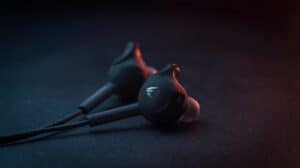
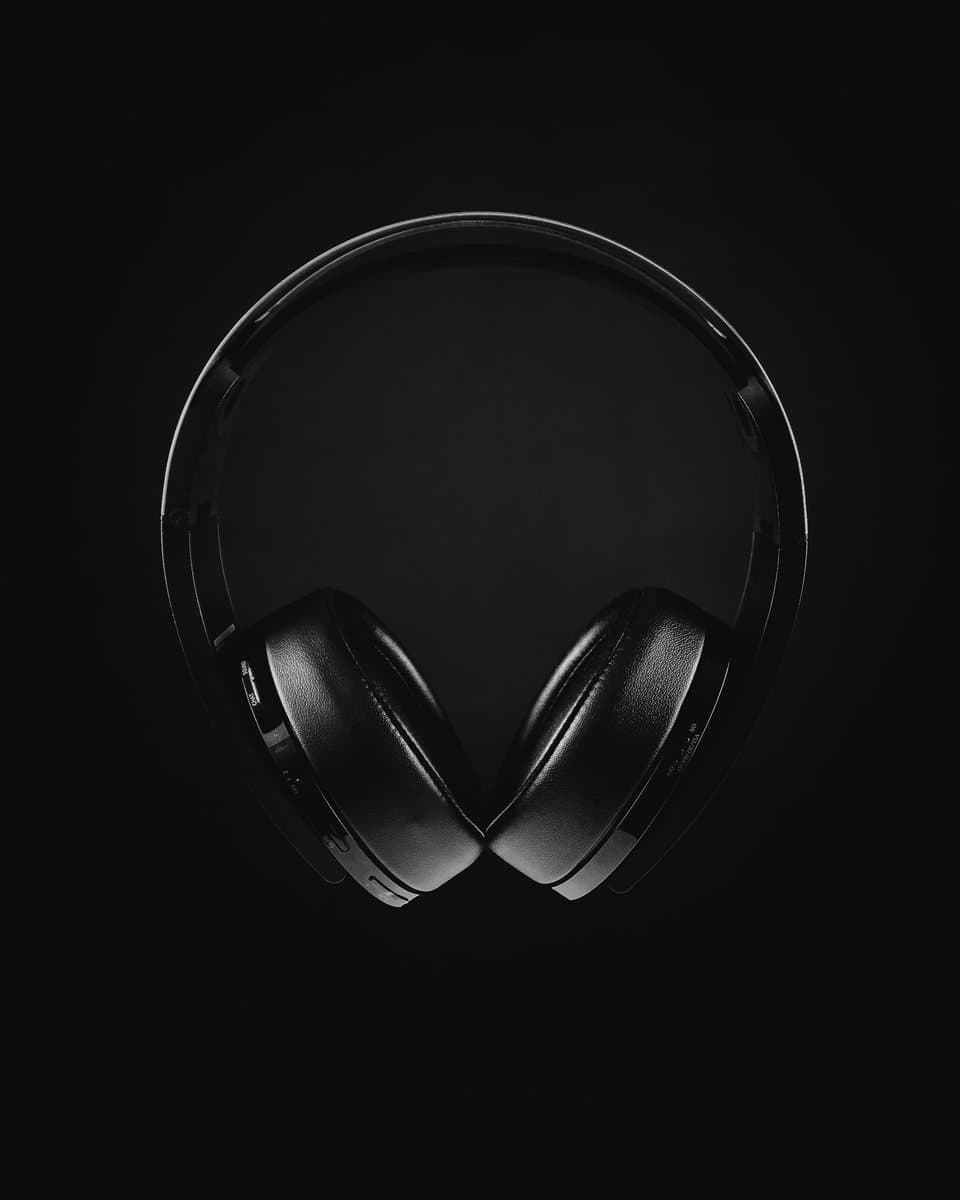
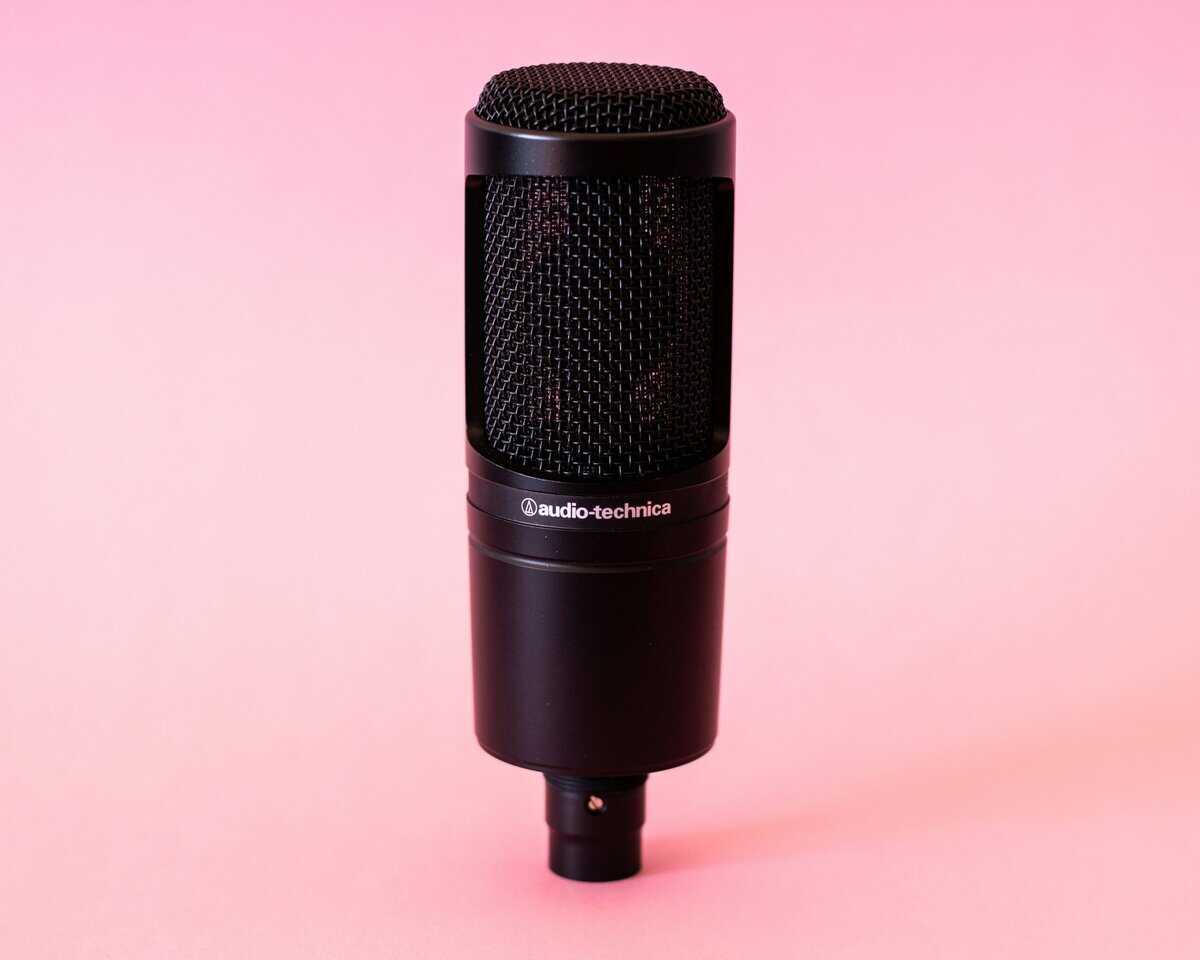
You hear the shots, spin toward them, and the squad on the floor above you cracks your shield first. That is the most common way an Apex fight goes wrong through a headset, and it is why the best headset for Apex Legends is the one that tells you where a sound came from, not the one with the biggest bass. The game already does part of the work, since its Focused Mix pushes enemy footsteps forward and quiets your own gun.
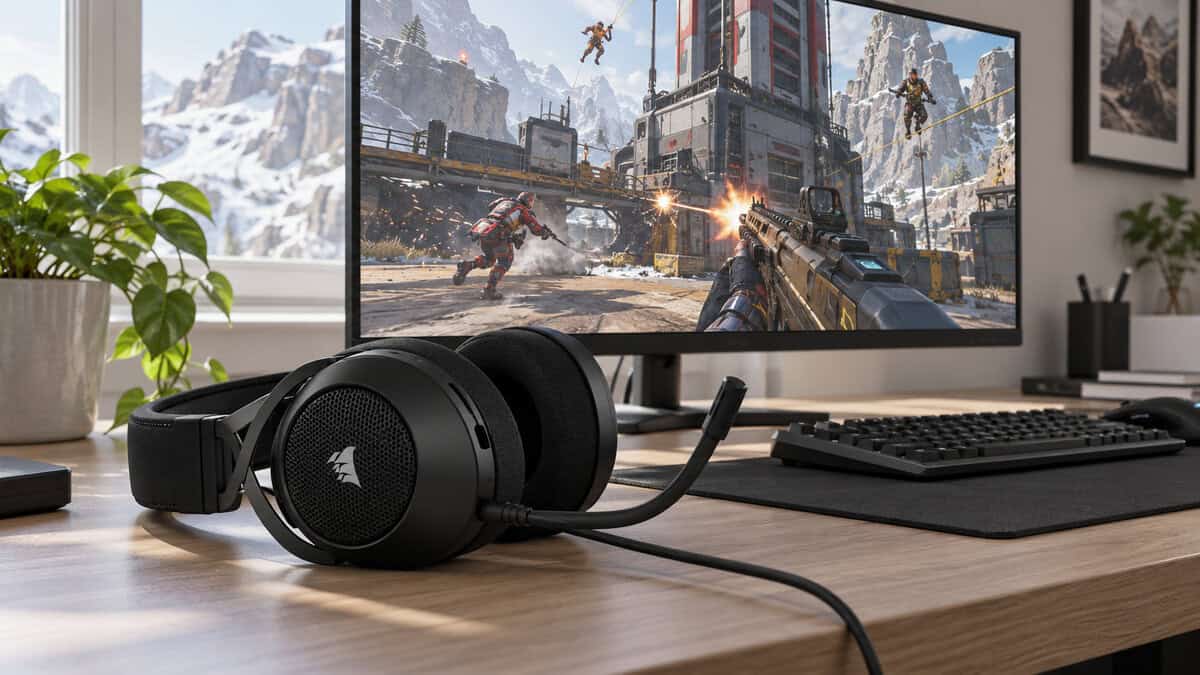
What the game cannot fix is the hardware on your head. The four picks below each solve a different problem: one wired headset for every platform, a light budget option for long ranked sessions, a wireless model for crossplay squads, and an open-back pick for players who want the widest stage.
One 3.5mm plug covers every platform Apex runs on. The included USB adapter adds Dolby Audio and SoundID tuning on PC without locking console players out of the same headset.
- One plug for every Apex platform
- Big 50mm drivers with clear mids
- USB adapter adds PC tuning
- Heaviest pick here at 282g
- Surround features need the USB adapter
- Closed cups can feel warm
The lightest wired pick for long ranked grinds. A suspension headband spreads the weight, the mic mutes when you flip it up, and a volume roller sits right on the earcup.
- Light 240g frame for long sessions
- Suspension band eases clamp pressure
- Volume roller on the earcup
- Smaller 40mm drivers
- Stereo only with no software tuning
- Mic is thinner than pricier picks
One wireless dongle that moves between Xbox, PlayStation, PC and Switch, which suits crossplay squads. Bluetooth 5.3 covers your phone, and a quick charge adds hours fast.
- One dongle for every console
- Quick switch to Bluetooth for phones
- Over 30 hours on 2.4GHz
- Fewer reviews than the wired picks
- Detachable mic is easy to misplace
- Needs charging unlike the wired three
The open-back soundstage Apex veterans chase, in a real gaming headset with a mic. It weighs under 220g and ships with cables for both a controller and a PC.
- Widest soundstage in this lineup
- Lightest pick at under 220g
- Volume dial and mute on the cup
- Leaks sound into the room
- Lets room noise in too
- Priciest of the four picks
- Apex’s Focused Mix already lifts enemy footsteps, so clean mids and stereo imaging matter more than heavy bass.
- A 3.5mm headset plugs into every controller Apex runs on, which makes wired the simplest crossplay choice.
- Choose wireless by dongle: the SteelSeries Arctis Nova 3X covers Xbox, PlayStation, PC and Switch with one receiver.
- Open-back headsets like the Audio-Technica ATH-GDL3 read height and distance best but leak sound, so they suit quiet rooms.
- Turn the music and dialogue sliders down before you raise the master volume to hear footsteps.
Table of Contents
Four Apex Headsets Side by Side
Start with the connection column. All four headsets deliver enough detail for Apex footsteps, so what separates them is how each one reaches the system you play on and how much of the room it lets in.
| Headset | Connection | Back | Driver | Weight | Mic | Battery | PC Extras | Platforms |
|---|---|---|---|---|---|---|---|---|
| Corsair HS65 Surround | 3.5mm wired (USB adapter included) | Closed | 50mm | 282g | Omni boom, flip-to-mute | Wired | Dolby Audio 7.1 + SoundID via USB | PC, PlayStation, Xbox, Switch |
| Logitech G335 | 3.5mm wired | Closed | 40mm | 240g | Boom, flip-to-mute | Wired | None (stereo) | PC, PlayStation, Xbox, Switch and Switch 2 |
| SteelSeries Arctis Nova 3X Wireless | 2.4GHz USB-C dongle + Bluetooth 5.3 | Closed | Not listed | 260g | Detachable boom | 30+ hr (2.4GHz), 40+ hr (Bluetooth) | Arctis app presets | Xbox, PS5, PC, Switch |
| Audio-Technica ATH-GDL3 | 3.5mm wired, two detachable cables | Open | 45mm | Under 220g | Detachable directional boom, mute switch | Wired | None | PS4, PS5, Xbox, PC |
Three of the four use a plain 3.5mm plug, which is why they work on any controller. The Nova 3X is the only one that trades the cable for a dongle, and the GDL3 is the only one with open earcups.
Corsair HS65 Surround: the Best Headset for Apex Legends for Most Squads
The Corsair HS65 Surround earns the top slot because it never asks what you play on. Its 3.5mm plug goes into a DualSense, an Xbox controller, a Switch or a PC, and Corsair includes a USB adapter for PC and Mac that unlocks Dolby Audio 7.1 and SoundID tuning.
The 50mm drivers are the largest in this lineup, and they have the mid-range clarity the Focused Mix depends on. Footsteps, reloads and the crack of a shield breaking sit in front of the bass instead of under it.
One plug for every platform Apex runs on is worth more than any surround sticker.
The mic is an omnidirectional flip-to-mute boom. Lift it and you are muted, which beats hunting for a menu toggle when someone at home starts talking in the middle of a fight.
At 282g it is the heaviest pick here, and the Dolby and SoundID features only work over the USB adapter on a computer. On a console you get clean stereo, which is what Apex’s own mix is built around anyway.
Logitech G335
The Logitech G335 is the budget pick for players who grind ranked for hours. At 240g it is one of the lighter wired gaming headsets you can buy, and its suspension headband spreads that weight across your head instead of pressing it into one spot.
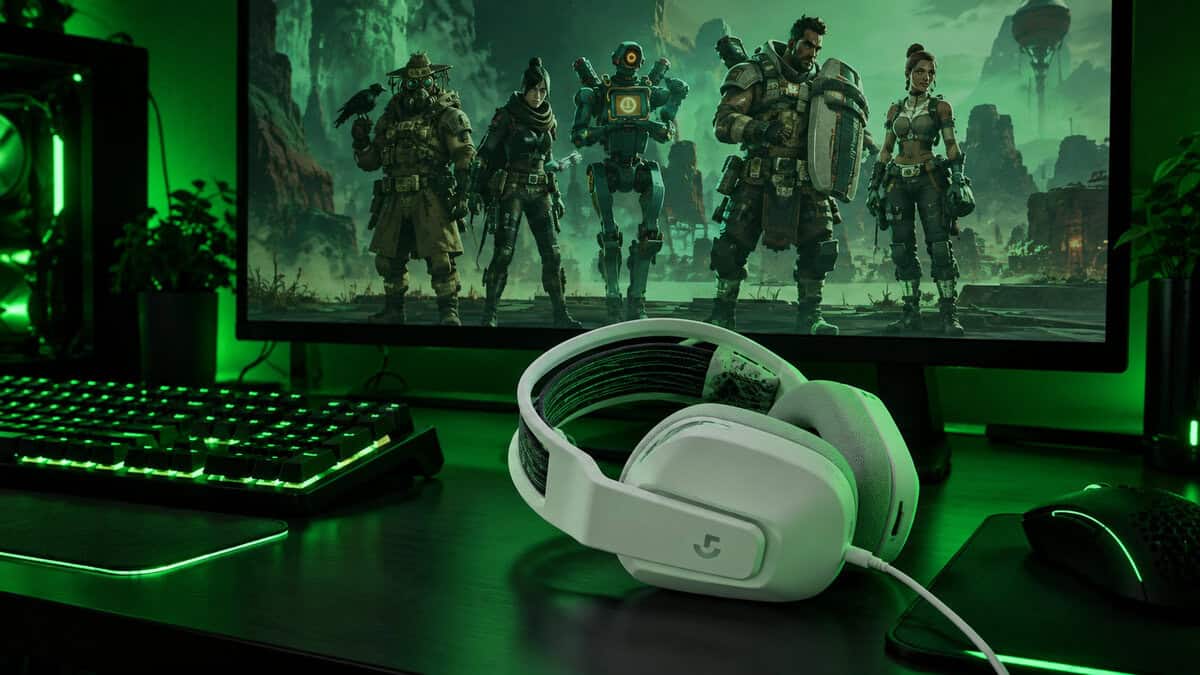
It uses the same universal 3.5mm connection as the Corsair, so it works on every controller and on PC. The mic flips up to mute, and a volume roller on the earcup lets you drop the game fast when a squadmate is making a call.
Glasses wearers get the most out of it. A light headset with a stretchy band tends to press less on the arms of your frames than a heavy one with a stiff clamp, and that difference shows up in the third hour, not the first match.
The compromises are the drivers and the extras. Its 40mm drivers are smaller than the HS65’s, the sound is stereo only with no software to tune it, and the mic is fine for callouts but thinner than the pricier picks. If comfort decides how long you can play, none of that outweighs the weight savings.
SteelSeries Arctis Nova 3X Wireless
If your squad spans three consoles, the dongle matters more than the drivers.
The SteelSeries Arctis Nova 3X Wireless is the wireless pick because its USB-C 2.4GHz dongle works across Xbox, PlayStation, PC and Switch. That is rarer than it should be: many console wireless headsets are split into Xbox and PlayStation versions, and the receiver for one does not work on the other.
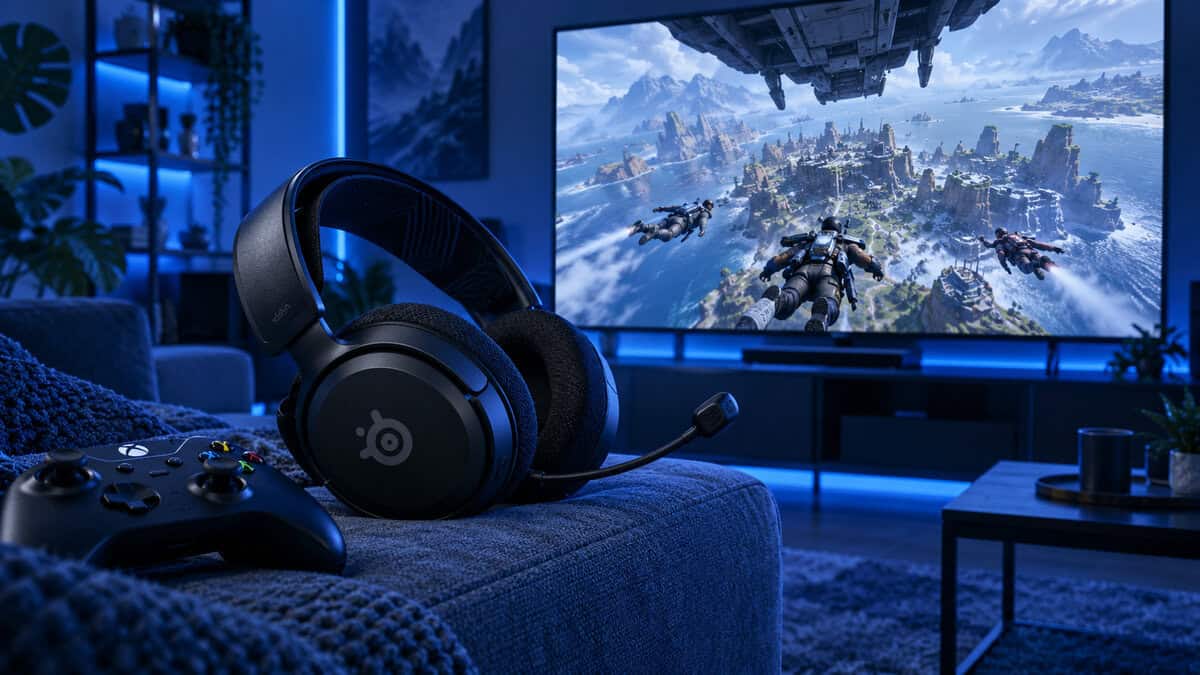
It also carries Bluetooth 5.3 with a quick switch between the two connections, so the same headset handles a phone call or music between matches. SteelSeries rates the battery at 30+ hours on 2.4GHz and 40+ hours over Bluetooth, and a 15-minute charge adds about 9 hours of play.
At 260g it sits between the G335 and the HS65 on weight. The ClearCast 2.X mic detaches, which is handy when the headset leaves the desk.
It has fewer reviews than the wired picks, SteelSeries does not publish its driver size, and it is the only headset here you have to charge. If you only ever play on PlayStation, the SteelSeries Arctis Nova 3P Wireless is the PlayStation-focused sibling, but the 3X is the safer buy if an Xbox is anywhere in your squad’s future.
Audio-Technica ATH-GDL3
The Audio-Technica ATH-GDL3 is the open-back pick, and it is the one to buy if hearing exactly where a fight is happening matters more to you than anything else. Its 45mm drivers sit in open-back housings, which let sound escape the earcups instead of bouncing around inside them.
That design produces a wider, more natural stage. Gunfire two buildings over sounds farther away than a door opening on your floor, and that sense of distance is what open-back headsets are known for.
It is also a proper gaming headset. The detachable boom mic is directional, the left earcup has a volume dial and mute switch, and it ships with two detachable cables: a short one for a controller and a long one that splits for a PC. At under 220g it is the lightest headset in this guide.
Open-back is the closest a headset gets to hearing the fight in the room with you.
Open-back cuts both ways. Everyone nearby hears your game, and you hear the room, so a TV, a fan or a sibling will leak into your match. It is also the priciest of the four and a stretch for a budget kit, which is why it sits last.
What the Focused Mix Changed
The biggest recent change to how Apex sounds did not come from a headset. From Season 27, Respawn made a new Focused Mix the default, and it changes what the best headset for Apex Legends actually needs to do. EA’s Apex Legends audio update lays out what moved.
What Gets Quieter
Your own weapons and abilities are turned down, and squadmate footsteps are removed entirely. That clears space in the mix, and it means footsteps near you are never a teammate you have to rule out first.
What Gets Louder
Enemy footsteps are louder, and the volume gap between an enemy jogging and one sprinting is smaller, so a careful approach is harder to miss. Behind that, a threat system weighs things like enemy proximity and line of sight to push important sounds forward in combat, and multiband sidechain compression carves small pockets in the mix so footsteps cut through the noise.
For buying, that is the key point. The game is already boosting the cues that matter, so you want a headset that reproduces the mid-range cleanly and keeps left and right distinct. Heavy bass and aggressive footstep-boost presets mostly pile noise on top of work the game has already done.
When to Switch Back to Original
The Original Mix is still in the Audio options. If you play with a premade squad and like hearing where your teammates are moving, or you simply prefer louder guns, try both for a few matches. If footstep clarity is why you are shopping for a headset, Focused is the mix built for you.
Footsteps Above and Below You
Apex fights happen in three dimensions. Buildings stack floors, zip lines drop players onto roofs, and a squad can be directly above you without ever being on screen.
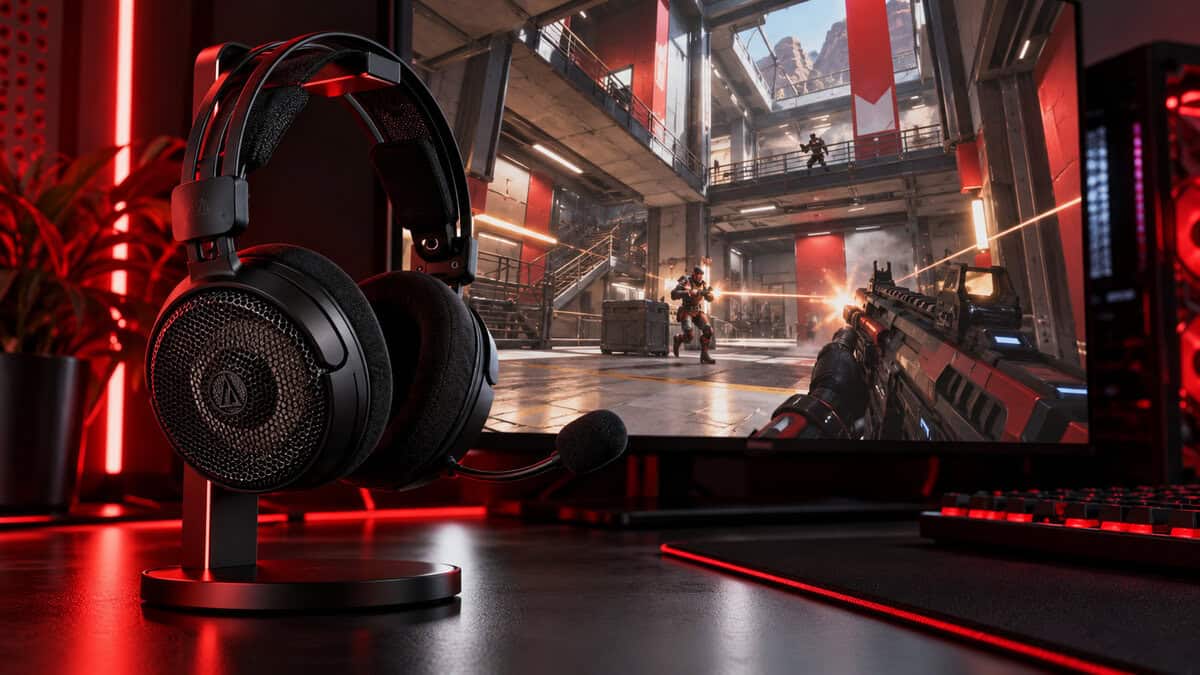
Height is the hardest thing for a stereo headset to convey. Left and right are easy; above and below depend on subtle changes in tone that a muddy or bass-heavy headset smears together. Apex helps with occlusion and reverb: a sound behind a wall or floor is filtered by the material in the way, and the reverb tells you whether it is inside or outside.
This is where the GDL3 earns its slot. Its open-back stage gives those small tonal differences room to separate, so a squad on the roof sounds different from one on the stairs. The HS65’s larger drivers help in the same way on a closed-back design.
Doorways and Interiors
Apex now blends its sound gradually as you approach an opening or doorway, instead of flipping between the indoor and outdoor mix the moment you cross the frame. A headset with clean mids lets you hear that blend, which tells you where the walls are before you commit to a push.
In Apex, the squad you hear above you is the one you still have time to fight.
Third Parties You Hear Too Late
The fight you win is rarely the one that ends your run. In Apex, the squad that arrives while you are healing is the real threat, and the warning is usually distant gunfire or a burst of footsteps from the direction you were not watching.
Distance cues are about detail, not volume. Apex changes the tone and level of a sound as it gets farther away, so a far fight sounds duller as well as quieter. A headset that holds on to that detail at a moderate volume tells you a squad is coming; one that only gets clear when it is loud forces you to crank it.
Set the Sliders Before the Volume
Apex’s audio menu has separate sliders for things like music, dialogue and voice chat. Dropping the music and lowering the Legends’ dialogue so it does not talk over footsteps is a better fix than raising the master volume, and it works on every headset in this guide.
Why Cranking It Backfires
Loud play over long sessions adds up. The WHO and ITU safe-listening standard for gamers asks games and headsets to offer features like volume limits and tracking of how much sound you have taken in, because hours at high volume can damage hearing gradually. A clear headset at a sensible level protects your ears and your read on the fight.
Comfort plays into this too. A headset that clamps hard or heats up gets pushed back off your ears, and the usual reflex is to turn the game up to compensate. The light G335 and GDL3 make that less likely over a long night.
Squad Comms Through the Chaos
Apex’s ping system handles a lot of communication without a word, which is part of why so many players queue without a mic. But a ping cannot tell your squad that the enemy on the ridge is one shot, or that you are about to use a respawn beacon. For that you need a mic your squad can hear over the fight.
Omni vs Directional Mics
The HS65 uses an omnidirectional boom, which picks up your voice evenly but also more of the room around you. The GDL3’s directional boom focuses on sound in front of it, which helps in a noisy house. The G335 and the Nova 3X both use a boom you position close to your mouth, and the Nova 3X’s detaches when you do not need it.
Mute Where Your Hand Already Is
Fast muting matters more than mic quality in most homes. Flip-to-mute on the HS65 and the G335 and the switch on the GDL3’s earcup all cut the mic without opening a menu, which is the difference between a clean callout and your squad hearing the dishwasher.
Party Chat and Discord
On a console, a 3.5mm headset in the controller carries both game audio and your mic to in-game voice or party chat with no setup. On PC, set the headset as the default output and input in Windows and in Discord, so squad chat and game audio come through the same device and your voice does not go out through a webcam mic.
One Headset Across Every Platform
Apex runs crossplay across PC, PlayStation, Xbox and Switch, and plenty of players move between them. That makes the connection the part of the spec sheet worth reading first.
3.5mm Into a Controller
A 3.5mm plug is the universal answer. The HS65, the G335 and the GDL3 all plug into the headphone jack on a DualSense or an Xbox controller, into a Switch, or into a PC, and they carry game sound and voice chat on every one. There is no pairing, no battery and nothing to buy twice.
Dongles and Console Versions
Wireless is where platforms split. PS5 and Xbox do not support ordinary Bluetooth headsets for game audio and chat, so console wireless headsets rely on a USB dongle, and many are sold in separate Xbox and PlayStation versions. The Nova 3X’s dongle covers Xbox, PlayStation, PC and Switch, which is why it is our wireless pick; the Nova 3P is the PlayStation-focused version of the same headset.
The same crossplay problem shapes our Fortnite headset picks, and the wired vs wireless gaming headset guide goes deeper on what a cable still does better.
Where the PC Extras Switch Off
The HS65’s Dolby Audio 7.1 and SoundID tuning run through its USB adapter on PC and Mac. On a console it works over 3.5mm as a stereo headset. That is not a loss in Apex: the game’s own mix is built around stereo positioning, and virtual surround layered on top can blur the very direction cues the Focused Mix sharpens.
Open-Back vs Closed-Back for Apex
Open-back headsets get recommended for competitive shooters for a reason, and Apex’s big maps and vertical fights play to their strengths. They are also the wrong buy for plenty of players.
What Open-Back Gives You
With open grilles instead of sealed cups, sound is not trapped inside the earcup, so the stage feels wider and distances read more naturally. Open-back headsets also tend to stay cooler over long sessions because air moves through them.
Who Should Stay Closed-Back
Closed-back headsets like the HS65, the G335 and the Nova 3X seal you in. If you share a room, play on the couch next to a TV, or live somewhere loud, that seal keeps your game in and the household out. Open-back does the opposite: anyone nearby hears your match, and the dog barking comes straight through.
If you are unsure, start closed-back. The HS65 covers the most setups, and you can add an open-back headset later for sessions in a quiet room.
Which Apex Headset Fits Your Setup
Find your setup in one row, then fill in the rest of the kit.
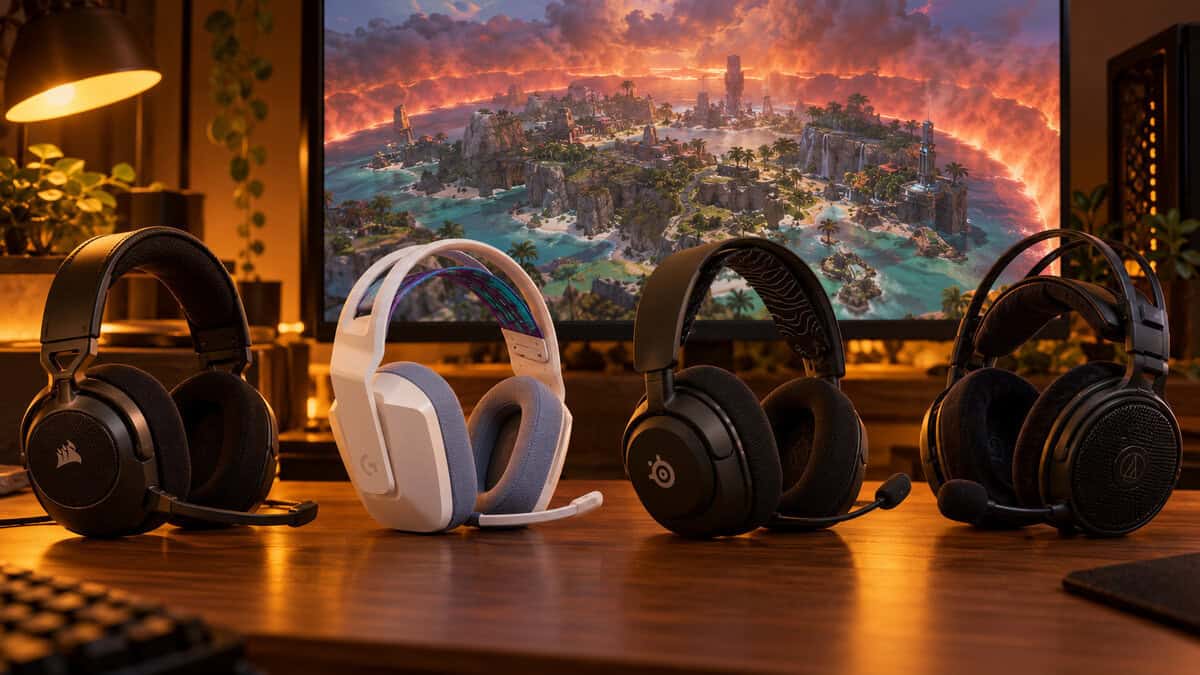
| Headset | Platform Fit | Pick It If |
|---|---|---|
| Corsair HS65 Surround | PC, PlayStation, Xbox and Switch over one plug | You play on more than one platform and want one wired headset for all of them |
| Logitech G335 | Any controller or PC with a 3.5mm jack | Your budget is tight, your sessions run long, or clamp pressure bothers your glasses |
| SteelSeries Arctis Nova 3X Wireless | Xbox, PlayStation, PC and Switch over one dongle | You play from the couch or with a crossplay squad and want no cable |
| Audio-Technica ATH-GDL3 | PC or console in a quiet room | You want the widest stage and nobody else shares the room |
Already own a headset from our CS2 headset or Valorant headset guides? The HyperX Cloud III and the Razer BlackShark V2 X are both wired headsets built around footstep clarity, which is exactly what the Focused Mix rewards, so there is no need to replace either one for Apex.
For the rest of your Apex loadout, our Apex monitor guide covers high refresh rates for tracking fast Legends, the Apex mouse picks cover tracking-heavy aim, and the Apex mousepad and Apex keyboard roundups finish the desk.
Frequently Asked Questions
Quick answers about headsets for Apex Legends.
Is surround sound worth it in Apex Legends?
Usually not. Apex’s own mix is built around stereo positioning, and the Focused Mix already pushes enemy footsteps forward. Virtual surround layered on top can blur direction, so start in stereo and keep surround only if you clearly hear better with it.
Should I use the Focused or Original mix in Apex?
Focused, if footsteps are your priority. It lowers your own weapons and abilities, removes squadmate footsteps and makes enemy footsteps louder. The Original Mix is still in the Audio options if you prefer louder guns or want to hear teammates moving.
Is open-back or closed-back better for Apex Legends?
Open-back gives a wider stage that helps you judge distance and height, but it leaks sound both ways. Closed-back is the better choice for shared rooms, a couch next to a TV or a noisy home.
Do wireless headsets add delay in Apex Legends?
A good 2.4GHz dongle keeps up with fast fights for most players. Bluetooth adds more delay, so keep it for phones and music and use the dongle or a cable for matches.
Can one headset work on PC and console for Apex?
Yes. A 3.5mm headset like the Corsair HS65 Surround plugs into a PC and every console controller. For wireless, the SteelSeries Arctis Nova 3X uses one dongle across Xbox, PlayStation, PC and Switch.
Looking for more budget gaming gear? Check out Budget Loadout for the latest reviews and recommendations.
Related Articles