Your teammate called Heaven, you heard the call, and the Jett was already behind you. That is not a reaction problem. It is an audio problem, and the best headset for Valorant fixes it by doing less than the box promises: clean stereo, a mic your five-stack can stand, and a fit that lasts a full competitive queue. The game handles the rest, because Riot built the positional audio into Valorant itself.
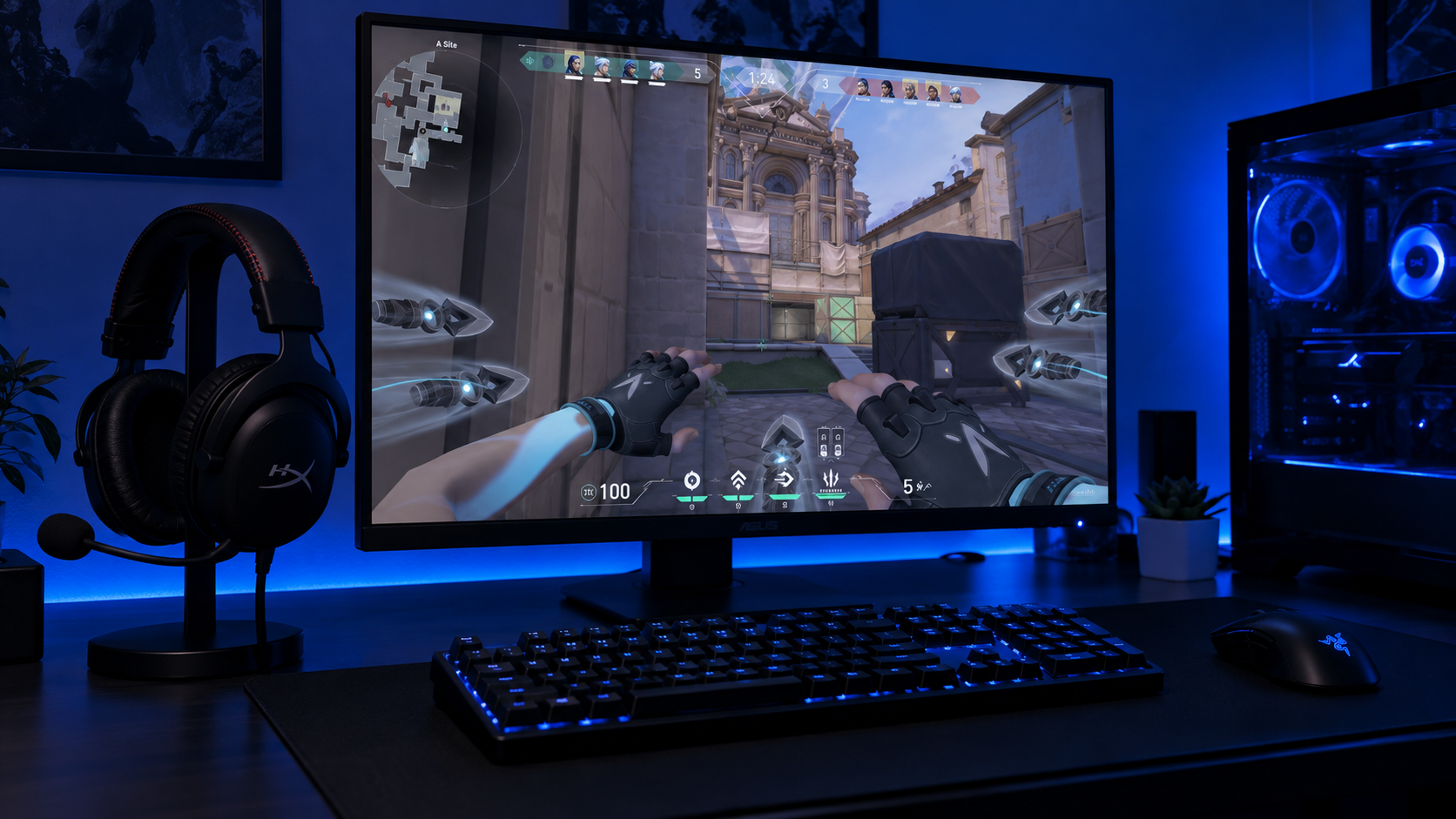
Three wired headsets clear that bar at budget money. One is the all-rounder for PC and console, one is the light and cheap esports standard, and one is the PC pick with the highest rating in the field. The sections below explain which sounds in Valorant actually decide rounds and which headset traits let you hear them.
The safest buy for any Valorant player on any platform. Deep closed-back seal, clean imaging, and a detachable mic that clears the five-stack test.
- Deepest cup seal of the three
- Works on PC and both consoles
- Detachable noise-cancelling mic
- Heavier than the BlackShark
- Clamp is firm for the first week
- Spatial mode is redundant in Valorant
The lightest and cheapest headset here and the one on the most esports desks. Clear mids for footsteps, a gentle clamp, and a plug that works everywhere.
- Lightest pick at 240 grams
- Clear mids where footsteps live
- 3.5mm plug works on every platform
- Mic is fixed rather than detachable
- Cable is short for a floor tower
- Bass is polite rather than punchy
The highest-rated headset in the field and the one to buy if you only play on PC. Retractable mic, USB plug-and-play, and lighting that matches the rest of the desk.
- Retractable mic tucks away between games
- USB-C and USB-A in the box
- Cleanest mic of the three unprocessed
- USB only so no Xbox support
- Heaviest pick at 310 grams
- 7.1 mode belongs off in Valorant
Picks and availability last verified: November 2, 2026
- Valorant renders positional audio itself through its HRTF setting. A headset only has to deliver clean stereo, so imaging and seal matter far more than surround branding.
- Closed-back and wired is the right shape for ranked. It isolates the room, adds no latency, and cannot die mid-clutch.
- Three sounds decide rounds: running footsteps, ability cues, and the spike. A mid-forward tuning makes all three easier to hear than a bass-heavy one.
- The mic is half the purchase. A clean callout on a cheap mic wins more rounds than perfect drivers behind a muted player.
- Pick the plug by platform. A 3.5mm headset works on PC and both consoles; a USB headset is a PC and PS5 tool that Xbox cannot use.
Table of Contents
What Valorant Asks Your Ears to Do
Valorant is a game of small sounds in short rounds. Most of a round is quiet, and the information that decides it arrives as a running step behind a wall, a satchel bounce, or the flat click of a spike plant. Riot added a head-related transfer function to the game in patch 2.06, and with HRTF on, the game works out how a step behind and to your left should hit each ear before the sound reaches your headset. That single fact reorders the shopping list.
Because the spatial work is done in the game, your headset has one job: reproduce a stereo signal cleanly. Surround dongles and 7.1 apps add a second layer of positioning on top of Riot’s, and the two fight. What matters instead is how precisely two drivers place a sound between your ears, how well the cups seal out your keyboard and your room, and whether the mic turns your callouts into something teammates act on rather than mute.
What the Best Headset for Valorant Actually Changes
Every pick in this guide is a closed-back stereo headset with a wire. Closed-back because isolation is where quiet footsteps hide; a cup that leaks lets a mechanical keyboard mask the step that mattered. Stereo because the game has already positioned every sound. Wired because a cable has no latency, no battery, and no chance of dropping out in a one-versus-three. If you want the same weight class with a battery for everything else you do at the desk, our wireless headset guide covers that separate purchase.
Why Bass Is the Enemy
A headset tuned for movie explosions makes a Vandal feel enormous, and enormous gunfire masks the running step behind it. Footsteps, reloads, ability wind-ups, and the spike all live in the midrange. A flat or slightly mid-forward tuning puts them in front of the mix; a boosted low end buries them. This is why the polite bass on the BlackShark reads as a strength here.
Valorant already knows where the step is. Buy the headset that repeats it, not the one that argues with it.
Three Headsets for the Ranked Grind
Three wired headsets, ranked on imaging first, the mic second, and comfort over a full queue third. The spec sheet comes first, then each pick gets the space to explain what the numbers do in a round.
| Pick | Drivers | Frequency response | Impedance | Weight | Microphone | Connection | Platforms | Best for |
|---|---|---|---|---|---|---|---|---|
| HyperX Cloud III | 53mm dynamic, angled | 10Hz to 21kHz | 64 ohm | 304g (318g with mic) | Detachable 10mm, noise-cancelling | 3.5mm, USB-C, USB-A | PC, PS5, Xbox, Switch | The all-rounder on any platform |
| Razer BlackShark V2 X | 50mm TriForce | 12Hz to 28kHz | 32 ohm | 240g | Fixed bendable boom, cardioid | 3.5mm, 1.3m cable | PC, PS5, Xbox, Switch | The lightest and cheapest ranked pick |
| Razer Kraken V4 X | 40mm TriForce titanium | 20Hz to 20kHz | 32 ohm | 310g | Retractable HyperClear, cardioid | USB-C, USB-A adapter | PC, Mac, PS5, Switch 2 | PC players who want a retractable mic and RGB |
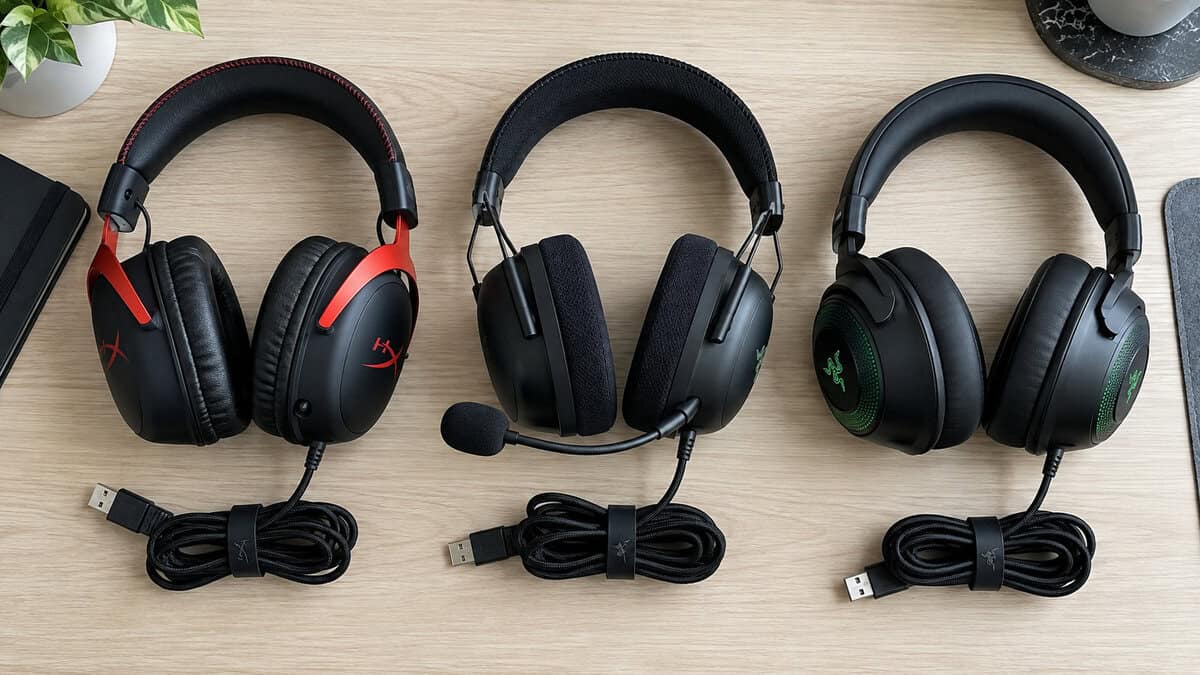
HyperX Cloud III: The Best Gaming Headset for Valorant on Any Platform
The HyperX Cloud III is the headset to buy when you are not sure which platform you will be on next year. The 53mm angled drivers sit in cups with a deep memory foam seal, so the room disappears and a running step on Ascent’s A main arrives with its direction intact. The 10mm mic cancels noise in the capsule itself and detaches, so the headset doubles as headphones between sessions. HyperX packs a 3.5mm cable and a USB adapter with USB-C and USB-A ends, which covers a PC, a PS5, an Xbox controller, and a laptop without a second purchase.
The Cloud III is the headset you stop thinking about, and in a game of small sounds that is the whole point.
What you give up is weight and a firm first week. At just over 300 grams it is heavier than the BlackShark, and the clamp takes a few sessions to relax. The USB adapter unlocks a spatial audio mode that belongs off. If the price stretches past you, the HyperX Cloud II is the same shell a generation back with the same 53mm drivers, a weaker mic, and a USB sound card you can leave in the box.
Razer BlackShark V2 X: The Esports Standard at the Lowest Price
The Razer BlackShark V2 X is the reason many Valorant players never spend more on audio. At 240 grams it is the lightest pick here by a wide margin, the clamp is gentle, and the 50mm TriForce drivers carry a clear midrange that puts a Raze satchel and a running Reyna exactly where the game says they are. The thick FlowKnit cushions isolate better than the price suggests, and the single 3.5mm plug goes into a PC, a DualSense, or an Xbox controller without an adapter.
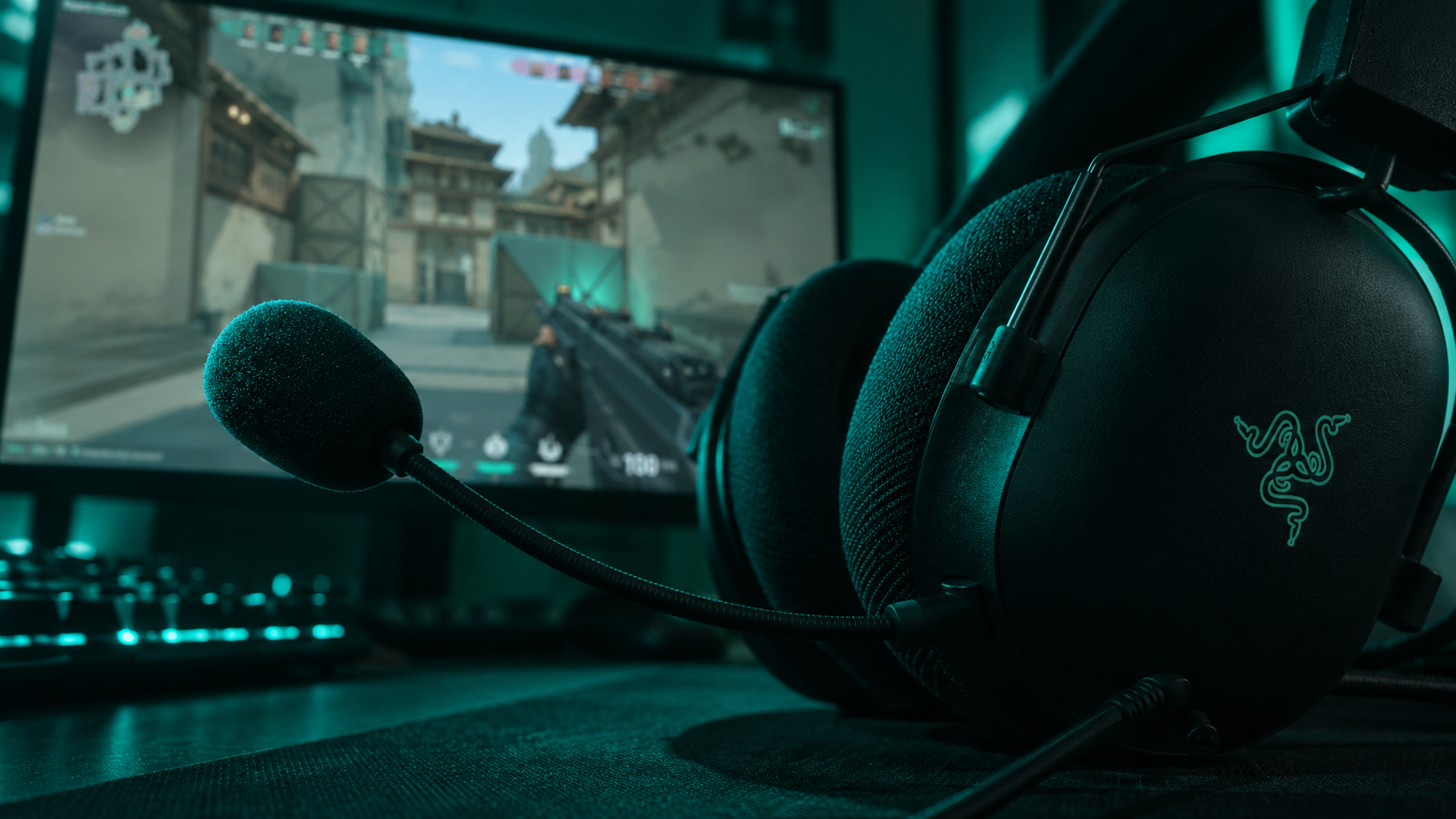
The tradeoffs are physical. The boom mic bends but does not detach, the 1.3-meter cable is short if your tower lives on the floor, and the 7.1 mode Razer advertises runs through a Windows app that Valorant does not need. If you want this weight class with a battery, the BlackShark V3 X HyperSpeed is the wireless successor and belongs in the wireless guide rather than here.
Razer Kraken V4 X: The PC Pick With the Retractable Mic
The Razer Kraken V4 X holds the highest rating of any headset in this field, and the reason is the details. The 40mm TriForce titanium drivers are smaller than the other two on paper and just as precise in practice, because the three-part driver keeps the midrange separate from the low end where a cheaper single cone smears them together. The HyperClear cardioid mic retracts fully into the left cup, so there is nothing to lose and nothing in your peripheral vision between calls. It runs on USB-C with a USB-A adapter in the box, so it is plug-and-play on a PC and a PS5.
A retractable mic sounds like a convenience until the fourth time you knock a boom into a water bottle mid-round.
You pay for it in platform reach and weight. USB audio means no Xbox, since the console only takes 3.5mm and licensed wireless, and at 310 grams it is the heaviest of the three, though the hybrid cushions carry it well. The Chroma lighting and 7.1 mode live in Synapse; keep the app for the EQ and leave both toggles off. For a cheaper USB option with the same idea, the Logitech G432 pairs 50mm drivers with a flip-to-mute boom, and it lost this slot on a heavier frame and a duller mic.
Footsteps and the Walk Key
Valorant’s most important audio rule is binary: walking with Shift held is silent, running is not. Every step you hear is a player who chose speed over stealth. A running step at the edge of your range is a rotation. A running step that stops is a player who just started walking toward you.
Walk vs Run at the Edge of Range
The step you need most is the faint one at maximum range, and that is exactly the sound a leaky cup or a boosted low end destroys. The Cloud III’s deep seal is the best of the three at keeping your own keyboard out of that band, which matters if you run a loud board from our Valorant keyboard guide. The BlackShark’s mid-forward tuning makes that faint step stand out more than its cushion depth would suggest. The Kraken’s three-part driver keeps the step separate from the ambient bed even when a Brimstone ult is going off nearby.
Vertical Cues on Maps With Heaven
Height is where HRTF earns its keep and where imaging gets tested. Split, Haven, and Ascent all have positions above the site, and the difference between a step on Heaven and a step in the lane below it is a small tonal shift that the game encodes and a good headset preserves. With HRTF off, that vertical information is gone no matter what you wear. With it on, all three picks keep enough of it to tell you whether to pre-aim up or across.
A silent walk key means every footstep you hear is a decision someone made. Hear it clearly and you know what they decided.
Ability Audio Is the Second Language
The Cues That Decide a Round
Footsteps tell you where someone is. Abilities tell you what they are about to do. A Sova dart landing behind you, an Omen teleport wind-up, a Killjoy alarm bot ticking, a Cypher trip breaking: each arrives a beat before the play it announces. Learning them is free. Hearing them under gunfire is a headset problem, because most ability cues sit in the same midrange as footsteps and get buried by the same bass boost. This is where the clear mids on all three picks pay for themselves.
The Corsair HS65 Surround is a well-built 50mm headset that nearly made this list on its tuning alone, and the reason it did not is in its name: it is sold on a surround feature Valorant does not want.
The Spike and the Last Seven Seconds
The spike is the loudest information source in the game and the one most players hear least well, because they are also shooting. The plant carries across most of a site, the beep accelerates as the timer runs down, and a full defuse takes seven seconds with a half-defuse checkpoint in the middle. In a post-plant, the defuse starting is the cue to swing and the defuse stopping is the cue to hold. A headset that keeps that click audible over a Phoenix ult is doing its job; one that turns the ult into a wall of low end is not.
The Mic Is Half the Headset
Headset reviews rate the mic last and teammates rate it first. A mic that pops on every plosive, picks up your keyboard, or clips when the round gets loud is a mic people mute, and a muted teammate loses more rounds than a slightly soft treble ever will.
What a Callout Sounds Like on a Bad Mic
“Two B, one lurking mid” is four seconds of information. On a good boom it arrives as words. On a bad one it arrives as keyboard clatter, a breath, and something that might be “B”. All three picks use a boom, which is the right shape because it sits at a fixed distance from your mouth and your level does not change when you turn your head. The BlackShark’s cardioid boom rejects the room and sends a clean, unprocessed signal. The Cloud III’s 10mm capsule cancels noise in the mic itself. The Kraken’s HyperClear boom is the cleanest of the three straight out of the plug.
Nobody on your team can hear your drivers. Everybody on your team can hear your mic.
Detachable or Retractable
A detachable boom, like the Cloud III’s, makes the headset clean headphones for everything else and is the one to lose in a bag. A retractable boom, like the Kraken’s, is always attached and never in the way. A fixed boom, like the BlackShark’s, is the simplest and cheapest, and the right call if the headset lives at one desk. Two habits improve any of them: position the boom at the corner of your mouth to kill plosives, and turn on sidetone where the software offers it so you stop shouting over the isolation.
If the mic is the whole reason you are shopping, the Logitech G PRO X adds Blue VO!CE processing through a USB DAC at a higher price, while the SteelSeries Arctis Nova 1 offers a fully retractable ClearCast boom on a lighter frame with smaller drivers.
PC or Console Valorant
Valorant runs on PC and on PS5 and Xbox Series consoles, and Riot’s VALORANT Console Guide covers how the same account carries across both. The headset decision does not carry across as cleanly, because the plug decides where a headset can go.
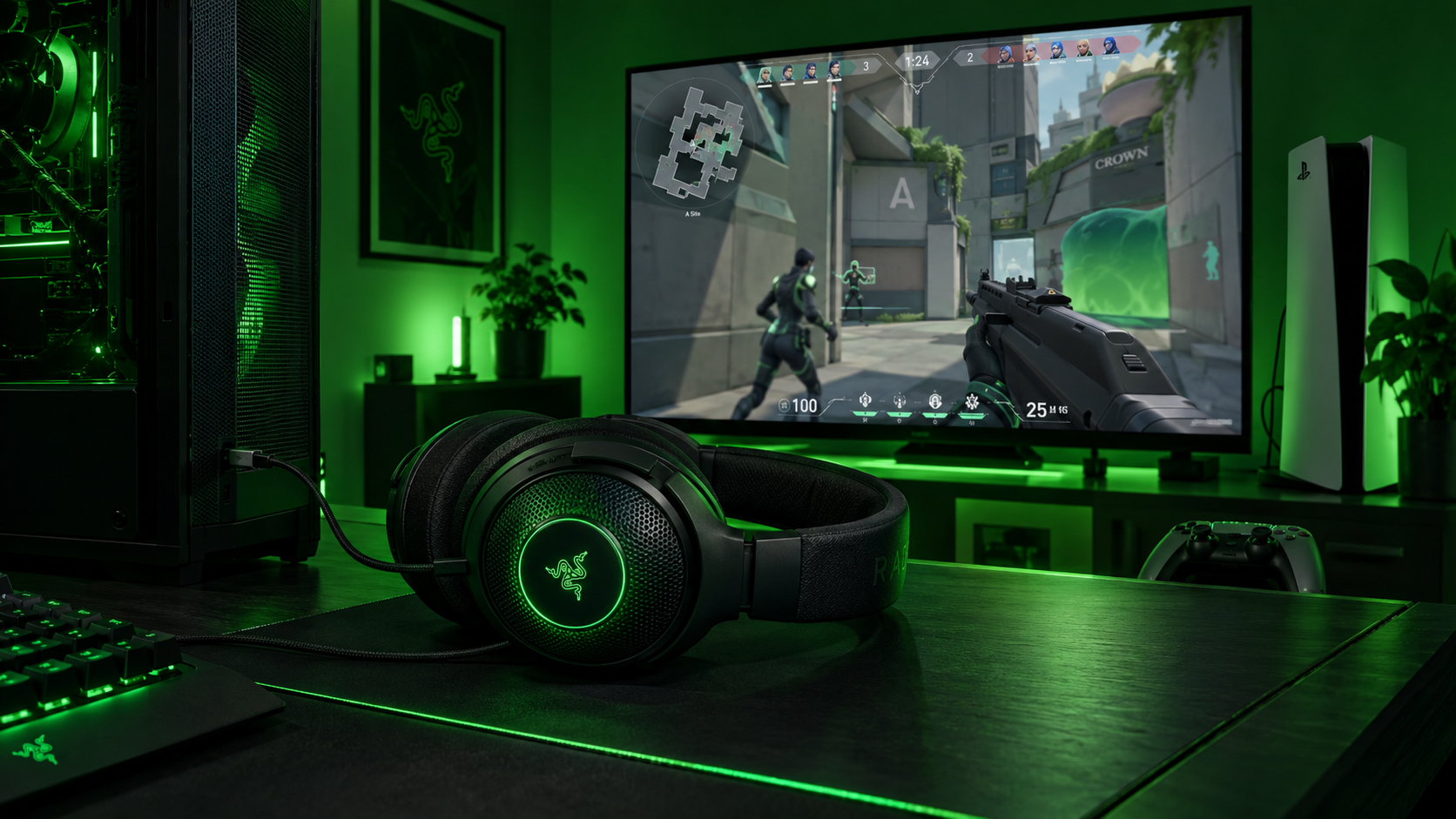
3.5mm Goes Everywhere
A 3.5mm headset plugs into a PC’s front jack, a DualSense, and an Xbox controller with no adapter and no software. The Cloud III and the BlackShark both live here, which is why they are the picks for anyone who splits time between a desk and a couch. The only thing to check is the plug: a single four-pole jack goes straight into a controller, while a PC with separate headphone and mic ports needs the splitter both headsets include.
What the Console Version Changes
USB headsets like the Kraken V4 X work on a PC and a PS5 but not on an Xbox, which only accepts 3.5mm and its own licensed wireless. That is the whole reason the Kraken is the PC pick rather than the overall pick. On console, HRTF is the same toggle in the same audio menu, and the same advice holds: turn it on, set the output to stereo, and skip the console’s own 3D audio mode. A monitor that keeps up with what you hear matters just as much on a couch, and our Valorant monitor guide covers the refresh rates that make a sound cue worth reacting to.
Settings Before You Queue
Three switches decide whether the headset you just bought sounds like the one in this guide. In Valorant’s audio menu, turn HRTF on. In Windows, set the output to stereo and turn off Windows Sonic, Dolby Atmos, or any spatial mode, because a second spatial layer on top of Riot’s smears the cues you paid for. In the headset’s own software, leave the 7.1 toggle off and keep the app for the EQ and the mic tools.
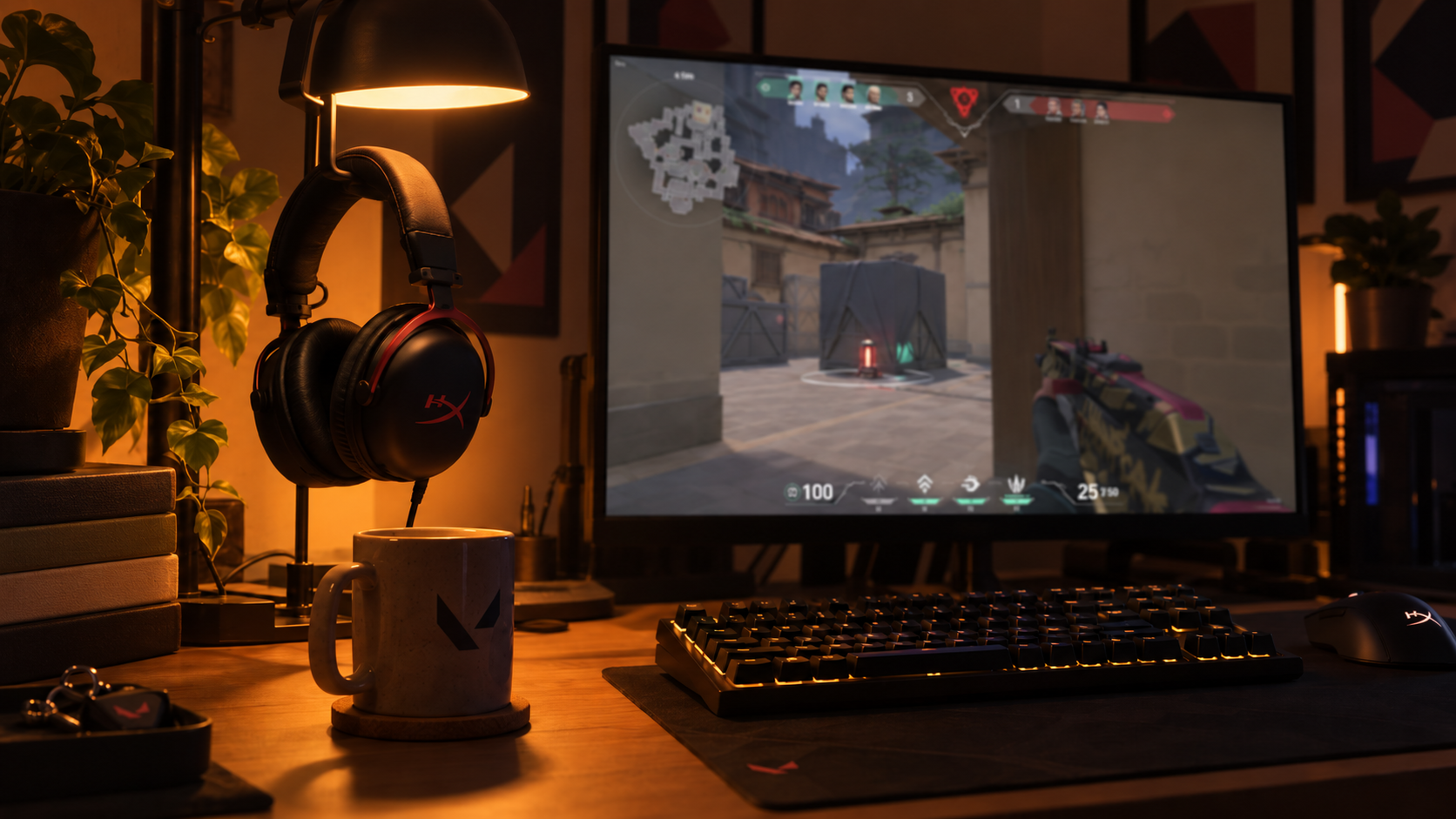
Then set the mix. Sound effects at full, music low or off, and voice chat loud enough to hear a call over a firefight. Two more purchases round out the setup: a mouse from our Valorant mouse guide for the flick the sound cue asks for, and a Valorant mousepad sized to your sensitivity so the flick has room to land.
One spatial layer is information. Two spatial layers is noise with a brand name.
The cheapest closed-back headset that takes long sessions seriously is the HyperX Cloud Stinger 2 Core, which trades the Cloud III’s drivers and seal for a lower price and a lighter frame, and it is the right first headset for a student budget. The Logitech G335 matches the BlackShark’s weight with a flip-to-mute boom and a colorful shell, and it lost the value slot on a thinner sound and smaller drivers.
The Right Pick by Play Style
If the spec sheet left you between two headsets, this table settles it on the things a number cannot show. One row per pick, read across.
| Pick | Play style | PC or console | Mic priority | Comfort over a long queue | Skip it if |
|---|---|---|---|---|---|
| HyperX Cloud III | Any role, any rank | Both, with the adapter | High, detachable noise-cancelling capsule | Best seal, firm clamp early on | You want the lightest possible headset |
| Razer BlackShark V2 X | Duelists and entry players who move a lot | Both, one plug | Medium, clean fixed boom | Lightest by far, gentle clamp | You need a detachable mic or a long cable |
| Razer Kraken V4 X | PC players who call a lot and stream | PC and PS5 only | Highest, retractable HyperClear boom | Heaviest, soft hybrid cushions | You play on Xbox |
Building out the rest of your Valorant setup? Our gaming setup builder fills every slot from monitor to mousepad, and if you play more than one game, it finds the gear our guides recommend across all of them.
Frequently Asked Questions
The questions that come up most when choosing a headset for a game that does its own positional audio.
Should I turn HRTF on in Valorant?
Yes, if you play on a headset. HRTF is Riot’s own positional audio, added in patch 2.06, and it encodes direction and height into the stereo signal before it reaches your headset. Turn it on in the audio menu, set Windows or your console to stereo output, and turn off any spatial mode in the headset’s software so the two layers do not fight.
Do I need 7.1 surround sound for Valorant?
No. Valorant positions every sound itself when HRTF is on, so a stereo headset reproduces it correctly. A 7.1 dongle or app adds a second spatial layer on top of the game’s and smears the cues you are listening for. Every pick in this guide ships some version of the feature, and every one is best used with it off.
Which headset works for Valorant on console?
Any 3.5mm headset plugs into a DualSense or an Xbox controller with no adapter, which is why the HyperX Cloud III and the Razer BlackShark V2 X are the picks for players who split time between PC and console. USB headsets like the Razer Kraken V4 X work on PC and PS5 but not on Xbox, which only accepts 3.5mm and its own licensed wireless.
Is a wired or wireless headset better for Valorant?
Wired, for ranked. A cable adds no latency, needs no battery, and cannot drop out mid-clutch, and every pick here is wired. If you want the same weight class with a battery for general use, the wireless headset guide covers the wireless siblings, including the BlackShark V3 X HyperSpeed.
Do the drivers or the mic matter more in a Valorant headset?
For most players the mic, because Valorant is a five-player information game and a callout nobody understands loses more rounds than a slightly soft treble. Buy clean imaging first, since footsteps and ability cues decide rounds, then make sure the boom is one your team can stand. All three picks clear both bars; the Kraken V4 X’s retractable HyperClear boom is the cleanest straight out of the plug.
Looking for more budget gaming gear? Check out Budget Loadout for the latest reviews and recommendations.
Related Articles