The best monitor for Wardogs is probably a lower resolution than the one you were about to buy. Wardogs drops up to 100 players onto maps built around 2x2km control zones, with three teams, purchasable vehicles, and buildings that come down mid-fight, and the Steam requirements are honest about what that costs: a GTX 1660 gets you 1080p at low settings, upscaled, at around 60 frames. A 1440p panel on that kind of PC is a screen you paid for and cannot feed.
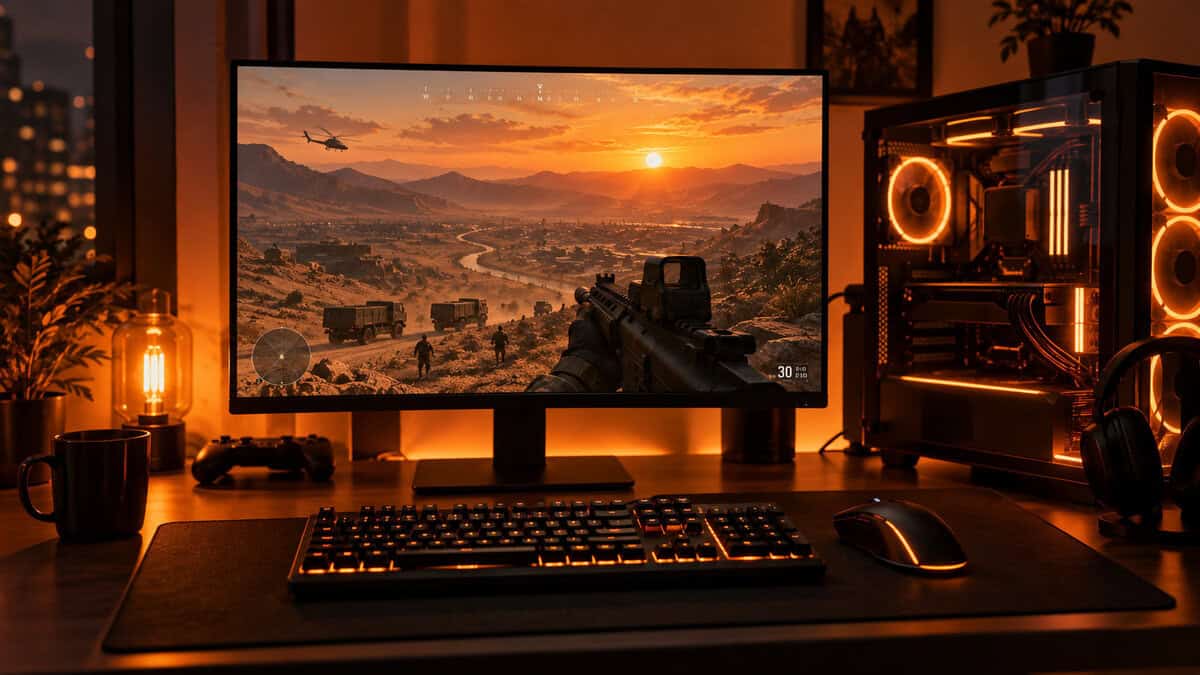
So this guide ranks refresh headroom over pixel count. Three picks, all IPS panels from 24 to 27 inches, chosen for what a budget graphics card can actually push in a 100-player match, and sorted by the range you spend the most time fighting at.
A 240Hz IPS panel at the price most brands charge for 180Hz. At 1080p a GTX 1660 to RTX 3060 class card can actually climb toward the refresh ceiling in Wardogs, which is the whole point of buying high-refresh in the first place.
- 240Hz on an IPS panel at the lowest price in this lineup
- 1080p keeps frame rates high on a GTX 1660 to RTX 3060 class card
- FreeSync Premium smooths the frame-time dips a 100-player server causes
- Tilt-only stand, so a monitor arm may be worth adding for height
- 1080p on 24 inches favors reaction over immersion; big-map fans may prefer 27
- A newer listing with a smaller review pool than the older 144Hz staples
The same 1080p frame-rate budget as the Dell, spread across 27 inches so distant players are physically larger on screen. A 200Hz Fast IPS panel keeps vehicle pans and collapsing buildings readable without asking any more of your GPU.
- 27 inches of 1080p makes players at the zone edge easier to spot
- 200Hz Fast IPS holds motion clarity through fast vehicle-speed pans
- G-Sync Compatible and FreeSync certified, so it syncs with either GPU brand
- 1080p spread over 27 inches looks softer up close than the same panel at 24
- HDR10 support is nominal at this brightness; treat it as an SDR monitor
- Basic stand with limited adjustment compared with the Acer
For the RTX 3070 and RX 6700 XT class the Steam page recommends, 1440p on 27 inches sharpens distant silhouettes without giving up a fast IPS panel. It is also the most-reviewed monitor in this guide by a wide margin, which matters on a launch-day purchase.
- 1440p on 27 inches sharpens prone players at sightline range
- 180Hz IPS with a half-millisecond rated response keeps firefights clean
- The largest review pool of any pick here, on a mature Nitro chassis
- Needs an RTX 3070 class GPU to hold high frame rates at 1440p in a full server
- Built-in speakers are a convenience, not a substitute for a headset
- Bezels sit a little thicker than Acer’s premium Nitro XV line
Picks and availability last verified: October 19, 2026
- Refresh headroom beats resolution in Wardogs: a 1080p 240Hz panel serves a budget GPU better than a 1440p panel it cannot feed.
- The Steam requirements decide your screen. GTX 1660 to RTX 3060 builds belong at 1080p; RTX 3070 and up can justify 1440p.
- 24 inches favors reaction and whole-screen awareness; 27 inches makes distant players bigger across 2x2km control zones.
- IPS panels hold motion clarity through vehicle pans and collapsing buildings better than most budget VA panels.
- Use DisplayPort and set the refresh rate in Windows, or a 240Hz purchase quietly runs at 60Hz.
Table of Contents
What Wardogs Does to a Monitor
Most shooters ask a monitor to do one job well. Wardogs asks for three at once. Its King-of-the-Hill mode drops a randomized 2x2km control zone inside a larger map, three teams push toward it from different directions, and every player buys a loadout with cash earned in the match. That cash buys vehicles, so the fight moves at truck speed. It also buys building materials, so the cover you were aiming around can change shape between one peek and the next.
Your monitor is where all of that information lands. Frame rate tells you how quickly it arrives, panel size tells you how large a distant player appears, and response time tells you whether a fast pan smears the target into the background. Get those three right on a budget and you are set for launch day.
Refresh Headroom Beats Pixel Count
A monitor’s refresh rate is a ceiling, not a promise. If your graphics card delivers 90 frames in a full server, a 240Hz panel shows you 90 frames, and so does a 144Hz panel. The difference is what happens when you turn shadows down, drop a setting or two, and the frame counter climbs. On the 240Hz screen that headroom turns into smoother motion. On the 144Hz screen it turns into nothing.
A refresh rate you cannot reach is a spec you paid for and never see.
Resolution works the other way. Every step from 1080p to 1440p costs frames on the same card, and in a 100-player match with vehicles and destruction those frames are already under pressure. That is why a 1080p panel with a 200Hz or 240Hz ceiling is the sane budget choice here. It gives your card somewhere to go. If you want the longer version of why 240Hz beats 144Hz only when you can feed it, our 144Hz vs 240Hz breakdown covers the frame-time math.
Why the Steam Requirements Decide Your Resolution
The official Steam page lists a GTX 1660 or RX 590 as the minimum, and it is unusually specific about what that buys: 1080p at low settings, upscaled, at around 60 frames. The recommended tier is an RTX 3070 or RX 6700 XT. Those two lines are the most useful monitor advice in this article.
If your card sits anywhere between those two tiers, you are a 1080p player on launch day, and your monitor should match. If you are at or above the recommended tier, 1440p is on the table, and the Acer pick below is built for you. Wardogs also launches into Early Access, which means performance will move around for months. Buying a screen with headroom is the safer bet than buying for the frame counts of week one.
Three Ranges One Screen Has to Cover
A 2x2km zone with three teams inside it produces three very different kinds of fight, and each one leans on a different part of the spec sheet. Sorting the picks by range is more useful than sorting them by price, because it tells you which tradeoff you will actually notice.
Long Sightlines: Spotting at the Zone Edge
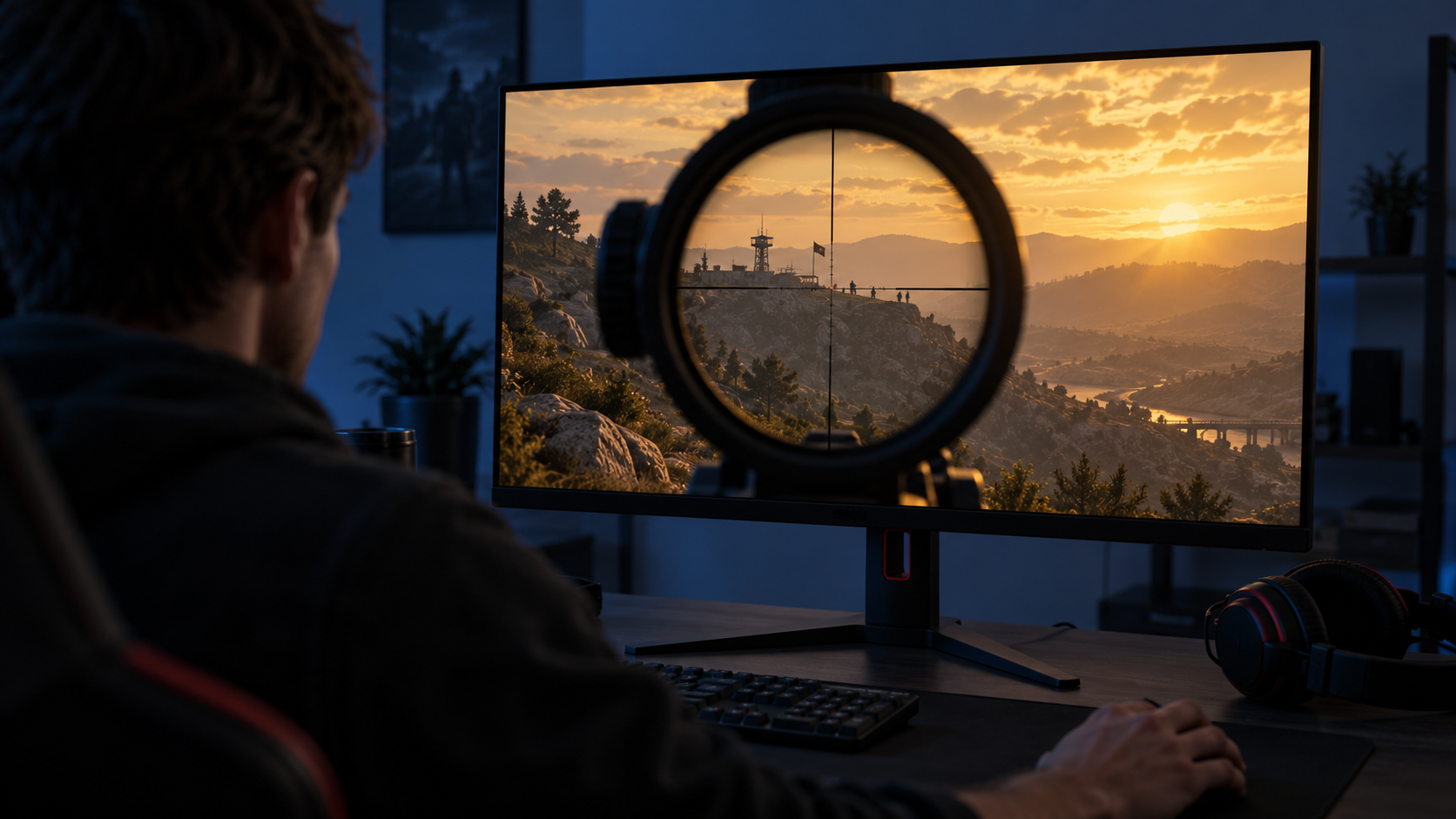
Out at the edge of the zone, a prone player is a handful of pixels against a hillside. Two things make that player easier to see: physical size and sharpness. A 27-inch panel makes the same 1080p image larger, so a distant silhouette covers more of your retina. A 1440p panel adds detail instead, so the silhouette has a crisper edge against the terrain.
Contrast matters here too. Shadowed windows and tree lines hide players, and a panel with muddy dark tones hides them better. Budget IPS panels are not contrast champions, but they hold shadow detail more evenly across the screen than most cheap VA panels, which tend to crush it toward the edges. Our IPS vs VA comparison goes deeper on that tradeoff.
The Firefight: Motion Clarity Under Fire
Inside the zone the fight is close, fast, and full of movement you did not start. A truck crosses your sightline, a wall drops, a teammate sprints through your crosshair. This is where refresh rate and response time stop being numbers and start being the difference between a target and a smear.
Every pick in this guide uses an IPS panel rated for fast pixel transitions, which is the spec that keeps a moving player’s edges intact during a hard flick. Slow VA panels are the usual budget trap here: the spec sheet says high refresh, the dark-to-bright transitions say otherwise, and you see it as a faint trail behind anything moving against a shadow.
In a firefight the monitor’s job is to keep a moving player looking like a player.
Reading Three Teams at Once
Three teams means the fight you are watching is never the only fight. A third party arrives from the flank while you trade with the second, and the first warning is usually movement at the edge of the screen, not the center. That is an argument for whole-screen awareness, and it is where 24 inches quietly wins.
At normal desk distance a 24-inch panel fits inside your comfortable field of view, so the compass, the minimap, and the far corner of the screen are all readable without moving your eyes far. A 27-inch panel asks you to sit back a few inches to get the same coverage. If your desk is shallow, that alone can decide the size. The same logic shaped our mouse pick for Wardogs, where big-map swipes needed desk space more than sensor specs.
The Picks From 24 to 27 Inches
Three monitors, three answers to the same question: how much screen can your graphics card honestly fill in a 100-player match?
Best Monitor for Wardogs Overall: Dell SE2426HG
The Dell SE2426HG is a 23.8-inch 1080p IPS panel with a 240Hz refresh rate, and it costs what most brands charge for 180Hz. That combination is the reason it leads this list. On a GTX 1660 to RTX 3060 class card, 1080p is the resolution where Wardogs actually runs fast, and the 240Hz ceiling means every setting you trim shows up as smoother motion instead of vanishing above a lower cap.
Buy the refresh rate your card can grow into, not the resolution it cannot feed.
The panel is IPS, so shadowed tree lines keep their detail out at the zone edge, and the fast transitions keep a sprinting player crisp during a flick. AMD FreeSync Premium handles the frame-time dips a busy server throws at you, and it works with Nvidia cards through DisplayPort as well. Inputs are DisplayPort 1.4 plus two HDMI ports, so a console can share the screen.
The tradeoff is the stand. It tilts and nothing else, so if you want the panel at eye height you will either stack it or add a cheap arm. It is also a newer listing than the 144Hz Dell monitors people know, so the review pool is smaller than its older siblings. Neither changes the verdict: for a launch-day Wardogs PC that is not running a flagship GPU, this is the screen.
AOC 27G4H: The Big-Map Pick
The AOC 27G4H keeps the 1080p frame-rate budget and spends it on size. It is a 27-inch Fast IPS panel at 200Hz, certified G-Sync Compatible and FreeSync, and the extra three inches make a player at the far side of the zone physically larger on screen without costing your GPU a single frame.
That is the whole pitch, and for long-sightline players it is a good one. If you spend most of a match on overwatch, holding a ridge with a marksman rifle while your squad works the objective, the bigger canvas is worth more than the Dell’s extra refresh. AOC’s Fast IPS panels also handle the truck-speed pans well, and the three-year zero-bright-dot warranty is a real perk on a budget panel.
The cost is pixel density. 1080p stretched across 27 inches looks softer than the same resolution at 24, especially on text and distant edges, and you notice it most if you sit close. The HDR10 badge is also decorative at this brightness; run it in SDR and be happy. If you want 240Hz at this size, the Dell SE2726HG is the same idea with a higher ceiling, at a modest step up in price.
Acer Nitro KG271U: The 1440p Upgrade
The Acer Nitro KG271U N3bmiipx is the pick for the RTX 3070 and RX 6700 XT class the Steam page recommends. It is a 27-inch 2560×1440 IPS panel at 180Hz, with a half-millisecond rated response, FreeSync, a DCI-P3 wide gamut, and the largest review pool of anything in this guide by a wide margin.
What 1440p buys you in Wardogs is edge definition at range. A prone player on a hillside is a sharper shape, a window is a cleaner rectangle, and a vehicle silhouette reads faster. On a card that can hold high frame rates at this resolution, that sharpness is a genuine advantage over both 1080p picks, and 180Hz is plenty of ceiling for what a 3070 will deliver in a full server.
1440p is an upgrade only when the graphics card is already there waiting for it.
The caveat is the one this whole article is built on. Put this panel on a GTX 1660 and you have traded frames you needed for sharpness you cannot afford. The built-in speakers are handy for menus and nothing more, and the bezels are a touch thicker than Acer’s premium Nitro XV line. If you prefer a VA panel with a height-adjustable stand at the same resolution and refresh, the AOC Q27G4XN is the closest alternative, though VA gives up some motion clarity in dark scenes.
Two more names came up during selection. The LG 24G411A is a well-reviewed 24-inch IPS panel, but it tops out at 144Hz overclocked, which is why the Dell took the slot. And if HDR is the feature you actually care about, the AOC Q27G3XMN brings a mini-LED backlight to 1440p at 180Hz, at a price that pushes it out of a budget launch-day build.
Which Screen for Which Range
One row per pick, sorted by the fight it serves best.
| Pick | Size and resolution | Refresh | Panel | Best at range |
|---|---|---|---|---|
| Dell SE2426HG | 23.8-inch 1080p | 240Hz | IPS, FreeSync Premium | The firefight and third-party awareness |
| AOC 27G4H | 27-inch 1080p | 200Hz | Fast IPS, G-Sync Compatible | Long sightlines on a 1080p GPU |
| Acer Nitro KG271U | 27-inch 1440p | 180Hz | IPS, FreeSync | Long sightlines on an RTX 3070 class GPU |
Read the last column first. If you cannot picture yourself holding a ridge for a whole match, you are a zone fighter, and the Dell’s 240Hz at 24 inches is the better tool. If you can, the size question comes down to your graphics card: the AOC on a 1080p-class card, the Acer on a 1440p-class one.
None of the three is a bad choice for the other job. A 24-inch 240Hz panel still spots players at range, and a 27-inch 1440p panel still handles a firefight. The table is about where each one is strongest, not where the others fail.
Matching the Monitor to Your GPU
Every monitor recommendation in this guide is really a graphics card recommendation in disguise. Use the Steam tiers as your ruler.
GTX 1660, RX 590, or anything older. You are at the minimum, and the developer’s own number is 1080p at low settings with upscaling. Buy the 24-inch Dell, plan on upscaling, and treat the 240Hz ceiling as room to grow when you upgrade the card. A 27-inch 1080p panel is fine too, but do not spend a dollar of your budget on resolution.
RTX 3060, RX 6600, RTX 4060, or similar. This is the budget sweet spot, and it is a 1080p tier in a 100-player Wardogs match. Either 1080p pick fits. Pick the Dell if you fight inside the zone, the AOC if you hold the edges. Upscaling will still help on the busiest servers.
RTX 3070, RX 6700 XT, RTX 4070, and up. You have hit the recommended spec, and 1440p starts to make sense. The Acer is built for this tier. If you are choosing between 1440p and a higher refresh 1080p panel at this level, our 1440p monitor guide walks through when the sharper panel is the better spend.
Whatever the tier, high frame rates do more than look smooth. Nvidia’s own explainer on how frame rate helps you win games lays out the chain from frames to reduced latency to earlier target visibility, and every link in that chain runs through the monitor you are about to buy.
Settings That Make the Refresh Rate Real
A surprising number of high-refresh monitors spend their whole life at 60Hz because nobody told Windows otherwise. Five things to check before your first match.
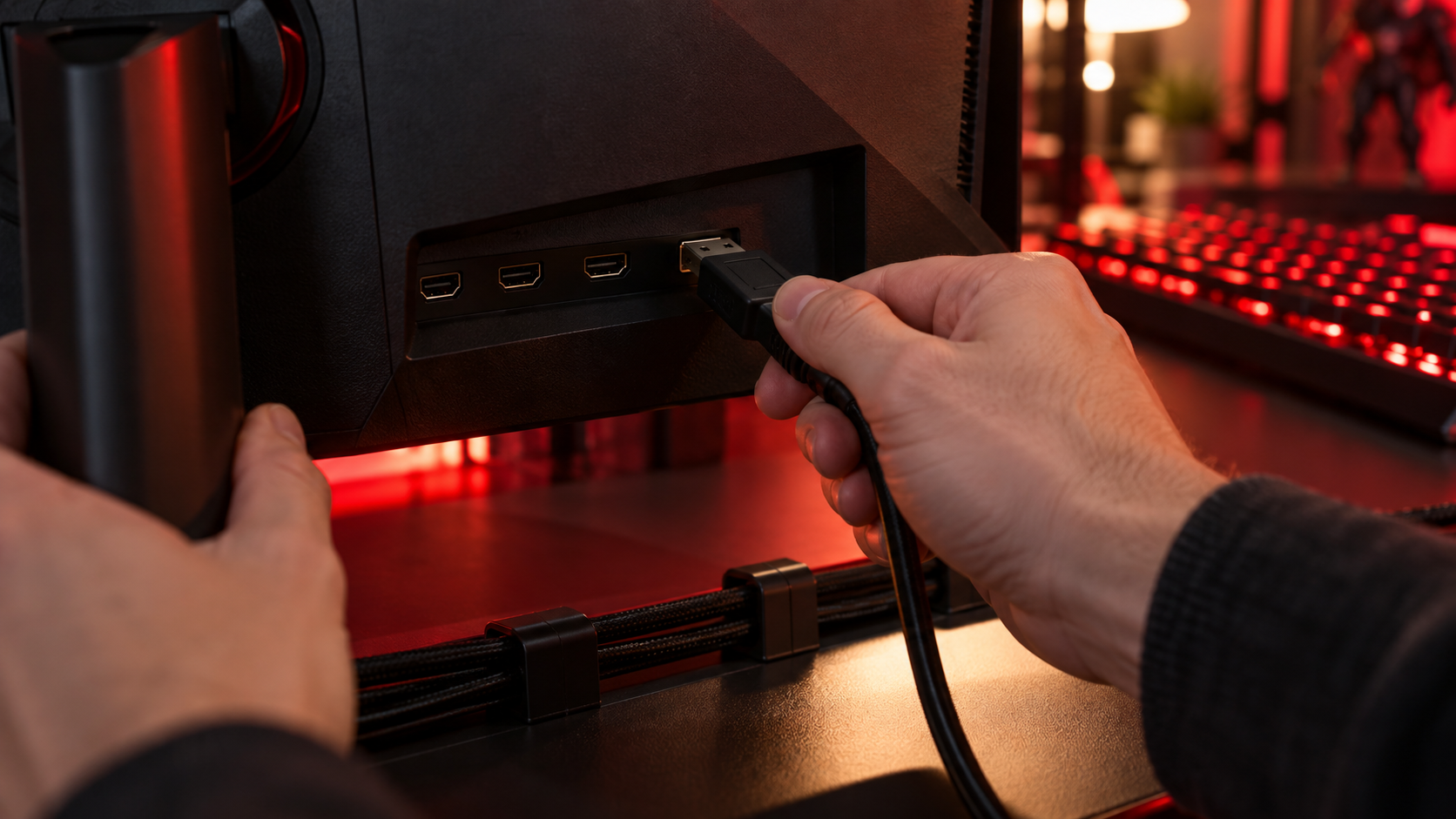
- Use DisplayPort. The HDMI ports on budget panels often cap below the advertised refresh rate. DisplayPort 1.4 carries the full 240Hz on every pick here.
- Set the refresh rate in Windows. Display settings, advanced display, refresh rate. It defaults to 60Hz on a fresh install more often than you would expect.
- Turn adaptive sync on. FreeSync Premium on the Dell and Acer, G-Sync Compatible on the AOC. It smooths the frame-time dips a full server produces and costs nothing.
- Leave overdrive on the middle setting. The maximum setting on budget IPS panels trades a little ghosting for a visible halo behind moving players. Middle is the honest choice.
- Skip HDR on these panels. None of the three has the brightness to make HDR10 look better than SDR, and enabling it can wash out the shadows you are trying to read.
Once those are set, cap your in-game frame rate a few frames under the refresh ceiling if the game offers a limiter. Adaptive sync works best just below the maximum, and it keeps the GPU from spiking latency during the busiest moments. Players often ask about monitor matching distance in Wardogs, and if you change screen size the safe move is to recheck your aim sensitivity before your next match. Once the screen is set, the keyboard guide for Wardogs covers the other launch-day tuning job: actuation points and rapid trigger for the movement keys. The mousepad guide for Wardogs handles the desk itself: pad width for the low sensitivity those long sightlines push you toward. For everything that happens off screen, the best headset for Wardogs rounds out the kit with clear footsteps and a mic built for local voice chat.
When 1440p Earns Its Keep
The GPU Test
The honest test is simple. Run Wardogs at 1080p on your current card and watch the frame counter in a full server. If it sits comfortably above your monitor’s refresh rate with settings you like, you have headroom to spend, and 1440p is a real upgrade. If it does not, the sharper panel would only cost you the frames that keep a firefight readable.
The Longevity Case
There is one more argument for the Acer that has nothing to do with launch day. Monitors outlive graphics cards. If you are planning a GPU upgrade within the next year, buying the 1440p panel now and living with 1080p-class frame rates for a few months can be smarter than buying twice. Just go in knowing that the first few months are the compromise.
And if Wardogs is one game among many on your desk, weigh the rest of your library. A 1440p 180Hz IPS panel is a better all-round screen than a 1080p 240Hz one for slower games and desktop work. Our budget gaming monitor hub covers the wider field if this guide’s three picks are too shooter-specific for you.
Building out the rest of your WARDOGS setup? Our gaming setup builder fills every slot from monitor to mousepad, and if you play more than one game, it finds the gear our guides recommend across all of them.
Frequently Asked Questions
The questions that come up most when picking a screen for a 100-player shooter.
Is 1440p worth it for Wardogs?
Only if your graphics card is at or above the recommended tier, an RTX 3070 or RX 6700 XT class. Below that, 1440p costs frames a 100-player match needs, and a 1080p panel with a higher refresh ceiling is the better use of the money.
Do I need 240Hz for Wardogs?
No. 180Hz or 200Hz is plenty for what most budget cards deliver in a full server. The value of a 240Hz panel is headroom: as you trim settings or upgrade the card, the extra frames show up as smoother motion instead of being lost above a lower cap.
Is 24 or 27 inches better for Wardogs?
24 inches keeps the whole screen inside your comfortable field of view, which helps you catch a third team arriving from the flank. 27 inches makes distant players physically larger across the 2x2km zones. Zone fighters lean 24, ridge holders lean 27.
What monitor works with the minimum Wardogs specs?
The Steam page rates a GTX 1660 or RX 590 for 1080p at low settings with upscaling. A 24-inch 1080p high-refresh IPS panel like the Dell SE2426HG matches that hardware, and its 240Hz ceiling gives you room to grow when you upgrade the card.
Does a VA panel work for Wardogs?
It can, but budget VA panels tend to smear dark-to-bright transitions, which shows up as a faint trail behind a player moving against shadow. Every pick in this guide is IPS for that reason. A VA panel makes more sense if deep contrast for cinematic games matters more to you than motion clarity.
Looking for more budget gaming gear? Check out Budget Loadout for the latest reviews and recommendations.
Related Articles