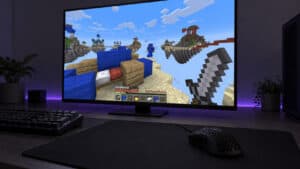
Buying the wrong mouse for a launch-day shooter costs more than the mouse. It costs the weeks you spend blaming your aim while the real problem sits under your palm. With Wardogs dropping its 100-player three-team battles into Early Access, picking the best mouse for Wardogs before the servers fill is the cheapest head start available.
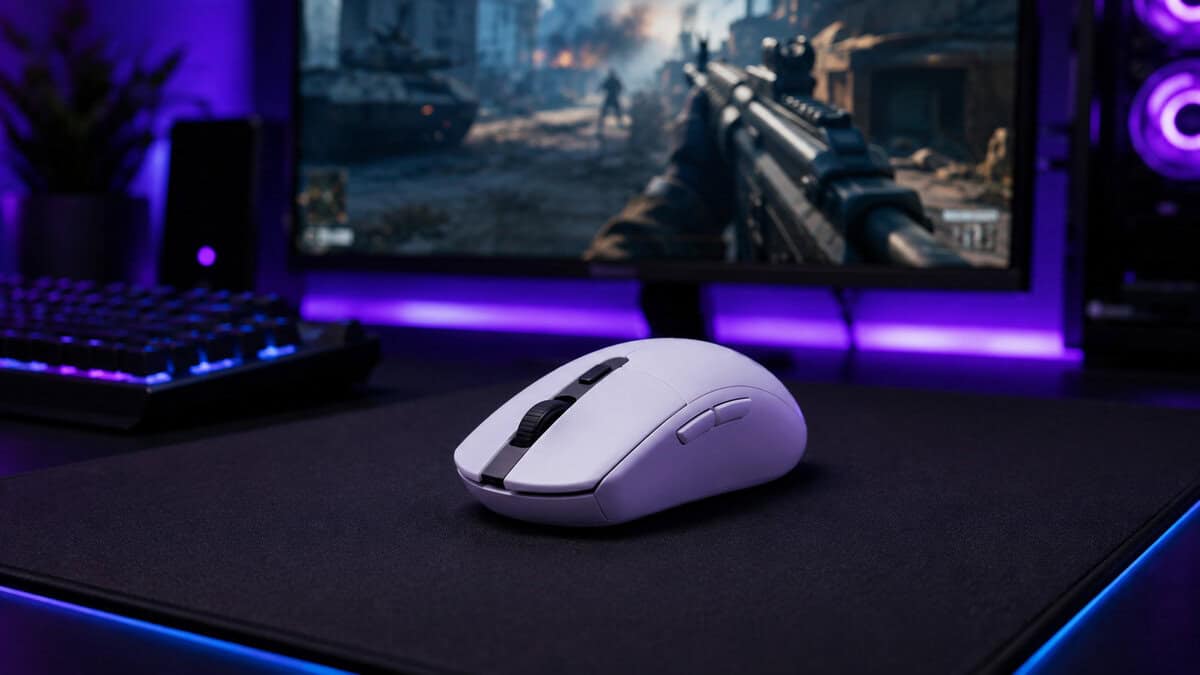
The good news: this game’s demands map cleanly onto hardware that budget builds already love. Three picks below, from a wired starter to an 82-gram wireless upgrade, all verified in stock before launch.
- Wireless freedom with esports-grade latency
- HERO sensor handles flicks and long-range micro-corrections alike
- A single AA battery runs it for months
- The AA adds weight next to built-in cells
- No RGB for the lighting crowd
- Shape runs small for very large hands
- Real gaming sensor at pocket-change money
- Light familiar shape that suits claw and fingertip grips
- A cable means zero battery management
- Cable drag without a bungee or careful routing
- Sensor sits a tier below the wireless picks
- Compact shape divides full palm-grip users
- Flagship-tier Focus Pro sensor without flagship pricing
- 82 grams with a solid shell and no cutout holes
- Battery life measured in weeks of play
- Runs on an AA rather than recharging
- Ambidextrous shell without right-side buttons
- Costs roughly two of the starter picks combined
Picks and availability last verified: October 19, 2026
- Wardogs mixes two-kilometer sightlines with point-blank zone fights, so a mouse has to serve both ends.
- The Logitech G305 is the best overall pick: proven wireless with a sensor that outclasses its price.
- The Logitech G203 delivers the same shape philosophy wired for the tightest budgets.
- The Razer Viper V3 HyperSpeed is the 82-gram step up once your gear becomes the bottleneck.
- Tune sensitivity for tracking at range first: close brawls forgive error that long sightlines never do.
Table of Contents
What Wardogs Asks of a Mouse
Wardogs is not built like the shooters most aim advice comes from. Bulkhead’s design drops a hundred players across three teams onto maps two kilometers to a side, all converging on one control zone. That geometry creates a combat profile with two extremes and not much middle.
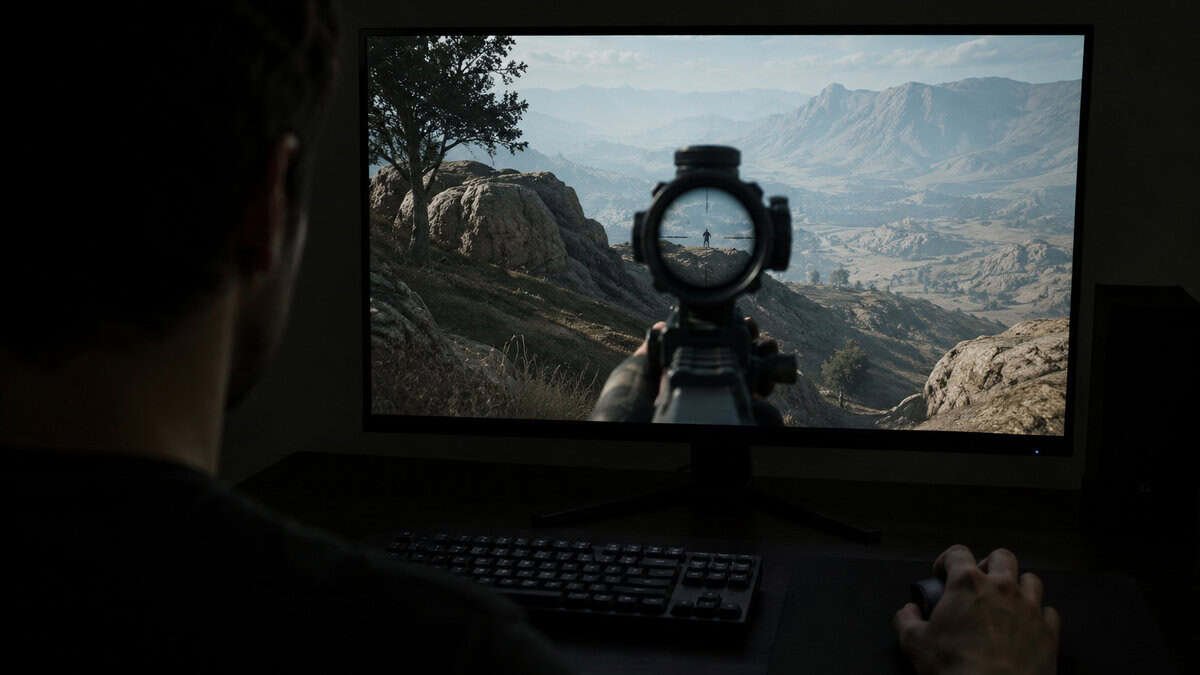
At one end: long approaches. Crossing open ground on a map that size means engagements start at sniper distances, where aim is slow, deliberate tracking and a twitchy sensor setting is a liability. At the other end: the zone itself, a compressed brawl where three teams stack into the same buildings and fights happen inside arm’s reach.
The map rewards patience. The zone punishes it. Your mouse has to speak both languages.
Two more wrinkles from the official Steam page: a cash-based loadout system between lives and building mechanics during them. Both mean menu work and utility placement mid-match, so a mouse with two reliable side buttons earns its keep even though this is no MMO.
What none of this requires: five-figure DPI, adjustable weights, or a dozen buttons. The spec that matters is a sensor that tracks honestly at both speed extremes, in a shape your grip can repeat for a three-hour session.
Combined arms changes nothing here, for the record. Vehicle seats and mounted guns in Wardogs run fine on any mouse in this guide; turret sensitivity is its own in-game setting, and no vehicle role rewards specialty hardware. Buy for the infantry fights, because that is where every match is decided.
The Upgrade Path: First Mouse to Final Form
Buy in this order and no dollar gets wasted. First purchase: the G203 if the budget is genuinely tight, the G305 if it can stretch one tier. Either one removes the hardware excuse entirely; the sensor in each will out-track a new player’s aim for months.
Second purchase: a proper cloth pad before a better mouse. A consistent surface improves every mouse that ever sits on it, and our budget mouse pad guide covers the options that cost less than lunch.
Third purchase, months from now: the Viper V3 HyperSpeed, and only when you can name the thing your current mouse does wrong. Weight you notice in long sessions, a shape your grip fights, tracking that hiccups on fast swipes: those are real reasons. “It might help” is not.
Never purchase: a flagship at launch prices for a game you have not learned yet. The skill curve of a brand-new shooter is the one moment hardware matters least, because everyone is bad at the map together.
The upgrade path also has a sunk-cost exit rule. If a mouse you already own has a clean sensor and a shape you like, it stays, and the first purchase becomes the pad instead. Plenty of office mice fail the sensor bar; a hand-me-down gaming mouse from the last five years mostly does not. Spend where the weakness actually is.
Two micro-buys round out the path without earning full slots: a set of rechargeable AAs for the wireless picks, and a cable bungee if the G203 is your pick and your desk lacks an edge to route over. Both cost pocket change and remove the two most common small annoyances these mice ever produce.
The Picks for Launch Day
Three mice, three budgets, all verified in stock before the servers open. The checklist first.
What the Best Mouse for Wardogs Needs
The best mouse for Wardogs clears four bars. A flawless sensor: no smoothing, no acceleration, honest tracking at slow scoped speeds and violent flick speeds alike. A repeatable shape for your grip style, because consistency beats every spec on this list.
Third, weight your wrist can sustain through long zone rotations; under 100 grams is the modern comfort band. Fourth, two dependable side buttons for the loadout economy and building work. Everything past those four is preference, not performance.
Grip style decides more than most spec sheets. Palm grippers want length and back height, which is where the compact shapes here run smallest; claw and fingertip players get the most from all three picks. If you have never named your grip, look at your hand mid-game tonight: full contact is palm, arched fingers are claw, fingertip contact only is exactly what it sounds like. Buy for the grip you have, not the one a pro uses.
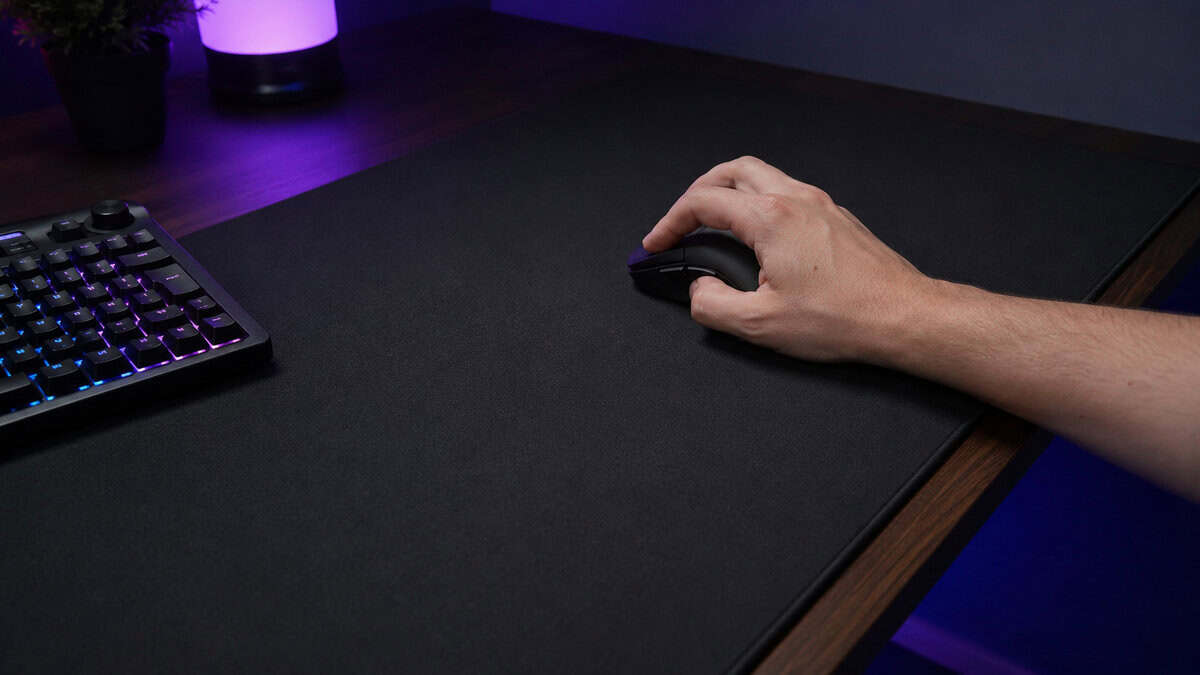
Logitech G305: The Default Answer
The Logitech G305 Lightspeed has been the budget wireless answer for years because nothing at its price has managed to obsolete it. The HERO sensor tracks cleanly across the whole speed range Wardogs demands, and Lightspeed wireless long ago settled the latency argument.
The G305 is what boring excellence looks like: nothing to configure, nothing to charge weekly, nothing to blame.
The AA battery is the signature quirk. It adds a few grams over built-in cells but runs for months and swaps in seconds, which suits a launch grind better than a mouse that dies mid-session. At 99 grams total it sits at the comfortable edge of the modern weight band.
Honest limits: the shell runs compact, so very large palm-grip hands should try the shape first, and there is no lighting anywhere. Neither has stopped it from collecting one of the largest review bases in gaming mice.
Logitech G203: The Tightest Budget Play
The Logitech G203 Lightsync exists for the build where every component fought for its slot. It shares the G305’s compact shape family, weighs 85 grams, and its 8,000 DPI sensor covers everything a developing aim actually does.
The cable is the tradeoff and the feature. It drags without decent routing, but it also means the mouse costs less, weighs less, and never has a battery thought in its life. For a first setup aimed at launch day, that simplicity is worth real money.
Its sensor sits a tier below the other two picks at tracking extremes, which is the honest reason it holds the budget slot rather than the crown. A new Wardogs player will not find that ceiling for months.
Razer Viper V3 HyperSpeed: The Earned Upgrade
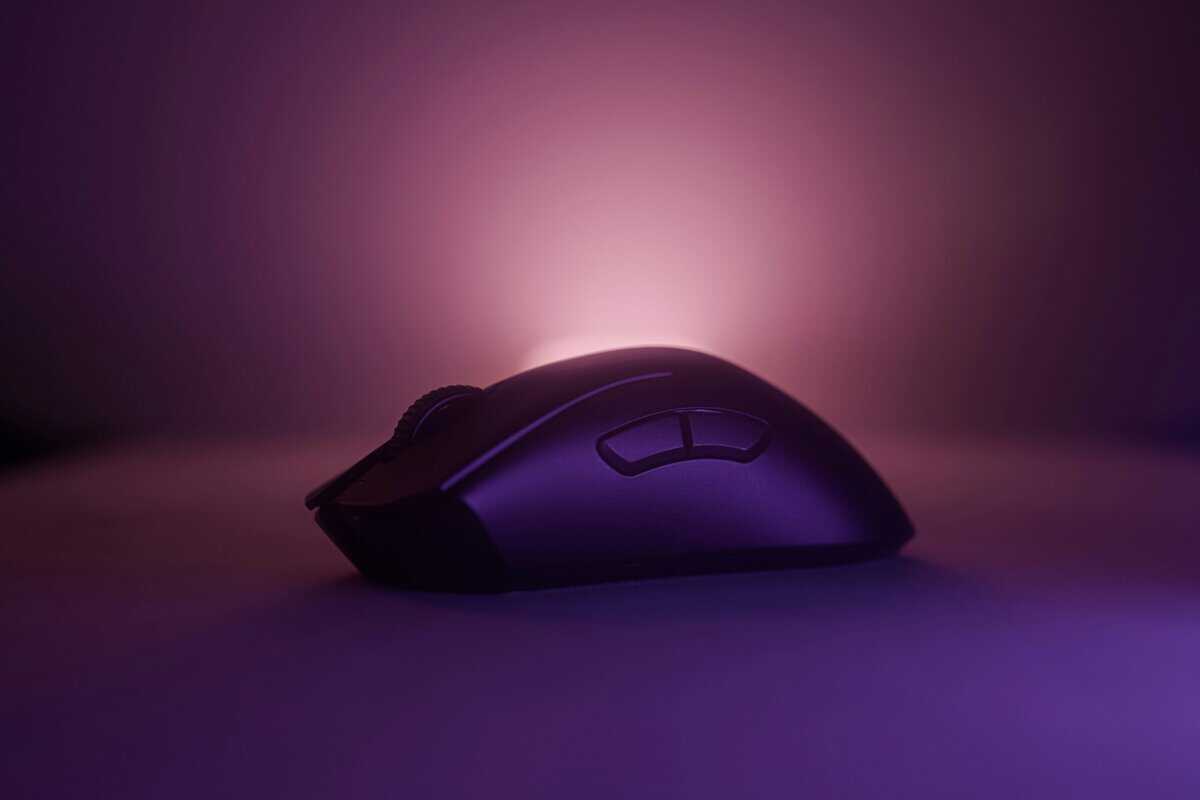
The Razer Viper V3 HyperSpeed brings the Focus Pro 30K, the same sensor family Razer ships in mice costing twice as much, inside an 82-gram symmetrical shell with no honeycomb holes. It is the pick for the player whose aim has caught up to their starter gear.
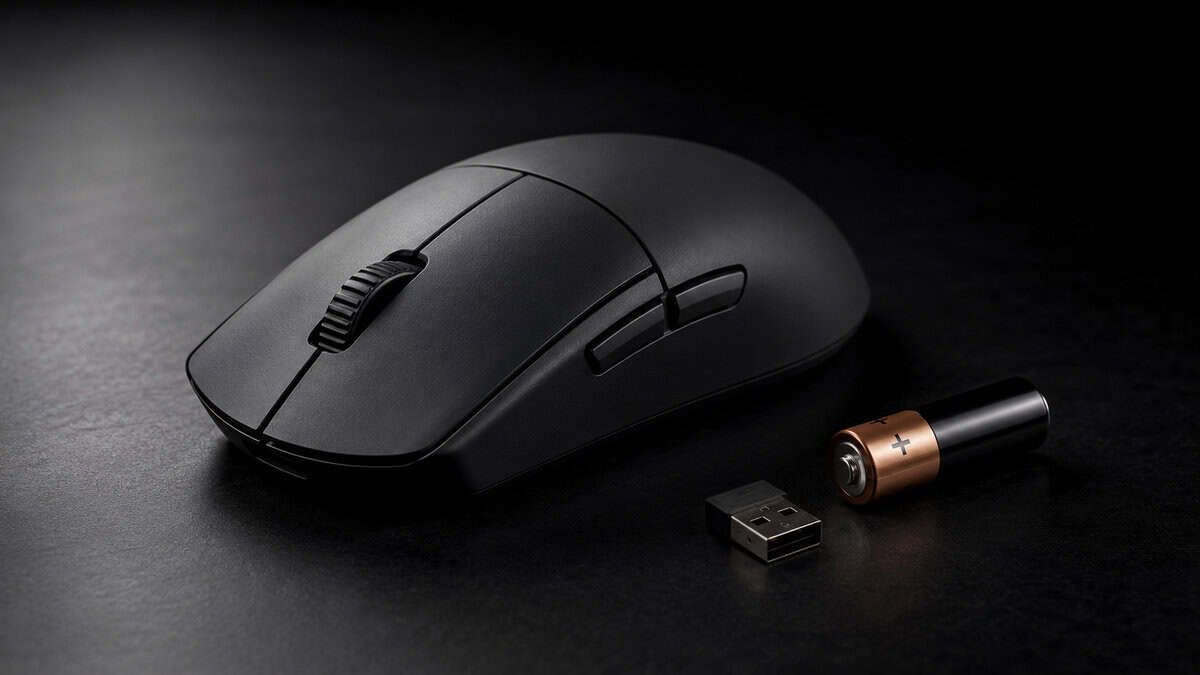
The weight drop from the starters is small on paper and real in hand across a long session of zone rotations. Like the G305 it runs on an AA with battery life measured in weeks, a deliberate choice that keeps cost and complexity down.
Tradeoffs: no rechargeable cell, no right-side buttons on the ambidextrous shell, and a price that buys both starter picks together. That last one is exactly why it sits third on the upgrade path rather than first.
Two more names you will see in launch-week threads. The HyperX Pulsefire Haste 2 Wireless competes at the Viper’s money with a lighter body and Bluetooth as a second mode, though its low, symmetrical shell gives big palms less support, and the Razer Cobra is a credible G203 rival that simply has less track record at the same price.
Which Mouse for Which Role
Three teams and combined arms mean Wardogs players settle into roles fast. Match the row to how you expect to play the zone.
| Mouse | Weight and Connection | Best Wardogs Role | Why It Fits |
|---|---|---|---|
| Logitech G305 | 99g wireless | Flex player rotating every role | Sensor and shape stay honest from sniper hills to zone brawls |
| Logitech G203 | 85g wired | Zone fighter on a strict budget | Close-quarters consistency where cable drag matters least |
| Razer Viper V3 HyperSpeed | 82g wireless | Precision players living on the long sightlines | Flagship sensor headroom for slow scoped tracking |
None of these are hard walls; every pick handles every role. The table describes where each one is happiest, which is worth knowing before the cash economy starts funding your habits.
The three-team format adds one quiet consideration: fights rarely stay one-on-one, and third-party collapses punish slow re-acquisition more than slow flicks. That favors the steady sensor over the exotic one, which is exactly the strength all three picks share. Re-centering on a second target cleanly is the most repeated aim task in the game.
Desk Space for Big-Map Swipes
Low sensitivity on a huge map has a physical cost: wide swipes. Tracking a runner across a two-kilometer sightline at a trackable sens can mean thirty centimeters of real mouse travel, and a cramped desk turns that into a mid-fight collision with your keyboard.
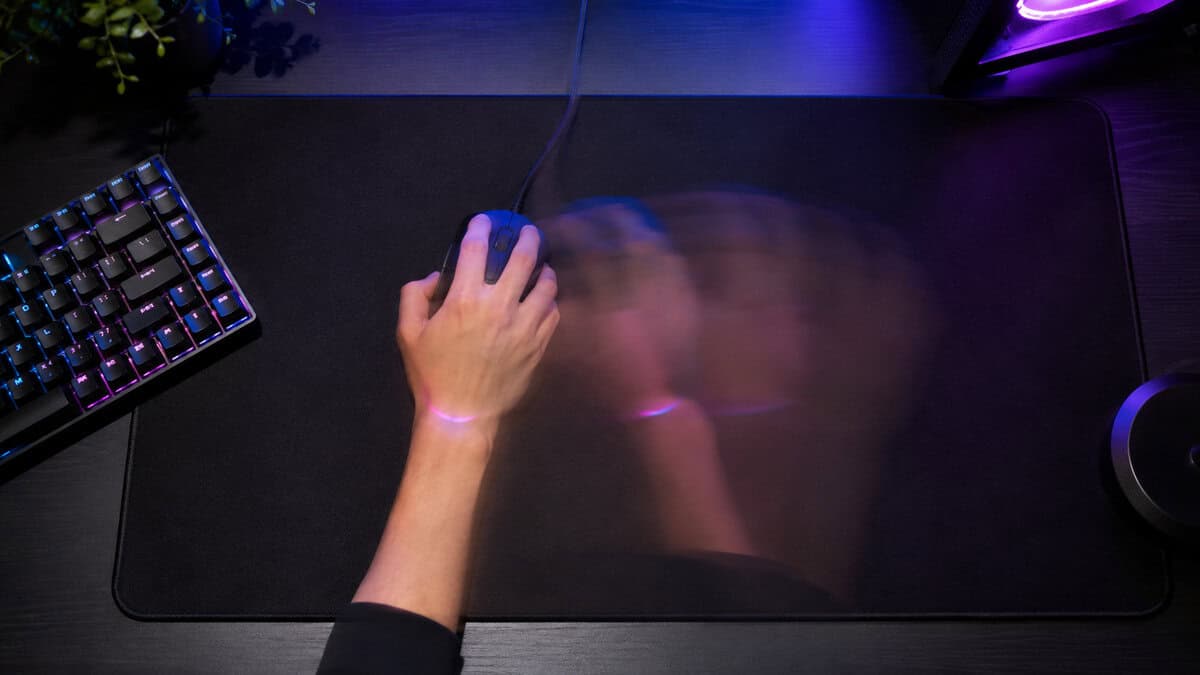
The fix costs little. Angle the keyboard slightly left to open the mouse zone, push the pad’s leading edge to the desk edge so your elbow clears the corner, and size the pad to your sens rather than your desk: a large or extended cloth pad gives low-sens tracking room to land, and our mousepad guide for Wardogs sizes one to your sensitivity. Re-center the mouse on the pad during every respawn wait; it is the cheapest habit in aiming.
If your desk genuinely cannot host the swipe, nudge sensitivity up a notch rather than fighting the furniture. A sens you can complete beats a theoretically better one you keep running out of room for. The other half of the desk equation is the screen, and our monitor pick for Wardogs explains why 24 inches keeps the whole zone inside your field of view. What the screen cannot show you, a headset has to, and our headset picks for Wardogs cover footsteps and a clean mic for local voice chat.
Settings That Matter More Than the Mouse
An honest admission for a mouse guide: on a map this large, your settings will move your hit rate more than your hardware. Start with 800 DPI and moderate in-game sensitivity, then adjust the in-game number only. Chasing feel by changing both at once is how aim never settles.
Tune for the long fight first. A sensitivity you can track a distant runner with will still win zone brawls on muscle and proximity; the reverse is not true. Wardogs’ two-kilometer maps make the slow end of your aim the profitable end.
Close fights forgive sloppy aim. Long sightlines bill you for it.
Set polling to 1,000Hz, disable any acceleration or smoothing options, and leave DPI-shift buttons unbound so a mid-fight mispress cannot change your aim under you. For the deeper mechanics of polling, latency, and sensor behavior, Blur Busters’ mouse guide is the reference this whole category leans on.
Bind your build and loadout keys before your first real match, then leave them alone. The cash economy means you will open the buy menu dozens of times a session, and every rebind mid-week resets a habit the zone will test at the worst moment. Settings discipline is free aim training.
If you want a head start before the servers open, ten minutes a day in any free aim trainer transfers cleanly, provided you convert your sensitivity properly between games. Train slow tracking more than flicks for this one; the long sightlines are where Wardogs pays out precision, and tracking is the skill that decays fastest between sessions. The other half of that movement equation lives under your left hand, and our keyboard picks for Wardogs cover rapid trigger and the bind count a build fight needs.
Wireless vs Wired on a Budget
The latency debate is over: quality budget wireless like Lightspeed and HyperSpeed performs indistinguishably from a cable in play. What remains is a lifestyle question with real money attached.
Wired wins on price and simplicity: nothing to charge, nothing to pair, one less dongle in a USB port. Wireless wins on desk freedom, which matters more than expected in a game where sessions run long and swipes run wide. Our wired vs wireless breakdown runs the full argument.
The budget read: go wired only when the savings buy something else your setup needs, like the cloth pad from the upgrade path. If the G305’s price is reachable, its wireless is the better long-term seat. For more cordless options in this bracket, our wireless mice under 50 roundup goes deeper, and the Fortnite mouse guide covers the same field tuned for a faster shooter.
One logistics habit makes AA-powered wireless painless: keep two charged rechargeables in the desk drawer and rotate on the first low-battery warning. Both wireless picks warn early and keep tracking cleanly for hours afterward, so a battery death mid-brawl only happens to players who ignored a week of warnings.
Building out the rest of your WARDOGS setup? Our gaming setup builder fills every slot from monitor to mousepad, and if you play more than one game, it finds the gear our guides recommend across all of them.
Frequently Asked Questions
Quick answers for launch week.
Is a wireless mouse reliable enough for Wardogs?
Yes. Modern low-latency wireless from Logitech’s Lightspeed and Razer’s HyperSpeed lines performs indistinguishably from a cable in actual play, and both wireless picks in this guide use those systems. The one habit that matters is keeping a spare AA nearby, since both run on replaceable batteries rather than charging cables.
What DPI is best for a big-map shooter like Wardogs?
Start at 800 DPI with a moderate in-game sensitivity and adjust only the in-game number from there. Large maps reward the slow, trackable end of your aim, so err toward a sensitivity you can hold on a distant target. There is no magic number; there is only a setting you stop changing long enough to build muscle memory on.
Do you need extra buttons for the loadout and building systems?
Two solid side buttons cover it. Wardogs’ cash loadouts happen between lives and its building work is deliberate rather than frantic, so the twelve-button MMO layout solves a problem this game does not have. All three picks here carry the standard two side buttons in easy thumb reach.
How heavy should a mouse be for long Wardogs sessions?
Under 100 grams is the modern comfort band, and all three picks sit inside it. Lighter helps most in long sessions of wide, repeated swipes, which is exactly what rotating across large maps produces. Below about 60 grams the returns shrink and the prices climb, which is why no ultralight made this list.
Will these picks still hold up as Wardogs leaves Early Access?
Hardware outlives patches. Balance updates change weapons and maps, not what a sensor has to do, and every mouse here already serves shooters far twitchier than Wardogs. The picks were chosen for the game’s fundamentals, mixed engagement ranges and long sessions, which Early Access changes are unlikely to touch.
Mouse locked in before the servers open? Kit out the rest of the battlestation at Budget Loadout and drop into the zone without overspending.
Related Articles