Your eyes do more work on a flat screen than you think. The corners of a 27-inch panel sit farther from your eyes than its center, so you refocus a little every time the action moves, and by hour three that shows up as strain. A good curved gaming monitor bends the panel so every point sits at closer to the same distance, and the difference is something you feel before you can explain it.
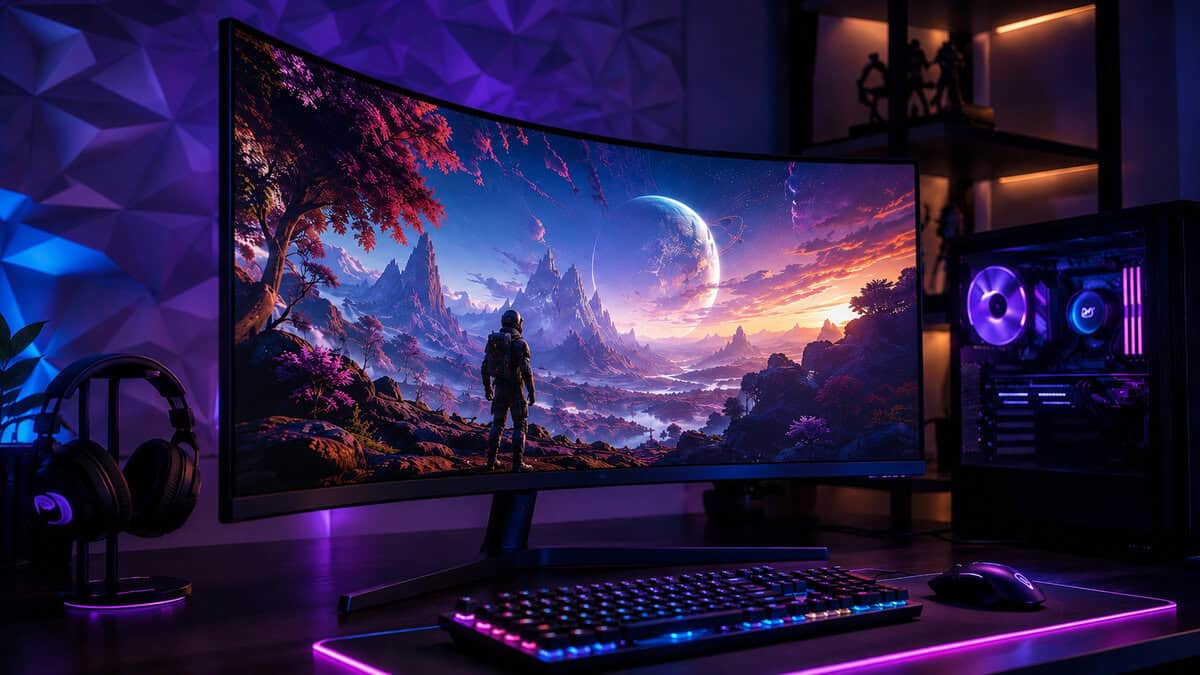
The surprise is what happened to the price. Curved panels used to carry a premium; now the budget end of the market curves for free. This guide covers three verified picks from a 24-inch starter to a 32-inch wraparound.
- 1500R curve at a true entry price
- 100Hz refresh beats the 60Hz and 75Hz panels it competes with
- DisplayPort plus two HDMI inputs for console double duty
- 100Hz is smooth but not esports-tier
- 1080p resolution suits 24 inches and nothing larger
- Fresh listing with a short review history so far
- 1440p at 180Hz is the current price-to-performance sweet spot
- FreeSync Premium keeps frame pacing clean
- Costs far less than flagship curved panels
- Young listing still building its review base
- VA panel trades some dark-scene response for its contrast
- No USB hub or extras at this price
- 1000R curvature matches the shape of your natural field of view
- Proven listing with a deep review history
- 165Hz and FreeSync on a 32-inch panel
- 1440p spreads thinner at 32 inches than at 27
- HDR10 support is basic rather than bright
- Wants a deeper desk to sit at the right distance
Picks and availability last verified: October 19, 2026
- A curve keeps every part of the screen at a more even distance from your eyes, which reads as comfort over long sessions.
- The Sceptre 24-Inch is the entry point: a 1500R curve and 100Hz refresh where flat panels are still the norm.
- The AOC CQ27G4H is the best overall buy, pairing 1440p sharpness with a 180Hz refresh most budgets can reach.
- The Samsung Odyssey G55C brings the deepest 1000R wrap and the longest track record of the three.
- Curvature radius matters as much as size: lower R numbers curve harder, and 1000R is the immersion ceiling.
Table of Contents
What a Curve Actually Changes
The number that defines every curved panel is its radius, written as 1000R, 1500R, or 1800R. It is the radius in millimeters of the circle the screen would form if it kept bending. Smaller numbers mean a harder curve: a 1000R panel wraps twice as aggressively as an 1800R one.
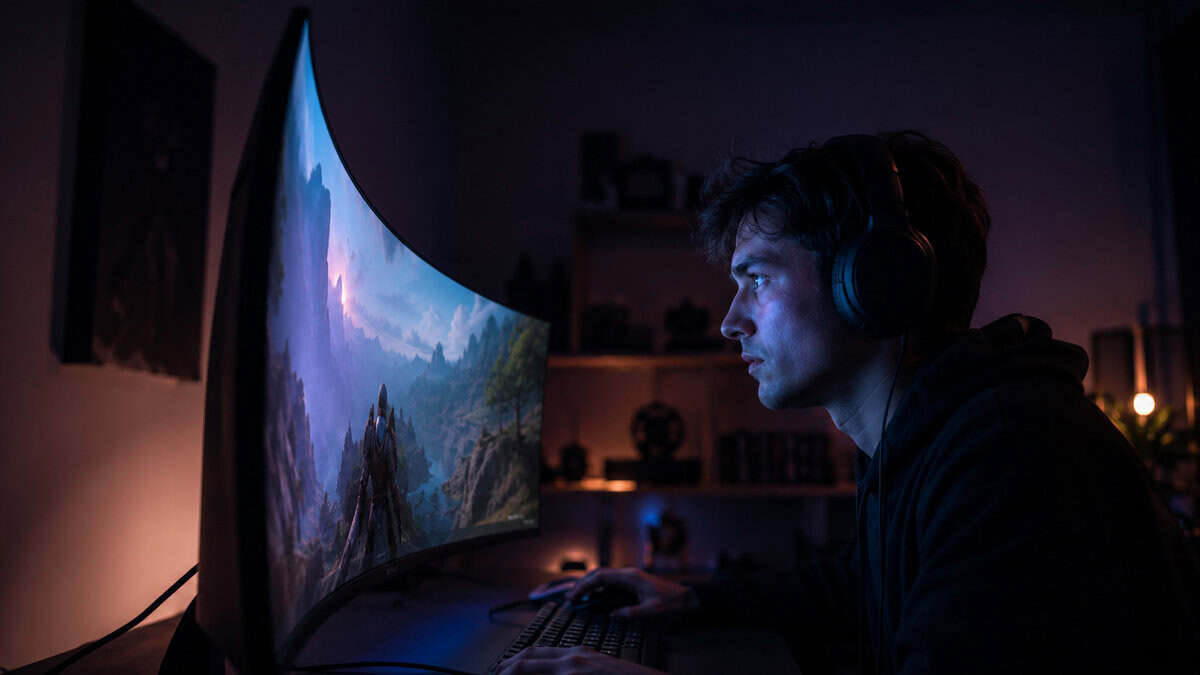
The reason 1000R keeps showing up in marketing is that it roughly matches the curvature of human vision at desk distance. Sit a meter from a 1000R screen and the edges tilt toward your eyes at close to the same distance as the center. That is the whole trick. Nothing else about the panel changes.
A curve does not add anything to the image. It removes work your eyes were doing.
What you feel in practice: less refocusing during long sessions, edges that stay readable without turning your head, and a stronger sense of being inside the scene on anything first-person. The effect scales with size. On a 24-inch panel it is subtle; at 32 inches it is the point.
There is a panel-technology story hiding in here too. Nearly every budget curve is a VA panel, because VA bends well on the production line and flat IPS does not. That accident of manufacturing works in your favor: VA brings roughly triple the contrast of budget IPS, so curved monitors tend to look richer in dark games than flat rivals at the same money. The curve gets the credit; the contrast does half the work.
To collect the full benefit, spend a minute in the settings of the games you play most. Titles with a field-of-view slider reward a modest push upward on a curved screen, because the extra peripheral rendering lands on panel area your eyes can actually use. On a flat monitor the same FOV bump smears detail into corners you barely see. It is the cheapest image upgrade in this guide and it costs nothing.
Curved Myths vs What Screens Actually Do
Myth: the curve distorts your aim in shooters. The truth runs the other way. Straight lines near the edges of a large flat panel are the ones arriving at your eyes distorted, because those pixels sit farther away and at a sharper angle. A curve reduces that geometry problem. Competitive players who dislike curves usually dislike large screens, not the bend.
Myth: curved only makes sense on ultrawides. Ultrawides need the curve most, but a 27-inch or 32-inch 16:9 panel benefits from the same edge-distance math. Our budget ultrawide guide covers the wide format; this roundup is proof the standard shape curves well too.
Myth: curved screens catch more glare. A curve changes which direction reflections come from, not how many there are. A lamp directly behind you is a problem on both shapes. The concave face actually narrows the angle range that can reach your eyes; you just need to find the one offender and move it.
Myth: the curve costs extra. It did years ago. Today the VA panels that dominate budget monitors curve cheaply at the factory, which is why every pick below lands at flat-panel money. The premium is gone; only the reputation of one survives.
Myth: the curve only works if you sit perfectly still in the center. You do get the full geometry benefit on-axis, but the falloff is gradual, not a cliff. Normal desk posture, leaning back, shifting in your chair: all fine. The real off-axis problem belongs to someone watching from the couch beside your desk, which is a shared-screen scenario curved panels were never built for.
The Picks From 24 to 32 Inches
Three panels, three sizes, all in stock and all priced for a budget build. First, the checklist they had to pass.
What a Curved Gaming Monitor Needs to Get Right
Every good curved gaming monitor gets four things right. A VA panel done properly: VA is the technology that curves cheaply and brings deep contrast with it, but bad VA smears in dark scenes, so review history matters. A real refresh advantage: 100Hz minimum, because a curve on a 60Hz panel fixes comfort while leaving motion behind.
Third, adaptive sync that matches your GPU. Every pick here runs FreeSync, and all of them handle G-Sync compatibility in practice. Fourth, a radius that fits the size: gentle 1500R suits smaller panels, and the hard 1000R wrap belongs on 32 inches where the edges genuinely sit far away.
Sceptre 24-Inch Curved: The Entry Point
The Sceptre 24-Inch Curved Gaming Monitor is the newest revision of the design that has anchored the budget curved market for years; its predecessors carry review counts in the tens of thousands. The formula stays intact: a 1500R VA panel, a 100Hz refresh, and a price that undercuts most flat 75Hz monitors.
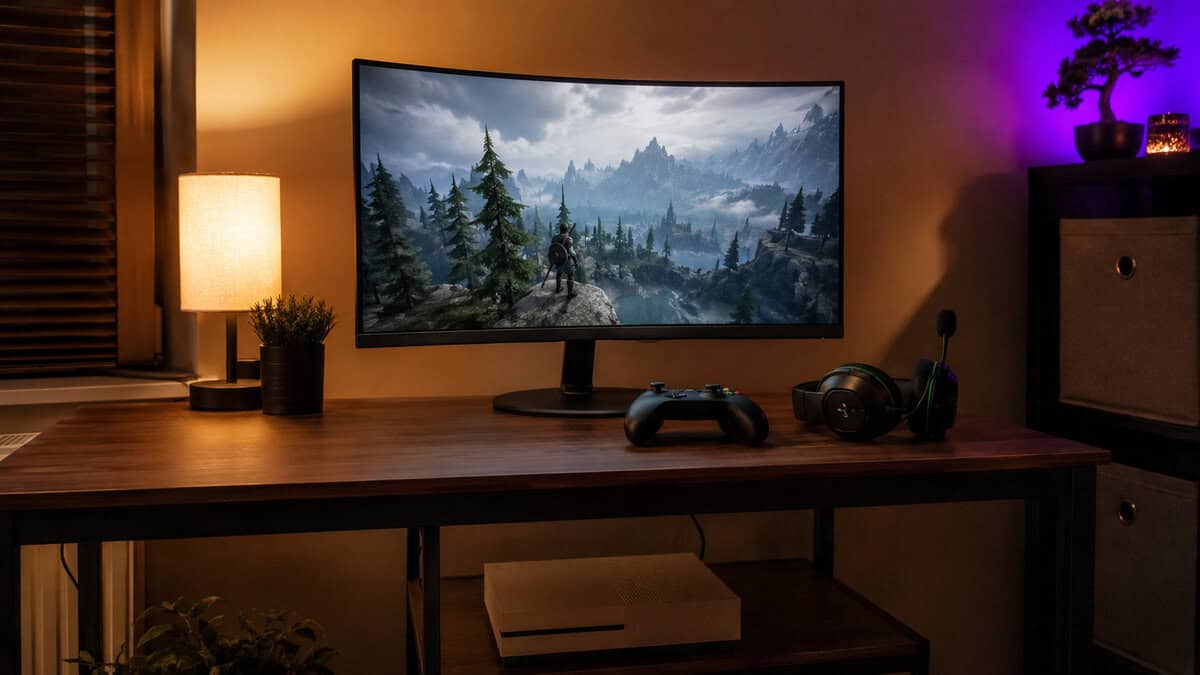
At this price the honest competition is a flat 75Hz office panel, and this beats it in every column.
The 100Hz refresh is the quiet win. It is a visible step past 60Hz in everything you play, and the 1ms response keeps the VA panel out of smear territory in fast scenes. DisplayPort plus two HDMI inputs means a PC and a console can share it without cable swapping.
Know what you are buying: 1080p that suits 24 inches and nothing bigger, a refresh that is smooth rather than competitive, and a listing young enough that its own review count lags the design’s reputation. For a first battlestation or a second screen that games, none of that stings at this money.
The dual HDMI ports earn a specific mention for console owners. A Switch or a last-generation console tops out where this panel lives anyway, so it makes an honest bedroom TV substitute: one input for the PC, one for the console, and the curve working for both from the same chair.
AOC CQ27G4H: The Sweet Spot
The AOC CQ27G4H lands on the combination this site recommends more than any other: 27 inches, 1440p, and a fast refresh, here 180Hz with FreeSync Premium underneath. Wrapping that combination in a curve at this price is what earns the Best Overall badge.
1440p at 27 inches is the pixel-density sweet spot where text is sharp and GPUs are not crushed, and 180Hz gives headroom that a mid-range card can actually use. AOC’s G4 line has been the value benchmark in budget monitors for two generations, and this is that line, bent.
The refresh number deserves one honest note. The step from 144Hz to 180Hz is real but subtle; the step that matters is having that headroom with FreeSync Premium underneath, which mandates low framerate compensation. When a demanding scene drops your frame rate, this panel keeps pacing smooth where cheaper adaptive sync implementations stutter.
The tradeoffs are modest. The listing is young, so its review base is still building against the older flat G4 models. The VA panel gives you contrast an IPS cannot but concedes a little dark-scene response. And there is no USB hub, which at this price is the norm rather than a flaw.
Samsung Odyssey G55C: The Full Wrap
The Samsung Odyssey G55C is where the curve stops being a comfort feature and becomes the experience. Its 1000R radius is the hardest wrap in mainstream monitors, and on a 32-inch panel at desk distance it fills your peripheral vision the way the smaller picks cannot.
The G55C is the immersion argument made whole: 32 inches of screen shaped like your field of view.
It is also the proven pick of the three, with a review history in the thousands and Samsung’s panel pedigree behind the VA. The 165Hz refresh with FreeSync covers fast play, and HDR10 support adds a touch of highlight pop, though this is entry HDR rather than the bright real thing.
The honest costs: 1440p stretched to 32 inches drops pixel density below the 27-inch pick, so text sits a shade softer up close. And the panel wants distance; plan for a desk deep enough to sit at arm’s length or more, where the wrap works as designed.
Console owners get a quieter bonus: current consoles output 1440p cleanly, so the G55C doubles as a desk-side screen for a PS5 or Series X without paying for a 4K signal the panel cannot show. The curve stays a solo-viewer feature either way; this is a desk monitor that tolerates a console, not a living-room TV.
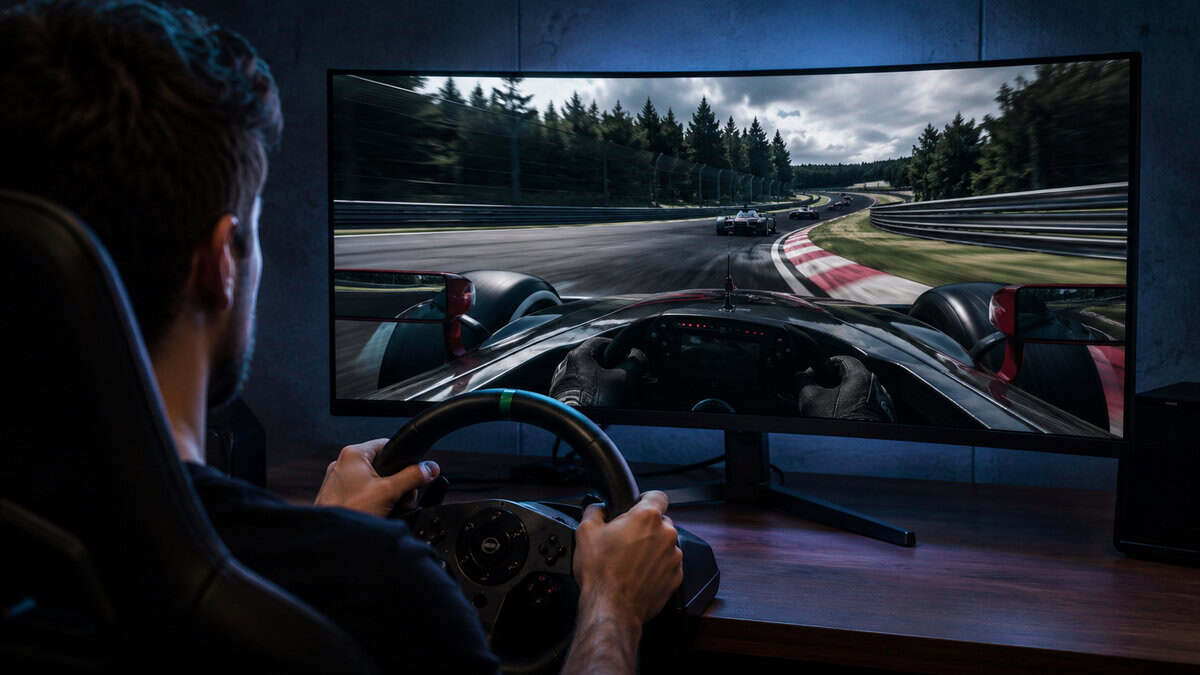
One genre deserves its own line: sim racing. A hard curve is the closest a single monitor gets to the triple-screen cockpit experience, filling the corners of your vision where a flat panel shows you bezel-adjacent wall. If a wheel ever enters your setup, the G55C’s wrap stops being a comfort feature and becomes equipment.
Two near-misses worth knowing. The AOC C27G4ZH trades resolution for speed with a 280Hz 1080p panel, the honest esports alternative to our 27-inch pick. The KOORUI 27-Inch QHD brings a huge review base and an aggressive price, and only loses the 27-inch slot to the AOC on refresh and panel tuning at the same money.
Size vs Radius vs Refresh
The three specs pull against each other, and each pick resolves the tension differently.
| Monitor | Size and Resolution | Curve | Refresh | Built For |
|---|---|---|---|---|
| Sceptre 24-Inch Curved | 24-inch 1080p | 1500R | 100Hz | First setups and console double duty |
| AOC CQ27G4H | 27-inch 1440p | Gentle wrap | 180Hz | The mainstream PC gaming sweet spot |
| Samsung Odyssey G55C | 32-inch 1440p | 1000R | 165Hz | Single-player immersion at scale |
Read it as a question about what you play. Competitive shooters lean toward the AOC’s refresh. Story-driven and open-world games lean toward the Samsung’s wrap. Tight budgets and mixed PC-console duty lean Sceptre. There is no wrong row, only a wrong match.
Match the GPU while you are at it. The Sceptre’s 1080p 100Hz target is comfortable for entry cards and older mid-range hardware; almost anything current drives it flat out. The two 1440p picks want a genuine mid-range card to earn their refresh rates in modern titles, though FreeSync keeps things smooth when frame rates dip below the ceiling. Buying more refresh than your card can feed is the most common monitor mistake at every budget.
Where Curved Wins and Where Flat Holds On
Curved earns its place anywhere immersion and comfort lead the priorities: single-player worlds, sim racing, long sessions, big panels. The geometry case gets stronger with every inch of screen, which is why the deepest curve in this roundup sits on its largest panel.
Flat still holds three territories honestly. Shared screens, because off-axis viewers see a curved image warp. Creative work, where straight lines need to look straight. And the extreme competitive fringe, where players standardize on small flat panels so nothing about the picture is unusual; our 240Hz monitor guide covers that lane.
Mixed-duty desks land curved more often than people expect. If your screen splits time between games, browsing, and a workday of documents, the curve helps the long-session comfort problem that mixed use creates, and the adjustment period for productivity work is measured in minutes. The one caveat stays the same: hard lines in design tools are the flat panel’s last stronghold.
Buy the curve for how you play, not for how it photographs.
If you are still weighing the shape question itself, our curved vs flat comparison walks the full argument for both sides. This roundup exists for the readers who came out of that one convinced.
Setting Up a Curved Panel Right
Distance decides whether the curve works. The rough rule: sit near the radius the panel was built for. A 1000R screen is designed around a meter of eye distance; closer is fine, but pushed into a corner three feet past that, the geometry advantage fades. Depth matters more than width when you plan the desk.
Center yourself. A curved panel rewards sitting on its axis more than a flat one does, and it punishes hard off-center viewing. Height rules stay the same as any monitor, per Samsung’s own gaming monitor guidance: top of the screen near eye level, tilted slightly back.
Mounting needs one check. Every pick here is VESA-compatible, but a curved panel’s weight sits differently on an arm, so confirm your arm’s rating against the panel weight before clamping; our budget monitor arm guide flags which arms handle it. And motion clarity settings deserve five minutes: Blur Busters’ motion artifacts primer explains overdrive modes better than any manual, and VA panels in particular reward finding the middle overdrive setting rather than the maximum.
Do the first-day checks while returns are painless. Run a full-screen color test for stuck pixels, drag a window to each edge to confirm uniform backlighting, and play something dark to judge the VA panel’s shadow handling with your own eyes. Curved panels ship with the same small defect lottery as flat ones, and the window to swap a loser is the first month, not the tenth.
Last touch: light the wall behind it. A bias light behind any big VA panel eases the contrast between a bright screen and a dark room, which is where late-night eye fatigue actually comes from. The concave back of a curved panel hides a light strip especially well, and our monitor light bar guide covers the clip-on route instead.
Frequently Asked Questions
The questions curved-monitor shoppers actually ask, answered straight.
Is a curved gaming monitor worth it for competitive play?
It does not hurt and often helps. The curve reduces the edge distortion large flat panels create, and adaptive sync plus refresh rate matter far more to competitive performance than panel shape. The only players who should avoid curves are those standardizing on small tournament-style setups where consistency with event hardware is the goal.
What does 1000R or 1500R actually mean?
It is the radius in millimeters of the circle the screen’s curve would complete. Smaller numbers curve harder: 1000R wraps aggressively and roughly matches human field-of-view curvature at desk distance, while 1500R and 1800R are gentler bends. Match the radius to your sitting distance, with harder curves rewarding closer, centered seating.
Do curved monitors distort straight lines for work?
Slightly, yes. Spreadsheets and browsing look fine within minutes of adjustment, but precision design work where straight lines must read as perfectly straight is the one workload where flat panels keep a real advantage. For a screen that splits gaming and general desktop use, the curve costs you nothing in practice.
Why are most curved gaming monitors VA panels?
VA panel technology bends well in manufacturing and brings the deepest contrast of the mainstream panel types, so it dominates curved lineups at every budget. The tradeoff is dark-scene response, where cheap VA can smear. Well-tuned VA, like the panels in this roundup, keeps that in check while delivering contrast IPS cannot match.
How far should you sit from a curved gaming monitor?
Aim near the panel’s radius: about a meter for a 1000R screen, a bit more for gentler curves. In practice that is normal desk distance with the monitor pushed toward the back edge. Sitting centered matters as much as the distance, since the curve is built around your eyes being on its axis.
Screen sorted? Wrap the rest of the setup around it. Browse every budget-tested pick at Budget Loadout and build the station without the flagship tax.
Related Articles