Desktop motherboards treat Bluetooth as optional equipment, and half the boards that do include it bury the antenna behind a steel side panel. Meanwhile a bluetooth adapter for PC use costs less than a sandwich and outperforms most onboard chips the moment it leaves the packaging. That mismatch explains why your controller stutters at your desk while your phone pairs with everything it meets.
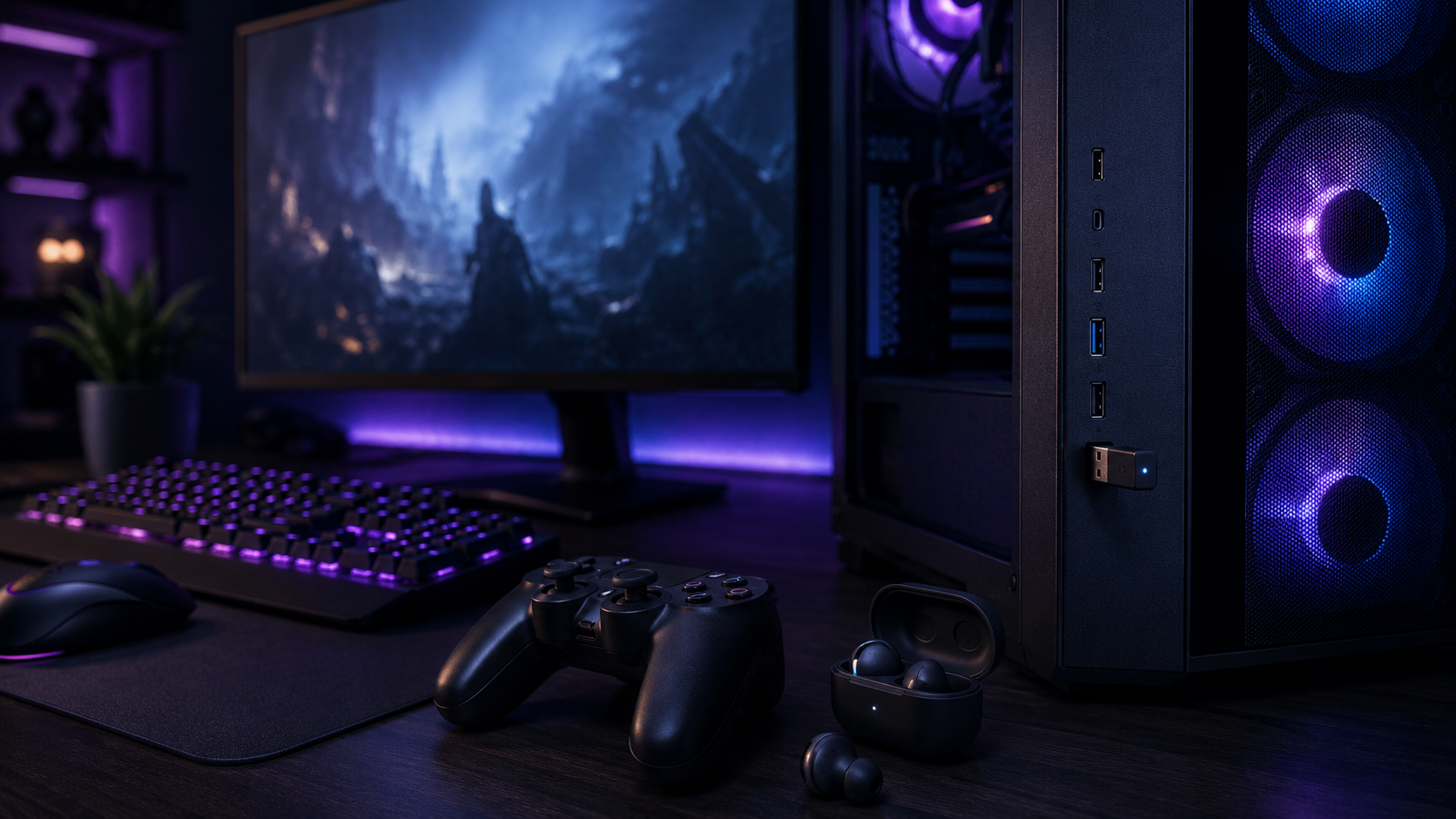
The right pick depends on what you are connecting. Controllers and a mouse need nothing more than a nano dongle that vanishes into the port. Audio across the room wants a real antenna. And if headphone delay is the thing driving you crazy, the fix is a transmitter-class adapter, not a bigger version number.
The default fix for a desktop with no Bluetooth or bad Bluetooth. It disappears into the port, pairs controllers and input devices without drama, and its huge install base has shaken out the quirks cheap dongles usually carry.
- Nano profile stays out of the way on a crowded rear panel
- Current Bluetooth 6.0 radio with EDR and BLE at a pocket-change price
- Low-energy support is gentle on controller and mouse batteries
- Windows-only, with no macOS or Linux support
- No external antenna, so range is honest but ordinary
- Audio runs standard codecs without an aptX transmitter mode
The across-the-room pick. A real antenna you can aim plus a current Bluetooth 5.3 stack holds connections that nano dongles start dropping a couch away.
- Adjustable antenna holds audio and controllers at real distance
- Bluetooth 5.3 stack improves stability in crowded 2.4GHz homes
- Costs barely more than nano dongles that lack the antenna
- Sticks out of the port where a nano dongle disappears
- Older Windows versions want a manual driver install
- No transmitter-class audio codecs on the sending side
A different class of device: the audio codec lives on the dongle itself. aptX Adaptive trims the delay that makes standard Bluetooth audio feel wrong in games, and because the dongle does the work, it runs on consoles too.
- aptX Adaptive noticeably shrinks audio delay versus standard stacks
- Handles the codec onboard, so PS5 and Switch work alongside PC
- Purpose-built for headphone audio rather than general pairing
- Current listing is newer, so the review record is still short
- Costs several times a basic nano dongle
- Overkill if you only pair controllers and a mouse
- Onboard desktop Bluetooth is usually the weak link, not your devices; a dongle replaces it outright
- A nano dongle covers controllers and a mouse; audio at range wants an external antenna
- Headphone delay is fixed by a transmitter-class adapter with aptX, not by a bigger version number
- Disable the motherboard’s Bluetooth before installing a dongle so Windows cannot fight itself
- Older Xbox pads prefer Microsoft’s own wireless protocol; Bluetooth support varies by controller generation
Table of Contents
Why Your Desktop Probably Lost the Bluetooth Lottery
Laptops and phones ship with Bluetooth because they have to. Desktops ship with it when the motherboard vendor felt generous, and even then the radio is usually the cheapest module in the parts list, wired to an antenna the case promptly blocks.
The symptoms are familiar. A controller that skips inputs when you lean back. Earbuds that crackle two steps from the tower. A mouse that reconnects every morning like it forgot where it lives.
Bad Bluetooth on a desktop is a hardware problem with a lunch-money hardware fix.
A USB dongle replaces the whole chain: newer radio, better placement, drivers the maker actually updates. If your desktop has no Bluetooth at all, the case is even simpler, because adding it costs less than a game on sale.
Not sure what you have? Open Device Manager and look for a Bluetooth section. No section means no radio. A section full of yellow warning icons means a radio you will enjoy replacing.
The Three Picks In Depth
UGREEN Bluetooth 6.0 Nano
The UGREEN Bluetooth 6.0 Nano is the answer for most people, most of the time. It is a Bluetooth 6.0 nano dongle small enough to forget, with a four-thousand-strong review base and true plug-and-play setup on Windows 10 and 11.
Boring, tiny, and proven is exactly what you want plugged into the back of a PC.
Controllers, a mouse, a keyboard, earbuds at desk distance: it pairs them and gets out of the way. The low-energy support matters more than it sounds, because BLE-friendly pairing is what keeps a controller running for weeks instead of days.
The honest limits: it is Windows-only with no macOS support, range is ordinary without an antenna, and audio runs standard codecs. If either of those bites your setup, that is exactly what the next two picks exist for.
It also makes a tidy second-PC utility. Because it needs no antenna clearance and drivers install themselves on current Windows, it moves to a living-room build or an older desktop in seconds and just works there too.
TP-Link UB500 Plus
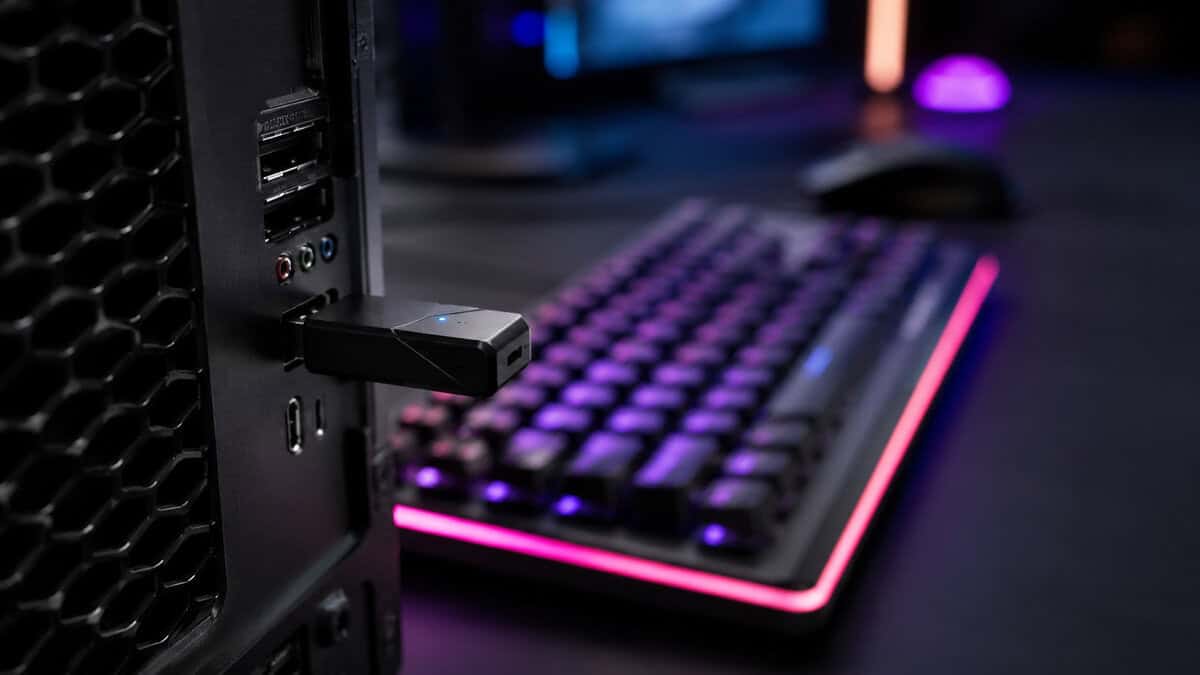
The TP-Link UB500 Plus fixes the one thing nano dongles cannot: distance. The adjustable external antenna aims at wherever your devices actually live, and the Bluetooth 5.3 stack behaves better in homes where 2.4GHz is a crowd.
The antenna is not a gimmick; it is the whole reason this pick exists.
If your headphones roam the room, your controller couch sits across from the tower, or the PC lives under the desk in a signal shadow, this is the pick. The adjustable antenna is what carries a connection at the ragged edge of range, where a nano dongle’s internal trace gives up first.
The tradeoffs are physical and small. It protrudes where a nano vanishes, and older Windows installs want the driver downloaded once before it behaves. What it does not do is transmit aptX; for that, keep reading.
It is also the calmer choice for device-heavy desks. A controller, earbuds, a keyboard, and a phone all sharing one radio benefit more from the newer scheduling in the 5.3 stack than any single device would alone.
Creative BT-W5
The Creative BT-W5 is a different animal: a transmitter-class adapter that runs the aptX Adaptive codec on the dongle itself instead of hoping your PC negotiates it. For Bluetooth headphone audio in games, that architecture is the difference that matters.
When the codec lives on the dongle, the PC stops being the weakest link in your audio chain.
The practical wins stack up. Audio delay drops to the point where casual gaming stops feeling dubbed. And because the dongle handles the codec, it does the same trick on a PS5 or Switch, which no ordinary PC dongle can claim.
Buy it for audio, not for everything. It costs several times a nano dongle, the current listing is young enough that its review record is short, and a controller pairs just as happily to the cheaper picks above.
One honest caveat on microphones. Bluetooth handles game audio far better than it handles your voice, and that stays true here. If you chat while you play, plan on a separate mic path and let the dongle carry the incoming sound.
Head-to-Head: The Specs That Matter
Three questions decide this purchase: which Bluetooth stack you get, whether the antenna can be aimed, and whether the dongle transmits a low-latency audio codec.
| Adapter | Bluetooth Version | Antenna | Audio Side | Best For |
|---|---|---|---|---|
| UGREEN Bluetooth 6.0 Nano | 6.0 | Internal nano | Standard codecs | Controllers and input devices |
| TP-Link UB500 Plus | 5.3 | Adjustable external | Standard codecs | Range and connection stability |
| Creative BT-W5 | 5.3 | Internal | aptX Adaptive transmitter | Low-latency headphone audio |
Bluetooth Versions Without the Marketing
Version numbers on dongle listings are the most oversold spec in the category. The honest summary: 5.0 is fine, 5.3 and 6.0 are better at the margins, and the difference shows up in crowded airspace and battery behavior rather than raw speed.
The 5.3 stack schedules traffic more politely when your neighbors, your microwave, and your own WiFi all shout over the same 2.4GHz band. It also lays the groundwork for LE Audio, the newer low-power audio standard that headphone makers are slowly adopting. The Bluetooth SIG technology overview is the standards body source for what each revision actually changed.
Be suspicious of dongles advertising version numbers ahead of what the standards body has finished specifying for this device class. A believable 5.3 stick from an established brand beats an aspirational number from a brand you have never heard of.
One ceiling to remember: a connection runs at the level of its older end. A 5.3 dongle talking to 5.0 earbuds is a 5.0 conversation, which is another reason to spend on the antenna or the codec rather than the number.
Checking your own devices takes a minute: the spec sheet of your earbuds or pad lists its Bluetooth version, and whichever end is older sets the ceiling for the pair. Most controllers sold in the last few years sit at 5.0 or newer, which is exactly why the cheapest pick here stays so useful.
Gaming Audio Over Bluetooth: The Latency Truth
Standard Bluetooth audio buffers generously to avoid dropouts, and that buffer is the delay you feel when a reload sounds a beat after the animation. For videos it is invisible, because players quietly sync the picture to the sound. Games cannot do that trick.
The fix has a hierarchy. aptX Adaptive through a transmitter like the BT-W5 shrinks the delay enough for relaxed play to feel right. Dedicated 2.4GHz headset dongles shrink it further, which is why serious wireless headsets ship their own. And a cable removes the conversation entirely, a tradeoff our wired versus wireless headset comparison walks through honestly.
Bluetooth audio is for comfort and freedom; competitive audio still wants a dedicated link or a wire.
If you are choosing hardware around this, decide your genre first. Story games, strategy, and couch sessions live happily on aptX Adaptive. Ranked shooters do not, and no dongle purchase changes that physics.
A quick self-test settles where you sit. Play anything with gunfire while wearing your Bluetooth headphones, then switch to any wired pair for one round. If the difference annoys you, you are a transmitter-or-wire person, and it is cheaper to learn that before buying.
Also worth knowing: earbuds that jump between your phone and PC use multipoint, and it behaves best when the PC side runs a current 5.3 stack. If your buds constantly cling to your phone instead of the desktop, the dongle upgrade fixes more of that than re-pairing rituals do.
What a Bluetooth Adapter for PC Cannot Fix
First, the Xbox catch. Microsoft pads speak their own wireless protocol first, and only some generations also speak Bluetooth. Modern pads pair fine; older ones want Microsoft’s own receiver. Our budget PC controller guide flags which is which, and a dongle cannot bridge a pad that never learned Bluetooth.
Second, the dongles that are not Bluetooth at all. Gaming mice and keyboards with a tiny USB receiver in the box run proprietary 2.4GHz links, which is why a Bluetooth mouse and a wireless gaming keyboard can list both connection types as separate specs. The receiver route is usually the lower-latency one, and a Bluetooth adapter neither replaces nor improves it.
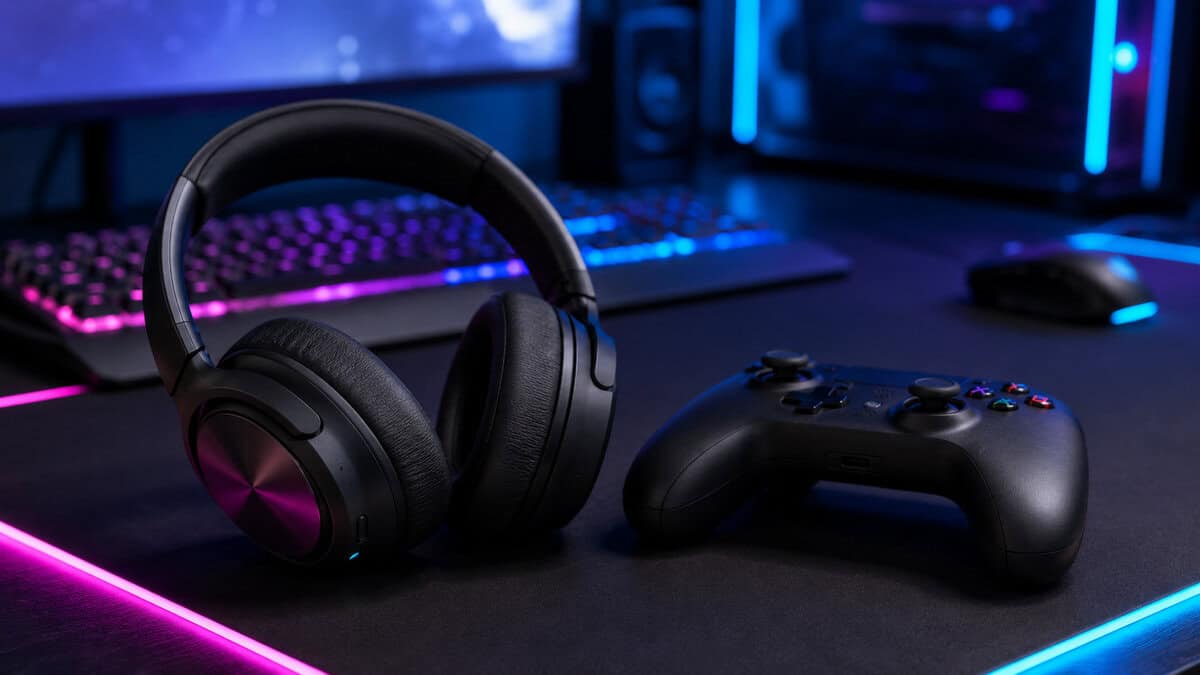
Third, the self-inflicted wound: leaving onboard Bluetooth enabled while a dongle is plugged in. Windows will happily juggle two radios and drop devices between them. Disable the motherboard radio in Device Manager first, then plug in the dongle. In the same session, keep the dongle away from USB 3.0 ports if you can, because their signaling radiates noise straight into the 2.4GHz band; a USB 2.0 port or a short extension cable sidesteps it.
And if your desktop needs WiFi as well, stop before buying two dongles. A combo PCIe card handles both radios with a proper antenna, and our WiFi adapter guide covers a pick that adds Bluetooth in the same slot.
Finally, respect the physics. Bluetooth transmits at a fraction of a router’s power, and plaster, brick, and human bodies all soak up 2.4GHz. An antenna helps at the edges, but no dongle turns Bluetooth into whole-home coverage; that was never the job it was designed for.
Setup Mistakes That Break a Good Dongle
Most Bluetooth complaints trace back to the first ten minutes, not the hardware. The same dongle that earns one-star reviews from a rushed install runs flawlessly when the order of operations is right.
Disable the onboard radio first, then plug in. If Windows sees two Bluetooth radios it will split devices between them, and the resulting drops look exactly like a defective dongle. One visit to Device Manager prevents the whole category of problem.
Install the dongle the boring way once and it disappears from your life, which is the whole point.
Choose the port deliberately. Bluetooth needs almost no bandwidth, so a USB 2.0 port is not a downgrade, and it keeps the radio away from the interference USB 3.0 signaling sprays across the 2.4GHz band. If every port is USB 3.0, a short extension cable buys the same distance.
Pair from Windows Settings rather than vendor software where you can, keep the driver from the brand’s download page rather than the bundled disc, and give devices one radio each: the dongle for Bluetooth gear, the dedicated receivers for gear that shipped with them.
Frequently Asked Questions
Quick answers to what buyers ask most before adding Bluetooth to a desktop.
Do Bluetooth adapters work with gaming controllers?
Mostly yes. DualSense, DualShock 4, Switch Pro, and recent 8BitDo pads pair over Bluetooth without fuss. The exception is Xbox: older pads speak only Microsoft’s own wireless protocol, so confirm your controller generation supports Bluetooth before blaming the dongle.
Why is my Bluetooth audio delayed on PC?
Standard Bluetooth audio buffers heavily to avoid dropouts, and games expose that delay because they cannot sync the picture to it. A transmitter-class adapter running aptX Adaptive shrinks it to a comfortable level for casual play; competitive audio still belongs on a dedicated 2.4GHz dongle or a cable.
Should I disable built-in Bluetooth when using a USB adapter?
Yes, always. Two active radios make Windows split devices between them, which produces random disconnects that look exactly like a faulty dongle. Disable the onboard radio in Device Manager before plugging the adapter in.
Does a Bluetooth adapter work in a USB 2.0 port?
Yes, and it is often the better port. Bluetooth uses a tiny fraction of USB 2.0 bandwidth, and sitting away from USB 3.0 signaling means less interference in the 2.4GHz band the radio lives on.
How many devices can one Bluetooth adapter handle?
A handful comfortably. A controller, earbuds, a keyboard, and a mouse can share one dongle, though heavy simultaneous audio plus input traffic is where cheaper sticks wobble. If your desk runs that many wireless devices, the newer 5.3 stack earns its keep.
Outfitting the rest of the desk? Budget Loadout covers budget gaming gear that earns its slot, from controllers to headsets, minus the marketing tax.
Related Articles