Your action bars eat one edge of the screen, raid frames eat another, and the actual game peeks out from a gap in the middle. If that sounds like your evenings, the problem is not your UI scale. The best MMO monitor gives the interface somewhere to live, and that changes the genre more than any refresh-rate upgrade will.
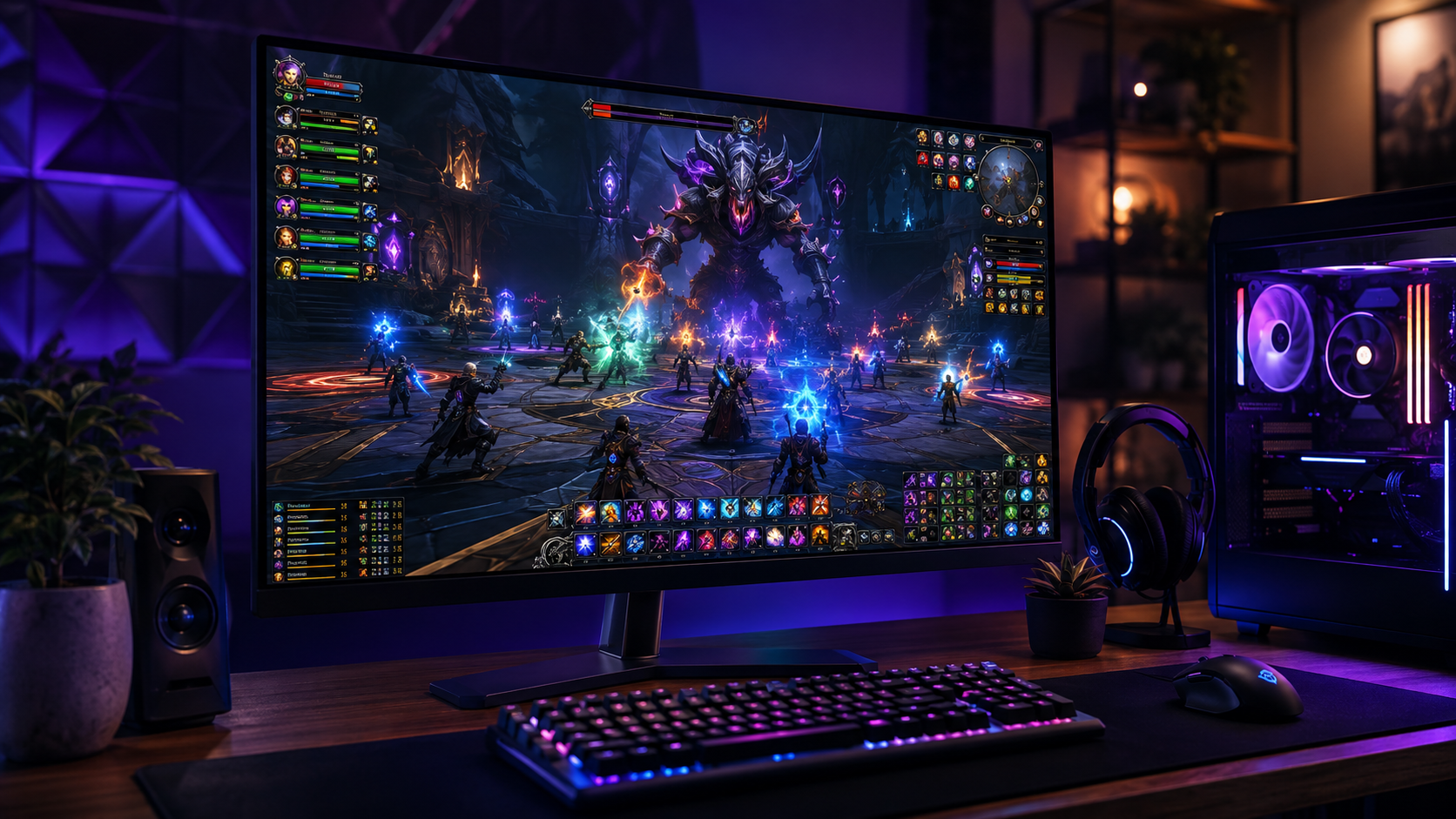
Three shapes solve the problem three different ways. A sharper 27-inch panel makes dense UI text readable. A 34-inch ultrawide gives chat, map, and bars their own zip codes. A taller 32-inch stacks raid frames without burying the world behind them.
The sharpest way to make an MMO interface readable. QHD density cleans up small quest text, and the mini-LED backlight keeps night zones and dark raid arenas from turning into gray soup.
- Mini-LED backlight holds real contrast in dark dungeon lighting
- QHD sharpens dense UI text that 1080p smears at this size
- 180Hz leaves headroom no MMO will ever exhaust
- VA viewing angles trail IPS if you sit off-center
- 27 inches limits how many windows sit comfortably side by side
- HDR looks its best only after some settings attention
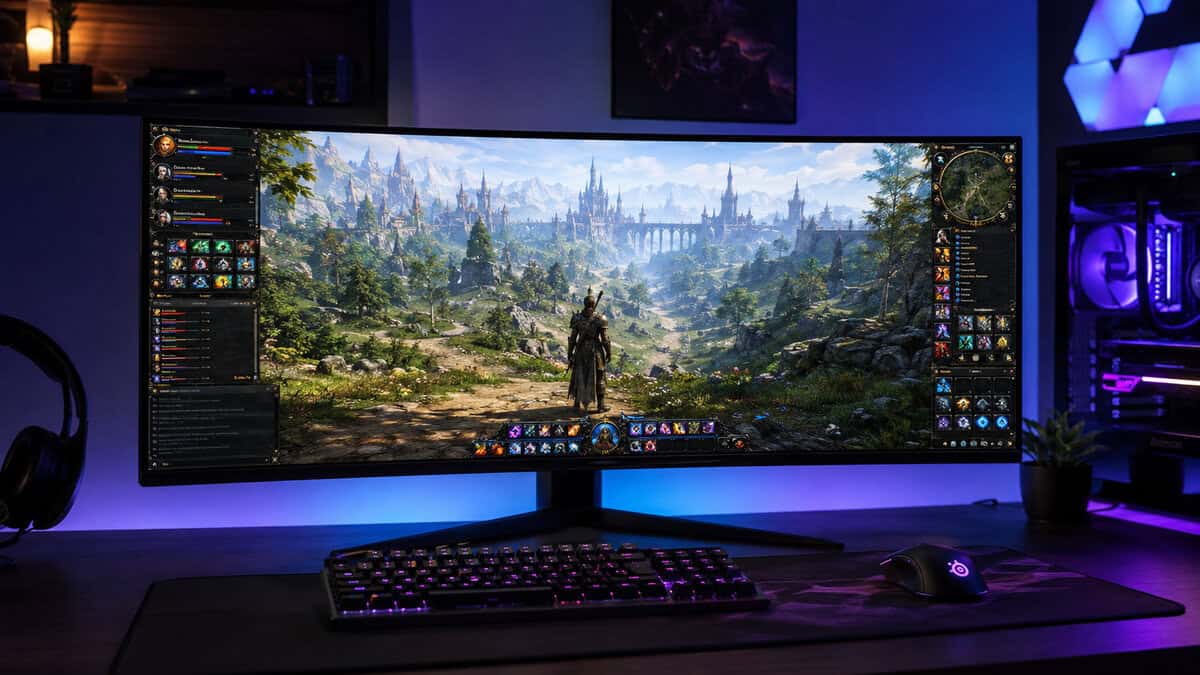
The budget door into 21:9, where the world finally fits alongside the interface. Chat on the left, map on the right, and the game keeps the whole middle to itself.
- 21:9 width fits world, chat, map, and bars without overlap
- Gentle curve keeps the far edges readable at desk distance
- Costs less than many premium 27-inch panels
- 100Hz is the calmest refresh of the trio
- A few older MMO cutscenes still letterbox at 21:9
- The wide stance asks for genuine desk depth
The tall answer. Thirty-two inches of 1440p means raid frames, buff trackers, and damage meters stack vertically while the world stays visible behind them, and 165Hz keeps combat motion clean.
- Tallest usable UI space of the trio for stacked raid frames
- 165Hz with FreeSync smooths big pulls without ghosting drama
- Samsung panel pedigree at a genuinely budget price
- Same pixel count as a 27-inch stretched larger, so per-inch sharpness eases
- A curve on 16:9 is a taste some players never acquire
- Stand adjustments are minimal for a screen this size
- MMO interfaces reward screen space and text clarity far more than extreme refresh rates
- 27-inch QHD is the sharpness pick; 34-inch ultrawide spreads the UI; 32-inch stacks it tall
- Tab-target combat is comfortable at 100Hz; action-combat MMOs are where 165Hz starts to earn its keep
- Dark dungeons punish weak contrast, which is why a VA or mini-LED panel suits the genre
- Match the shape to your habits first; every spec argument comes second to where your UI lives
Table of Contents
Your MMO Outgrew Your Monitor Years Ago
MMO interfaces only ever grow. Every expansion adds a currency tab, a new tracker, another row of abilities, and none of it ever leaves. A UI designed to be readable in one expansion is a wall of overlapping panels three expansions later.
Monitor marketing, meanwhile, chases shooters. Refresh rate this, response time that. Useful specs, but they answer questions the genre barely asks. An MMO spends most of its life rendering standing still in a city while you read something small.
MMO players buy interface space and text clarity; everything else on the box is a bonus.
So this guide sorts by shape instead of speed. Sharp, wide, or tall, and which of the three matches the way you actually play the genre.
One ground rule for the whole list: every pick must survive being stared at for four hours. That filter quietly removes the dim panels, the flickery backlights, and the stands that lock your neck at the wrong angle.
Addon culture raises the stakes further. The moment you install a damage meter or a full UI suite, your interface footprint doubles again, and the monitor either absorbs it or the game disappears behind it.
The Three Picks for Three Kinds of MMO Players
AOC Q27G3XMN
The AOC Q27G3XMN is for the player whose complaint is readability. Quest text, combat logs, auction listings: at 27-inch QHD density they stop looking fuzzy, and the mini-LED backlight is the surprise MMO feature nobody advertises for the genre.
Dark dungeons are a contrast test, and mini-LED passes it at a price that should not be possible.
Night zones, torch-lit raids, shadowy boss arenas: cheap panels wash them into gray. This one holds blacks next to bright spell effects, which matters more across a four-hour session than any speed spec. Its 180Hz ceiling is honestly more than the genre needs, and having it costs nothing here.
The limits are physical. Twenty-seven inches fits one game and one chat window gracefully, not a second monitor worth of extras. If your UI sprawl is the real problem, the next two picks attack it directly.
It is also the easiest of the three to drive. QHD at 27 inches is a modest ask for even a midrange graphics card, so older PCs keep their frame rates while gaining the sharper interface. Nothing about this pick forces a second upgrade.
Sceptre C345B-QUT
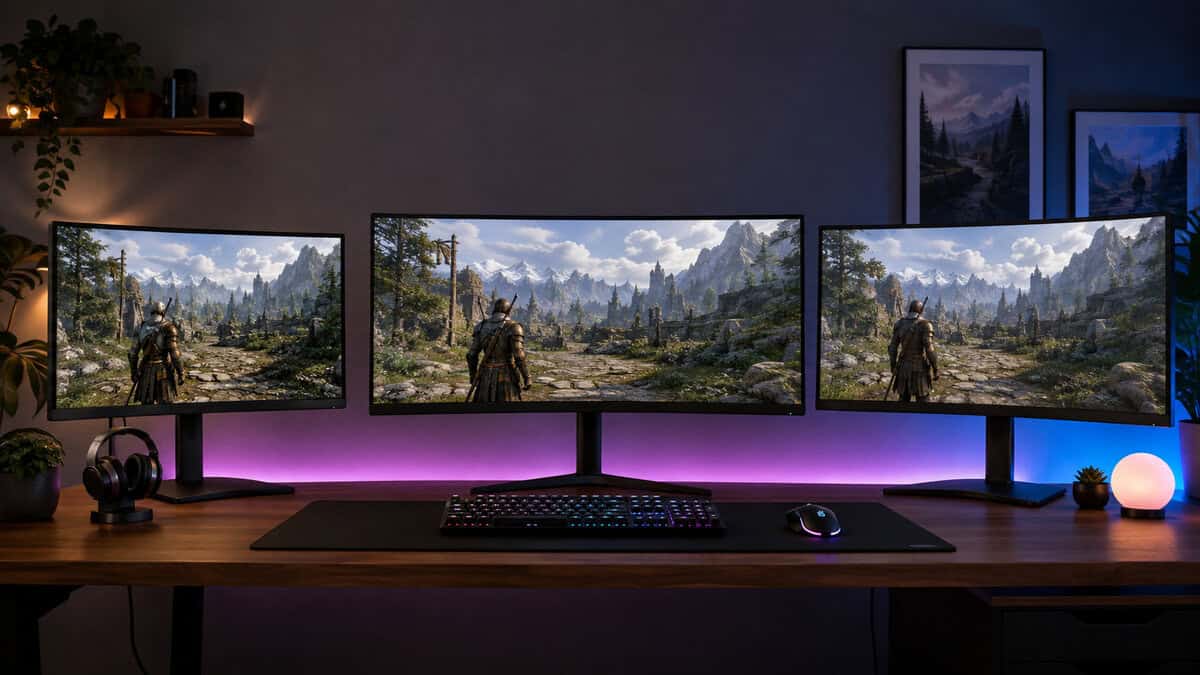
The Sceptre C345B-QUT is the cheapest honest answer to UI sprawl. At 3440×1440 the extra thousand-ish horizontal pixels become dedicated territory: chat docks left, map and trackers dock right, and the world in the middle stays the size it was on your old 27.
An ultrawide does not make the game bigger; it makes the interface stop stealing from it.
For guild organizers and social players it is transformative, because conversation no longer covers gameplay. The 100Hz refresh reads modest on paper and fine in practice for tab-target combat, which spends its frames on cooldowns rather than flick aim.
Know the tradeoffs going in. A handful of older MMO cutscenes still letterbox, the speakers are a convenience rather than a sound system, and 34 inches of curved glass wants a deep desk. None of those outweigh what the width gives back to the genre.
There is a quieter benefit for altaholics too. Two game clients side by side at usable size is an ultrawide specialty, and the format handles a game-plus-wiki evening better than any dual-monitor squint.
Samsung Odyssey G55C
The Samsung Odyssey G55C solves the same crowding problem vertically. A 32-inch QHD panel adds height rather than width, and height is exactly where raid frames, buff bars, and damage meters want to stack.
Healers count frames, and a taller screen is twenty-five of them without covering the boss.
It is also the pick for players who want one monitor to feel like furniture. The size carries movies and second-screen duty easily, 165Hz with FreeSync keeps big pulls smooth, and Samsung panel consistency at this price is quietly the best deal in the trio.
The honest note is sharpness. It spreads the same pixels as the 27-inch pick across more glass, so text softens slightly at identical distance. Sit a hand-width further back and the difference disappears; UI-scale sliders exist for exactly this screen.
Pair it with a deliberate seating position. A 32-inch panel at 27-inch distance feels like a wall; push it to the back edge of the desk and the height becomes comfortable peripheral space instead of neck exercise.
Match the Best MMO Monitor to Your Habits
Skip the spec sheet and start from what your evenings actually look like. The genre splits into habits, and each habit has a right-shaped answer.
Read the table as a starting bias rather than a verdict. Most players live in two rows at once, and when your rows disagree, the earlier one should win, because it describes the hours you actually log rather than the hours you plan to.
| Your MMO Habit | Best Fit | Why It Wins |
|---|---|---|
| Raid healer watching a wall of frames | Samsung Odyssey G55C | Vertical space stacks frames beside the fight, not on top of it |
| Guild social hub, chat always open | Sceptre C345B-QUT | 21:9 gives conversation its own lane permanently |
| Questing, crafting, and auction-house reading | AOC Q27G3XMN | QHD text density makes small print effortless |
Screen Real Estate Beats Refresh Rate in an MMO
Here is the argument that saves you money. Tab-target combat resolves on cooldowns and cast bars, not on the twitch reflexes that make refresh rate precious in shooters. The difference between 100Hz and 240Hz in a rotation you execute by timer is close to cosmetic.
The difference between a cramped interface and a spacious one, though, is felt every single minute you play. More readable text means less squinting at quest objectives. More UI room means the world stays visible during a 25-player fight. That is the trade this genre actually offers, and space wins it.
The alt-tab test makes it concrete. An MMO evening is the game, a wiki, a guild Discord, and a build planner, all juggled constantly. Space turns that juggle into a layout; speed does nothing for it at all.
If most of your week is an MMO and the occasional single-player game, buy space. The shooter exceptions get their own section below, because they are real but narrower than the marketing suggests.
Ultrawide vs Tall for MMO Interfaces
The genuine fork in this purchase is horizontal versus vertical. Width suits interfaces that spread: chat, maps, trackers, and social panels living beside the game. Our budget ultrawide guide goes deeper on the format if the Sceptre has you curious.
Height suits interfaces that stack: raid frames, boss timers, and meters climbing the side of the screen. It also keeps every pixel usable in games whose cutscenes and menus never learned 21:9.
If you cannot decide, the tiebreaker is your other games. Ultrawide is glorious in RPGs and driving games and indifferent in some older titles; a big 16:9 is universally compatible. The 27 versus 32 inch comparison walks the size half of that decision.
Whichever way you fork, resist the temptation to solve it with maximum size. Bigger is only better until the corners leave your natural field of view, and at normal desk depth both formats here already sit at that edge.
Long-Session Comfort Nobody Specs
MMO sessions run long, and comfort is a spec sheet blind spot. Contrast does more for evening play than brightness: a panel that holds deep blacks at moderate brightness tires eyes slower than one that fights dark scenes by flooding the room. It is why VA panels and mini-LED backlights, graded under the VESA DisplayHDR program, fit this genre so well.
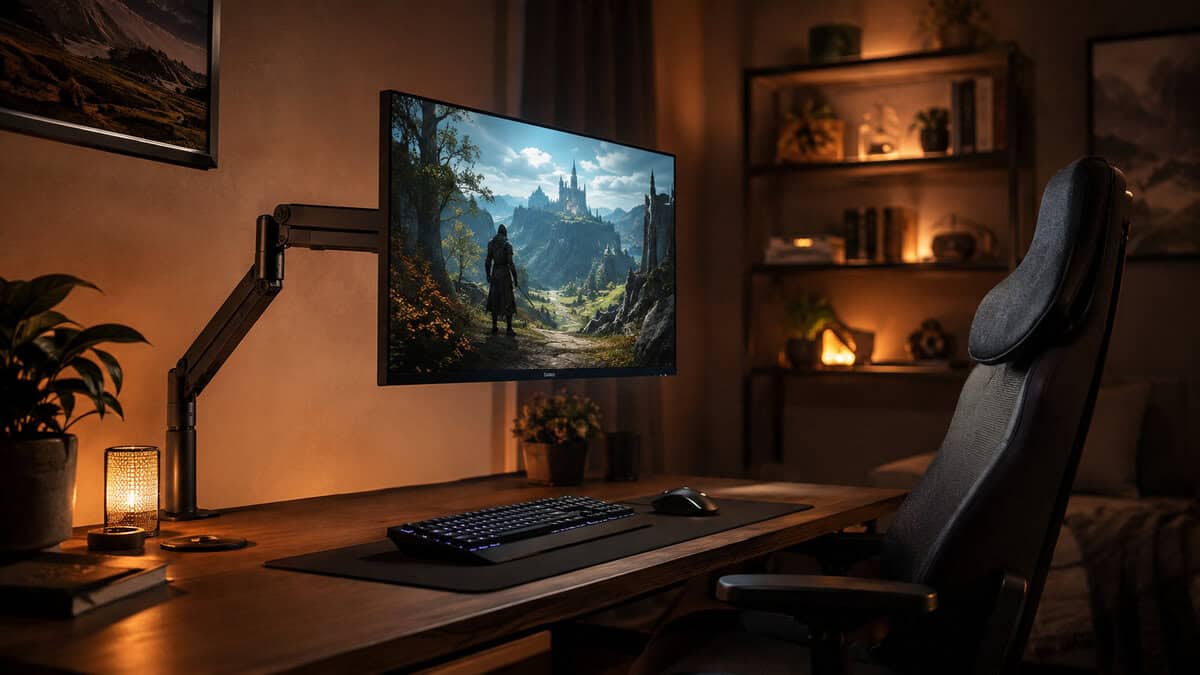
Position matters as much as panel. The top of the screen at eye level, an arm-length away, tilted slightly back: cheap stands rarely allow all three, which is why a budget monitor arm is the most underrated MMO accessory there is.
And set a night brightness. Full daytime brightness after sunset is how a four-hour raid turns into a headache, and every pick here dims gracefully without crushing its shadows.
Use the UI scale your monitor earns. The whole point of buying space is spending some of it on larger, calmer interface elements. Keeping everything tiny on a bigger screen recreates the exact squint you paid to escape.
And if you already run two monitors, the shapes here still apply: the main screen carries the game and its stacked UI while the side screen takes Discord and the wiki. The picks above simply decide how comfortable that main screen is for the hours that matter.
When Your MMO Wants More Refresh Anyway
The exceptions deserve honesty. Action-combat MMOs with dodge timing and aimed skills genuinely feel better past 144Hz, and large-scale PvP, where a hundred players collide, rewards every frame of motion clarity you can buy.
If that is your corner of the genre, weight speed higher: the budget 240Hz roundup covers the fast end, and the under-300 monitor guide holds the middle ground where speed and space compromise.
For everyone else, the picks above already carry more refresh than the genre uses. Spend the difference on the shape.
Hybrid players can split the difference honestly. The Samsung pick at 165Hz is already most of the way to a shooter monitor, which makes it the safest choice for an MMO main who ranks in something faster on weekends.
The reverse also holds. If you already own a fast esports panel and the MMO is the side game, nothing here demands replacing it. These picks are for the player whose main game is measured in seasons, not matches, and whose interface has outgrown the glass it lives on.
Frequently Asked Questions
Quick answers to what MMO players ask most before a monitor upgrade.
Is an ultrawide monitor good for MMO games?
Very, with one caveat. The 21:9 shape is the cleanest fix for UI sprawl, because chat, map, and trackers get dedicated space instead of covering the world. Modern MMOs support the format well; a few older titles still letterbox cutscenes or stretch menus, which is annoying but cosmetic. If your library leans older, a large 16:9 like a 32-inch panel avoids the compatibility question entirely.
Do MMO games need a high refresh rate monitor?
Mostly no. Tab-target combat runs on cooldowns and cast bars, so 100Hz to 165Hz covers the genre comfortably. The exceptions are action-combat MMOs with dodge timing and large-scale PvP, where motion clarity during hundred-player fights genuinely benefits from faster panels. Buy space first and speed second unless that describes your main game.
What monitor size is best for MMO interfaces?
Each size solves a different problem. A 27-inch QHD panel maximizes text sharpness for quest logs and auction reading. A 32-inch stacks raid frames and meters vertically without covering the action. A 34-inch ultrawide spreads the interface horizontally. The wrong answer is a small 1080p panel, which forces the UI and the world to fight over the same pixels.
Is 1080p enough for MMO gaming?
It works, but the genre punishes it more than most. MMO screens are dense with small text, and 1080p at 27 inches renders that text soft. QHD is the comfortable floor for readable interfaces at modern sizes, and every pick in this guide clears it. Keep 1080p only on smaller panels or tighter budgets.
Does HDR matter for MMO monitors?
It is a bonus rather than a requirement. Where it earns its place is dark-zone contrast: a mini-LED backlight with real HDR grading keeps torch-lit dungeons legible instead of gray. Treat certified HDR as a tiebreaker between similar panels, not a spec worth a big premium in this genre.
Building out the rest of the setup? Budget Loadout covers budget gaming gear that earns its place, from keyboards to monitor arms, without the marketing tax.
Related Articles