Your laptop starts a match cool enough, then twenty minutes later the fans are screaming, the keyboard deck feels hot, and frame pacing gets rough right when the fight gets busy. That’s the point where users search for the best laptop cooling pad and get hit with a pile of generic “top 10” lists.
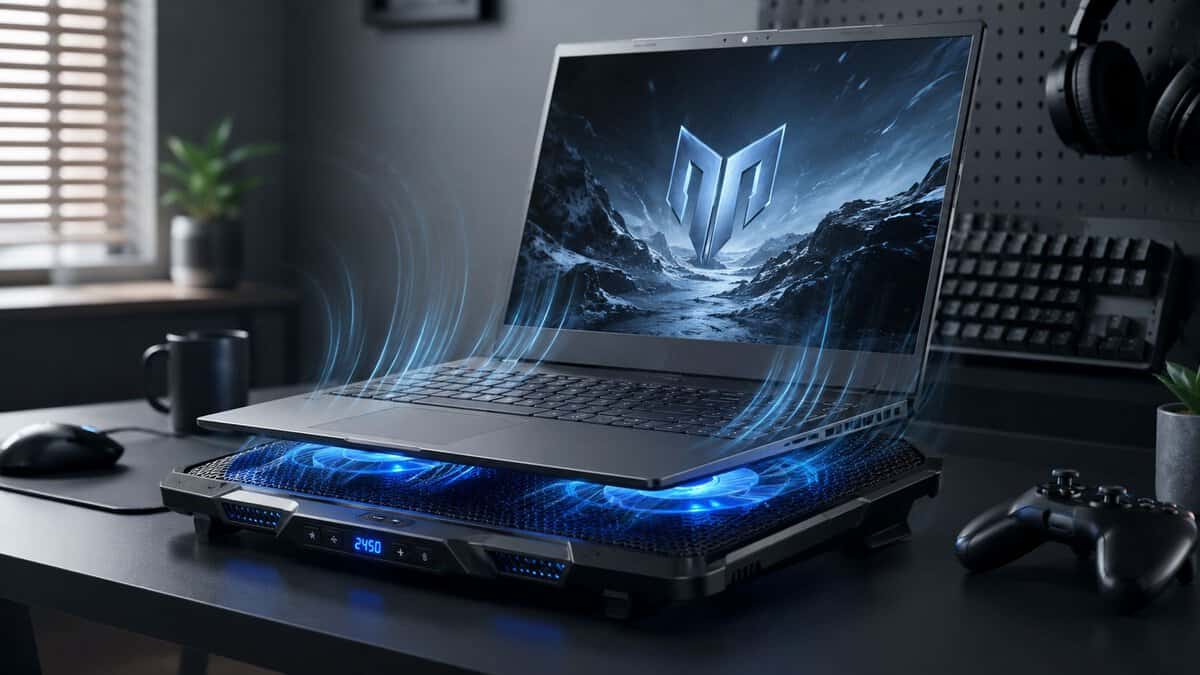
That approach misses the core question. Some laptops need a powered cooler. Some only need more clearance under the chassis. Some won’t benefit much at all because of how the vents are placed. If you care about value, durability, and actual gaming performance, you need to diagnose the problem first, then buy the right kind of solution.
Here is the short version before the deeper breakdown.
- Wide five-fan coverage suits laptops with spread-out intake vents
- Six height angles double as an ergonomic stand
- Quiet enough for shared rooms at normal speeds
- Open-air design gives modest gains on heavily throttling laptops
- Frame flexes slightly under larger 17 inch machines
- Blue accent lighting may not suit a minimalist desk
- Sealed foam skirt drives real temperature drops on bottom-intake laptops
- Single turbo fan sustains far higher pressure than multi-fan pads
- Built-in USB hub gives back the port it occupies
- Turbo fan gets loud at full speed, best paired with a headset
- Bulkier and heavier than open-air pads
- Gains depend on your laptop having bottom intake vents
- Adaptive mode manages fan speed without manual dials
- Airtight chamber cools effectively at lower noise levels
- Handles oversized 18 inch laptops
- Premium cost for the category
- Full feature set requires Razer Synapse software
- Chroma lighting is more than a minimalist setup needs
- Thin, light frame genuinely travels well
- Three large fans stay quiet even at full speed
- Proven reliability across more than forty-five thousand reviews
- Modest airflow compared to powered pressure coolers
- No fan speed control beyond on and off
- Fixed blue fan lighting cannot be switched to other colors
Picks and availability last verified: October 19, 2026
- Check temperatures before buying: a laptop that throttles in the first five minutes needs cleaning or repasting, not a cooling pad
- The Kootek Chill Mat 5 is the budget default, spreading open-air airflow across laptops with several intake cutouts
- For laptops that fade after 30 to 60 minutes of play, the sealed IETS GT500 delivers the biggest real temperature drops
- The Razer Adaptive Smart pad adjusts fan speed to temperature automatically, ideal for streamers who need quiet
- Match the pad to your vent layout: sealed coolers only shine on laptops with bottom intake vents
Table of Contents
Why Your Gaming Laptop Gets Hot and Noisy
A gaming laptop gets loud for a simple reason. Heat builds up faster than the laptop can move it out, so the internal fans ramp harder to keep the CPU and GPU inside safe limits. During FPS gaming, MMO raids, and streaming, that load stays high long enough for the system to run into thermal limits instead of just brief spikes. Intel’s own guidance on laptop overheating describes the same protective pattern: the processor throttles first and shuts down only as a last resort.
The frustrating aspect isn’t the heat by itself. It’s what follows. Clock speeds fall, frame rates dip, and the laptop stops feeling consistent. A machine that looked fine in a short benchmark can feel worse in a long session because sustained load exposes weak airflow.
That doesn’t mean the answer is always the most aggressive cooling pad you can buy. Some systems respond well to a stand that gives the intake vents room to breathe. Others need active airflow because the chassis is thin and the cooling system is already running near its limit. Before buying anything, it helps to know what counts as a normal CPU temperature range for laptop and desktop use.
The best laptop cooling pad isn’t the strongest one on paper. It’s the one that matches your laptop’s vent layout, your noise tolerance, and the way you actually use the system.
A good cooler can improve comfort, reduce throttling, and hold performance steadier over long sessions. A bad one adds fan noise, takes up desk space, and fixes very little. That trade-off matters more than flashy RGB or inflated fan counts.
First Check If You Really Need a Cooling Pad
Most buyers skip the diagnosis and go straight to checkout. That’s how people waste money on a powered pad when a simple stand would have solved the problem.
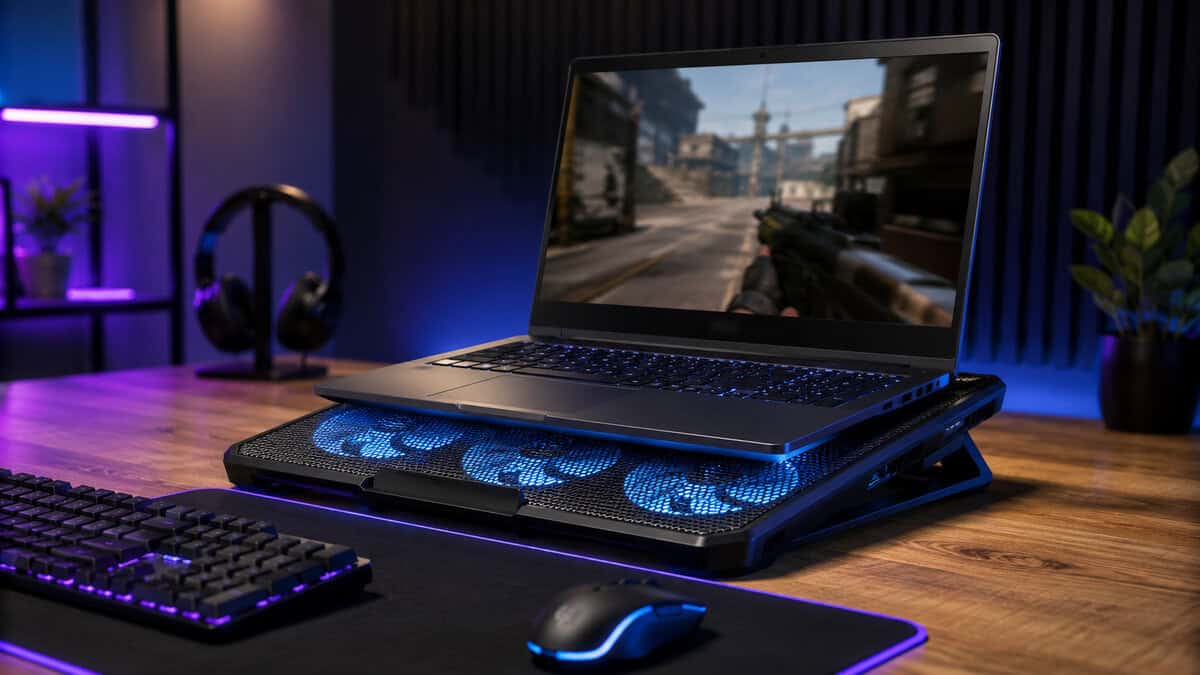
Independent thermal tests show the split pretty clearly. Powered pads only deliver 5–15°C CPU/GPU reductions under sustained load, while passive aluminum stands matching airflow gaps deliver identical relief for light-use scenarios where temps stay ≤80°C.
Check temperatures before you buy
You don’t need a complicated process.
- Install a hardware monitor: Use a temperature monitoring tool that shows CPU and GPU temperatures during use.
- Test your real workload: Run the game you play, or stream the way you normally stream.
- Watch sustained temperatures: Short spikes matter less than what happens after a full session.
- Listen for behavior: Constant fan ramping, hot palm rests, and falling performance usually matter more than one scary peak.
What your results usually mean
If your laptop stays comfortable in light tasks, and the heat problem mostly appears during browsing, calls, or office work, a passive stand is often the smart buy. It improves airflow under the chassis, costs less, and doesn’t add another fan to the noise stack.
If the problem only appears in long gaming or rendering sessions, that’s where a powered pad makes more sense. MMO grinding, battle royale matches, and streaming are the classic cases because they keep both CPU and GPU loaded long enough for throttling to show up.
Smart budget move: Buy cooling only after you confirm the laptop is actually running into a sustained thermal problem.
There’s also a category of buyer who should pause before buying any pad at all. If your main reason for choosing a laptop was flexibility, the broader trade-off between portability and upgrade room matters too. A good overview of that bigger decision is this look at gaming laptop vs desktop value and use cases.
How Laptop Cooling Pads Improve Performance
A cooling pad only helps if it improves the airflow your laptop already depends on. On a gaming laptop with bottom intake vents, that can mean lower sustained temperatures, fewer clock drops, and less fan hunting during long matches or stream sessions. On a laptop with poor vent placement, the same pad may do very little beyond adding noise.
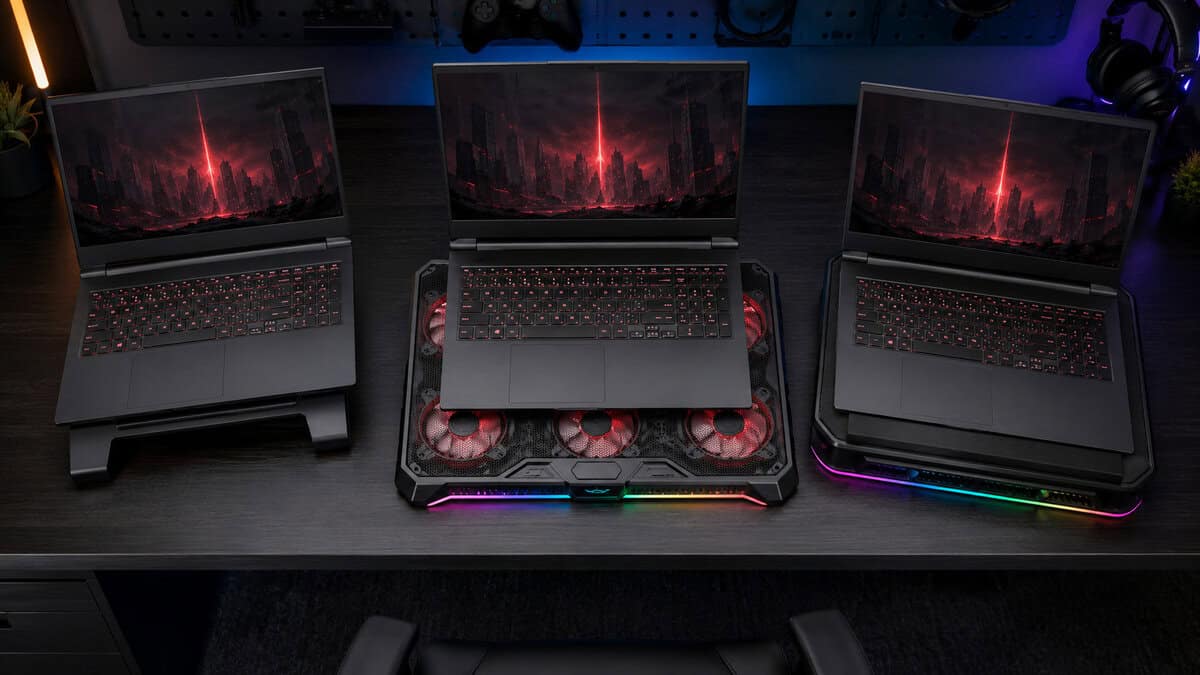
That’s why fit matters more than RGB, fan count, or marketing claims. A good pad supports the laptop’s own cooling path. A bad one just blows air at the bottom shell and hopes for the best.
What a temperature drop changes in real use
The benefit is sustained performance. Gaming laptops rarely slow down because of one quick heat spike. They slow down after the CPU and GPU sit near their thermal limits long enough for the system to pull clocks back.
Lowering those sustained temperatures gives the laptop more headroom to hold boost behavior longer. In practice, that usually shows up as steadier frame pacing late into a session, fewer sudden dips in heavier fights, and less aggressive fan ramping. You feel it most in games and workloads that stay loaded for a long time, not in a five-minute test run.
Some pads also improve comfort. Keyboard deck heat and hot spots under the chassis can drop when airflow under the laptop improves, which matters if you play for hours at a desk.
Open airflow versus sealed pressure
The design changes the result.
- Open-air pads spread airflow across the laptop’s underside. They tend to be quieter, easier to position, and better for laptops with broad intake areas or mixed bottom vent layouts.
- Sealed pads try to push air more directly into specific intake zones. They can work well on laptops with clearly defined bottom vents, but alignment matters a lot and the added pressure usually comes with more noise.
- Passive stands still have a place. If your testing showed the laptop just needs more clearance under the chassis, a stand is often the better value.
This is the part many buyers skip. If your laptop only gets warm under moderate load and never shows clear throttling, a powered pad may be overkill. If it loses performance deep into a gaming session, active cooling makes more sense.
For older systems, a pad can only do so much if the internal thermal path is already degraded. Dried-out paste, dust buildup, or uneven contact can hold temperatures back no matter how strong the external airflow is. If you’re fixing heat on an aging machine, pair the pad decision with this guide to the best thermal paste options for PC and laptop maintenance.
Key Specs to Prioritize for Gaming and Streaming
The spec sheet gets noisy fast. Focus on the handful of things that change day-to-day use.
Start with the price tier and what you actually need
The market has a pretty clear split. Entry-level pads cover the basics, mid-range models add stronger airflow and better build quality, and premium coolers layer on sealed designs and smart features. For budget-conscious gamers, the sweet spot is usually the range where you get stronger airflow, height adjustment, and better materials without paying extra for cosmetic fluff.
A cheap pad isn’t always good value. If the frame flexes, the fan noise is rough, or the height angle is fixed, you may end up replacing it sooner than expected.
Noise matters more than fan count
For streaming and voice chat, fan noise can ruin an otherwise good product. High-quality pads hold a noise floor of ≤28 dBA, while anything above 35 dBA becomes distracting in focused work or calls from that same HP analysis.
That’s why raw RPM claims don’t tell the whole story. A cooler that sounds harsh during a long raid can be more annoying than a slightly warmer setup.
A loud pad can solve one problem and create another. If you stream, noise is part of performance.
Fan layout and airflow coverage
Bigger fans usually beat a pile of small ones if the design is good. HP’s breakdown points out that dual 120mm fans with hydrodynamic bearings tend to offer quieter operation and better lifespan than layouts built around several 60mm fans, and blade design matters more than RPM alone. It also highlights the Kootek Chill Mat 5 and its 5-fan layout, which spreads airflow across the laptop surface instead of focusing on one small zone.
That doesn’t mean more fans are always better. It means airflow coverage has to match the laptop’s intake area.
Build quality and ergonomics
For gaming and streaming, durability matters because a cooling pad lives under the laptop every day. Look for these basics:
- Rigid frame: A pad shouldn’t flex when you reposition the laptop.
- Solid mesh or metal top: Better support, better wear resistance, and usually better airflow than thin plastic panels.
- Adjustable height: At least 3–4 positions is the practical target. A single-angle unit is closer to a stand than a real ergonomic tool.
- Fan control: Variable speed matters because you won’t want max airflow all the time.
If you stream from the same desk where you game, comfort matters almost as much as cooling. Matching your pad height and laptop position with the rest of your setup helps more than people expect. The same principle shows up when choosing the best streaming PC setup for stable desk ergonomics and performance.
The Best Laptop Cooling Pads for Every Budget
Halfway through a long match, the fans spike, the keyboard gets warm, and frame pacing starts to feel less steady. That is usually the moment people shop for a cooling pad. The smarter move is to buy for the problem you have.
If your laptop only runs hot because it sits flat on a desk and can’t breathe, a basic stand may be enough. If it already has good airflow and still throttles under load, a powered pad makes more sense. That difference saves money, noise, and desk space.
Top Laptop Cooling Pad Picks for 2026
| Model | Best For | Key Feature | Design | Tier |
|---|---|---|---|---|
| Kootek Chill Mat 5 | Broad airflow on a budget | 5-fan layout with wide surface coverage | Open-air mesh | Entry |
| IETS GT500 | Heavy sustained gaming | 5000 RPM turbo fan with sealed foam skirt | Sealed pressure | Mid-range |
| Razer Adaptive Smart | Streaming and comfort | Temperature-adaptive fan control | Sealed smart chamber | Premium |
| havit HV-F2056 | Portability and quiet use | Slim three-fan frame | Open-air slim | Entry |
Best budget value
For budget buyers, skip the flashy RGB-first models and look for a simple pad with a rigid frame, a metal mesh top, and adjustable height. Those basics matter more than extra fan count on a cheap unit.
For that job, the Kootek Chill Mat 5 is the budget default: an open-air pad that spreads airflow across the underside instead of blasting one small spot. That works well for laptops with several intake cutouts, and it usually holds up better than bargain models with thin plastic and loose hinges.
The trade-off is straightforward. Budget pads are quieter and cheaper, but they rarely produce major temperature drops on a laptop that already struggles under heavy GPU load.
Best for heavy gaming
A more powerful pad is worth paying for if your laptop loses performance after 30 to 60 minutes of play, not in the first five. That pattern usually points to sustained heat saturation, where extra airflow can help the system hold boost clocks longer.
The IETS GT500 is the pad to buy in this category: a sealed turbo cooler that forces air through the chassis instead of blowing at the casing. They tend to be louder, larger, and less pleasant for casual use, but they are the ones that can make a real difference on a gaming laptop with bottom intake vents and enough clearance underneath. Buyers who mainly play shooters, racing games, or long MMO sessions will notice the benefit more than someone who mostly browses, watches videos, and plays lighter indie games.
Skip this category if your laptop only gets warm during charging or light everyday work. You will pay for cooling headroom you do not use.
The GT500’s sealed foam skirt also covers the raw thermal-drop use case. On a laptop with bottom intake vents it can cut temperatures enough to reduce throttling in long sessions, while on the wrong vent layout a sealed design turns into an expensive noisemaker. Check where your laptop breathes before choosing it.
Best for streaming and comfort
If you use one laptop for gaming, Discord, editing, and work calls, comfort counts too. The Razer Adaptive Smart cooling pad owns this slot: it keeps the chassis cooler to the touch, improves screen angle, and stays stable during long desk sessions.
That sounds less exciting than raw thermal numbers, but it matters in real use. Cooler palm rests and a better typing angle make a bigger difference over four hours than another small drop on a monitoring graph. Premium models make sense here if build quality is clearly better and the height adjustment feels solid instead of flimsy.
Best portable option
Portable buyers should be careful. A bulky powered cooler can cancel out the advantage of a lighter machine.
For travel, classes, or room-to-room use, the slim havit HV-F2056 is usually the better buy: a low-profile three-fan pad about an inch thick. It adds airflow clearance without turning your bag into dead weight. If that sounds like your setup, compare your carry priorities against these best lightweight gaming laptop options for easier daily travel.
In other words, buy the smallest solution that fixes the problem. If a stand keeps temperatures and noise in check, stop there. Save the louder powered pads for laptops that actually need the extra help.
Proper Setup and Maintenance for Maximum Cooling
A cooling pad only works if the airflow reaches the right part of the laptop. That’s where a lot of buyers go wrong.
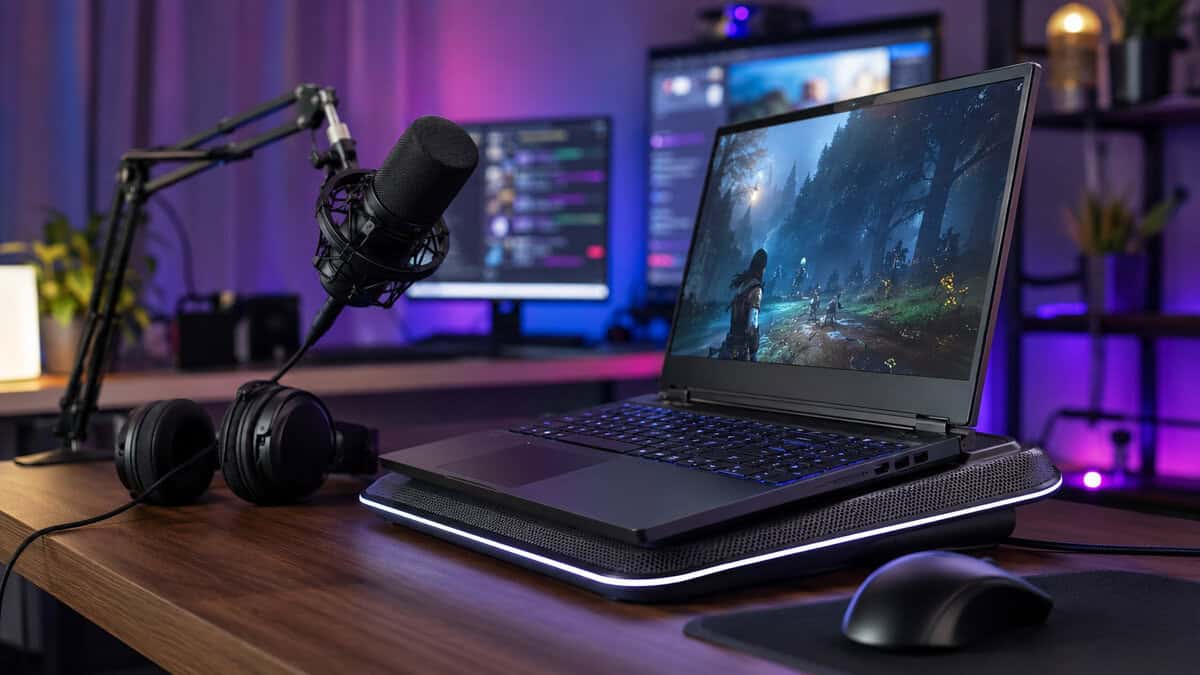
Some laptops have bottom intake vents that line up well with fan-based pads. Others pull most of their air from the hinge area or have a mostly solid underside. In those cases, standard pads can do very little because they’re pushing air at closed panels instead of real intake openings.
Match the pad to the laptop
Check the underside before you buy.
- Look for intake vents: If the main vents are on the bottom, a fan pad has a better chance of helping.
- Watch for hinge-only intake designs: Wired notes that most contemporary laptops gain little from cooling pads because vents are typically located only along the hinge, which limits usefulness for many standard pads, according to this guide to the best laptop cooling pad options and their limits.
- Place the laptop carefully: Fans should sit under the primary intake area, not just under the center of the chassis.
A more extreme test on a gaming cooler also showed how dependent results are on vent placement. In that analysis, effectiveness varied heavily by laptop layout, though the pad also reduced top surface temperature from 49°C to 35°C, improving comfort.
Keep the system clean
Dust turns a good setup into a weak one. Clean the cooling pad fans, clear the laptop vents, and use the pad on a hard surface. Beds, couches, and blankets kill airflow no matter how good the cooler is.
Maintenance is part of value. A durable pad with clean fans will outperform a stronger model that’s clogged and badly positioned.
Shopping for the laptop itself? Our budget gaming laptop guide covers the picks.
Frequently Asked Questions About Cooling Pads
Do cooling pads drain laptop battery?
Yes, if the pad is USB-powered and the laptop isn’t plugged in, it can add some power draw. In practice, that matters most for travel or work sessions away from an outlet. For gaming, laptops are often plugged in anyway, so battery drain usually isn’t the deciding factor.
Do cooling pads work on a bed or couch?
Not well. Soft surfaces block the pad’s own intake and the laptop’s vents at the same time. Even a good cooler loses most of its advantage if it can’t pull or push air properly.
Is more fans always better?
No. Fan placement, blade design, vent alignment, and noise profile matter more than the raw number of fans. A well-built pad with larger, quieter fans often makes more sense than a busy layout with weaker airflow and more whine.
Can a cooling pad damage laptop fans?
A normal cooling pad won’t damage the internal fans by itself. The bigger risk is buying a pad that does very little, then assuming the laptop is protected while heat and dust keep building up. Bad fit is a performance problem, not usually a mechanical danger.
Should MMO and streaming players buy different pads than FPS players?
Sometimes. FPS players usually care more about keeping clocks steady during shorter but intense matches. MMO players and streamers often care more about hours-long comfort, stable sustained load, and noise control. The best laptop cooling pad for one group isn’t automatically the best for the other.
If you’re building a setup on a budget and want gear advice that cuts through the fluff, Budget Loadout is worth bookmarking. It focuses on value-first recommendations for gamers and streamers who want durable upgrades, honest trade-offs, and better performance per dollar.
Related Articles