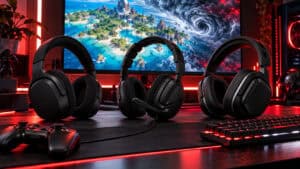
You queue into Marvel Rivals, push a corner, and lose the fight before you even see who started it. A flank comes in from above. A portal opens off-screen. Someone dives your backline and your team callout lands half a second too late. In a game this fast, you don’t buy a headset for style. You buy it so the match gives you information early enough to act on it.
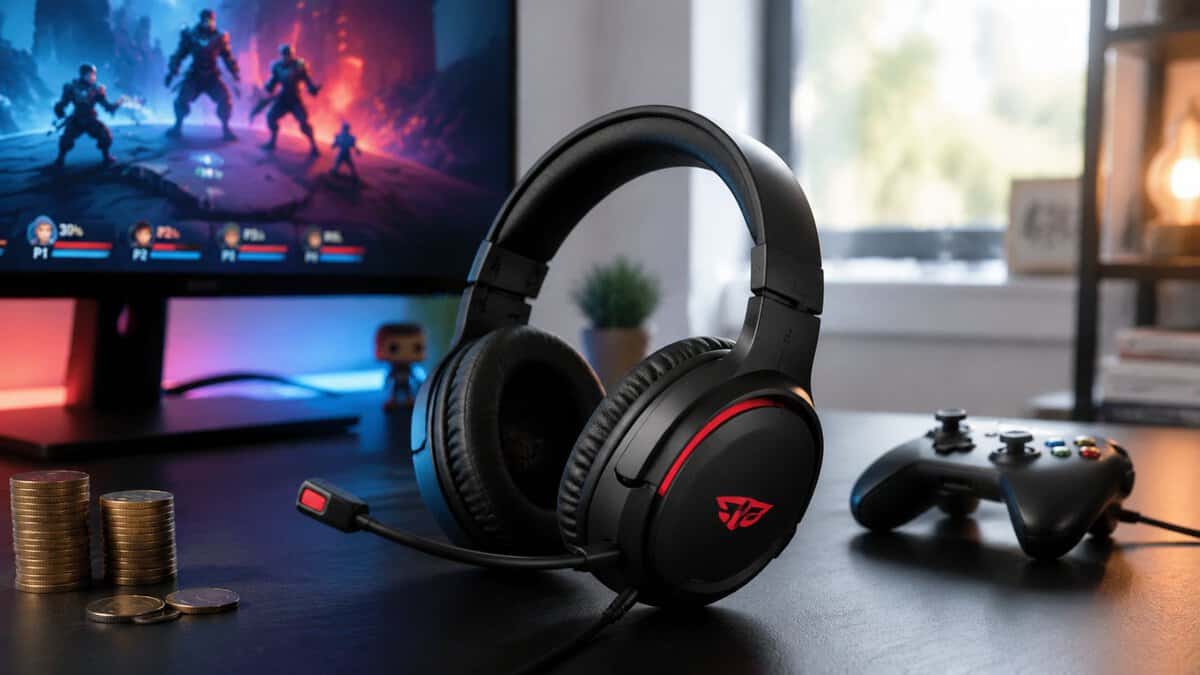
That changes what “budget” should mean. The best budget headset for Marvel Rivals isn’t the absolute cheapest thing with earcups and a mic. It’s the headset that gives you usable positional audio, clear team chat, and enough build quality to survive months of regular play without forcing you into a premium price bracket.
The practical answer depends on two things more than anything else: platform and connection type. A good wired option for PC isn’t automatically the right pick for couch play on console. A wireless headset that’s convenient for MMO grinding or casual sessions can still be the wrong call if you’re trying to squeeze every bit of responsiveness out of a hero shooter.
- Excellent positional and spatial audio
- Lightweight, comfy for long sessions
- Clear noise-cancelling mic
- Stereo, no fancy software EQ
- Wired only
- Plain, understated design
- Comfortable, lightweight build
- Good audio with DTS spatial
- Convenient swivel-to-mute mic
- Plastic-heavy construction
- Non-detachable mic
- Wired model only
- Low-latency LIGHTSPEED wireless
- Bluetooth for phone or mixing too
- Comfortable, 20+ hr battery
- Newer model, fewer reviews
- Heavier than the wired picks
- No wired USB audio mode
- Very affordable wireless
- Low-latency 2.4GHz connection
- Detachable noise-cancelling mic
- Bassier, less precise soundstage
- Bulkier build
- Brand less known than the big names
- For Marvel Rivals, positional clarity beats loud bass: hearing flanks and footsteps wins more fights than booming effects.
- Wired is the safest budget path, and the SteelSeries Arctis Nova 1 leads it for spatial accuracy with no setup fuss.
- The HyperX Cloud Stinger 2 Core is the comfort-and-value wired pick, light enough for marathon sessions.
- To cut the cord cheaply, the Logitech G321 LIGHTSPEED adds lag-free 2.4GHz plus Bluetooth; the EKSA G19 is the cheapest reliable wireless.
- Skip heavy gamer EQ and flashy software; a clean headset with a clear mic does more for your rank than marketing features.
Table of Contents
Hearing the Win Before You See It
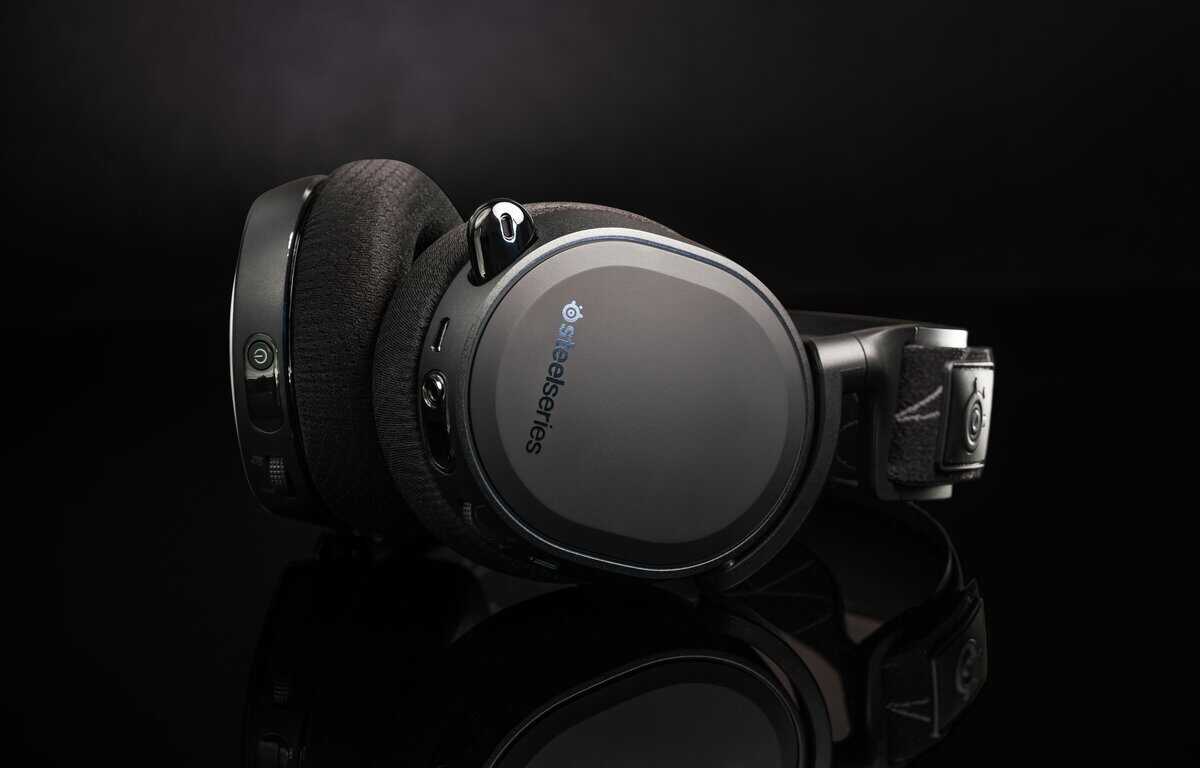
Marvel Rivals punishes late reactions. A missed boost sound, a dive from high ground, or an ability cue behind cover often matters more than raw aim because the fight has already shifted before the screen catches up to your decision-making. That’s why a weak headset feels worse in this game than it does in slower multiplayer titles.
A lot of buyers make the same mistake. They shop by brand familiarity, RGB, or whether the box says “surround.” None of that matters if the headset smears left-right positioning, buries detail under bloated bass, or clamps so hard that you take it off after two matches.
What value means for the best budget headset for Marvel Rivals
For Marvel Rivals, value starts with three basics:
- Positional clarity: You need to place movement and abilities quickly, not just hear that something happened.
- Reliable communication: Your mic doesn’t need streaming polish. It needs to keep callouts understandable.
- Durability: Budget gear gets expensive fast when hinges crack, pads peel early, or cables fail.
Practical rule: Buy for the matches you play most. If your main focus is ranked hero shooter play, performance matters more than convenience features.
The gear should match the job
An MMO player can live with softer imaging if comfort is good for long sessions. A streamer may care more about microphone quality or monitoring. A Marvel Rivals player needs a headset that keeps spatial cues intact during chaos. That’s a narrower job, and it makes the buying process simpler once you stop treating every gaming headset as interchangeable.
The rest comes down to trade-offs. Wired usually gives you the safest competitive result. Wireless can still be worth it if you play on console, move between rooms, or hate cable drag enough that it affects how often you use the headset at all.
What Audio Features Matter for Marvel Rivals
The key audio feature in Marvel Rivals is directional audio. A 2026 Marvel Rivals settings guide recommends enabling 3D enhancement mode only if your headset supports 3D surround sound. That matters because the game throws threats at you from above, below, and behind, not just straight ahead.
Directional audio beats raw loudness
A louder headset isn’t a better headset. If the sound profile turns every ability into a wall of noise, you lose the small details that help with timing and positioning.
What you want instead:
- Clean left-right placement: Useful when enemies cut across your screen or rotate around cover.
- Decent front-back separation: Cheaper headsets frequently falter in this aspect.
- Enough vertical sense to react: Marvel Rivals is busy and vertical, so the headset needs to preserve spatial movement instead of flattening it.
Stereo can still work well if the tuning is clean and the imaging is accurate. Virtual surround can help, but only when the headset and game settings cooperate. Bad virtual processing often makes cues sound distant or blurry.
Soundstage and tuning in plain English
Soundstage is just the sense of space. A narrow-sounding headset can make everything feel stacked in the center of your head. A wider one gives audio more room, which helps when you’re separating movement, ability sounds, and team chatter at the same time.
Tuning matters just as much:
- Too much bass: Explosions feel big, but footsteps and lighter movement cues get masked.
- Too sharp on the top end: Detail comes through, but fatigue sets in fast.
- Balanced mids: Voices and ability cues stay easier to track.
If you also use your headset for other games, priorities shift a bit. MMO players usually benefit more from comfort and fuller overall sound. Streamers might care more about background isolation or a cleaner monitoring experience. If that’s your mix, a guide to a noise-cancelling headset for gaming and daily use can help narrow the field.
If a headset sounds “fun” but hides quiet details during crowded fights, it’s the wrong tool for this game.
Mic quality matters, but only to a point
For Marvel Rivals, microphone quality has one job. Keep callouts clear under pressure. You don’t need a broadcast voice. You need teammates to understand “flank right,” “portal behind,” or “focus support” the first time.
A sturdy boom mic also matters for durability. Budget headsets often sound acceptable at first but weaken at the swivel point, pick up cable noise, or loosen over time. That’s why build quality belongs in the same conversation as audio quality.
Defining Your Budget and What to Expect
A budget headset for Marvel Rivals is not one market. It is really a few different lanes. Wired PC players can get strong competitive value at the low end if they accept simpler materials and fewer extras. Console players, or anyone shopping for wireless, usually need to spend a bit more before the headset feels reliable instead of disposable.
That matters because “cheap” and “good value” are not the same thing in a fast shooter. Value means you get clear positional audio, a mic your team can understand, and a frame that survives months of regular use. Fancy features matter less if the pads flatten fast or the tuning turns every fight into a muddy wall of sound.
Entry level value
The lowest budget tier can still work. It is often the right call for a first setup, a backup headset, or a player who wants the most performance per dollar and does not care about premium materials.
Expect trade-offs you will notice over time. Ear pads are usually thinner. Hinges and sliders feel looser. Cables tend to be fixed rather than detachable, which is fine until the cable starts failing before the drivers do. Comfort can also vary a lot from one head shape to another, so a headset that seems like a bargain on paper may become annoying halfway through a long session.
If you are building everything from scratch, it helps to balance the whole setup instead of sinking too much into one accessory. A practical beginner gaming setup guide helps more than chasing features you will barely use.
Mid budget sweet spot
At this point, budget shopping usually gets smarter.
For most players, the mid-budget range is the best value because the upgrades are practical, not cosmetic. You start to see better padding, more consistent clamp force, cleaner mic pickup, and tuning that handles busy team fights with less blur between effects, movement, and voice chat. The headset still may not feel premium, but it stops feeling temporary.
The biggest improvements usually show up in a few places:
- Comfort: Softer pads and better weight balance make long sessions easier
- Build quality: Joints, headbands, and adjustment points hold up better under daily use
- Sound control: Bass stays tighter, and important cues are easier to separate in crowded fights
Buying rule: Pay for durability and cleaner tuning before you pay for extras.
Upper end of budget
At the top of the budget range, your options start to split more by platform and connection type. That is where this guide’s approach matters. A wired headset at this price can still be the better buy for pure match performance, while a wireless model may be worth the premium if you play from a couch, swap between systems, or care more about convenience than squeezing out every dollar of raw value.
The mistake is assuming the more expensive budget option is automatically better for Marvel Rivals. Sometimes it is just more flexible. Sometimes it is paying for wireless freedom, detachable accessories, or broader compatibility. If your priority is hearing clean cues and making fast callouts, the simpler option is often the stronger one.
Wired vs Wireless: The Latency and Convenience Trade-Off
A close fight in Marvel Rivals often turns on the first half-second. You hear a dive start, a flank open up, or an ultimate charge behind cover, and your headset either gives you that cue in time or it does not. That is why budget buyers should not treat wired and wireless as the same category with different prices. They solve different problems.
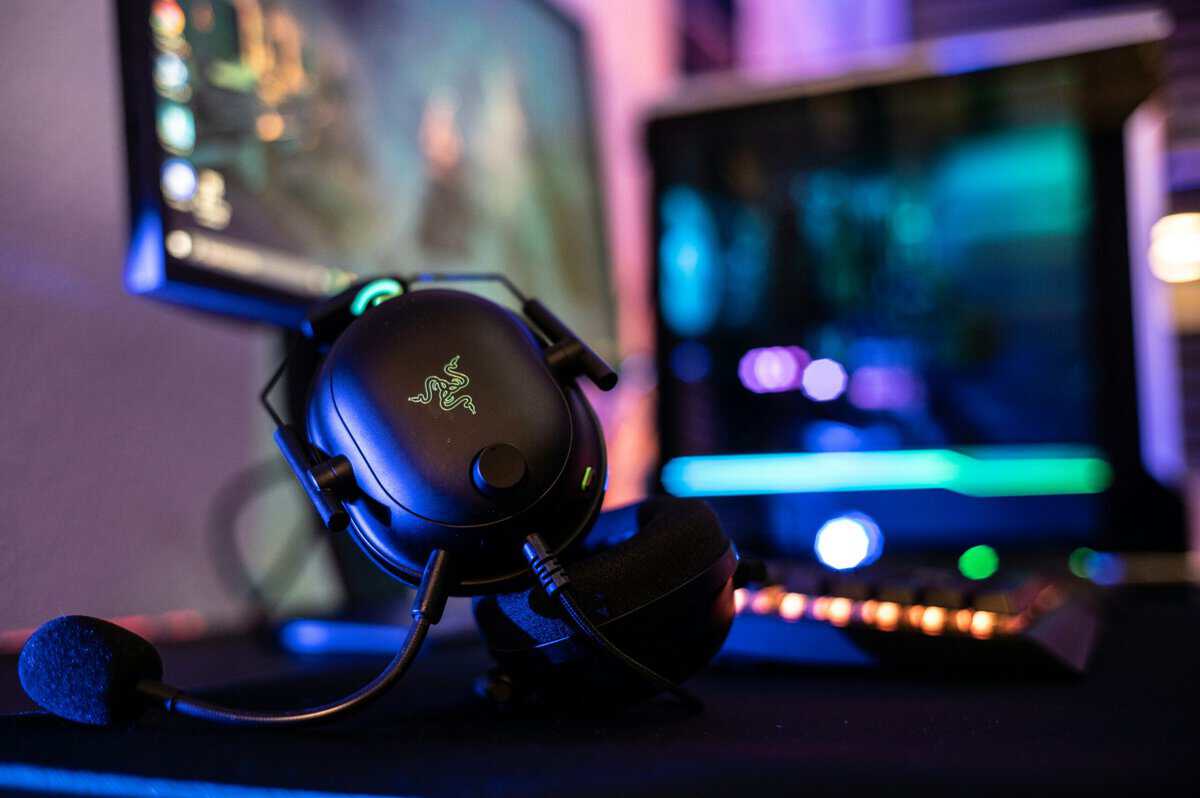
Why wired remains the safer pick
For ranked play, wired is still the cleaner answer. A cable removes battery management, pairing quirks, wireless interference, and the small but real risk that audio timing feels slightly off during chaotic fights.
On a budget, that matters even more. Cheap wired headsets usually put more of the price into drivers, pads, and mic quality. Cheap wireless models have to split that same budget across a battery, charging circuit, wireless hardware, and firmware. The result is predictable. You often pay extra for freedom of movement while giving up some mix of sound quality, long-term durability, or microphone consistency.
That does not mean every wireless headset performs badly. It means wired gives you fewer ways to lose value.
Where wireless earns its place
Wireless makes more sense on some setups than others. If you play from a couch, swap between systems in the same room, or get annoyed by a cable catching on your chair arm every time you flick, convenience has real value. For casual matches, farming battle pass progress, or late-night voice chat sessions, that trade can be worth it.
Platform matters here too, which is why a single “best budget headset” pick misses the point. A PC player sitting at a desk can get better performance per dollar from wired. A console player across the room may get more day-to-day use out of a wireless dongle model, even if the pure audio value is weaker.
If you want a broader buying framework, this wired vs wireless gaming headset guide breaks down the platform and setup differences in more detail.
Choose wireless because the setup fits your space and habits. Choose wired if match performance is the first priority.
The connection types that matter
Connection type matters as much as the wired versus wireless label.
A basic 3.5mm wired connection is still the lowest-risk option for competitive play, especially on controllers and simpler plug-and-play setups. USB wired can also work well, particularly on PC, but quality depends more on how well the headset’s onboard processing is tuned. Wireless through a dedicated low-latency dongle is usually the safer version of wireless for hero shooters. Bluetooth is the one to treat carefully, because budget Bluetooth implementations are more likely to prioritize convenience over fast, stable game audio.
That is the trade-off. Wired gives you consistency and stronger value per dollar. Wireless gives you freedom, but only if the connection is stable, the battery holds up, and the extra cost makes sense for your platform.
Use this quick comparison first, then dig into the sections that match how you play.
| Headset | Type | Best For | Mic |
|---|---|---|---|
| SteelSeries Arctis Nova 1 | Wired | Positional audio | Noise-cancelling |
| HyperX Cloud Stinger 2 Core | Wired | Comfort & value | Swivel-to-mute |
| Logitech G321 LIGHTSPEED | Wireless (2.4GHz + BT) | All-round wireless | 16 kHz boom |
| EKSA G19 | Wireless (2.4GHz) | Cheapest wireless | Detachable |
Top Wired Headset Picks for Performance Per Dollar
For Marvel Rivals, our two wired picks are the SteelSeries Arctis Nova 1 for the cleanest positional audio and the HyperX Cloud Stinger 2 Core for the best comfort per dollar. For a wider shortlist, see our best gaming headsets under $50 guide.
A wired headset still gives budget Marvel Rivals players the cleanest path to useful audio. You plug it in, set your levels once, and focus on the match instead of battery life, pairing issues, or random dropouts.
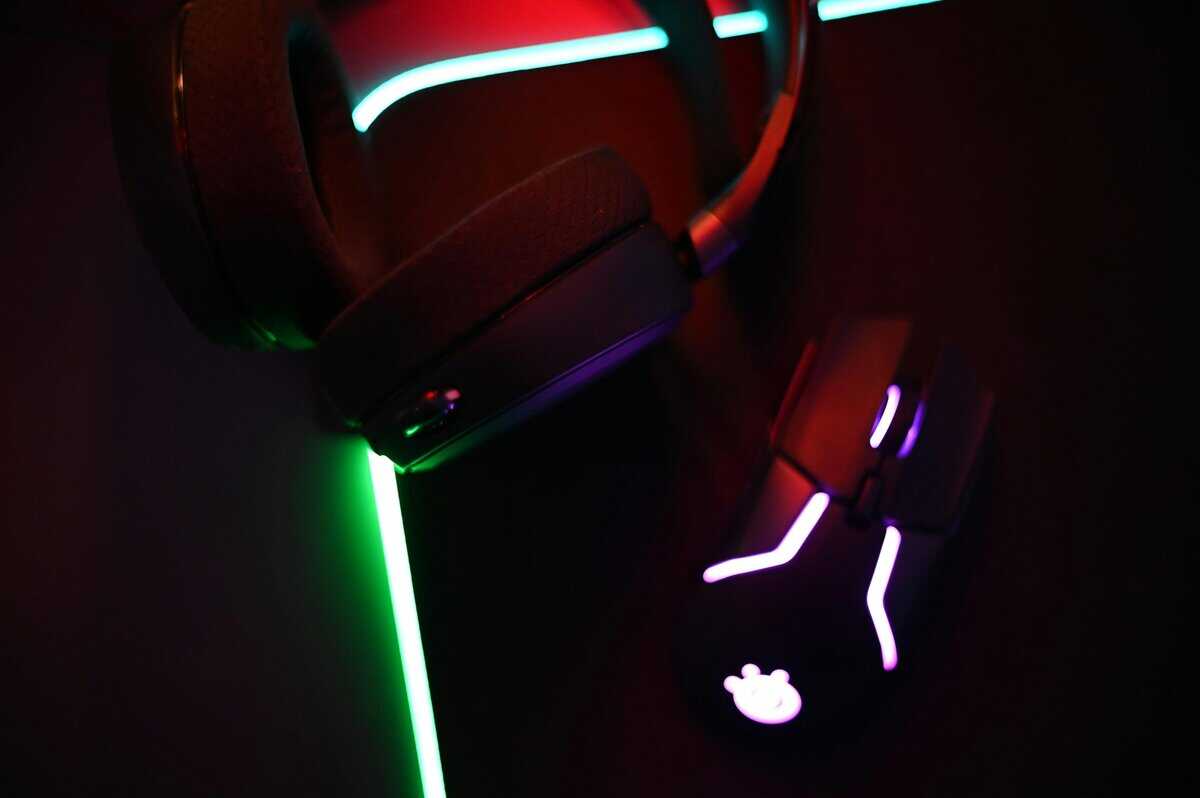
Budget wired pick for players who want clear positional audio first
The strongest wired values usually come from simple stereo headsets with a 3.5mm connection, light clamping force, and a mic that stays intelligible without extra tuning. For Marvel Rivals, that formula makes more sense than paying for flashy software or features that do nothing for callouts and enemy tracking.
What matters in practice:
- Positional clarity over boosted bass: Heavy low-end tuning can make combat sound exciting, but it can also blur the small directional details that help you react faster.
- Comfort that holds up for long sessions: A cheap headset stops being a deal if the headband creates hot spots after two matches.
- A stable, no-fuss mic: Your team does not need broadcast quality. They need to hear target calls and ult status clearly.
- A cable and frame that can take repeat use: Budget gear fails early at the joints, hinges, and inline controls far more often than it fails on raw sound.
That is why the safest recommendation in this part of the guide is not about chasing one universal “best” model. It is about finding the right wired option for your platform and plug type, then making sure the tuning fits a fast hero shooter.
The better wired fit for mixed use
Some wired headsets are built more like all-purpose daily drivers. They still work for Marvel Rivals, but the appeal is broader. These are better for players who split time between shooters, single-player games, Discord chat, and music on the same headset.
The trade-off is straightforward. A more relaxed sound signature can be easier to live with outside ranked play, but it may not separate footsteps, ability cues, and vertical positioning as sharply as a more focused competitive tuning.
That broader use case is still valid for budget buyers.
If you want one headset to cover games and general media without spending much, Budget Loadout’s guide to cheap over-ear headphones that work well for gaming and everyday use is a useful comparison point.
Performance per dollar comes from hearing important cues clearly, staying comfortable, and not replacing the headset six months early because the frame or cable gave out.
Who should buy wired before anything else
Wired makes the most sense for:
- PC players at a desk: A cable is barely a drawback if you stay in one setup.
- Console players using a controller jack: 3.5mm wired options are usually the easiest low-cost route.
- Ranked-focused players: Lower hassle and more consistent response matter more than extra convenience.
- Buyers on the lower end of the budget range: More of your money goes into sound, comfort, and build instead of wireless hardware.
For pure value, wired still wins. The right pick is the one that matches your platform, keeps directional cues easy to place, and does not waste your budget on features that matter less than clear audio in a fast shooter.
Top Wireless Headset Picks for Budget Freedom
On the wireless side, the Logitech G321 LIGHTSPEED is the do-everything pick with lag-free 2.4GHz plus Bluetooth, while the EKSA G19 is the cheapest reliable option.
You queue for a late-night match from the couch, the controller is charging across the room, and the last thing you want is a cable dragging across your lap every time you reposition. That is the case for budget wireless. It is not about chasing the lowest price. It is about paying for freedom that you will use.
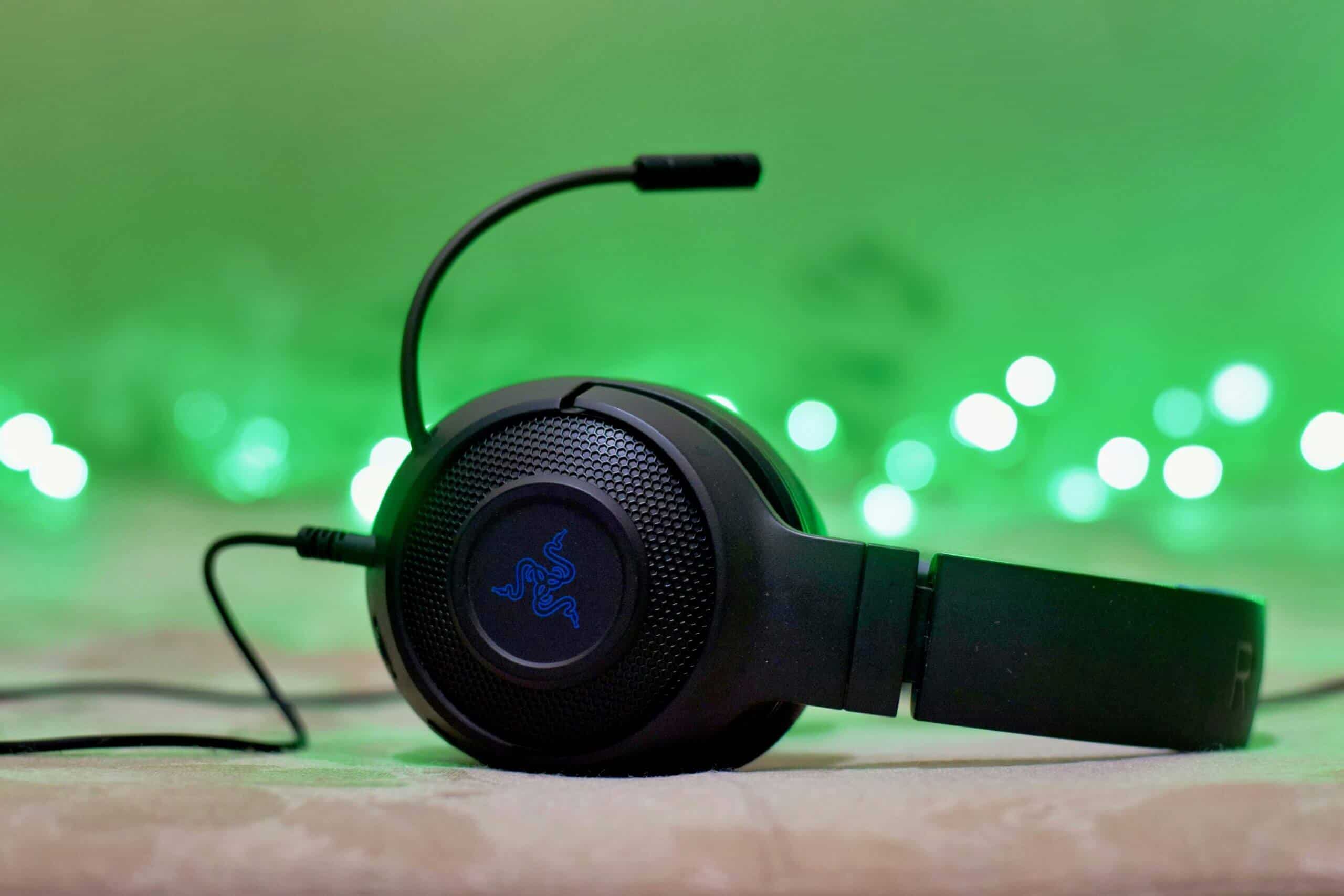
Wireless value changes by platform and connection type more than buyers expect. A USB dongle model on PC or console usually gives the most stable game audio for Marvel Rivals. Bluetooth-first options make more sense for mixed everyday use, but they are often the weaker choice for a fast shooter if low delay and reliable chat matter more than phone convenience.
That difference matters.
A good budget wireless headset for Marvel Rivals should get four basics right. It needs clear directional cues, a connection that stays stable through full matches, enough battery life that you are not charging every other session, and ear pads that stay comfortable once a match goes long. If one of those falls apart, the “wireless freedom” pitch gets old fast.
Best fit by setup, not by one generic winner
For PC desk players, budget wireless only makes sense if you know the cable bothers you enough to stop using the headset regularly. The better picks here usually use a 2.4GHz dongle, keep controls simple, and avoid extra features that eat budget without helping in-game audio.
For console players in a living room, wireless has a stronger case. Distance from the screen, relaxed seating, and controller movement all make cable management more annoying. In that setup, comfort and connection reliability often matter more than squeezing out the last bit of competitive edge.
For multi-device buyers, the useful question is not “does it work with everything?” It is “how many compromises does that flexibility add?” Some budget wireless headsets spread the money across compatibility, Bluetooth, detachable parts, and app features, then leave the actual sound only average for shooters.
What to check before you buy
Battery claims on the box matter less than charging habits in real use. A headset that charges over USB-C and gives you enough sessions between top-ups is easier to live with than one that lasts longer on paper but uses a worse port or takes too long to refill.
Mic quality also needs realistic expectations. Budget wireless mics are fine for team calls. They are rarely great for streaming or recording. If you plan to split game, chat, and stream audio later, a simple audio mixer for PC gaming and streaming can make more sense than overpaying for headset features you may outgrow.
Build quality is where cheap wireless models usually show their weak point. The battery, charging port, hinges, and onboard buttons all add failure points that wired sets do not have. I pay close attention to clamp consistency, creaking at the yokes, and whether the ear cups stay solid after a few weeks of regular use. Those details tell you more than flashy feature lists do.
When wireless is actually the smarter budget buy
Wireless is worth it when it fixes a daily annoyance in your setup. Shared living room. Console-first play. One headset for games, chat, and casual media across different devices. In those cases, the added cost is buying convenience you will notice every session.
For pure ranked value, wired still keeps more of your budget focused on sound and durability. For buyers who want freedom of movement and a cleaner setup, the right budget wireless headset can still be the better pick. Just buy based on platform, connection type, and how you play Marvel Rivals, not on a generic “best wireless” label.
Beyond the Headset Alternative Audio Setups
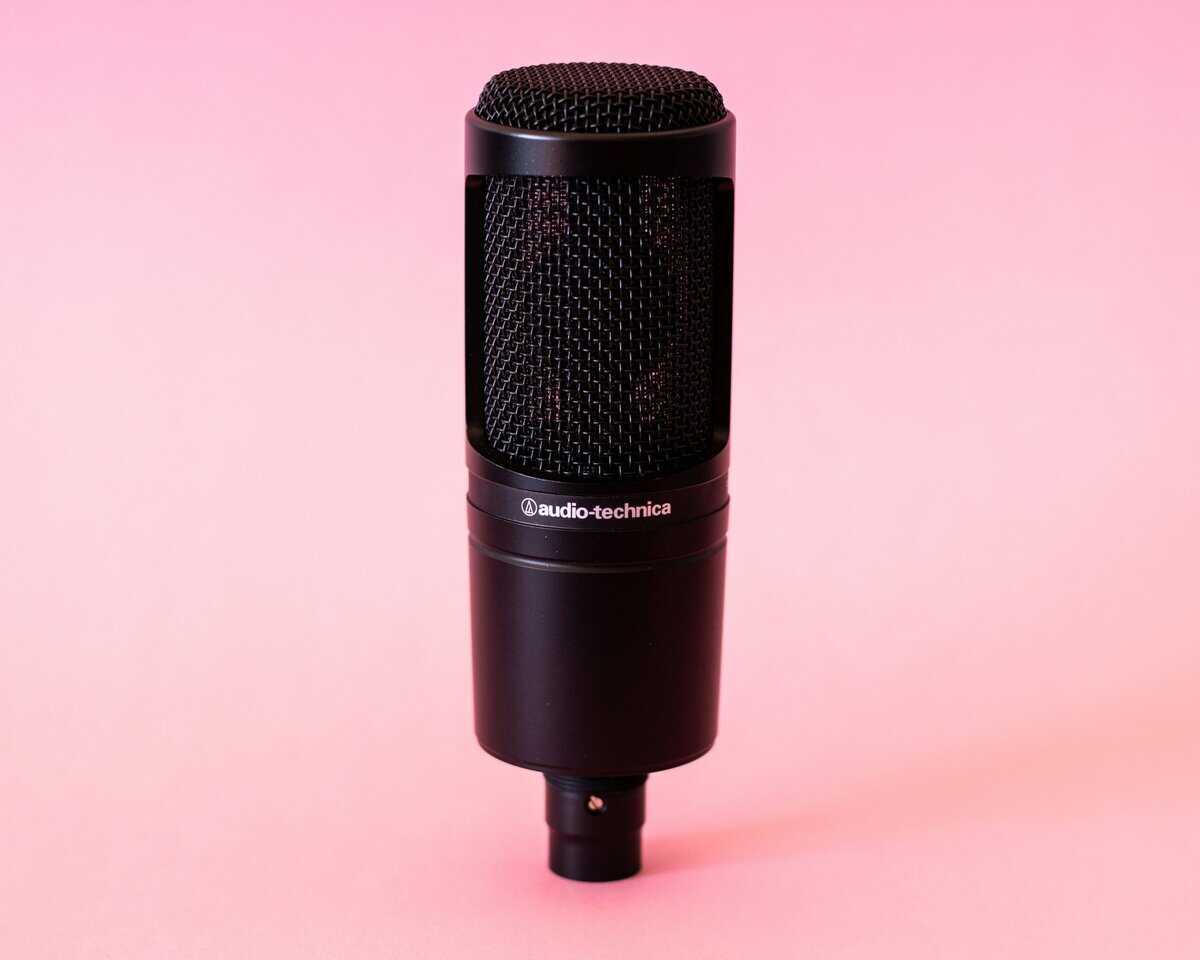
There is another route. Skip the gaming headset entirely and use separate headphones plus a dedicated microphone. For some players, that setup gives better sound and clearer voice pickup than an all-in-one headset.
The upside is obvious. You can choose headphones for pure audio performance and pick a mic that suits team chat, content creation, or streaming. If you eventually start recording more seriously, this path scales better than replacing one gaming headset after another.
Why most budget buyers shouldn’t start here
The downsides show up fast:
- Higher total cost: Even if each piece looks affordable on its own, the combined setup usually costs more.
- More clutter: More cables, more mounting decisions, more things on the desk.
- More complexity: Good if you like tweaking. Bad if you just want to plug in and play.
For MMO players who sit at a desk for long sessions, or streamers who care a lot about voice quality, the separate-components route can make sense as a future upgrade. For most Marvel Rivals players on a budget, it’s not the first move. It’s the second or third one, after you’ve already figured out what kind of audio profile and comfort you like.
If you do go that route later, adding a simple audio mixer for PC gaming and streaming can help manage levels and sources without turning your setup into a mess.
The short version is simple. If you want clean value today, buy a solid headset. If you want a longer upgrade path and don’t mind extra gear, separate headphones and mic can be the smarter endgame.
Once the headset is sorted, budget mouse picks for Marvel Rivals, budget keyboards for Marvel Rivals and budget monitors for Marvel Rivals are the next upgrades worth a look. A mousepad matched to your Marvel Rivals main rounds out the desk.
Frequently Asked Questions
Quick answers to the most common budget Marvel Rivals headset questions.
Do I need a surround sound headset for Marvel Rivals?
No. A good stereo headset with an accurate soundstage gives you cleaner directional cues than cheap virtual surround, which can smear the small details that help you locate enemies. Prioritize clarity and comfort over a 7.1 label.
Is wired or wireless better for Marvel Rivals on a budget?
Wired is the safest budget choice: no battery, no dropouts, and usually better audio per dollar. A good 2.4GHz wireless headset is close on latency, so pick wireless only if a clean, cable-free setup matters to you.
How much should I spend on a Marvel Rivals headset?
You can get a genuinely good headset in the $40 to $60 range. Spending more buys comfort, build, and mic quality, but the core competitive advantage, clear positional audio, is available at budget prices.
Does headset mic quality matter for Marvel Rivals?
It matters enough to be understood on comms, not much beyond that. A clear, noise-cancelling mic that makes callouts intelligible is plenty. You do not need a studio-grade boom mic to coordinate with your team.
Will a budget headset work on PC and consoles?
Most wired 3.5mm headsets work across PC, PlayStation, Xbox, and Switch. Wireless models vary: 2.4GHz USB dongles usually cover PC and PlayStation, so check the listed platform support if you play on Xbox.
If you’re still deciding, Budget Loadout has more practical buying guides for gamers who care about value, durability, and real-world trade-offs instead of spec-sheet hype.
Related Articles