You’re probably looking at two very different setups right now. One keyboard keeps the desk clean, moves easily, and looks better on a shared work-and-play battlestation. The other has a cable running across the mat, but you know exactly why people still trust it for long sessions and competitive games.
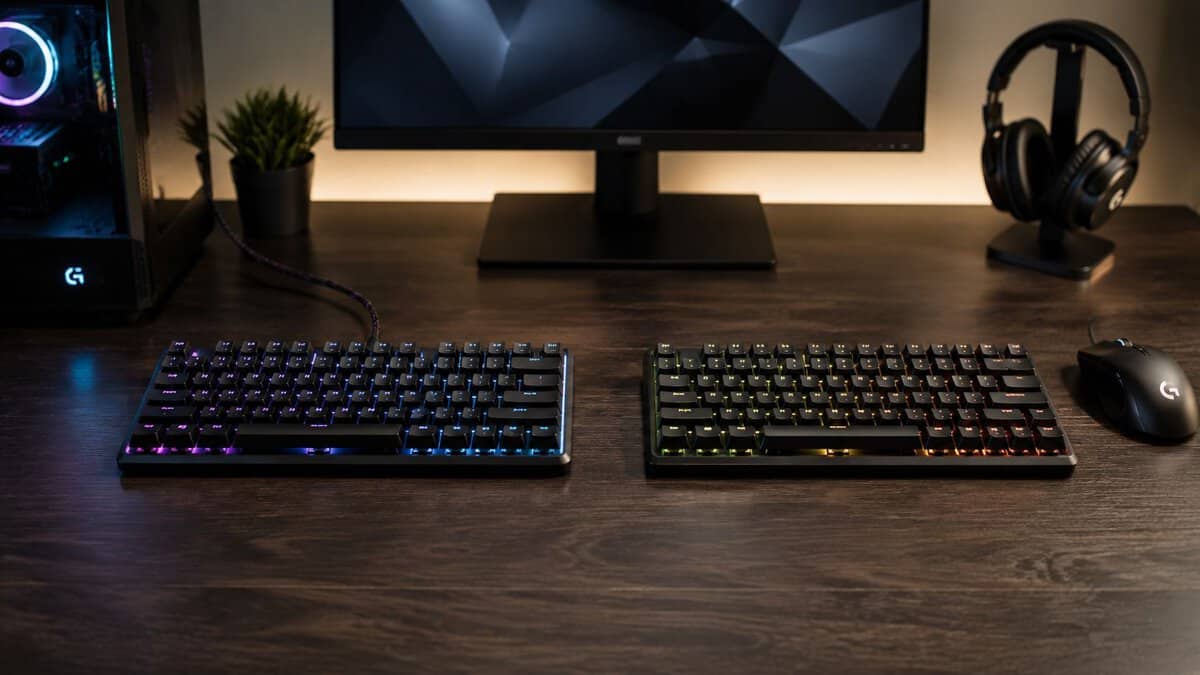
That’s the wired vs wireless keyboard debate for most gamers. It isn’t about picking the “modern” option or the “hardcore” option. It’s about deciding what gives you the better experience for your money, your games, and your setup.
A lot of buyers get stuck on the wrong question. They ask whether wireless keyboards are good now. A better question is this: for the same budget, do you get more useful performance, stronger build quality, and fewer headaches from wired, or does wireless add enough comfort to justify the trade? That answer changes depending on whether you grind FPS matches, sit through long MMO sessions, stream regularly, or split time between gaming and work.
- For gaming, the wired vs wireless gap is mostly gone: a flagship 2.4GHz keyboard lands within 1 to 2 ms of wired and feels identical in play.
- Bluetooth is the real exception. Its higher, variable latency (often 8 to 20 ms) makes it a poor fit for reaction-heavy games.
- Wired keyboards remove every variable: no battery to die, no wireless interference, and usually better build quality per dollar.
- Wireless earns its premium on convenience, a cleaner desk, easy device switching, and portability, not on raw speed.
- For most budget-conscious gamers, a solid wired mechanical is the safest value pick; choose 2.4GHz wireless only if a clutter-free setup is worth the extra cost.
Table of Contents
The Choice Every Gamer Faces
A keyboard choice usually starts with a desk problem, not a spec sheet. You want less clutter, more room for mouse movement, and a setup that feels cleaner. At the same time, you don’t want to lose a fight, miss a cooldown window, or deal with a keyboard that suddenly needs charging in the middle of a session.
That tension is why this decision still matters. Wired keyboards have been the default standard for most of the modern PC era because the signal goes directly over a cable, which removes battery management and cuts down on variables that can affect consistency, according to this wired vs wireless keyboard comparison. In practice, that’s also why wired boards are usually treated as the lower-maintenance, lower-cost option.
For a lot of gamers, the desk itself shapes the choice. If you’re building around a cleaner setup, mounted displays, speakers, and lighting, a cable-free keyboard can make the whole space feel more intentional. If you’re still piecing together the room around the PC, this UrbanManCaves game room guide is useful for thinking through layout before you buy gear that has to fit into it.
What matters more than the label
“Wireless” and “wired” sound like simple categories, but they hide trade-offs:
Connection behavior: Does the keyboard behave the same way every time you sit down to play?
Upkeep: Will you need to charge it, swap batteries, or troubleshoot pairing?
Value at your budget: Are you paying for typing feel and build quality, or for radio hardware and battery systems?
Game fit: Fast shooters, MMOs, and stream setups don’t all punish weaknesses in the same way.
If you’re also still deciding on switch feel and overall typing experience, this guide on mechanical vs membrane keyboard differences helps narrow the field before you even get to the cable question.
Practical rule: Don’t ask which category is better in the abstract. Ask what gets sacrificed at your budget when you choose one over the other.
Latency and Reliability: The Metrics That Matter
Here’s the quick version most buyers need first.
| Attribute | Wired | 2.4GHz Wireless | Bluetooth Wireless |
|---|---|---|---|
| Typical gaming feel | Most predictable | Very close on good models | Usually less suited to serious gaming |
| Latency range | 1–4 ms | 1–5 ms on flagship models | 8–20 ms |
| Connection path | Direct over cable | USB receiver radio link | Bluetooth stack and pairing |
| Interference risk | Lowest | Possible in crowded wireless environments | More likely to feel slower |
| Battery dependence | None | Yes | Yes |
| Best fit | Competitive play, fixed desk setups, value builds | Clean gaming setups, hybrid desks | Work, travel, casual multi-device use |
Those latency figures come from a latency-focused wired vs wireless keyboard comparison, which also notes that human reaction time is roughly 150–250 ms. That context matters because it explains why many casual players won’t feel the difference between a good 2.4GHz wireless board and a wired one in normal play.
What latency means in real games
Latency matters most when the game asks for immediate response under pressure. In an FPS, that means strafing into cover, stopping cleanly before a shot, or hitting an ability at the exact moment you peek. In a fighting game, it means your input timing has less room for slop. In rhythm-heavy or movement-heavy games, inconsistency bothers you more than raw numbers.
But there’s a difference between measurable delay and meaningful delay.
If you’re a casual shooter player, a strong 2.4GHz connection is usually good enough that your aim, positioning, and server conditions matter more. If you’re playing ranked matches where every input path gets scrutinized, wired still keeps the setup simpler and more consistent.
Why 2.4GHz and Bluetooth should not be lumped together
A lot of people say “wireless” like it’s one thing. It isn’t.
2.4GHz wireless is the version gamers should care about. It uses a dedicated receiver and is designed to keep input fast and steady. Bluetooth is more about convenience, compatibility, and easy switching between devices. That makes it useful for office work, tablets, and travel, but less attractive for serious gaming if responsiveness is high on your priority list.
Bluetooth is fine for typing, browsing, and mixed-device setups. It’s rarely the first choice when you’re buying a keyboard mainly for competitive gaming.
Reliability is more than speed
A stable keyboard doesn’t just feel fast. It feels boring in the best way. You stop thinking about it.
Wired still wins there because the signal path is simple. There’s no battery level to watch, no receiver to misplace, and fewer chances for nearby devices to complicate the connection. Wireless can work very well, but when something goes wrong, the issue usually isn’t dramatic. It’s the small stuff: an occasional reconnect, a low-battery warning at the wrong time, or a desk setup that suddenly gets picky.
If your whole system already feels delayed, fix the bigger bottlenecks first. This guide on how to fix input lag is worth reading because keyboard connection type is only one part of the chain.
Beyond Speed: Practical Daily Differences
The performance debate gets most of the attention, but daily ownership decides whether you enjoy using the keyboard. That’s where wired and wireless feel very different.
Wireless gives you visual freedom. Wired gives you routine freedom.
The daily friction nobody mentions enough
A wired keyboard sits on the desk, stays connected, and works every time the PC wakes up. That matters if you don’t want one more accessory to manage. For a lot of gamers, especially students and people sharing a room or desk, low-maintenance gear is part of the value.
Wireless ownership is different. Even when the connection is solid, you still have to think about charging habits, battery swaps on some models, and whether the keyboard is ready when you sit down for a long session. That isn’t a dealbreaker. It just means wireless convenience comes with maintenance that wired users never have to think about.
Desk space and movement
This is the strongest real-world argument for wireless.
If you play low-sensitivity FPS and use big mouse swipes, a cable crossing the desk can annoy you, especially on smaller surfaces. If you move the keyboard around often, angle it differently for certain games, or slide it out of the way during controller sessions, wireless feels cleaner. It also helps on hybrid desks where the keyboard gets moved between work and gaming positions.
If you stick with wired, spend a little effort on setup instead of blaming the cable itself. Good routing can remove most of the annoyance. This guide to PC cable management is useful if your desk feels cramped or messy and you want the benefits of wired without the visual clutter.
Build quality and durability matter more on a budget
Budget-conscious buyers shouldn’t chase connection type first. They should look at what the keyboard is physically made of.
A stronger case, better stabilizers, more durable keycaps, and an overall tighter build usually matter more to long-term satisfaction than a cleaner desk photo. That’s especially true if you type a lot, game hard, or throw the board in a bag. Wireless keyboards also pack in more hardware, which means there are more systems inside the board. More convenience, more complexity.
What lasts: A keyboard that feels solid after months of use usually wins on the basics first. Case rigidity, switch consistency, stabilizer quality, and keycap wear matter every day.
That doesn’t mean wireless is fragile. It means value shoppers should be picky. If a wireless board looks good but cuts corners on materials, battery design, or switch feel to hit a price target, the compromise shows up fast. A wired board at the same price often feels sturdier because more of the budget goes into the keyboard itself.
The Price and Value Trade-Off
This is where the wired vs wireless keyboard decision gets real. Most buyers aren’t choosing between a perfect wired board and a perfect wireless board. They’re choosing between a better-built wired keyboard and a more convenient but more compromised wireless keyboard at the same budget.
That’s the framework worth using if value matters to you.
According to this price-focused comparison of wired and wireless keyboards, mechanical wired boards can be found under $50, while premium wired gaming models commonly range from about $80 to $150, and wireless versions are usually priced higher for comparable features. The reason is simple. Wireless models add radios, receivers, and batteries, so part of your money goes toward connection hardware instead of switch quality, case materials, and other physical features.

What the same budget usually buys
At a fixed budget, wired often gives you more keyboard. Not more marketing, not more modes. More actual board.
That can mean:
A sturdier frame instead of a lighter plastic shell
Better keycaps that resist shine and wear better over time
Stronger stabilizers on larger keys like space, enter, and shift
A more consistent typing feel because the budget went into core parts
Wireless at the same price can still be the right buy. But you should go in knowing what you’re paying for. You’re buying cleaner placement, easier movement, and more flexibility across different setups. You may also be giving up some build refinement to get those features.
When wireless is worth the premium
Wireless makes sense when the setup itself benefits enough to justify the trade.
Maybe you move the keyboard between a gaming PC and a work device. Maybe your desk doubles as a study area and you want to reclaim space quickly. Maybe you stream and care about a cleaner camera shot. In those cases, wireless isn’t just cosmetic. It changes how the space works.
If the cable gets in your way every day, paying extra to remove it can be good value. If the cable disappears once you route it properly, that money usually buys more quality in a wired board.
Value is not the same as “cheapest”
The cheapest keyboard in either category often cuts the wrong corners. Budget buyers should care more about durability per dollar than the lowest sticker price.
That’s why the sweet spot for many gamers is often a wired mechanical board with decent build quality rather than the lowest-cost wireless option. If you want a starting point, this roundup of the best budget keyboard for gaming is useful because it focuses on what proves durable, not just what looks affordable on paper.
Which Keyboard Is Best for Your Specific Use Case
The right answer changes fast once you stop thinking in categories and start thinking in habits. The keyboard that makes sense for a ranked FPS player isn’t always the same one that makes sense for an MMO player, a streamer, or someone splitting time between work and games.
For competitive play, the basic rule still holds. A gaming keyboard latency comparison notes that wired keyboards have the lowest and most consistent input path, while modern 2.4 GHz wireless models can reach around 1 ms response times, which is why the gap has narrowed so much for non-pro use.
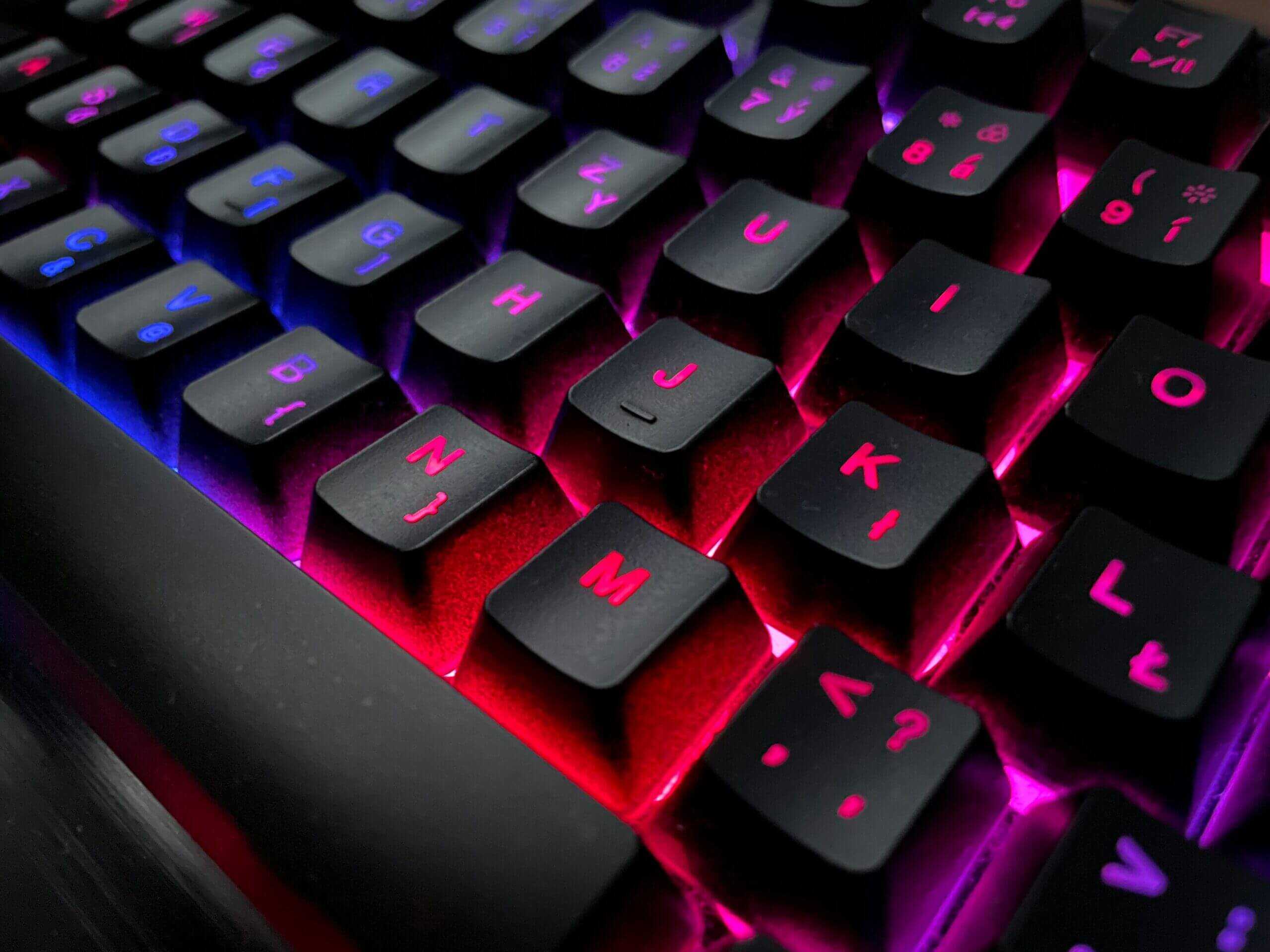
FPS players
If you mainly play tactical shooters, arena shooters, or anything where movement timing and instant feedback matter, go wired unless you have a strong reason not to. It’s the safest pick. You get the most stable connection path and skip one more thing that can go wrong during ranked play.
A good 2.4GHz wireless board can still work well here. For most non-pro players, it’s close enough. But this is the category where “close enough” matters least. If you’re chasing consistency and value, wired usually stays ahead.
MMO and RTS players
This group has more flexibility.
Long sessions, lots of keybinds, and heavy general use make comfort, build quality, and typing feel more important. You’re less likely to lose because your keyboard wasn’t physically tethered. If wireless helps you position the board more comfortably or keep the desk clear for extended sessions, that can be a reasonable trade.
The bigger warning here is durability. MMO and RTS players often use a keyboard hard for years, so don’t overpay for wireless if it forces you into weaker materials or a less solid chassis.
Streamers and content creators
Streamers sit in the middle. A cleaner desk can look better on camera, and wireless helps with that. But live setups punish random issues. If your keyboard is part of a production environment, boring reliability matters.
A lot of streamers are better off with either a wired board that’s neatly routed or a well-sorted 2.4GHz wireless board they trust after real use. Bluetooth is harder to justify if gaming is still part of the job.
Work and gaming on the same setup
Often, wireless earns its keep.
If you bounce between a gaming PC, a laptop, and maybe even a tablet, easy device switching can be more useful than shaving off every possible variable. That’s especially true if your desk has to stay flexible or portable. For tablet-focused setups, it helps to look at products built for that workflow, such as a wireless keyboard for iPad, because that use case values portability and compatibility more than pure gaming focus.
If you want a gaming-first option without giving up cable-free convenience, this guide to the best wireless gaming keyboard is a practical next step.
Your Final Checklist and Value-Focused Picks
Before you buy, run through these questions:
What annoys you more: cable clutter on the desk, or charging one more device?
What do you play most: ranked FPS, long MMO sessions, mixed casual games, or work plus gaming?
What matters at your budget: cleaner setup flexibility, or stronger build quality and better parts?
Will you move the keyboard often: between devices, rooms, or desk positions?
How much maintenance do you tolerate: none, occasional charging, or frequent device switching?
Are you buying for years of use: because that makes durability and key feel more important than novelty
For most budget-conscious gamers, the safest value pick is still a wired mechanical keyboard with solid build quality. You usually get more durable materials, fewer moving parts behind the scenes, and a more predictable experience for the money.
A 2.4GHz wireless gaming keyboard makes sense when your desk setup benefits from it every day. That could mean cleaner camera framing for streaming, easier movement on a small desk, or one board shared across gaming and work devices.
A Bluetooth-first keyboard is usually the right pick only when convenience and multi-device use matter more than gaming performance.
The short version is simple. If you want the best keyboard for a fixed budget, buy wired first and only move to wireless when the convenience solves a real problem in your setup.
Frequently Asked Questions
Quick answers to the most common wired vs wireless keyboard questions.
Is a wired keyboard really faster than wireless for gaming?
On paper yes, but the gap is tiny. A good 2.4GHz wireless keyboard sits within about 1 to 2 milliseconds of wired and feels identical to nearly everyone. Wired only pulls clearly ahead against Bluetooth or cheap wireless boards with slow polling.
Can I use a Bluetooth keyboard for competitive gaming?
It is not ideal. Bluetooth latency is higher and more variable, often in the 8 to 20 millisecond range, which you can feel in reaction-heavy games. Use the 2.4GHz USB dongle for gaming and save Bluetooth for a tablet, laptop, or travel.
Do wireless gaming keyboards have noticeable input lag?
A quality 2.4GHz board has lag so small it is hard to measure and impossible to feel in normal play. Noticeable lag usually comes from Bluetooth mode, a low polling rate, or a budget wireless model cutting corners. Check the connection type and polling rate before buying.
Is a wireless keyboard worth the extra money?
It depends on what you value. Wireless costs more and often gives slightly less keyboard per dollar, but you get a cleaner desk, easy device switching, and portability. If raw value and durability matter most, a wired mechanical is the smarter budget buy.
Will a wireless keyboard die in the middle of a game?
Modern wireless boards last days to weeks per charge and warn you before they run low, so a surprise shutdown is rare if you charge occasionally. If the thought still bothers you, a wired keyboard removes the worry entirely since it never needs charging.
If you’re trying to stretch your budget without buying junk, Budget Loadout is worth bookmarking. The site focuses on practical gaming gear picks, honest trade-offs, and setup guides that help you spend where it improves the experience.
Related Articles