You’ve probably had this thought already. Your PC is good enough to run the games you care about, but your monitor is still a basic 60Hz panel that came from an older setup, a work desk, or a compromise buy when the budget was tight.
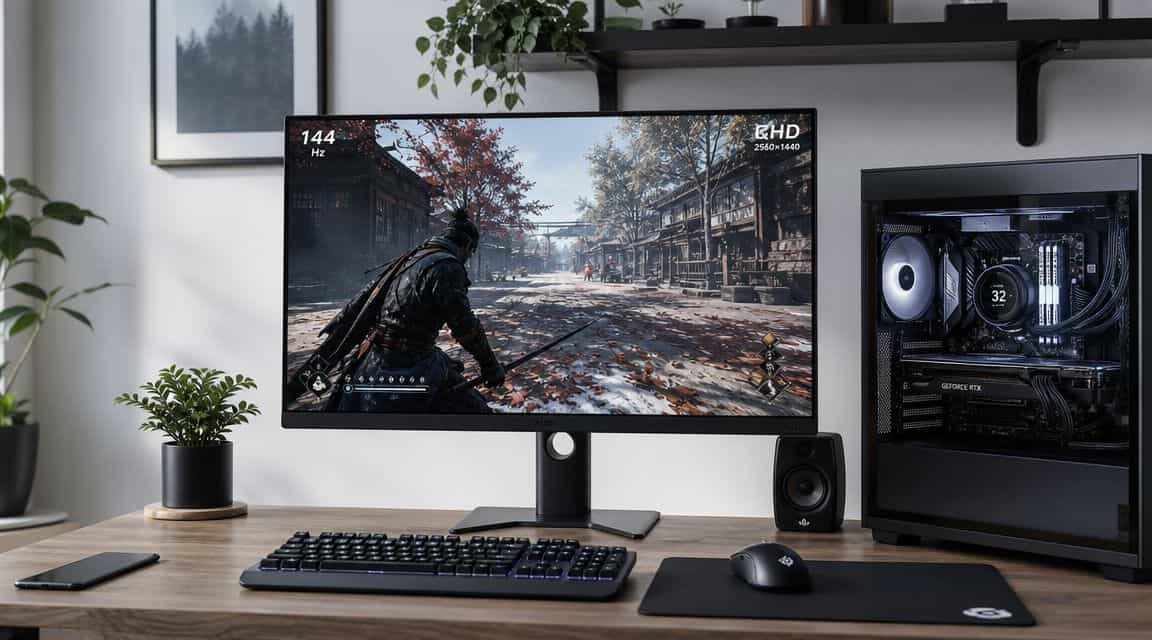
Then you start seeing 144Hz everywhere. People talk about smoother aim, cleaner motion, and better responsiveness. If you mainly care about value, that can sound like marketing noise. A monitor upgrade only makes sense if you will notice it and if your hardware can support it.
That’s where most 60Hz vs 144Hz guides miss the point. They explain what refresh rate is, but they don’t help you answer the buying question that matters most. Can your system hold the kind of frame rates that make a 144Hz monitor worth paying for?
- 144Hz is the most noticeable monitor upgrade for most gamers: motion is clearer and fast-moving targets are far easier to track than on 60Hz.
- The benefit only shows up if your PC can push frame rates well above 60 fps in the games you actually play.
- The 60Hz vs 144Hz gap is biggest in fast games (shooters, racing) and smallest in slow, mostly-static titles.
- Esports games hit high frame rates on modest hardware; demanding AAA titles may need a stronger GPU to feel the upgrade.
- If your frame rates are already low, upgrade the GPU first: a 144Hz panel only exposes the weakest part of your system.
Table of Contents
Is the 144Hz Upgrade Worth Your Money
A lot of first monitor upgrades happen the same way. Someone builds a decent gaming PC, keeps using an old 60Hz display to save money, and then starts wondering whether the monitor is now the weak link.
That’s a fair question. 144Hz is a real upgrade, not a gimmick, but it isn’t an automatic smart buy for every setup. If your PC mostly lives around lower frame rates in the games you play, a 144Hz panel won’t suddenly transform the experience on its own. If your system already runs lighter games well and you spend time in shooters or anything with fast camera movement, the upgrade makes a lot more sense.
The budget mistake is treating the monitor like an isolated purchase. It isn’t. A gaming monitor only adds value if the rest of the system can feed it useful frames often enough to matter.
To approach this practically:
- Upgrade first if your current monitor is holding back fast games. This applies when you already play competitive shooters, racing games, or other motion-heavy games and your PC can push high frame rates.
- Wait if your hardware struggles in the games you care about. In that case, the money often goes further in the GPU or broader system upgrade path.
- Buy for value, not for the spec sheet. A good 144Hz monitor should also give you decent build quality, stable stand support, and durability you won’t regret after a year of daily use.
If you’re still weighing panel options and trying to stay sensible about cost, this roundup of the best budget gaming monitor picks is a useful place to compare value-focused choices.
Practical rule: Don’t buy 144Hz because other people say it’s smoother. Buy it because your system and your games can actually benefit from it.
What Refresh Rate Actually Means for Gaming
Refresh rate is how often your monitor updates the image on screen. A 60Hz display refreshes the image 60 times per second, while a 144Hz display refreshes it 144 times per second, so 144Hz updates the screen 2.4x more often. That’s the core reason motion looks smoother on a 144Hz panel, especially in fast games, as explained in this technical breakdown of 60Hz and 144Hz refresh behavior.
A simple way to picture it is a flipbook. If one flipbook has fewer pages, the motion looks jumpier. If another has far more pages showing the same action, movement looks more continuous and easier to track.
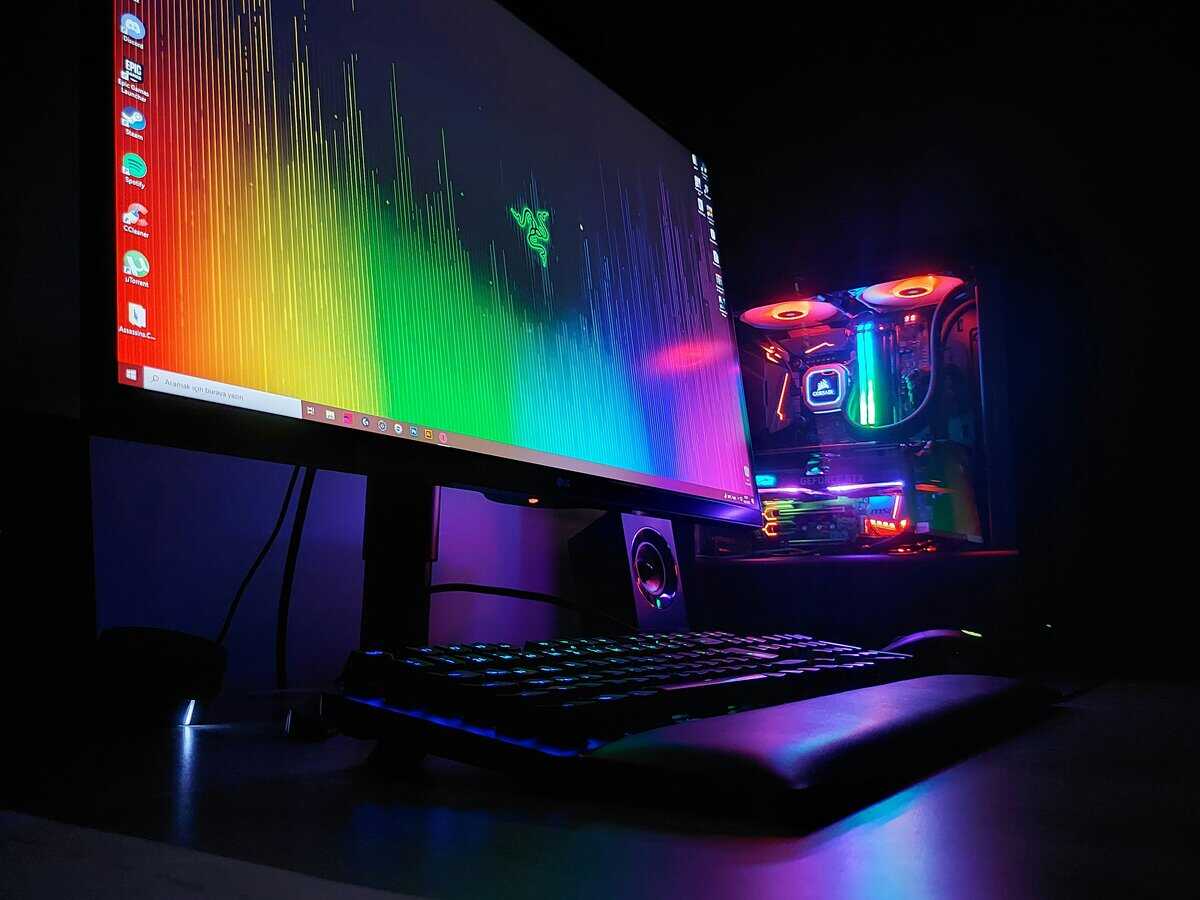
Refresh rate and frame rate are not the same thing
Many buyers find this confusing. Your GPU renders frames. Your monitor displays updates. Those are related, but they aren’t identical.
Frame rate is the rendering side: how many frames per second your GPU produces. The monitor side is different. A game can render far beyond what the screen can physically show. The example above makes that clear: if a game runs at 300 FPS on a 60Hz display, the screen still only shows 60 updates per second from that output, which leaves a lot of visible smoothness unused on the display side.
What you actually notice while playing
The difference shows up in three ways:
- Tracking movement gets easier. Fast strafing targets are easier to follow because the image updates more frequently.
- Controls feel more immediate. The screen reflects mouse movement and camera changes sooner, which helps aiming feel tighter.
- Motion looks less smeared. Quick turns, flick shots, and rapid panning don’t break apart as harshly.
That’s also why sync settings matter. If you’re trying to understand tearing and how refresh behavior interacts with your game output, this guide on what VSync does in gaming fills in the missing piece.
More refreshes don’t make a bad game run well. They make visible motion clearer when your system can deliver frames often enough to use the panel properly.
Why 144Hz became the common upgrade
For years, 60Hz was the default monitor refresh rate for most gamers. As GPU performance improved and pushing beyond 60 FPS became more realistic, higher-refresh gaming moved into the mainstream. Corsair’s overview of refresh rate tiers from 60Hz upward notes that monitors now commonly ship at 120Hz, 144Hz, 165Hz, 240Hz, and higher, with 144Hz landing as a widely used sweet spot between old-school 60Hz and the higher cost and hardware demands of the fastest panels.
The Visual and Performance Difference You Can Expect
Here’s the part that matters once the spec sheet stops talking. A 144Hz monitor looks better in motion, but the size of the upgrade depends on whether your PC can keep frame rates high enough for you to see that difference consistently.
At 60Hz, motion updates in bigger visual steps. At 144Hz, those steps are smaller and more frequent. In a fast shooter, racing game, or anything with quick camera swings, that changes how clean the image looks while you move. The gain is not just “smoother.” Targets stay easier to read during motion, camera pans break up less, and aiming feels less disconnected from what your hand is doing.
The catch is simple. If your system spends most of its time well under 100 FPS, a 144Hz panel still helps, but it will not deliver the full reason people buy one. The best value shows up when your frame rate floor is high enough that the monitor gets fed fast, consistent frame delivery.
60Hz vs 144Hz in play
| Gaming Scenario | 60Hz Experience | 144Hz Experience |
|---|---|---|
| Tracking an enemy crossing your screen | More blur between positions, harder to hold visual contact | Cleaner motion, easier to stay on target |
| Fast flick shot in a shooter | More visible stepping during the turn | Motion looks more continuous and easier to control |
| Fast driving or racing camera pans | Rougher image during quick movement | Smoother view through corners and direction changes |
| General desktop mouse movement | Fine for basic use | Noticeably more fluid cursor movement |
| Games with lots of rapid effects | The screen becomes a bottleneck sooner | The display keeps up better during busy scenes |
Where 144Hz feels worth paying for
The difference is strongest in games that reward fast tracking, quick reactions, and constant camera movement. Competitive shooters, racing games, hero shooters, and many action games benefit right away.
Slower games benefit less.
If most of your time goes into strategy, turn-based games, card games, management sims, or controller-first single-player titles locked near 60 FPS, a 144Hz upgrade is more of a comfort improvement than a performance upgrade. It still feels nicer on the desktop and in menus, but it is not the same kind of jump.
That is why I tell budget buyers to judge the monitor by the games they play most and the frame rates they can hold in those games. If your hardware can stay near the higher refresh range in your regular rotation, 144Hz makes sense. If it cannot, your money may go further toward a better GPU first, especially if you’re still shopping for the best mid-range GPU for high-FPS gaming.
Build quality can change the value
A lot of cheap 60Hz displays are built like office leftovers. Weak stands, poor tilt adjustment, bad port selection, and mediocre motion tuning are common.
Many 144Hz monitors are sold for gaming use, so the full package is often better:
- More stable stands with less desk wobble
- Better ergonomics like height or tilt adjustment
- Faster pixel response tuning that helps motion look cleaner
- Port choices that fit a gaming setup instead of basic office use
That does not mean every 144Hz monitor is well made. Plenty of low-end models still cut corners. But if you are comparing a generic 60Hz panel to a decent budget gaming display, part of what you are paying for is the whole experience, not just the refresh rate.
One side note. If your setup doubles as a workstation or streaming desk, overall monitor ergonomics matter more than people expect. A screen you use for hours every day should be easy to position, not just fast on paper.
The Hardware You Need to Power 144Hz
A 144Hz monitor only pays off if your PC can keep the frame rate high enough to use it.
That is the part many buyers skip. They see the panel spec, assume the upgrade will feel dramatic in every game, then find out their system spends too much time well below that refresh range. You still get a nicer screen in many cases, but the main reason to buy 144Hz is consistent high-FPS gameplay, not the number on the box.
The FPS floor matters more than the marketing
The key question is simple. What frame rate can your system hold, not just hit for a moment?
If your favorite games bounce between low and moderate frame rates, a 144Hz monitor will not show its full value very often. If your system can stay near the higher end of the range most of the time, the upgrade starts to make sense. That is why the FPS floor matters more than peak numbers from a benchmark chart.
A good budget rule is to judge your regular performance, not your best-case result after turning every setting down to the minimum. Buy for the experience you will use every day.
A practical way to judge your setup
Use the games you play every week and the settings you are willing to keep.
- Competitive shooter player: A 144Hz monitor makes sense if your system holds high frame rates consistently in the matches that matter. The upgrade then feels tied to performance, not just visual polish.
- AAA single-player player: If you prefer higher graphics settings and your frame rate often sits much lower, the return is smaller. In that case, better hardware may help more than a faster monitor.
- Mixed-use gamer: If you split time between esports games and heavier titles, 144Hz can still be worth it. The lighter games take full advantage of it, and the demanding ones remain fine even when they run lower.
CPU and GPU balance decides a lot
Many first-time upgraders focus only on the graphics card. That misses half the problem. High refresh gaming also leans on the CPU, especially in shooters, battle royale matches, and large multiplayer games where lots is happening at once.
An uneven build can hold back a 144Hz monitor fast. A decent GPU paired with an older or weaker processor may post respectable average FPS, but still dip enough to make the experience feel inconsistent. Those drops matter more than people expect.
If your system is borderline for high-FPS gaming, put the money where it fixes the bottleneck first. For many budget builds, that means checking whether one of these best mid-range GPUs for high-FPS gaming would do more for your setup than a monitor swap.
Streaming changes the value calculation
Streaming adds another load to the system. If your PC is already working hard to keep frame rates up, encoding can drag down the consistency that makes 144Hz worth buying in the first place.
That matters for mixed-use desks too. If you game, stream, and handle calls from the same setup, comfort and workflow count alongside raw FPS. For camera-side cleanup, this guide on setting up an external camera on Mac is a useful reference if part of your setup runs through a Mac.
Upgrade to 144Hz when your real in-game frame rate supports it. If it does not, upgrade the PC first.
Is 144Hz Worth It for Your Favorite Games?
You load into a match, your monitor can show 144Hz, and the game spends half the round dropping near 70 or 80 FPS. That upgrade will still feel better than 60Hz in motion, but it will not deliver the full reason people buy a 144Hz panel in the first place. For budget buyers, that is the critical question. Not whether 144Hz looks better on paper, but whether your usual games stay high enough often enough to justify paying for it.
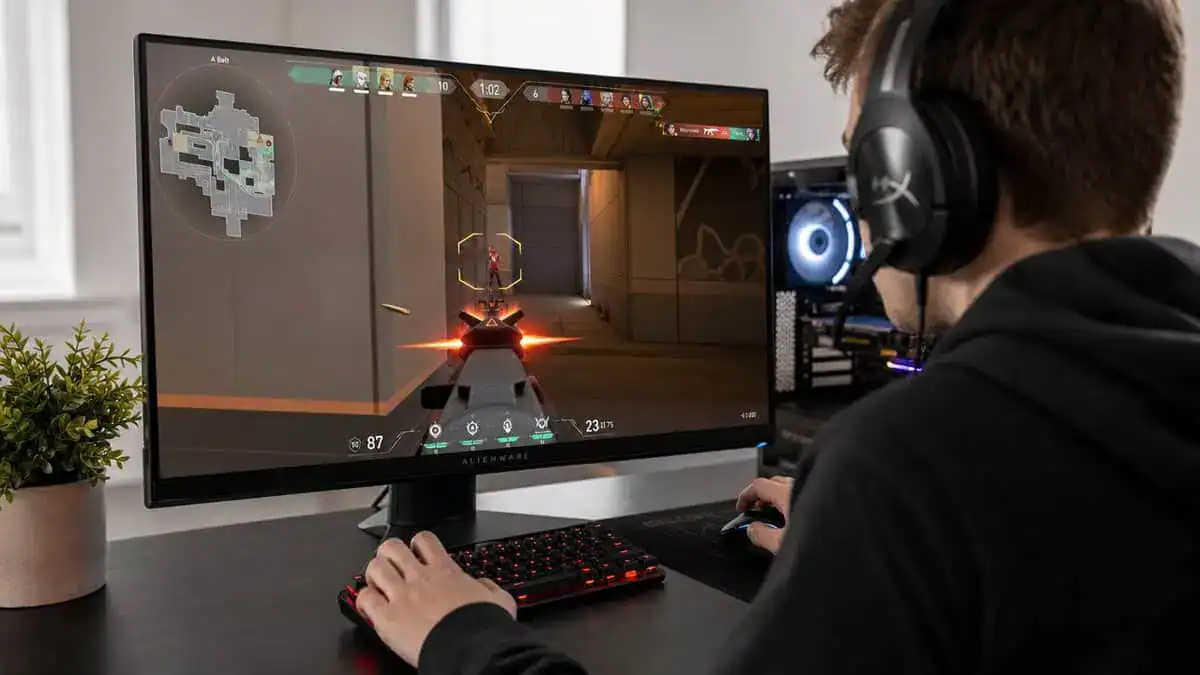
FPS games
This is the easiest case for 144Hz.
In shooters, the upgrade shows up in tracking, flicks, strafing fights, and how readable motion stays during fast turns. But shooters also expose weak hardware faster than almost any other genre. If your system can hold a high FPS floor in real matches, 144Hz makes sense. If performance swings hard from fight to fight, the monitor starts to outpace the PC.
That is why games like Valorant, CS-style shooters, and Overwatch 2-type arena games are often the best value fit for 144Hz. They reward fast response, and many budget systems can drive them well. If that is your main lane, this roundup of the best budget monitor for Valorant is a good place to compare display options that match competitive play without overspending.
MMOs, MOBAs, and strategy games
Here, the value depends more on feel than on raw advantage.
A smoother camera pan in an MMO city, cleaner map scrolling in a strategy game, and less blur during big teamfights all make the experience nicer. But these genres usually do not justify chasing 144Hz at any cost, especially if your PC struggles during large battles or crowded scenes. A stable lower refresh setup often gives better value than buying a faster panel your system cannot feed consistently.
Cinematic single-player games
Buyers should be honest about priorities.
A lot of single-player games look best with settings pushed higher, and that can pull frame rates well below the range where a 144Hz panel really earns its keep. If you mostly play story-heavy action games, open-world titles, or anything graphically demanding, the better move may be a good-quality display first and a refresh-rate jump later. Smooth motion is nice. Higher image quality with steadier performance is often the smarter budget choice.
Streaming while gaming
Streaming changes the math again.
A PC that feels fine in solo play can lose the consistent FPS floor you need once encoding, chat, alerts, and background apps are running too. In that situation, 144Hz is still usable, but the benefit shrinks because the system no longer stays in the performance range that makes high refresh feel especially good.
The practical rule is simple. Buy 144Hz for the games you play most, and base the decision on your sustained FPS floor, not your best-case peak. That approach saves money and avoids the common mistake of upgrading the monitor before the rest of the setup is ready.
The Final Verdict: When to Upgrade and When to Wait
You load into your usual game, the frame rate looks fine in a quiet area, then a busy fight starts and performance drops hard. That is the moment to decide whether a 144Hz monitor makes sense or whether your money belongs somewhere else first.
The most useful question is simple. What FPS floor does your PC hold in the games you play most?
That is the decision point. A 144Hz panel is a strong upgrade when your system stays high enough, often enough, for you to feel the benefit during real matches, not just on an empty map or a menu screen. If your frame rate keeps dipping well below that range, the monitor is ahead of the rest of the build.
Upgrade to 144Hz if
- You play games where motion clarity and input feel matter. Competitive shooters, racing games, and fast action titles benefit the most.
- Your PC holds a high FPS floor, not just occasional spikes. Consistency is what makes 144Hz worth paying for.
- You are replacing a basic older display anyway. A decent 144Hz gaming monitor often brings better motion handling, better ergonomics, and a better overall experience than a bare-bones 60Hz panel.
- You plan to keep the monitor through future upgrades. That can make the cost easier to justify.
Stick with 60Hz if
- Your hardware drops too far in the games you care about. In that case, a GPU, CPU, or settings upgrade usually has a bigger impact.
- You mostly play slower-paced games. The difference is still there, but the value is weaker.
- You prefer higher visual settings over chasing frame rate. That is a common and reasonable trade-off in story-driven games.
- Your budget covers only one meaningful upgrade right now. Fix the bottleneck first.
What kind of 144Hz monitor makes sense
Budget buyers do best with a simple, well-rounded 1080p 144Hz gaming monitor rather than paying extra for premium features they may never use. Look for the basics done right: solid motion performance, usable stand adjustment, the ports you need, and a panel quality level that matches the rest of your build.
That last point matters. A cheap high-refresh monitor is still a bad buy if build quality, controls, or connection support create problems on day one. Before you spend the money, make sure you know the differences between DisplayPort and HDMI for gaming, so the monitor runs at its intended refresh rate.
Here is the short version. Buy 144Hz when your system can maintain the kind of frame rate that justifies it in the games you play every week. Wait when your FPS floor is too low and the monitor would only expose the weakness in the rest of the PC.
If your frame rates are already there, 144Hz is one of the most noticeable monitor upgrades you can make. If they are not, put that money into the part holding you back first.
60Hz vs 144Hz: Frequently Asked Questions
Is 144Hz really better than 60Hz?
Yes. The jump from 60Hz to 144Hz is the most noticeable refresh-rate upgrade: motion is clearer, fast-moving targets are easier to track, and the whole desktop feels smoother. Most players notice it immediately in fast-paced games.
Do you need a powerful PC for 144Hz?
You need your GPU to push frame rates well above 60 fps in the games you play for the upgrade to feel worth it. Esports titles hit those frame rates on modest hardware, while demanding AAA games may need a stronger GPU to get there.
Can you actually see the difference between 60Hz and 144Hz?
Yes, especially in motion: camera pans, flick shots, and tracking targets look noticeably smoother. The difference is most obvious in fast games and least obvious in slow, mostly-static ones.
Is 144Hz worth it for casual or single-player gaming?
It still makes everything feel smoother, but the competitive edge is smaller. If you mostly play slower single-player games, 144Hz is a nice-to-have rather than essential.
Should you get 144Hz or jump straight to 240Hz?
For most players 144Hz is the value sweet spot. 240Hz and higher only pay off for competitive FPS players with hardware that can sustain those frame rates. The jump from 144 to 240 is far subtler than 60 to 144.
If you want straightforward buying advice for value-focused gaming gear, Budget Loadout is built for exactly that. It cuts through spec-sheet noise, focuses on what improves your setup, and helps you spend where it matters most.
Related Articles