You buy a new console, hook it up to your TV, and suddenly every product page starts shouting about HDMI 2.1. That’s usually the moment people wonder if their old “4K” cable is now junk, or if they’re about to waste money on a feature they’ll never use.
The short answer is simple. HDMI 2.0 is still fine for a lot of setups. HDMI 2.1 matters when your gear and your use case need it. The big technical split is bandwidth. HDMI 2.0 tops out at 18 Gbps, while HDMI 2.1 goes to 48 Gbps, which is a 2.7× bandwidth increase that enables 4K at 120 Hz and 8K at 60 Hz in standard use cases, according to this HDMI comparison.
That sounds like a spec-sheet answer, but the buying decision is more practical than that. If you play fast shooters on a current console, use a TV with a high refresh mode, or care about gaming features like VRR and better audio return, HDMI 2.1 can be worth every cent. If you mostly stream movies on a 60 Hz screen, the upgrade can be pointless. And if you’re still deciding between a big screen and a desk display, this guide on a gaming monitor vs TV is a good place to sanity-check your whole setup before you spend on cables and ports.
- HDMI 2.0 vs 2.1 comes down to bandwidth: 2.0 maxes at 18Gbps, while 2.1 jumps to 48Gbps, which unlocks 4K 120Hz and 8K 60Hz.
- You only need HDMI 2.1 if your gear and use case demand it; for 4K 60Hz or 1080p/1440p gaming, HDMI 2.0 is still perfectly fine.
- PS5 and Xbox Series X owners with a 120Hz TV are the clearest case where HDMI 2.1 actually pays off.
- The 2.1 features (VRR, ALLM, eARC, 4K 120Hz) only work when both ends of the connection AND the cable all support them.
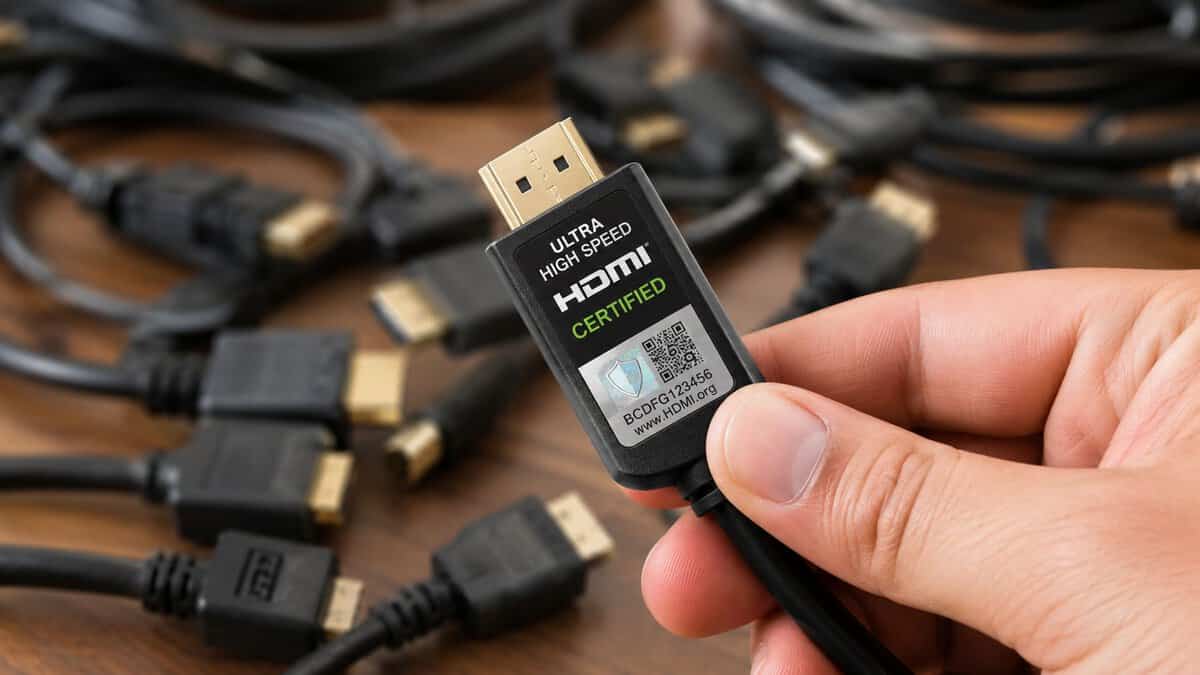
- If you do need a cable, buy a certified Ultra High Speed (48Gbps) one: certification guarantees the bandwidth, not the price or the ‘8K’ on the box.
Table of Contents
Do You Really Need an HDMI 2.1 Upgrade?
Users don’t need a new HDMI standard just because the box says “next gen.” They need it because one part of the chain is asking for features the old standard can’t carry cleanly.
This is how to approach HDMI 2.0 vs 2.1. Don’t start with the cable. Start with the display, the source device, and what you do with them. A PS5 hooked to a 60 Hz TV doesn’t get much from HDMI 2.1. The same console hooked to a TV that supports high refresh gaming is a different story.
Ask these three questions first
- What refresh rate does your screen support? If your display is capped at 60 Hz, HDMI 2.1 may offer little or no visible gain for gaming.
- What kind of games do you play? Fast FPS titles benefit more from high refresh and VRR than slower single-player or MMO sessions.
- Do you use external audio gear? If you rely on a soundbar or receiver and want better audio return support, HDMI 2.1 becomes more relevant.
Practical rule: Don’t buy HDMI 2.1 for “better picture quality” alone. Buy it when you need the features attached to the standard.
The expensive mistake is upgrading one piece in isolation. A lot of gamers buy an HDMI 2.1 cable, then plug it into a device or TV that still behaves like a basic 4K 60 setup. In that case, the extra spend doesn’t enable any new features.
The cheaper mistake is the opposite. People buy a current console and a display that supports high refresh gaming, then keep an old cable or use the wrong port and assume the console is the problem. That’s where HDMI 2.1 stops being optional and starts being the path to the performance you already paid for.
HDMI 2.0 vs 2.1 The Core Spec Showdown
Before talking about buying advice, it helps to pin down what changed.
According to this HDMI version overview, HDMI 2.0 was formally introduced in 2013 and raised maximum bandwidth to 18 Gbps, making 4K at 60 Hz the practical ceiling. HDMI 2.1 arrived in 2017 and raised bandwidth to 48 Gbps, a 2.6x jump that enabled video paths such as 4K at 120 Hz and 8K at 60 Hz.
HDMI 2.0 vs. HDMI 2.1 Feature Comparison
| Specification | HDMI 2.0 | HDMI 2.1 |
|---|---|---|
| Formal introduction | 2013 | 2017 |
| Maximum bandwidth | 18 Gbps | 48 Gbps |
| Practical video ceiling | 4K at 60 Hz | 4K at 120 Hz, 8K at 60 Hz |
| Position in the market | Baseline for many mid-2010s TVs, consoles, and streaming devices | Built for high-refresh gaming and newer display demands |
| Audio return channel | ARC | eARC |
| Gaming-focused feature support | More limited | Includes VRR and ALLM |
The table makes the difference look clean, but the buying reality is even cleaner. HDMI 2.0 was built for the era when 4K at 60 Hz was the main consumer target. That’s why it still works perfectly well for a lot of living room use. Movies, streaming boxes, and older consoles fit comfortably inside that lane.
Why the bandwidth jump matters
Bandwidth on its own isn’t exciting. What matters is what that bandwidth allows the full chain to do.
With HDMI 2.1, display makers and console makers finally had enough headroom to treat high refresh 4K gaming as a real consumer feature instead of a niche one. That’s why HDMI 2.1 feels less like a minor revision and more like a generational handoff.
HDMI 2.0 is the standard that made 4K normal. HDMI 2.1 is the standard that made high-refresh 4K practical.
There’s also a timing factor. HDMI 2.0 became the baseline for lots of TVs and media gear in the mid-2010s, so many perfectly usable setups still rely on it today. That’s part of why so many buyers feel torn. Their current setup isn’t obsolete. It just may not support the specific features newer hardware is designed around.
The practical takeaway
If you want a one-line summary, it’s this:
- Choose HDMI 2.0 when your setup lives in the 4K 60 world.
- Choose HDMI 2.1 when you want higher refresh rates, newer gaming features, or a setup with more headroom for newer display modes.
Specs matter, but only when they line up with what you can use.
Beyond Bandwidth: Key Gaming Features Explained
Bandwidth gets the headlines, but most gamers feel the difference through features, not raw numbers.
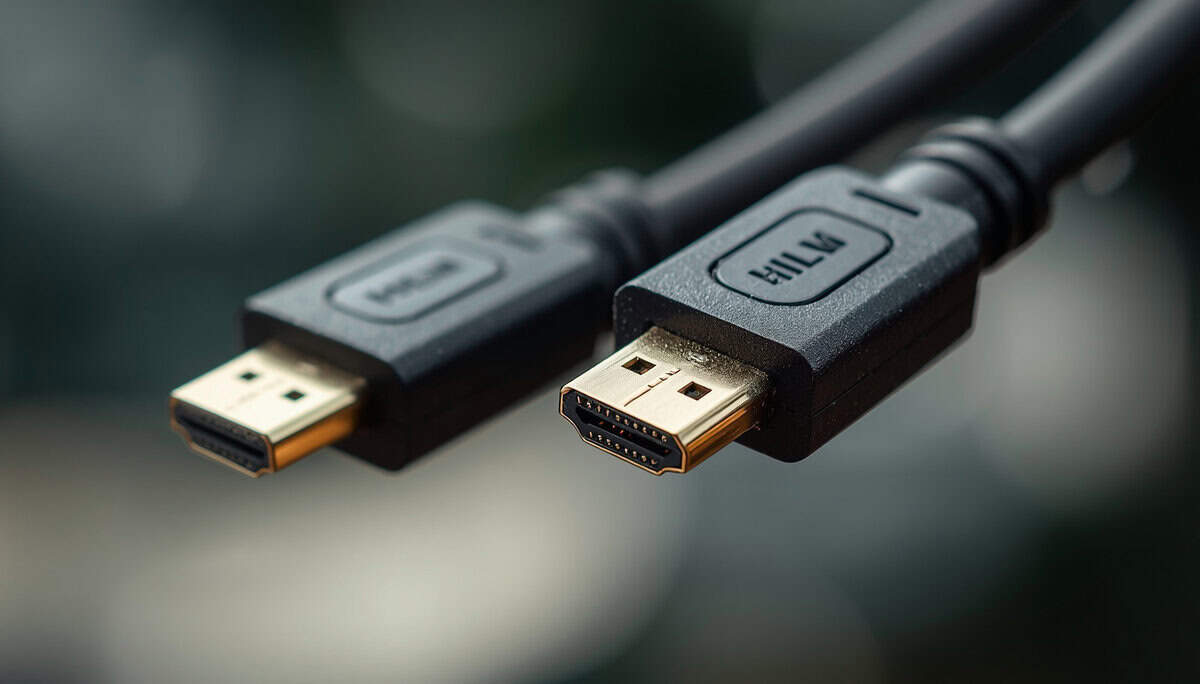
A smooth setup is about more than resolution. It’s about whether the display updates in step with the game, whether the TV drops into game mode without extra menu diving, and whether your audio setup gets the signal it expects. The trick is to think in terms of the whole signal path, source, cable, and display together, rather than fixating on one flashy spec.
VRR makes gameplay feel cleaner
Variable Refresh Rate, or VRR, is one of the best reasons to care about HDMI 2.1 if you play games that don’t hold a perfectly stable frame rate.
When frame delivery fluctuates, the display and the source can fall out of sync. That’s when you notice tearing or uneven motion. VRR helps the display match those changing frame updates more gracefully, which can make fast action look steadier and feel less distracting. If screen tearing drives you nuts, this guide on how to stop screen tearing covers the symptom from the gaming side.
For practical use, VRR matters most in:
- FPS games, where fast camera movement makes tearing obvious
- Action games, where unstable frame pacing is easier to feel
- Console performance modes, which often aim for responsiveness over perfectly locked output
ALLM removes one annoying step
Auto Low Latency Mode, or ALLM, is less flashy than VRR but still useful. It tells a compatible display to switch into its lower-latency gaming mode automatically.
That matters because a lot of TVs still default to picture modes that are better for movies than games. Those modes can add processing you don’t want during gameplay. ALLM cuts the “why does this feel sluggish?” problem before it starts.
A casual player might not care. A competitive player usually does.
eARC matters if you use real audio gear
If your sound comes from the TV’s built-in speakers, eARC probably won’t change your life. If you use a soundbar or AV receiver, it matters a lot more.
eARC is the improved audio return path tied to HDMI 2.1. It’s more capable than the older ARC path found with HDMI 2.0 setups. In plain terms, it’s the feature that makes a modern TV and modern external audio gear play together more cleanly.
Better gaming video doesn’t help much if your audio chain is the weak link.
Don’t overthink feature names
Most buyers don’t need to memorize acronyms. They need to know what problem each feature solves.
- VRR helps with tearing and uneven motion.
- ALLM helps reduce unnecessary input lag by switching the display mode automatically.
- eARC helps if your TV is feeding audio to a dedicated sound system.
If none of those solve a problem you have, HDMI 2.1 becomes less urgent. If two or three of them sound like your exact setup, it starts looking like a smart upgrade instead of a marketing upsell.
Real-World Performance for Gaming and Streaming
A lot of buyers hit the same wall. They buy a PS5, connect it to an older 4K TV, then wonder why the upgrade feels smaller than expected. The console is faster, but the display path can still cap what you see and feel.
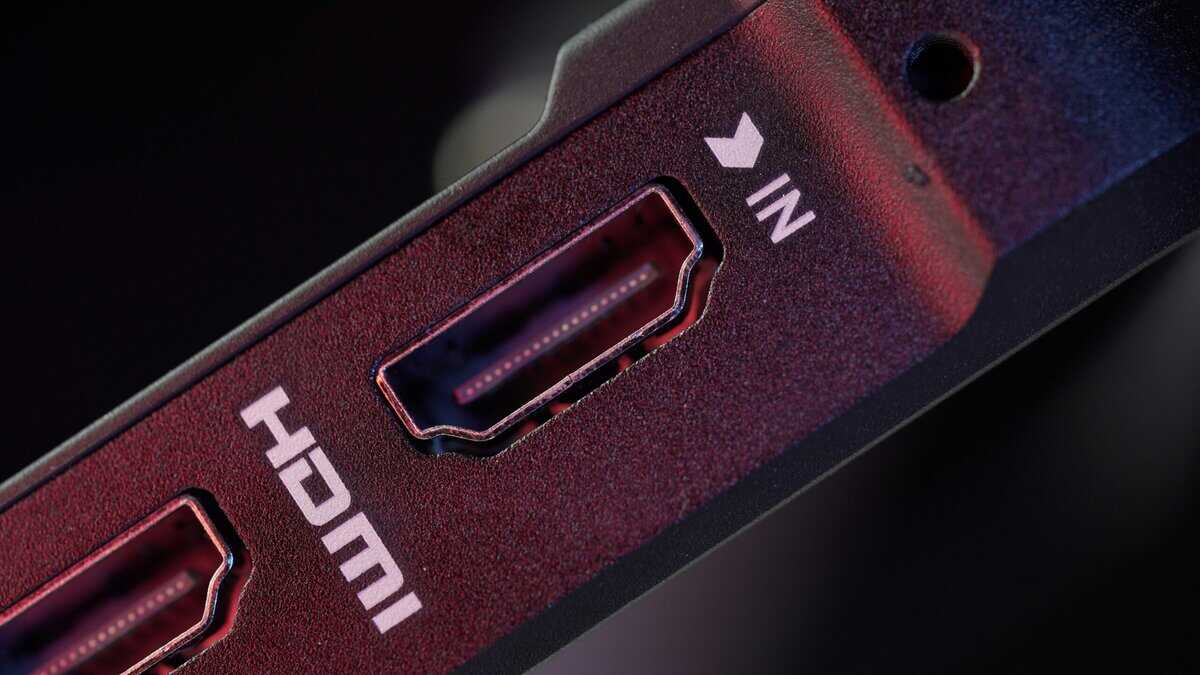
Real-world value depends less on the spec label and more on how you use the screen. If your setup is built around 4K 120 gaming, fast response, and a modern console or high-end GPU, HDMI 2.1 earns its keep. If you play slower single-player games on a 60 Hz TV and spend as much time in Netflix or YouTube as you do in matches, HDMI 2.0 is still enough for plenty of people.
PS5 and Xbox players
Console players usually get the clearest answer.
A PS5 or current Xbox connected to a TV or monitor that supports 4K 120 can benefit from HDMI 2.1 in a way that is easy to notice, especially in shooters, racing games, and anything where smoother motion helps with timing. Some games still run at 30 or 60 fps, so you will not see the benefit in every title. But if you bought current-gen hardware partly for higher refresh modes, using HDMI 2.0 can leave performance on the table.
That does not mean every console owner should rush out and replace a good display.
If your console is hooked up to a basic 4K 60 screen and you mainly play story-driven games, sports titles, or streaming apps, HDMI 2.0 often feels perfectly fine. You are not missing much if the display itself cannot show 120 Hz in the first place. For buyers comparing screens, this guide to choosing an HDMI 2.1 monitor is useful if you want to sort out who will notice the upgrade.
PC gaming on a monitor or TV
PC is where people overspend the most.
A lot of desktop monitors already work well with the connections PC gamers use day to day, so chasing HDMI 2.1 just because it sounds newer is often wasted money. If you play at 1440p, use a standard high-refresh monitor, and never plan to connect your rig to a big-screen TV, HDMI 2.0 or another display input may already cover the job.
HDMI 2.1 matters more for PC gamers who use a large TV as the main display, especially for couch gaming at 4K and higher refresh rates. In that setup, the difference is practical, not theoretical. You get better odds of running the TV at the settings you bought it for, instead of backing down to a lower refresh rate or cutting features to make the signal behave.
Streaming and media use
For streaming shows, movies, and general media playback, HDMI 2.0 remains enough for many living rooms. A 4K 60 setup is still the norm for a lot of streaming use, and paying extra for HDMI 2.1 does not automatically improve a movie night.
Streaming while gaming is a separate question. The bottleneck is often the capture device, the passthrough limits, or the way the signal is routed between console, PC, and display. I have seen more streaming setups held back by capture hardware than by the HDMI version on the TV itself. If your main goal is stable capture and solid image quality, check the whole chain before assuming HDMI 2.1 is the fix.
Screen choice matters just as much as port choice. If you are building a living room setup around movies, sports, and casual gaming, settle the projector vs TV question first, because that choice shapes the setup more than HDMI specs alone.
The short version is simple. HDMI 2.1 makes the biggest difference for high-refresh console play and PC gaming on a modern TV. HDMI 2.0 still makes plenty of sense for 4K 60 gaming, streaming, and buyers trying to keep the budget under control.
The Cable Question: Do You Need to Buy New Wires?
You buy a new console or GPU, plug it into the TV, select 4K at a high refresh rate, and the signal starts dropping out. A lot of people blame the display first. In plenty of cases, the cable is the weak link. In plenty of other cases, replacing the cable does nothing.
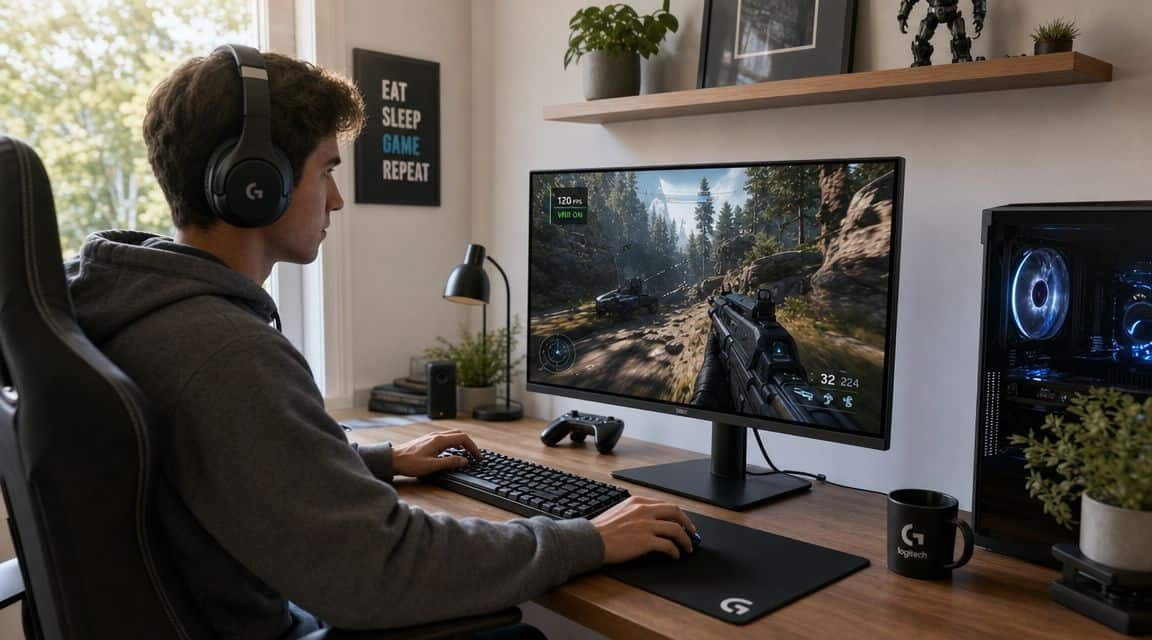
That is why this part matters for budget buyers. HDMI cables are one of the easiest places to waste money, either by overbuying for a simple 4K 60 setup or by going too cheap on a signal that pushes far more data.
If you are using a PS5, Xbox Series X, or a gaming PC on a TV and you want the full HDMI 2.1 feature set, buy a certified cable built for that load. If you are running 4K 60 for streaming, casual console play, or an older receiver, your current cable may already be enough.
What to care about when buying
Ignore the flashy box. Check the parts that affect whether the cable works day after day.
- Buy certification, not marketing. A certified Ultra High Speed cable matters more than buzzwords, oversized plugs, or premium branding.
- Match the cable to the run length. Shorter runs are easier. Longer runs are where cheap cables start causing black screens, flicker, or random handshaking issues.
- Check strain relief and connector fit. This matters if the cable gets moved often behind a console, gaming PC, or wall-mounted TV.
- Avoid luxury pricing. Expensive does not mean better. For many setups, a properly certified mid-priced cable performs the same as a fancy one.
I have seen people spend extra on braided jackets and metal shells, then lose an evening troubleshooting because the cable still was not rated for the signal they were trying to send.
When a new cable matters
Replace the cable when your setup cannot hold the mode it should support. That usually shows up as intermittent signal loss, a display refusing higher refresh settings, flickering, sparkles, or features that disappear when you enable them together.
The key point is simple. Buy a new cable because your setup needs more from it, not because the packaging says “8K” in large print.
Higher-bandwidth signals are less forgiving, especially on longer runs. If your setup uses a short cable between a console and TV, you have an easier job. If you are routing across a room, through furniture, or into an AVR, cable quality matters more because the whole chain has less room for error.
If you do need one, you don’t have to overspend. A certified Ultra High Speed HDMI 2.1 cable like the Highwings 48Gbps 2-pack covers 4K at 120Hz, 8K at 60Hz, VRR, and eARC for a few dollars, the certification is what guarantees the full bandwidth, not the price tag or the “8K” printed on the box.
Spend on a cable that is certified, durable, and sized for your setup. Skip the premium branding unless it comes with a real build-quality benefit.
PC users have one extra wrinkle. Some graphics cards and monitors make more sense over DisplayPort than HDMI, especially at a desk. If you are weighing both options, this guide on DisplayPort vs HDMI for gaming is the better comparison before you buy new wires.
The short answer is straightforward. Do not replace a working cable just because you bought newer hardware. Replace it when your target resolution, refresh rate, or feature set demands more than the current cable can deliver.
Cost vs Benefit: Is HDMI 2.1 Worth Your Money in 2026?
You sit down with a new console or graphics card, open the settings menu, and realize the feature you paid for is grayed out. That is usually the moment HDMI 2.1 starts to matter.
For buyers watching their budget, the question is simple. Are you paying extra for features you will use, or for a badge on the box? In 2026, HDMI 2.1 is still worth the money for some setups, but it is easy to overspend on it if your screen, games, and viewing habits do not ask much from the connection.
Cases where HDMI 2.1 earns its price
HDMI 2.1 makes sense when the rest of your setup can take advantage of it.
A PS5 or current Xbox connected to a TV that supports 4K at high refresh is the clearest example. If you bought that kind of display for responsive console play, sticking with older HDMI support leaves performance on the table. The same goes for PC gaming on a large TV, especially if you care about high refresh, variable refresh support, and lower-latency behavior in competitive games.
Audio can also justify the upgrade. If your TV is the hub for a console, streaming box, and sound system, newer HDMI support can make the whole setup less limiting. That matters more in a living room than on a desk.
Cases where HDMI 2.0 is still the smarter buy
HDMI 2.0 is still enough for a lot of people, meaning buyers can save real money.
If your TV is 4K and 60 Hz, and you mainly use it for Netflix, YouTube, movies, sports, or casual gaming, HDMI 2.1 does not change the experience much. The same is true if you play slower single-player games and do not care about pushing high frame rates. A stable 2.0 setup that already does what you need is not outdated just because newer hardware exists.
PC users should be especially careful with spending here. On a desk, many gaming monitors already have another connection that makes more sense for high refresh use, so paying extra for HDMI 2.1 support alone is not always the best value.
A practical buying framework
Use this filter before spending more:
- Buy HDMI 2.1 if you want 4K high-refresh gaming on a console or TV-based PC setup
- Stick with HDMI 2.0 if your screen tops out at 4K 60 Hz and your main use is streaming or general gaming
- Prioritize the display first if you are choosing between a better TV and HDMI 2.1 support on paper
- Fix actual problems before upgrading if your issue is lag, because the cause may be settings rather than the port version. This guide on how to fix TV and monitor input lag is a better next check
That last point matters. I have seen people spend extra chasing HDMI 2.1 when the bigger issue was a TV left in the wrong picture mode or a panel that could not show the target refresh rate anyway.
The honest answer
HDMI 2.1 is worth paying for when your hardware, display, and games can all use it. Console players with a modern TV fit that category. Some PC gamers do too.
If you mainly stream video, play at 4K 60, or already have a setup that feels good, HDMI 2.0 is still the budget-conscious choice. Spend where you will notice it. Skip the upgrade where you will not.
Quick Troubleshooting and Final Questions
Even with the right hardware, setup mistakes are common.
For televisions with full HDMI 2.1 support, see our best TV for PS5 guide.
Quick checks that solve a lot of problems
- No 4K high-refresh option appears
Make sure the source device is plugged into the correct port on the display. Some TVs don’t treat every HDMI port the same way. - Gaming feels laggy on a TV
Confirm the display is in game mode. If your setup supports automatic low-latency switching and it isn’t engaging, check device and TV settings. - Audio return isn’t working right
Verify that both the TV and the audio device are using the correct HDMI port and that audio return is enabled in both menus.
If gameplay still feels off after that, this guide on how to fix input lag is a useful next step.
Are all HDMI 2.1 ports on a TV the same?
Not always. Port behavior can vary by device, some TVs only enable full 48Gbps features (like 4K 120Hz) on one or two of their HDMI ports. Check the manual and the port labels before assuming every input is equal.
What about HDMI 2.1a?
For most buyers, it’s not the first thing to worry about. 2.1a mainly adds optional features like Source-Based Tone Mapping. The bigger issue is whether your actual devices support the features you want, not the exact sub-version number.
Is HDMI 2.1 backward compatible?
Yes. In practical consumer use, newer HDMI gear still connects with older devices and cables. You just won’t gain features the older part of the chain doesn’t support, the connection falls back to whatever the weakest link can handle.
Do I need a new cable for HDMI 2.1 features?
Only if your current cable can’t carry the bandwidth your setup is trying to push. For 4K 120Hz or 8K, you want a certified Ultra High Speed (48Gbps) HDMI cable. A certified budget cable does the job, you don’t need to spend extra on premium branding.
Will an HDMI 2.1 device work on an HDMI 2.0 TV?
Yes, it’ll work, but you’re capped by the TV. Plugging a PS5 or new GPU into an HDMI 2.0 display means you’ll get up to 4K 60Hz, not 4K 120Hz. The 2.1 features only unlock when both ends of the connection (and the cable) support them.
Budget Loadout helps gamers and streamers make these upgrade calls without wasting money on flashy specs that don’t improve real-world use. If you want practical, hype-free buying guides for displays, cables, capture gear, and the rest of your setup, check out Budget Loadout.
Related Articles