Most advice on the best monitor for Fortnite gets one thing wrong. It assumes the fastest panel you can buy is automatically the right one.
That’s not how this works in practice. A monitor only helps if your platform, frame rate, and actual use case can take advantage of it. If you play on a mid-range PC, a well-picked high refresh display often makes more sense than chasing an expensive flagship. If you play on console, paying extra for ultra-high refresh rates you can’t fully use is usually wasted money.
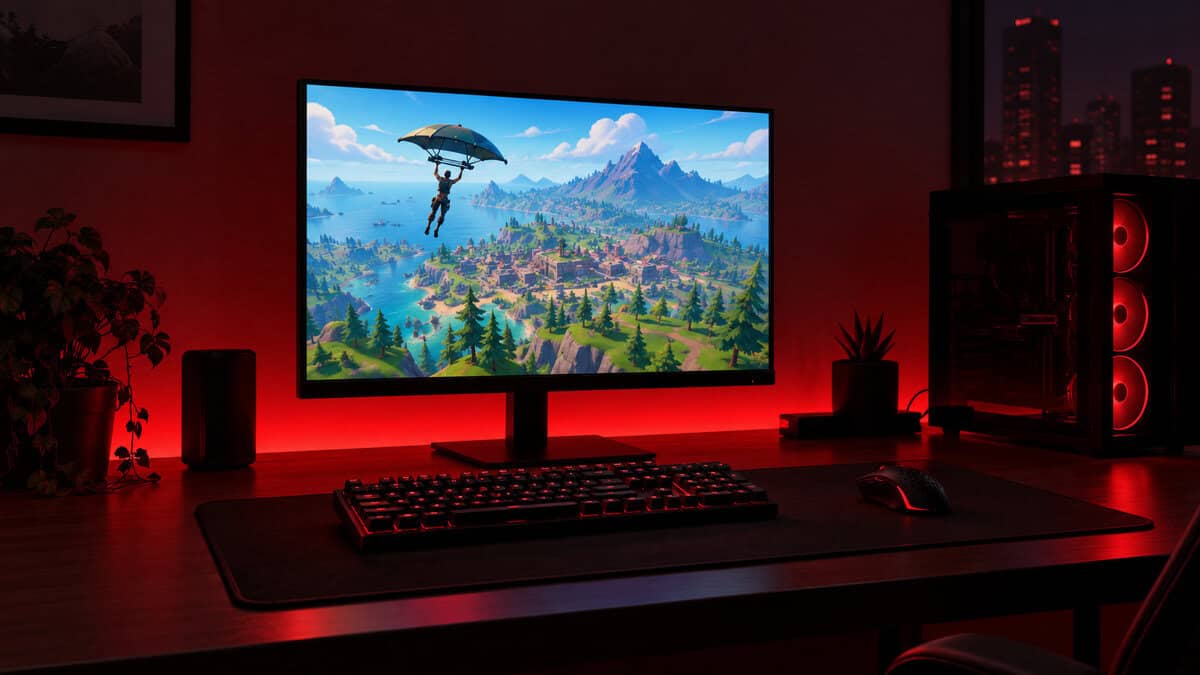
The smarter buy is the monitor that hits your value sweet spot. For some players, that’s a fast 1080p or 1440p screen built for competitive play. For others, it’s a sharper 4K panel with HDMI 2.1 that handles Fortnite, streaming, schoolwork, and everything else without compromise. If you’re also comparing broader value options, this roundup of the best budget gaming monitor choices is a useful companion.
The refresh rate a mid-range Fortnite PC can actually use, on an IPS panel, at the price most brands charge for 180Hz. Its two HDMI inputs also run 120Hz from a PS5 or Series X, so one screen covers PC and console.
- 240Hz matches Performance-mode frame rates on mid-range cards
- IPS color holds up for homework and slower games too
- Console-ready with 120Hz at 1080p over HDMI
- Tilt-only stand, so an arm may be worth adding
- Not the sharpest screen for desktop work at 1080p
- Newer listing with a smaller review pool than older 144Hz staples
The cheapest true high-refresh IPS panel in the lineup, with the fast pixel response the AOC G4 family is known for. It gives up 40Hz of ceiling to the Dell and very little else.
- 200Hz Fast IPS at the lowest price here
- Certified for both G-Sync Compatible and FreeSync
- Compact 24-inch footprint suits a small desk
- Lower 200Hz ceiling than the Dell
- Basic stand with limited adjustment
- Smaller review pool on a newer listing
For a graphics card that is already bored at 1080p, 1440p on 27 inches sharpens builds and edits and doubles as a proper desktop screen. It is also the most-reviewed pick here by a wide margin.
- 1440p sharpens distant builds and edits
- Wide DCI-P3 gamut makes it a real work and media screen
- Largest review pool of the three
- Needs an RTX 3070 class card to hold high frame rates at 1440p
- 180Hz ceiling sits below the Dell
- Built-in speakers are menu-grade only
Picks and availability last verified: October 12, 2026
- Fortnite runs fast on modest hardware, so a 1080p 240Hz IPS panel is the value sweet spot for most PC players.
- Consoles cap Fortnite at 120 frames; a 1080p high-refresh monitor with HDMI covers a PS5 or Series X without a separate pick.
- Step up to 1440p only when your graphics card already holds high frame rates at 1080p.
- IPS is the panel to buy: fast enough for competitive play with far better color and viewing angles than TN.
- Use DisplayPort on PC and set the refresh rate in Windows, or a 240Hz monitor quietly runs at 60Hz.
Table of Contents
Finding the Right Monitor for Fortnite Without Overspending
A lot of players still shop like it’s simple. Buy the highest refresh rate. Buy the most expensive panel. Assume that’s the end of the decision.
For Fortnite, that advice is incomplete. The game has a long competitive history, but not everyone plays it the same way. Some players want every edge in fights and builds. Others want one screen for Fortnite, MMOs, videos, and console gaming. Those are different buyers, and they shouldn’t end up with the same monitor.
It’s less about “What is the absolute best monitor for Fortnite?” and more about “Which monitor gives me the most useful performance for my setup?” That answer changes fast depending on whether you’re on PC or console, whether your system can sustain very high frame rates, and whether you care about image quality outside of ranked matches.
Here’s the short version.
- If you play competitively on PC, refresh rate and motion clarity matter most.
- If you use one monitor for everything, panel quality, resolution, and ports matter more than esports bragging rights.
- If you play on console, compatibility features can matter more than an ultra-fast spec sheet.
Practical rule: Don’t buy for the monitor’s ceiling. Buy for the frame rates and use cases you’ll actually hit every day.
That’s where most wasted money happens. Players overspend on premium specs they never fully use, then live with weaker value in the areas they notice more often, like stand quality, connectivity, text clarity, HDR behavior, or basic durability.
Key Monitor Specs for Fortnite Explained
Spec sheets make Fortnite monitor shopping look harder than it is. A few specs matter a lot. A few matter only after your PC or console can take advantage of them. That difference is where buyers often waste money.
For Fortnite, start with motion performance, then match resolution to the frame rates you can sustain, and only then worry about premium extras. If you want the short version, a good 1080p high-refresh monitor still hits the value sweet spot for a lot of players, especially on PC.
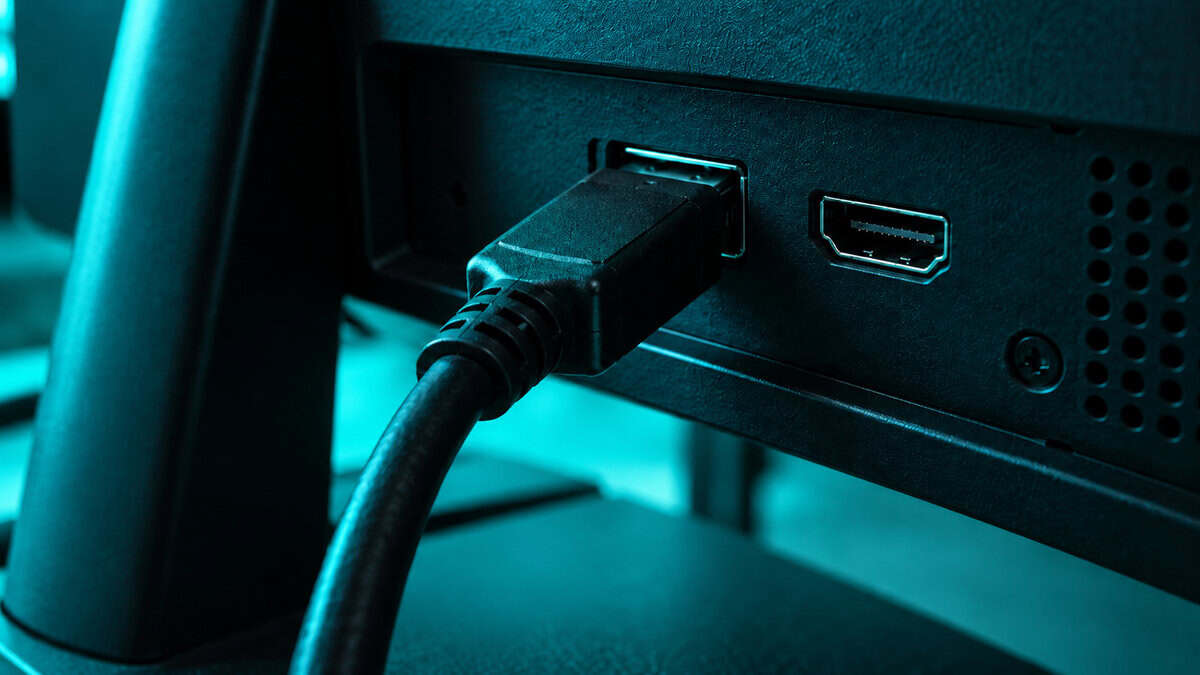
If you’re deciding between common refresh tiers, this breakdown of 144Hz vs 240Hz for gaming is a useful starting point.
Refresh rate and response time
Refresh rate controls how often the screen updates. In Fortnite, that changes how smooth aiming, tracking, editing, and fast camera swings look.
Response time controls how clean that motion looks. Buyers often get fooled by marketing in this regard. A monitor can advertise a high refresh rate and still show ghosting or dark smearing if pixel transitions are slow or the overdrive tuning is bad.
For play, here’s the rough hierarchy:
- 144Hz and up is the point where Fortnite starts to feel properly smooth.
- 240Hz is the value peak for many competitive PC players who can feed it.
- 360Hz and above can look better, but the gains get smaller and the price climbs fast.
That last jump is where diminishing returns hit hard. If your system does not hold very high frame rates in real matches, you are paying for headroom you will not use often.
Resolution and screen size
Resolution is the easiest place to overspend.
Higher resolution improves sharpness, desktop space, and general-use image quality. It also makes high frame rates harder to maintain. For Fortnite, that trade-off matters more than it does in slower games. A 24-inch or 25-inch 1080p monitor still makes a lot of sense for players who care most about consistent performance and keeping the whole fight in view without scanning a larger screen.
A 1440p monitor can be the smarter buy if Fortnite is only part of what you do. It looks better for videos, browsing, work, and other games. The catch is simple. Your hardware needs to support it without dragging your frame rate into a range that cancels out the benefit.
Panel type and build quality
Panel choice is not just about image quality. It changes how the monitor feels in motion and how pleasant it is to live with every day.
- IPS is usually the safest pick for Fortnite. You get good motion performance, solid color, and wide viewing angles.
- VA can look great in darker scenes because contrast is stronger, but weaker VA panels often smear in motion. That is a real drawback in a fast shooter.
- OLED gives outstanding motion clarity and image quality, but the price is much higher, and mixed-use buyers should be honest about long static desktop hours.
Build quality matters more than spec-chasing buyers expect.
A good stand, stable chassis, sensible port layout, and easy on-screen controls affect your setup every day. You will notice those things long after the excitement over a headline refresh rate wears off.
That is why the best Fortnite monitor is rarely the one with the most extreme spec sheet. It is the one that fits your frame rates, your platform, and the rest of your use without charging extra for performance you will barely notice.
PC vs Console: The Great Monitor Divide
PC and console players hit different limits, so they should buy monitors for different reasons.
On PC, the monitor has to match the frame rates you can hold in Fortnite. I’ve seen plenty of setups where a player bought a 360Hz screen, then spent most matches well below that range. At that point, the extra money is buying bragging rights more than a real advantage. For a lot of players, 1080p 240Hz or 1440p high refresh is the smarter stopping point.
Console flips that logic. A modern console will not treat a monitor the way a strong gaming PC does, so chasing extreme refresh rates makes less sense. If the same screen handles Fortnite, single-player games, YouTube, and everyday use, 4K clarity, proper HDMI 2.1 support, and decent HDR often matter more than paying extra for esports specs you will rarely use. If you are sorting out ports for a mixed setup, this guide on DisplayPort vs HDMI for gaming covers the practical differences.
What PC players should prioritize
A Fortnite monitor for PC should match the kind of performance your system can sustain, not the highest number on the box.
- Refresh rate that fits your real FPS. Competitive players with the hardware to support it benefit from 240Hz. Going beyond that gets expensive fast, and the gains get smaller.
- Resolution your GPU can handle cleanly. 1080p still makes the most sense for pure ranked play on mid-range hardware. 1440p is a better buy if your system stays fast enough and you use the monitor for more than Fortnite.
- Good motion handling. Pixel response and overshoot tuning matter more than a flashy refresh number.
- Adaptive sync that works properly. It helps if your frame rate moves around during fights or in heavier scenes.
- A stand that does not wobble. Cheap stands are annoying in normal use and worse when you play with low sensitivity and big mouse movements.
For most PC players, the value sweet spot is not the fastest monitor on the market. It is the one that keeps motion clear without forcing a bigger GPU upgrade just to justify the purchase.
What console and mixed-use players should prioritize
Console buyers usually get more out of balance than specialization.
- 4K resolution makes a bigger day-to-day difference on console than ultra-high refresh.
- HDMI 2.1 support is worth paying for if you want the monitor to handle current console features properly.
- Stronger image quality matters if you also watch shows, play slower games, or use the screen for school or work.
- Good built-in usability helps more than people expect. Easy input switching, sensible menus, and solid speakers or audio-out options all make mixed use less annoying.
A 4K 144Hz monitor can be a very sensible console pick, even for Fortnite. It gives you the features the platform can use, while still feeling responsive enough in a fast shooter. That is a better value than overspending on a stripped-down esports display built around PC-style frame rates your console will never reach.
Our Top Fortnite Monitor Picks for 2026
A lot of players spend too much on a Fortnite monitor because they shop by the headline refresh number instead of by what their PC or console can actually feed. Fortnite is one of the easiest competitive games to run, which cuts both ways: a mid-range graphics card will push past 240 frames at 1080p in Performance mode, and a console tops out at 120. The right screen sits exactly where your hardware lands.
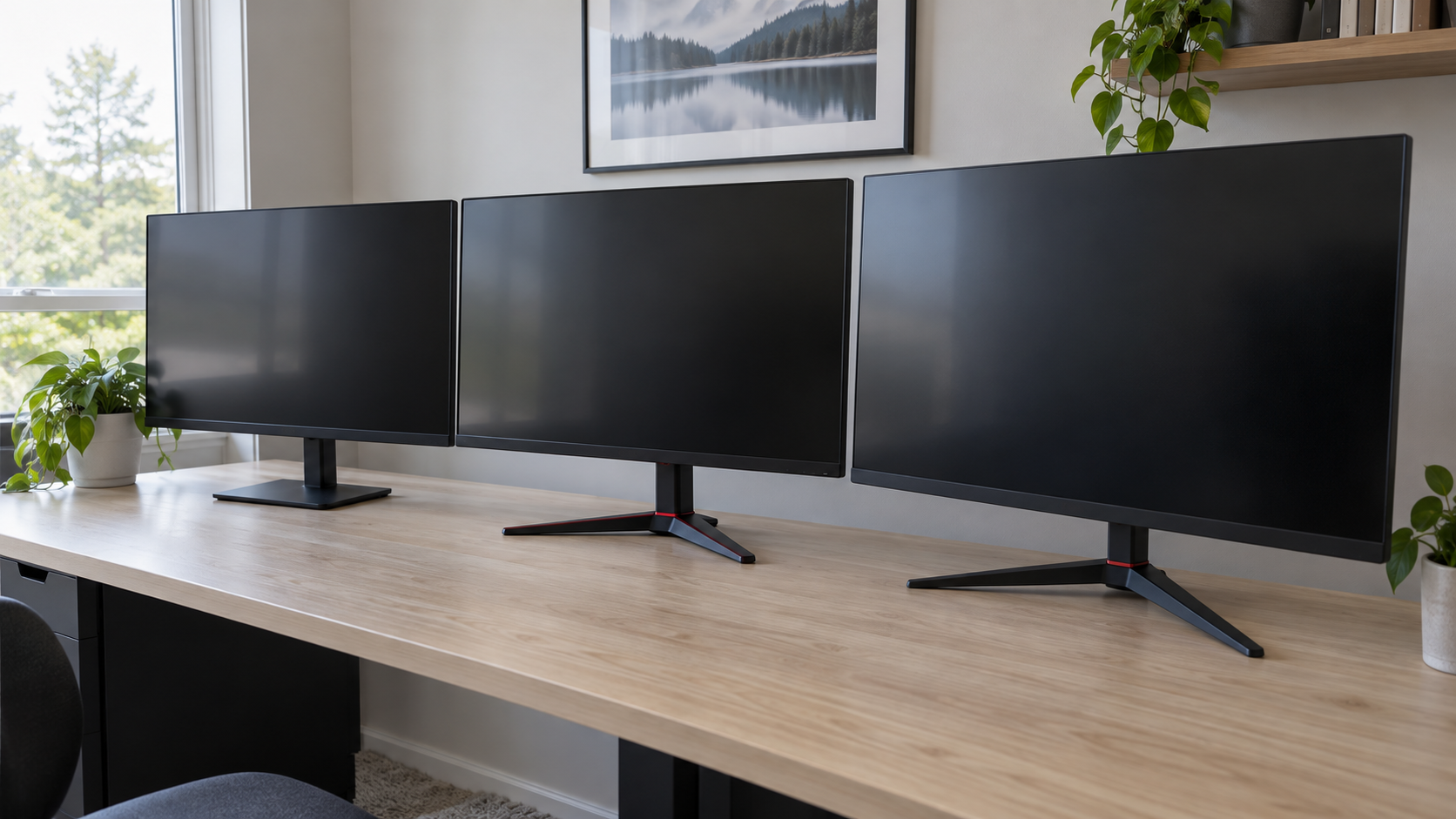
So this list is built around value first: three IPS panels from 24 to 27 inches, each chosen because the next step up in price buys less Fortnite than it costs.
2026 Fortnite Monitor Recommendations
| Model | Category | Size and resolution | Refresh | Panel | Key feature |
|---|---|---|---|---|---|
| Dell SE2426HG | Best overall value | 23.8-inch 1080p | 240Hz | IPS | 240Hz at a 180Hz price, console-ready HDMI |
| AOC 24G42HE | Best budget pick | 24-inch 1080p | 200Hz | Fast IPS | Cheapest true high-refresh IPS here |
| Acer Nitro KG271U | Best 1440p upgrade | 27-inch 1440p | 180Hz | IPS | Sharper builds and edits, real mixed-use screen |
Best overall value pick
The Dell SE2426HG is the easiest recommendation for the average Fortnite PC player. It is a 23.8-inch 1080p IPS panel with a 240Hz refresh rate and AMD FreeSync Premium, and it costs what most brands ask for 180Hz.
The biggest reason is simple. A fast 1080p 240Hz panel lines up with what a mid-range graphics card actually delivers in Fortnite, so you buy the refresh rate you can use rather than a number you will never see. It also covers console: the two HDMI inputs run 120Hz at 1080p from a PS5 or Xbox Series X.
Why it works:
- 240Hz IPS at the price of a 180Hz panel
- Fast enough for Performance mode on a mid-range PC without wasted headroom
- FreeSync Premium smooths the frame-time dips in a late-game build fight
Best budget pick
The AOC 24G42HE is the cheapest 200Hz IPS panel in this lineup, and it gives up very little to the Dell. It is a 24-inch 1080p screen certified G-Sync Compatible and FreeSync, with the fast IPS motion the AOC G4 family is known for.
You give up 40Hz of ceiling and a little polish, and the review pool is smaller because the listing is newer. For a first gaming monitor, or a second screen for a younger player, that trade is easy to make.
Best 1440p upgrade
The Acer Nitro KG271U N3bmiipx is for players whose graphics card is already bored at 1080p. It is a 27-inch 2560×1440 IPS panel at 180Hz with a half-millisecond rated response, AMD FreeSync, a wide DCI-P3 gamut, and by far the largest review pool of the three.
Fortnite at 1440p looks noticeably cleaner, especially on builds and distant edits, and 180Hz is plenty of ceiling for what an RTX 3070 class card holds at that resolution. If you also work, stream, or play slower games on the same desk, it is the better all-round screen.
Best Monitor for Fortnite on Console
Console players do not need a fourth product. Both current consoles cap Fortnite at 120 frames, and the Dell SE2426HG runs that ceiling at 1080p over HDMI with no fuss, which makes it the best monitor for Fortnite on console as well as on a budget PC.
If you want one screen for a console and a PC, the Acer is the mixed-use answer: 1440p sharpens desktop work and slower games, and both the PS5 and the Series X can output 1440p to it. The one thing none of these picks do is HDR worth using. If that matters to you, the AOC Q27G3XMN adds a mini-LED backlight at 1440p 180Hz, at a price that pushes it out of a budget build.
In-Depth: The Overall Value Pick
For most PC players, the safest recommendation is a fast 1080p IPS panel, and the Dell SE2426HG is the cleanest version of that idea on the market right now.
There is a point where spending more gets you less back in actual Fortnite results. Extreme refresh options still get pushed hard, but the gap from 240Hz to 360Hz is small, and it only shows up if your card holds those frame rates through a build fight.
Why this one lands in the sweet spot
This type of monitor gets the fundamentals right without charging for headroom you cannot use.
First, it matches Fortnite’s performance profile. The game runs fast on modest hardware, and 240Hz is exactly where a mid-range card lands with Performance mode on. You get the full benefit of a high-refresh panel instead of paying for a ceiling you never touch.
Second, it is easy to live with. FreeSync Premium handles the frame-time dips, the IPS panel keeps colors consistent out to the corners, and two HDMI ports plus DisplayPort mean a console and a PC can share it.
Buy the refresh rate your hardware reaches, not the one on the box.
Build quality and everyday use
A value pick cannot just perform well in Fortnite. It has to survive daily life on a desk that also handles homework, streaming, and the occasional slower game.
That means:
- A stand that stays put, even if it only tilts
- Controls you can find without a manual
- Ports on the back that do not fight the cable
Many cheap monitors lose the plot here. They chase one flashy number and skimp on everything around it. The Dell keeps the basics sensible, which is why it ages better than flashier panels at the same price.
Who should skip it
This is not the right choice if you mainly play slower single-player games and want the sharpest image on the desk. The Acer’s 1440p panel will serve you better there.
For the average Fortnite player on a PC that is not running a flagship card, though, the Dell is the screen. It is the pick to hand someone who asked for one answer and no homework.
In-Depth: The 1440p Upgrade Pick
The Acer Nitro KG271U is the pick for the player who has already outgrown 1080p, whether because the graphics card is strong enough or because the desk does more than Fortnite.
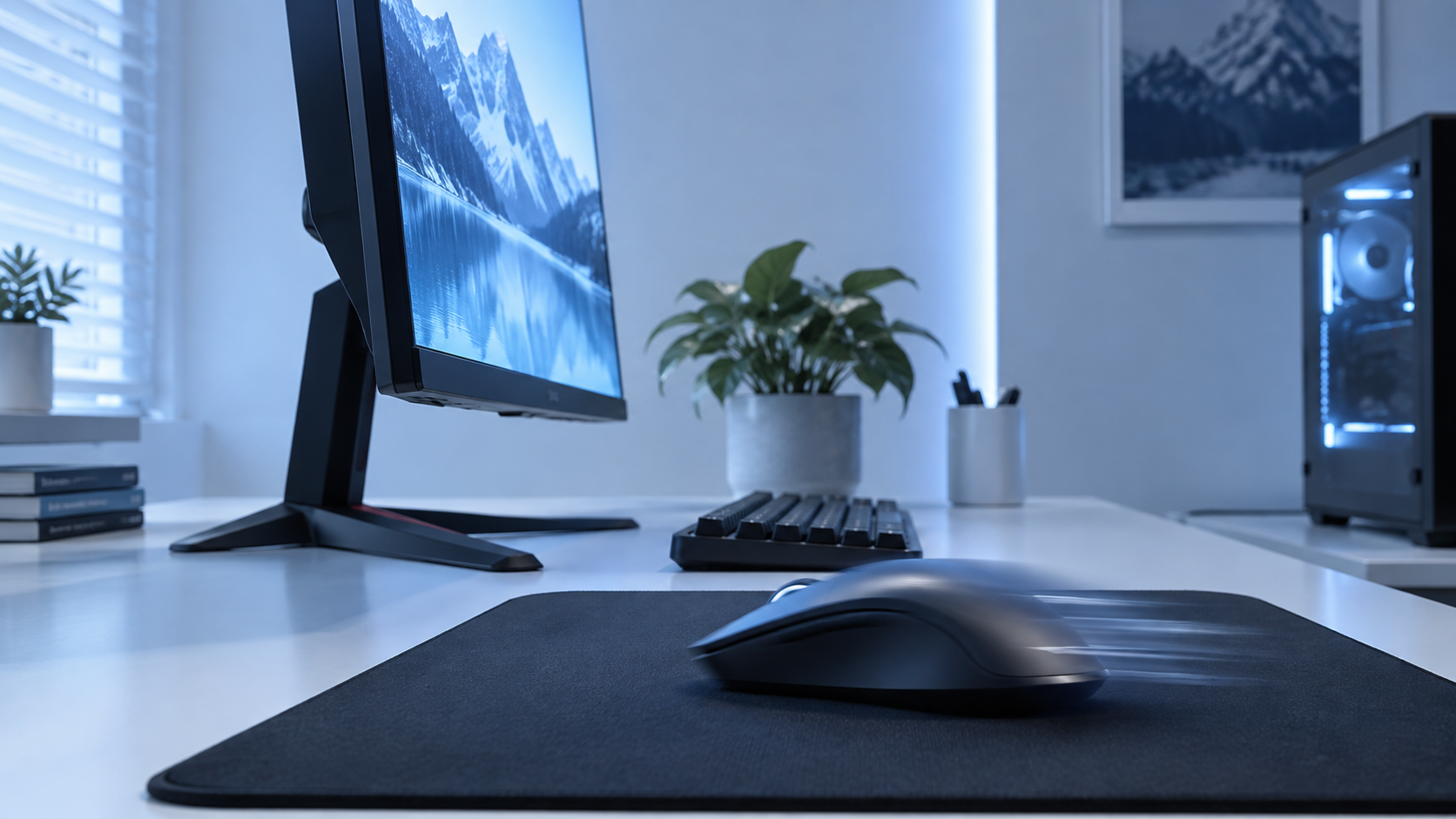
At 1440p, Fortnite’s builds and edits have cleaner edges, distant players read as shapes instead of smudges, and the extra pixels make the desktop side of the screen feel modern instead of merely fast.
Why it works for more than Fortnite
Fortnite is not a demanding game, so a 1440p panel does not force the settings compromises it would in a heavier shooter.
The wide DCI-P3 gamut and IPS consistency also make the Acer a real work screen. Text is sharper, color is trustworthy, and slower games look the way their artists intended.
It also stretches the console case. Both consoles can output 1440p, so the same screen serves a PS5 or Series X on the weekend and a PC during the week.
What you get in practice:
- Sharper builds and edits at long range
- A 180Hz ceiling that matches an RTX 3070 class card at 1440p
- A screen that doubles as a proper desktop monitor
- The deepest review pool of the three picks
The only thing to double-check before buying is your graphics card. If it cannot hold high frame rates at 1440p in Fortnite, the sharper panel costs you the smoothness that wins fights.
Trade-offs you should accept up front
The 180Hz ceiling is lower than the Dell’s 240Hz. On a strong card that difference is real in a late-game fight, even if it is smaller than the marketing suggests.
The built-in speakers are a convenience for menus, not a headset replacement, and the bezels sit a little thicker than Acer’s premium Nitro XV line.
And it costs more than both 1080p picks. If Fortnite is the only game on the desk and your card is mid-range, the money is better spent elsewhere in the setup.
How to Test and Tune Your New Monitor for Fortnite
A lot of players buy a good monitor and then leave performance on the table. The panel can support a high refresh rate, but the system still runs it at default settings.
Start with the basics.
Check system settings first
Go through this in order:
- Set the refresh rate in your operating system. Don’t assume it changed automatically.
- Open your GPU control panel and confirm the selected refresh rate and resolution are correct.
- Use the right cable and port. A bad connection choice can limit what the monitor can do.
- Turn on adaptive sync if your setup supports it.
After that, open Fortnite and check the video settings. Competitive players usually want low-latency behavior over visual extras. If your goal is responsiveness, keep the game configured around stable frame delivery rather than eye candy.
In-game settings that matter
A practical checklist:
- Disable V-Sync if you want lower input lag
- Use a frame rate cap that matches your setup
- Lower heavier visual settings if they hurt consistency
- Test Performance Mode if you care most about competitive smoothness
Final tuning habits
Don’t stop at defaults.
- Adjust brightness for your room, not for showroom impact
- Use a sensible overdrive mode, because pushing it too far can create ugly artifacts
- Set the stand correctly, with the top of the panel around eye level
- Play a few real matches before judging the monitor, because menu impressions can be misleading
A well-tuned mid-range monitor almost always beats a poorly configured premium one.
High refresh only pays off when your PC feeds it. Nvidia’s own explainer on how frame rate helps you win games walks through the chain from frames to lower latency to earlier target visibility, and it is the best argument for buying refresh before resolution. Our 144Hz vs 240Hz breakdown covers the frame-time math.
For the rest of the desk, we also cover mouse picks for Fortnite, keyboards for Fortnite and mousepads for Fortnite. For audio, our Fortnite headset guide covers PC and every console.
Building out the rest of your Fortnite setup? Our gaming setup builder fills every slot from monitor to mousepad, and if you play more than one game, it finds the gear our guides recommend across all of them.
Frequently Asked Questions
What is the best monitor for Fortnite on a budget?
A 24-inch 1080p high-refresh IPS panel. The Dell SE2426HG pairs a 240Hz IPS panel with FreeSync Premium at the price most brands charge for 180Hz, and its HDMI inputs run 120Hz from a console, which makes it the strongest value for PC and console players alike.
Do I really need 240Hz or higher for Fortnite?
240Hz is the practical sweet spot for serious Fortnite play on PC. The jump from 60Hz or 144Hz to 240Hz is easy to feel, but the gain from 240Hz to 360Hz is much smaller and only pays off if your GPU consistently feeds those frame rates. On console, 120Hz is the ceiling because the PS5 and Xbox Series X cap there.
Is 1080p or 1440p better for Fortnite?
On PC, 1080p is still the competitive default because it keeps frame rates high on mid-range cards. Move to 1440p only when your card already holds high frame rates at 1080p; the Acer Nitro KG271U is the 1440p step-up for stronger cards and for desks that do more than Fortnite.
Is 4K worth it for Fortnite on console?
Not for competitive play. Consoles run Fortnite at 120 frames in Performance mode at a lower internal resolution, so a 4K 120Hz monitor mostly buys sharper menus at a much higher price. Spend on refresh rate and response time instead.
Which panel type is best for Fortnite?
IPS for most players. It is fast enough for competitive play and gives far better color and viewing angles than TN. TN survives in pure esports monitors for slightly faster motion, but most players will not notice the gap, and budget VA panels can smear in dark scenes.
If you want more practical gear advice without the usual hype, Budget Loadout is built for exactly that. It’s a solid place to compare value-focused gaming monitors, peripherals, and streaming gear when you want better performance per dollar, not just bigger specs on a box.
Related Articles