Most advice about the best OLED gaming monitor is stuck in the old era. It still treats OLED like a rich-person experiment: too expensive, too fragile, too risky for long gaming sessions. That advice made sense a few years ago. In 2026, it doesn’t tell the full story.
OLED is still a premium category, and it still has real tradeoffs. Burn-in risk hasn’t vanished. Brightness behavior still matters. Some models are priced higher than they should be. But the value tipping point is real now. You can finally buy an OLED gaming monitor because it makes practical sense for your setup, not just because you want the flashiest panel on the desk.
That matters if you care about performance per dollar. A lot of gamers don’t need the most expensive panel with every possible feature. They need the point where motion clarity, contrast, refresh rate, durability features, and real-world gaming value all line up. If you’re still deciding between screen shapes before you even pick panel tech, this breakdown on curved vs flat monitor choices for gaming is worth checking first.
- Cheapest credible QD-OLED
- 240Hz with 0.03ms response + HDMI 2.1
- 3-year burn-in warranty
- No USB-C input (USB hub only)
- Speakers are skippable
- HDR brightness modest for an OLED
- 360Hz + 0.03ms on QD-OLED
- USB-C with power delivery
- Pairs well with mid-tier GPUs
- No 4K (deliberately)
- HDR peak brightness trails Samsung/LG
- OSD menu has a learning curve
- 32-inch 4K is immersive
- DisplayHDR True Black 500 for HDR games
- 98W USB-C powers a laptop
- 4K 240Hz needs a strong GPU
- Costs more than 1440p OLED picks
- Larger footprint than a 27-inch
- 4K + 240Hz on QD-OLED
- Custom heatsink for burn-in protection
- DP 2.1a UHBR20 future-proofs cabling
- Demands a high-end GPU to justify
- Premium pricing
- Overkill for non-competitive players
- 32-inch 4K at 240Hz on one panel
- HDMI 2.1 runs consoles at 4K 240Hz
- Built-in OLED burn-in care
- No 1080p speed mode for esports
- Glossy finish fights direct light
- Needs a strong GPU to feed 4K 240Hz
Picks and availability last verified: October 19, 2026
- OLED’s real advantage is per-pixel contrast, near-instant response, and motion clarity you cannot match with LCD.
- For most PC gamers, a 27-inch 1440p OLED like the MSI MPG 271QRX is the sweet spot and pairs cleanly with modern mid-tier GPUs.
- Burn-in is real but manageable with modern panel care; 3-year burn-in warranties have made this a much smaller risk in 2026.
- 4K 240Hz OLED (PG27UCDM, G80SH) is only worth the premium if your GPU can actually drive it; otherwise the step-down is smarter.
Table of Contents
Is an OLED Monitor a Smart Buy in 2026?
Yes, for a lot more people than before.
The old argument against OLED was simple. Prices were hard to justify, burn-in sounded scary, and LCD options were good enough for most players. In 2026, that gap has narrowed in a way budget-conscious buyers should pay attention to. The category now includes premium flagship panels, smarter mid-range picks, and at least one clearly value-driven option that doesn’t require crossing into ultra-premium territory.
What changed is not just raw panel quality. It’s the combination of faster refresh rates, mature burn-in protection, and more sensible entry pricing. That means an OLED monitor is no longer only for enthusiasts chasing bragging rights. It can be a smart buy for FPS players who want cleaner motion, MMO players who care about image depth, and streamers who want stronger color and contrast on camera.
Still, OLED isn’t automatically the right answer. If you mostly work on bright white spreadsheets all day and only game occasionally, a good LCD can still be the more practical choice. If gaming is the priority, though, OLED has reached the point where “too risky and too expensive” is outdated advice.
Quick Recommendations: The Best OLED Monitors for Your Budget
Not everyone wants the long version first. If you want the shortlist, start here.
The key is to stop thinking in terms of “cheap” and “expensive” and think in terms of value tiers. The best oled gaming monitor for one person might be the wrong buy for someone else with different games, room lighting, and hardware.
Best OLED Gaming Monitors in 2026 At a Glance
| Category | Best For | Model | Key Specs |
|---|---|---|---|
| Overall Value PC | Most PC gamers who want the sweet spot | MSI MPG 271QRX | 27-inch, 1440p, 360Hz, 0.03ms GtG |
| Competitive FPS | Players chasing maximum clarity and detail | ASUS ROG Swift OLED PG27UCDM | 27-inch, 4K QD-OLED, 240Hz, 0.03ms |
| Console Gaming | PS5 and high-end mixed-use setups | Samsung Odyssey OLED G8 (G80SH) | 32-inch, 4K, 240Hz, DisplayPort 2.1, USB-C 98W |
| Budget OLED Entry | Gamers who want OLED without stepping up to the premium tier | AOC Q27GAZDV | 240Hz, premium features |
| Large-Screen 4K Pick | Players who want a big 4K OLED for PC and console | MSI MAG 321UPX QD-OLED | 32-inch, 4K 240Hz, HDMI 2.1 |
Who should buy which
- Choose the MSI MPG 271QRX if you want the strongest performance-per-dollar balance for PC gaming.
- Choose the ASUS ROG Swift OLED PG27UCDM if competitive play comes first and you’re willing to pay more for a sharper, faster-feeling premium experience.
- Choose the Samsung Odyssey OLED G8 (G80SH) if a bigger 4K screen, strong HDR, and one display shared by a console and a PC matter most.
- Choose the AOC Q27GAZDV if your main goal is entering OLED without blowing up the rest of your build budget.
Best value rule: Don’t buy your monitor in isolation. The right OLED is the one your GPU can actually drive well and your desk setup can support comfortably.
Why Choose an OLED Gaming Monitor in 2026
Buying the most expensive OLED is rarely the smart move in 2026. The smart move is hitting the price tier where OLED already gives you almost all of its real gaming benefits, then stopping before the premium gets silly.
What OLED does better than LCD
OLED still separates itself in two places that matter every time you play. Per-pixel lighting gives it true blacks and much stronger contrast control than LCD. Fast pixel response keeps motion cleaner during flick shots, strafing, and rapid camera pans.
That sounds basic on paper. It is not basic once you see it in a dark game or a fast match.
Shadow-heavy scenes look properly deep instead of hazy. Small highlights stand out more. Motion looks more precise because you see less smearing around edges and less blur trailing behind moving targets. That is why OLED often feels better before you even touch the settings menu.
HDR also tends to look more convincing on a good OLED monitor because bright effects sit against genuinely dark backgrounds, not a glowing backlight. You notice it in headlights, spell effects, muzzle flashes, neon signs, and starfields. The image has more punch even when the raw brightness numbers do not always beat a strong LCD.
Where gamers actually notice it
In competitive games, OLED’s biggest advantage is clarity during movement. Target tracking feels cleaner, and fast turns stay readable.
In single-player games, the payoff is image depth. Dark rooms, nighttime cities, caves, and high-contrast scenes look closer to what developers intended.
In mixed setups, OLED also fixes a common annoyance. Off-angle image quality stays consistent, so the picture holds up better if you sit slightly off-center or use a second viewing position.
A quick visual explainer helps if you want to see how the tech behaves in motion and HDR-heavy content:
Why 2026 feels different
A few years ago, OLED monitors were easier to admire than to recommend. Prices were high, choices were limited, and value was poor unless you wanted a halo product.
That has changed.
The value tipping point is real now. Mid-tier OLEDs have become good enough that many gamers can get most of the premium experience without paying for the last bit of brightness, industrial design, or niche features they may never use. That matters more than chasing a spec sheet win.
The practical takeaway is simple:
- Esports players get the core OLED benefit once response time and refresh rate are already excellent.
- Single-player PC gamers often get more visual improvement from moving to OLED than from chasing one more GPU tier.
- Budget-conscious buyers finally have entry points where OLED no longer wrecks the rest of the build budget.
That is why OLED makes more sense in 2026. The question is no longer whether the tech looks amazing. The main question is which price tier gets you the experience you will genuinely notice, without paying extra for benefits that shrink fast.
The Downsides: Understanding OLED Tradeoffs
OLED is better than LCD at some things. It’s also less forgiving if you ignore its weaknesses.
Burn-in is real, but context matters
Burn-in is uneven pixel wear caused by static elements sitting in the same place for long stretches. Think HUDs, minimaps, browser tabs, taskbars, or a game you leave paused every day in the same menu. If you use your monitor like a normal person and let the protection features do their job, the risk is manageable. If you abuse it, the risk goes up.
That’s the honest version. Not the fear-driven version, and not the “it never happens” version.
Modern OLED monitors now include protective systems like pixel shifting, screen savers, and logo detection. Some also have stronger warranty support than the early models did. That matters, because it changes OLED from a reckless buy into a calculated one.
Buy OLED if you’ll use its strengths. Don’t buy it for a static office desktop that stays unchanged all day, every day.
Brightness behavior can annoy some users
The second issue is brightness management. OLED monitors can dim in certain situations, especially when large bright areas stay on screen. Gamers usually notice this less in dark or mixed-content games than productivity users notice it on white-heavy desktop work.
That’s why OLED can feel perfect at night for gaming and less ideal for someone doing document work all day in a bright room. If you want the deeper breakdown on where LCD still has an edge, this guide on IPS vs VA for gaming helps frame the tradeoffs.
Build quality and daily use still matter
A cheap-feeling stand, weak cable routing, or poor cooling can take a premium panel and make it feel like a bad long-term purchase. With OLED, durability isn’t just about the panel. It’s also about the housing, thermals, OSD controls, and whether the monitor feels stable after months of use.
Here’s what usually doesn’t work well with OLED ownership:
- Static desktop habits like keeping bright app windows fixed all day
- Ignoring panel care prompts when the monitor asks to run maintenance
- Buying too much monitor for your room, desk depth, or GPU
What does work is a balanced setup and realistic expectations. OLED is no longer too fragile to recommend. It’s just a category that rewards informed buyers.
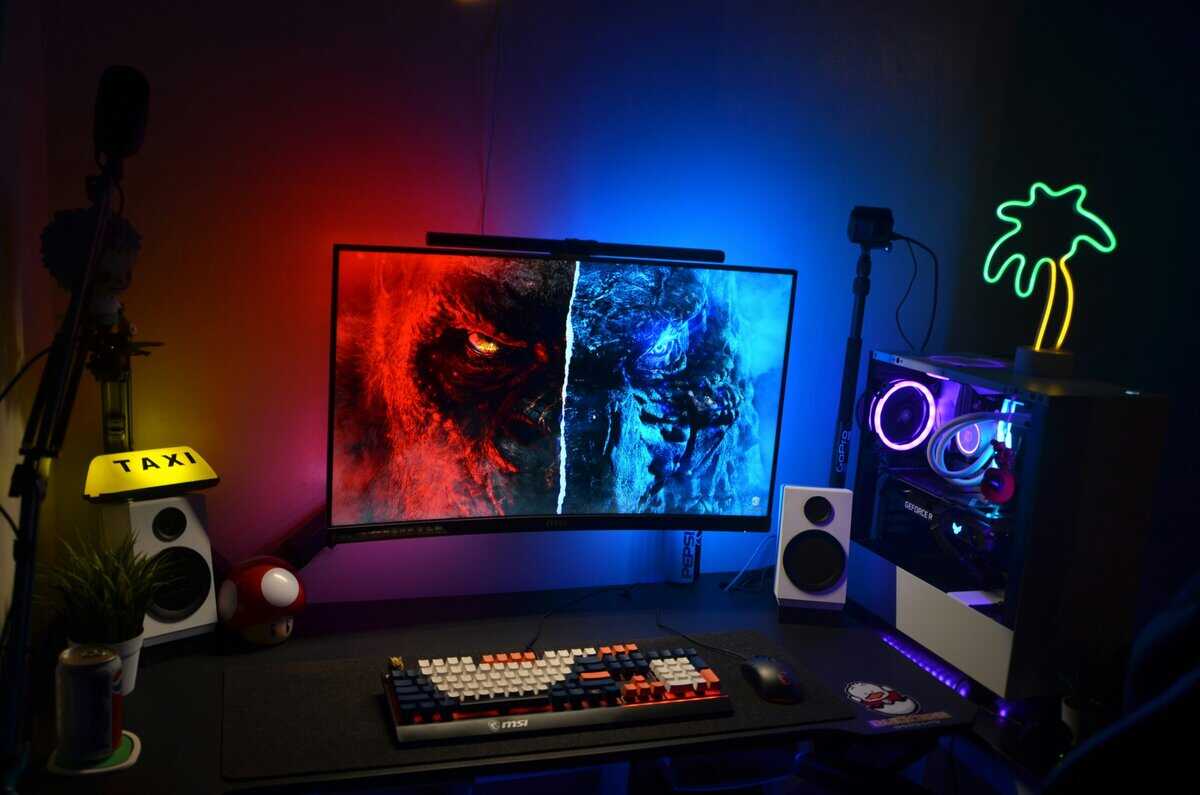
Key Specs That Actually Matter for Gaming
OLED buyers get pulled toward the wrong specs all the time. The value tipping point in 2026 comes from matching three things well: your GPU, your game library, and your desk setup. Get those right, and you can keep most of the premium OLED experience without paying for extras you will barely use.
Resolution and refresh rate
For most PC gamers, 1440p high refresh is still the best place to spend money.
It asks less from your GPU than 4K, which means you see the benefit of OLED more often in actual play. Higher frame rates, cleaner motion, and faster input feel matter every match. If you play shooters, racers, MOBAs, or a mixed library, a 1440p OLED usually gives the best return per dollar.
4K OLED makes sense for players who sit close, care about image detail, and already own hardware that can push it properly. Otherwise, it is easy to overspend. A 4K panel sounds premium on paper, but if your system forces you into heavy upscaling or lower settings just to stay smooth, the experience can feel less impressive than a cheaper 1440p screen running well.
Refresh rate needs the same reality check. Jumping from 165Hz to 240Hz is easier to notice than jumping from 240Hz to 360Hz if your frame rates do not stay high enough. Competitive players can justify the faster panels. Many buyers cannot.
QD-OLED vs WOLED
Panel type matters because the two main OLED flavors do not look or behave exactly the same.
QD-OLED usually delivers richer color volume and stronger HDR impact. Games with neon lighting, bright highlights, and heavy contrast tend to look more vivid on it. If you want that punchy, high-saturation look, QD-OLED often feels more expensive in a good way.
WOLED often makes more sense for buyers who split time between gaming and general desktop use. Some people prefer its less aggressive color presentation for day-to-day work, and in practice, panel coating and room lighting can matter as much as the panel tech itself. A glossy screen can look incredible in a controlled room and become annoying fast with sunlight or overhead reflections.
The smart move is to buy based on your room and habits, not forum hype. Chasing the “best” panel type is how people miss the better value tier.
Connectivity and future-proofing
Ports matter once you start pushing higher resolutions and refresh rates.
A monitor can have a great panel and still feel like a bad buy if the inputs limit what your GPU or console can output. DisplayPort is usually the safer choice for high-refresh PC gaming, while HDMI matters more for console compatibility and simpler mixed-device setups. If you are sorting out bandwidth limits and feature support, this guide on DisplayPort vs HDMI for gaming is a useful reference.
USB-C is nice to have if the monitor will also pull laptop duty. It should not be the reason you spend hundreds more on a gaming display.
The specs I’d prioritize in order
| Spec | Why it matters | Who should care most |
|---|---|---|
| Refresh rate | Directly affects motion clarity and input feel | FPS and competitive players |
| Resolution | Changes sharpness, GPU load, and long-term system cost | Mixed-use and single-player gamers |
| Panel type | Shapes color character, HDR presentation, and room-light behavior | Buyers choosing between QD-OLED and WOLED |
| Ports | Determines what features you can actually use | Console users and high-end PC builders |
| Stand and chassis | Affects comfort, cooling, and daily usability | Everyone |
Practical rule: Buy for the frame rates you can sustain, not the spec sheet you wish you had. That is usually where OLED value starts to make sense.
Best Value OLED for Most PC Gamers
The value tipping point for OLED in 2026 is not the fanciest panel on the shelf. It is a 27-inch, 1440p, high-refresh OLED that gives you nearly all of the speed and contrast people buy OLED for, without dragging you into top-tier system costs.
A display in this class makes sense for far more PC gamers than a 4K OLED. The reason is simple. 1440p is still the easier target for current mid-tier graphics cards, and OLED’s real advantage shows up in motion clarity, pixel response, blacks, and HDR punch long before you need the extra pixel density of 4K.
Why this tier earns the value label
For actual play, this is the point where price and experience finally line up.
You get the fast, clean feel that makes OLED stand out in shooters and action games. You also avoid the usual premium tax attached to flagship 4K models, which often deliver a smaller improvement than the price gap suggests. For a lot of buyers, that last bit of extra image sharpness is not worth the added cost of both the monitor and the stronger PC needed to feed it.
That is why I point budget-conscious enthusiasts toward this tier first. It gets you most of the premium OLED experience for meaningfully less money.
Who should buy it
This is the right fit for PC gamers who play a mix of genres and want one monitor that does almost everything well:
- Competitive shooters that benefit from very high refresh and near-instant pixel response
- Single-player and action games where OLED contrast does more for image quality than a jump to 4K
- Daily desktop use and streaming if you want better viewing angles and a more premium picture than LCD usually delivers
A good value OLED still needs the basics right. I look for a stable stand, useful height adjustment, easy menu controls, sensible port layout, and firmware that does not feel half-finished. If those parts are weak, the panel alone does not save it.
The trade-off that keeps this tier honest
This price range is strong because the compromises are manageable, not because they disappear.
OLED still carries burn-in risk if you leave static UI elements up for hours every day, and full-screen brightness still trails the best LCD alternatives in bright rooms. If your setup sits in direct daylight or you use the same monitor for spreadsheets all day and games all night, that matters. For mixed gaming use in a controlled room, though, a 27-inch 1440p high-refresh OLED is the sweet spot where value finally beats hype.
Best High-End OLED for Competitive PC Gaming
High-end OLED is easy to oversell. For competitive PC gaming, the expensive tier only makes sense if you can fully utilize what you are paying for.
A premium 27-inch 4K OLED with 240Hz refresh targets a specific buyer. It is for the player with a strong GPU, a steady diet of fast shooters, and enough budget headroom to pay more for finer image clarity than the value tier delivers. If that is not your setup, the smarter buy is usually one step down.
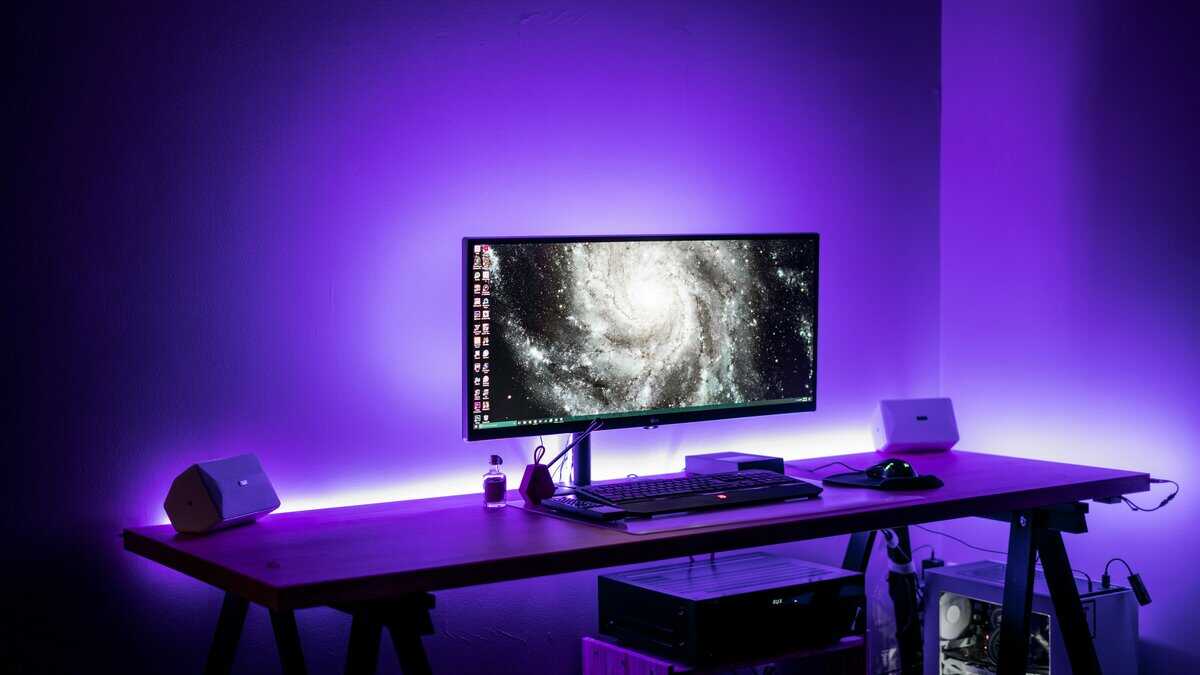
Who should actually pay for this
This tier is built for competitive players who want both speed and pixel density on the same desk. A 4K image at 27 inches looks extremely crisp, and that extra sharpness can help with target definition, fine environmental detail, and general visual cleanliness in games that punish hesitation.
I only recommend this class of monitor if the rest of the system matches it. Driving modern games at 4K and high refresh is expensive, and buying a premium OLED without the GPU to support it is a poor value move. The whole point of this tier is to get the best version of competitive image quality, not to stare at frame counters that never get close to the panel’s ceiling.
Why the premium can be justified
The best high-end models separate themselves with execution, not just panel specs. I look for clean motion handling, low input lag, usable firmware, sensible cooling, and a chassis that feels stable after months of stand adjustments and cable swaps. Premium pricing should buy polish, not just a spec sheet.
This is also where the 2026 value tipping point matters. A lot of lower-priced OLEDs already get you the fast response and deep contrast that make OLED special. The premium tier earns its place by adding sharper 4K detail and better overall refinement, but the gain is smaller than the price jump suggests. In real use, many players will get most of the experience from a cheaper 1440p OLED and save enough money to improve the GPU, mouse, or CPU instead.
Burn-in risk also deserves a straight answer here. Spending more does not remove it. If you leave static HUD elements, desktop taskbars, or the same launcher window on screen for long stretches every day, OLED still needs basic care. High-end buyers also need to accept that full-screen brightness remains weaker than strong mini-LED alternatives in bright rooms.
Buy this tier for maximum sharpness and refinement in competitive play. Skip it if you are chasing value, because this is where OLED starts charging a lot more for the last slice of improvement.
Best OLED for PS5 and Console Gaming
PS5 players usually do not need the most expensive OLED on the shelf. The better buy is often a 31.5-inch 4K model with strong HDMI 2.1 support, low input lag, good VRR behavior, and reflection handling that does not turn daytime gaming into a mirror test. That is the value tipping point for console use in 2026. Spend past it, and the gains get small fast.
A good console OLED should make 4K 120Hz easy, switch cleanly between console and PC sources, and hold up in a normal room. Panel quality still matters, but consoles are more sensitive to practical details than spec-sheet bragging rights. I care more about stable HDMI 2.1 performance, sane on-screen menus, and whether HDR games look convincing from the couch or desk.
Why this size and spec tier makes sense
For PS5, 31.5 inches at 4K is a sweet spot. Text stays sharp if the monitor also pulls desktop duty, games look properly detailed, and 120Hz support matches what the console can deliver in supported titles. Going much pricier usually buys extra refresh headroom that a console will not tap.
Room conditions matter more than many buyers expect. A glossy OLED can look incredible at night, then become annoying near a window or overhead light. If your setup is in a bedroom, living room corner, or multi-use desk space, a model with better reflection control is often the smarter choice even if the image looks a little less punchy than the glossiest panels.
Desk depth changes everything. Before you settle on 32 inches, use this tool to calculate the optimal viewing distance for your screen. That quick check can save you from buying a panel that feels oversized at arm’s length.
What console buyers should check first
- HDMI 2.1 ports that fully support 4K 120Hz and VRR: If you are comparing options, this guide to HDMI 2.1 monitor features that matter for gaming will help you sort actual console-ready models from the ones that only look good on paper.
- Low input lag in console modes: Some displays test well on PC but feel less polished once you enable console HDR or VRR.
- Good reflection handling for your room: This matters more than a small brightness difference if you play during the day.
- Burn-in policy and panel care features: OLED still needs basic care, even on a console setup with varied games.
The downside stays the same. OLED looks excellent for PS5, but bright full-screen scenes still do not hit like the best mini-LED alternatives in a sunlit room, and static HUD-heavy games can add wear over time. For most console players, the smart move is to buy the tier that gets you the OLED contrast and response you notice, not the tier that charges extra for features your console cannot fully use.
Protecting Your Investment Setup and Burn-In Prevention
If you buy OLED, set it up like you plan to keep it.
Most burn-in prevention is not complicated. It’s a handful of habits that reduce static wear without making the monitor annoying to use. If you’re mounting the display, a good arm also helps you reposition it easily for different tasks, and this guide to choosing the best monitor arm is useful before you lock your desk layout in place.
The setup habits that matter most
- Auto-hide static UI elements: Hide the taskbar and avoid leaving fixed desktop widgets on screen all day.
- Use dark themes where possible: Dark desktops, darker app themes, and less bright static content reduce stress on the panel.
- Let maintenance features run: If the monitor prompts pixel care or panel refresh, don’t keep postponing it.
- Don’t pause the same game screen for hours: Menus, maps, and HUD-heavy idle screens are worse than varied gameplay.
- Use a screen saver or sleep timer: This is simple protection, especially if you walk away often.
What I’d avoid
Some people overthink OLED care and make the monitor miserable to live with. You don’t need to treat it like museum glass. You do need to avoid lazy habits that keep the same bright elements parked in place every day.
The best approach is a normal setup with a few protective defaults turned on from day one. That gets you most of the benefit without the constant paranoia.
If OLED pricing or burn-in worries you, a budget mini-LED monitor gets close on contrast for less.
Frequently Asked Questions
Is ultrawide OLED better than 16:9 for gaming?
It depends on what you play. Ultrawide is excellent for immersion in racing games, MMOs, and cinematic single-player titles. For competitive FPS, I still prefer 16:9 because it is simpler, more consistent, and easier to fit into most desks and streaming layouts.
Should I choose glossy or matte OLED?
Glossy usually looks richer in controlled lighting. Matte is easier in bright rooms and often more practical for daytime use. Pick based on your actual room conditions, not forum arguments.
How important is a burn-in warranty?
Very important. OLED ownership feels a lot better when the manufacturer backs the panel properly. Three-year burn-in coverage from brands like AOC, Samsung, and ASUS is what finally made OLED a reasonable purchase for heavy daily use.
Can OLED help with eye comfort?
OLED image quality can feel easier on the eyes for some users, but monitor comfort still depends on brightness, room lighting, and your glasses setup. If you spend long hours at a desk, Shamir computer lenses can help reduce eye strain and are worth looking into alongside your monitor settings.
If you’re building a setup around value instead of hype, Budget Loadout is built for exactly that. It’s a practical resource for gamers and streamers who want better gear decisions, honest tradeoffs, and stronger performance per dollar without wasting money on flashy upgrades that don’t help.
Related Articles