Nobody outside Rockstar knows what frame rate GTA 6 will run at on a console, and that is the best reason to shop for the console instead of the game. The best monitor for GTA 6 takes everything a PS5 or Xbox Series X can send over HDMI 2.1, then suits the room where you actually play.
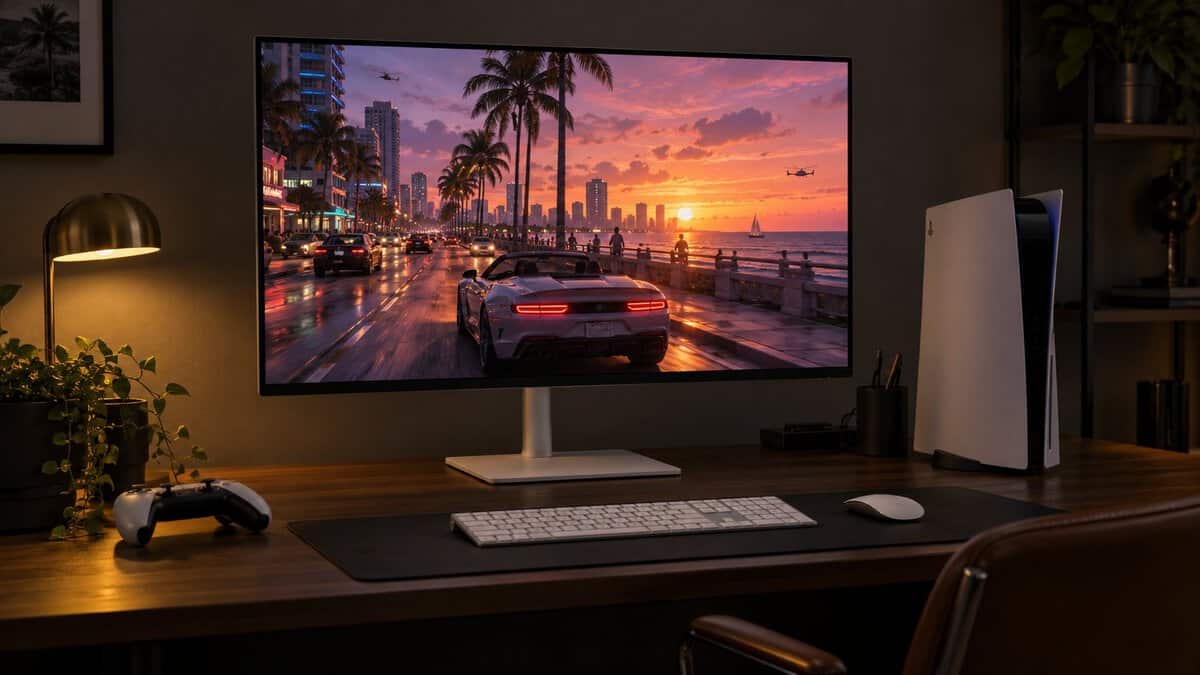
Every screen below has two HDMI 2.1 ports and a panel that refreshes at 120Hz or faster. They split by panel type, from a 4K all-rounder to an OLED for dark rooms, so the right one depends more on your lighting and your console than on any GTA 6 spec sheet.
The safest 4K screen for a console desk. Dell lists 4K at 120Hz with VRR over HDMI 2.1, and the stand and speakers suit a desk with no extra gear.
- Dell lists 4K 120Hz VRR over HDMI
- Full height, swivel and pivot stand
- Anti-glare coating suits bright rooms
- Edge-lit HDR lacks local dimming
- 120Hz cap limits PC use
- IPS blacks look gray at night
The low-cost way into 4K on a console with HDMI 2.1. The tilt-only stand and smaller review base are the tradeoffs.
- Two HDMI 2.1 ports plus DisplayPort
- 160Hz leaves headroom for a PC
- Built-in speakers for a quick setup
- Stand tilts but does not raise
- Fewer owner reviews than the Dell
- HDR10 without local dimming
The highest HDR certification of the four picks, with 1,152 dimming zones for dark scenes and bright highlights. Its Amazon review count is shared across KOORUI variants, so weigh it lightly.
- 1,152-zone mini-LED backlight
- DisplayHDR 1400 certification
- Height, swivel and rotate stand
- No built-in speakers
- Review count shared with sibling models
- A step up in price from the others
Per-pixel contrast for neon-lit nights in a dim room. MSI lists a 1440p 120Hz console mode, so it suits a PS5 set to 1440p or an Xbox Series S, with burn-in care as the tradeoff.
- Per-pixel contrast with true blacks
- Three-year burn-in warranty
- Height, swivel and pivot stand
- Dimmer than the IPS picks in SDR
- 1440p, not 4K, on a 4K console
- Static HUDs need OLED care
- Rockstar has not announced a frame rate or resolution mode for GTA 6, so buy for what your console can output.
- HDMI 2.1 is the port that carries 4K at 120Hz and VRR from a PS5 or Xbox Series X, so check the monitor has it.
- Room light decides the panel: matte IPS for a sunny room, mini-LED or OLED for night play in the dark.
- A 1440p OLED suits an Xbox Series S or a PS5 set to 1440p, while 4K suits a PS5 or Series X on a 27-inch desk.
- Past GTA games kept a minimap on screen for hours, so OLED owners should leave the panel’s care features on.
Table of Contents
Four Console-Ready Monitors for GTA 6
Four console-ready monitors for GTA 6 made the cut, and each one connects to a PS5 or Xbox Series X|S over HDMI 2.1. Three are 4K screens with different backlights, and one is a 1440p OLED. The table lines up the specs that matter on a console before the details.
| Monitor | Panel | Resolution | Panel Refresh | HDMI 2.1 Ports | HDR | Stand | Speakers | Best For |
|---|---|---|---|---|---|---|---|---|
| Dell 27 Plus 4K S2725QS | IPS, edge-lit, anti-glare | 3840 x 2160 | 120Hz | 2 | HDR over HDMI 2.1, 350 nits, no local dimming | Height 130 mm, tilt, swivel, pivot | 2 x 5 W | A bright room or a daylight desk |
| Acer Nitro VG270K V4 | IPS, matte | 3840 x 2160 | 160Hz (320Hz at 1080p) | 2 | HDR10, DCI-P3 90% | Tilt only | Built in | A budget 4K HDMI 2.1 setup |
| KOORUI S2741LM | 1,152-zone mini-LED | 3840 x 2160 | 160Hz (320Hz at 1080p) | 2 (48 Gbps) | DisplayHDR 1400 | Tilt, height, swivel, rotate | None | Night play and HDR |
| MSI MAG 272QP QD-OLED X24 | QD-OLED, anti-reflection | 2560 x 1440 | 240Hz (console mode 120Hz) | 2 | HDR Ready, 400 nits HDR | Tilt, height, swivel, pivot | None listed | A 1440p PS5 or Series S setup in a dim room |
Dell 27 Plus 4K S2725QS
The Dell 27 Plus 4K S2725QS is the one pick whose maker spells out the console path in its spec sheet. Dell lists both HDMI 2.1 ports at 3840 x 2160 and 120Hz with FRL, HDR and VRR, which is the top mode an Xbox Series X can send over HDMI 2.1.
A 120Hz panel can sound modest next to 160Hz and 240Hz screens, but Microsoft lists up to 120Hz for the Series X|S, and Sony lists up to 120Hz for its own PS5 monitor. A faster panel buys nothing extra from a console, so the Dell spends its budget elsewhere.
For a console desk, 4K at 120Hz is the mode to plan around, and the Dell lists it.
The stand raises the screen 130 mm and tilts, swivels and pivots, and two 5 W speakers cover a console desk with no headset in reach. The anti-glare coating and 350 nits of brightness suit a room with daylight in it.
The tradeoff is HDR. The Dell is an edge-lit IPS panel without local dimming, so dark scenes look gray rather than black, and bright highlights do not pop the way they do on the mini-LED and OLED picks.
Acer Nitro VG270K V4
The Acer Nitro VG270K V4 is the low-cost route to a 4K screen with two HDMI 2.1 ports. It also adds a DisplayPort input and a 160Hz panel, with a dual-refresh mode that drops to 1080p for 320Hz on a PC.
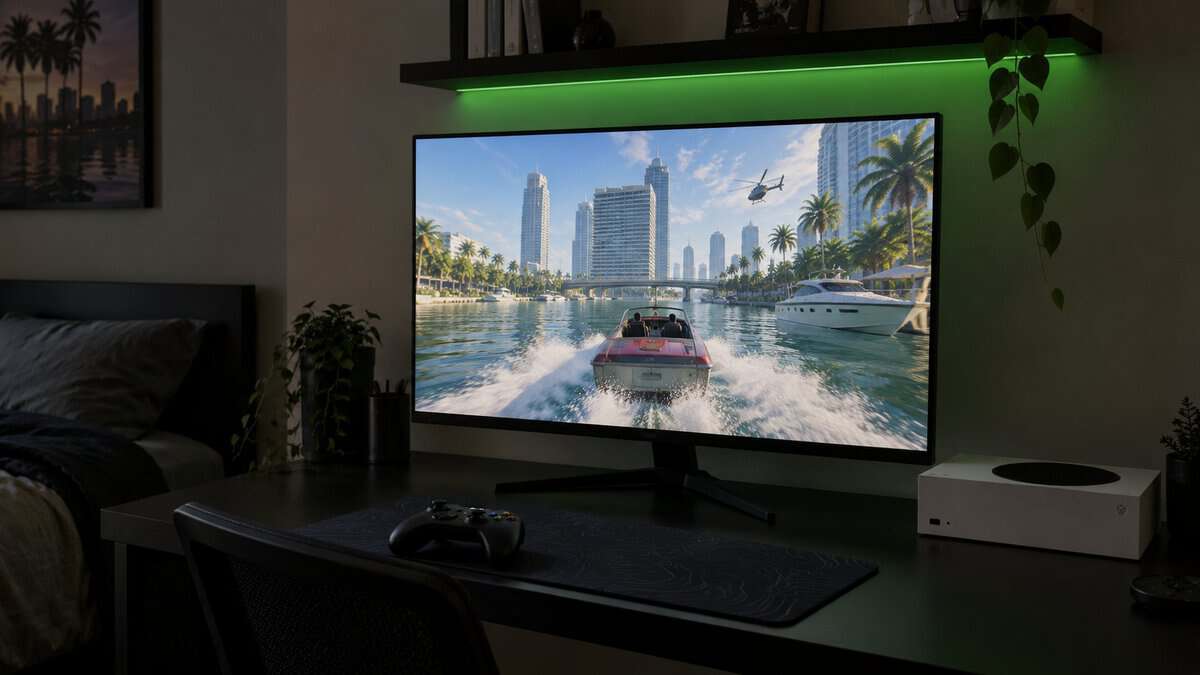
On a console the extra hertz sit idle, because the consoles are listed at up to 120Hz. They matter if a gaming PC shares the desk, since the DisplayPort input keeps both machines plugged in at once. HDR10 support and a DCI-P3 90% color gamut cover the basics for console HDR.
Two things keep it from the top spot. The stand only tilts, so you may need a monitor arm or a riser to get the screen to eye level. And with fewer owner reviews than the Dell, there is less long-term feedback to lean on.
KOORUI S2741LM 4K Mini-LED
The KOORUI S2741LM is a 4K screen with a 1,152-zone mini-LED backlight and DisplayHDR 1400 certification, the highest HDR rating of the four picks. Local dimming lets dark parts of the image stay dark next to bright highlights.
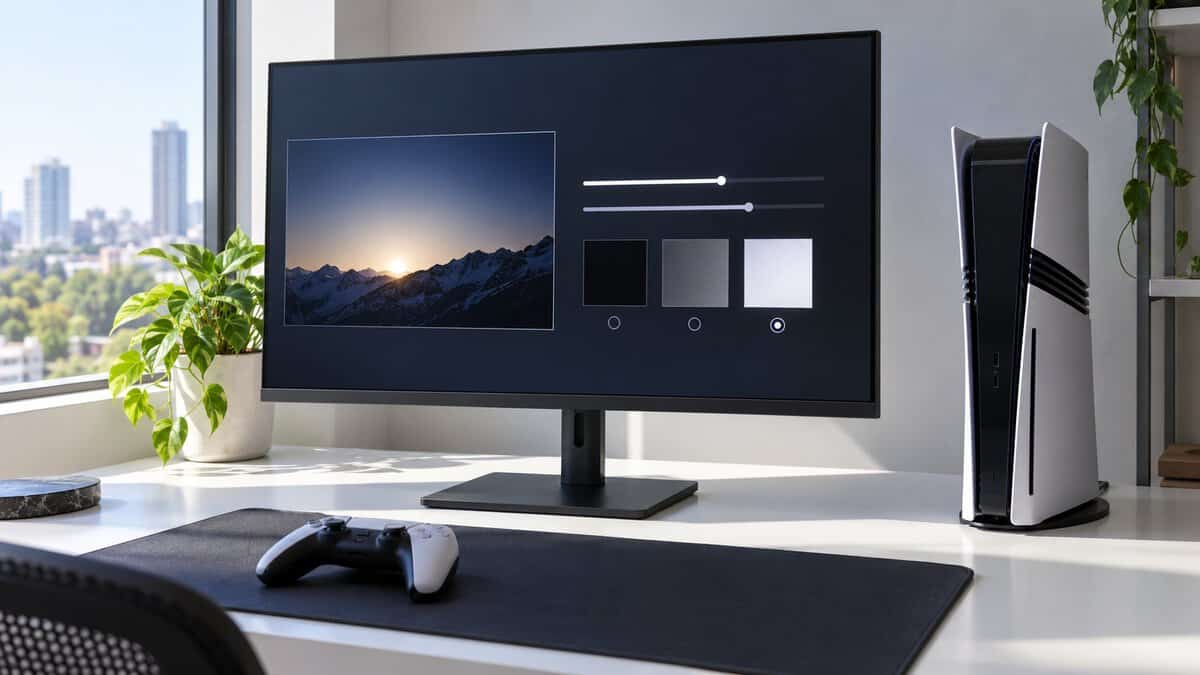
Mini-LED gives a 4K screen deep contrast from a backlight instead of self-lit pixels.
Its two HDMI 2.1 ports run at 48 Gbps, enough for 4K at 120Hz with VRR from a PS5 or Xbox Series X. The stand adjusts for height, swivel and rotation.
The KOORUI S2741LM shares its Amazon listing reviews with several sibling KOORUI monitors, so the large review count says less about this model than it seems. It also has no speakers and sits a step up in price from the others, so plan on a headset or a soundbar. Our best headset for GTA 6 roundup covers wired and wireless options for both consoles.
MSI MAG 272QP QD-OLED X24
The MSI MAG 272QP QD-OLED X24 is a 1440p QD-OLED with a 240Hz panel and a 0.03 ms response time. Each pixel makes its own light, so a black sky really is black and a neon sign sits against it with no glow around the edges.
MSI lists two HDMI 2.1 ports and a console mode that runs 1440p at up to 120Hz, and the 1440p resolution suits two console setups. An Xbox Series S, which Microsoft describes as designed for 1440p gaming, and a PS5 set to 1440p output both match it.
MSI rates the panel at 200 nits in SDR, so it is dimmer than the IPS picks in everyday use and suits a dim room best. MSI does not list speakers, only a headphone jack. MSI backs the panel with a three-year burn-in warranty.
What Vice City Puts on Your Screen
Vice City scenes are a better guide to the panel than any spec sheet. Rockstar’s trailers so far show neon-lit nights, sunny beaches and car chases, and each of those scenes leans on a different part of a monitor.
Neon Nights Reward Contrast
Neon nights reward contrast, because a city at night is mostly dark pixels with small, bright lights in them. An IPS panel without local dimming has to light the whole screen evenly, so the night sky turns gray and the signs lose their punch.
Mini-LED and OLED handle it in different ways. The KOORUI dims its backlight in 1,152 separate zones, while the MSI turns each pixel off on its own. Our mini-LED monitor guide covers more screens built around local dimming.
A night drive through a neon city is a tough test for any monitor.
Midday Sun Needs Brightness and a Matte Screen
Midday sun is the opposite problem, and it is about your room as much as the game. A bright beach scene on a glossy screen in a sunny room competes with reflections of the window, the lamp and you.
A matte anti-glare coating, like the Dell’s or the Acer’s, scatters those reflections so the picture stays readable. If your desk faces away from a window, an OLED is fine. If the sun hits the screen in the afternoon, a matte IPS panel is the easier choice.
Car Chases Lean on VRR More Than Hertz
Car chases lean on variable refresh rate more than on raw hertz. When a busy scene makes a console’s frame rate dip, a fixed-refresh screen shows tearing or stutter, while VRR lets the monitor follow the console’s pace.
Sony’s PlayStation Blog post on VRR for PS5 says the feature works on HDMI 2.1 VRR-compatible TVs and PC monitors, and that it reduces screen tearing and frame pacing issues. All four picks list VRR or FreeSync support, so each one is ready for a game that uses it.
Buy for the Console Because GTA 6’s Frame Rate Is Unannounced
GTA 6’s frame rate is unannounced, so the smart move is to buy for the console instead. Rockstar’s official page lists November 19, 2026 and two platforms, PlayStation 5 and Xbox Series X|S, with no frame rate, resolution mode or HDR detail.
A guide that promises a GTA 6 frame rate is guessing. What is known is what each console can output, and a monitor that accepts all of it covers every mode the consoles can output.
What 120Hz Still Buys You Outside GTA 6
A 120Hz monitor still earns its keep outside GTA 6. Some console games already offer 120Hz modes, and a 60Hz screen would rule those out before you know what you will play next.
The Best Monitor for GTA 6 Depends on Your HDMI Port
The best monitor for GTA 6 depends on your HDMI port as much as the panel. Microsoft’s Xbox Wire guide to Series X|S displays says the consoles support up to 120Hz, auto low latency mode and VRR, and that the most advanced features need an HDMI 2.1 connection. Microsoft also recommends the Ultra High Speed HDMI cable that comes with the Series X.
An HDMI 2.0 monitor still connects to a console, but it misses the features Microsoft ties to HDMI 2.1. Our HDMI 2.1 monitor guide explains the port in more depth.
The cable in the console box matters, so plug it into the monitor instead of an old one.
PS5 and Xbox Consoles Want Different Things From a Monitor
PS5 and Xbox consoles want different things from a monitor, even though they share the HDMI 2.1 port. Rockstar’s page says the game plays best on PlayStation 5, but that line points to PlayStation, not to any display spec.
PS5 and PS5 Pro
The PS5 supports VRR on HDMI 2.1 TVs and monitors, according to Sony’s VRR announcement. A 4K pick like the Dell or the KOORUI shows a PS5’s 4K picture in full.
Sony also makes its own PlayStation 27-inch Gaming Monitor. It is a 1440p IPS screen that runs with VRR at up to 120Hz on PS5 and PS5 Pro, with Auto HDR Tone Mapping and a hook for charging a DualSense. Sony backing 1440p for both consoles is good news for the MSI too. Sony’s monitor is not sold on Amazon. Our PS5 monitor guide covers more screens for the console.
Xbox Series X
The Xbox Series X sends 4K at up to 120Hz over HDMI 2.1, using the Ultra High Speed HDMI cable in the box. A 4K pick makes the most of it, and the Dell is the simplest match because Dell lists that exact mode.
The Series X also supports auto low latency mode, which Microsoft lists among the features that need HDMI 2.1.
Xbox Series S
The Xbox Series S is the console where 1440p makes the most sense. Microsoft describes it as designed for 1440p gaming, so a 4K screen adds less for it than for a Series X.
A Series S pairs well with the MSI MAG 272QP QD-OLED X24, whose 1440p QD-OLED panel matches the console’s target. A 4K monitor still works with a Series S and pays off later if you move to a Series X or a PS5.
4K or 1440p at Arm’s Length
Choosing between 4K and 1440p at arm’s length is a different question than it is on a living room TV. A 27-inch monitor sits roughly an arm’s length away, close enough that pixel density shows. If your console stays in the living room instead, our guide to the best TV for GTA 6 covers screens sized for the couch.
A 27-inch 4K screen packs about 163 pixels per inch, and a 27-inch 1440p screen about 109 (both calculated). At desk distance, the 4K screen makes text, the minimap and distant buildings visibly sharper.
When 1440p Is the Smarter Buy
A 1440p monitor is the smarter buy in two cases. If you own an Xbox Series S, the console targets 1440p anyway. If you want OLED contrast on a 27-inch desk screen, the MSI delivers it at 1440p.
A 1440p screen also leaves room for a PC at high refresh rates, since a graphics card can push more frames at 1440p than at 4K.
OLED and a Minimap That Never Moves
An OLED monitor needs a little planning for open-world games. Past GTA games have kept a minimap, a health bar and other HUD elements in the same corner for hours, and static, high-contrast images are what OLED panels have to manage.
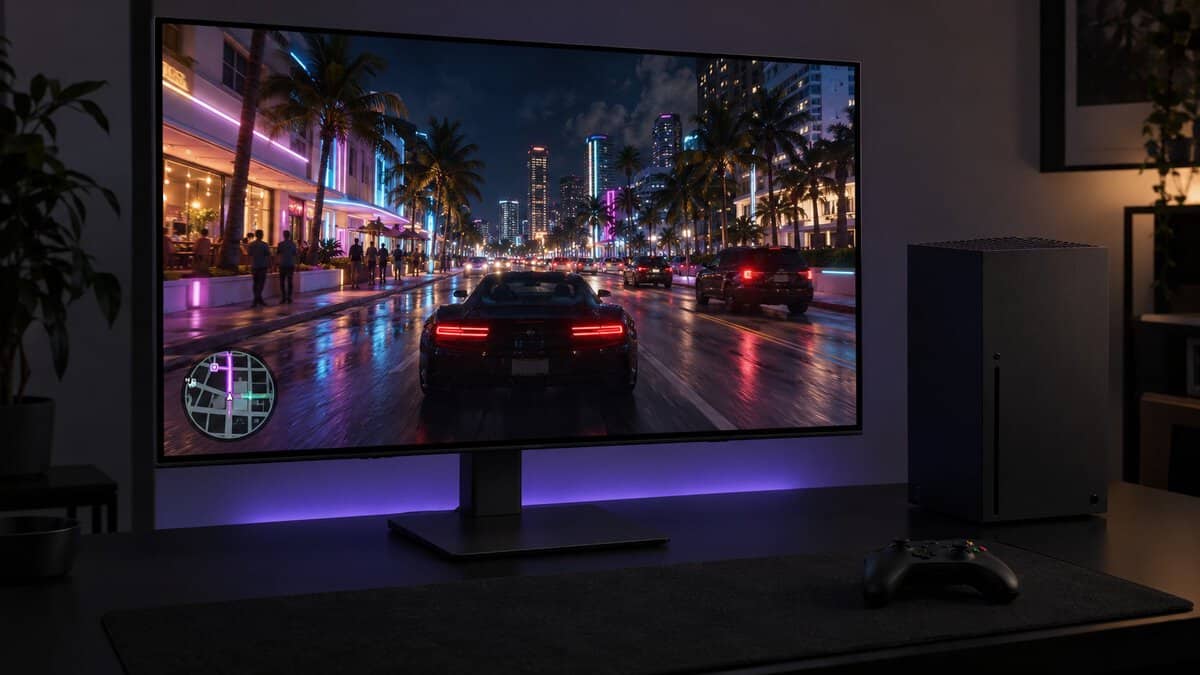
MSI’s OLED Care 2.0 on the MAG 272QP QD-OLED X24 includes Pixel Shift, which moves the image slightly at regular intervals, and Static Screen Detection, which lowers brightness on static content. Our OLED vs IPS guide covers how the two panel types compare.
An OLED rewards a little care, and a minimap that never moves is the reason to give it.
Settings That Keep an OLED Healthy
MSI’s own care features are the place to start for keeping the MAG 272QP QD-OLED X24 healthy. MSI’s Panel Protect runs a pixel refresh on its own, and MSI says the refresh also starts when the monitor goes into standby or powers off, so the panel gets regular upkeep without you scheduling it.
For long GTA 6 sessions, leave OLED Care on and let Panel Protect run its pixel refresh. If static HUDs worry you more than black levels, the KOORUI’s mini-LED panel gets its contrast from a backlight instead of self-lit pixels.
The Room You Play In Picks the GTA 6 Monitor
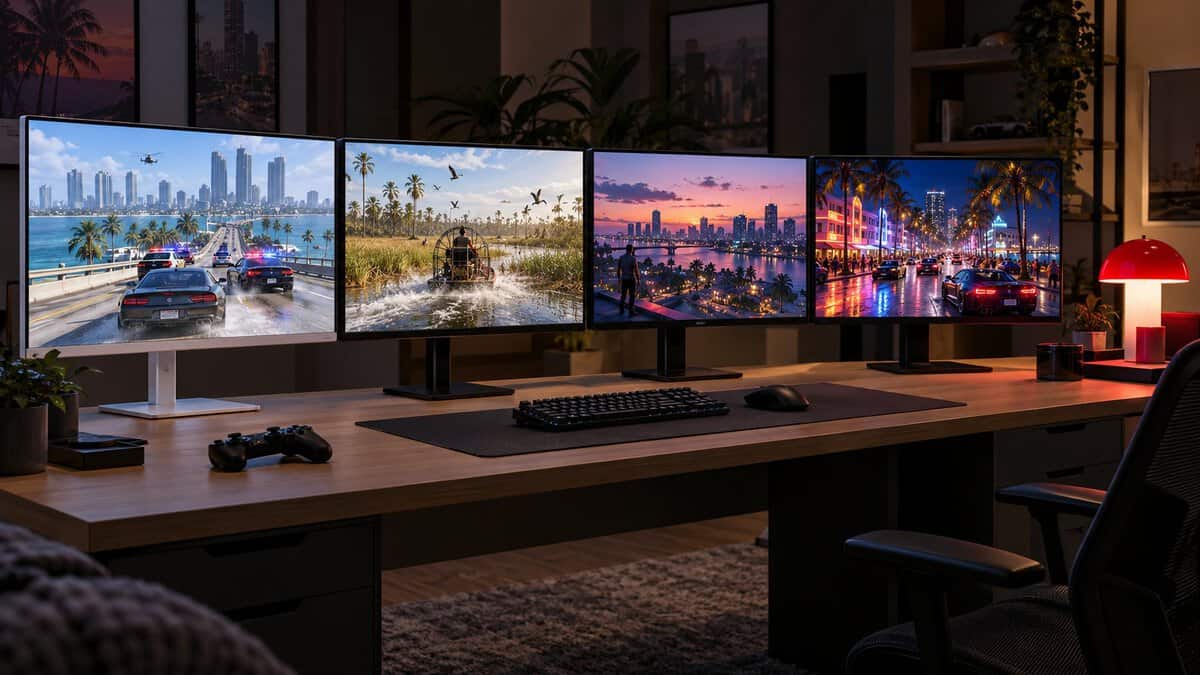
The room you play in picks the GTA 6 monitor more than the console does. Find the light in your room in the left column, then check that the console matches.
| Your Room | Your Console | The Pick | Why |
|---|---|---|---|
| A dark room at night | PS5, PS5 Pro or Xbox Series X | KOORUI S2741LM | 1,152-zone mini-LED for HDR and night scenes |
| A bright room by a window | PS5 or Xbox Series X | Dell 27 Plus 4K S2725QS | Matte anti-glare 4K with 350 nits |
| A shared desk where the PC also lives | Any console plus a PC | Acer Nitro VG270K V4 | 4K with DisplayPort and 160Hz for the PC |
| A dim bedroom with a PS5 at 1440p or a Series S | PS5 or Xbox Series S | MSI MAG 272QP QD-OLED X24 | 1440p QD-OLED with true blacks |
If your console lives in the living room and the desk is for something else, a TV may be the better screen. For more Xbox-specific options, see our Xbox Series X monitor guide.
Frequently Asked Questions
Quick answers on monitors for GTA 6.
Will GTA 6 run at 120 fps on PS5 or Xbox?
Rockstar has not said. Its official page lists the November 19, 2026 release on PlayStation 5 and Xbox Series X|S, with no frame rate or graphics mode announced. A 120Hz monitor with HDMI 2.1 covers every mode the consoles can output.
Do I need HDMI 2.1 for GTA 6?
You need HDMI 2.1 for 4K at 120Hz and VRR from a PS5 or Xbox Series X. Microsoft says the most advanced Series X|S features need an HDMI 2.1 connection. An HDMI 2.0 monitor still connects, but it misses those HDMI 2.1 features.
Is 1440p enough for GTA 6 on a PS5?
Yes. Sony’s own PlayStation 27-inch Gaming Monitor is a 1440p screen, and a 1440p monitor like the MSI MAG 272QP QD-OLED X24 looks sharp at desk distance. A 4K screen shows more detail, so pick 1440p when you want OLED contrast or plan to share the screen with a PC.
Is GTA 6 coming to PC?
Rockstar has not announced a PC version. Its official page lists PlayStation 5 and Xbox Series X|S only, so pick a monitor for the console you own.
Is a TV better than a monitor for GTA 6?
A TV is better if you play from a couch across the room. A 27-inch monitor is better at a desk, where it sits close enough for 4K sharpness to show and fits beside a PC. Both need HDMI 2.1 for 4K at 120Hz from a console.
Looking for more budget gaming gear? Check out Budget Loadout for the latest reviews and recommendations.
Related Articles